











How to Use C# to Solve Cloudflare Turnstile CAPTCHA Challenges

Lucas Mitchell
How to use CapSolver
18-Sep-2024

Navigating the complexities of CAPTCHA challenges can be a formidable task, especially when it comes to Cloudflare's Turnstile. As a seasoned developer, I’ve encountered numerous CAPTCHA systems over the years, but Cloudflare Turnstile presents a unique challenge due to its sophisticated algorithms designed to thwart automated systems. In this guide, I'll walk you through how to tackle Cloudflare Turnstile CAPTCHA challenges using C#, providing you with practical insights and techniques to enhance your automation efforts.
Table of Content
- Introduction to Cloudflare Turnstile
- Setting Up the C# Development Environment
- Download and Install .NET
- Configure VS Code for C# Development
- Obtain API Usage Prerequisites
- Register for CapSolver
- Retrieve SiteKey for Turnstile
- Using CapSolver API to Obtain a Turnstile Token
- Full Code Example
- Error Handling and Troubleshooting
- Request Failed Errors
- Explanation of Code
- Conclusion
Understanding Cloudflare Turnstile
Cloudflare Turnstile is an advanced CAPTCHA system designed to protect websites from automated bots while ensuring minimal friction for legitimate users. Unlike traditional CAPTCHAs, which often involve solving puzzles or identifying objects, Turnstile operates through a more nuanced approach. It analyzes user behavior and various web interactions to determine whether the visitor is a human or a bot.
Turnstile employs a range of signals, including mouse movements, click patterns, and interaction times, to generate a challenge that is difficult for automated systems to solve. This makes it a powerful tool for website security but also a challenging obstacle for automation.
Bonus Code
Claim Your Bonus Code for top captcha solutions; CapSolver: WEBS. After redeeming it, you will get an extra 5% bonus after each recharge, Unlimited
Setting Up the C# Development Environment
1. Download and Install .NET
- Visit this page to download .NET.
- Follow the instructions provided for your operating system to install .NET.
2. Configure VS Code for C# Development
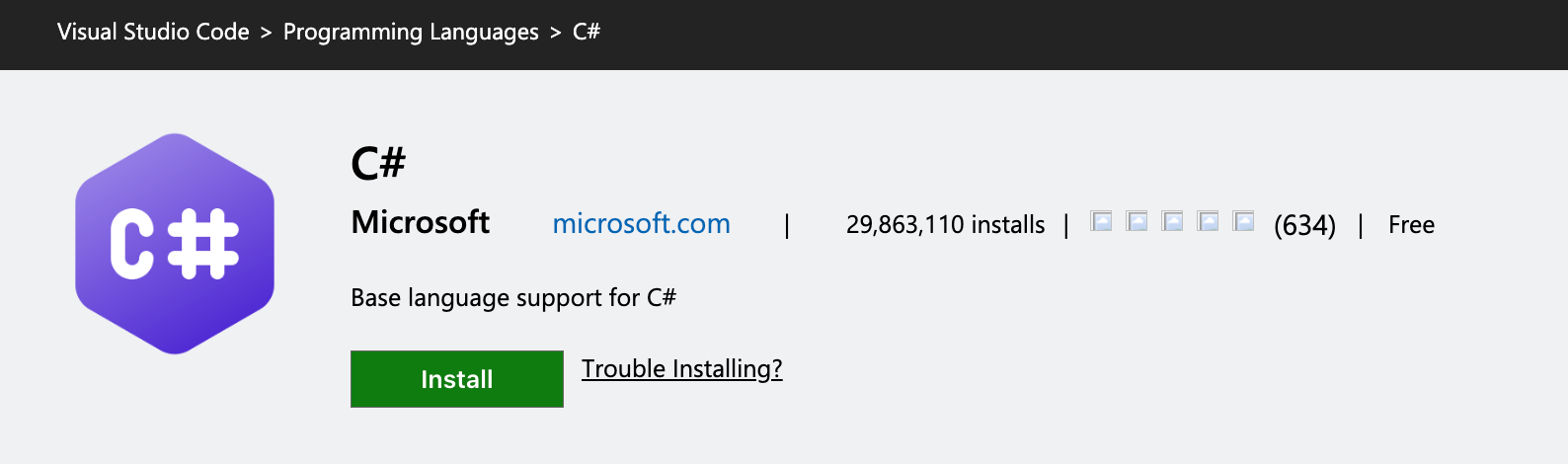
- Install the C# extension for VS Code.
- In VS Code, search for "C#" in the extensions marketplace and install the official plugin by Microsoft.
- This extension provides features like IntelliSense and code formatting, making C# development easier.
- Install the JSON parsing package
Newtonsoft.Jsonfor handling JSON data.- You can install this package using NuGet with the command:bash
dotnet add package Newtonsoft.Json
- You can install this package using NuGet with the command:
Obtain API Usage Prerequisites
1. Register for CapSolver
- Create an account on CapSolver to access their API services.
- After registration, you'll receive an API key necessary for accessing CapSolver's CAPTCHA solving services.
2. Retrieve SiteKey for Turnstile
- For Cloudflare Turnstile CAPTCHA challenges, obtaining the
siteKeyfor the target website is essential. ThesiteKeyis required to use the decoding API and solve the CAPTCHA. - You can extract the
siteKeyusing the CapSolver Extension, which simplifies the process.
Using CapSolver API to Obtain a Turnstile Token
Here's the code to interact with the CapSolver API, request CAPTCHA solving, and retrieve the Turnstile token.
csharp
public static async Task<string> CallCapsolver()
{
    // // Send GET request
    // var todoItem = await GetTodoItemAsync(API_URL);
    // Console.WriteLine("GET Request Result:");
    // Console.WriteLine(todoItem);

    var data = new
    {
        clientKey = CAPSOLVER_API_KEY,
        task = new
        {
            type = "AntiTurnstileTaskProxyLess",
            websiteURL = PAGE_URL,
            websiteKey = SITE_KEY,
            metadata = new { action = "login" }
        }
    };

    // Send POST request
    var response = await PostTodoItemAsync("https://api.capsolver.com/createTask", data);
    Console.WriteLine("POST Request Result:");
    var responseString = await response.Content.ReadAsStringAsync();
    Console.WriteLine(responseString);
    JObject taskResp = JsonConvert.DeserializeObject<JObject>(responseString);
    var taskId = taskResp["taskId"].ToString();
    if (string.IsNullOrEmpty(taskId))
    {
        Console.WriteLine("No task ID received.");
        return "";
    }
    Console.WriteLine($"Created task ID: {taskId}");

    while (true)
    {
        await Task.Delay(1000); // Sleep for 1 second
        var resultData = new
        {
            clientKey = CAPSOLVER_API_KEY,
            taskId = taskId
        };

        // content = new StringContent(JsonConvert.SerializeObject(data), System.Text.Encoding.UTF8, "application/json");
        // response = await httpClient.PostAsync(uri, content);

        response = await PostTodoItemAsync("https://api.capsolver.com/getTaskResult", resultData);
        responseString = await response.Content.ReadAsStringAsync();
        Console.WriteLine(responseString);
        if (!response.IsSuccessStatusCode)
        {
            Console.WriteLine($"Failed to get task result: {responseString}");
            return "";
        }

        taskResp = JsonConvert.DeserializeObject<JObject>(responseString);
        Console.WriteLine(taskResp);
        var status = taskResp["status"].ToString();

        if (status == "ready")
        {
            Console.WriteLine("Successfully => " + responseString);
            return taskResp["solution"]["token"].ToString();
        }

        if (status == "failed")
        {
            Console.WriteLine("Failed! => " + responseString);
            return "";
        }
    }
}
Full code example
csharp
using System;
using System.Net.Http;
using System.Threading.Tasks;
using Newtonsoft.Json;
using Newtonsoft.Json.Linq;

namespace HttpExample
{
    public class Program
    {
        private const string CAPSOLVER_API_KEY = "CAI-xxxxxxxxxxxxxxxxxxx";
        private const string PAGE_URL = "https://dash.cloudflare.com/login";
        private const string SITE_KEY = "0x4AAAAAAAJel0iaAR3mgkjp";

        public static async Task Main(string[] args)
        {
            var token = await CallCapsolver();
            Console.WriteLine($"token: {token}");
            await Login(token);
        }

        public static async Task<string> CallCapsolver()
        {
            // // Send GET request
            // var todoItem = await GetTodoItemAsync(API_URL);
            // Console.WriteLine("GET Request Result:");
            // Console.WriteLine(todoItem);

            var data = new
            {
                clientKey = CAPSOLVER_API_KEY,
                task = new
                {
                    type = "AntiTurnstileTaskProxyLess",
                    websiteURL = PAGE_URL,
                    websiteKey = SITE_KEY,
                    metadata = new { action = "login" }
                }
            };

            // Send POST request
            var response = await PostTodoItemAsync("https://api.capsolver.com/createTask", data);
            Console.WriteLine("POST Request Result:");
            var responseString = await response.Content.ReadAsStringAsync();
            Console.WriteLine(responseString);
            JObject taskResp = JsonConvert.DeserializeObject<JObject>(responseString);
            var taskId = taskResp["taskId"].ToString();
            if (string.IsNullOrEmpty(taskId))
            {
                Console.WriteLine("No task ID received.");
                return "";
            }
            Console.WriteLine($"Created task ID: {taskId}");

            while (true)
            {
                await Task.Delay(1000); // Sleep for 1 second
                var resultData = new
                {
                    clientKey = CAPSOLVER_API_KEY,
                    taskId = taskId
                };

                // content = new StringContent(JsonConvert.SerializeObject(data), System.Text.Encoding.UTF8, "application/json");
                // response = await httpClient.PostAsync(uri, content);

                response = await PostTodoItemAsync("https://api.capsolver.com/getTaskResult", resultData);
                responseString = await response.Content.ReadAsStringAsync();
                Console.WriteLine(responseString);
                if (!response.IsSuccessStatusCode)
                {
                    Console.WriteLine($"Failed to get task result: {responseString}");
                    return "";
                }

                taskResp = JsonConvert.DeserializeObject<JObject>(responseString);
                Console.WriteLine(taskResp);
                var status = taskResp["status"].ToString();

                if (status == "ready")
                {
                    Console.WriteLine("Successfully => " + responseString);
                    return taskResp["solution"]["token"].ToString();
                }

                if (status == "failed")
                {
                    Console.WriteLine("Failed! => " + responseString);
                    return "";
                }
            }
        }

        public static async Task Login(string token)
        {
            using var httpClient = new HttpClient();
            // Add request headers
            httpClient.DefaultRequestHeaders.TryAddWithoutValidation("Cookie", $"cf_clearance={token}");
            httpClient.DefaultRequestHeaders.TryAddWithoutValidation("Host", "dash.cloudflare.com");
            var data = new {
                cf_challenge_response = token,
                email = "1111111@gmail.com",
                password = "123456",
            };
            var json = JsonConvert.SerializeObject(data);
            var content = new StringContent(json, System.Text.Encoding.UTF8, "application/json");

            var response = await httpClient.PostAsync("https://dash.cloudflare.com/api/v4/login", content);

            if (!response.IsSuccessStatusCode)
            {
                throw new Exception($"Request failed with status code {response.StatusCode}");
            }

            var responseString = await response.Content.ReadAsStringAsync();
            Console.WriteLine(responseString);
        }

        private static async Task<HttpResponseMessage> GetTodoItemAsync(string url)
        {
            using var httpClient = new HttpClient();
            var response = await httpClient.GetAsync(url);

            if (!response.IsSuccessStatusCode)
            {
                throw new Exception($"Request failed with status code {response.StatusCode}");
            }

            // var responseString = await response.Content.ReadAsStringAsync();
            return response;
        }

        private static async Task<HttpResponseMessage> PostTodoItemAsync(string url, object item)
        {
            using var httpClient = new HttpClient();
            var json = JsonConvert.SerializeObject(item);
            var content = new StringContent(json, System.Text.Encoding.UTF8, "application/json");

            var response = await httpClient.PostAsync(url, content);

            if (!response.IsSuccessStatusCode)
            {
                throw new Exception($"Request failed with status code {response.StatusCode}");
            }

            return response;
        }
    }
}
Error Handling and Troubleshooting
- Request Failed: If you encounter a "Request failed" error, verify that the API key and site key are correct.
- Ensure you have an active API key from your CapSolver account.
- Double-check that the
siteKeymatches the one from the target website.
Explanation
- Setting up the Task: In the
CallCapsolvermethod, you define the task typeAntiTurnstileTaskProxyLess, thewebsiteURL, andwebsiteKey. These parameters are sent to CapSolver to create the CAPTCHA-solving task. - Polling for Task Status: Once the task is created, the code polls the
getTaskResultendpoint to check the task's status. If the task is ready, it retrieves the solution (the Turnstile token); if it fails, it returns an error. - Using the Token: The
Loginmethod uses the token received from CapSolver to authenticate the login request on the Cloudflare-protected website.
Conclusion
By following this guide, you’ll be able to navigate the complexities of solving Cloudflare Turnstile CAPTCHA challenges using C#. CapSolver’s API provides a reliable and efficient way to automate the process, improving your automation capabilities. For more information and updates, visit CapSolver.
Note on Compliance
Important: When engaging in web scraping, it's crucial to adhere to legal and ethical guidelines. Always ensure that you have permission to scrape the target website, and respect the site's
robots.txtfile and terms of service. CapSolver firmly opposes the misuse of our services for any non-compliant activities. Misuse of automated tools to bypass CAPTCHAs without proper authorization can lead to legal consequences. Make sure your scraping activities are compliant with all applicable lcaptcha and regulations to avoid potential issues.
Compliance Disclaimer: The information provided on this blog is for informational purposes only. CapSolver is committed to compliance with all applicable laws and regulations. The use of the CapSolver network for illegal, fraudulent, or abusive activities is strictly prohibited and will be investigated. Our captcha-solving solutions enhance user experience while ensuring 100% compliance in helping solve captcha difficulties during public data crawling. We encourage responsible use of our services. For more information, please visit our Terms of Service and Privacy Policy.
More
What Is a Cloudflare Challenge? How It Works & When It Appears
Learn what a Cloudflare Challenge is, how Cloudflare detects bots using JavaScript and machine learning, and why challenges appear during browsing. Complete guide for 2026.

Ethan Collins
29-Apr-2026
Cloudflare Turnstile Verification Failed? Causes, Fixes & Troubleshooting Guide
Learn how to fix the "failed to verify cloudflare turnstile token" error. This guide covers causes, troubleshooting steps, and how to defeat cloudflare turnstile with CapSolver.

Emma Foster
21-Apr-2026
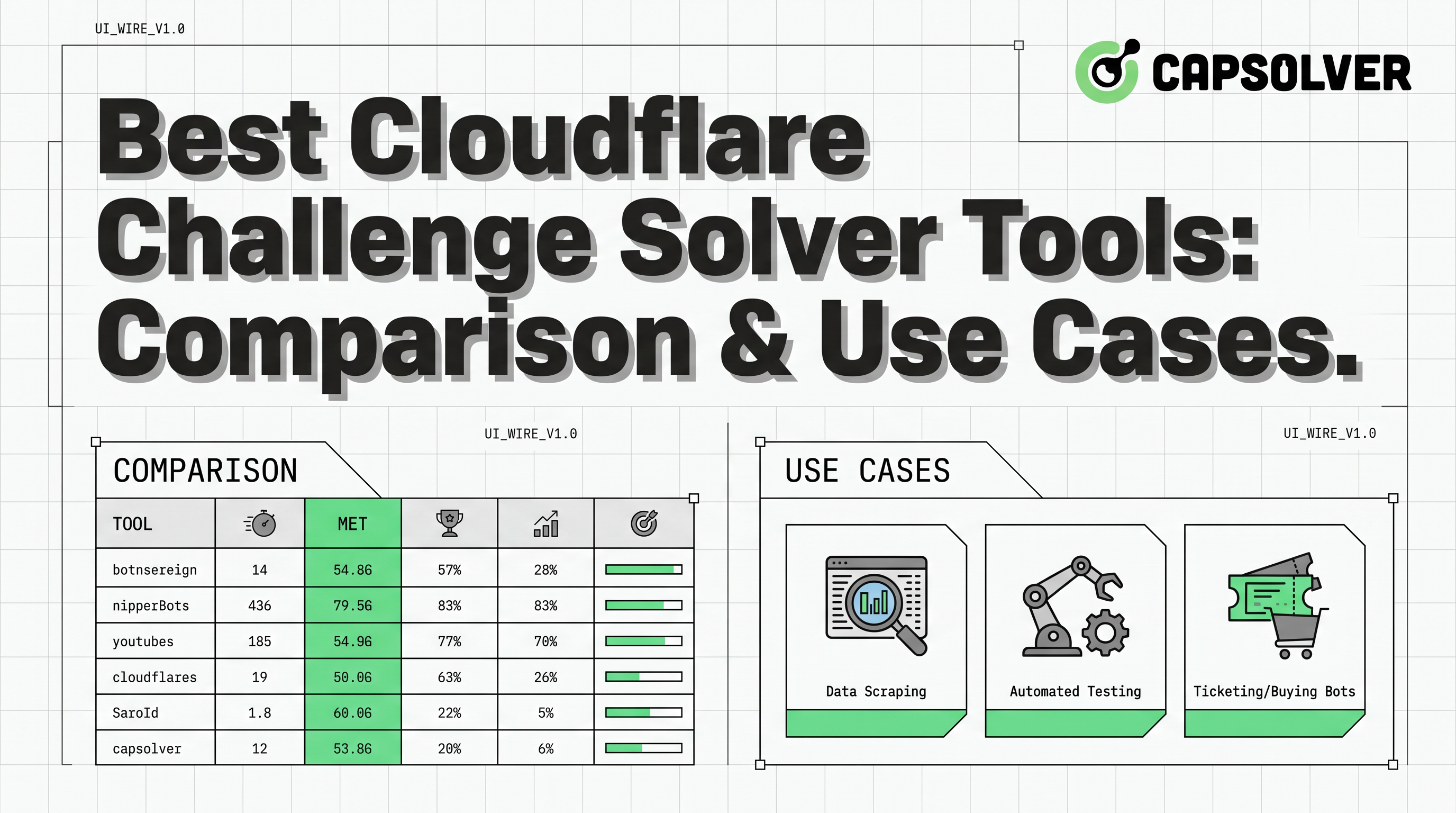
Best Cloudflare Challenge Solver Tools: Comparison & Use Cases
Discover the best cloudflare challenge solver tools, compare API vs. manual automation, and find optimal solutions for your web scraping and automation needs. Learn why CapSolver is a top choice.
Ethan Collins
20-Apr-2026
How to Solve Cloudflare Turnstile in Vehicle Data Automation
Learn how to handle Cloudflare Turnstile in vehicle data and public records automation. Use CapSolver and n8n to automate record scraping efficiently.
Lucas Mitchell
16-Apr-2026
Fix Cloudflare Error 1005: Web Scraping Guide & Solutions
Learn to fix Cloudflare Error 1005 access denied during web scraping. Discover solutions like residential proxies, browser fingerprinting, and CapSolver for CAPTCHA. Optimize your data extraction.

Aloísio Vítor
27-Mar-2026
How to Navigate Cloudflare Turnstile with Playwright Stealth in AI Workflows
Discover how to effectively handle Cloudflare Turnstile in AI workflows using Playwright stealth techniques and CapSolver for reliable captcha solving. Learn practical integration strategies and best practices for uninterrupted automation.
Aloísio Vítor
17-Mar-2026