











How to Solve reCAPTCHA v2 in Relevance AI with CapSolver Integration

Lucas Mitchell
How to use CapSolver
03-Feb-2026
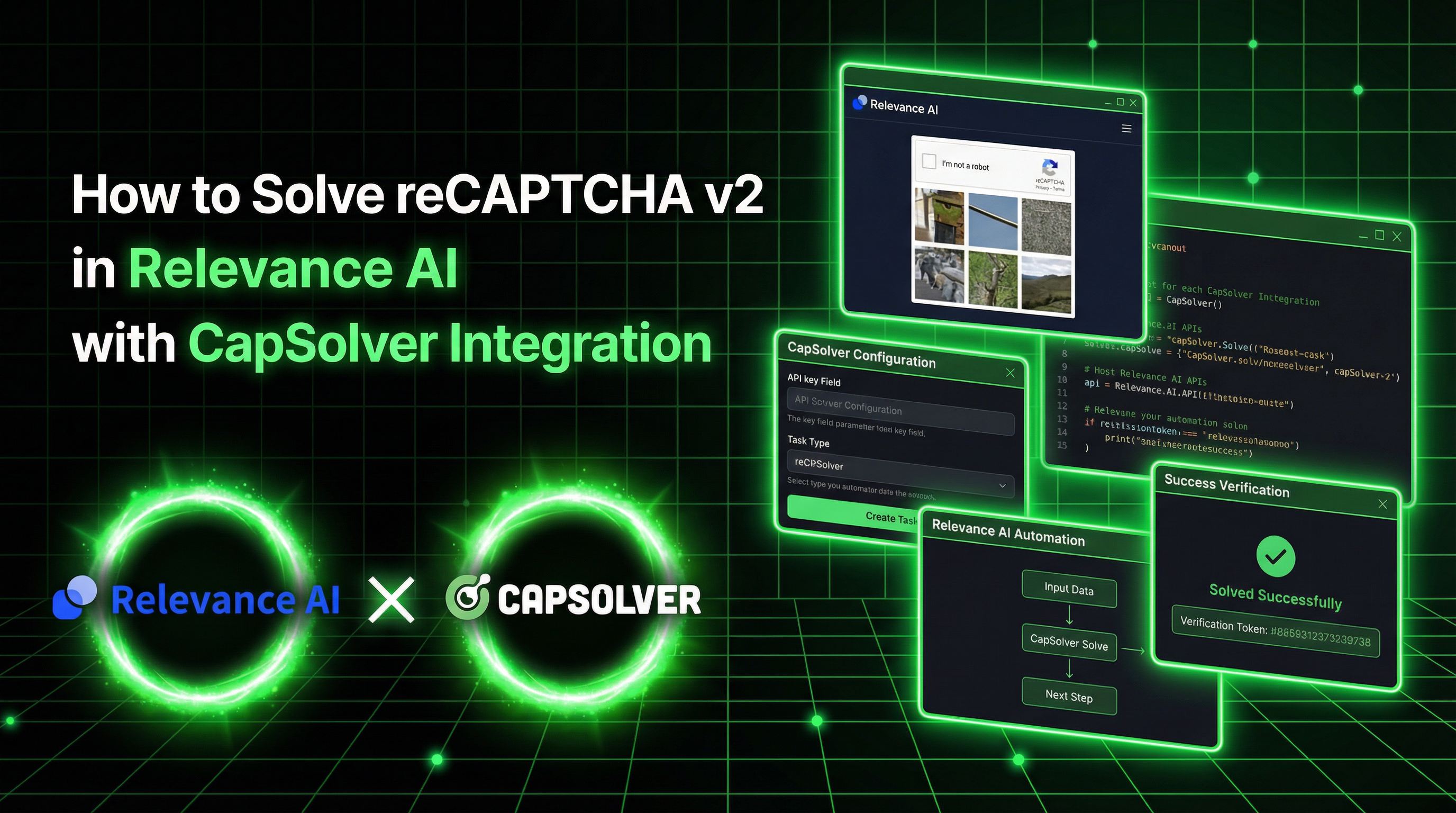
Relevance AI is a platform for building AI agents that automate real business workflows, such as lead generation, data extraction, form submission, and CRM enrichment.
In practice, these agents often need to interact with websites protected by CAPTCHA. This is where automation typically breaks down—manual intervention is required, and workflows stop scaling.
CapSolver addresses this problem by allowing Relevance AI tools to solve CAPTCHA challenges programmatically and submit the required tokens as part of an automated flow.
In this guide, we’ll walk through how to build a Relevance AI tool that solves reCAPTCHA v2 and submits the token to a protected form—without relying on browser automation.
What is Relevance AI?
Relevance AI is a platform for building and deploying AI agents that automate business tasks. With its powerful Tool Builder, teams can create custom automation tools using JavaScript, Python, or API calls—no complex infrastructure required.
Key Features
| Feature | Description |
|---|---|
| Tool Builder | Create custom tools with JavaScript, Python, or API steps |
| AI Agents | Autonomous agents with 2000+ integrations |
| No-Code/Low-Code | Build powerful automations without deep coding knowledge |
| Secrets Management | Securely store API keys and credentials |
| Multi-Agent Systems | Teams of agents collaborating on workflows |
What is CapSolver?
CapSolver is a leading CAPTCHA solving service that provides AI-powered solutions for bypassing various CAPTCHA challenges. With support for multiple CAPTCHA types and fast response times, CapSolver integrates seamlessly into automated workflows.
Supported CAPTCHA Types
- reCAPTCHA v2 (image-based & invisible)
- reCAPTCHA v3 & v3 Enterprise
- Cloudflare Turnstile
- Cloudflare 5-second Challenge
- AWS WAF CAPTCHA
- Other widely used CAPTCHA and anti-bot mechanisms
Why Integrate CapSolver with Relevance AI?
When building Relevance AI agents that interact with protected websites, CAPTCHA challenges block your automation. Here's why this integration matters:
- Complete Form Automation: Solve CAPTCHAs and submit forms in a single tool
- No Browser Required: Works via API calls—no Selenium, Playwright, or browser automation needed
- Scalable Operations: Handle CAPTCHA-protected workflows at scale
- Cost-Effective: Pay only for successfully solved CAPTCHAs
- High Success Rates: Industry-leading accuracy for reCAPTCHA v2
Setup Guide
Step 1: Get Your CapSolver API Key
- Sign up at capsolver.com
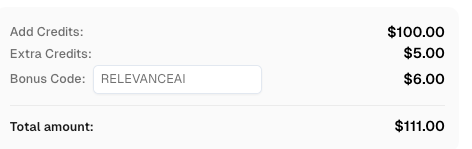
- Use bonus code RELEVANCEAI for 6% extra on your every recharge
- Copy your API key from the dashboard (starts with
CAP-)
Step 2: Add API Key to Relevance AI
-
Log in to Relevance AI
-
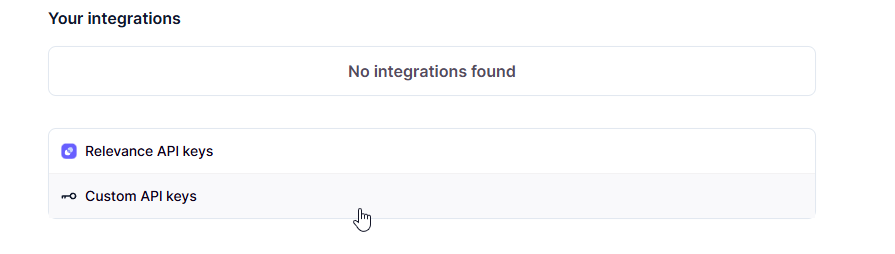
Go to Settings (gear icon) → Look for API Keys section

-
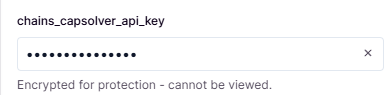
Add a new secret:
- Name:
capsolver_api_key(or any name you prefer) - Value: Your CapSolver API key
- Name:
-
Save the secret
Step 3: Create a New Tool
- Go to Tools in the left sidebar
- Click Create Tool
- Name your tool: "Solve reCAPTCHA v2"
- Add a short description
Creating the reCAPTCHA v2 Solver Tool
Add Input Parameters
Click Text to add two text inputs:
Input 1:
- Name:
website_url - Description: URL of the page with CAPTCHA
- Required: Yes
Input 2:
- Name:
website_key - Description: The reCAPTCHA site key (40 characters)
- Required: Yes
Add JavaScript Step
Click JavaScript in the Steps section and paste this code:
javascript
const CAPSOLVER_API_KEY = '{{secrets.capsolver_api_key}}';

async function solveRecaptchaV2(websiteUrl, websiteKey) {
    // Step 1: Create CAPTCHA solving task
    const createRes = await fetch('https://api.capsolver.com/createTask', {
        method: 'POST',
        headers: { 'Content-Type': 'application/json' },
        body: JSON.stringify({
            clientKey: CAPSOLVER_API_KEY,
            task: {
                type: 'ReCaptchaV2TaskProxyLess',
                websiteURL: websiteUrl,
                websiteKey: websiteKey
            }
        })
    });

    const createData = await createRes.json();

    if (createData.errorId !== 0) {
        return {
            success: false,
            error: createData.errorDescription,
            token: null
        };
    }

    const taskId = createData.taskId;

    // Step 2: Poll for solution (checks every 2 seconds)
    for (let i = 0; i < 60; i++) {
        await new Promise(function(resolve) { setTimeout(resolve, 2000); });

        const pollRes = await fetch('https://api.capsolver.com/getTaskResult', {
            method: 'POST',
            headers: { 'Content-Type': 'application/json' },
            body: JSON.stringify({
                clientKey: CAPSOLVER_API_KEY,
                taskId: taskId
            })
        });

        const pollData = await pollRes.json();

        if (pollData.status === 'ready') {
            return {
                success: true,
                token: pollData.solution.gRecaptchaResponse,
                error: null
            };
        }

        if (pollData.status === 'failed') {
            return {
                success: false,
                error: pollData.errorDescription,
                token: null
            };
        }
    }

    return {
        success: false,
        error: 'Timeout waiting for solution',
        token: null
    };
}

return await solveRecaptchaV2(params.website_url, params.website_key);Note: Replace
{{secrets.capsolver_api_key}}with your actual secret name if different (e.g.,{{secrets.chains_cap}}).
Test the Tool
Use the Google reCAPTCHA demo page to test:
- website_url:
https://www.google.com/recaptcha/api2/demo - website_key:
6Le-wvkSAAAAAPBMRTvw0Q4Muexq9bi0DJwx_mJ-
Click Run tool and wait 10-30 seconds. You should see:
json
{
  "success": true,
  "token": "03AGdBq24PBCbwiDRaS_MJ7Z...",
  "error": null
}
Complete Example: Solve + Submit Form
Here's a more advanced tool that solves the CAPTCHA AND submits it to verify:
javascript
const CAPSOLVER_API_KEY = '{{secrets.capsolver_api_key}}';

async function solveAndSubmit(websiteUrl, websiteKey) {
    // Step 1: Create CAPTCHA solving task
    const createRes = await fetch('https://api.capsolver.com/createTask', {
        method: 'POST',
        headers: { 'Content-Type': 'application/json' },
        body: JSON.stringify({
            clientKey: CAPSOLVER_API_KEY,
            task: {
                type: 'ReCaptchaV2TaskProxyLess',
                websiteURL: websiteUrl,
                websiteKey: websiteKey
            }
        })
    });

    const createData = await createRes.json();
    if (createData.errorId !== 0) {
        return { success: false, step: 'create', error: createData.errorDescription };
    }

    const taskId = createData.taskId;
    let token = null;

    // Step 2: Poll for solution
    for (let i = 0; i < 60; i++) {
        await new Promise(function(resolve) { setTimeout(resolve, 2000); });

        const pollRes = await fetch('https://api.capsolver.com/getTaskResult', {
            method: 'POST',
            headers: { 'Content-Type': 'application/json' },
            body: JSON.stringify({
                clientKey: CAPSOLVER_API_KEY,
                taskId: taskId
            })
        });

        const pollData = await pollRes.json();

        if (pollData.status === 'ready') {
            token = pollData.solution.gRecaptchaResponse;
            break;
        }
        if (pollData.status === 'failed') {
            return { success: false, step: 'poll', error: pollData.errorDescription };
        }
    }

    if (!token) {
        return { success: false, step: 'timeout', error: 'Timeout' };
    }

    // Step 3: Submit form with token
    const submitRes = await fetch(websiteUrl, {
        method: 'POST',
        headers: { 'Content-Type': 'application/x-www-form-urlencoded' },
        body: 'g-recaptcha-response=' + token
    });

    const html = await submitRes.text();
    const verified = html.includes('Success') || html.includes('verificado');

    return {
        success: verified,
        token_length: token.length,
        message: verified ? 'CAPTCHA verified successfully!' : 'Check response',
        response_preview: html.substring(0, 300)
    };
}

return await solveAndSubmit(params.website_url, params.website_key);
This tool:
- ✅ Solves the reCAPTCHA v2
- ✅ Submits the token via POST request
- ✅ Returns verification status
Best Practices
1. Error Handling
Always check for errors at each step:
javascript
if (createData.errorId !== 0) {
    return { success: false, error: createData.errorDescription };
}
2. Check Balance
Create a separate tool to monitor your CapSolver balance:
javascript
const CAPSOLVER_API_KEY = '{{secrets.capsolver_api_key}}';

async function checkBalance() {
    const response = await fetch('https://api.capsolver.com/getBalance', {
        method: 'POST',
        headers: { 'Content-Type': 'application/json' },
        body: JSON.stringify({ clientKey: CAPSOLVER_API_KEY })
    });

    const data = await response.json();

    return {
        balance: data.balance,
        formatted: '$' + data.balance.toFixed(4)
    };
}

return await checkBalance();
3. Timeout Configuration
The default 60 attempts × 2 seconds = 2 minutes timeout. Adjust if needed:
javascript
// For faster timeout (30 seconds)
for (let i = 0; i < 15; i++) {
    await new Promise(function(resolve) { setTimeout(resolve, 2000); });
    // ...
}
Conclusion
Integrating CapSolver with Relevance AI enables powerful automation workflows that can handle CAPTCHA-protected forms. The key benefits:
- No browser automation required - Works via pure API calls
- Fast and reliable - CapSolver's AI solves CAPTCHAs in seconds
- Easy to implement - Just JavaScript in Relevance AI's Tool Builder
- Scalable - Handle multiple requests without infrastructure concerns
By combining Relevance AI's agent capabilities with CapSolver's CAPTCHA solving, you can build complete automation workflows that handle even the most protected forms.
Ready to get started? Sign up for CapSolver and use bonus code RELEVANCE for an extra 6% bonus on your first recharge!
FAQ
What is Relevance AI?
Relevance AI is a platform for building AI agents that automate business tasks. It offers a Tool Builder where you can create custom automation tools using JavaScript, Python, or API calls.
Does Relevance AI do browser automation?
No. Relevance AI works via API calls, not browser automation. It cannot open browsers, click buttons, or inject JavaScript into pages. However, it CAN make HTTP requests to submit forms with CAPTCHA tokens.
How does CapSolver integrate with Relevance AI?
You create a JavaScript tool in Relevance AI that calls the CapSolver API. The tool sends the CAPTCHA details to CapSolver, receives a solved token, and can then submit that token to the target form via HTTP POST.
What types of CAPTCHAs can CapSolver solve?
CapSolver supports reCAPTCHA v2, reCAPTCHA v3, Cloudflare Turnstile, AWS WAF and many more.
How much does CapSolver cost?
CapSolver offers competitive pay-per-solve pricing. Visit capsolver.com for current pricing.
How do I find the reCAPTCHA site key?
Look for the data-sitekey attribute on the reCAPTCHA element in the page's HTML. It's a 40-character string starting with 6L. Check more on this guide
How long does it take to solve a CAPTCHA?
Typically 10-30 seconds for reCAPTCHA v2. The tool polls every 2 seconds until the solution is ready.
Compliance Disclaimer: The information provided on this blog is for informational purposes only. CapSolver is committed to compliance with all applicable laws and regulations. The use of the CapSolver network for illegal, fraudulent, or abusive activities is strictly prohibited and will be investigated. Our captcha-solving solutions enhance user experience while ensuring 100% compliance in helping solve captcha difficulties during public data crawling. We encourage responsible use of our services. For more information, please visit our Terms of Service and Privacy Policy.
More
Rust Web Scraping Architecture for Scalable Data Extraction
Learn scalable Rust web scraping architecture with reqwest, scraper, async scraping, headless browser scraping, proxy rotation, and compliant CAPTCHA handling.
Lucas Mitchell
22-Apr-2026
How to Scrape Job Listings Without Getting Blocked
Learn the best techniques to scrape job listings without getting blocked. Master Indeed scraping, Google Jobs API, and web scraping API with CapSolver.
Lucas Mitchell
17-Apr-2026
Why Chrome Blocks Websites: Security vs. Automation Access Explained
Understand why Chrome blocks websites, from security features like Safe Browsing and SSL checks to common errors like ERR_CONNECTION_REFUSED. Learn how these impact automation and strategies for legitimate access, including CAPTCHA solving with CapSolver.

Ethan Collins
17-Apr-2026
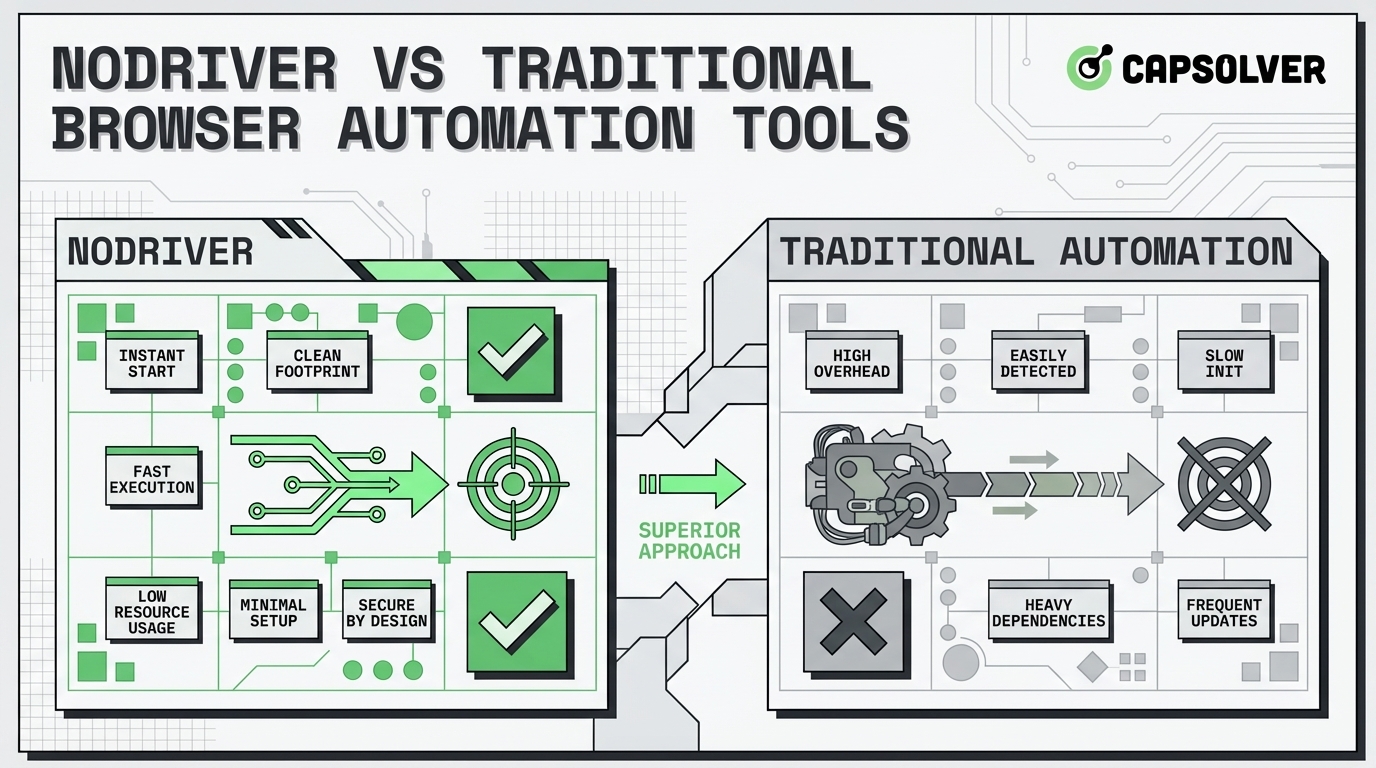
NODRIVER vs Traditional Browser Automation Tools for Web Scraping
Discover why NODRIVER is the top undetected chromedriver alternative for Python browser automation. Compare CDP implementation, performance, and asynchronous web scraping.
Lucas Mitchell
09-Apr-2026
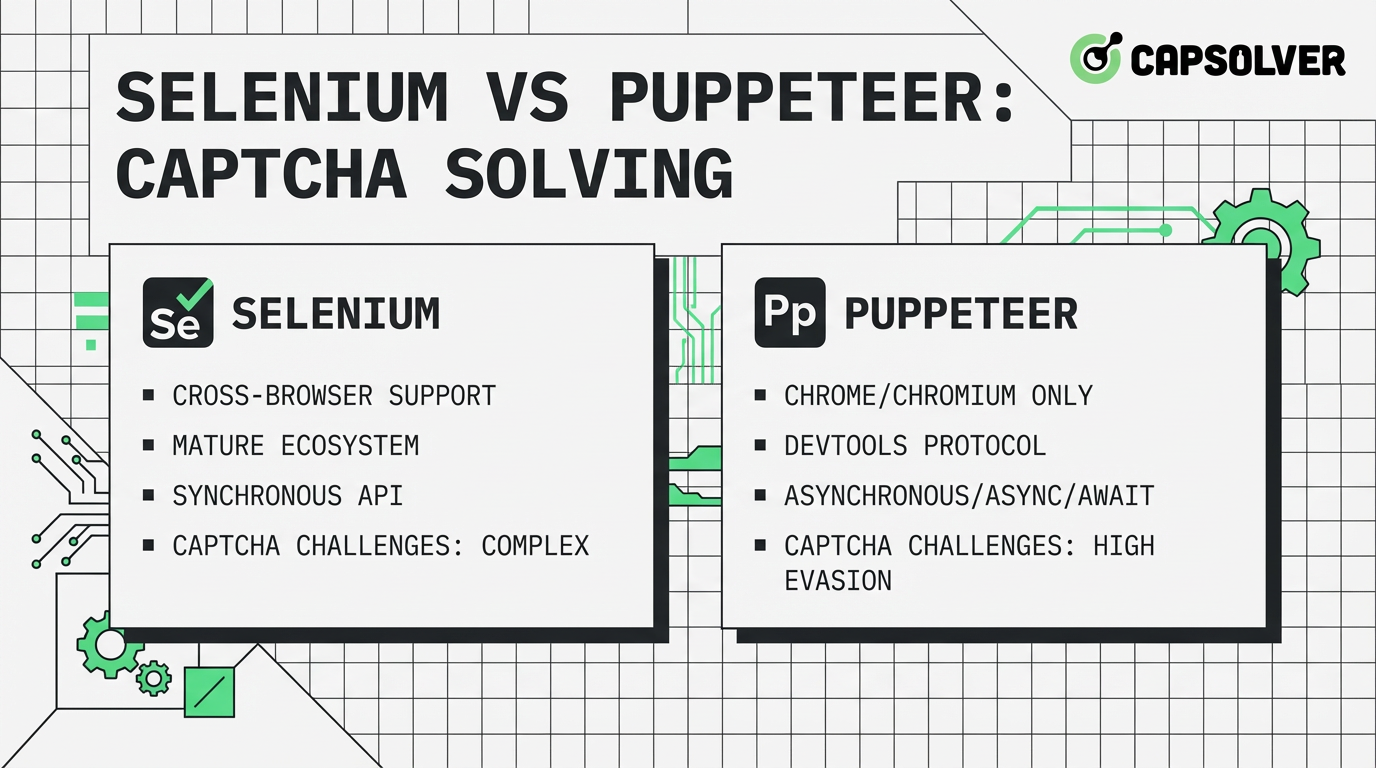
Selenium vs Puppeteer for CAPTCHA Solving: Performance and Use Case Comparison
Compare Selenium vs Puppeteer for CAPTCHA solving. Discover performance benchmarks, stability scores, and how to integrate CapSolver for maximum success.
Ethan Collins
08-Apr-2026
Automating CAPTCHA Solving in Headless Browsers: Full Workflow Guide
Learn to automate CAPTCHA solving in headless browsers with this comprehensive guide. Discover environment setup, CapSolver API integration, code examples, troubleshooting, and performance tips for efficient web automation.

Anh Tuan
08-Apr-2026