











AIエージェント CAPTCHA タイムアウトエラー: 診断と回復

Sora Fujimoto
How to use CapSolver
14-Aug-2026
TL;DR
- AIエージェントのCAPTCHAタイムアウトエラーには、ページの準備完了、ツールの輸送、CAPTCHA作業、アプリケーション確認のための別々の予算が必要です。
- ページURL、ブラウザコンテキスト、チャレンジ、または認可されたアクションが変更された場合、遅延した結果は破棄する必要があります。
- 一時的な輸送障害に対しては、1回のバウンドリトライが妥当かもしれませんが、繰り返しのチェックポイントはレビュー経路を開く必要があります。
- 最終的な通過条件は、元のアプリケーション状態であり、例外の発生の有無ではありません。
イントロダクション
AIエージェントのCAPTCHAタイムアウトエラーは、一般的な遅延リクエストではなく、調整の失敗です。ブラウザがまだ読み込み中である可能性があり、ツールコールが待機している可能性があり、CAPTCHAタスクが実行中である可能性があり、保護されたアプリケーションが遅延した結果を拒否する可能性があります。CapSolverはドキュメント化されたエージェントおよびブラウザ操作を提供していますが、オーケストレーターは別々のデッドラインを割り当て、古くなった作業をキャンセルする必要があります。このガイドではタイムアウトレイヤーをマッピングし、決定論的な復元ステートマシンを追加し、遅延と失敗を区別する証拠について説明します。ワークフローは、公式エージェント経路でのみreCAPTCHA v2、reCAPTCHA v3(エンタープライズを含む)、Cloudflare Turnstileをサポートしています。すべての実行を合法的、合理的、責任を持って、ユーザーの承認を得て、アクセス可能なシステムおよびデータに限定してください。
ドキュメント化されたAI統合表面のみを使用する
AIエージェントのCAPTCHAタイムアウトエラーの実装境界は、CapSolver for AI Agents、Core SDK、Agent Tools、MCP Serviceによって定義されます。概要では復元レイヤーアーキテクチャが説明され、Core SDKではブラウザ操作が名前付けられ、Agent Toolsでは関数ツールアダプターが名前付けられ、MCP Serviceでは検出可能なサービスツールが名前付けられます。実際の制御プレーンに応じてcapsolver-core、capsolver-agent、またはcapsolver-mcpを使用してください。サブパッケージ名、ツール名、パラメータ、出力フィールドを作成しないでください。公式エージェントレイヤーのコンテンツはここではreCAPTCHA v2、reCAPTCHA v3(エンタープライズを含む)、Cloudflare Turnstileに限定されています。
入力は承認されたページ、公式Core SDKを通じて作成されたソルバー、およびローカルチェックポイントポリシーです。出力は、オーケストレーターがアプリケーションと照合する必要があるステート記録です。自律的な停止条件は、ホストの変更、試行回数の枯渇、90秒のデッドライン、任意の結果エラー、または未満の結果です。
python
import asyncio
from dataclasses import dataclass
from urllib.parse import urlparse

@dataclass
class Checkpoint:
    host: str
    action: str
    attempt: int = 0

async def run_bounded_recovery(page, solver, checkpoint):
    if urlparse(page.url).hostname != checkpoint.host:
        return {"state": "REVIEW", "reason": "host changed"}
    if checkpoint.attempt >= 1:
        return {"state": "REVIEW", "reason": "attempt budget exhausted"}

    try:
        async with asyncio.timeout(90):
            results = await solver.solve_on_page(page)
    except TimeoutError:
        return {"state": "TIMEOUT", "reason": "solver deadline exceeded"}

    if any(result.error or not result.filled for result in results):
        return {"state": "REVIEW", "reason": "incomplete recovery"}
    return {"state": "VERIFY_APPLICATION", "action": checkpoint.action}
4つのタイムアウトクロックをマッピングする
AIエージェントのCAPTCHAタイムアウトエラーには、この段階における明確なデッドライン階層が必要です。記録はページの準備完了、エージェント輸送、ソルバー操作、アプリケーション確認をカバーする必要があります。これらのフィールドは、後続のシステムが正確に何が変化したかを説明できるように、1つの観測またはチェックポイントに属する必要があります。実践的なルールは、各クロックを別々に測定することです。保守的な境界は、失敗したレイヤーを隠す一つのグローバルタイムアウトを避けることです。この境界を省略したパイプラインは、使い物にならないまたは誤解を招くビジネス結果をもたらす技術的に成功したリクエストを生成する可能性があります。
証拠パケット:ページの準備完了
ページの準備完了から始め、それらをエージェント輸送、ソルバー操作、アプリケーション確認に関連付けます。値を自由形式のメッセージではなく、型付きフィールドに保存してください。キャプチャタイム、相関ID、および操作を許可したポリシー決定を含めます。フィールドが利用できない場合、明示的な不明状態を保持してください。欠落した証拠を実際の観測のように見えるデフォルトで置き換えないでください。
周囲のワークフローは、現在のパケットと直前に有効なパケットを比較する必要があります。エージェント輸送の違いは予想されるかもしれませんが、ソルバー操作の違いはすべてのジョブを無効にします。したがって、決定エンジンは理由とともにACCEPT、RETRY_ONCE、REVIEW、またはSTOPを発行する必要があります。運用テレメトリーは、W3C Trace Contextに従うことができますが、資格情報、クッキー、ローカルソリューション値、不要なページコンテンツをログから除外する必要があります。
失敗境界:1つのグローバルタイムアウトを避けて、失敗したレイヤーを隠さない
停止ルールは装飾的なものではなく、運用的なものです。ワークフローが失敗したレイヤーを隠す1つのグローバルタイムアウトを避ける必要がある場合、保留中の子作業をキャンセルし、レッドアクテッド証拠サマリーを保持し、キューのロックを解放する必要があります。次の実行は、古くなったブラウザまたはタスクコンテキストを継承する代わりに、新しい認証済み状態から開始します。この動作により、AIエージェントのCAPTCHAタイムアウトエラーは負荷下で監査可能になり、小さな曖昧さが繰り返しトラフィックになるのを防ぎます。
エージェントタスクチェックポイントの失敗はこの決定の隣接コンテキストを提供します。この資料を使用して失敗の家族を理解し、この記事のより狭い契約を保持してください:各クロックを個別に測定してください。段階の出力は、オペレーターが決定を再現できるだけのマシン読み取り可能な状態と証拠です。出力は、範囲を拡大する許可、レート信号を無視する許可、または承認された目的以外のデータにアクセスする許可ではありません。
終端状態を名付ける
AIエージェントのCAPTCHAタイムアウトエラーには、この段階における明確なステートマシンが必要です。記録はWAITING_PAGE、CALLING_TOOL、SOLVING、VERIFYING、COMPLETE、TIMEOUT、REVIEWをカバーする必要があります。これらのフィールドは、後続のシステムが正確に何が変化したかを説明できるように、1つの観測またはチェックポイントに属する必要があります。実践的なルールは、明示的な遷移のみを許可することです。保守的な境界は、古くなったブラウザ状態からの遷移を拒否することです。この境界を省略したパイプラインは、使い物にならないまたは誤解を招くビジネス結果をもたらす技術的に成功したリクエストを生成する可能性があります。
正規化ルール:WAITING_PAGE
WAITING_PAGEから始め、それらをCALLING_TOOL、SOLVING、VERIFYINGに関連付けます。値を自由形式のメッセージではなく、型付きフィールドに保存してください。キャプチャタイム、相関ID、および操作を許可したポリシー決定を含めます。フィールドが利用できない場合、明示的な不明状態を保持してください。欠落した証拠を実際の観測のように見えるデフォルトで置き換えないでください。
周囲のワークフローは、現在のパケットと直前に有効なパケットを比較する必要があります。CALLING_TOOLの違いは予想されるかもしれませんが、SOLVINGの違いはすべてのジョブを無効にします。したがって、決定エンジンは理由とともにACCEPT、RETRY_ONCE、REVIEW、またはSTOPを発行する必要があります。証拠の保持は、OWASPログガイドラインに従う必要がありますが、資格情報、クッキー、ローカルソリューション値、不要なページコンテンツをログから除外する必要があります。
オペレーターの決定:古くなったブラウザ状態からの遷移を拒否する
停止ルールは装飾的なものではなく、運用的なものです。ワークフローが古くなったブラウザ状態からの遷移を拒否する必要がある場合、保留中の子作業をキャンセルし、レッドアクテッド証拠サマリーを保持し、キューのロックを解放する必要があります。次の実行は、古くなったブラウザまたはタスクコンテキストを継承する代わりに、新しい認証済み状態から開始します。この動作により、AIエージェントのCAPTCHAタイムアウトエラーは負荷下で監査可能になり、小さな曖昧さが繰り返しトラフィックになるのを防ぎます。
エージェントのレートリミット復元はこの決定の隣接コンテキストを提供します。この資料を使用して失敗の家族を理解し、この記事のより狭い契約を保持してください:明示的な遷移のみを許可してください。段階の出力は、オペレーターが決定を再現できるだけのマシン読み取り可能な状態と証拠です。出力は、範囲を拡大する許可、レート信号を無視する許可、または承認された目的以外のデータにアクセスする許可ではありません。
チェックポイントのアイデンティティを保持する
AIエージェントのCAPTCHAタイムアウトエラーには、この段階における明確なコンテキストのフィンガープリントが必要です。記録はホスト名、ルート、アクション、フレームのアイデンティティ、チャレンジタイプ、試行番号をカバーする必要があります。これらのフィールドは、後続のシステムが正確に何が変化したかを説明できるように、1つの観測またはチェックポイントに属する必要があります。実践的なルールは、結果を使用する前に比較することです。保守的な境界は、ナビゲーション後の遅延出力を破棄することです。この境界を省略したパイプラインは、使い物にならないまたは誤解を招くビジネス結果をもたらす技術的に成功したリクエストを生成する可能性があります。
コントロール決定:ホスト名
ホスト名から始め、それらをルート、アクション、フレームのアイデンティティに関連付けます。値を自由形式のメッセージではなく、型付きフィールドに保存してください。キャプチャタイム、相関ID、および操作を許可したポリシー決定を含めます。フィールドが利用できない場合、明示的な不明状態を保持してください。欠落した証拠を実際の観測のように見えるデフォルトで置き換えないでください。
周囲のワークフローは、現在のパケットと直前に有効なパケットを比較する必要があります。ルートの違いは予想されるかもしれませんが、アクションの違いはすべてのジョブを無効にします。したがって、決定エンジンは理由とともにACCEPT、RETRY_ONCE、REVIEW、またはSTOPを発行する必要があります。タイムアウトとトレース設計は、Python asyncioタイムアウトを使用できますが、資格情報、クッキー、ローカルソリューション値、不要なページコンテンツをログから除外する必要があります。
ストップ条件:ナビゲーション後の遅延出力を破棄する
停止ルールは装飾的なものではなく、運用的なものです。ワークフローがナビゲーション後の遅延出力を破棄する必要がある場合、保留中の子作業をキャンセルし、レッドアクテッド証拠サマリーを保持し、キューのロックを解放する必要があります。次の実行は、古くなったブラウザまたはタスクコンテキストを継承する代わりに、新しい認証済み状態から開始します。この動作により、AIエージェントのCAPTCHAタイムアウトエラーは負荷下で監査可能になり、小さな曖昧さが繰り返しトラフィックになるのを防ぎます。
エージェントCAPTCHAミドルウェアはこの決定の隣接コンテキストを提供します。この資料を使用して失敗の家族を理解し、この記事のより狭い契約を保持してください:結果を使用する前に比較してください。段階の出力は、オペレーターが決定を再現できるだけのマシン読み取り可能な状態と証拠です。出力は、範囲を拡大する許可、レート信号を無視する許可、または承認された目的以外のデータにアクセスする許可ではありません。
作業をキャンセルするが証拠を失わない
AIエージェントのCAPTCHAタイムアウトエラーには、この段階における明確なキャンセルパスが必要です。記録はトレースID、開始時間、デッドライン、キャンセル理由、タスク識別子、ページスナップショットハッシュをカバーする必要があります。これらのフィールドは、後続のシステムが正確に何が変化したかを説明できるように、1つの観測またはチェックポイントに属する必要があります。実践的なルールは、キャンセル前にメタデータを記録することです。保守的な境界は、生のトークンやクッキーを決して保存しないことです。この境界を省略したパイプラインは、使い物にならないまたは誤解を招くビジネス結果をもたらす技術的に成功したリクエストを生成する可能性があります。
状態証拠:トレースID
トレースIDから始め、それらを開始時間、デッドライン、キャンセル理由に関連付けます。値を自由形式のメッセージではなく、型付きフィールドに保存してください。キャプチャタイム、相関ID、および操作を許可したポリシー決定を含めます。フィールドが利用できない場合、明示的な不明状態を保持してください。欠落した証拠を実際の観測のように見えるデフォルトで置き換えないでください。
周囲のワークフローは、現在のパケットと直前に有効なパケットを比較する必要があります。開始時間の違いは予想されるかもしれませんが、デッドラインの違いはすべてのジョブを無効にします。したがって、決定エンジンは理由とともにACCEPT、RETRY_ONCE、REVIEW、またはSTOPを発行する必要があります。実装境界は、W3C Trace Contextに一致する必要がありますが、資格情報、クッキー、ローカルソリューション値、不要なページコンテンツをログから除外する必要があります。
プロダクションガードレール:生のトークンやクッキーを決して保存しない
停止ルールは装飾的なものではなく、運用的なものです。ワークフローが生のトークンやクッキーを決して保存しない必要がある場合、保留中の子作業をキャンセルし、レッドアクテッド証拠サマリーを保持し、キューのロックを解放する必要があります。次の実行は、古くなったブラウザまたはタスクコンテキストを継承する代わりに、新しい認証済み状態から開始します。この動作により、AIエージェントのCAPTCHAタイムアウトエラーは負荷下で監査可能になり、小さな曖昧さが繰り返しトラフィックになるのを防ぎます。
MCP CAPTCHAエラーの診断はこの決定の隣接コンテキストを提供します。この資料を使用して失敗の家族を理解し、この記事のより狭い契約を保持してください:キャンセル前にメタデータを記録してください。段階の出力は、オペレーターが決定を再現できるだけのマシン読み取り可能な状態と証拠です。出力は、範囲を拡大する許可、レート信号を無視する許可、または承認された目的以外のデータにアクセスする許可ではありません。
失敗クラスによってリトライポリシーを選ぶ
AIエージェントのCAPTCHAタイムアウトエラーには、この段階における明確なリトライ決定が必要です。記録は接続タイムアウト、読み取りタイムアウト、ソルバーのデッドライン、繰り返しチャレンジ、アプリケーションの拒否、ポリシーの変更をカバーする必要があります。これらのフィールドは、後続のシステムが正確に何が変化したかを説明できるように、1つの観測またはチェックポイントに属する必要があります。実践的なルールは、一時的な障害のみを一度リトライすることです。保守的な境界は、意味的な障害を終了状態とすることです。この境界を省略したパイプラインは、使い物にならないまたは誤解を招くビジネス結果をもたらす技術的に成功したリクエストを生成する可能性があります。
検証境界:接続タイムアウト
Start with connect timeout, then connect it to read timeout, solver deadline, repeated challenge. Store values in typed fields rather than a free-form message. Include capture time, correlation ID, and the policy decision that permitted the operation. If a field is unavailable, preserve an explicit unknown state. Do not replace missing evidence with a default that looks like a real observation.
The surrounding workflow should compare the current packet with the immediately preceding valid packet. A difference in read timeout may be expected, while a difference in solver deadline can invalidate the entire job. The decision engine should therefore emit ACCEPT, RETRY_ONCE, REVIEW, or STOP with a reason. Operational telemetry can follow OWASP Logging Guidance while keeping credentials, cookies, raw solution values, and unnecessary page content out of logs.
Review branch: make semantic failures terminal
The stop rule is operational, not decorative. When the workflow must make semantic failures terminal, it should cancel pending child work, preserve a redacted evidence summary, and release its queue lock. The next run begins from a fresh authorized state rather than inheriting stale browser or task context. This behavior makes ai agent captcha timeout error auditable under load and prevents a small ambiguity from becoming repeated traffic.
The wrong-solution agent diagnosis provides adjacent context for this decision. Use that material to understand the failure family, then keep this article's narrower contract: retry only transient failures once. The output of the stage is a machine-readable state plus enough evidence for an operator to reproduce the decision. The output is not permission to expand scope, ignore a rate signal, or access data outside the approved purpose.
Redeem Your CapSolver Bonus Code
Boost your automation budget instantly!
Use bonus code CAP26 when topping up your CapSolver account to get an extra 5% bonus on every recharge — with no limits.
Redeem it now in your CapSolver Dashboard

Coordinate Agent and MCP Time Budgets
ai agent captcha timeout error needs a clear transport boundary for this stage. The record should cover client deadline, server deadline, subprocess lifecycle, MCP response, and orchestrator cancellation. These fields belong to one observation or checkpoint so later systems can explain exactly what changed. The practical rule is to keep the shortest deadline explicit; the conservative boundary is to stop orphaned tool work. A pipeline that omits this boundary may produce a technically successful request with an unusable or misleading business result.
Evidence packet: client deadline
Start with client deadline, then connect it to server deadline, subprocess lifecycle, MCP response. Store values in typed fields rather than a free-form message. Include capture time, correlation ID, and the policy decision that permitted the operation. If a field is unavailable, preserve an explicit unknown state. Do not replace missing evidence with a default that looks like a real observation.
The surrounding workflow should compare the current packet with the immediately preceding valid packet. A difference in server deadline may be expected, while a difference in subprocess lifecycle can invalidate the entire job. The decision engine should therefore emit ACCEPT, RETRY_ONCE, REVIEW, or STOP with a reason. Evidence retention should reflect Python asyncio Timeouts while keeping credentials, cookies, raw solution values, and unnecessary page content out of logs.
Failure boundary: stop orphaned tool work
The stop rule is operational, not decorative. When the workflow must stop orphaned tool work, it should cancel pending child work, preserve a redacted evidence summary, and release its queue lock. The next run begins from a fresh authorized state rather than inheriting stale browser or task context. This behavior makes ai agent captcha timeout error auditable under load and prevents a small ambiguity from becoming repeated traffic.
The timeout definition provides adjacent context for this decision. Use that material to understand the failure family, then keep this article's narrower contract: keep the shortest deadline explicit. The output of the stage is a machine-readable state plus enough evidence for an operator to reproduce the decision. The output is not permission to expand scope, ignore a rate signal, or access data outside the approved purpose.
Verify the Application After Recovery
ai agent captcha timeout error needs a clear business assertion for this stage. The record should cover expected route, response code, confirmation text, record count, and action correlation. These fields belong to one observation or checkpoint so later systems can explain exactly what changed. The practical rule is to treat verification as a separate stage; the conservative boundary is to do not call a ready tool result complete. A pipeline that omits this boundary may produce a technically successful request with an unusable or misleading business result.
Normalization rule: expected route
Start with expected route, then connect it to response code, confirmation text, record count. Store values in typed fields rather than a free-form message. Include capture time, correlation ID, and the policy decision that permitted the operation. If a field is unavailable, preserve an explicit unknown state. Do not replace missing evidence with a default that looks like a real observation.
The surrounding workflow should compare the current packet with the immediately preceding valid packet. A difference in response code may be expected, while a difference in confirmation text can invalidate the entire job. The decision engine should therefore emit ACCEPT, RETRY_ONCE, REVIEW, or STOP with a reason. Timeout and trace design can use W3C Trace Context while keeping credentials, cookies, raw solution values, and unnecessary page content out of logs.
Operator decision: do not call a ready tool result complete
The stop rule is operational, not decorative. When the workflow must do not call a ready tool result complete, it should cancel pending child work, preserve a redacted evidence summary, and release its queue lock. The next run begins from a fresh authorized state rather than inheriting stale browser or task context. This behavior makes ai agent captcha timeout error auditable under load and prevents a small ambiguity from becoming repeated traffic.
The agent task checkpoint failures provides adjacent context for this decision. Use that material to understand the failure family, then keep this article's narrower contract: treat verification as a separate stage. The output of the stage is a machine-readable state plus enough evidence for an operator to reproduce the decision. The output is not permission to expand scope, ignore a rate signal, or access data outside the approved purpose.
Add a Circuit Breaker for Shared Failures
ai agent captcha timeout error needs a clear fleet protection for this stage. The record should cover rolling timeout rate, host group, challenge type, tool version, and cooldown interval. These fields belong to one observation or checkpoint so later systems can explain exactly what changed. The practical rule is to open the circuit on correlated failures; the conservative boundary is to protect sites and queues from retry storms. A pipeline that omits this boundary may produce a technically successful request with an unusable or misleading business result.
Control decision: rolling timeout rate
Start with rolling timeout rate, then connect it to host group, challenge type, tool version. Store values in typed fields rather than a free-form message. Include capture time, correlation ID, and the policy decision that permitted the operation. If a field is unavailable, preserve an explicit unknown state. Do not replace missing evidence with a default that looks like a real observation.
The surrounding workflow should compare the current packet with the immediately preceding valid packet. A difference in host group may be expected, while a difference in challenge type can invalidate the entire job. The decision engine should therefore emit ACCEPT, RETRY_ONCE, REVIEW, or STOP with a reason. Implementation boundaries are consistent with OWASP Logging Guidance while keeping credentials, cookies, raw solution values, and unnecessary page content out of logs.
Stop condition: protect sites and queues from retry storms
The stop rule is operational, not decorative. When the workflow must protect sites and queues from retry storms, it should cancel pending child work, preserve a redacted evidence summary, and release its queue lock. The next run begins from a fresh authorized state rather than inheriting stale browser or task context. This behavior makes ai agent captcha timeout error auditable under load and prevents a small ambiguity from becoming repeated traffic.
The rate-limit recovery for agents provides adjacent context for this decision. Use that material to understand the failure family, then keep this article's narrower contract: open the circuit on correlated failures. The output of the stage is a machine-readable state plus enough evidence for an operator to reproduce the decision. The output is not permission to expand scope, ignore a rate signal, or access data outside the approved purpose.
Test with Injected Delay and Navigation
ai agent captcha timeout error needs a clear fault injection for this stage. The record should cover slow page, delayed frame, transport interruption, deadline expiry, route change, and duplicate checkpoint. These fields belong to one observation or checkpoint so later systems can explain exactly what changed. The practical rule is to assert cancellation and cleanup; the conservative boundary is to prove no retry continues after review. A pipeline that omits this boundary may produce a technically successful request with an unusable or misleading business result.
State evidence: slow page
Start with slow page, then connect it to delayed frame, transport interruption, deadline expiry. Store values in typed fields rather than a free-form message. Include capture time, correlation ID, and the policy decision that permitted the operation. If a field is unavailable, preserve an explicit unknown state. Do not replace missing evidence with a default that looks like a real observation.
The surrounding workflow should compare the current packet with the immediately preceding valid packet. A difference in delayed frame may be expected, while a difference in transport interruption can invalidate the entire job. The decision engine should therefore emit ACCEPT, RETRY_ONCE, REVIEW, or STOP with a reason. Operational telemetry can follow Python asyncio Timeouts while keeping credentials, cookies, raw solution values, and unnecessary page content out of logs.
Production guardrail: prove no retry continues after review
The stop rule is operational, not decorative. When the workflow must prove no retry continues after review, it should cancel pending child work, preserve a redacted evidence summary, and release its queue lock. The next run begins from a fresh authorized state rather than inheriting stale browser or task context. This behavior makes ai agent captcha timeout error auditable under load and prevents a small ambiguity from becoming repeated traffic.
The agent CAPTCHA middleware provides adjacent context for this decision. Use that material to understand the failure family, then keep this article's narrower contract: assert cancellation and cleanup. The output of the stage is a machine-readable state plus enough evidence for an operator to reproduce the decision. The output is not permission to expand scope, ignore a rate signal, or access data outside the approved purpose.
Write an Operator Runbook
ai agent captcha timeout error needs a clear incident response for this stage. The record should cover symptom, failing clock, evidence location, safe retry rule, escalation owner, and recovery criterion. These fields belong to one observation or checkpoint so later systems can explain exactly what changed. The practical rule is to make actions reproducible; the conservative boundary is to resume only after the root condition is understood. A pipeline that omits this boundary may produce a technically successful request with an unusable or misleading business result.
Validation boundary: symptom
Start with symptom, then connect it to failing clock, evidence location, safe retry rule. Store values in typed fields rather than a free-form message. Include capture time, correlation ID, and the policy decision that permitted the operation. If a field is unavailable, preserve an explicit unknown state. Do not replace missing evidence with a default that looks like a real observation.
The surrounding workflow should compare the current packet with the immediately preceding valid packet. A difference in failing clock may be expected, while a difference in evidence location can invalidate the entire job. The decision engine should therefore emit ACCEPT, RETRY_ONCE, REVIEW, or STOP with a reason. Evidence retention should reflect W3C Trace Context while keeping credentials, cookies, raw solution values, and unnecessary page content out of logs.
Review branch: resume only after the root condition is understood
The stop ruleは装飾的ではなく、運用上のものである。ワークフローが根本的な条件が理解されるまで再開すべき場合、保留中の子タスクをキャンセルし、要約された証拠サマリーを保持し、キューのロックを解放する必要がある。次の実行は、古くなったブラウザやタスクコンテキストを継承する代わりに、新しい認証済み状態から開始する。この挙動により、負荷下でのAIエージェントのCAPTCHAタイムアウトエラーが監査可能となり、小さな曖昧さが繰り返しトラフィックになるのを防ぐ。
MCP CAPTCHAエラー診断はこの決定に関する隣接する文脈を提供している。この資料を使って失敗の種類を理解し、本記事の narrower contract: 操作を再現可能にすることに注力する。ステージの出力は、オペレーターが決定を再現できるだけのマシンリーダブルな状態と証拠を含む。出力は、範囲を拡大する許可、レート信号を無視する許可、または承認された目的以外のデータにアクセスする許可を意味しない。
結論
AIエージェントのCAPTCHAタイムアウトエラーは、各ステージが定義された入力、型付き出力、証拠記録、終端的なストップ条件を持つ場合にのみ信頼できる。ワークフローは認証とコンテキストを保持し、公式のCapSolverインターフェースを使用し、再試行を制限し、復元後に元のアプリケーションまたはビジネス状態を検証する必要がある。法的で許可された自動化を運営するチームは、ドキュメント化されたCAPTCHAレイヤーを評価するため、CapSolverを使用し、自アプリケーション内で決定的なポリシーとレビュー制御を保持できる。
FAQ
Q: AIエージェントのCAPTCHAタイムアウトエラーの原因は何ですか?
AIエージェントのCAPTCHAタイムアウトエラーは、ブラウザ検出、ツール輸送、CAPTCHA作業、またはアプリケーション確認が完了する前に1つのタイムアウトが発生した場合に発生します。
Q: エージェントはどのくらい待つべきですか?
認証済みテスト環境からの各ステージごとの予算を使用し、絶対的な上限タイムアウトを保持する。例では90秒が使用されているが、これはアプリケーションポリシーとしてのみ使用される。
Q: エージェントは遅延した結果を再利用できるか?
いいえ。ホスト、ルート、フレーム、チャレンジ、ブラウザコンテキスト、または認証されたアクションが変更された場合、遅延した結果は破棄する。
Q: すべてのタイムアウトを再試行すべきか?
いいえ。明確な一時的なエラーは一度だけ再試行する。繰り返しのチャレンジ、ポリシーの変更、アプリケーションの拒否はレビューが必要である。
Q: どのCAPTCHAタイプが公式エージェント経路に含まれるべきか?
エージェントワークフローを現在ドキュメント化されているreCAPTCHA v2、reCAPTCHA v3(Enterpriseを含む)、Cloudflare Turnstileサポートに限定する。
コンプライアンス免責事項: このブログで提供される情報は、情報提供のみを目的としています。CapSolverは、すべての適用される法律および規制の遵守に努めています。CapSolverネットワークの不法、詐欺、または悪用の目的での使用は厳格に禁止され、調査されます。私たちのキャプチャ解決ソリューションは、公共データのクローリング中にキャプチャの問題を解決する際に100%のコンプライアンスを確保しながら、ユーザーエクスペリエンスを向上させます。私たちは、サービスの責任ある使用を奨励します。詳細については、サービス利用規約およびプライバシーポリシーをご覧ください。
もっと見る
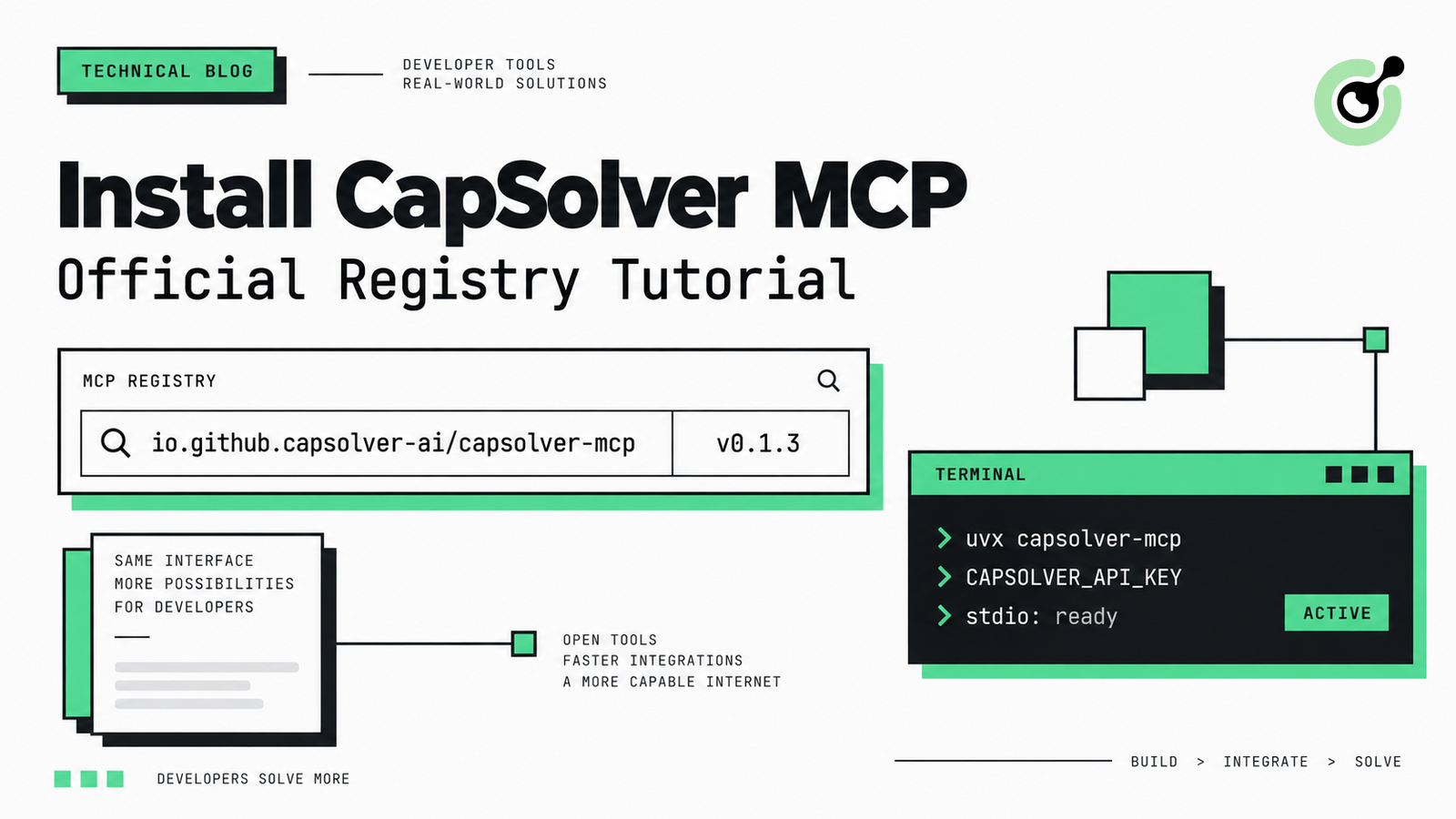
CapSolver MCPの公式MCPレジストリからのインストール方法
オフィシャル MCP レジストリで CapSolver MCP を検索し、uvx または pip を使用してバージョン 0.1.3 をインストールし、ローカルクライアントを設定し、stdio ツールを確認してください。
Sora Fujimoto
18-Sep-2026
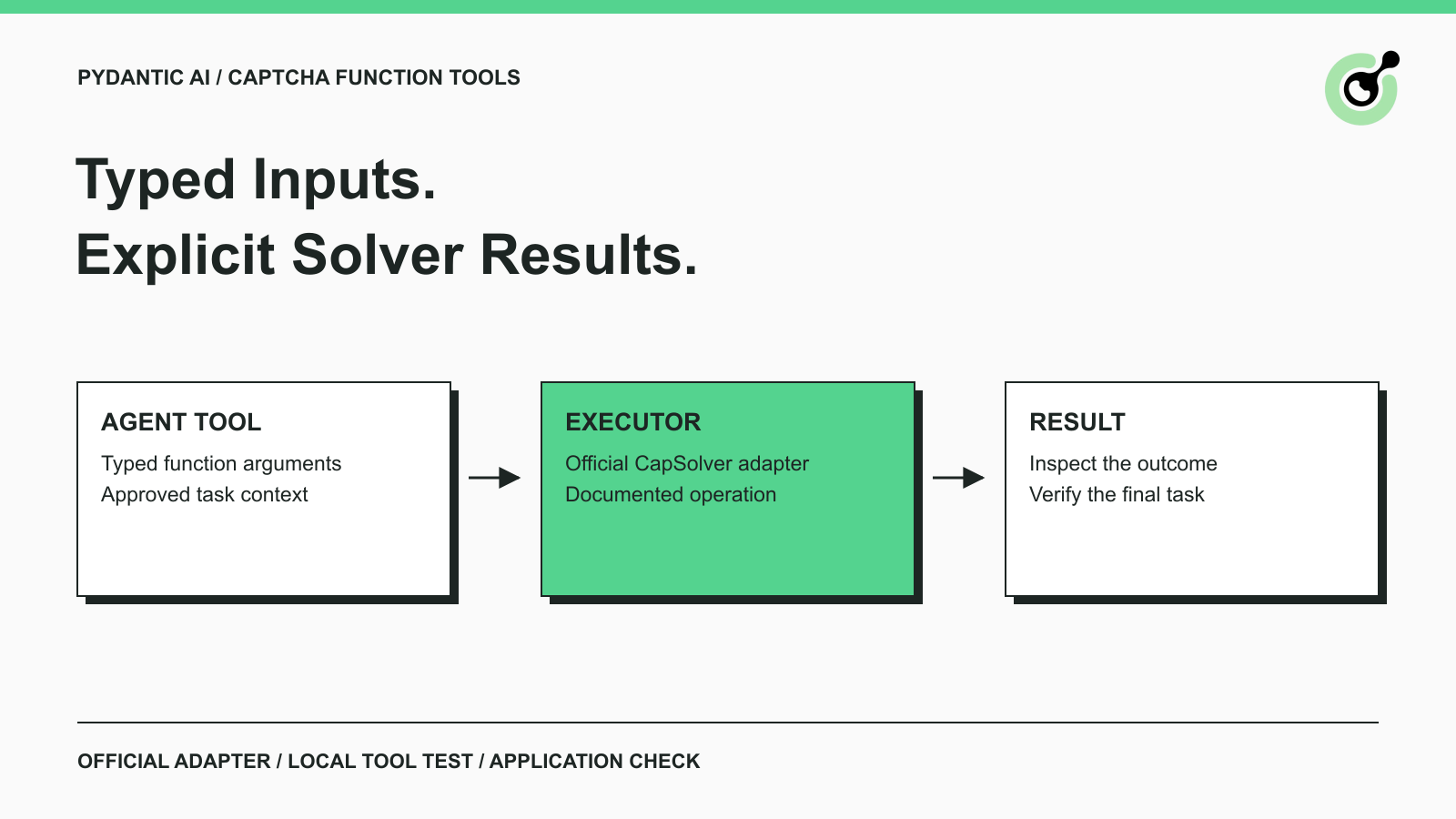
Pydantic AI CAPTCHA ツール: タイプ入力とソルバーの結果
Pydantic AIに公式のCapSolverアダプタを使用してCAPTCHAツールを追加し、ローカルでツールの実行をテストし、タイプされた入力と構造化されたソルバーの結果を処理します。
Sora Fujimoto
18-Sep-2026
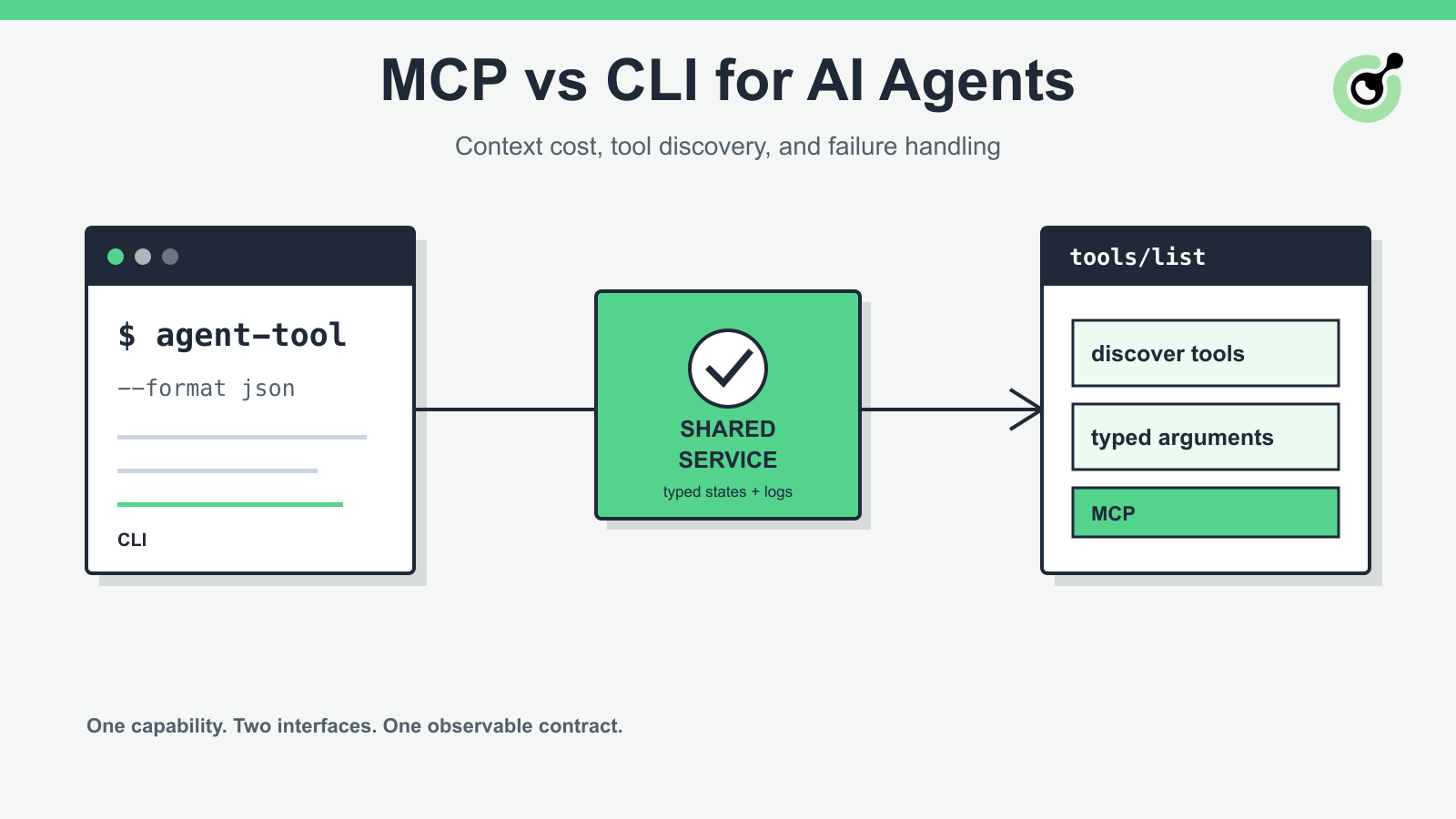
MCP 対 CLI における AIエージェントの コンテキストコストとフェールヤー処理
AIエージェントのMCPとCLIインターフェースを、ツール発見、コンテキストコスト、セキュリティ、デバッグ、フェールチャーアイド、およびハイブリッドアーキテクチャについて比較してください。
Sora Fujimoto
18-Sep-2026
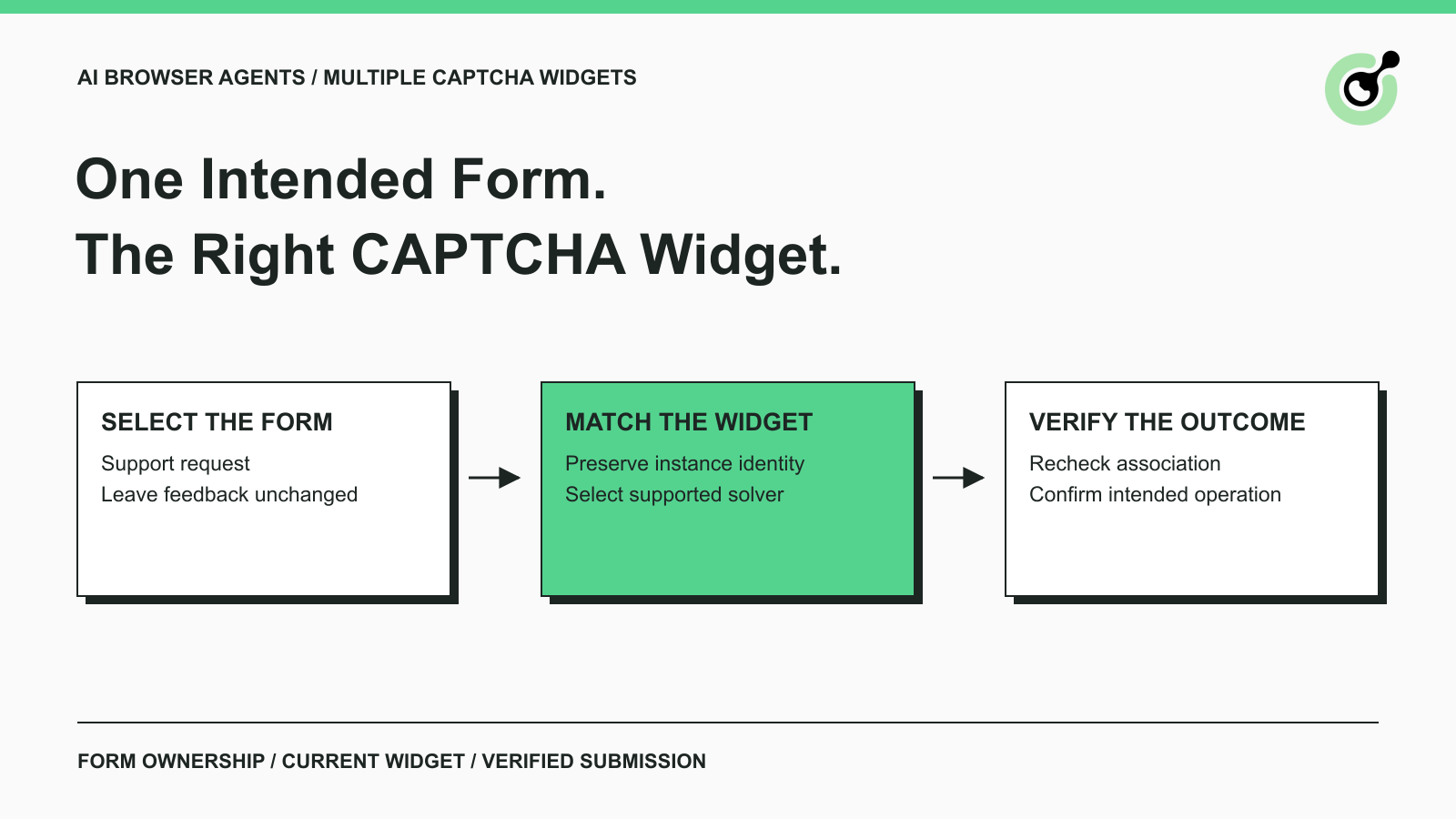
AIブラウザエージェントにおける複数のCAPTCHAウィジェットの取り扱い方法
1ページに複数のCAPTCHAウィジェットを処理するには、明示的なフォーム所有権、ソルバーのパラメータ、結果のルーティング、および意図されたAIエージェントのアクションの確認を備える。

Lucas Mitchell
15-Sep-2026

AIエージェント対スクリプト:ウェブオートメーションにおける選択の仕方
タスクの不確実性、テスト可能性、コスト、信頼性のある実行に必要な制御を基に、AIエージェント、スクリプト、ハイブリッドWeb自動化のいずれかを選択してください。
Lucas Mitchell
11-Sep-2026

CapSolver MCP サーバーは現在、AIエージェント向けに利用可能になりました
PyPIからCapSolver MCP Serverをインストールしてください。そして、互換性のあるAIエージェントに、Model Context Protocolを通じて認可されたCAPTCHAの処理のための5つのツールを提供してください。
Sora Fujimoto
10-Sep-2026