











Choosing a CAPTCHA Solver for Your Agent Infrastructure

Ethan Collins
Pattern Recognition Specialist
18-Jun-2026
TL;DR
- Choosing a CAPTCHA solver for your agent infrastructure starts with a challenge inventory, not a vendor shortlist.
- The solver must fit the browser or protocol session that consumes the result, otherwise successful solves can still become backend rejections.
- Operational fit includes queue controls, cooldown behavior, duplicate suppression, audit logs, and clear error semantics.
- A decision scorecard should penalize unsupported challenge types, undocumented fields, weak stop rules, and lack of replay evidence.
- Responsible use requirements should be written into the solver integration before production, especially for account, login, and data workflows.
Introduction
Choosing a CAPTCHA solver for your agent infrastructure is an architectural decision, not a procurement shortcut. CapSolver can be part of approved AI-agent automation, but the right choice depends on your challenge inventory, browser sessions, route policy, observability, and compliance boundaries. A solver that returns answers quickly can still fail if the agent consumes them in the wrong session or retries after access is refused. Start with the workflow evidence, then choose the solver that fits the infrastructure contract.
Build a Challenge Inventory Before Comparing Providers
Choosing a CAPTCHA solver for your agent infrastructure begins with an inventory. List the domains, protected actions, challenge families, widget parameters, account classes, route pools, and final application outcomes. Do not start with a generic provider checklist. A solver can only be evaluated against the challenges your agents are allowed to encounter.
CapSolver's web scraping CAPTCHA handling can help teams identify common challenge locations in automation workflows. CapSolver's official basic API instructions should be used for server and interface details when implementation begins. If a challenge type or field is not verified in official documentation, keep the analysis at a high level and do not invent a request body.
Inventory Fields That Change the Decision
Record more than provider name. Include whether the challenge appears before login, after login, at form submit, during scrolling, or after rate pressure. Include whether the protected action is public data, test account workflow, internal QA, or a sensitive action. Include whether the result must be consumed by a browser or protocol script. Choosing a CAPTCHA solver for your agent infrastructure is easier when the inventory shows which workflows are eligible and which must stop.
Fit the Solver to Session Binding
Session binding is the most common hidden requirement. The solver result must be consumed in the session that rendered the challenge or in the protocol flow documented for that challenge type. A provider comparison that ignores cookies, storage, proxy route, user-agent family, and form state will overestimate success.
RFC 6265's HTTP cookie scope is a useful technical reference because cookies may apply to one host or path but not another. CapSolver's proxy integration for CAPTCHA solving is relevant for teams aligning route choice with protected sessions. A solver should not encourage uncontrolled proxy changes after every challenge; that can create identity drift.
Browser Session Handoff Checklist
Use a handoff checklist for every protected action. The checklist should verify same browser context, same storage profile, same route policy, same account class, same form state, one token consumption attempt, and one backend result. This is where choosing a CAPTCHA solver for your agent infrastructure connects to runtime engineering rather than only API features.
yaml
solver_selection_scorecard:
  challenge_inventory_match: 30
  documented_task_fields: 20
  session_binding_fit: 20
  error_and_timeout_clarity: 10
  observability_and_audit: 10
  responsible_stop_controls: 10
  reject_if:
    - "required challenge type is unsupported"
    - "implementation requires undocumented fields"
    - "solver path cannot preserve the consuming session"
    - "provider response cannot be audited by protected action"
This scorecard is a vendor-evaluation example, not a CapSolver API payload. It helps the buying and engineering teams evaluate the same evidence. The reject_if rules matter because a solver mismatch should not be repaired with more retries.
Require Clear Error Semantics
A good solver integration returns errors that infrastructure can act on. The agent should know whether a task is pending, failed, unsupported, expired, misconfigured, rejected by backend, or stopped by policy. Choosing a CAPTCHA solver for your agent infrastructure should include a review of error codes, timeout rules, and retry guidance.
MDN's HTTP 403 access refusal and HTTP 429 rate limiting pages help teams separate target-site outcomes from solver outcomes. CapSolver's common web scraping errors can help operators classify infrastructure failures before blaming the solver. Error clarity reduces unnecessary challenge attempts and improves incident review.
Redeem Your CapSolver Bonus Code
Boost your automation budget instantly!
Use bonus code CAP26 when topping up your CapSolver account to get an extra 5% bonus on every recharge — with no limits.
Redeem it now in your CapSolver Dashboard

Compare Observability, Not Just Returned Results
Returned results are only part of the story. You need observability around created tasks, pending time, final status, solver error, protected request status, application result, route pool, account class, and stop reason. Choosing a CAPTCHA solver for your agent infrastructure should include a dashboard and log review, even if the API looks easy to call.
Replay Evidence for Procurement Tests
Run a procurement test with trace replay. Capture the rendered challenge, documented task type, solver request eligibility, polling timeline, token or recognition result, browser session hash, protected request status, and final business result. The IETF's HTTP semantics standard helps classify network outcomes consistently. A vendor passes the test when the trace proves one protected action completed or stopped for a clear reason.
CapSolver's MCP web automation context is useful when teams connect tool servers and browser agents. The solver should fit that toolchain without requiring the model to parse raw provider responses.
Put Rate and Budget Controls in Front of the Solver
Rate and budget controls should sit in front of the solver path. If a domain is cooling down, if the route pool is unhealthy, or if the challenge budget is exhausted, the solver should not receive another job. Choosing a CAPTCHA solver for your agent infrastructure includes deciding how many attempts are acceptable for each protected action and who approves exceptions.
CapSolver's rate-limited agent repair gives useful language for 429 and block events in AI-agent systems. The solver integration should consume that state. It should not operate as an independent retry loop. A challenge budget protects users, target services, and your own spend.
Write Responsible Use Into the Integration
Responsible use is not a footer. It should be encoded into allowed domains, denied workflows, account class limits, data restrictions, and human review paths. OWASP's automated activity risk categories is useful because it shows why repeated automated activity can be treated as harmful when controls are missing.
Choosing a CAPTCHA solver for your agent infrastructure should include a legal and policy review for login, checkout, account, healthcare, financial, private dashboard, and restricted-data workflows. The runtime should stop when authorization is unclear, when a site returns a hard refusal, or when the requested data class is not permitted. A solver is not a license to continue.
Choose With a Migration Plan
The final decision should include a migration plan. Start with a narrow permitted workflow, one browser runtime, one route policy, and one challenge family. Measure completion, latency, backend acceptance, duplicate attempts, challenge budget use, and review stops. Then expand only when the evidence is clean.
CapSolver's best AI scraping tools can help teams think about the surrounding stack, but the solver decision should remain tied to your own traces. Choosing a CAPTCHA solver for your agent infrastructure is successful when the integration reduces ambiguity: the agent knows when to wait, solve, verify, review, or stop.
Governance Checks Before Rollout
Governance checks should run before the solver path is enabled for production agents. Confirm that each domain is approved, each account class is allowed, each data category is permitted, and each stop condition has an owner. Choosing a CAPTCHA solver for your agent infrastructure should include a written answer to what happens when the target refuses access, when a user account is challenged repeatedly, or when the agent sees private data.
Approval Gates for Sensitive Workflows
Use approval gates for login, checkout, account-management, healthcare, financial, and private-dashboard workflows. These workflows often involve higher risk than public-page monitoring, so a solver integration should not be enabled by default. The gate can require human review, a test account, a commercial API agreement, or a decision to avoid automation entirely. The important point is that the decision is explicit before the agent reaches a challenge.
Governance checks should also cover data retention. Traces are valuable, but they can contain screenshots, form labels, URLs, cookies hashes, and account context. Store only what is needed to explain the decision, redact sensitive fields, and define retention periods for incident evidence. A solver evaluation that ignores trace governance can create a new risk while trying to solve an automation problem.
The final gate is rollback. Operators should know how to disable solver dispatch, drain queues, preserve evidence, and resume only approved tasks. That rollback plan makes choosing a CAPTCHA solver for your agent infrastructure a controlled release instead of a permanent switch.
Governance should define ownership for model prompts as well. If a prompt encourages the agent to keep trying after a protected action fails, that is an infrastructure risk, not only a content issue. Keep prompts, queue rules, and solver adapters under release review. Each release should state whether it changes allowed domains, retry budgets, evidence capture, or stop behavior.
The governance process should be lightweight enough to use. A one-page approval record is often better than a policy document nobody reads during an incident. Include purpose, domain, data category, account class, solver eligibility, maximum attempts, review owner, and rollback action. That record gives engineering, legal, and operations teams a shared reference when choosing a CAPTCHA solver for your agent infrastructure.
Review the approval record after the first production incident. If operators could not find the stop rule, the evidence fields were incomplete, or the rollback owner was unclear, update the template before expanding the solver integration to more agents.
Make governance checks visible in the agent dashboard. Operators should immediately see allowed domain, attempt budget, review owner, current cooldown, last incident label, and rollback switch without opening policy files. Visibility keeps the solver decision connected to daily operations.
Conclusion
Choosing a CAPTCHA solver for your agent infrastructure requires challenge inventory, session binding, documented implementation details, clear errors, observability, rate controls, and responsible use rules. Do not select a solver only because it returns results quickly. Select the service that fits your protected-action contract and proves backend acceptance in a trace. For teams building lawful AI-agent automation with documented challenge support, CapSolver is a practical candidate to evaluate inside that framework.
FAQ
What is the first step when choosing a CAPTCHA solver for agent infrastructure?
Build a challenge inventory. List domains, protected actions, challenge families, session requirements, account classes, route policies, and final application outcomes.
Why does session binding matter for solver selection?
The solver result often needs to be consumed in the same browser or protocol session that rendered the challenge. If the session changes, the backend may reject an otherwise valid result.
What should a solver scorecard include?
Include challenge inventory match, documented task fields, session binding fit, error clarity, observability, audit support, responsible stop controls, and rejection rules for unsupported or undocumented flows.
When should an agent stop instead of trying another solve?
It should stop on hard refusals, unclear authorization, private or restricted data, account lock signals, expired budgets, unsupported challenge types, or repeated backend rejection.
Compliance Disclaimer: The information provided on this blog is for informational purposes only. CapSolver is committed to compliance with all applicable laws and regulations. The use of the CapSolver network for illegal, fraudulent, or abusive activities is strictly prohibited and will be investigated. Our captcha-solving solutions enhance user experience while ensuring 100% compliance in helping solve captcha difficulties during public data crawling. We encourage responsible use of our services. For more information, please visit our Terms of Service and Privacy Policy.
More
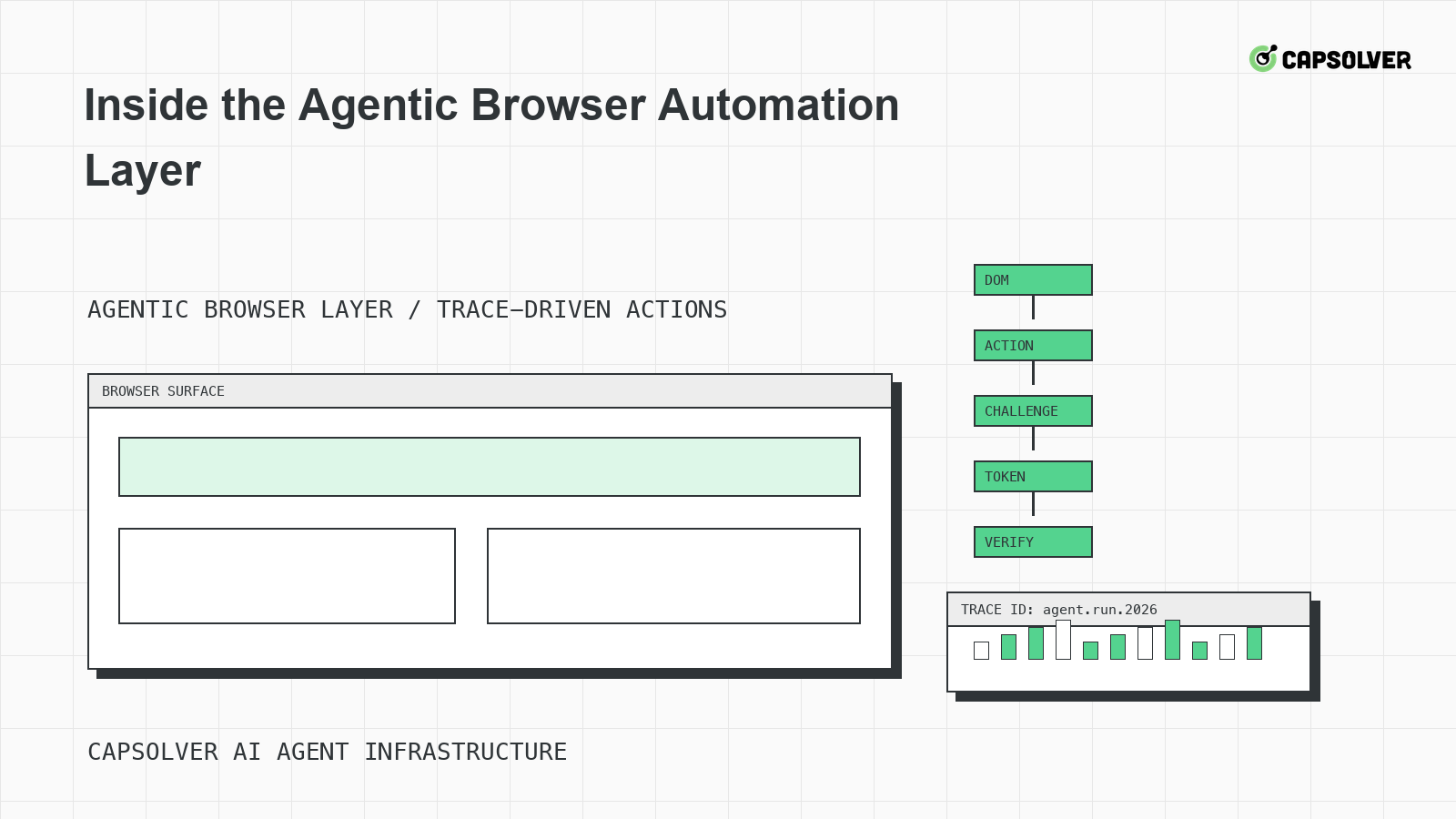
Inside the Agentic Browser Automation Layer
A runtime-level view of the agentic browser automation layer, focused on DOM grounding, planner state, Playwright-style traces, challenge handling, and stop rules.

Nikolai Smirnov
18-Jun-2026
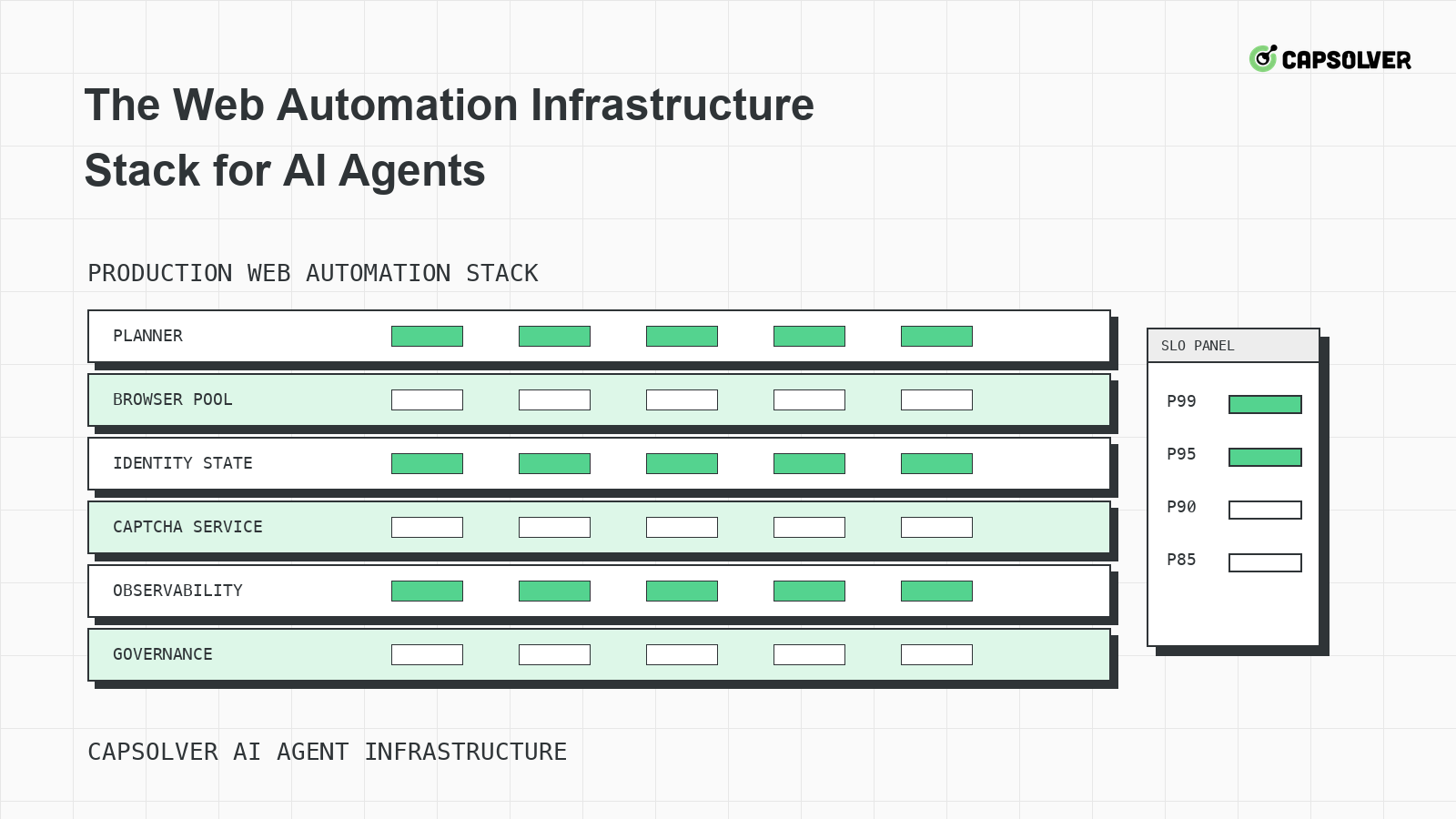
The Web Automation Infrastructure Stack for AI Agents
A layered infrastructure guide for AI agents running web automation, focused on browser pools, identity state, rate limits, observability, and challenge handling.

Emma Foster
18-Jun-2026
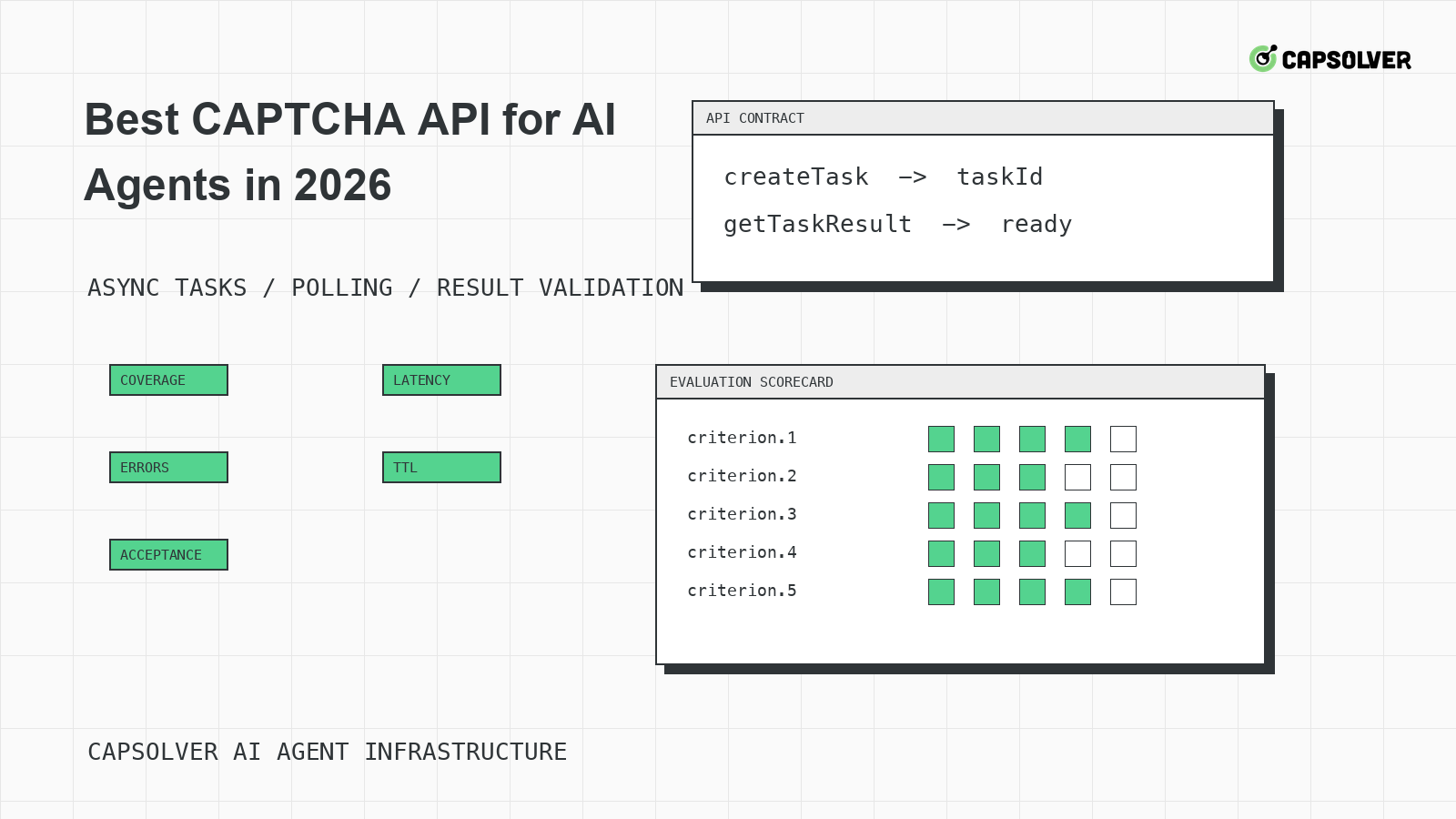
Best CAPTCHA API for AI Agents in 2026
A practical evaluation guide for choosing a CAPTCHA API for AI agents in 2026, centered on documented task coverage, polling contracts, token validation, and operational controls.

Rajinder Singh
18-Jun-2026
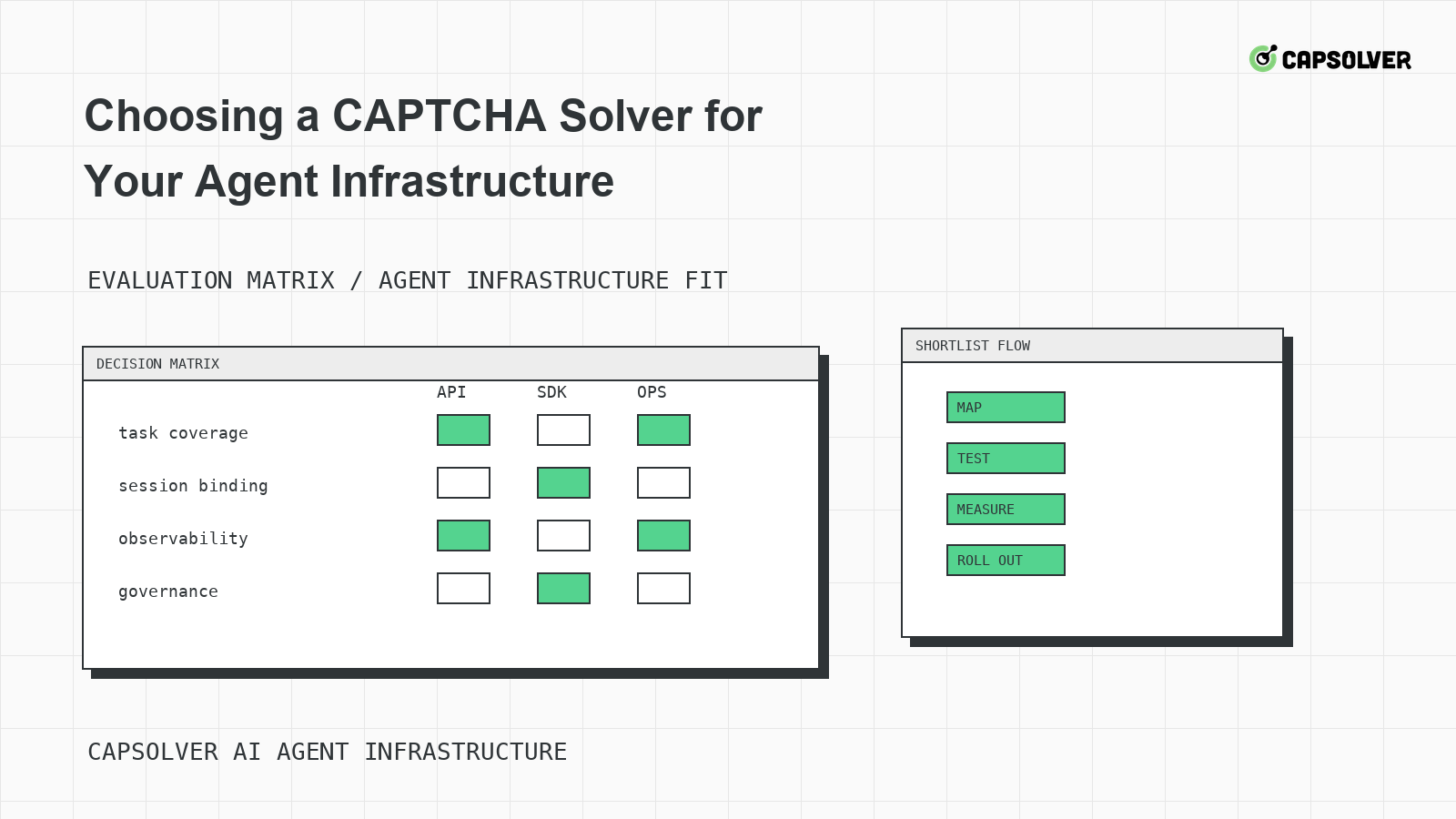
Choosing a CAPTCHA Solver for Your Agent Infrastructure
A decision framework for choosing a CAPTCHA solver for agent infrastructure, focused on challenge mapping, session binding, observability, rate controls, and responsible use.
Ethan Collins
18-Jun-2026
CAPTCHA-Solving Infrastructure for AI Agents
A systems architecture guide to CAPTCHA-solving infrastructure for AI agents, focused on form-state handoff, solver queues, cooldowns, and auditability.

Sora Fujimoto
18-Jun-2026
Why Your Agent Keeps Solving CAPTCHAs Wrong
A solver-mismatch guide for AI agents that solve CAPTCHAs wrong, focused on challenge classification, runtime widget context, token binding, and planner progress.
Rajinder Singh
17-Jun-2026