











Fixing Rate-Limited and Blocked AI Agents

Sora Fujimoto
AI Solutions Architect
12-Jun-2026
TL;DR
- Classify 429 as a pacing signal and 403 as a refusal signal before changing proxies, CAPTCHA handling, or planner prompts.
- Honor Retry-After when present, and create a local cooldown when the server omits it but repeated requests still fail.
- Give every agent run a request budget by host, account, endpoint, and action so retries cannot grow without operator intent.
- Queue throttling should happen before browser launch; slowing clicks after overload has already started is too late.
- Proxy and account policies must be evaluated together because a clean route cannot rescue an account that has exceeded its allowed use.
Introduction
Rate-limited agents need traffic control before they need more browser tricks. A 429, a 403, a CAPTCHA page, and a silent redirect all point to different failure classes, so the repair starts with status-code discipline. CapSolver is useful when an authorized workflow reaches a supported challenge after responsible pacing, but it should not hide overload, account abuse, or missing permission. For rate-limited and blocked AI agents, capture the endpoint, account, proxy route, request count, retry interval, response headers, and planner action that caused the denial. Then move throttling into the scheduler, not the model's last-second decision. The result is lower block rate and clearer accountability.
Distinguish 429 Pressure from 403 Refusal
Treat 429 and 403 as different operational signals. HTTP 429 says the client has sent too many requests in a period, while HTTP 403 means the server understood the request and refused it. The HTTP 429 Too Many Requests and HTTP 403 Forbidden definitions give a clean baseline for log classification. If the team groups both outcomes under one "blocked" label, the fix becomes noisy: one engineer slows requests, another rotates routes, and the agent continues repeating the same plan.
Create a status taxonomy for rate-limited and blocked AI agents. A 429 should record the host, endpoint, account, route, retry header, and recent request count. A 403 should record authorization state, account status, route, path, challenge page marker, and response body class. A CAPTCHA page should record whether it followed rapid requests or appeared on first contact. These categories allow separate repair paths.
Do not let the planner decide that every refusal deserves another attempt. The browser tool should return rate_limited, forbidden, challenge_detected, or auth_required as structured states. That one change keeps rate-limited and blocked AI agents from converting a minor cooldown into a larger lockout.
Honor Retry-After and Build Local Cooldowns
Retry timing should be driven by server feedback when the server provides it. The Retry-After response field defines the response field that can tell a client when to try again. If it appears, the queue should respect it exactly unless a stricter internal policy applies. If it does not appear, use a conservative local cooldown based on recent failure density, endpoint cost, and business priority.
A good cooldown has scope. One product page might need a per-host delay, while a write action needs an account-level pause. Search pages, login pages, checkout paths, and API-like endpoints should not share one generic retry counter. Rate-limited and blocked AI agents become easier to operate when each action has an explicit cost. A read can cost one unit, a search can cost more, and a failed form submit can consume the entire run budget.
CapSolver's proxy quality vocabulary helps teams separate route quality from pacing. A route with poor reputation can fail immediately, but a good route can still receive 429 if the agent overruns the site's expected cadence. The first repair is to respect the cooldown, not to change identity mid-session.
Give Each Agent a Request Budget
Budgets stop model loops from turning into traffic incidents. Define a maximum count per host, endpoint group, account, route, and task run. Include both navigation requests and background calls when possible because modern pages can trigger many assets and API requests after one visible action. When rate-limited and blocked AI agents have no budget, a single uncertain planner step can refresh, search, open a detail page, return, and repeat until the target refuses all traffic.
Set budgets before the browser starts. The scheduler should know how many runs may enter a host, how many pages each run may visit, how many write actions are allowed, and how many denials end the job. The browser layer can still observe signals, but it should not be the only throttle. Use the rate limiting control guidance as a security-minded reminder that repeated attempts are a risk signal, even when each individual request looks small.
The budget should be visible in logs. Record planned cost, spent cost, remaining cost, and the reason a task stopped. This makes rate-limited and blocked AI agents predictable enough for operations teams to forecast capacity and for compliance teams to review access boundaries.
Redeem Your CapSolver Bonus Code
Boost your automation budget instantly!
Use bonus code CAP26 when topping up your CapSolver account to get an extra 5% bonus on every recharge — with no limits.
Redeem it now in your CapSolver Dashboard

Queue Work Before It Hits the Browser
Queue throttling works best upstream. If ten agents launch browsers and then wait inside page flows, the target already sees the traffic burst. Put the queue in front of browser creation, DNS resolution, login, and page navigation. Assign concurrency by host and account group. Give high-risk actions, such as search loops or form submits, smaller lanes than read-only detail pages.
Use token buckets or leaky buckets for predictable pacing. Add jitter so many jobs do not resume at the same millisecond after a cooldown. Cache stable reads and deduplicate identical jobs before they consume browser capacity. If an agent wants the same page twice during one task, return the cached observation unless a real state change is expected. These controls reduce load and lower the chance that rate-limited and blocked AI agents trigger a site-wide refusal.
The blocked scraping controls discussion is most useful when translated into queue policy: fewer repeated requests, clearer route ownership, and a stop condition for denial. Queue design is not just performance work. It is part of responsible automation.
Align Proxy, Account, and Permission Strategy
Proxy changes should not be used as a reflex. A request route, account, cookie jar, user-agent family, and geolocation need to make sense together. If a logged-in account appears from multiple regions during one task, or if a route changes between challenge render and submit, the site may increase validation. Rate-limited and blocked AI agents often fail because route policy and account policy were designed by different teams.
Create a matrix for account group, allowed region, allowed proxy pool, maximum parallel sessions, and cooldown rule. Review proxy performance with a repeatable method such as CapSolver's proxy benchmark design, but do not treat benchmark success as permission to increase volume. Public access policy still matters, and the Robots Exclusion Protocol is a useful baseline for crawler governance.
When a CAPTCHA appears after responsible pacing and the workflow is authorized, CapSolver can be placed as a controlled challenge step. If 403 appears before any reasonable request pattern, fix access permission, account state, or target policy first. That distinction keeps rate-limited and blocked AI agents from masking a refusal with extra retries.
Build a Queue Before the Browser Opens
Rate control should begin before any browser instance launches. A queue can decide whether a task is allowed to start based on host budget, account budget, route budget, and endpoint cost. This is stronger than asking the browser agent to slow down after it has already opened tabs and started navigation. For rate-limited and blocked AI agents, pre-launch scheduling prevents the model from creating accidental bursts.
Design the queue around business priority. A monitoring task can wait behind a checkout QA task. A search-heavy task can run with a smaller concurrency limit than a single detail-page read. A failed task should return unused budget rather than retrying blindly. When a host begins returning 429, the queue should cool that host globally, not only the single agent run that happened to observe the response. This turns rate limiting from a browser error into a normal scheduling decision.
Review Accounts, Routes, and Endpoints Together
Account, route, and endpoint signals interact. A trusted account on an unstable route can fail. A clean route with an overused account can fail. A low-cost endpoint can remain healthy while login, search, or form-submit endpoints are already under pressure. Rate-limited and blocked AI agents need analysis that groups these dimensions instead of rotating one layer at a time.
Create a small operational dashboard. Track requests, 429, 403, challenge pages, average cooldown, retry count, final success, account ID class, route class, and endpoint group. The useful metric is not only block count; it is the ratio of completed tasks to validation events. If validation grows faster than completed work, stop and inspect the plan. A responsible system should reduce pressure when signals worsen, not spend more automation budget to force the same path.
Write a Backoff Policy the Model Cannot Override
Backoff belongs in code, not in the agent's mood. Define the first retry delay, maximum retry count, jitter range, cooldown scope, and stop condition outside the prompt. The agent can report why it needs another attempt, but the scheduler should decide whether the attempt is allowed. This prevents a persuasive model response from overriding a site signal that clearly asks the client to slow down.
Make the stop reason visible in the final task output. A stopped run should say host cooldown, account budget spent, endpoint refusal, or authorization unclear rather than a vague failure. That wording helps operators separate healthy restraint from broken automation. For rate-limited and blocked AI agents, a clean stop is a successful safety behavior, not a failed task.
Reopen Traffic Gradually After a Cooldown
Recovery should be gradual. When a cooldown ends, restart with one low-cost request, then a small batch, then normal volume only if denial signals stay low. Do not resume the entire backlog at once. A queue that releases every paused task together can recreate the same 429 pattern within seconds.
Write the recovery rule next to the pause rule. Include who can override it, which endpoints are excluded, and how success is measured. This keeps rate-limited and blocked AI agents from bouncing between overload and recovery all day.
Conclusion
Fixing rate-limited and blocked AI agents starts with classification. Separate 429 from 403, honor Retry-After, apply request budgets, throttle before browser launch, and keep proxy and account rules consistent. Challenge handling belongs after those controls, not before them.
When your permitted automation still reaches supported CAPTCHA challenges under a reasonable request budget, test that step with CapSolver and keep denial metrics separate from solve metrics.
FAQ
What is the first log to check for a blocked agent?
Check the HTTP status and response headers, then group the event by endpoint, account, route, and planner action. That prevents 429 and 403 from being repaired the same way.
Should an agent always wait for Retry-After?
Yes, when the header is present and valid. Internal policy can wait longer, but it should not retry sooner than the server's stated cooldown.
Can a new proxy fix rate limits?
Sometimes route quality matters, but a new proxy will not fix excessive volume, missing permission, a locked account, or inconsistent session behavior.
Where should throttling live?
Put primary throttling in the scheduler or queue before browser launch. The browser tool should still detect denial states and stop the planner.
When is CapSolver relevant for this problem?
CapSolver is relevant when an authorized workflow reaches a supported CAPTCHA after pacing, permission, account, and route controls are already in place.
Compliance Disclaimer: The information provided on this blog is for informational purposes only. CapSolver is committed to compliance with all applicable laws and regulations. The use of the CapSolver network for illegal, fraudulent, or abusive activities is strictly prohibited and will be investigated. Our captcha-solving solutions enhance user experience while ensuring 100% compliance in helping solve captcha difficulties during public data crawling. We encourage responsible use of our services. For more information, please visit our Terms of Service and Privacy Policy.
More
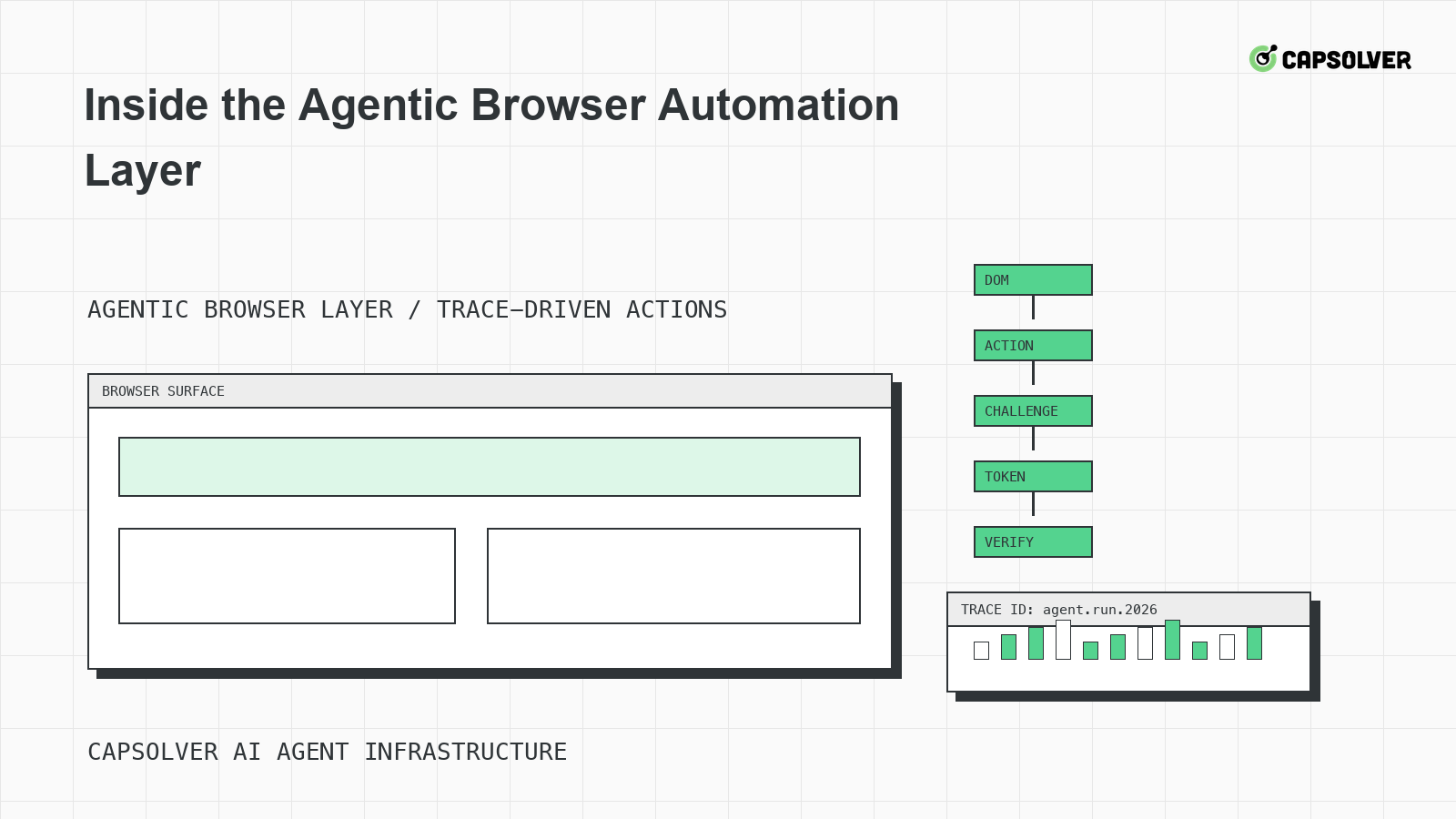
Inside the Agentic Browser Automation Layer
A runtime-level view of the agentic browser automation layer, focused on DOM grounding, planner state, Playwright-style traces, challenge handling, and stop rules.

Nikolai Smirnov
18-Jun-2026
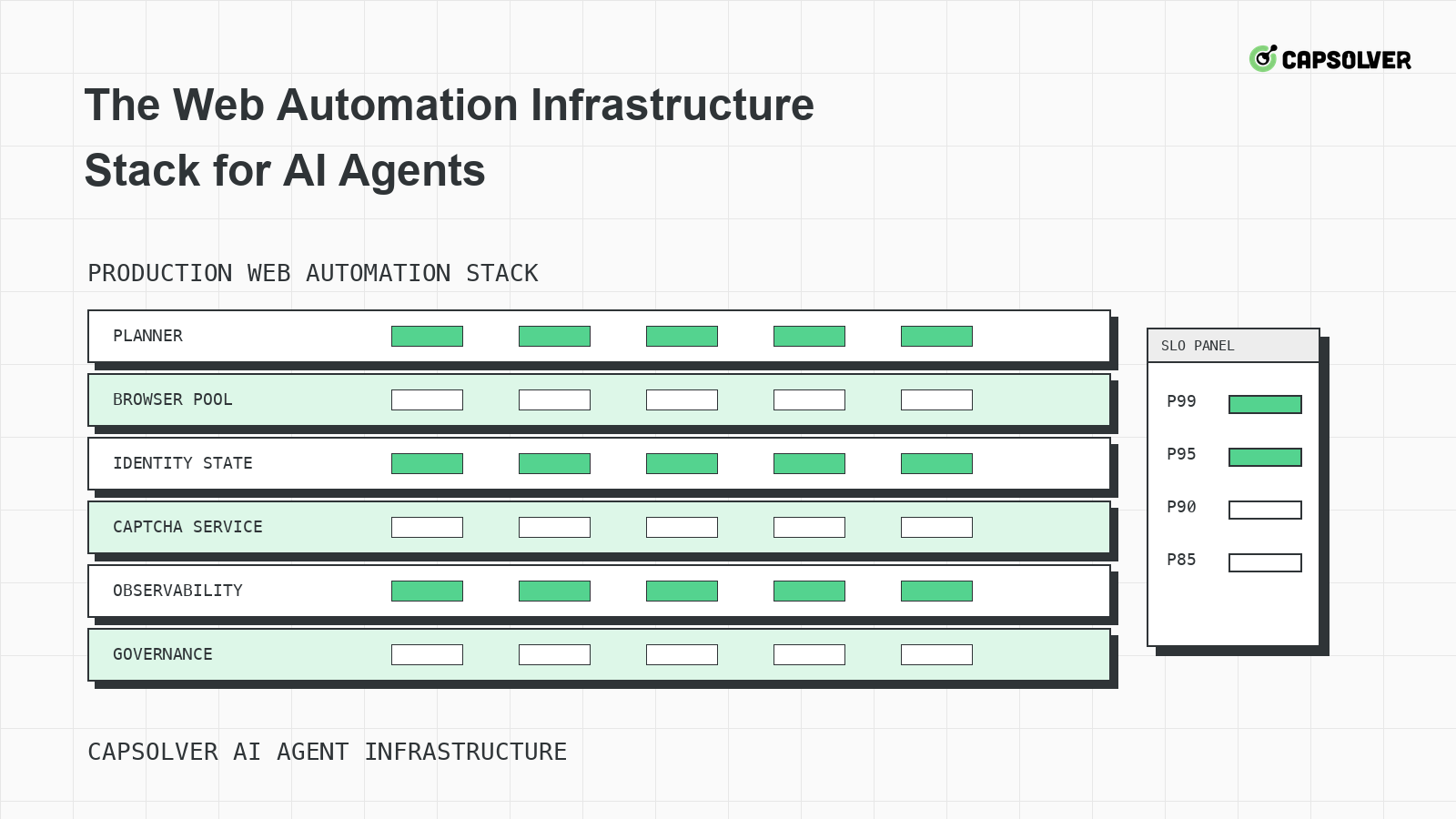
The Web Automation Infrastructure Stack for AI Agents
A layered infrastructure guide for AI agents running web automation, focused on browser pools, identity state, rate limits, observability, and challenge handling.

Emma Foster
18-Jun-2026
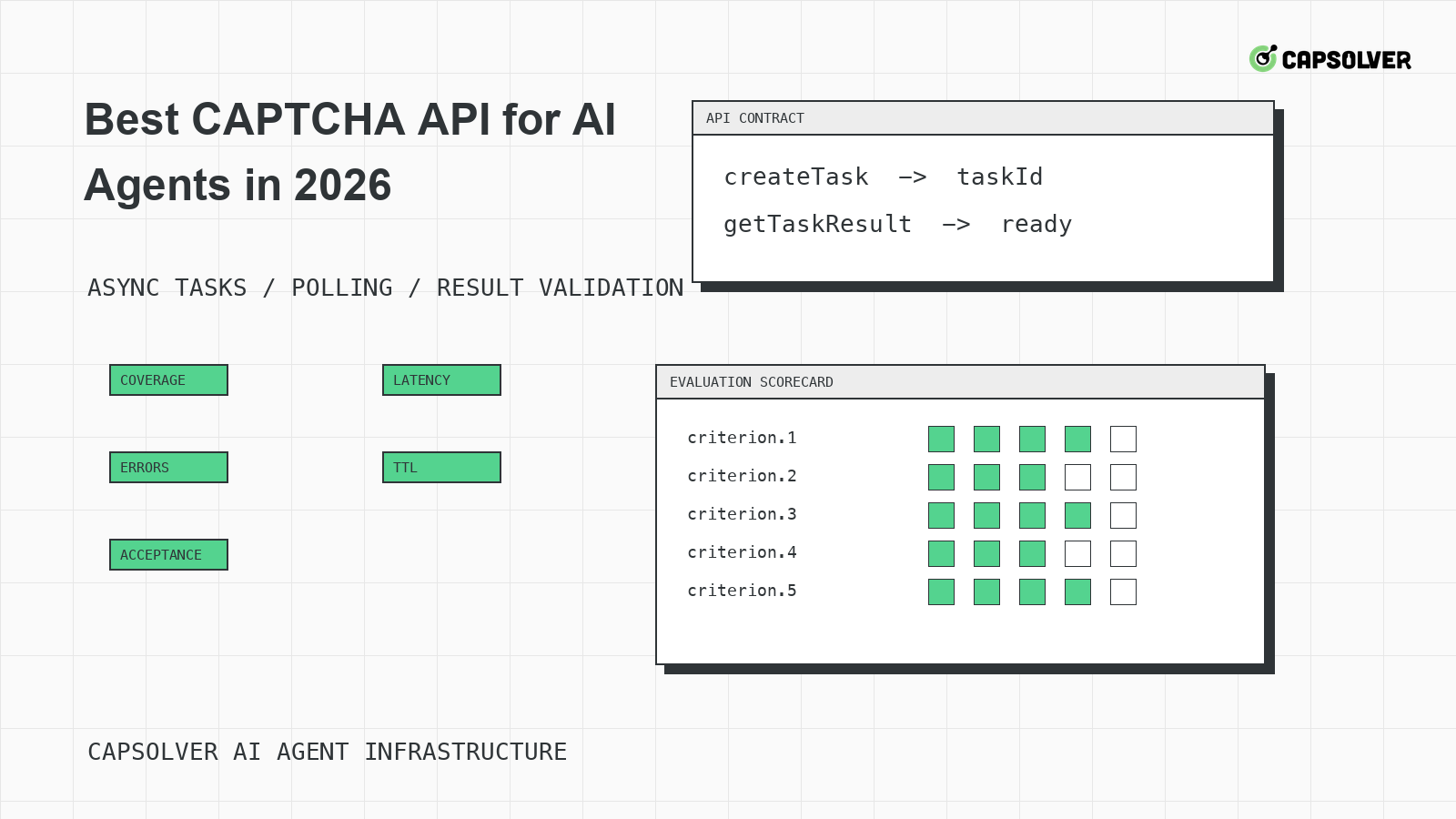
Best CAPTCHA API for AI Agents in 2026
A practical evaluation guide for choosing a CAPTCHA API for AI agents in 2026, centered on documented task coverage, polling contracts, token validation, and operational controls.

Rajinder Singh
18-Jun-2026
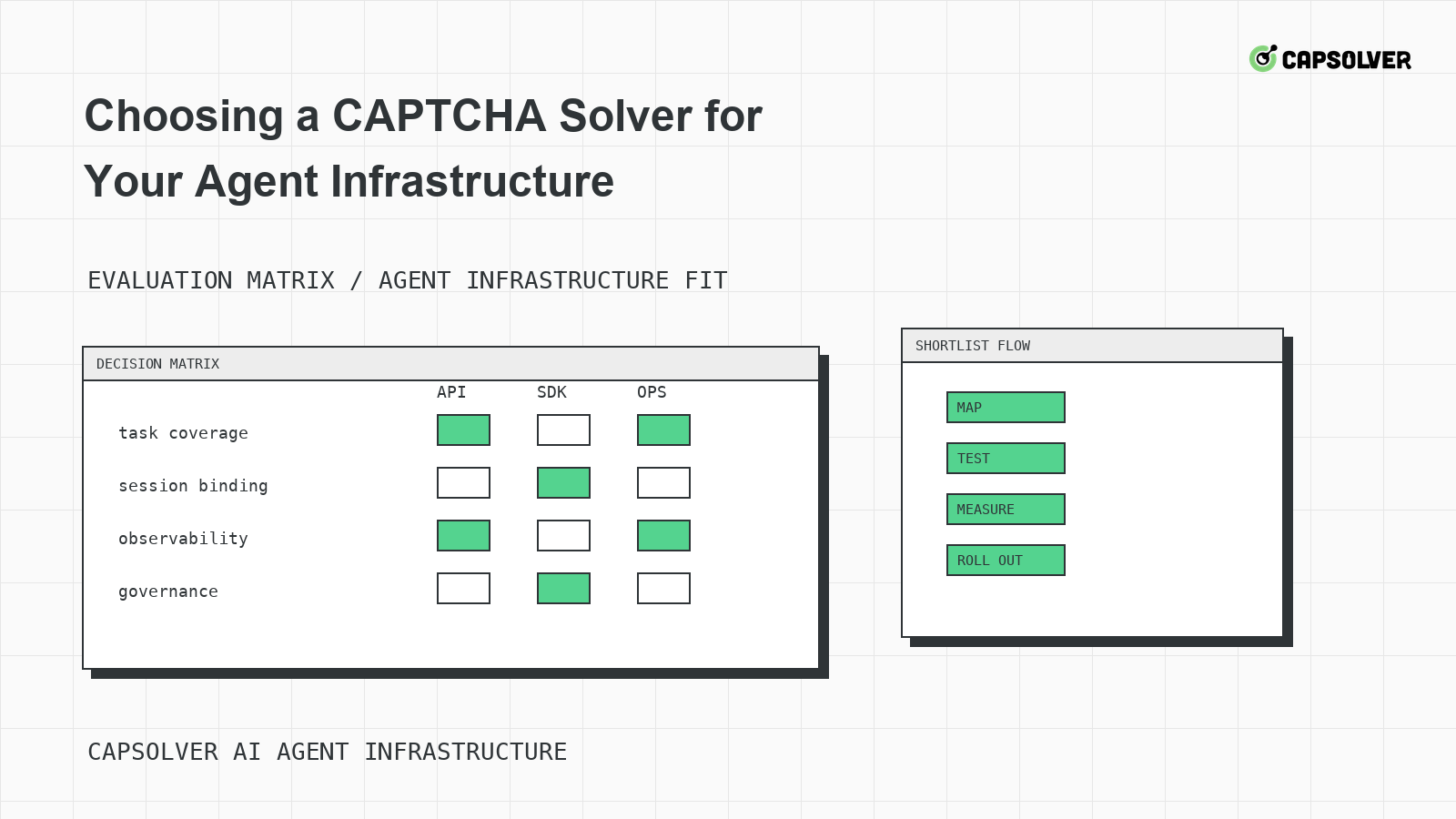
Choosing a CAPTCHA Solver for Your Agent Infrastructure
A decision framework for choosing a CAPTCHA solver for agent infrastructure, focused on challenge mapping, session binding, observability, rate controls, and responsible use.

Ethan Collins
18-Jun-2026
CAPTCHA-Solving Infrastructure for AI Agents
A systems architecture guide to CAPTCHA-solving infrastructure for AI agents, focused on form-state handoff, solver queues, cooldowns, and auditability.
Sora Fujimoto
18-Jun-2026
Why Your Agent Keeps Solving CAPTCHAs Wrong
A solver-mismatch guide for AI agents that solve CAPTCHAs wrong, focused on challenge classification, runtime widget context, token binding, and planner progress.
Rajinder Singh
17-Jun-2026