











Why AI Agent Tasks Get Stuck on CAPTCHAs and How to Fix Them

Ethan Collins
Pattern Recognition Specialist
09-Jun-2026
TL;DR
- AI agent tasks get stuck on CAPTCHAs because the agent treats a challenge page like a normal webpage.
- The fix is explicit challenge detection, stable browser state, bounded retries, and clear handoff to a solving or human-review path.
- CAPTCHA loops often come from stale tokens, session changes, poor wait logic, and repeated failed submissions.
- Responsible automation must respect site permissions, rate limits, account rules, and data boundaries.
Introduction
AI agent tasks get stuck on CAPTCHAs when the agent has no model of the challenge state. It keeps reading the page, clicking the same button, refreshing, or asking the browser tool to continue. That behavior can create a loop and increase risk signals. CapSolver is useful for permitted workflows that need a CAPTCHA result, but the agent still needs correct detection, session stability, and stop conditions. The right fix is to make CAPTCHA a first-class state in the agent plan rather than an unexpected visual obstacle.
The Agent Cannot See the Real State
AI agent tasks get stuck on CAPTCHAs because screenshots and DOM text are often ambiguous. A challenge iframe may not expose useful text. A reCAPTCHA v3 failure may appear only after backend verification. Cloudflare may show a waiting page that changes after JavaScript execution.
Official docs show why this distinction matters. Google describes score-based reCAPTCHA v3 in its reCAPTCHA display documentation, while Cloudflare publishes separate references for browser compatibility and challenge behavior. These are different traffic validation flows, so one generic “click continue” policy will fail.
Common Loop Causes
| Loop cause | What it looks like | Fix |
|---|---|---|
| No challenge detector | Agent keeps summarizing the CAPTCHA page | Add DOM, URL, iframe, and status checks |
| Token submitted too late | CAPTCHA appears again after form submit | Solve close to submit |
| Session changed | Token rejected after proxy or browser restart | Preserve context |
| Wrong wait target | Agent clicks before page is ready | Wait for post-challenge element |
| Unbounded retries | Blocks become more frequent | Add stop conditions |
The agent should first recognize what CAPTCHAs are: traffic validation states that require a different plan from normal browsing. A queue page may need a Queue-it CAPTCHA path, while a niche provider may require an MTCaptcha workflow. Ecommerce tasks need special caution because ecommerce CAPTCHA handling can intersect with inventory, checkout, and account rules. Public-data agents should apply the same limits used in a Python CAPTCHA scraping guide, especially when the task touches data harvesting.
Design a CAPTCHA State Machine
AI agent tasks get stuck on CAPTCHAs less often when the browser tool returns a state machine instead of raw text. Use states such as normal_page, challenge_detected, solving, token_ready, submit_failed, blocked, and needs_human_review.
For browser action timing, the same concept applies to agents: wait for a meaningful state transition. A planner should not act on a page until the browser tool has classified whether the page is normal content, a challenge, a rate limit, or a hard block.
Redeem Your CapSolver Bonus Code
Boost your automation budget instantly!
Use bonus code CAP26 when topping up your CapSolver account to get an extra 5% bonus on every recharge — with no limits.
Redeem it now in your CapSolver Dashboard

Stop Conditions Matter
AI agent tasks get stuck on CAPTCHAs when success is defined too loosely. “Continue until done” is unsafe for protected pages. Define maximum attempts, maximum time, and terminal errors. If the page returns a hard block or the workflow lacks authorization, stop.
Avoid logging sensitive data. Keep only the fields needed for diagnosis: challenge type, URL pattern, retry count, network route, and high-level error. Do not store raw tokens, passwords, or personal account data.
Why LLM Planning Makes CAPTCHA Loops Worse
AI agent tasks get stuck on CAPTCHAs partly because LLM planners tend to optimize for task completion. If the instruction is “log in and download the report,” the agent may interpret every obstacle as a temporary UI problem. A CAPTCHA is different. It is a risk-control state inserted by the site, and the correct action may be to wait, solve through an approved integration, ask for human review, or stop.
The browser tool should therefore prevent the planner from improvising unsafe actions. Instead of returning “I see a checkbox,” return challenge_detected with provider, confidence, and allowed next actions. The agent should not decide on its own to create new accounts, switch identities, or escalate request volume. The NIST AI Risk Management Framework is not a CAPTCHA manual, but it is a useful governance reference: automation should be measured, monitored, and bounded.
For broad agent workflows, the right question is not only whether a solver exists, but whether the task is allowed and whether the browser state is coherent. An AI web scraping and solving CAPTCHA workflow should still define domain scope, retry limits, and data boundaries. If the task is public scraping, 3 ways to solve CAPTCHA while scraping can inform the recovery path, while what is web scraping clarifies the workflow category. Teams comparing a CAPTCHA solving service should evaluate reliability, compliance fit, and integration clarity rather than treating solving as a universal permission layer.
Add a Recovery Playbook
AI agent tasks get stuck on CAPTCHAs less often when every challenge has a recovery playbook. The playbook should answer five questions. What challenge type is present? Is the task authorized? Is there enough challenge context to solve it? Is the browser session stable? What is the maximum retry budget? If any answer is unknown, the agent should pause and return diagnostics.
For visible image CAPTCHAs, the playbook may route to a solver or human review. For reCAPTCHA v3, it should check action name and token freshness. For Cloudflare Turnstile, it should keep widget parameters and browser state aligned. For hard 403 pages, it should stop. For rate-limited pages, it should slow down or reschedule. This taxonomy keeps the agent from applying the same behavior to every protection mechanism.
Design the Browser Tool for State, Not Screenshots
Screenshots are useful for human debugging, but they are a weak primary interface for agents. AI agent tasks get stuck on CAPTCHAs because the planner sees pixels but not the underlying state. A better browser tool returns both a screenshot and structured signals: URL, title, status code when available, iframe domains, visible provider strings, form state, and recent navigation events.
Playwright’s locator guidance is a useful pattern because it encourages selecting meaningful elements rather than brittle coordinates. LangChain’s LangGraph platform documentation also reflects the importance of explicit workflow state when building agent systems. The same design principle applies here: model CAPTCHA handling as a state transition, not a screenshot puzzle.
Put Compliance in the Agent Policy
The policy layer should be explicit. AI agent tasks get stuck on CAPTCHAs in benign workflows, such as QA, public monitoring, and internal admin automation. They also appear in workflows that should not continue. The agent needs rules for both. It should stop when the task asks for unauthorized access, private data, credential abuse, spam, checkout abuse, or any action outside the approved scope.
Add a short policy object to the task context: permitted domains, permitted accounts, rate limits, data categories, and escalation path. The browser tool can then make safer decisions when a challenge appears. If the target domain is not permitted, return a policy error before solving. If the workflow is permitted but high risk, require human approval after one failed attempt.
Measure Loop Rate as a Product Metric
Treat CAPTCHA loops as a reliability metric. Track how many tasks enter challenge_detected, how many recover, how many stop for policy, and how many repeat the same challenge. A high loop rate may indicate weak browser state, poor proxy quality, ambiguous agent prompts, or missing detector coverage. Fixing those root causes improves task completion and reduces unnecessary traffic.
The best AI agent CAPTCHA handling is boring: detect, decide, act once, and stop cleanly when blocked. The goal is not to make the agent more stubborn. The goal is to make it more accurate and responsible.
Review Prompts and Tool Descriptions
AI agent tasks get stuck on CAPTCHAs when prompts describe the browser tool as if it can complete any website task. Rewrite tool descriptions so they say what happens on protected pages. For example, the browser tool can browse public pages, fill permitted forms, and report challenge states. It cannot guarantee access through traffic validation, create new identities, or continue after a hard denial. Clear tool descriptions reduce the chance that the planner treats CAPTCHA as a minor UI element.
Task prompts should also define the acceptable outcome. “Download the report if the approved account can access it” is safer than “download the report no matter what.” “Collect public prices with a maximum of one request per page” is safer than “scrape the whole site.” These small prompt differences shape how the agent reacts when it meets a CAPTCHA. The goal is not only successful completion; it is successful completion inside the allowed boundary.
Add Human Review Where It Actually Helps
Human review should not be a vague escape hatch. Use it for specific decisions: confirming authorization, completing a challenge when policy allows, approving a retry after a rate limit, or deciding that the task should stop. The agent should send the reviewer a concise packet: target domain, task purpose, challenge type, retry count, and sanitized screenshot if allowed. It should not send raw credentials, tokens, or private page data.
This review path is especially useful for new domains. Once the team understands the site’s rules and allowed automation pattern, the workflow can be encoded into policy. Until then, a human checkpoint prevents the agent from learning the wrong behavior through repeated failures.
Conclusion
AI agent tasks get stuck on CAPTCHAs because the automation stack lacks challenge awareness. Add detection, state transitions, stable sessions, limited retries, and responsible stop conditions. In authorized workflows where a solver is appropriate, CapSolver can provide the CAPTCHA-handling step while the agent manages context and compliance.
FAQ
Why does my AI agent keep refreshing the CAPTCHA page?
The agent likely does not recognize the page as a terminal or special challenge state. Add explicit challenge detection and retry limits.
Can an LLM solve visual CAPTCHAs by itself?
It should not be treated as a reliable or compliant default. Use approved workflows, human review, or a dedicated service when the task is authorized.
What logs help diagnose CAPTCHA loops?
Log challenge type, URL, retry count, browser context ID, proxy region, and final error. Avoid secrets and personal data.
When should the agent stop?
Stop after bounded retries, hard 403 responses, missing authorization, repeated token rejection, or any protected data boundary.
Compliance Disclaimer: The information provided on this blog is for informational purposes only. CapSolver is committed to compliance with all applicable laws and regulations. The use of the CapSolver network for illegal, fraudulent, or abusive activities is strictly prohibited and will be investigated. Our captcha-solving solutions enhance user experience while ensuring 100% compliance in helping solve captcha difficulties during public data crawling. We encourage responsible use of our services. For more information, please visit our Terms of Service and Privacy Policy.
More
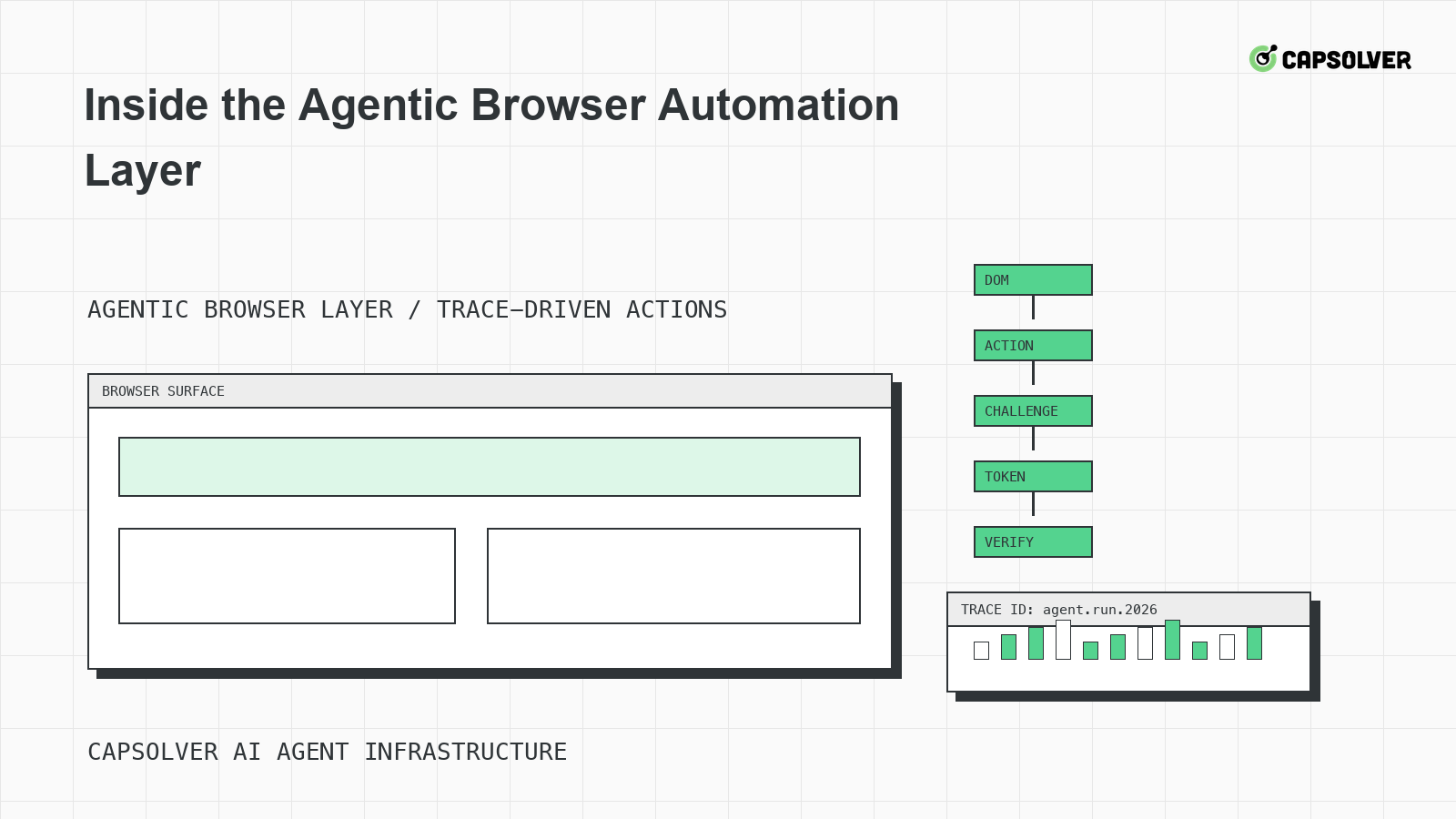
Inside the Agentic Browser Automation Layer
A runtime-level view of the agentic browser automation layer, focused on DOM grounding, planner state, Playwright-style traces, challenge handling, and stop rules.

Nikolai Smirnov
18-Jun-2026
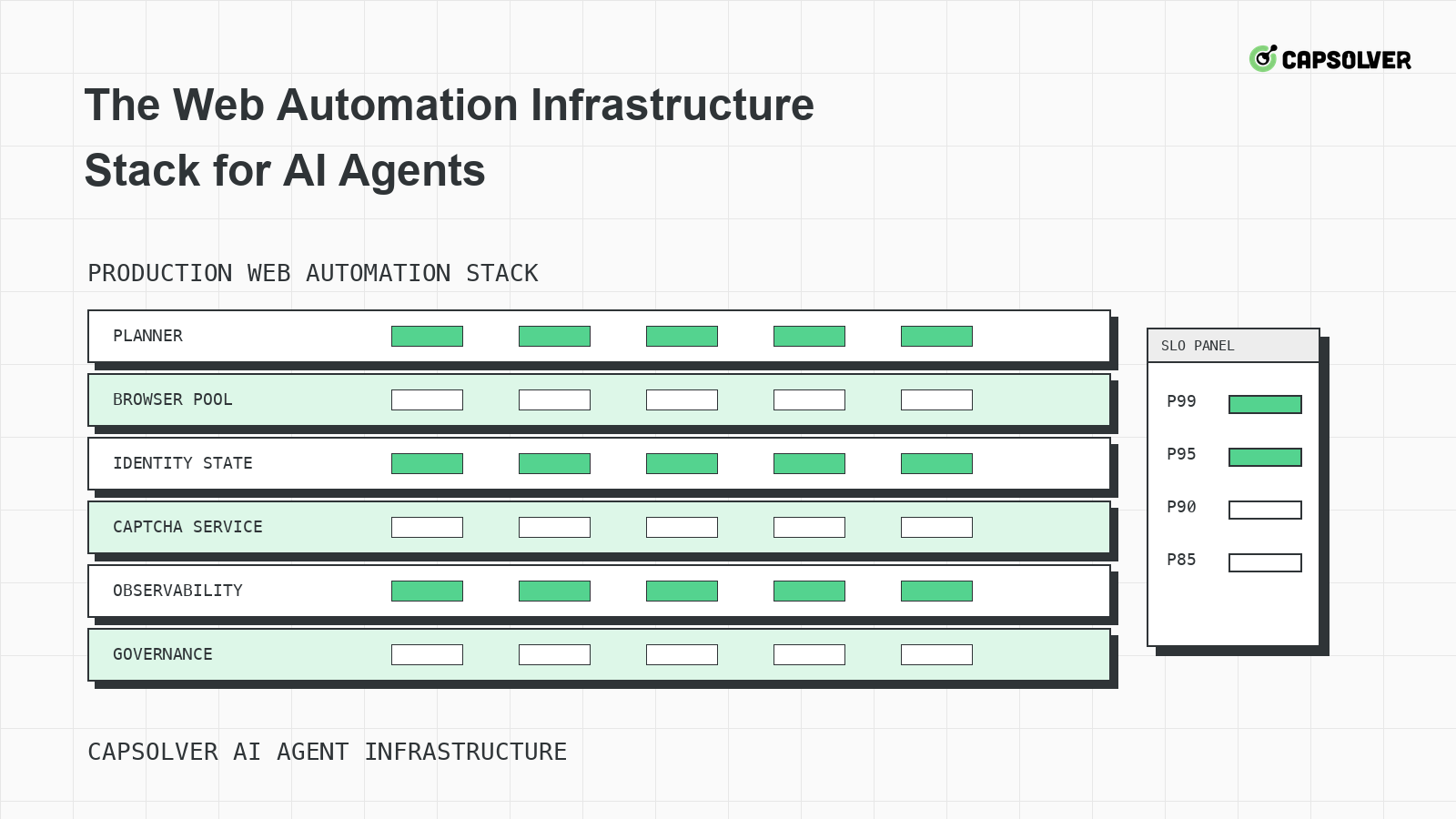
The Web Automation Infrastructure Stack for AI Agents
A layered infrastructure guide for AI agents running web automation, focused on browser pools, identity state, rate limits, observability, and challenge handling.

Emma Foster
18-Jun-2026
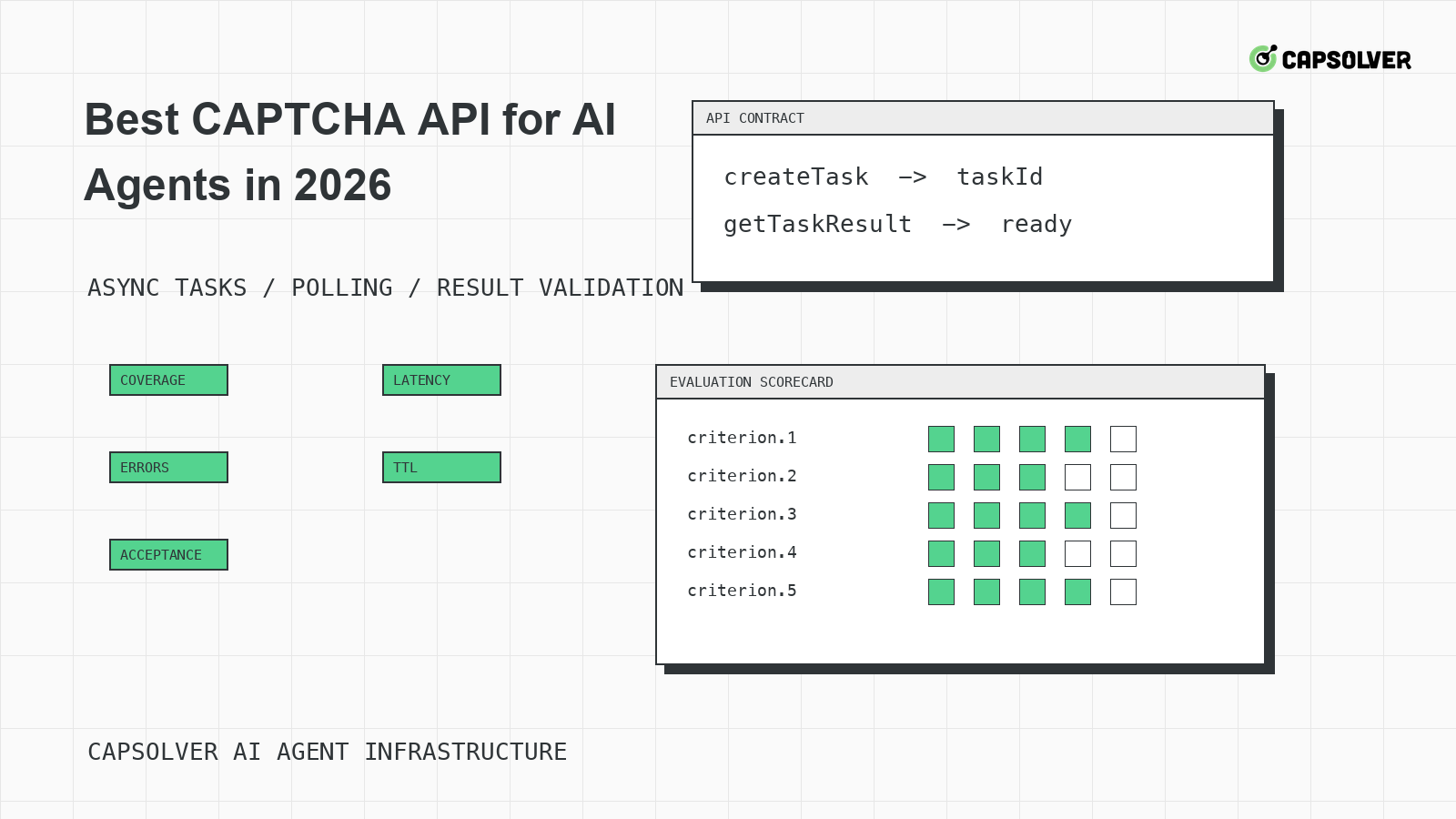
Best CAPTCHA API for AI Agents in 2026
A practical evaluation guide for choosing a CAPTCHA API for AI agents in 2026, centered on documented task coverage, polling contracts, token validation, and operational controls.

Rajinder Singh
18-Jun-2026
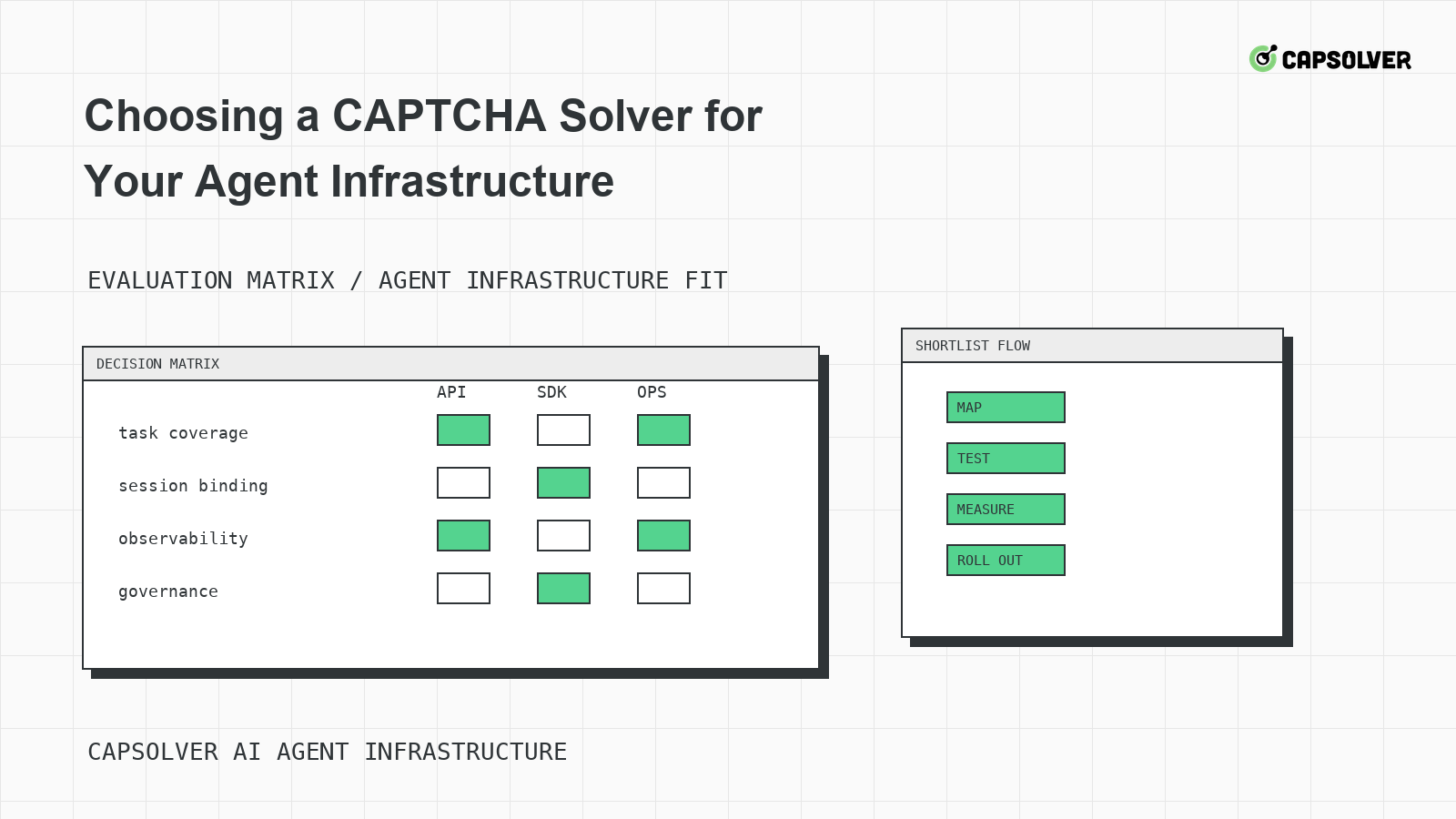
Choosing a CAPTCHA Solver for Your Agent Infrastructure
A decision framework for choosing a CAPTCHA solver for agent infrastructure, focused on challenge mapping, session binding, observability, rate controls, and responsible use.
Ethan Collins
18-Jun-2026
CAPTCHA-Solving Infrastructure for AI Agents
A systems architecture guide to CAPTCHA-solving infrastructure for AI agents, focused on form-state handoff, solver queues, cooldowns, and auditability.

Sora Fujimoto
18-Jun-2026
Why Your Agent Keeps Solving CAPTCHAs Wrong
A solver-mismatch guide for AI agents that solve CAPTCHAs wrong, focused on challenge classification, runtime widget context, token binding, and planner progress.
Rajinder Singh
17-Jun-2026