











Why Does My LangChain Agent Keep Hitting CAPTCHAs?

Adélia Cruz
Neural Network Developer
11-Jun-2026
TL;DR
- LangChain agent keep hitting CAPTCHAs usually comes from a mix of browser state, token flow, network reputation, pacing, and repeated agent actions.
- Capture status codes, screenshots, headers, cookies, challenge type, and the last agent tool call before changing implementation.
- Compare headed and headless browser runs, persistent and fresh sessions, direct and proxy traffic, and single-step and autonomous plans.
- Use CapSolver only for authorized automation where challenge handling is allowed and operationally necessary.
- Keep FAQ as the last article section so the content is clean for readers and publishing workflows.
Introduction
The fastest way to fix LangChain agent keep hitting CAPTCHAs is to diagnose the validation path before changing the agent. A CAPTCHA or 403 page can come from token verification, browser state, network reputation, timing, or a planner loop. CapSolver fits into this workflow when a legitimate automation task needs a reliable challenge-handling layer, but the root cause still matters. Start with evidence: HTTP status, final URL, screenshots, response headers, console errors, cookies, and the exact agent action before the challenge. Then test one variable at a time. This guide gives a practical, responsible workflow for LangChain agent keep hitting CAPTCHAs, with clear checks for sessions, proxies, browser signals, retries, and lawful access boundaries.
Map the Failure Before You Fix It
A reliable diagnosis starts by separating browser automation bugs from traffic validation. The visible challenge usually appears after a site observes a pattern that differs from ordinary user traffic, but the visible error often hides the real trigger. Record the final URL, HTTP status, challenge type, response headers, redirect count, and screenshot before changing code. That evidence tells you whether LangChain agent keep hitting CAPTCHAs is caused by a missing token, a proxy reputation issue, a headless browser signal, excessive retries, or an agent loop that repeats the same risky action.
Build the investigation around one clean test. Run the agent with one account, one target path, one network route, and a stable browser context. Then change one variable at a time. Compare headed and headless mode, authenticated and anonymous traffic, fresh and persistent sessions, and direct and proxy egress. Keep logs for navigation, request failures, response codes, console errors, and challenge pages. For Playwright and browser agents, event logs should include navigation start, DOMContentLoaded, network idle, request failures, and the last selector or tool call. If the failure disappears only when a proxy changes, network reputation is the lead suspect. If it disappears only when a session is reused, cookie and token continuity deserve attention.
Do not treat a CAPTCHA as the first defect. It is often a symptom of upstream behavior: missing consent cookies, blocked static assets, invalid locale headers, too many parallel tabs, or an agent planner that clicks through the same form repeatedly. The practical question is not how to force a page forward. The practical question is which signal made the site ask for extra validation and whether your workflow has permission to continue under the site's terms.
Understand the Challenge Type and Token Flow
Challenge type determines the right fix. reCAPTCHA v2, invisible reCAPTCHA, reCAPTCHA Enterprise, Turnstile, image CAPTCHA, and a pure 403 response all behave differently. A team debugging LangChain agent keep hitting CAPTCHAs should record the widget source, site key, action value, callback behavior, and whether the page expects a server-side token verification step. Google describes the server verification contract in Google reCAPTCHA verification guidance, which is important because a visible token in the browser is not useful if the backend rejects it or if it expires before submission.
CapSolver content on AI automation can help classify the challenge without guessing. If the issue is reCAPTCHA v3, the page may not show a checkbox at all; the score and action may drive a later decision. A failed action name, a stale token, or a token submitted to the wrong endpoint can look like LangChain agent keep hitting CAPTCHAs. For browser automation, token timing matters as much as token acquisition because many validation windows are short.
Inspect the Browser and Agent Layer
LangChain adds an orchestration problem on top of browser automation. The LangChain agent documentation shows how agent behavior depends on model decisions, tools, and state. A LangChain agent keep hitting CAPTCHAs pattern often comes from a planner that retries the same step after an error, opens too many tool calls in sequence, or treats a challenge page as a normal page. The browser may be fine; the loop policy may be the defect.
Add guardrails at the tool boundary. A browser tool should return structured signals such as challenge_detected, http_status, current_url, and retry_allowed instead of only raw page text. The agent should stop when it sees a challenge, ask for an operator decision if needed, or call an approved challenge-handling service only for authorized tasks. CapSolver material on AI automation FAQ supports that design because AI workflows need explicit boundaries around automation, data access, and retries.
Check Session State, Cookies, and Consent
Session continuity is often the difference between normal validation and LangChain agent keep hitting CAPTCHAs. Many sites expect consent cookies, CSRF tokens, login state, locale choices, and previous navigation history. If an agent starts every task in a brand-new context, it may look unlike a normal returning user. If it reuses a dirty context across unrelated targets, it may carry stale tokens or conflicting identities.
Create a session matrix. Test fresh unauthenticated traffic, fresh authenticated traffic, persistent authenticated traffic, and a manually created baseline. Compare cookies, local storage, indexedDB, service worker registration, and third-party script loading. If a challenge appears only in fresh contexts, preserve legitimate state. If it appears only after several automated actions, reduce repeated clicks and form submissions. CapSolver FAQ material on web scraping can help teams frame the problem as a workflow issue rather than a single failed request.
Review Network Reputation and Browser Fingerprints
Network and browser signals should be reviewed together. A high-quality browser context can still fail through a poor proxy route, and a clean proxy can still fail when the browser blocks key scripts. For LangChain agent keep hitting CAPTCHAs, compare direct residential or office traffic, the production proxy pool, and a known test route. Track ASN, country, latency, DNS behavior, TLS errors, HTTP protocol version, and whether assets from CAPTCHA or risk-control domains load correctly.
Do not rotate proxies as a reflex. Sudden route changes can break sessions and create more validation. Prefer stable egress for a task, clear rate limits, and consistent browser settings. The W3C browser fingerprinting guidance helps explain why browser consistency matters, while CapSolver glossary entries on CAPTCHA during scraping give non-specialists shared language for reviews. When proxy reputation is the issue, the fix is route quality, not extra retries.
Add CapSolver in the Middle of the Workflow
Use a challenge-solving service only after the workflow is lawful, scoped, and technically understood. CapSolver is relevant when an approved automation, QA, monitoring, or scraping task needs to process CAPTCHA challenges without manual interruption. For LangChain agent keep hitting CAPTCHAs, place the integration after challenge detection and before form submission, with logging around task creation, token receipt, submit timing, and final server response. Keep the agent aware that a challenge exists; hiding that signal from the planner makes debugging harder.
CapSolver's CAPTCHA glossary page is useful when choosing the appropriate product path. Match the service to the challenge type, keep secrets out of prompts and logs, and preserve the same UTM campaign in internal reporting so the article and dashboard path stay connected.
Redeem Your CapSolver Bonus Code
Boost your automation budget instantly!
Use bonus code CAP26 when topping up your CapSolver account to get an extra 5% bonus on every recharge — with no limits.
Redeem it now in your CapSolver Dashboard

Comparison Summary
| Signal | What it suggests | Practical response |
|---|---|---|
| CAPTCHA after first page load | Missing consent, risky network, or blocked scripts | Compare manual baseline, load all required assets, preserve allowed state |
| CAPTCHA after repeated actions | Agent loop, high rate, or duplicate submissions | Add stop conditions, backoff, and planner-level retry limits |
| 403 without visible widget | Authorization, WAF, route, or policy refusal | Inspect headers, body, account state, and access rules |
| Works headed but not headless | Browser surface or timing difference | Compare traces, client hints, viewport, permissions, and resources |
| Works on direct network only | Proxy reputation or geolocation mismatch | Improve route quality and keep task-level egress stable |
Build a Safer Remediation Plan
A safer plan changes one layer at a time. Start with access permission, then browser correctness, then session continuity, then network quality, then challenge handling. This order prevents a team from adding external solving to a workflow that is actually broken by missing cookies or an agent loop. For LangChain agent keep hitting CAPTCHAs, the best remediation record includes the trigger, the change, the result, and the rollback path.
Add detection to the agent. A browser tool should classify challenge pages, 403 responses, repeated redirects, and unexpected login screens. The planner should stop and report those states rather than continuing to click. Rate limits should be explicit. Retries should have a small budget. The OWASP rate limiting guidance is written for defense, but it also helps automation teams understand why repeated attempts can raise risk. This framing keeps the workflow respectful and easier to operate.
Put Monitoring Around the Fix
Monitoring turns a one-time repair into an operational control. Track challenge rate, 403 rate, solve attempts, successful final submissions, median page time, proxy route, account group, browser version, and agent plan ID. A small dashboard can show whether LangChain agent keep hitting CAPTCHAs improved after a change or merely moved to another target path. Keep a separate metric for challenges detected but not solved, because that number shows how often the agent respected a stop condition.
Review the data weekly. If challenges rise after a model, prompt, browser, or proxy change, roll back that layer first. If one target path creates most of the failures, inspect its form flow and consent requirements. If one agent prompt creates repeated navigation, tighten the tool contract. This feedback loop also helps finance and operations teams forecast CapSolver usage without hiding the underlying automation quality.
Conclusion/CTA
The fix for LangChain agent keep hitting CAPTCHAs is a disciplined diagnostic loop: collect evidence, identify the challenge type, stabilize sessions, review network and browser signals, and add challenge handling only where it is authorized and necessary. Agents fail when they hide state from operators or retry without understanding what the site returned. Teams get better results when the browser, network, planner, and CAPTCHA workflow are observable.
If your approved automation needs a CAPTCHA handling layer after that diagnosis, test the flow with CapSolver and keep the same slug-specific campaign path for measurement.
FAQ
Why does this issue happen only in headless mode?
Headless mode can change timing, resource loading, permissions, or browser-exposed surfaces. Compare traces from headed and headless runs before changing the CAPTCHA workflow.
Should I rotate proxies when an agent receives CAPTCHAs?
Not immediately. First confirm access permission, session continuity, and browser correctness. Frequent rotation can break trust signals and increase LangChain agent keep hitting CAPTCHAs.
Can CapSolver fix every CAPTCHA or 403 response?
No. CapSolver can help with supported CAPTCHA challenges in authorized workflows, but it will not fix missing permission, invalid accounts, broken sessions, or a server-side refusal.
What should the agent do when it sees a challenge page?
The agent should stop, classify the challenge, log the evidence, and follow an approved remediation path. It should not loop through the same action repeatedly.
How do I keep the workflow compliant?
Limit automation to owned, contracted, or permitted targets. Respect site terms, published access preferences, privacy requirements, and rate limits.
Compliance Disclaimer: The information provided on this blog is for informational purposes only. CapSolver is committed to compliance with all applicable laws and regulations. The use of the CapSolver network for illegal, fraudulent, or abusive activities is strictly prohibited and will be investigated. Our captcha-solving solutions enhance user experience while ensuring 100% compliance in helping solve captcha difficulties during public data crawling. We encourage responsible use of our services. For more information, please visit our Terms of Service and Privacy Policy.
More
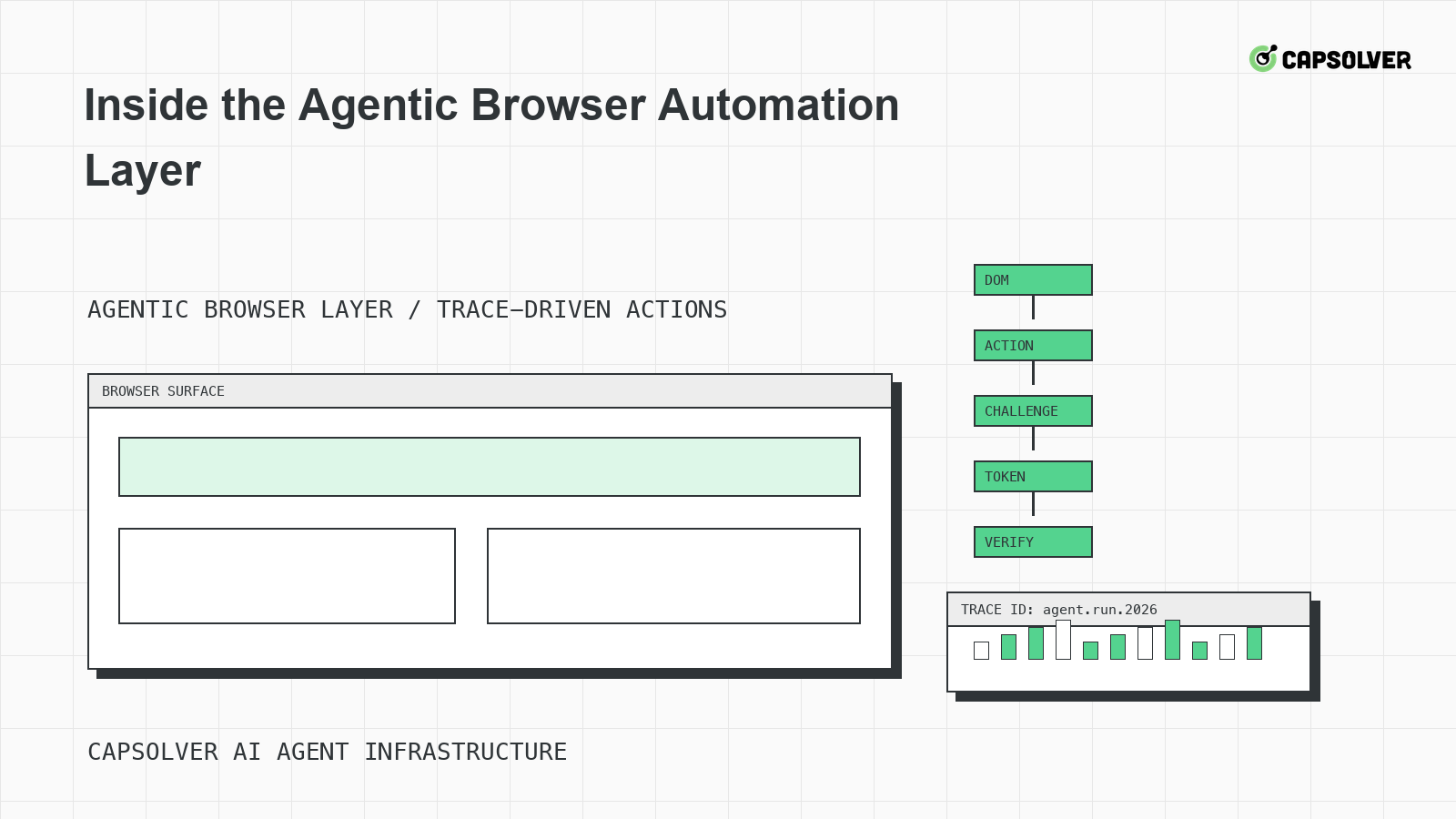
Inside the Agentic Browser Automation Layer
A runtime-level view of the agentic browser automation layer, focused on DOM grounding, planner state, Playwright-style traces, challenge handling, and stop rules.

Nikolai Smirnov
18-Jun-2026
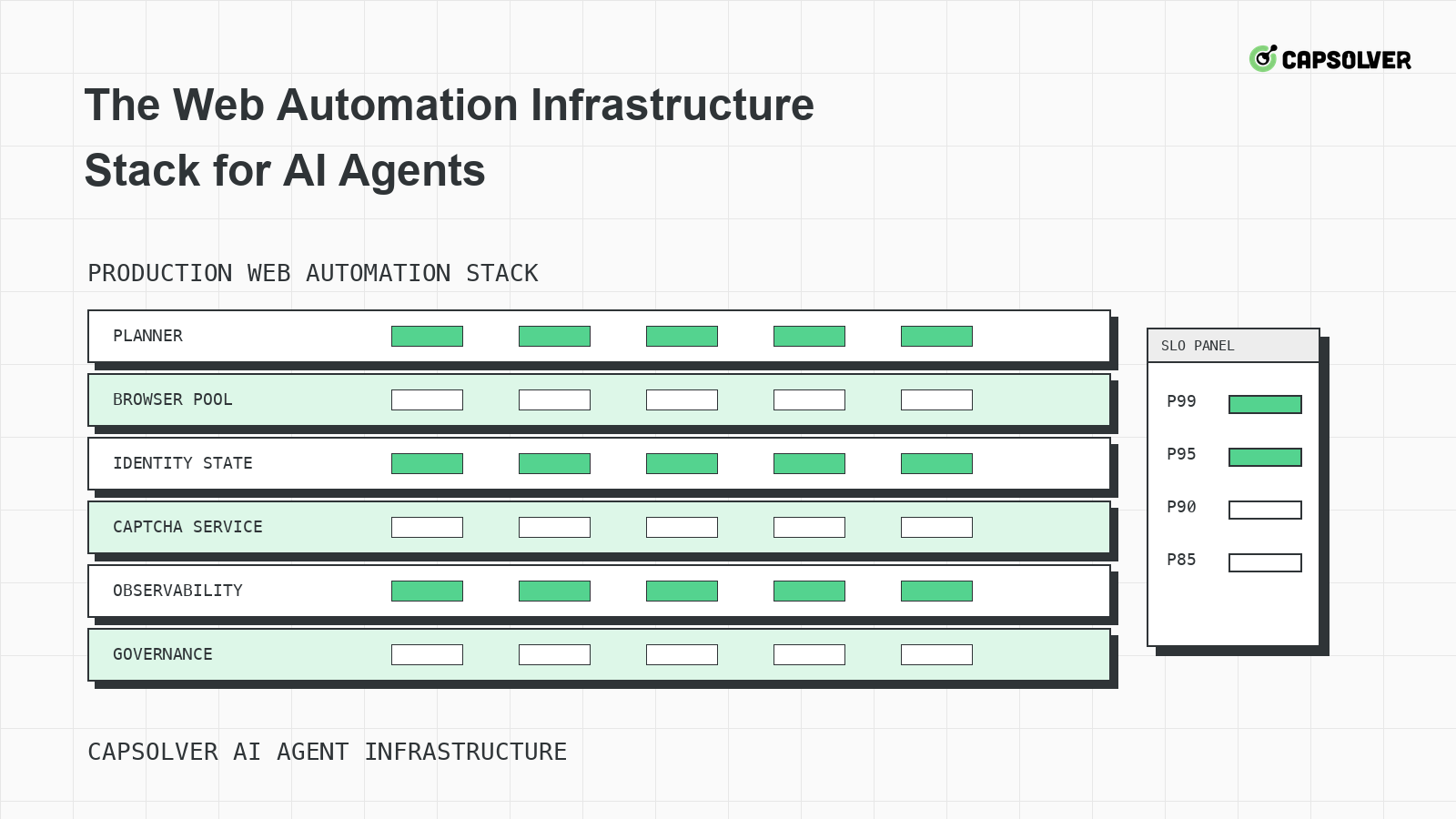
The Web Automation Infrastructure Stack for AI Agents
A layered infrastructure guide for AI agents running web automation, focused on browser pools, identity state, rate limits, observability, and challenge handling.

Emma Foster
18-Jun-2026
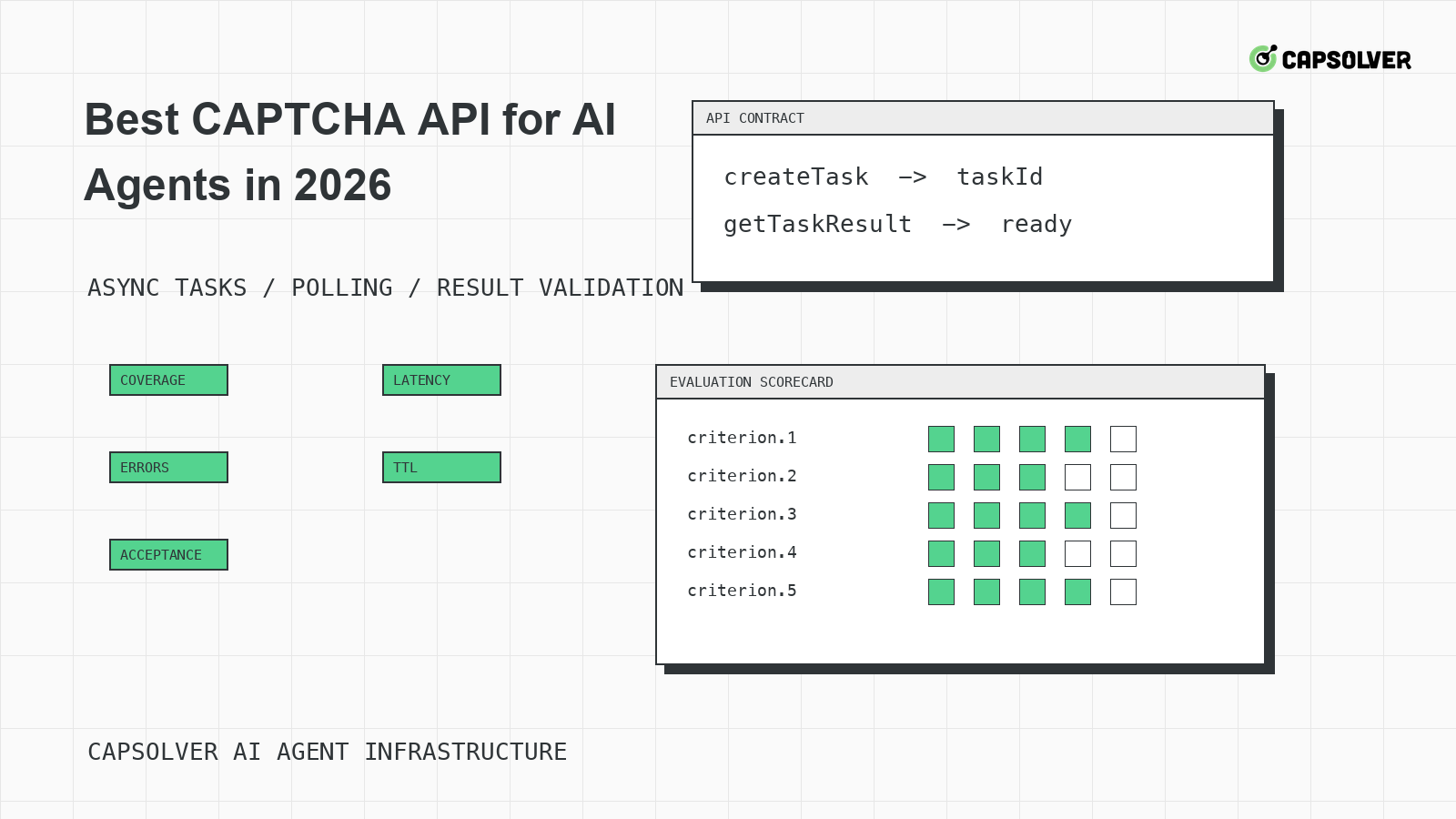
Best CAPTCHA API for AI Agents in 2026
A practical evaluation guide for choosing a CAPTCHA API for AI agents in 2026, centered on documented task coverage, polling contracts, token validation, and operational controls.

Rajinder Singh
18-Jun-2026
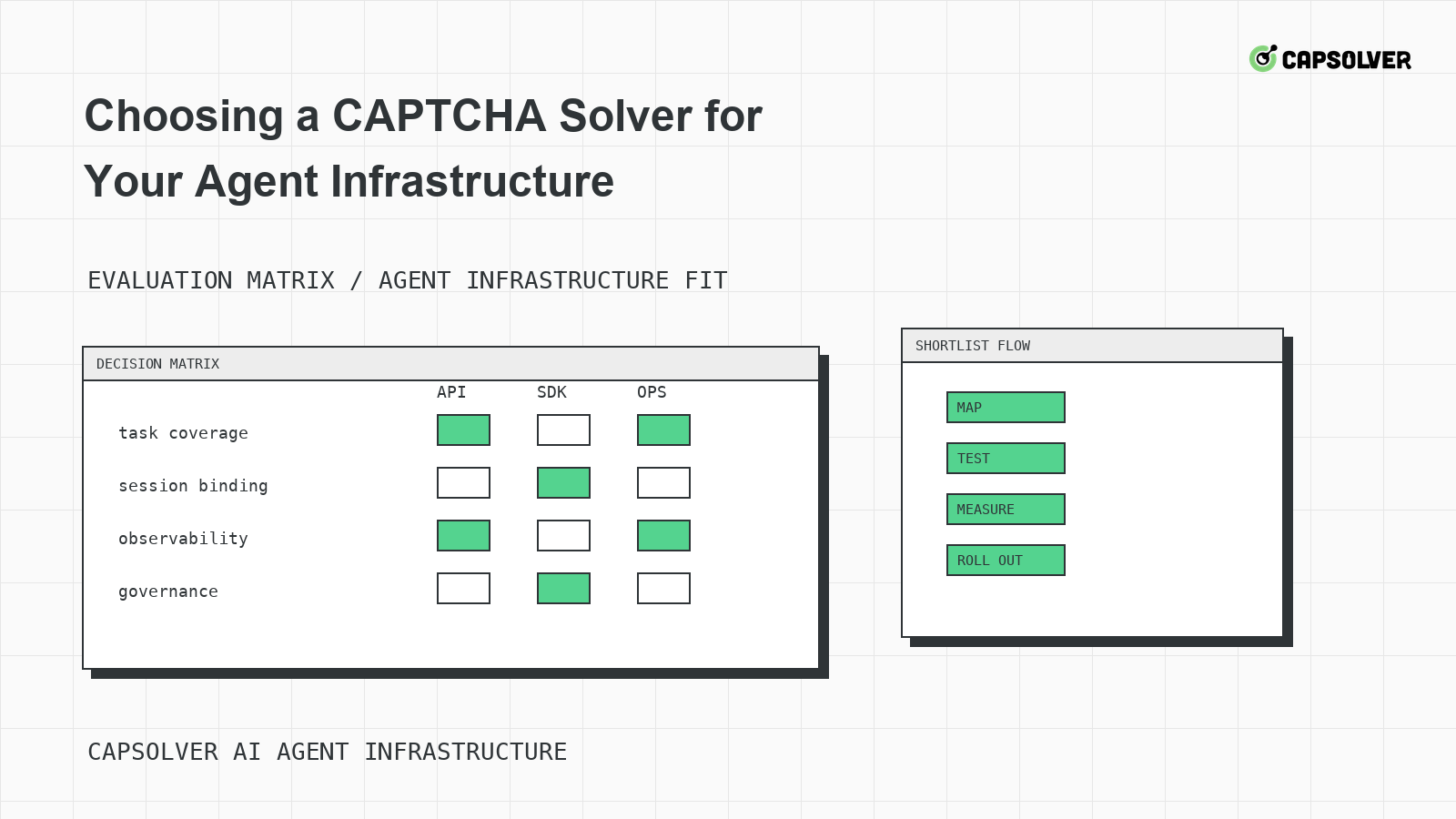
Choosing a CAPTCHA Solver for Your Agent Infrastructure
A decision framework for choosing a CAPTCHA solver for agent infrastructure, focused on challenge mapping, session binding, observability, rate controls, and responsible use.

Ethan Collins
18-Jun-2026
CAPTCHA-Solving Infrastructure for AI Agents
A systems architecture guide to CAPTCHA-solving infrastructure for AI agents, focused on form-state handoff, solver queues, cooldowns, and auditability.

Sora Fujimoto
18-Jun-2026
Why Your Agent Keeps Solving CAPTCHAs Wrong
A solver-mismatch guide for AI agents that solve CAPTCHAs wrong, focused on challenge classification, runtime widget context, token binding, and planner progress.
Rajinder Singh
17-Jun-2026