











AWS WAF CAPTCHA Guide for Authorized Automation in 2026

Lucas Mitchell
How to use CapSolver
21-May-2026
TL;DR
- An aws waf captcha workflow uses WAF rules to challenge selected requests and reduce unwanted automated traffic on protected applications.
- The most useful implementation plan covers rule scope, client experience, token behavior, monitoring, and escalation paths before production rollout.
- CapSolver supports AWS WAF challenge handling for lawful, approved automation, but it should be used only where access is authorized and documented.
- Strong governance matters because automated traffic can affect privacy, account integrity, inventory, costs, and application availability.
Introduction
An aws waf captcha plan should start with risk control, not tool selection. The practical question is which requests deserve additional verification, how legitimate users recover, and how your team audits the outcome. CapSolver can support authorized automation workflows when teams need controlled CAPTCHA handling for owned apps, approved QA, or compliant public-data monitoring. Official AWS search results describe CAPTCHA and Challenge as AWS WAF rule actions for requests that match inspection criteria, while AWS also documents JavaScript integration and token immunity behavior. Because AWS pages were not accessible in this environment, this guide keeps AWS-specific statements high-level and pairs them with CapSolver’s official AWS WAF documentation and the OWASP automated-threat framework.
What aws waf captcha does in a traffic validation strategy
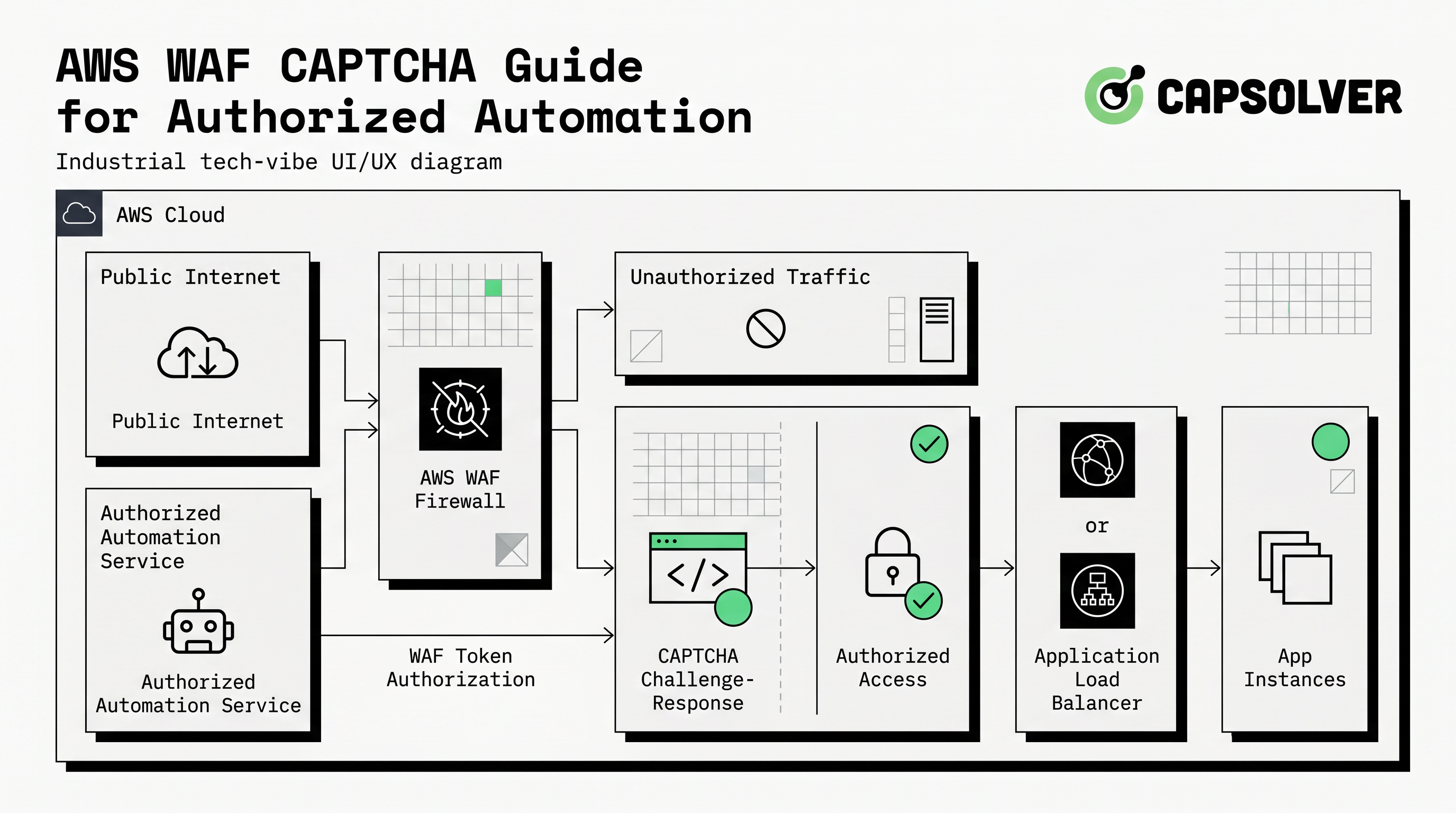
An aws waf captcha setup asks selected clients to complete a browser-based verification before a protected request is allowed to continue. It is usually applied through rule logic rather than across every request. That matters because a CAPTCHA action on the wrong path can hurt legitimate users, while a narrowly scoped rule can reduce abuse on login, signup, search, checkout, inventory, contact, or high-cost API-adjacent pages.
AWS search results for its official developer guide describe CAPTCHA and Challenge as rule actions that run against web requests matching inspection criteria. Related official pages describe action behavior, JavaScript CAPTCHA API integration, and token immunity settings. Those concepts point to a design pattern: decide the risky condition, apply aws waf captcha only where needed, then monitor whether the challenge reduces harmful automation without damaging conversion or accessibility.
The broader security context is important. OWASP notes that unwanted automated usage often misuses valid application functionality rather than exploiting a single software bug. Its project lists automated threat events such as credential stuffing, scraping, account creation, denial of inventory, and spamming in the OWASP Automated Threats to Web Applications project. That makes aws waf captcha one control among several, not a standalone security program.
Key design decisions before enabling aws waf captcha
The first decision is scope. A rule that challenges every path is rarely as useful as one that targets a high-risk behavior. Common candidates include repeated form submissions, unusual login patterns, suspicious search bursts, or protected flows where automated requests create measurable business cost. Readers comparing vendors and workflows can start with CapSolver’s AWS WAF blog hub for topic orientation.
The second decision is user experience. If a legitimate visitor sees aws waf captcha, the page should explain what happened and allow a reasonable retry. Support teams also need a way to identify when a customer was challenged. When your workflow includes browser automation, the AWS WAF in browser automation guide can help teams think through approved test flows without treating validation as permission to access unauthorized systems.
| Decision area | Recommended question | Operational risk if ignored |
|---|---|---|
| Rule scope | Which paths or request patterns require extra validation? | Too many real users face unnecessary friction. |
| Token behavior | How long should a solved challenge remain valid? | Users may face repeated prompts or stale sessions. |
| Client integration | Does the front end render and recover cleanly? | Forms may fail without useful feedback. |
| Monitoring | Which metrics show challenge volume and outcomes? | Teams cannot distinguish abuse reduction from user harm. |
| Governance | Who approved the automation scope? | Testing may drift outside allowed boundaries. |
How CapSolver supports authorized AWS WAF CAPTCHA workflows
CapSolver’s official AWS WAF documentation says it supports two task types: AntiAwsWafTask for workflows that use customer-provided proxies and AntiAwsWafTaskProxyLess for workflows that do not require customer-provided proxies. The required parameter is websiteURL, described as the URL of the page that returns CAPTCHA-related information. Optional fields include AWS-specific values such as awsKey, awsIv, awsContext, awsChallengeJS, awsApiJs, awsProblemUrl, awsApiKey, and awsExistingToken, depending on the scenario, according to theCapSolver AWS WAF task documentation.
For implementation teams, the key takeaway is not to guess parameters. Use only the fields that official documentation supports and collect them from a legitimate, authorized workflow. CapSolver’s guide says tasks are created with createTask and results are retrieved with getTaskResult, usually within 5 to 30 seconds depending on system load. The AWS WAF CAPTCHA solution article can help readers connect the concept to practical workflow planning.
Redeem Your CapSolver Bonus Code
Boost your automation budget instantly!
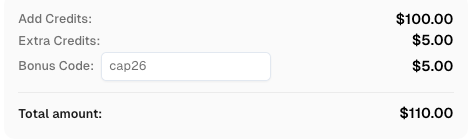
Use bonus code CAP26 when topping up your CapSolver account to get an extra 5% bonus on every recharge — with no limits.
Redeem it now in your CapSolver Dashboard
A responsible aws waf captcha workflow also needs access controls around API keys, logs, and proxy use. Do not store keys in source code. Do not route traffic through systems you do not control or have permission to use. If scraping is part of the approved use case, define allowed targets, request rates, data categories, and stop conditions before running automation. CapSolver’s web scraping FAQ and captcha solving API answers are useful starting points for governance discussions.
Testing aws waf captcha without creating user friction
Testing should begin in a controlled environment. Confirm that the rule matches the intended requests, that the page renders the challenge correctly, and that successful completion allows the protected action to proceed. Then test failure, timeout, duplicate submission, and network interruption paths. AWS official search results indicate that AWS documents token immunity times and JavaScript CAPTCHA API behavior, so teams should review those official docs directly in their own browser before changing production settings.
The safest rollout pattern is staged. First, monitor the candidate rule without presenting challenges. Second, apply aws waf captcha to a narrow path or test cohort. Third, compare support tickets, completion rates, blocked automation signals, and WAF logs. Fourth, expand only when the evidence shows that the rule reduces harmful traffic without harming legitimate access. The article on cost-effective AWS WAF solver may help teams evaluate budget and operational tradeoffs.
Compliance rules for CAPTCHA handling and automation
Technical capability does not create permission. Teams should use aws waf captcha and third-party CAPTCHA handling only for lawful, reasonable, and authorized purposes. That includes testing owned applications, monitoring approved partner workflows, or accessing public data where the access method respects terms, privacy obligations, access controls, and rate limits. It excludes private accounts, restricted systems, sensitive data, and any target where the operator has not granted permission.
OWASP’s project emphasizes a shared language for automated threats because unclear naming leads to poor communication among developers, operators, security engineers, business owners, and vendors. That is also the reason to document every aws waf captcha automation use case. A written record should state who approved the workflow, why it is needed, which URLs are in scope, what data may be collected, how logs are retained, and when the workflow must stop.
Conclusion: treat AWS WAF CAPTCHA as a governed control
An aws waf captcha implementation works best when it is narrow, measurable, and governed. Define the risky behavior, apply a challenge only where it helps, test recovery paths, and monitor outcomes after launch. If your approved automation requires CAPTCHA handling, use official documentation, protect credentials, and keep the scope auditable. For authorized QA, browser automation, and public-data workflows that need responsible challenge handling, review CapSolver.
FAQ
What is aws waf captcha?
Aws waf captcha is a WAF-based traffic validation action that can require selected requests to complete a browser challenge before continuing. It is usually configured through rule logic so that only matching traffic receives additional verification.
When should a team use aws waf captcha?
A team should consider aws waf captcha for high-risk paths such as login, signup, contact forms, search, checkout, or inventory flows where unwanted automation creates measurable risk. The rule should be narrow enough to protect users from unnecessary friction.
How does CapSolver fit with AWS WAF CAPTCHA?
CapSolver can support approved workflows where an organization has permission to handle challenge states in QA, browser automation, or public-data monitoring. The official task documentation should be the source for required and optional parameters.
What should be documented before automation runs?
Teams should document authorization, target URLs, rate limits, data categories, API-key handling, logging, stop conditions, and review ownership. A clear AI and automation policy makes the workflow easier to audit.
Are there CapSolver resources for AWS WAF troubleshooting?
Yes. Readers can use internal error logs for troubleshooting context and the broader AWS WAF hub for related implementation topics.
Compliance Disclaimer: The information provided on this blog is for informational purposes only. CapSolver is committed to compliance with all applicable laws and regulations. The use of the CapSolver network for illegal, fraudulent, or abusive activities is strictly prohibited and will be investigated. Our captcha-solving solutions enhance user experience while ensuring 100% compliance in helping solve captcha difficulties during public data crawling. We encourage responsible use of our services. For more information, please visit our Terms of Service and Privacy Policy.
More
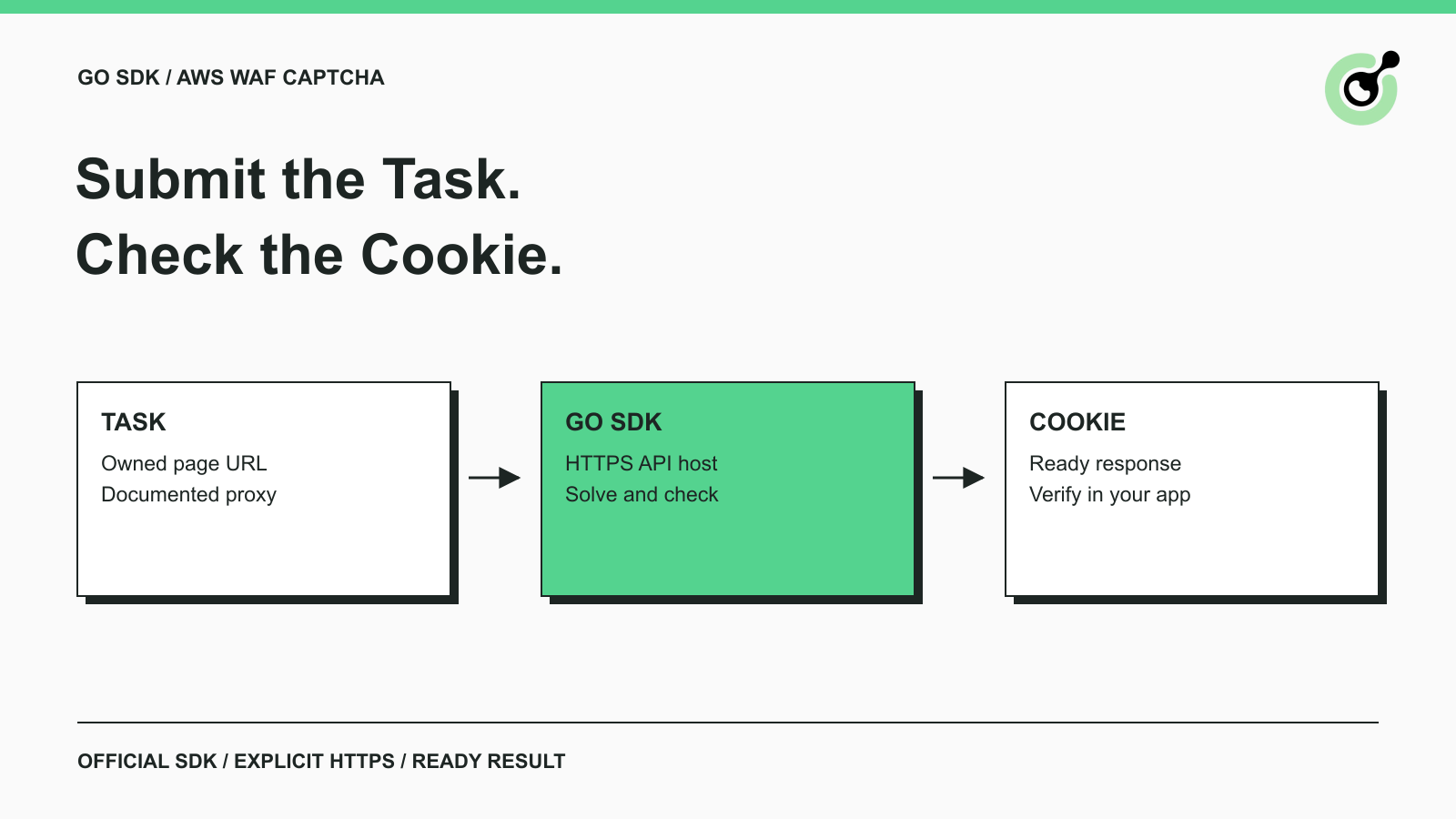
How to Solve AWS WAF CAPTCHA in Go with the Official SDK
Use the official Go SDK for an AWS WAF CAPTCHA task, set HTTPS explicitly, supply documented parameters, and check the returned cookie before continuing.
Lucas Mitchell
17-Sep-2026
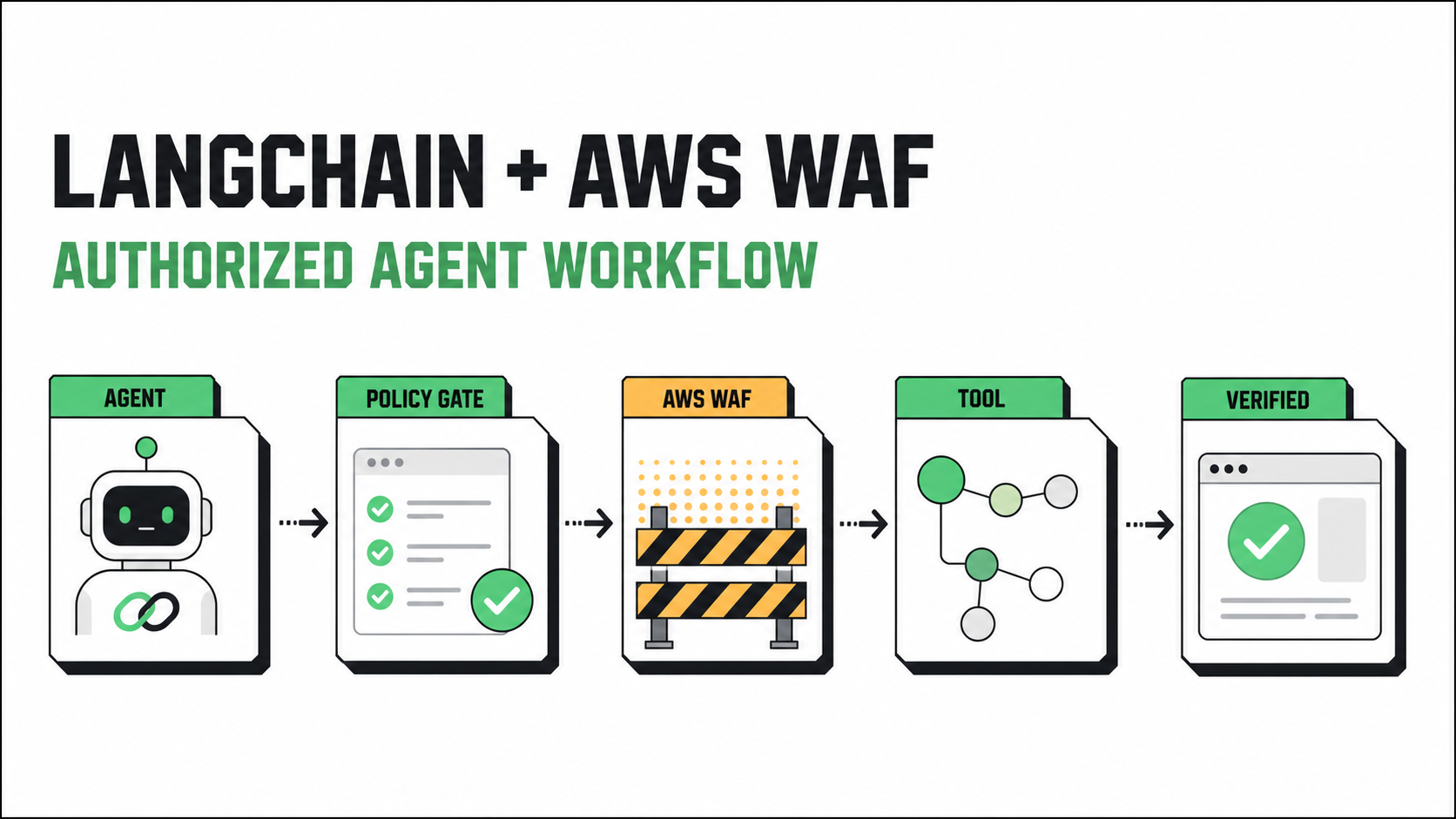
How to Solve AWS WAF in LangChain with CapSolver
Build an authorized AWS WAF LangChain workflow with CapSolver tools, response detection, policy gates, session handling, retries, and verification.

Ethan Collins
23-Jul-2026
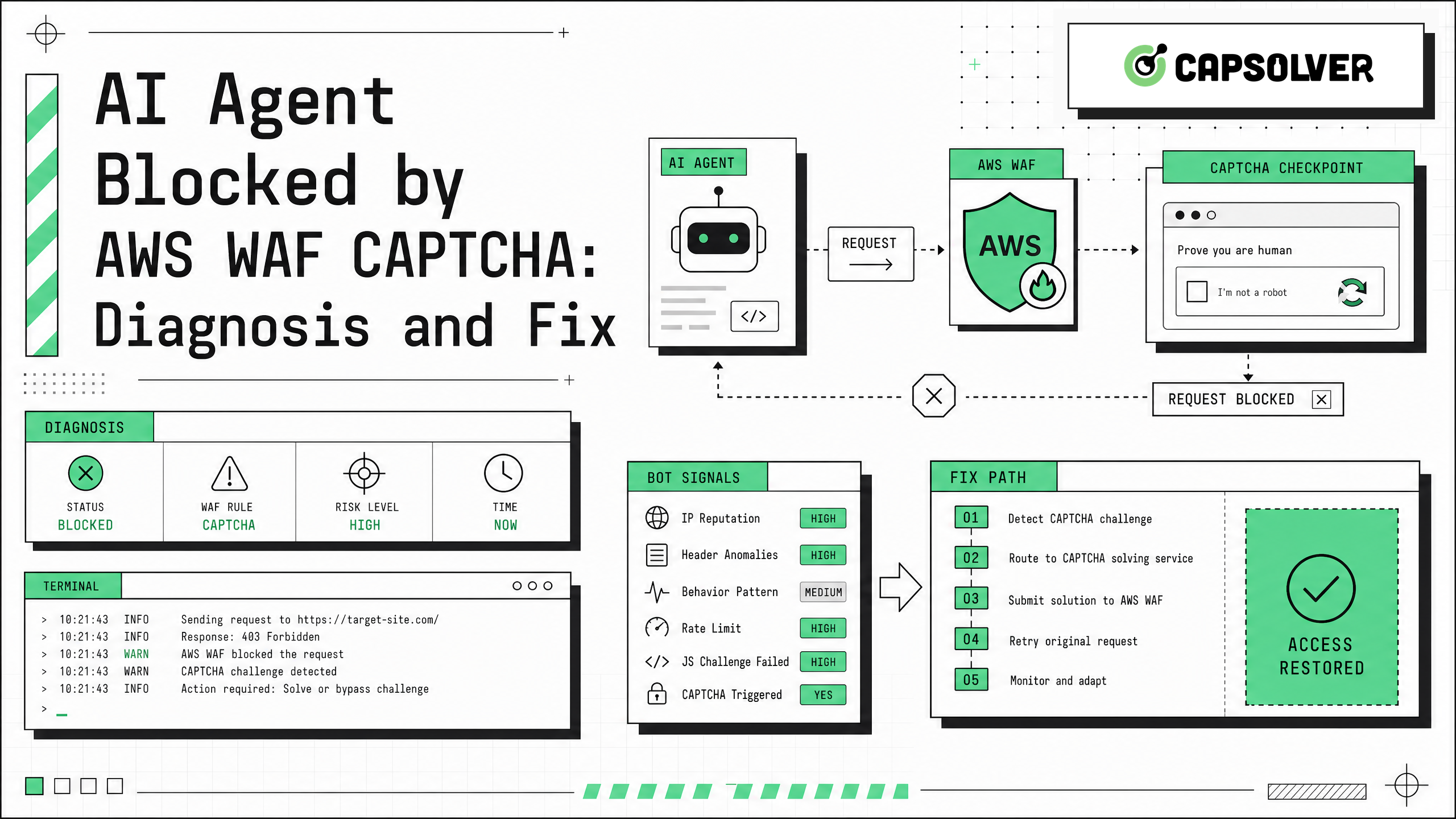
AI Agent Blocked by AWS WAF CAPTCHA: Diagnosis and Fix
AI agent blocked by AWS WAF CAPTCHA? Learn causes, log signals, token checks, browser fixes, and safe CapSolver integration for automation workflows.

Sora Fujimoto
02-Jun-2026
AWS WAF CAPTCHA Guide for Authorized Automation in 2026
Understand aws waf captcha workflows, token behavior, safe testing, and how CapSolver supports authorized CAPTCHA handling.
Lucas Mitchell
21-May-2026
How to Solve AWS WAF Challenge Without a Browser: A Technical Guide
Learn how to solve AWS WAF challenges and CAPTCHAs without a browser. Use CapSolver's API to generate tokens and bypass 405 status codes.
Ethan Collins
06-May-2026
How to Handle AWS WAF 405 Status Code: A Complete Guide
Learn how to handle AWS WAF 405 status code effectively. Discover the difference between 202 and 405, and how to solve CAPTCHA challenges with CapSolver.
Ethan Collins
27-Apr-2026