











Best CapSolver Cloudflare Workflow for Turnstile and Challenge Automation

Rajinder Singh
How to use CapSolver
26-May-2026
TL;DR
- The best capsolver cloudflare workflow starts with authorized scope, accurate Turnstile or Challenge detection, and a documented CapSolver task lifecycle.
- Cloudflare Turnstile is designed as a privacy-preserving alternative to traditional CAPTCHA, so a reliable workflow must respect site rules and backend validation rather than treat the challenge as a simple visual puzzle.
- CapSolver supports Cloudflare Turnstile workflows through both API documentation and browser-extension testing paths, making it useful for QA, RPA, monitoring, and approved data collection.
- A production workflow should log task IDs, redact tokens, limit request rates, verify page outcomes, and stop when permission is unclear.
- Start with a browser extension proof of concept, then move to the CapSolver API when you need repeatable server-side automation.
Introduction
If you are searching for the best capsolver cloudflare setup, the practical question is not only which endpoint to call. It is how to build a workflow that detects Cloudflare Turnstile or related challenges, submits the right parameters, receives a result, validates the page outcome, and remains auditable. For teams running authorized QA, internal automation, monitoring, or approved public-data workflows, CapSolver can be the Cloudflare CAPTCHA-solving layer that turns a blocked browser step into a managed engineering process.
Cloudflare challenges can appear in visible and invisible ways. Cloudflare’s own Turnstile documentation describes Turnstile as a CAPTCHA alternative that can verify visitors without the traditional puzzle flow. That means a strong CapSolver Cloudflare implementation must handle more than a checkbox. It should preserve page URL, site key, action context, proxy policy, browser timing, and final application validation so that automation behaves predictably and responsibly.
What makes a CapSolver Cloudflare workflow “best” in 2026?
The best workflow is the one that combines coverage, observability, and responsible use. Cloudflare-protected pages may use Turnstile, managed challenges, or other signals depending on the site configuration. A fragile implementation looks only for visible text or one selector. A reliable implementation identifies the challenge family, reads documented parameters, chooses the correct CapSolver task type, and checks whether the protected application accepts the returned result.
The Cloudflare Turnstile documentation explains that Turnstile is intended to reduce user friction while preserving abuse protection. The CapSolver Cloudflare Turnstile documentation gives developers a concrete starting point for task creation and result retrieval. Together, those two references show why the best capsolver cloudflare workflow should be treated as an integration pattern, not a copy-paste snippet.
| Workflow layer | What it should do | Why it matters |
|---|---|---|
| Scope control | Confirm the target is owned, staged, client-approved, or otherwise permitted | Prevents unsafe use on unknown third-party targets |
| Challenge detection | Identify Turnstile, page URL, site key, action data, and browser context | Reduces wrong task submissions and unnecessary retries |
| CapSolver task lifecycle | Create a task, poll for a result, and handle timeout states | Makes the run debuggable and repeatable |
| Application validation | Verify that the page or backend accepts the token | Confirms success beyond receiving a token |
| Audit trail | Store task ID, timestamp, redacted evidence, and outcome | Supports troubleshooting and governance |
This layered approach is also easier to scale. When a run fails, the team can isolate whether the problem was detection, parameters, solving, validation, proxy quality, or policy.
Cloudflare Turnstile, Challenge pages, and where CapSolver fits
Cloudflare Turnstile is commonly described as an invisible or low-friction alternative to traditional CAPTCHA. In practice, developers still need to handle it carefully because the protected application may require a valid token, compatible browser context, and correct timing. Cloudflare’s broader Learning Center notes that traditional CAPTCHAs can interrupt user flow, create accessibility barriers, and should not be the only bot-management strategy. That is why modern teams often prefer invisible verification and risk-based controls when they own the application.
For automation engineers, the CapSolver layer belongs between challenge detection and application validation. The browser or automation script identifies the challenge context, CapSolver returns a usable result, and the script submits it back into the page or application flow. CapSolver’s guide on how to solve Cloudflare Turnstile CAPTCHA by extension is useful for teams that want a fast browser-based proof of concept before moving to API-first implementation.
CapSolver’s broader Cloudflare category also helps teams understand adjacent problems. For example, the guide on how to identify Cloudflare Turnstile parameters is a natural companion when the challenge is present but the automation script cannot locate the right fields. If the page uses a broader Cloudflare flow, the article on Cloudflare Challenge behavior provides additional context for engineering teams that need to distinguish Turnstile from other verification states.
API-first architecture for repeatable Cloudflare solving
A browser extension is excellent for testing, but the best capsolver cloudflare workflow for production is usually API-first. The API approach lets a backend service own configuration, rate limits, retries, secrets, task IDs, and redacted logs. It also prevents API keys from being scattered across local browser profiles or ad hoc scripts.
The architecture should be intentionally small. One internal function receives challenge context, checks authorization, creates the CapSolver task, waits for a result, and returns a typed outcome to the automation layer. The automation layer should not know the API key or logging policy. It should only know whether the CAPTCHA step is ready, failed, timed out, or stopped for compliance review.
javascript
async function solveCloudflareForAllowedRun(context) {
  if (!context.allowedDomain || !context.approvalReference) {
    return { status: 'stopped', reason: 'authorization_required' };
  }

  const task = await capsolver.createTask({
    type: context.taskType,
    websiteURL: context.websiteURL,
    websiteKey: context.websiteKey,
    action: context.action,
  });

  const result = await capsolver.getTaskResult(task.taskId);
  return {
    status: result.status,
    taskId: task.taskId,
    tokenAvailable: Boolean(result.solution),
  };
}
This example is deliberately generic. In a real system, secrets should live in environment variables or a secret manager, raw tokens should not be written to logs, and the target application outcome should be checked after token injection. The CapSolver API documentation is the best reference for mapping your exact task type and parameters.
Extension-first testing before API migration
Many teams find that the fastest way to validate a Cloudflare workflow is to start with the CapSolver browser extension. The extension can confirm whether the challenge family is supported, whether the page flow is recoverable, and whether the team’s browser environment is close enough to production. This is especially useful for QA teams and automation engineers who need visual debugging before they invest in backend integration.
CapSolver’s browser extension documentation explains that users can install the extension, configure an API key, and use extension settings such as delay, retry behavior, manual mode, proxy import, blacklist controls, and callback configuration. For a Cloudflare workflow, that makes the extension a diagnostic tool as much as a solver.
| Testing question | Extension signal | API migration decision |
|---|---|---|
| Does the page show Turnstile or another Cloudflare challenge? | Visual confirmation in a real browser | Choose the matching task type and parser |
| Does the token lead to a completed page step? | Browser flow proceeds after solving | Add backend validation checks |
| Are failures caused by timing or parameters? | Retry and delay settings reveal sensitivity | Tune polling, timeout, and browser orchestration |
| Is the use case high-volume or scheduled? | Manual browser testing becomes limiting | Move to API-first service integration |
Once the test is stable, migrate configuration into a service layer. The extension remains useful for debugging new page variants, while the API handles repeatable production runs.
Compliance checklist for Cloudflare automation
The best capsolver cloudflare workflow is not only technically reliable; it is also governed. CAPTCHA and challenge systems exist to reduce abuse, and the wrong automation can create legal, contractual, or security problems. Before running any workflow, confirm that the target site permits the activity, that your account or client authorization is clear, and that request volume is controlled.
The Cloudflare CAPTCHA Learning Center notes that CAPTCHA systems have drawbacks and that automated behavior can trigger additional verification when it resembles bot activity. The OWASP Automated Threats project classifies several abusive automation patterns, while the W3C CAPTCHA accessibility note highlights accessibility concerns that teams should review before adding verification friction. This is why governance should be built into the same code path as solving.
| Control | Practical rule | Evidence to keep |
|---|---|---|
| Authorization | Run only on owned, staged, client-approved, or policy-permitted targets | Approval note or project ticket |
| Rate limiting | Keep request volume close to human or documented API expectations | Per-domain counters and timestamps |
| Token handling | Never log raw tokens or sensitive page data | Redacted task ID and status only |
| Stop conditions | Stop on login ambiguity, payment, personal data, or policy conflict | Recorded stop reason |
| Review cadence | Re-check rules when the site or workflow changes | Change log and reviewer name |
These controls make the workflow safer and easier to maintain. They also reduce false debugging paths because policy failures are separated from technical failures.
Bonus: test Cloudflare workflows with more automation budget
Redeem Your CapSolver Bonus Code
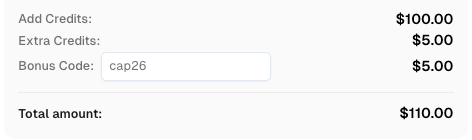
Boost your automation budget instantly. Use bonus code CAP26 when topping up your CapSolver account to get an extra 5% bonus on every recharge, with no limits.
Redeem it now in your CapSolver Dashboard
Recommended implementation path
A practical team can implement the best capsolver cloudflare workflow in four stages. First, use the extension to confirm the challenge type and gather the minimum fields needed for solving. Second, read the CapSolver Cloudflare Turnstile documentation and map the page fields to the correct task type. Third, build a single backend solving function that enforces authorization, rate limits, and logging. Fourth, connect that function to the browser automation layer and verify final page outcomes after each solve.
Teams that work with headless browsers can also use CapSolver’s integration guides for common automation stacks. The guides for Puppeteer, Playwright, and broader web scraping CAPTCHA handling provide useful context when Cloudflare solving is only one part of a larger automation pipeline.
Conclusion
The best capsolver cloudflare workflow is a governed integration that moves from browser detection to CapSolver task creation, result retrieval, application validation, and audit logging. It should begin with a small extension-based proof of concept, then move into an API-first service when repeatability and scale matter. If your team handles Cloudflare Turnstile or Challenge flows for authorized QA, monitoring, RPA, or approved data collection, start with CapSolver and build the guardrails into the workflow from day one.
FAQ
What is the best capsolver cloudflare workflow for beginners?
The best beginner workflow is to install the CapSolver browser extension, configure your API key, test the approved page in a real browser, and then move to the CapSolver API once the challenge type and page outcome are clear.
Does CapSolver support Cloudflare Turnstile?
Yes. CapSolver provides Cloudflare Turnstile documentation and browser-extension guidance. Teams should use the official documentation to map the page URL, site key, and task type correctly.
Should I use the extension or the API for Cloudflare automation?
Use the extension for visual testing and troubleshooting. Use the API when you need repeatable automation, secure key handling, centralized logging, rate limits, and production scheduling.
How do I keep Cloudflare automation compliant?
Run only on owned, staged, client-approved, or otherwise permitted targets. Keep request rates controlled, respect site policies, redact tokens, and stop when authorization or page context is unclear.
Where can I learn more about related CapSolver workflows?
Start with CapSolver’s Cloudflare Turnstile extension guide and the API documentation before moving to a production integration.
Compliance Disclaimer: The information provided on this blog is for informational purposes only. CapSolver is committed to compliance with all applicable laws and regulations. The use of the CapSolver network for illegal, fraudulent, or abusive activities is strictly prohibited and will be investigated. Our captcha-solving solutions enhance user experience while ensuring 100% compliance in helping solve captcha difficulties during public data crawling. We encourage responsible use of our services. For more information, please visit our Terms of Service and Privacy Policy.
More
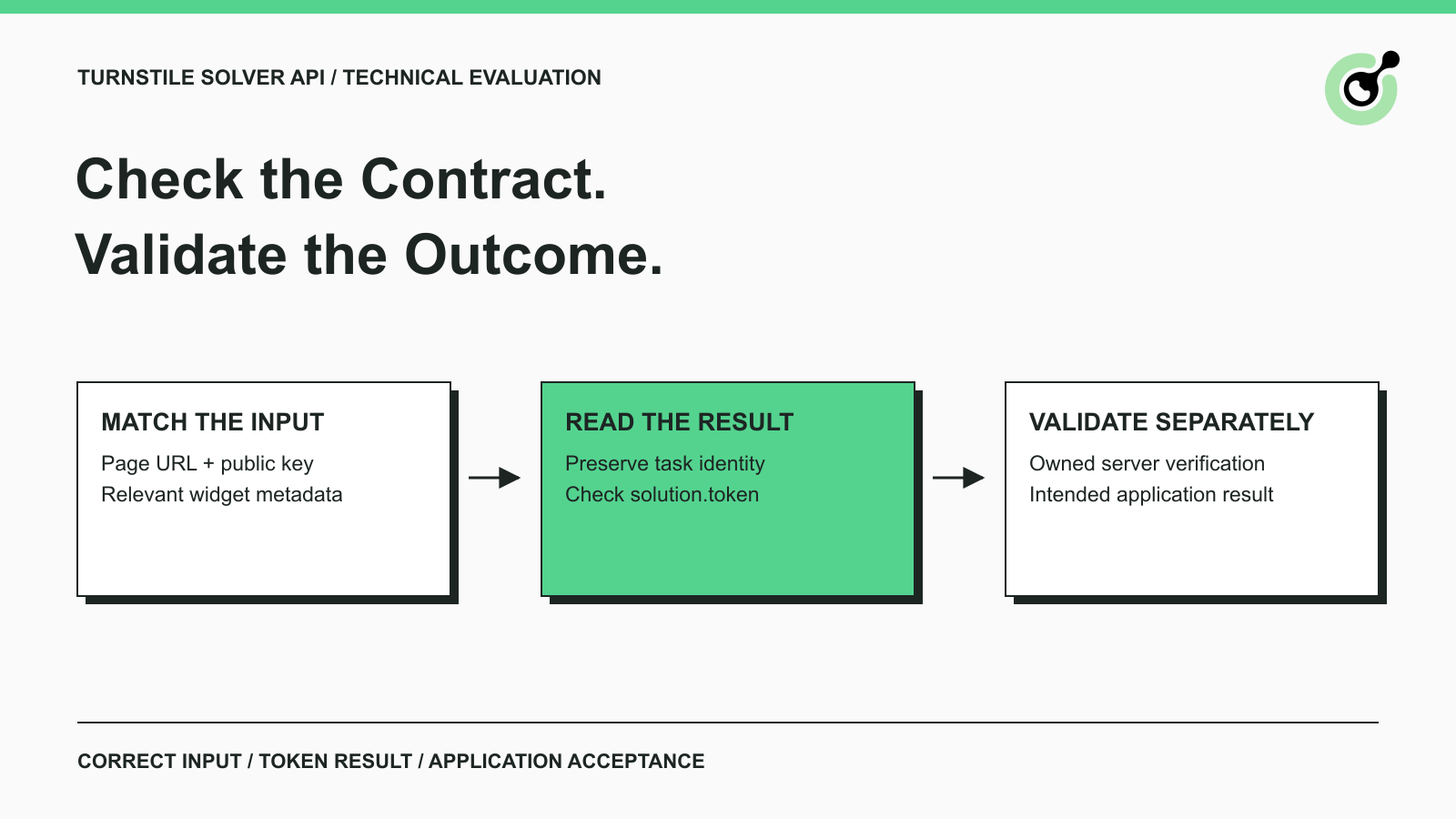
Turnstile Solver API Checklist: Inputs, Tokens, and Validation
Evaluate a Turnstile solver API by its documented inputs, token response, validation boundary, and controlled test cases before adding it to your workflow.

Emma Foster
16-Sep-2026
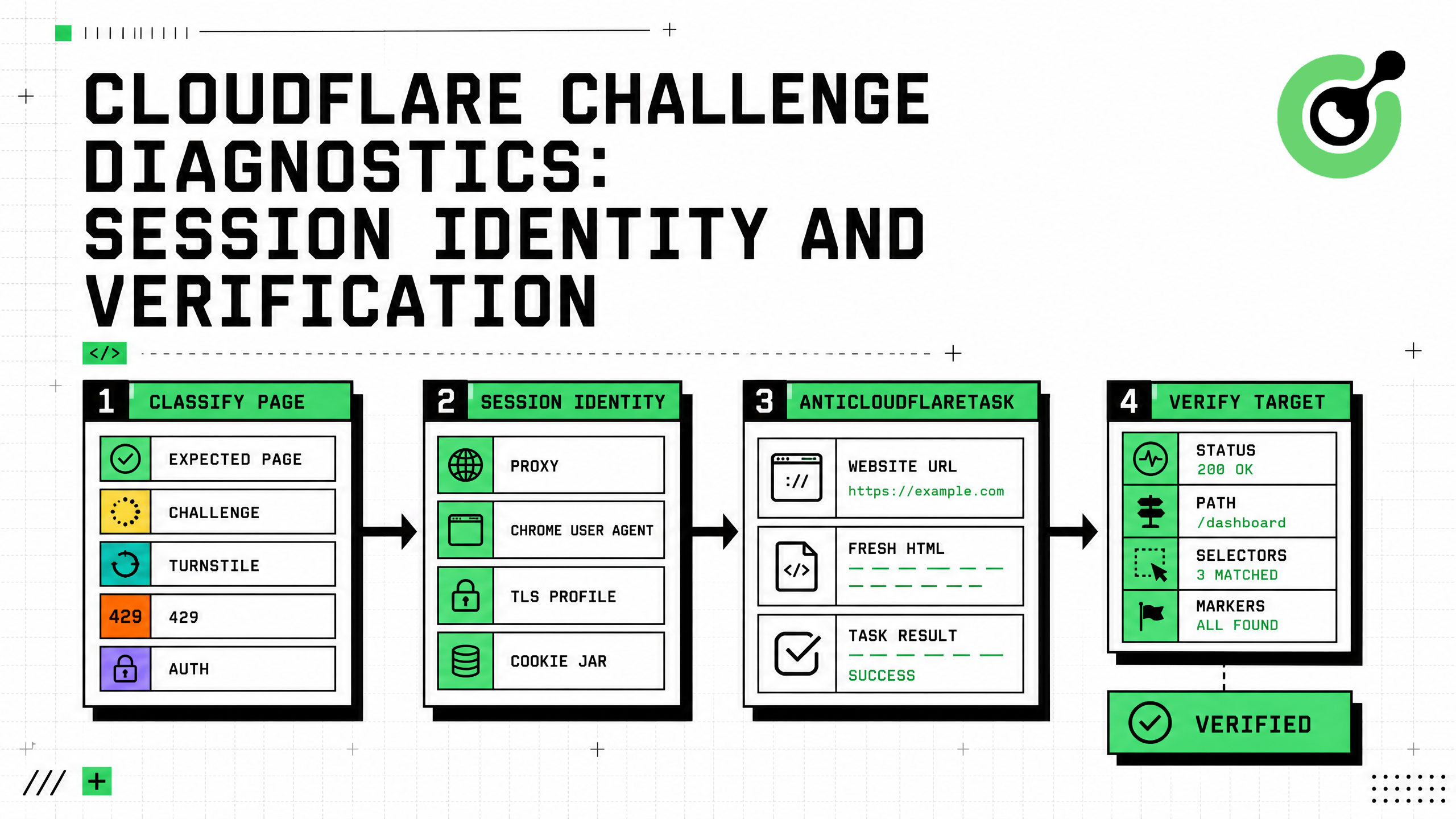
Cloudflare Challenge Diagnostics: Session Identity and Verification
Diagnose Cloudflare Challenge flows with AntiCloudflareTask, stable proxy and user agent identity, fresh HTML, clearance handling, validation, and safe errors.

Nikolai Smirnov
31-Aug-2026
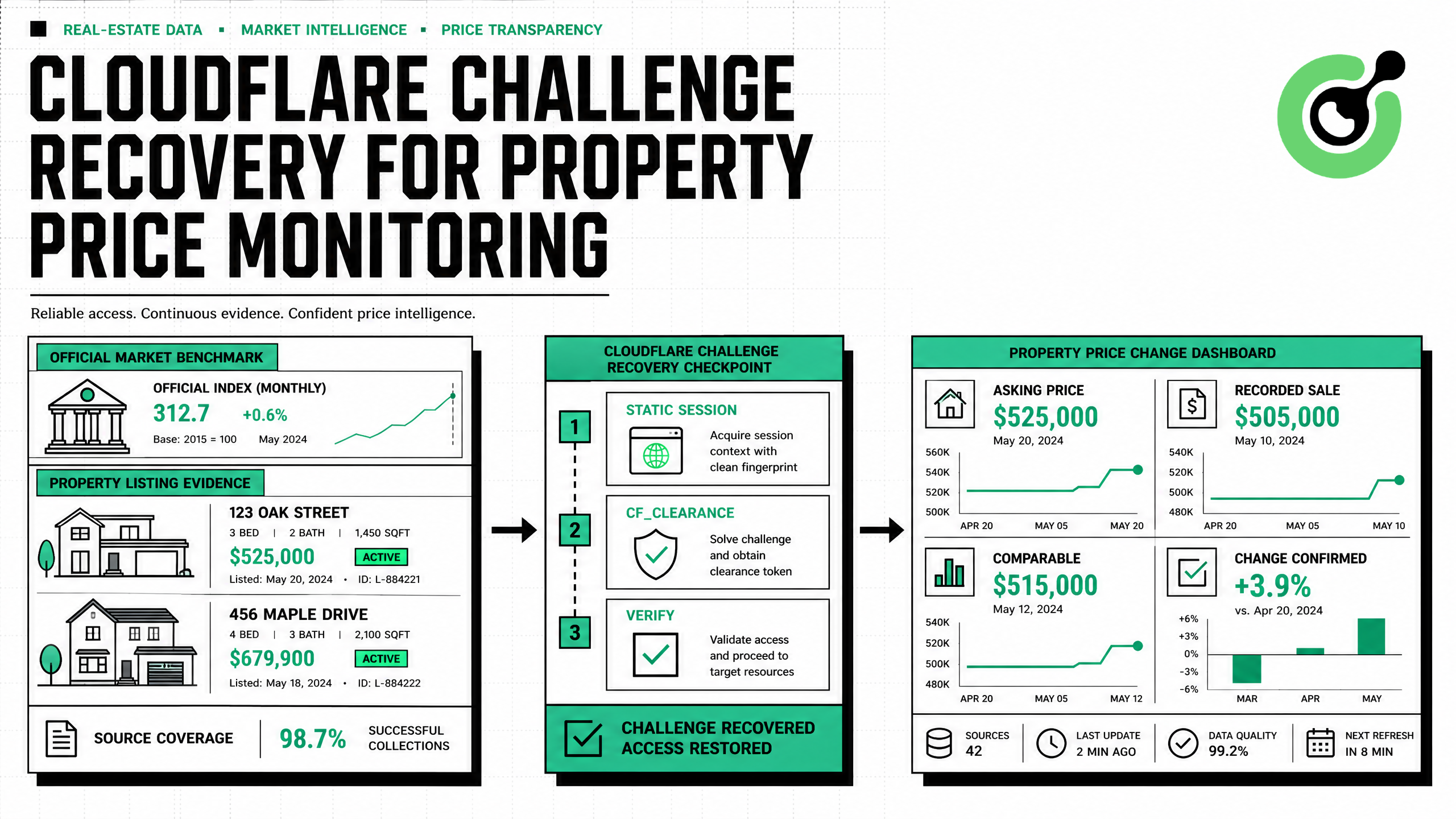
How to Solve Cloudflare Challenge for Property Price Monitoring
Build reliable property price monitoring with official datasets, comparable observations, Cloudflare Challenge Solving, evidence, and controlled alerts.

Adélia Cruz
28-Aug-2026
How to Solve Cloudflare Challenge for Ecommerce Inventory Monitoring
Build reliable ecommerce inventory monitoring with API-first sourcing, Cloudflare Challenge recovery, session consistency, stock evidence, and safe alerts.

Ethan Collins
27-Aug-2026
What is Invalid Cloudflare Turnstile Token: Causes and Fixes
Fix an invalid Turnstile token by checking expiry, site key, action, cdata, browser state, server verification, and bounded CapSolver retries.
Ethan Collins
10-Aug-2026
MCP CAPTCHA Solver: Cloudflare Turnstile Integration Guide
Build a policy-gated MCP Cloudflare Turnstile workflow with CapSolver, bounded retries, redacted logs, session checks, and outcome validation.
Ethan Collins
22-Jul-2026