











Cloudflare Challenge Diagnostics: Session Identity and Verification

Nikolai Smirnov
How to use CapSolver
31-Aug-2026
TL;DR
- First distinguish a Cloudflare Challenge page from Turnstile, rate limiting, authentication, network failure, and an application error.
- Use the documented
AntiCloudflareTaskwith the exact target URL and a static or sticky proxy; keep the supported Chrome user agent consistent. - If challenge HTML is required, capture it immediately from the same approved session rather than from a separate request identity.
- Treat
cf_clearance, cookies, tokens, proxy credentials, and raw HTML as short-lived secrets that must not enter logs or analytics. - A ready task result is only an intermediate success. Verify that the intended target page loaded and that the challenge is no longer present.
Introduction
Cloudflare Challenge diagnostics should begin with state classification and session identity, not repeated task creation. A protected page can show an interstitial challenge, Turnstile widget, HTTP 429 response, hard block, authentication screen, origin error, or an ordinary application page. Each state needs a different action. For a supported Challenge page, CapSolver documents AntiCloudflareTask with the exact target URL, a static or sticky proxy, and a consistent Chrome user agent; some sites also need fresh challenge HTML from that same session. The returned clearance data must then be applied to the same request identity and validated against the expected target page. This guide presents a generic implementation without tying the design to an industry, use case, or agent framework.
Start with the Correct Problem Definition
Cloudflare describes Challenges as security mechanisms that evaluate browser and client-side signals and may request minimal user interaction. That broad category should not be confused with every blocked or incomplete response.
A diagnostic workflow should answer four questions in order:
- Is the target authorized and within the approved scope?
- What page or response state was actually observed?
- Does the state match a supported CapSolver task type?
- Did the intended target page load after task execution?
The CapSolver Cloudflare blog contains related product and implementation material, while the CapSolver CAPTCHA-solving FAQ explains the general task lifecycle.
Distinguish the Main Response States
| State | Typical evidence | Correct next action |
|---|---|---|
| Expected page | Known title, route, semantic selector, or response schema | Parse or continue |
| Cloudflare Challenge page | “Just a moment…”, challenge script, Cloudflare markers | Validate scope and consider AntiCloudflareTask |
| Turnstile widget | Turnstile script, site key, widget container | Use the documented Turnstile task path |
| Rate limit | HTTP 429, Retry-After, quota response |
Wait and reduce request rate |
| Authentication required | Login form, 401, session-expired state | Authenticate through the approved flow |
| Hard block | Persistent 403 without supported challenge evidence | Stop and review access policy or network identity |
| Origin or network error | 5xx, DNS, TLS, timeout | Fix infrastructure; do not create a challenge task |
| Unknown page | Layout or semantics do not match known states | Store redacted diagnostics and request review |
A challenge service should never be used as a universal response to every 403 or empty page.
Build a Deterministic Page Classifier
python
from dataclasses import dataclass

@dataclass(frozen=True)
class HttpObservation:
    url: str
    status_code: int
    title: str
    html: str
    headers: dict[str, str]


def classify_observation(obs: HttpObservation) -> str:
    title = obs.title.lower()
    html = obs.html.lower()

    if obs.status_code == 429:
        return "RATE_LIMIT"

    if obs.status_code >= 500:
        return "ORIGIN_OR_NETWORK_ERROR"

    if "challenges.cloudflare.com/turnstile" in html:
        return "TURNSTILE_WIDGET"

    challenge_markers = (
        "just a moment" in title
        or "challenge-platform" in html
        or "cf-chl-" in html
    )
    if challenge_markers:
        return "CLOUDFLARE_CHALLENGE"

    if 'type="password"' in html or obs.status_code == 401:
        return "AUTH_REQUIRED"

    if obs.status_code == 200 and 'data-page="expected"' in html:
        return "EXPECTED_PAGE"

    if obs.status_code == 403:
        return "HARD_BLOCK"

    return "UNKNOWN_PAGE"
Use target-specific success markers. A generic HTTP 200 is not sufficient because challenge, error, and consent pages may also return 200.
The CapSolver errors FAQ is useful for keeping provider errors separate from page-state errors.
Define the Session Identity Tuple
Cloudflare clearance is associated with the visitor and device context. Cloudflare's clearance documentation states that cf_clearance is tied to a specific visitor and device and can be reassessed as session behavior changes.
Represent the request identity explicitly:
python
from dataclasses import dataclass

@dataclass(frozen=True)
class SessionIdentity:
    session_id: str
    proxy_profile: str
    chrome_user_agent: str
    tls_profile: str
    cookie_jar_id: str
    target_host: str
The tuple should remain stable from initial observation through task execution and target-page verification.
Register Approved Targets Server-Side
python
from dataclasses import dataclass
from urllib.parse import urlparse

@dataclass(frozen=True)
class TargetPolicy:
    target_id: str
    hostname: str
    allowed_path_prefixes: tuple[str, ...]
    purpose: str
    proxy_profile: str
    max_attempts: int = 1

TARGETS = {
    "docs_demo": TargetPolicy(
        target_id="docs_demo",
        hostname="approved.example.com",
        allowed_path_prefixes=("/public/", "/test/"),
        purpose="authorized integration validation",
        proxy_profile="approved_static_us",
    )
}


def resolve_target(target_id: str, url: str) -> TargetPolicy:
    policy = TARGETS.get(target_id)
    if policy is None:
        raise PermissionError("Unknown target")

    parsed = urlparse(url)
    if parsed.scheme != "https":
        raise PermissionError("HTTPS is required")
    if parsed.hostname != policy.hostname:
        raise PermissionError("Host is outside the approved scope")
    if not any(parsed.path.startswith(p) for p in policy.allowed_path_prefixes):
        raise PermissionError("Path is outside the approved scope")
    return policy
Do not let an untrusted caller supply an arbitrary URL, proxy, or purpose.
Understand the AntiCloudflareTask Contract
CapSolver's Cloudflare Challenge documentation defines AntiCloudflareTask.
| Field | Required | Diagnostic rule |
|---|---|---|
type |
Yes | Must be AntiCloudflareTask |
websiteURL |
Yes | Exact approved target page |
proxy |
Yes | Static or sticky proxy used for the session |
userAgent |
Conditional | Same supported Chrome user agent used by the client |
html |
Conditional | Fresh challenge HTML from the same session |
The documentation also calls for a TLS-capable request library and recommends maintaining the proxy session for at least three minutes.
The CapSolver products page helps distinguish supported Cloudflare and Turnstile task categories.
Build the Task from Trusted Session Data
python
import os
import capsolver

capsolver.api_key = os.environ["CAPSOLVER_API_KEY"]

PROXY_VAULT = {
    "approved_static_us": os.environ["APPROVED_STATIC_PROXY"],
}


def build_task(
    policy: TargetPolicy,
    identity: SessionIdentity,
    target_url: str,
    fresh_html: str | None,
) -> dict:
    if identity.proxy_profile != policy.proxy_profile:
        raise ValueError("Session proxy does not match target policy")
    if identity.target_host != policy.hostname:
        raise ValueError("Session host does not match target policy")

    task = {
        "type": "AntiCloudflareTask",
        "websiteURL": target_url,
        "proxy": PROXY_VAULT[identity.proxy_profile],
        "userAgent": identity.chrome_user_agent,
    }
    if fresh_html:
        task["html"] = fresh_html
    return task
The task builder reads network credentials from a protected vault. It does not return them to a caller or write them to a trace.
Capture HTML from the Same Session
When HTML is needed, capture it immediately after the classifier identifies the challenge.
python
from datetime import datetime, timezone

@dataclass(frozen=True)
class ChallengeDocument:
    session_id: str
    target_url: str
    body: str
    status_code: int
    captured_at: str

async def capture_challenge_document(client, identity, target_url):
    response = await client.get(
        target_url,
        session_id=identity.session_id,
        proxy_profile=identity.proxy_profile,
        user_agent=identity.chrome_user_agent,
        tls_profile=identity.tls_profile,
        cookie_jar_id=identity.cookie_jar_id,
    )
    observation = HttpObservation(
        url=str(response.url),
        status_code=response.status_code,
        title=extract_title(response.text),
        html=response.text,
        headers=dict(response.headers),
    )
    if classify_observation(observation) != "CLOUDFLARE_CHALLENGE":
        raise ValueError("The response is not a recognized Challenge page")

    return ChallengeDocument(
        session_id=identity.session_id,
        target_url=target_url,
        body=response.text,
        status_code=response.status_code,
        captured_at=datetime.now(timezone.utc).isoformat(),
    )
Do not reuse HTML captured by another proxy, user agent, session, or target URL.
Execute the CapSolver Task
python
def solve_approved_challenge(
    target_id: str,
    target_url: str,
    identity: SessionIdentity,
    document: ChallengeDocument,
) -> dict:
    policy = resolve_target(target_id, target_url)

    if document.session_id != identity.session_id:
        raise ValueError("Document and session do not match")
    if document.target_url != target_url:
        raise ValueError("Document and target URL do not match")

    task = build_task(
        policy=policy,
        identity=identity,
        target_url=target_url,
        fresh_html=document.body,
    )
    solution = capsolver.solve(task)

    cookies = solution.get("cookies") or {}
    clearance = cookies.get("cf_clearance") or solution.get("token")
    returned_user_agent = solution.get("userAgent") or identity.chrome_user_agent

    if not clearance:
        raise RuntimeError("Task result did not contain clearance data")

    return {
        "cookies": cookies,
        "user_agent": returned_user_agent,
    }
Do not print solution. Extract only the runtime fields needed for the next request.
Apply Clearance to the Existing Cookie Jar
python
async def apply_clearance(client, identity: SessionIdentity, result: dict):
    for name, value in result["cookies"].items():
        await client.set_cookie(
            cookie_jar_id=identity.cookie_jar_id,
            domain=identity.target_host,
            name=name,
            value=value,
            secure=True,
        )

    await client.set_user_agent(
        session_id=identity.session_id,
        user_agent=result["user_agent"],
    )
Use the exact host and cookie scope required by the approved target. Do not copy the cookie to unrelated domains or another machine.
Verify the Target Page
python
@dataclass(frozen=True)
class VerificationRule:
    expected_status: int
    required_selectors: tuple[str, ...]
    forbidden_markers: tuple[str, ...]
    expected_path_prefix: str

async def verify_target_page(
    client,
    identity: SessionIdentity,
    target_url: str,
    rule: VerificationRule,
) -> dict:
    response = await client.get(
        target_url,
        session_id=identity.session_id,
        proxy_profile=identity.proxy_profile,
        user_agent=identity.chrome_user_agent,
        tls_profile=identity.tls_profile,
        cookie_jar_id=identity.cookie_jar_id,
    )

    parsed = urlparse(str(response.url))
    body = response.text.lower()

    status_ok = response.status_code == rule.expected_status
    path_ok = parsed.path.startswith(rule.expected_path_prefix)
    markers_ok = not any(marker.lower() in body for marker in rule.forbidden_markers)
    selectors_ok = all(selector_in_html(response.text, selector) for selector in rule.required_selectors)

    return {
        "verified": status_ok and path_ok and markers_ok and selectors_ok,
        "status_ok": status_ok,
        "path_ok": path_ok,
        "markers_ok": markers_ok,
        "selectors_ok": selectors_ok,
    }
A CapSolver task result is not enough. The application should continue only after this verification returns verified=True.
Use a Bounded State Machine
python
from enum import Enum

class FlowState(str, Enum):
    OBSERVED = "OBSERVED"
    CLASSIFIED = "CLASSIFIED"
    TASK_CREATED = "TASK_CREATED"
    RESULT_READY = "RESULT_READY"
    PAGE_VERIFIED = "PAGE_VERIFIED"
    STOPPED = "STOPPED"

ALLOWED = {
    FlowState.OBSERVED: {FlowState.CLASSIFIED, FlowState.STOPPED},
    FlowState.CLASSIFIED: {FlowState.TASK_CREATED, FlowState.STOPPED},
    FlowState.TASK_CREATED: {FlowState.RESULT_READY, FlowState.STOPPED},
    FlowState.RESULT_READY: {FlowState.PAGE_VERIFIED, FlowState.STOPPED},
    FlowState.PAGE_VERIFIED: {FlowState.STOPPED},
}


def transition(current: FlowState, next_state: FlowState) -> FlowState:
    if next_state not in ALLOWED[current]:
        raise ValueError(f"Invalid transition: {current} -> {next_state}")
    return next_state
Permit one task attempt per observed page state. If verification fails, stop and request review rather than looping.
Classify Errors Before Acting
CapSolver's error-code documentation distinguishes input, limit, timeout, proxy, account, support, and temporary-service errors.
| Error class | Example | Action |
|---|---|---|
| Invalid input | ERROR_INVALID_TASK_DATA |
Fix trusted task construction |
| Rate limit | ERROR_RATE_LIMIT |
Wait according to policy |
| Timeout | ERROR_TASK_TIMEOUT |
Record timing and stop or review |
| Unsupported task | ERROR_TASK_NOT_SUPPORTED |
Reclassify the challenge type |
| Unsolvable | ERROR_CAPTCHA_UNSOLVABLE |
Stop and review the page state |
| Proxy blocked | ERROR_PROXY_BANNED |
Review approved network identity |
| Account/key | ERROR_KEY_DENIED_ACCESS, ERROR_ZERO_BALANCE |
Fix account configuration |
| Temporary service | ERROR_SERVICE_UNAVALIABLE |
Back off and check provider status |
Do not apply the same retry rule to every error.
Normalize Errors into Stable Categories
python
ERROR_ACTIONS = {
    "ERROR_INVALID_TASK_DATA": "FIX_INPUT",
    "ERROR_RATE_LIMIT": "WAIT",
    "ERROR_TASK_TIMEOUT": "REVIEW",
    "ERROR_TASK_NOT_SUPPORTED": "RECLASSIFY",
    "ERROR_CAPTCHA_UNSOLVABLE": "REVIEW",
    "ERROR_PROXY_BANNED": "REVIEW_NETWORK",
    "ERROR_KEY_DENIED_ACCESS": "FIX_ACCOUNT",
    "ERROR_ZERO_BALANCE": "FIX_ACCOUNT",
    "ERROR_SERVICE_UNAVALIABLE": "BACKOFF",
}


def normalize_error(error_code: str | None) -> dict:
    code = error_code or "UNKNOWN_ERROR"
    return {
        "category": code,
        "action": ERROR_ACTIONS.get(code, "OPERATOR_REVIEW"),
        "retry_allowed": ERROR_ACTIONS.get(code) in {"WAIT", "BACKOFF"},
    }
A retry should be permitted only by a trusted policy and only after the triggering condition has changed or the waiting period has elapsed.
Protect Short-Lived Session Material
Treat the following as secrets:
- CapSolver API key;
- proxy credentials;
cf_clearanceand other cookies;- challenge token;
- full user agent when it is part of a device identity;
- raw challenge HTML;
- browser storage state;
- unrestricted target URLs containing identifiers.
python
SAFE_EVENT_FIELDS = {
    "event",
    "target_id",
    "state",
    "error_category",
    "attempt_count",
    "duration_ms",
    "verified",
    "observed_at",
}


def redact_event(event: dict) -> dict:
    return {
        key: event[key]
        for key in SAFE_EVENT_FIELDS
        if key in event
    }
Store a hash or internal reference to sensitive evidence rather than placing the evidence itself in general logs.
The CapSolver FAQ provides additional operational guidance, and the CapSolver status page helps distinguish application failures from provider availability.
Add Useful Observability
python
from datetime import datetime, timezone
from time import monotonic


def diagnostic_event(
    target_id: str,
    state: str,
    attempt_count: int,
    verified: bool,
    started_at: float,
    error_category: str | None = None,
) -> dict:
    return redact_event({
        "event": "cloudflare_challenge_diagnostic",
        "target_id": target_id,
        "state": state,
        "attempt_count": attempt_count,
        "duration_ms": int((monotonic() - started_at) * 1000),
        "verified": verified,
        "error_category": error_category,
        "observed_at": datetime.now(timezone.utc).isoformat(),
    })
Track challenge rate, successful task rate, verified-page rate, error distribution, time to ready, and operator-review volume. Do not track secrets.
Test the Diagnostic Path
python
import pytest

@pytest.mark.parametrize(
    "status,title,html,expected",
    [
        (429, "Rate limited", "", "RATE_LIMIT"),
        (403, "Just a moment...", "cf-chl-test", "CLOUDFLARE_CHALLENGE"),
        (200, "Sign in", '<input type="password">', "AUTH_REQUIRED"),
        (500, "Server error", "", "ORIGIN_OR_NETWORK_ERROR"),
    ],
)
def test_classifier(status, title, html, expected):
    observation = HttpObservation(
        url="https://approved.example.com/test/",
        status_code=status,
        title=title,
        html=html,
        headers={},
    )
    assert classify_observation(observation) == expected
Also test identity mismatches:
python
def test_task_rejects_proxy_profile_mismatch():
    policy = TARGETS["docs_demo"]
    identity = SessionIdentity(
        session_id="session-1",
        proxy_profile="wrong_profile",
        chrome_user_agent="Mozilla/5.0 ... Chrome/141.0.0.0 ...",
        tls_profile="chrome141",
        cookie_jar_id="jar-1",
        target_host="approved.example.com",
    )

    with pytest.raises(ValueError):
        build_task(
            policy=policy,
            identity=identity,
            target_url="https://approved.example.com/test/",
            fresh_html="<html>Just a moment...</html>",
        )
Finally, test that redaction excludes cookies, HTML, keys, and proxy values.
Bonus Code: Use code WEBS at CapSolver Dashboard to get an extra 5% bonus on every recharge.
Comparison Summary
| Pattern | Identity consistency | Diagnostic clarity | Recommendation |
|---|---|---|---|
| Retry every 403 | Low | Low | Avoid |
| Create a task from caller-supplied fields | Variable | Low | Avoid |
| Classify, build from trusted identity, then verify | High | High | Preferred |
| Stop and request manual review | High | High | Required for unknown or sensitive states |
The preferred pattern makes each decision explicit and testable.
Production Checklist
- Register the approved host, path, purpose, and proxy profile server-side.
- Classify expected page, Challenge, Turnstile, rate limit, authentication, hard block, and network error separately.
- Use
AntiCloudflareTaskonly for a recognized supported Challenge page. - Keep the static or sticky proxy, supported Chrome user agent, TLS profile, and cookie jar consistent.
- Capture challenge HTML from the same session when required.
- Keep clearance data in short-lived secret storage.
- Verify the exact target page after applying session data.
- Permit one task attempt per observed state.
- Map error codes to distinct actions.
- Log only redacted operational fields.
- Test page classification, identity mismatch, result validation, and secret redaction.
The CapSolver products page can help confirm supported challenge categories before implementation.
Responsible Use
Use Cloudflare Challenge handling only on sites you own, test, or have explicit permission to access. Respect terms, rate limits, authentication boundaries, privacy obligations, and source policies. Challenge-processing capability does not grant access rights. Stop when the target is unknown, the page is sensitive, the identity is inconsistent, or verification fails. Keep consequential actions behind a separate policy and human approval step.
Conclusion
Cloudflare Challenge diagnostics should be a strict pipeline: authorize the target, classify the observed page, build AntiCloudflareTask from trusted session identity, keep the proxy and supported Chrome user agent consistent, apply short-lived clearance material to the same cookie jar, and verify the intended page. Errors should be categorized rather than retried blindly, and secrets should never enter logs or model context.
Start an approved implementation with CapSolver, validate it on a controlled test page, and add state, identity, verification, and redaction tests before production use.
FAQ
What CapSolver task type handles a Cloudflare Challenge page?
Use the documented AntiCloudflareTask when the observed page matches a supported Cloudflare Challenge and the target is authorized.
Is a proxy required?
Yes. CapSolver documents a static or sticky proxy for this task. Keep that network identity consistent through verification.
When should the html field be included?
Include fresh challenge HTML when the target requires it. Capture the HTML with the same sticky proxy, supported Chrome user agent, cookie jar, and target URL.
Is a ready task result sufficient?
No. Apply the returned session material to the same request identity and verify that the expected target page loaded without challenge markers.
What should happen after an unknown error or failed verification?
Stop, retain redacted diagnostics, and request operator review. Do not create an unbounded retry loop.
Compliance Disclaimer: The information provided on this blog is for informational purposes only. CapSolver is committed to compliance with all applicable laws and regulations. The use of the CapSolver network for illegal, fraudulent, or abusive activities is strictly prohibited and will be investigated. Our captcha-solving solutions enhance user experience while ensuring 100% compliance in helping solve captcha difficulties during public data crawling. We encourage responsible use of our services. For more information, please visit our Terms of Service and Privacy Policy.
More
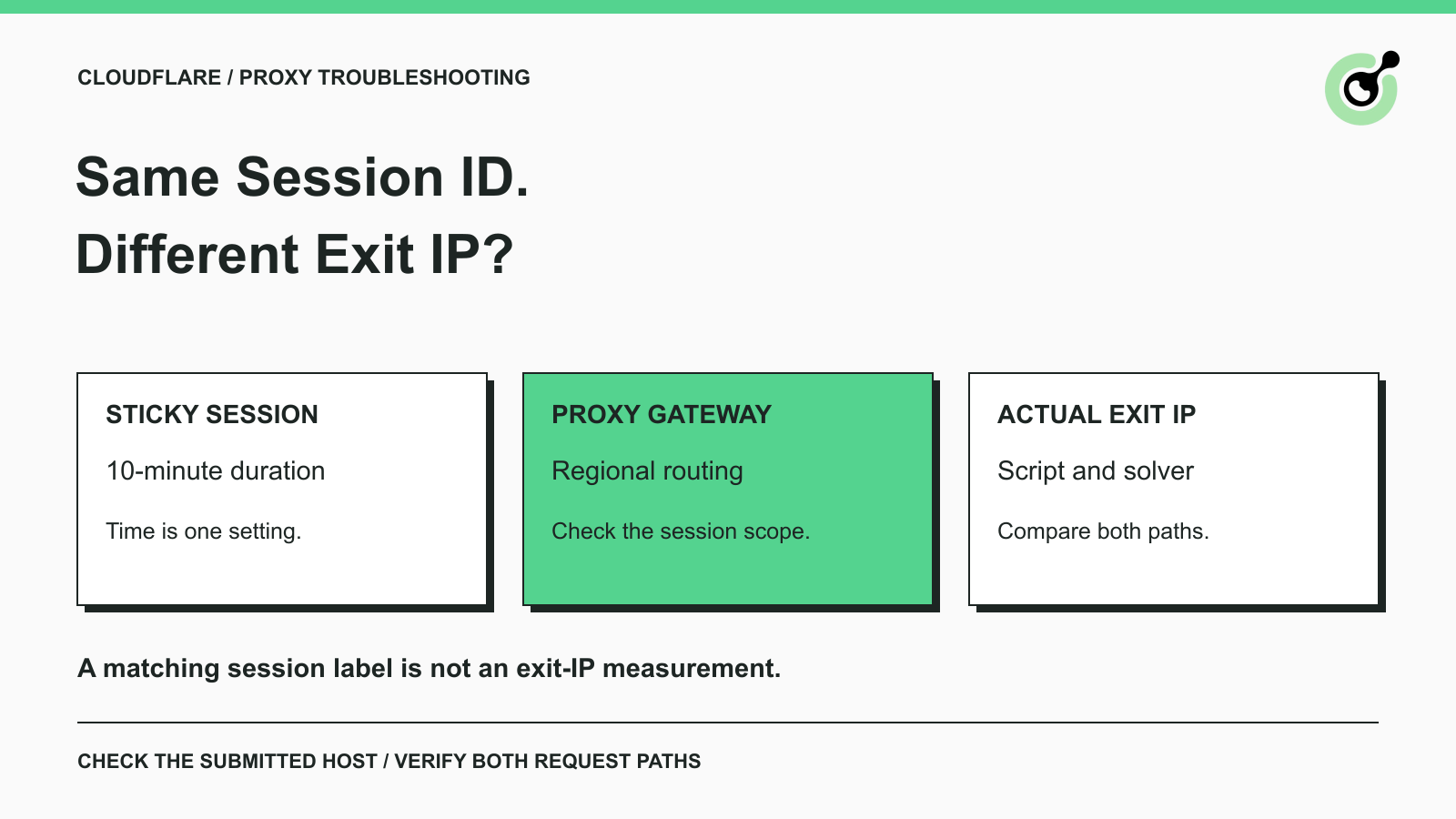
How to Fix Cloudflare Proxy Issues: Same Session ID, Different IPs
Fix the AntiCloudflareTask dynamic DNS proxy error. Learn why a 10-minute sticky session can use different exit IPs and how to verify both request paths.

Khadija Santos
14-Oct-2026
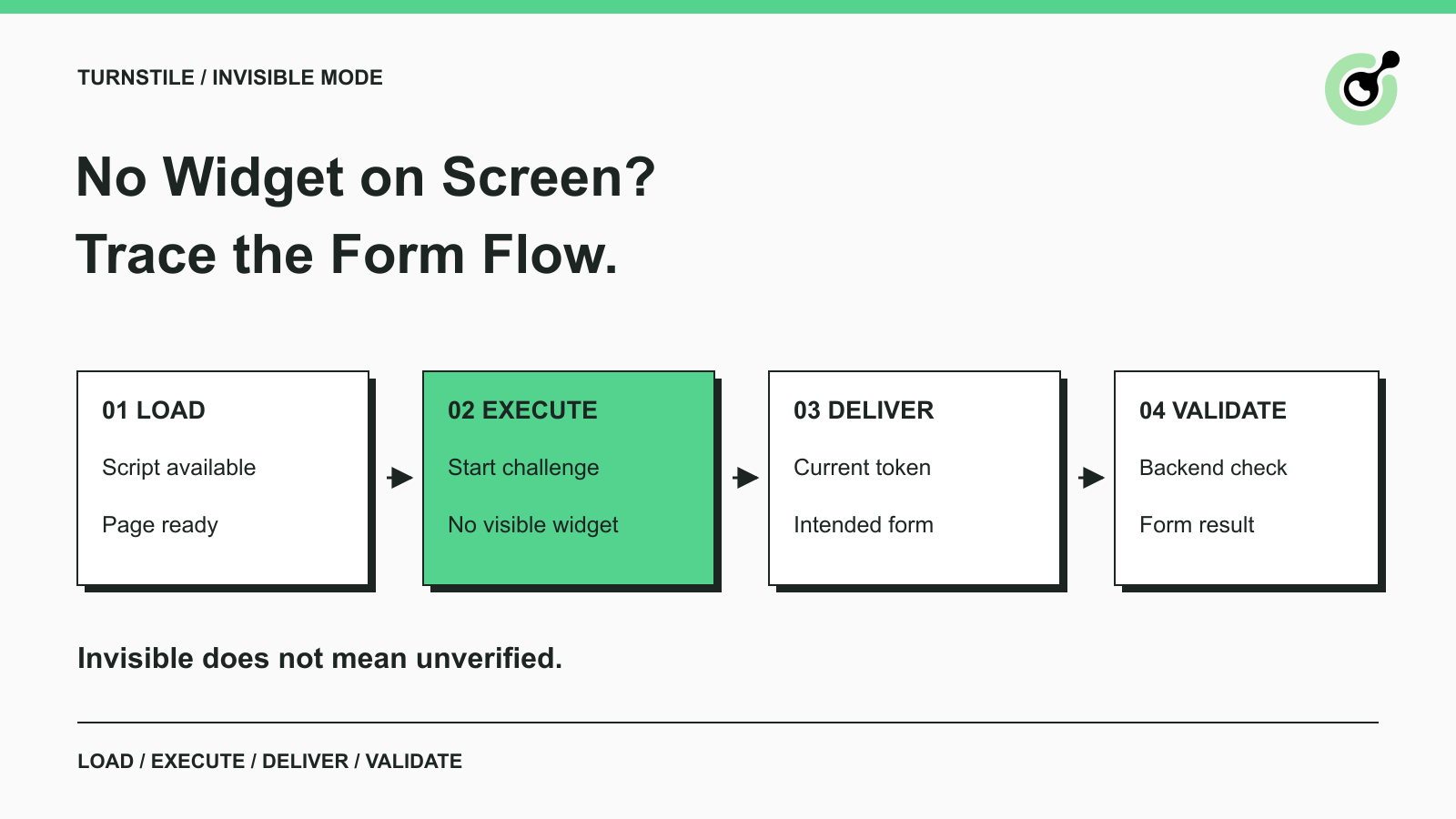
How to Fix Turnstile Invisible Mode When Forms Fail
Diagnose Turnstile invisible mode problems by checking script loading, execution, token delivery, and validation before adding a solver to automation.

Emma Foster
29-Sep-2026
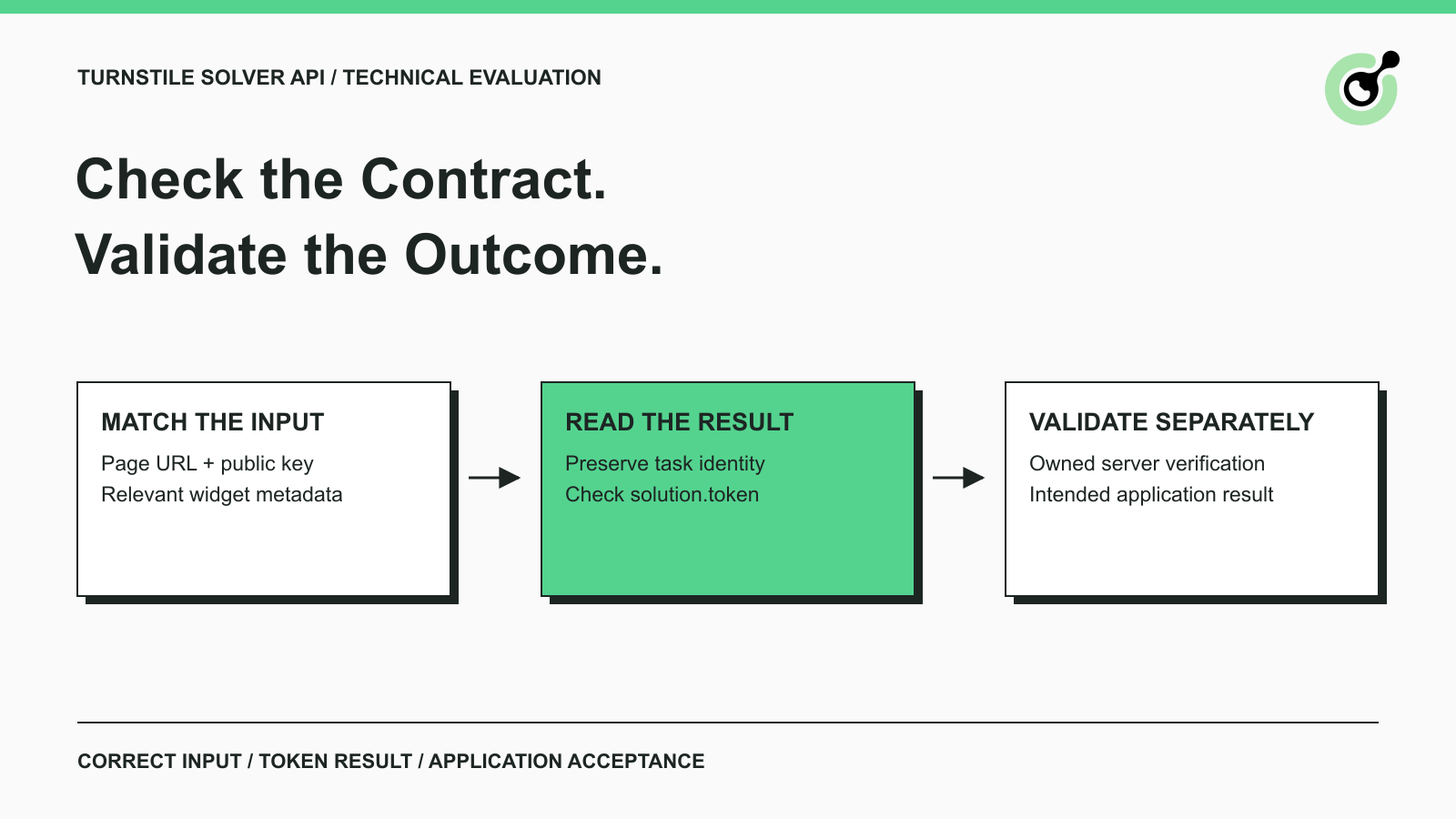
Turnstile Solver API Checklist: Inputs, Tokens, and Validation
Evaluate a Turnstile solver API by its documented inputs, token response, validation boundary, and controlled test cases before adding it to your workflow.
Emma Foster
16-Sep-2026
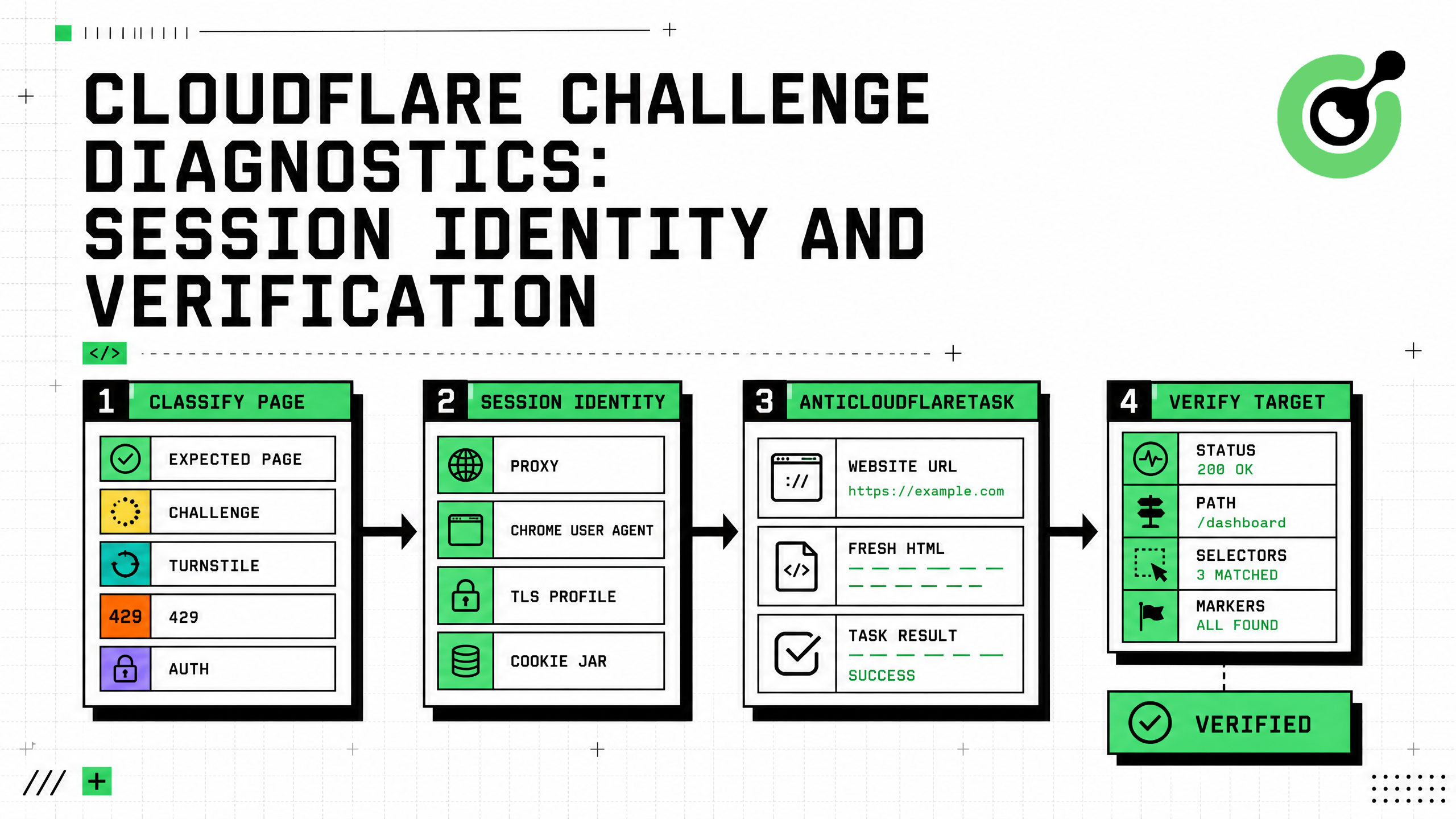
Cloudflare Challenge Diagnostics: Session Identity and Verification
Diagnose Cloudflare Challenge flows with AntiCloudflareTask, stable proxy and user agent identity, fresh HTML, clearance handling, validation, and safe errors.
Nikolai Smirnov
31-Aug-2026
How to Solve Cloudflare Challenge for Property Price Monitoring
Build reliable property price monitoring with official datasets, comparable observations, Cloudflare Challenge Solving, evidence, and controlled alerts.

Adélia Cruz
28-Aug-2026
How to Solve Cloudflare Challenge for Ecommerce Inventory Monitoring
Build reliable ecommerce inventory monitoring with API-first sourcing, Cloudflare Challenge recovery, session consistency, stock evidence, and safe alerts.

Ethan Collins
27-Aug-2026