











What is Invalid Cloudflare Turnstile Token: Causes and Fixes

Ethan Collins
How to use CapSolver
10-Aug-2026
TL;DR
- An invalid Turnstile token often comes from expiry, reuse, a site-key mismatch, stale widget parameters, or server-side verification context.
- Generate a fresh token for the current page state and submit it once through the application's normal verification path.
- CapSolver's Turnstile task requires the current
websiteURLandwebsiteKey; optionalactionandcdatamust match the widget when present. - Repeated invalid results require parameter and application review, not an unlimited solve loop.
Introduction
An invalid Turnstile token means the application or verification service did not accept the credential presented for the current challenge. CapSolver can create a fresh token from the documented Turnstile task inputs, but the surrounding application must still preserve the correct page URL, site key, widget metadata, browser state, and submission timing. Reusing an old token or mixing parameters from different page states commonly produces a failure that another identical retry will not fix. This diagnostic guide starts with the fastest checks, then verifies the API request and the server-side acceptance path. Use it only for lawful, authorized workflows, and stop if the page, host, or intended operation changes.
What an Invalid Turnstile Token Means
An invalid Turnstile token is a context or lifecycle failure, not a generic signal to request more tokens. Cloudflare's server-side Turnstile validation guidance explains that tokens are validated by the site backend and are time-sensitive and single use. The application should submit a newly generated token through its intended form or API path.
The CapSolver Turnstile task guide documents AntiTurnstileTaskProxyLess, websiteURL, websiteKey, and optional metadata.action and metadata.cdata.
Check the Five Most Common Causes
The token is stale or reused
Generate the token immediately before the authorized form submission. Do not cache it for later runs or replay it after a failed business request.
The site key belongs to another environment
Confirm that the public site key comes from the exact staging or production page being tested. Keys copied from another hostname or environment can fail verification.
The page URL changed
Use the full current URL that hosts the widget. Redirects, regional routes, and separate login domains can change the verification context.
Action or cdata does not match
If the widget includes data-action or data-cdata, send the corresponding values through the documented metadata object. Do not invent them when the page does not provide them.
The application submits the wrong field or session
Keep the token in the same authorized browser and application journey. A fresh token cannot repair a lost session, rejected form, expired CSRF value, or incorrect backend integration.
Verify the CapSolver Request
Use the documented task structure:
json
{
  "clientKey": "YOUR_API_KEY",
  "task": {
    "type": "AntiTurnstileTaskProxyLess",
    "websiteURL": "https://example.org/authorized-form",
    "websiteKey": "0x4XXXXXXXXXXXXXXXXX",
    "metadata": {
      "action": "login",
      "cdata": "CURRENT_CDATA_IF_PRESENT"
    }
  }
}
Remove optional metadata fields when the widget does not expose them. A successful createTask call returns a taskId; getTaskResult returns status: ready with solution.token when the task completes.
Redeem Your CapSolver Bonus Code
Boost your automation budget instantly!
Use bonus code CAP26 when topping up your CapSolver account to get an extra 5% bonus on every recharge — with no limits.
Redeem it now in your CapSolver Dashboard

Trace the Submission Path
Use browser developer tools or a test trace to confirm that the form sends one fresh token and that the backend validates it once. The Chrome DevTools Network panel can reveal duplicate submissions, navigation changes, and unexpected status codes. Do not record the token in shared logs.
When testing with Playwright, capture a trace and assert the expected application state after submission. Playwright Trace Viewer helps distinguish a widget problem from a form or session failure.
Use a Bounded Retry Policy
Retry once only after correcting a known input or lifecycle issue. Stop if the same invalid result repeats, the host changes, the widget parameters cannot be verified, or the application rejects the request for an unrelated reason. The CapSolver error code reference should be used for API-side failures rather than guessing from text alone.
Conclusion
Fixing an invalid Turnstile token requires a fresh credential and a consistent context. Check timing, reuse, site key, URL, metadata, session, and the backend submission path before another attempt. CapSolver can create the documented Turnstile task, while your application remains responsible for correct parameters, authorized use, and final verification.
FAQ
Q: Can a Turnstile token be reused?
No. Treat each token as single use and generate it for the current authorized submission.
Q: Does an invalid token always mean the solving task failed?
No. The failure may come from expiry, page context, site key, widget metadata, session state, or backend verification.
Q: Are action and cdata always required?
No. Include them only when the current widget exposes those values.
Q: How many times should automation retry?
Retry once after correcting a known cause, then stop and review repeated failures.
Compliance Disclaimer: The information provided on this blog is for informational purposes only. CapSolver is committed to compliance with all applicable laws and regulations. The use of the CapSolver network for illegal, fraudulent, or abusive activities is strictly prohibited and will be investigated. Our captcha-solving solutions enhance user experience while ensuring 100% compliance in helping solve captcha difficulties during public data crawling. We encourage responsible use of our services. For more information, please visit our Terms of Service and Privacy Policy.
More
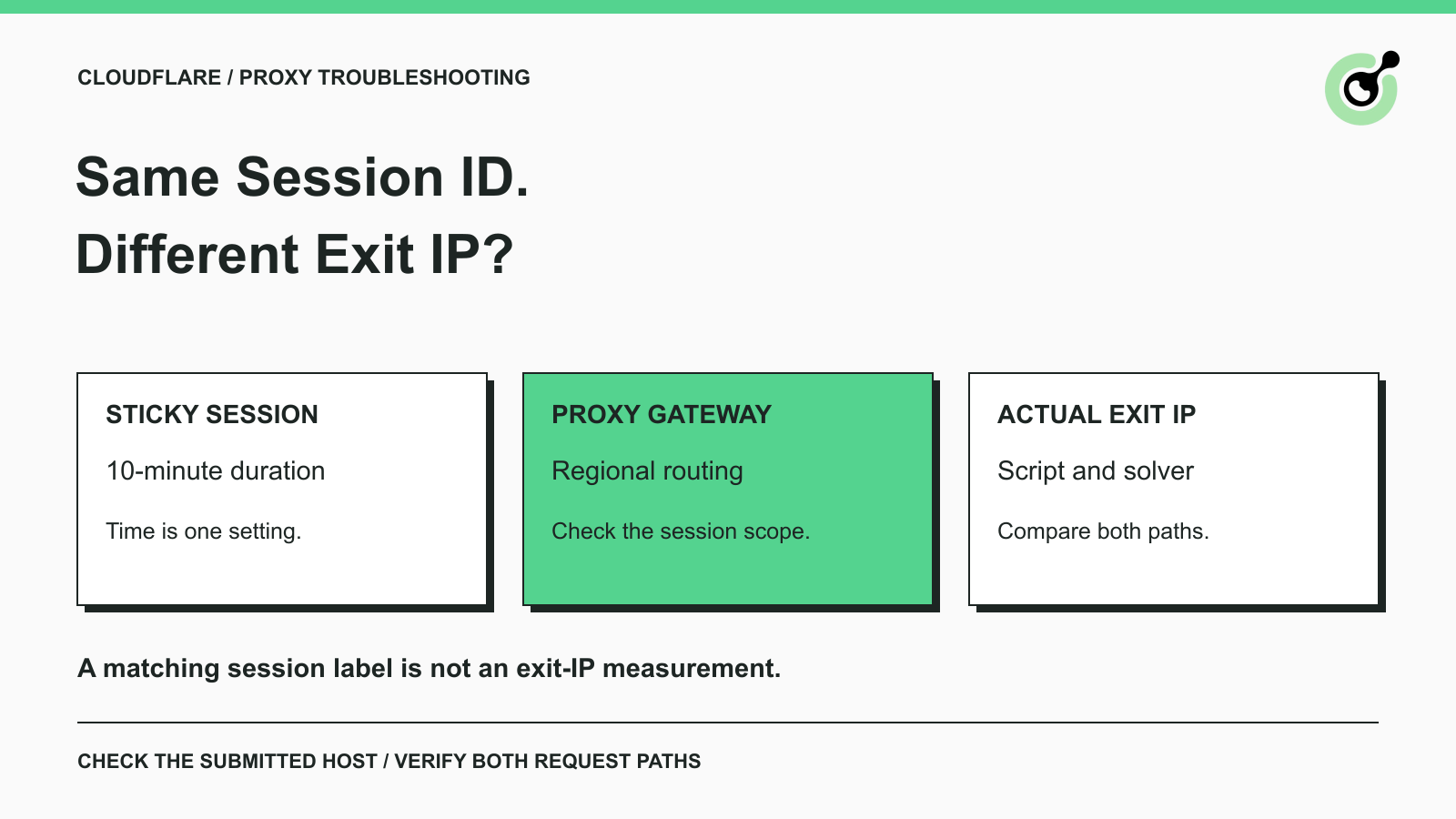
How to Fix Cloudflare Proxy Issues: Same Session ID, Different IPs
Fix the AntiCloudflareTask dynamic DNS proxy error. Learn why a 10-minute sticky session can use different exit IPs and how to verify both request paths.

Khadija Santos
14-Oct-2026
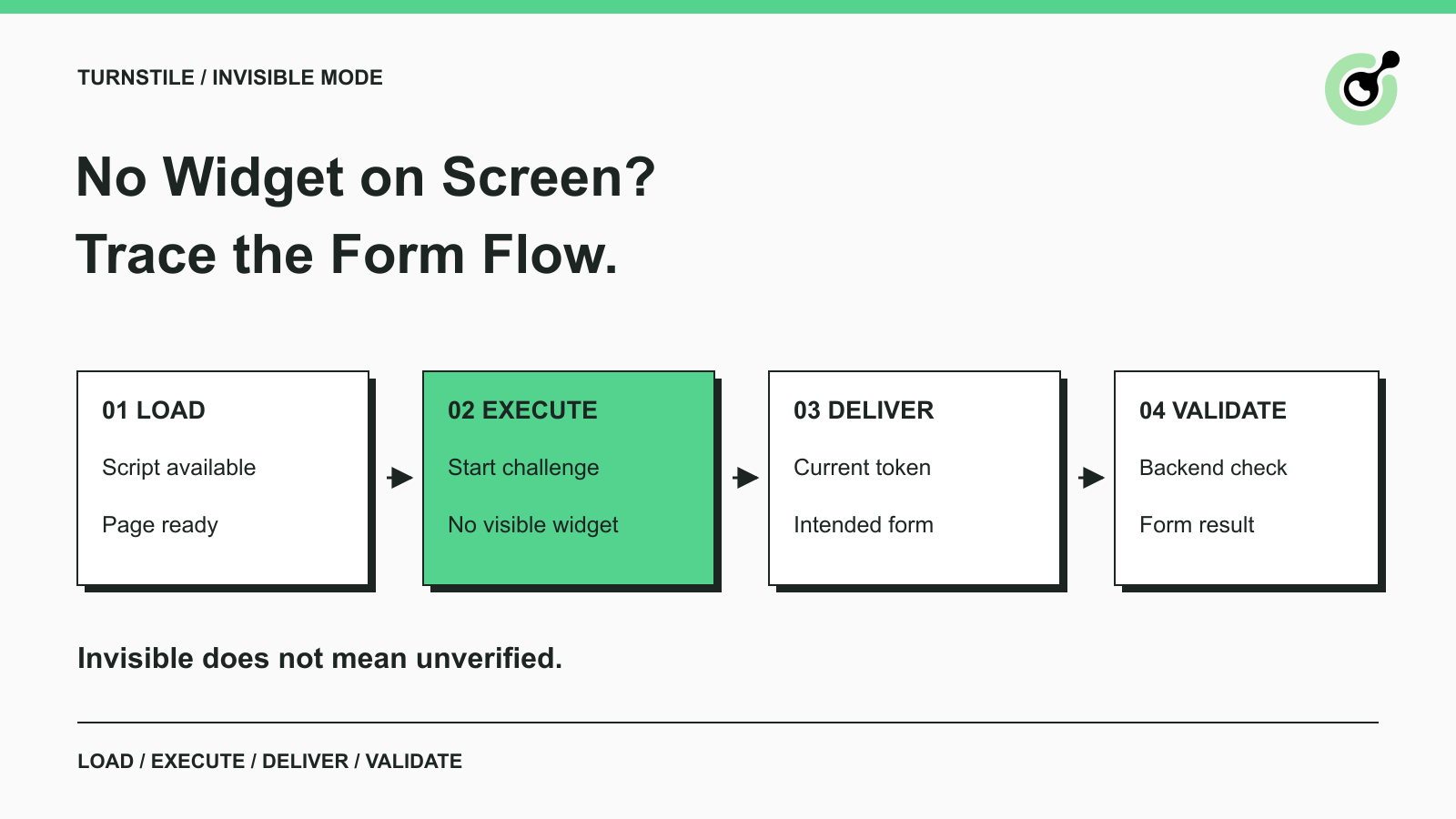
How to Fix Turnstile Invisible Mode When Forms Fail
Diagnose Turnstile invisible mode problems by checking script loading, execution, token delivery, and validation before adding a solver to automation.

Emma Foster
29-Sep-2026
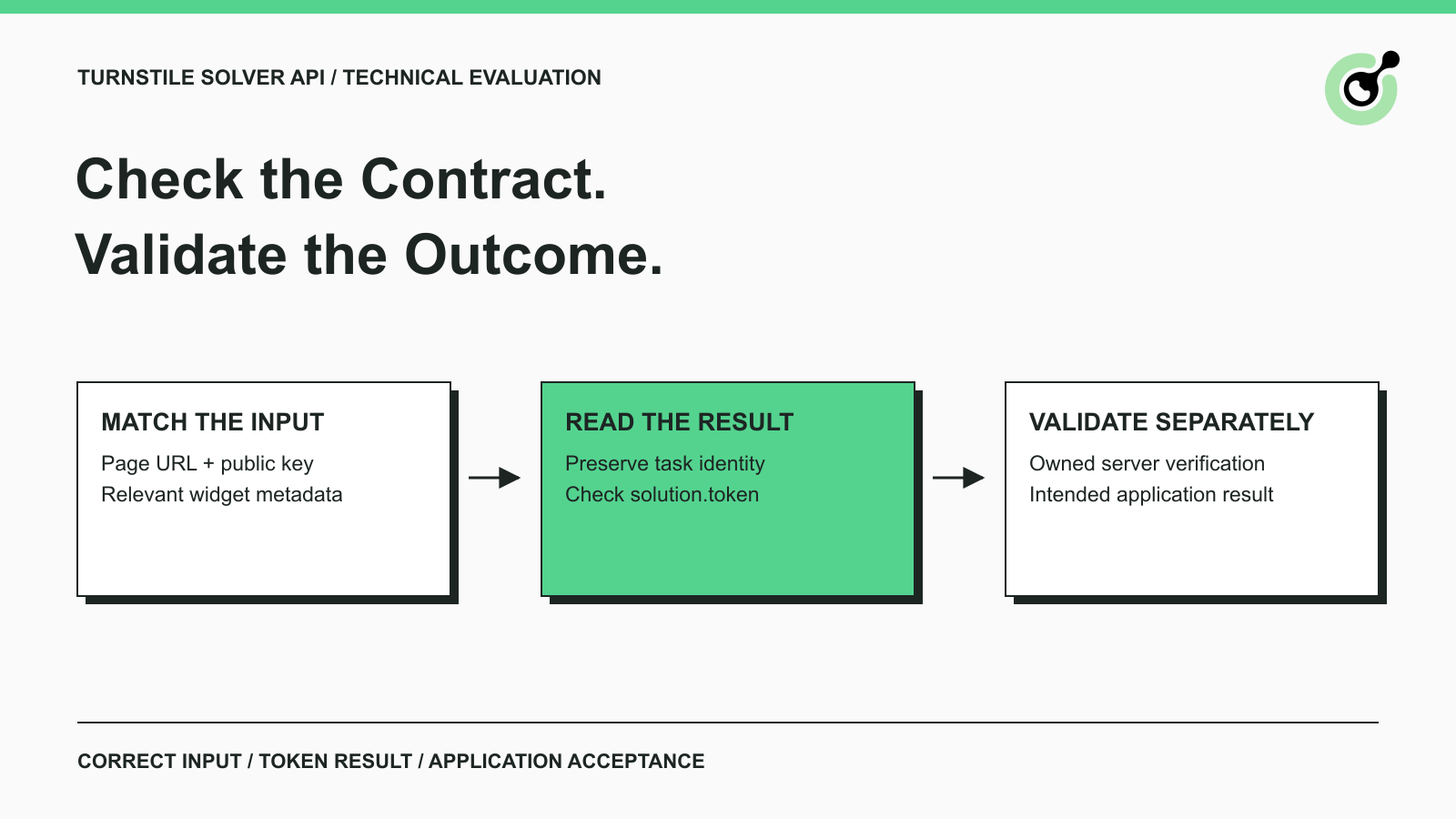
Turnstile Solver API Checklist: Inputs, Tokens, and Validation
Evaluate a Turnstile solver API by its documented inputs, token response, validation boundary, and controlled test cases before adding it to your workflow.
Emma Foster
16-Sep-2026
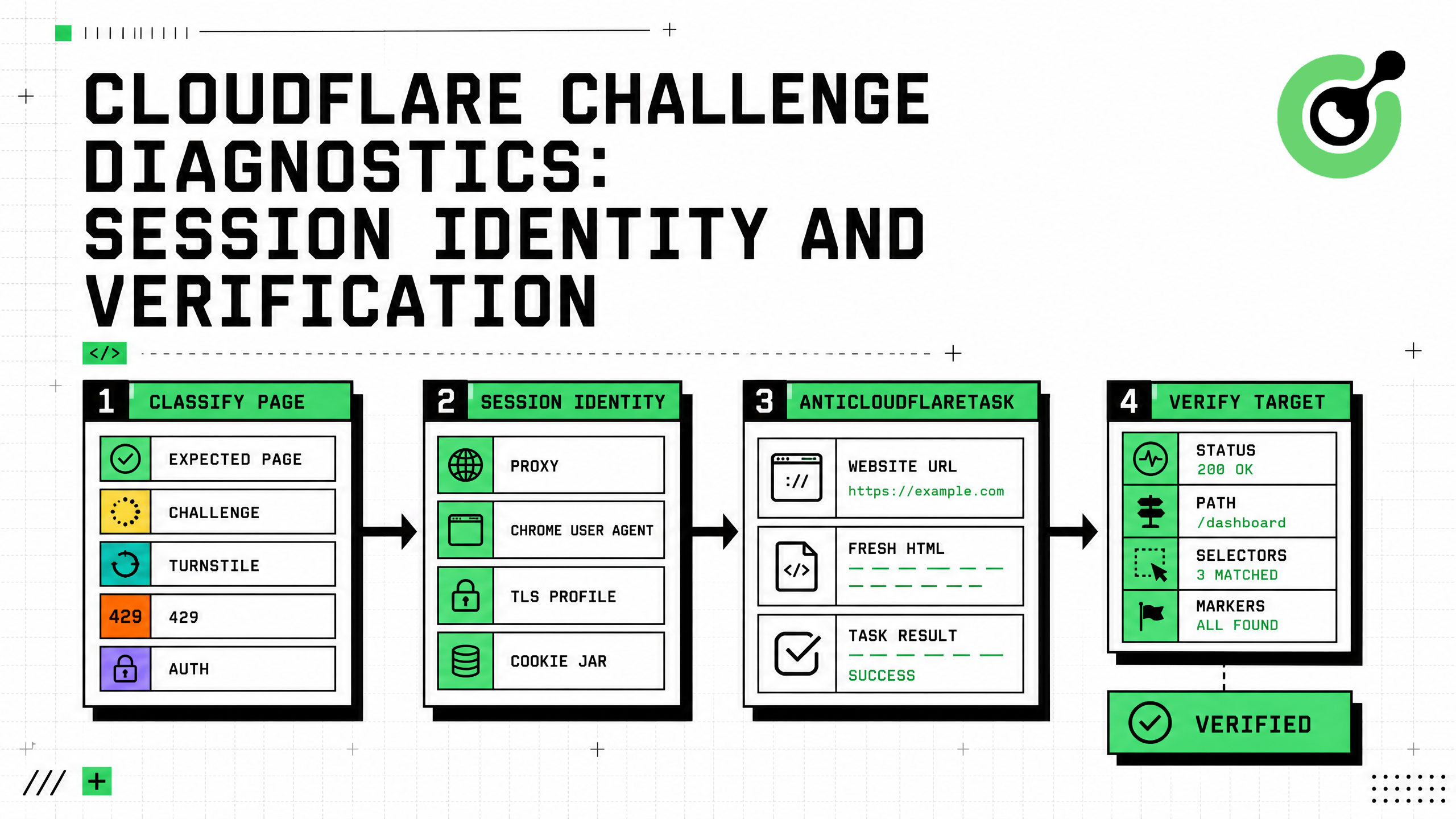
Cloudflare Challenge Diagnostics: Session Identity and Verification
Diagnose Cloudflare Challenge flows with AntiCloudflareTask, stable proxy and user agent identity, fresh HTML, clearance handling, validation, and safe errors.

Nikolai Smirnov
31-Aug-2026
How to Solve Cloudflare Challenge for Property Price Monitoring
Build reliable property price monitoring with official datasets, comparable observations, Cloudflare Challenge Solving, evidence, and controlled alerts.

Adélia Cruz
28-Aug-2026
How to Solve Cloudflare Challenge for Ecommerce Inventory Monitoring
Build reliable ecommerce inventory monitoring with API-first sourcing, Cloudflare Challenge recovery, session consistency, stock evidence, and safe alerts.
Ethan Collins
27-Aug-2026