











MCP CAPTCHA Solver: Cloudflare Turnstile Integration Guide

Ethan Collins
How to use CapSolver
22-Jul-2026
TL;DR
- An MCP CAPTCHA tool should sit behind an authorization check, not run automatically on every browser error.
- CapSolver documents an MCP service for compatible clients and a task lifecycle built around task creation and result retrieval.
- A Turnstile workflow needs the page URL and site key, plus browser-session consistency when the documented task requires it.
- Treat returned tokens as short-lived secrets: avoid logs, use bounded retries, and verify the page outcome.
- Technical capability does not grant permission to access private, restricted, sensitive, or unauthorized data.
What the MCP integration enables
An MCP Cloudflare Turnstile solver integration gives an AI client a controlled tool boundary for handling a challenge in an authorized workflow. CapSolver documents capsolver-mcp as an option for MCP-compatible clients, while its AI-agent guide separates local detection and fill-back from recognition performed by the service.
The useful design goal is recovery, not unrestricted browsing. Your agent detects a blocked step, checks scope, assembles documented parameters, calls one tool, verifies the returned result, and either continues or stops for review.
Prerequisites and policy gate
Before connecting the tool, define approved domains, allowed actions, maximum attempts, logging rules, and a human-review condition. The client also needs the MCP runtime supported by its host and a CapSolver credential stored in secret storage; never put a real credential in prompts or source control.
Cloudflare explains that a Turnstile widget produces a token that the site validates server-side, so a token alone is not proof that the business action succeeded. See Cloudflare's Turnstile implementation flow and Turnstile overview for the defender-side model.
Connect the MCP service
Use the current package and configuration shown in the official CapSolver Core SDK documentation. The exact installation command is intentionally not duplicated here because package locations and supported clients can change. After installation, confirm that the client lists the expected CapSolver tools, then disconnect cleanly before placing the configuration in a shared environment.
This article did not execute a credentialed handshake. That test remains a disclosed prerequisite gap; no tool output is presented as live evidence.
Redeem Your CapSolver Bonus Code
Boost your automation budget instantly!
Use bonus code CAP26 when topping up your CapSolver account to get an extra 5% bonus on every recharge — with no limits.
Redeem it now in your CapSolver Dashboard

Attach the tool to an agent loop
Keep the model-facing contract narrow. Inputs should identify the approved page and challenge parameters; outputs should expose status and an opaque result without echoing credentials. The agent should never invent a site key, task type, or success response.
A robust loop has five states: detected, authorized, submitted, verified, and stopped. Move to verified only after the browser observes the expected page state. If the task remains processing, poll within a fixed budget based on the CapSolver task lifecycle. Stop on repeated errors instead of creating an unbounded retry loop.
Failure boundaries and observability
Separate configuration errors from challenge failures. Missing parameters should fail before any API call. A service error should retain a correlation identifier but redact the credential and returned token. A browser mismatch should preserve a screenshot or DOM assertion only when that evidence contains no sensitive data.
For protocol context, the official MCP introduction describes the client-server boundary. That boundary is useful for policy enforcement because the agent can be denied access to the tool unless the request meets your allowlist.
MCP CAPTCHA solver setup from the official SDK
CapSolver's MCP service is built on the same core SDK used by direct Python integrations. Install the browser-enabled package only in an isolated environment, then expose the tool through your MCP client's configuration. The official package is currently installed from GitHub rather than PyPI:
bash
python -m venv .venv
source .venv/bin/activate
pip install "capsolver-core[playwright] @ git+https://github.com/capsolver-ai/capsolver-core.git"
playwright install chromium
Store CAPSOLVER_API_KEY in the host's approved secret store. Do not place the value in the MCP JSON, article, source repository, or model-visible arguments. The tool should accept a page reference or structured challenge information, while the host injects credentials outside the model context.
Use a strict tool policy
An MCP host can evaluate a policy object before dispatch. The following configuration is illustrative application policy, not a CapSolver API payload:
json
{
  "allowedDomains": ["staging.example.com"],
  "allowedCaptchaTypes": ["cloudflare"],
  "maxAttempts": 2,
  "timeoutSeconds": 120,
  "requireHumanReviewForStateChange": true,
  "logToken": false
}
Validate this file with your configuration loader at startup. Reject unknown fields so a typo cannot silently disable a control.
Direct Turnstile API fallback
When your application already knows the site URL and site key, CapSolver documents AntiTurnstileTaskProxyLess. The required task fields are type, websiteURL, and websiteKey; metadata.action and metadata.cdata are optional when those values exist on the widget.
python
import os
import time
import requests

API = "https://api.capsolver.com"

def solve_turnstile(website_url: str, website_key: str) -> str:
    client_key = os.environ["CAPSOLVER_API_KEY"]
    create = requests.post(
        f"{API}/createTask",
        json={
            "clientKey": client_key,
            "task": {
                "type": "AntiTurnstileTaskProxyLess",
                "websiteURL": website_url,
                "websiteKey": website_key,
            },
        },
        timeout=30,
    ).json()
    if create.get("errorId"):
        raise RuntimeError(create.get("errorDescription", "createTask failed"))

    task_id = create["taskId"]
    deadline = time.monotonic() + 120
    while time.monotonic() < deadline:
        result = requests.post(
            f"{API}/getTaskResult",
            json={"clientKey": client_key, "taskId": task_id},
            timeout=30,
        ).json()
        if result.get("errorId"):
            raise RuntimeError(result.get("errorDescription", "getTaskResult failed"))
        if result.get("status") == "ready":
            return result["solution"]["token"]
        time.sleep(3)
    raise TimeoutError("Turnstile task exceeded the polling budget")
The code is syntax-checked but not credential-run in this article. Apply the returned token only inside the same authorized workflow, then verify the resulting page state.
Build a reviewable recovery path
The best MCP recovery path is small enough to audit: one approved domain, one documented task type, one retry budget, and one page assertion. Expand coverage only after logs show why failures occur. Review the CapSolver FAQ and related automation articles when planning operational support.
For authorized agent workflows, CapSolver can be the recognition component, while your application remains responsible for permission, session handling, validation, and stopping safely.
FAQ
Q: Does MCP itself solve Cloudflare Turnstile?
No. MCP defines a tool connection pattern; the configured CapSolver service performs recognition while the client controls detection, parameters, and result use.
Q: Can the agent call the tool on any website?
No. Limit calls to sites and actions you are authorized to automate, and stop when permission is unclear.
Q: What proves the workflow succeeded?
The browser must observe the expected post-verification page state; a returned token by itself is insufficient.
Q: Should tokens appear in logs?
No. Treat credentials and returned tokens as secrets and record only redacted operational metadata.
Compliance Disclaimer: The information provided on this blog is for informational purposes only. CapSolver is committed to compliance with all applicable laws and regulations. The use of the CapSolver network for illegal, fraudulent, or abusive activities is strictly prohibited and will be investigated. Our captcha-solving solutions enhance user experience while ensuring 100% compliance in helping solve captcha difficulties during public data crawling. We encourage responsible use of our services. For more information, please visit our Terms of Service and Privacy Policy.
More
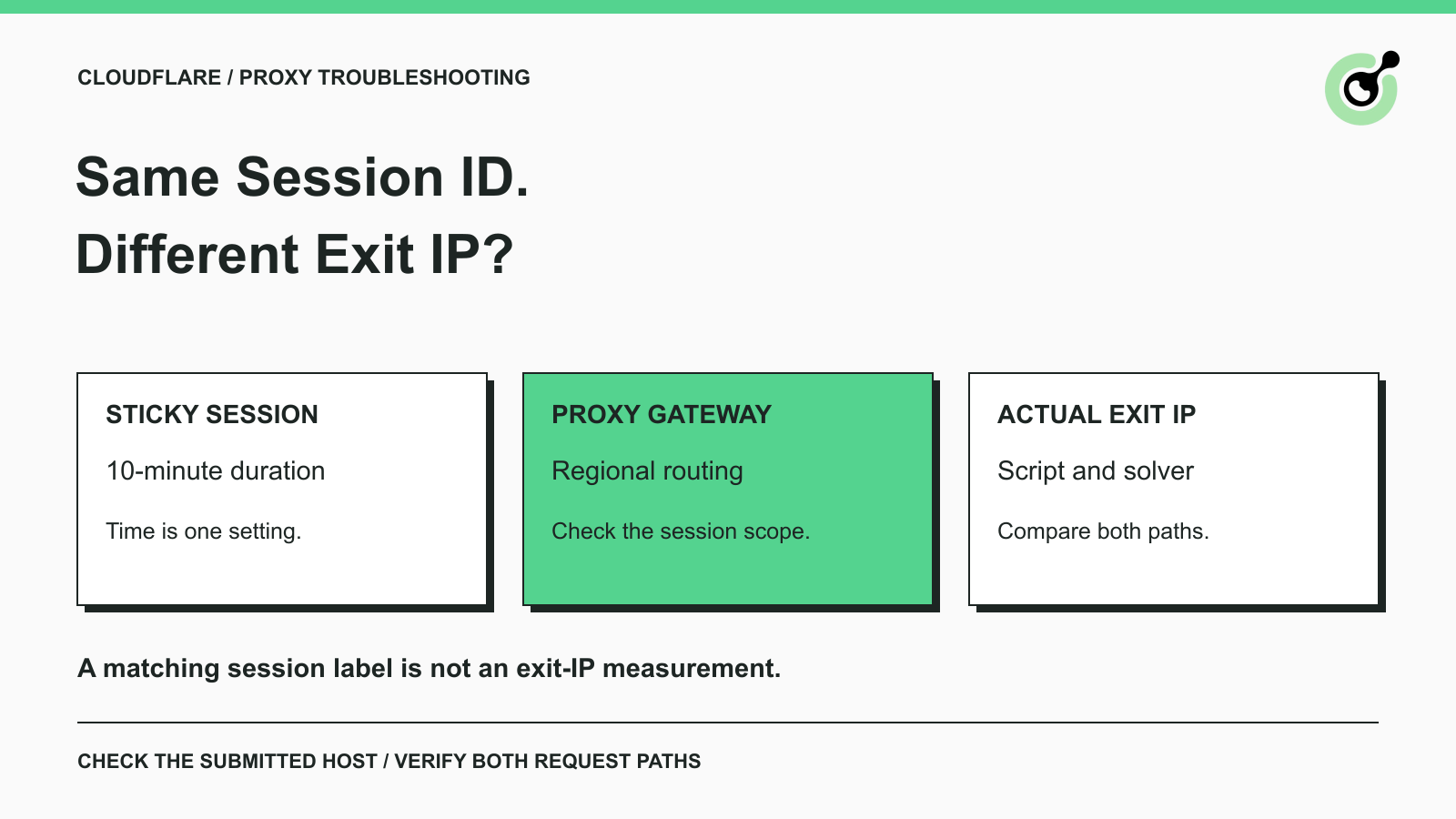
How to Fix Cloudflare Proxy Issues: Same Session ID, Different IPs
Fix the AntiCloudflareTask dynamic DNS proxy error. Learn why a 10-minute sticky session can use different exit IPs and how to verify both request paths.

Khadija Santos
14-Oct-2026
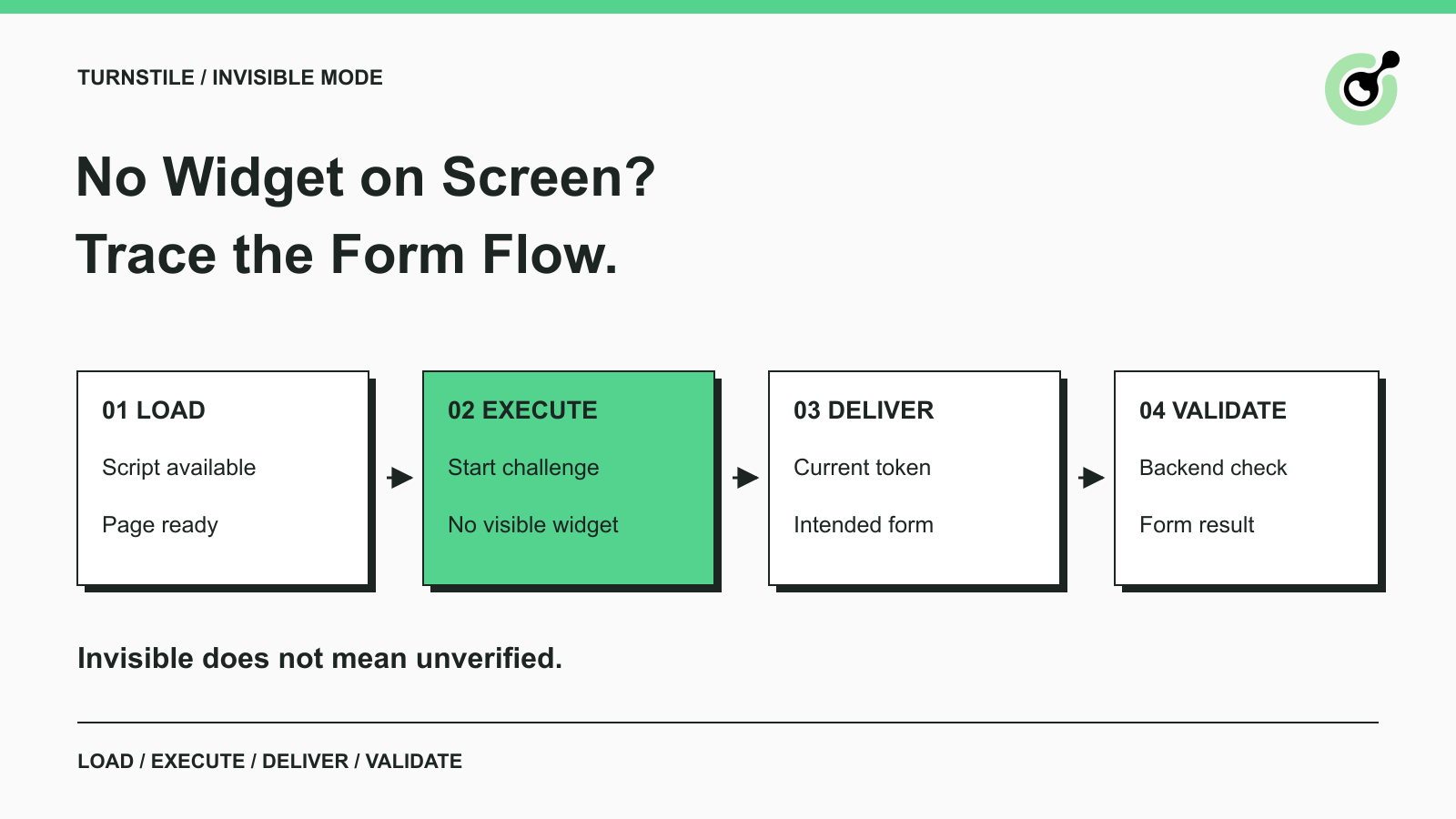
How to Fix Turnstile Invisible Mode When Forms Fail
Diagnose Turnstile invisible mode problems by checking script loading, execution, token delivery, and validation before adding a solver to automation.

Emma Foster
29-Sep-2026
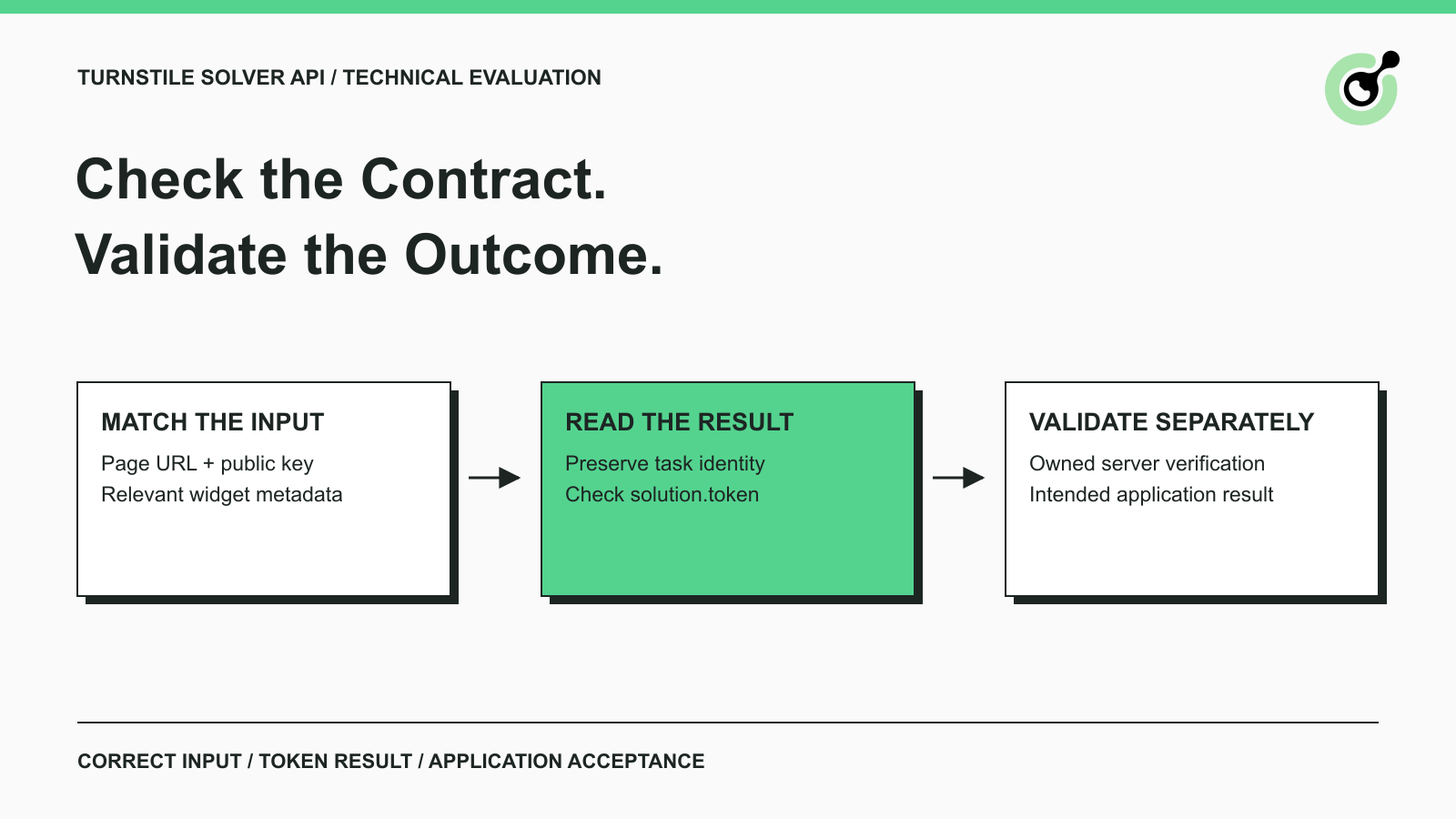
Turnstile Solver API Checklist: Inputs, Tokens, and Validation
Evaluate a Turnstile solver API by its documented inputs, token response, validation boundary, and controlled test cases before adding it to your workflow.
Emma Foster
16-Sep-2026
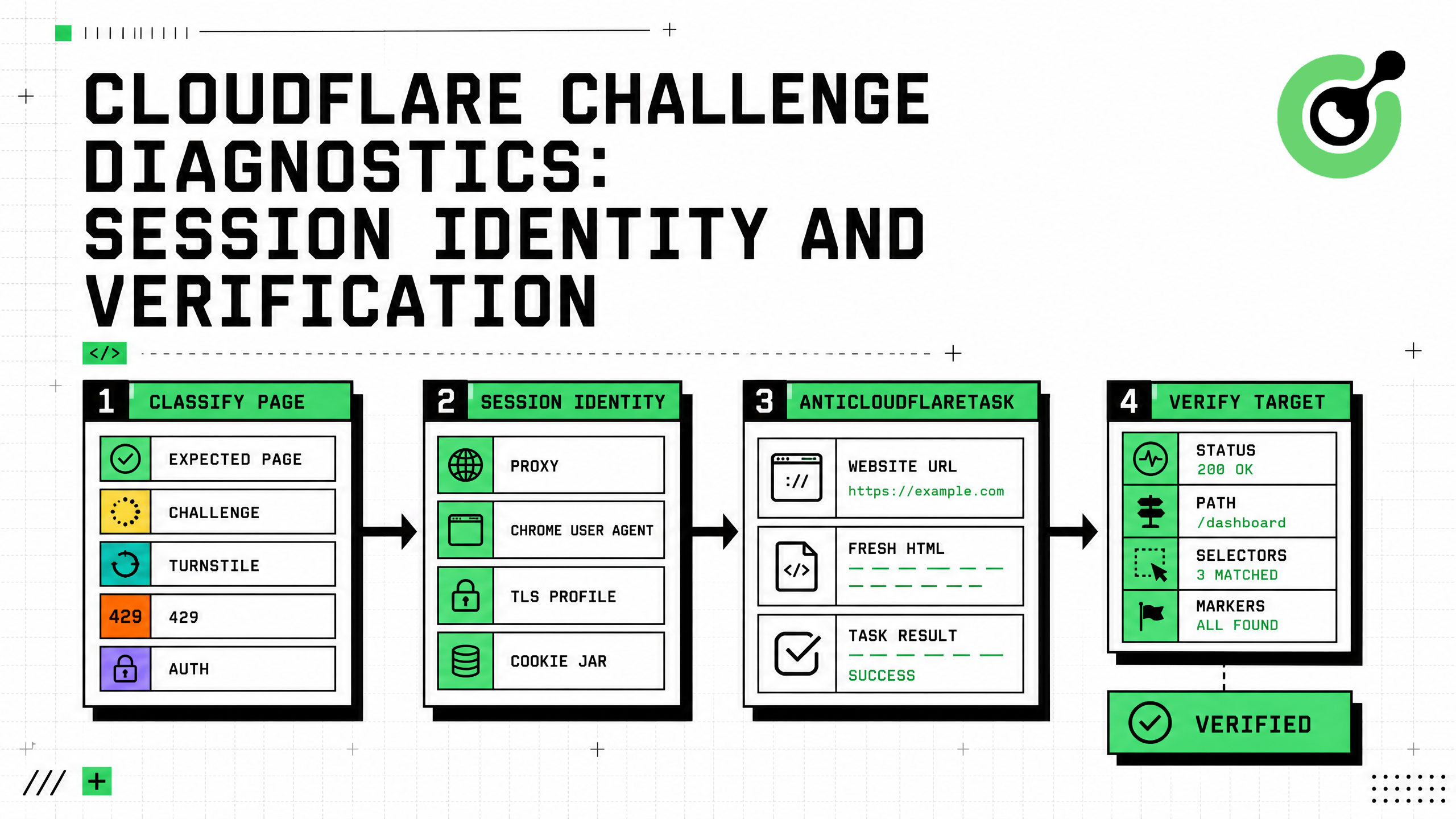
Cloudflare Challenge Diagnostics: Session Identity and Verification
Diagnose Cloudflare Challenge flows with AntiCloudflareTask, stable proxy and user agent identity, fresh HTML, clearance handling, validation, and safe errors.

Nikolai Smirnov
31-Aug-2026
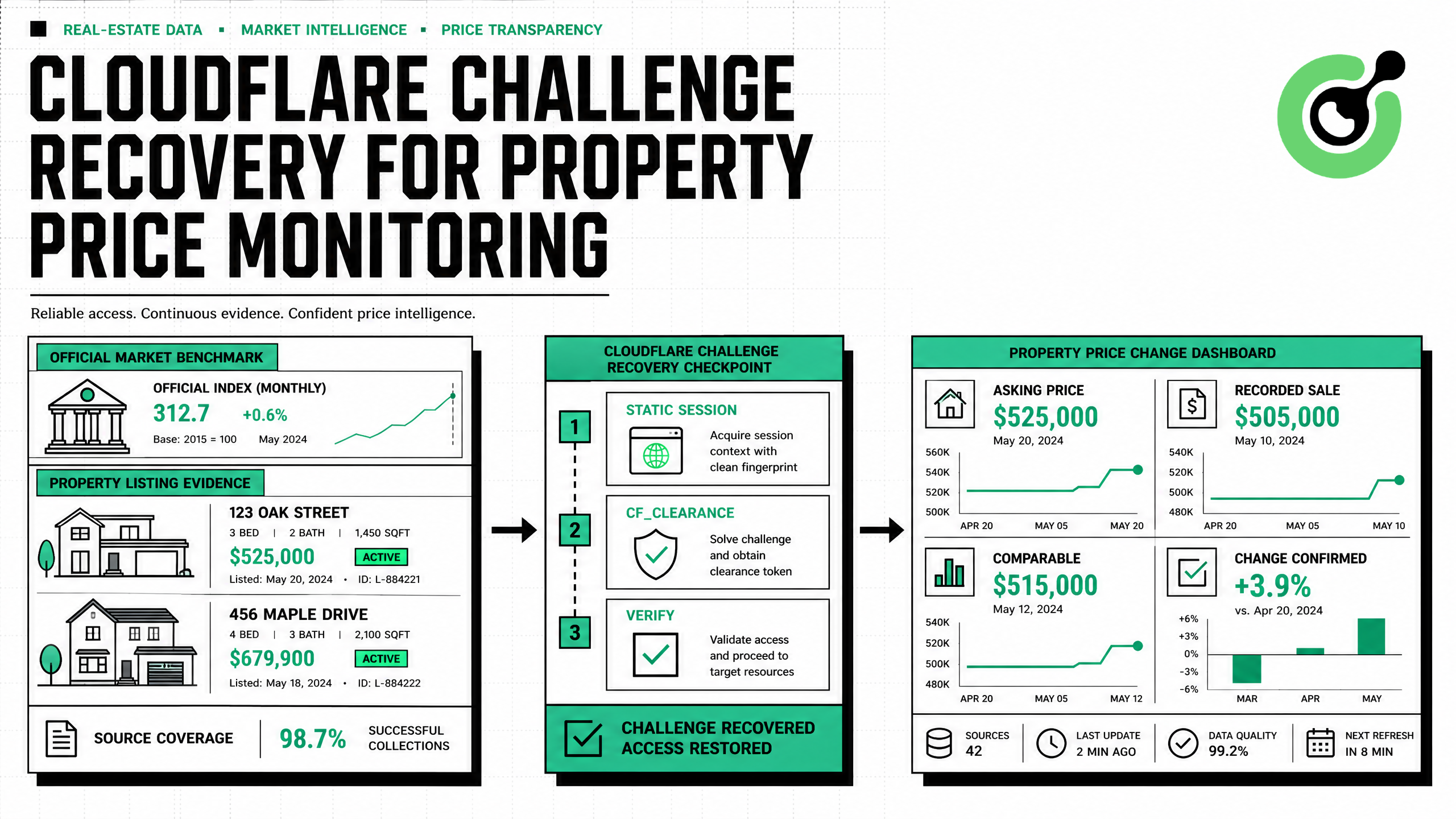
How to Solve Cloudflare Challenge for Property Price Monitoring
Build reliable property price monitoring with official datasets, comparable observations, Cloudflare Challenge Solving, evidence, and controlled alerts.

Adélia Cruz
28-Aug-2026
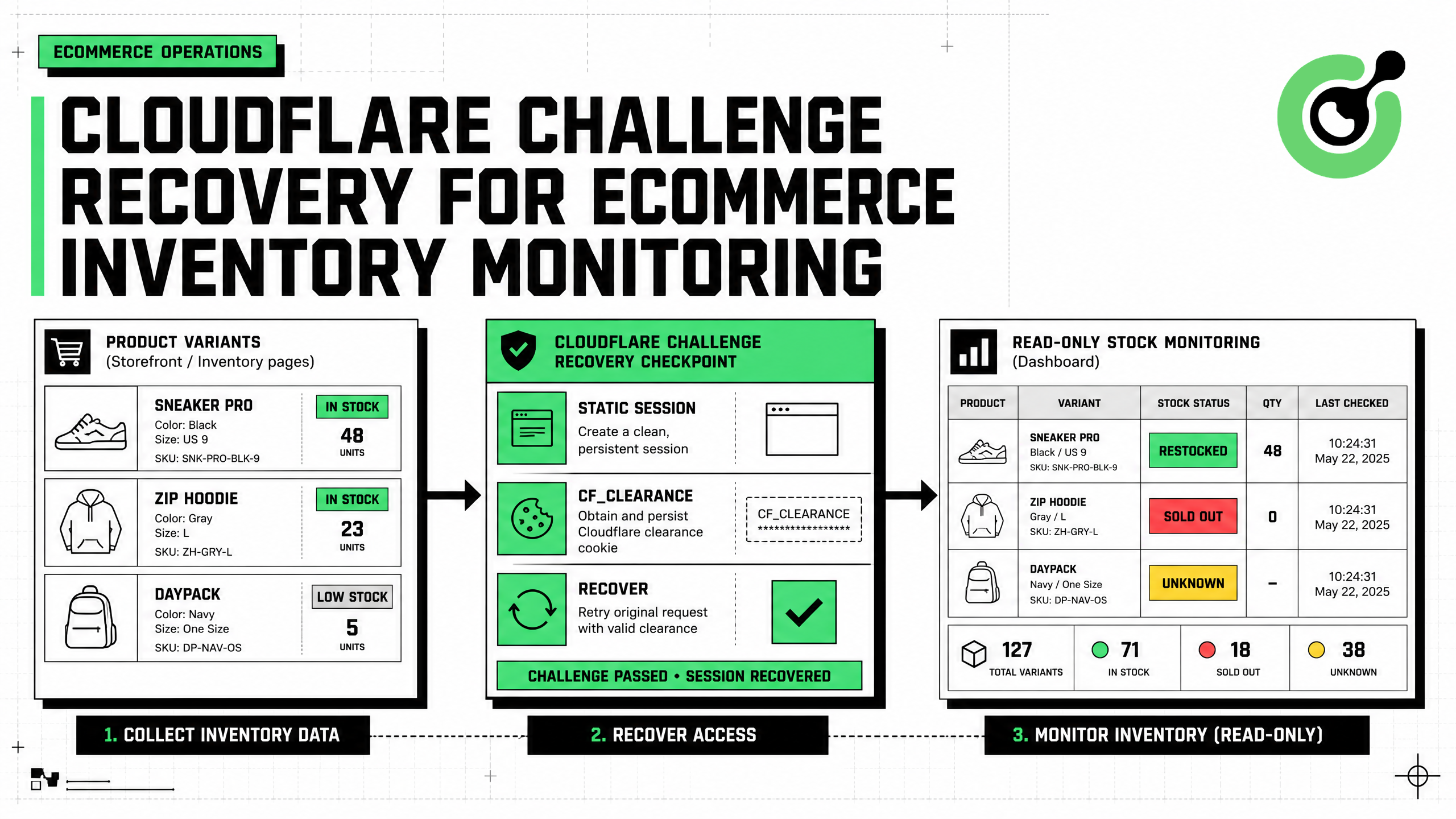
How to Solve Cloudflare Challenge for Ecommerce Inventory Monitoring
Build reliable ecommerce inventory monitoring with API-first sourcing, Cloudflare Challenge recovery, session consistency, stock evidence, and safe alerts.
Ethan Collins
27-Aug-2026