











How to Identify and Find the Values of reCAPTCHA v3

Ethan Collins
How to use CapSolver
28-Aug-2023
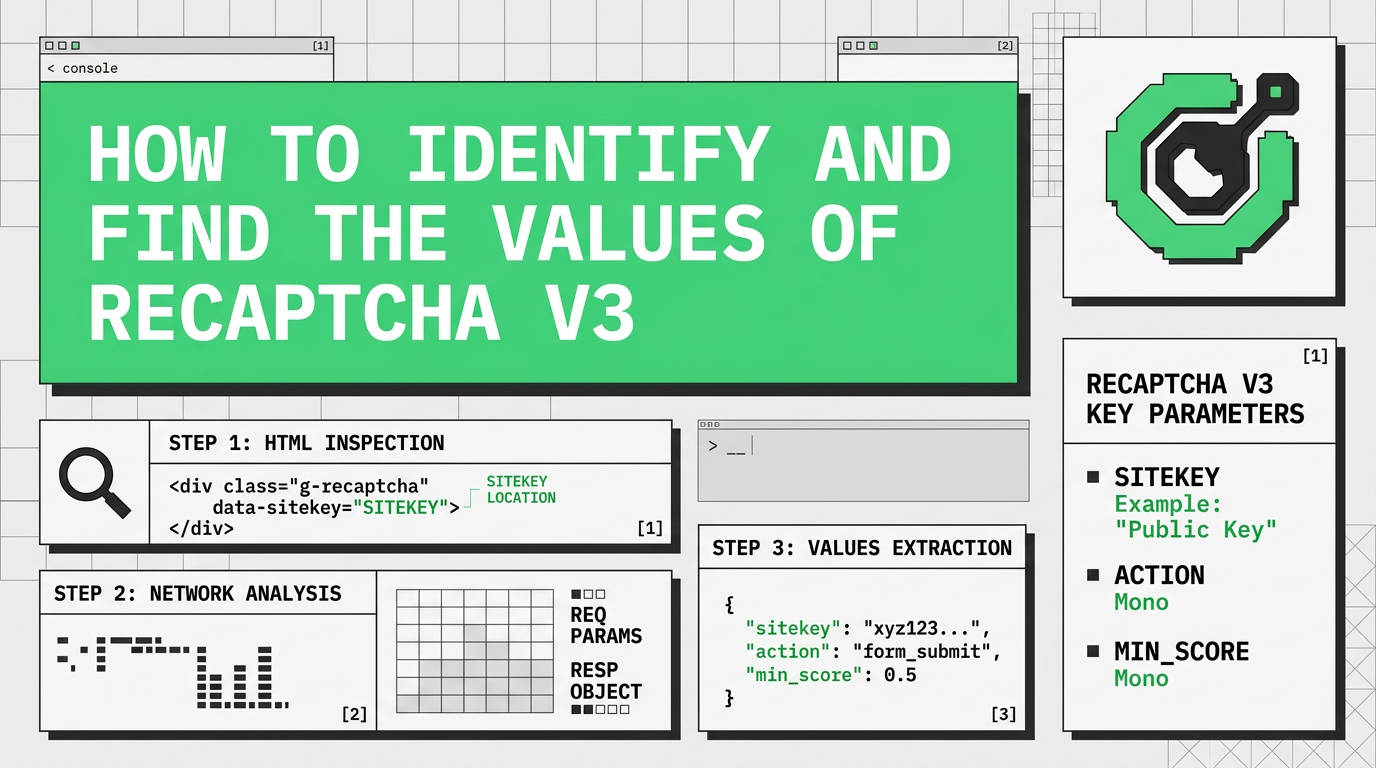
What does "score" signify in V3 and why is there no captcha?
reCAPTCHA V3 is not your regular captcha task. It's not an automated Turing test to distinguish robots from humans. reCAPTCHA V3 is a browser scoring mechanism that recognizes who operates the browser, a human or a program. The result of solveing reCAPTCHA V3 is a score from 0.1 to 0.9 where 0.1 is "most likely a robot" and 0.9 is "most likely a human". CapSolver provides tokens with a 0.9 score.
How do I know there is a reCAPTCHA V3?
- reCAPTCHA V2: There is a checkbox on a page.
- reCAPTCHA V2 Invisible: There is no checkbox, but there is a reCAPTCHA logo in the bottom right corner. Sometimes you are asked to solve a reCAPTCHA if they detect that you are a suspicious user.
- reCAPTCHA V3: There is no checkbox, but there is a reCAPTCHA logo in the bottom right corner. You are never asked to solve a reCAPTCHA.
Sometimes it is really tricky to distinguish between a reCAPTCHA V2 Invisible and a V3. In such cases, simply open the browser's console Command+Option+C (Mac) or Control+Shift+C (Windows, Linux, Chrome OS) and check the requests sent to google.com (or recaptcha.net in some cases) on a Network tab.
Find a request
https://www.google.com/recaptcha/api2/reload?k= for reCaptcha v3 or https://www.google.com/recaptcha/enterprise/reload?k= for reCaptcha v3 Enterprise
Then check for
https://www.google.com/recaptcha/api2/userverify?k=
The first request should always be there. If you cannot find it, try to change the hostname to "recaptcha.net" and look for it until you find it. If you cannot find the second request to userverify, then it's a case of reCAPTCHA V3. If there is a request to userverify, then it's a reCAPTCHA V2 Invisible.
How to find "googlekey" and "action"
There are some ways to find google key and the action paramters, some are more effective than others. First option is the best way to find these values.
Method #1:
Read this blog
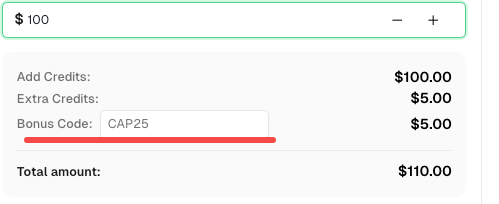
Bonus Code: A bonus code for top captcha solutions; CapSolver Dashboard: CAP25. After redeeming it, you will get an extra 5% bonus after each recharge, Unlimited.
Method #2:
-
Download Charles Proxy
-
Right click to the request that we can see with the name https://google.com

-
Click enable ssl
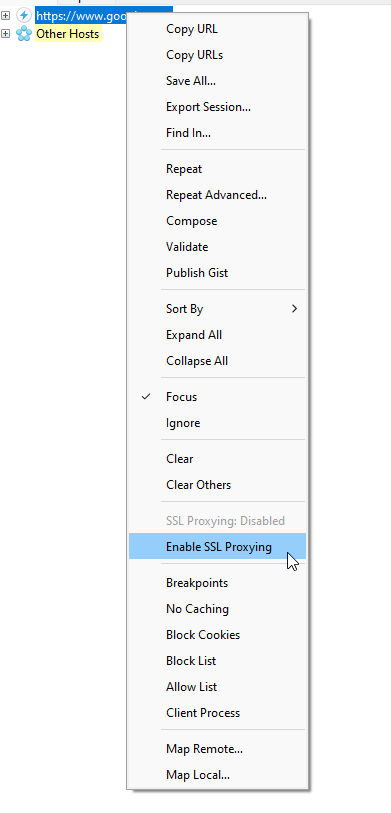
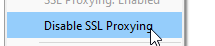
After it's clicked, should look like this:
-
To identify the google key and also the action parameter, we just need to go to the site and trigger the reCaptcha v3 with Charles Open
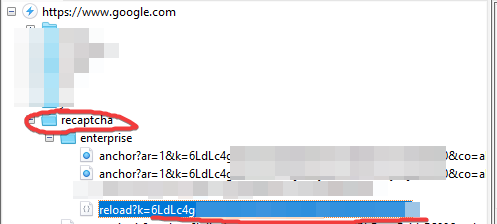
In this case, it's reCaptcha v3 Enterprise, but a request should appear there. The red line is the google key -
Now that you have the google key, it's time to find the action. Click the reload request and in the right menu, click ProtoBuf

-
After click, some values will appear, we need to find a parameter that is text and looks like a action parameter, in this case:

LOGIN_USER_SEARCH is the action parameter.
Method #3:
- googlekey: Open a webpage with captcha and go to the browser's console.
Find an iframe with a captcha challenge. You may search for src="https://www.google.com/recaptcha/api2/anchor
Now find the k parameter in the script address. That's the googlekey you are looking for. It is static for every particular website that uses Google reCAPTCHA. - action: Open a webpage with captcha and go to the browser's console. Now find a script calling the *grecaptcha.execute method. Arguments used to call this method may contain an action parameter. If it's there, pass it in your request to in.php when you upload your task. If there is no action, you don't need to send it.
How google reCaptcha v3 scores work?
There are 11 levels of reCAPTCHA, with scores ranging from 0.0 to 1.0. A score of 1.0 means the interaction is low risk and almost certainly real, while a value of 0.0 means the connection is high risk and perhaps fake.
How to solve reCaptcha v3
Step 1: Submitting the information to capsolver
json
POST https://api.capsolver.com/createTask
{
  "clientKey":"yourapiKey",
    "task":
        {
          "type":"ReCaptchaV3Task",
        "websiteURL":"https://antcpt.com/score_detector",
        "websiteKey":"6LcR_okUAAAAAPYrPe-HK_0RULO1aZM15ENyM-Mf",
        "pageAction": "homepage",
        "proxy":"yourproxy"
        }
}
Step 2: Getting the results
We will need to retrieve the getTaskResult method until the captcha is solved.
Example:
json
POST https://api.capsolver.com/getTaskResult
Host: api.capsolver.com
Content-Type: application/json

{
    "clientKey":"YOUR_API_KEY",
    "taskId": "TASKID OF CREATETASK" //ID created by the createTask method
}
After the captcha has been solved, you can check the captcha token by sending the token to the site.
For more information of how to solve reCaptcha v3, please check this blog: Solve reCaptcha v3 with human score
Capsolver Team 💜
Compliance Disclaimer: The information provided on this blog is for informational purposes only. CapSolver is committed to compliance with all applicable laws and regulations. The use of the CapSolver network for illegal, fraudulent, or abusive activities is strictly prohibited and will be investigated. Our captcha-solving solutions enhance user experience while ensuring 100% compliance in helping solve captcha difficulties during public data crawling. We encourage responsible use of our services. For more information, please visit our Terms of Service and Privacy Policy.
More
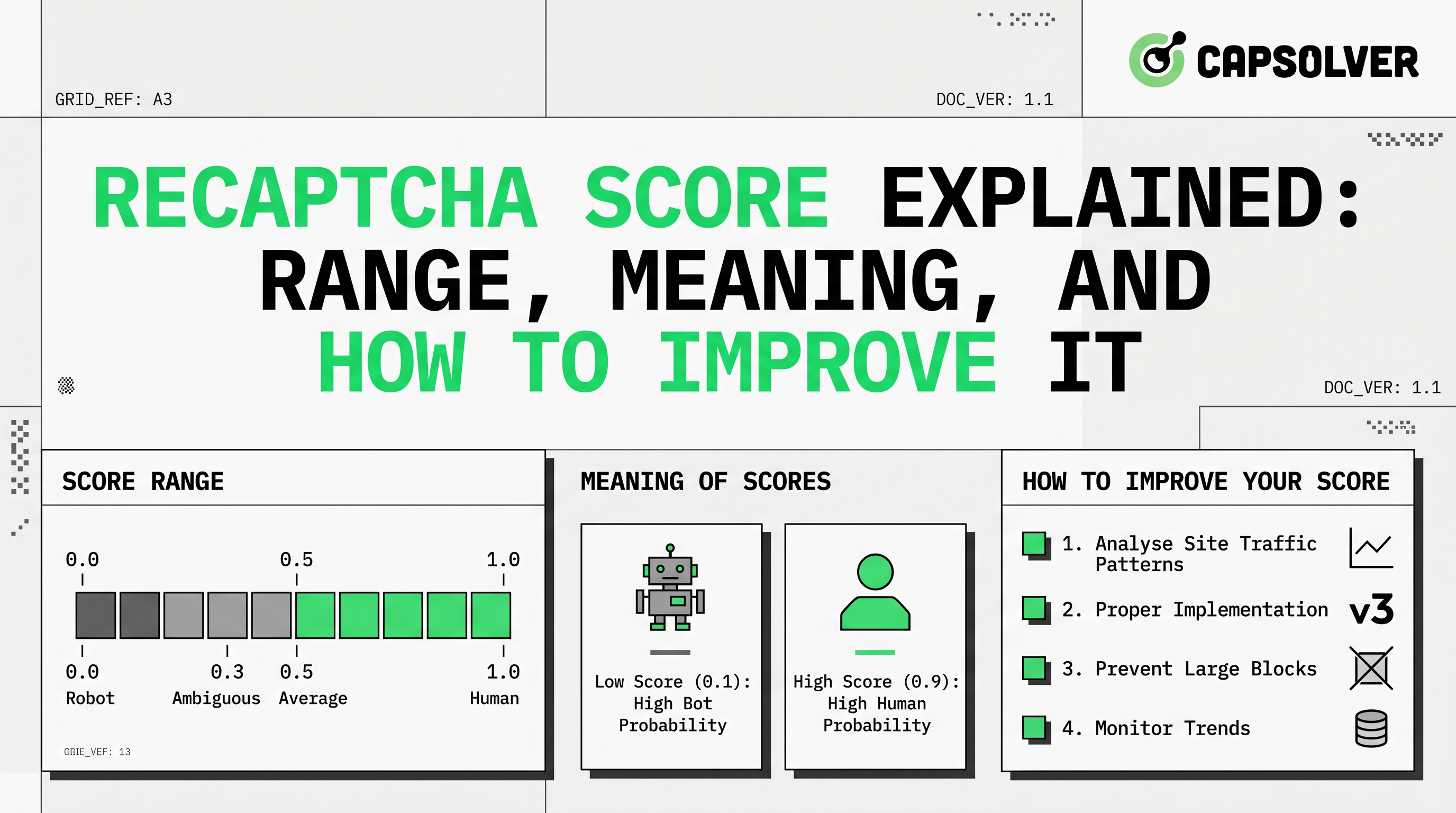
reCAPTCHA Score Explained: Range, Meaning, and How to Improve It
Understand reCAPTCHA v3 score range (0.0 to 1.0), its meaning, and how to improve your score. Learn how to handle low scores and optimize user experience.

Rajinder Singh
16-Apr-2026
reCAPTCHA Invalid Site Key or Token? Causes & Fix Guide
Facing "reCAPTCHA Invalid Site Key" or "invalid reCAPTCHA token" errors? Discover common causes, step-by-step fixes, and troubleshooting tips to resolve reCAPTCHA verification failed issues. Learn how to fix reCAPTCHA verification failed please try again.

Aloísio Vítor
16-Apr-2026
reCAPTCHA Verification Failed? How to Fix "Please Try Again" Errors
Fix reCAPTCHA verification failed errors fast. Step-by-step manual fixes for users and a Python API guide for developers using CapSolver. Covers v2, v3, and Enterprise.

Adélia Cruz
15-Apr-2026
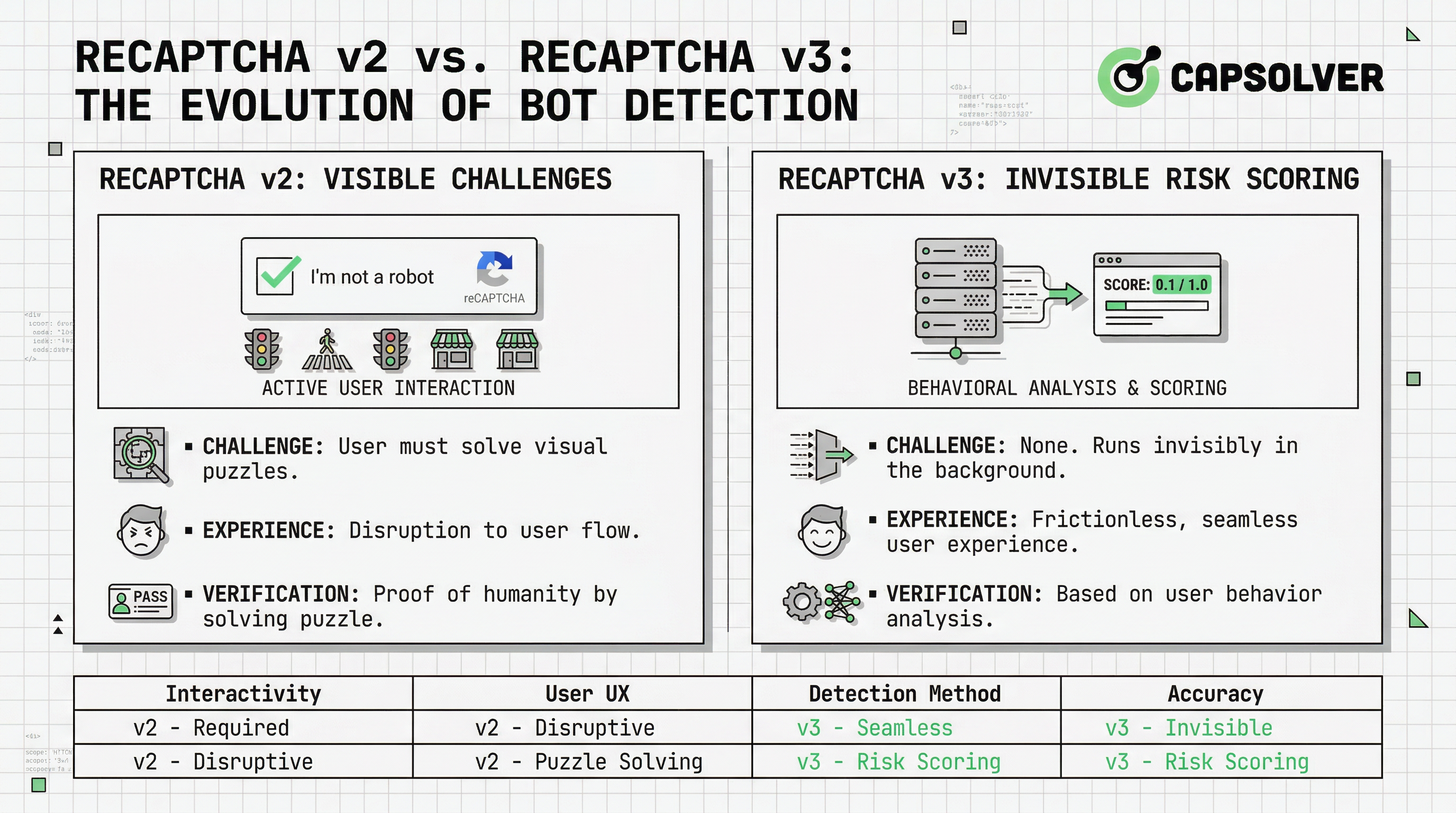
reCAPTCHA v2 vs v3: Key Differences Every Developer Should Know
Understand the difference between reCAPTCHA v2 and v3 — how each works, when to use them, and how automated workflows handle both. A clear, technical comparison for developers.

Nikolai Smirnov
15-Apr-2026
Reliable CAPTCHA Solving API for reCAPTCHA: What to Look For
Looking for a reliable CAPTCHA solving API for reCAPTCHA? Compare top providers on speed, cost, and success rate. Find the best solution for your automation needs.
Rajinder Singh
09-Apr-2026
Optimize CAPTCHA Solving API Response Time for Faster Automation
Learn how to optimize CAPTCHA solving API response time for faster and more reliable automation. This guide covers key factors like CAPTCHA complexity, API performance, and polling strategies, with practical tips using CapSolver to achieve sub-10-second solve times.
Ethan Collins
03-Apr-2026