




CapSolver Blogger
How to use CapSolver
-
Compliance Disclaimer: The information provided on this blog is for informational purposes only. CapSolver is committed to compliance with all applicable laws and regulations. The use of the CapSolver network for illegal, fraudulent, or abusive activities is strictly prohibited and will be investigated. Our captcha-solving solutions enhance user experience while ensuring 100% compliance in helping solve captcha difficulties during public data crawling. We encourage responsible use of our services. For more information, please visit our Terms of Service and Privacy Policy.
More
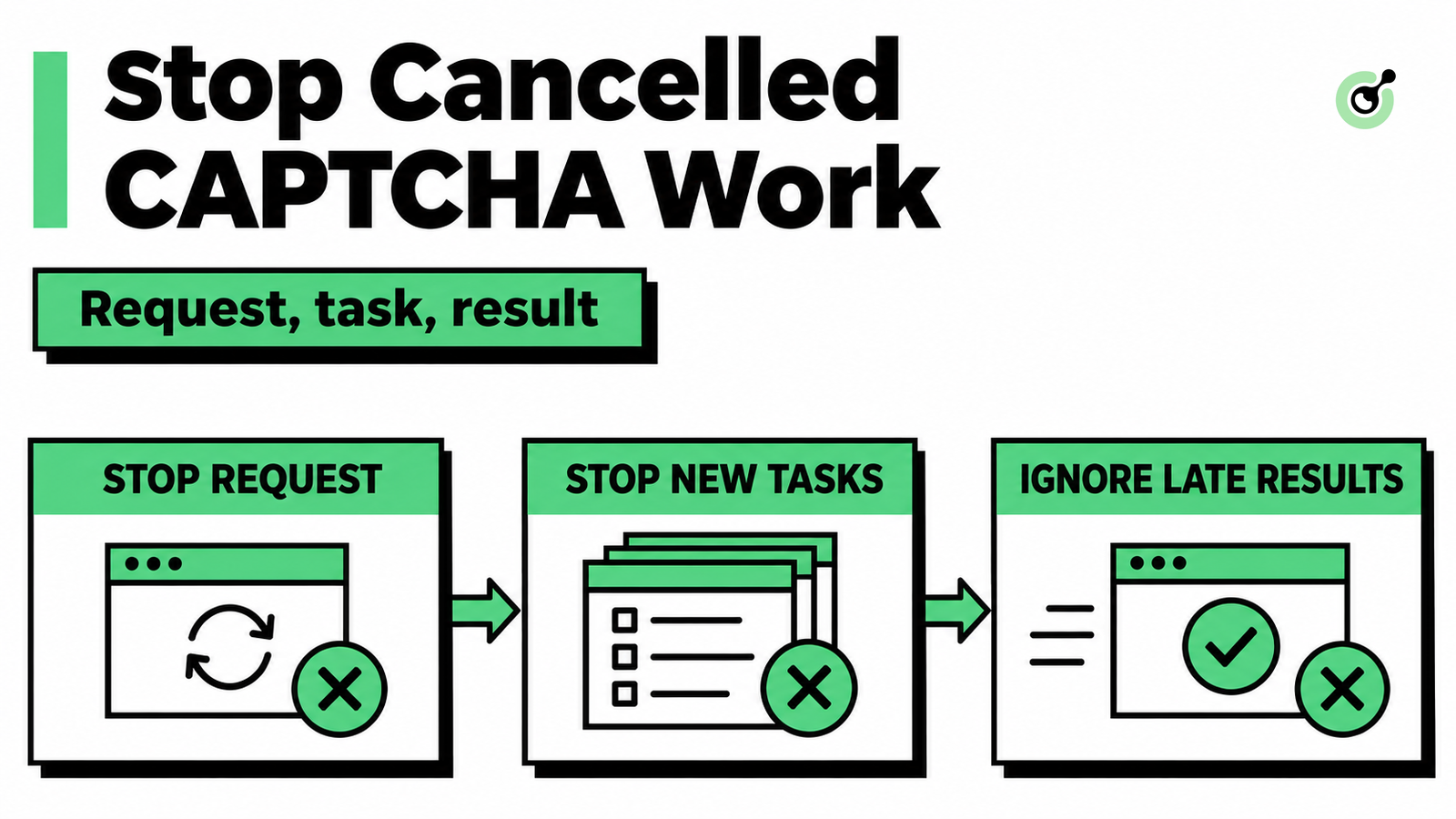
MCP CAPTCHA Cancellation: How to Stop Agent Tool Calls
Handle MCP CAPTCHA cancellation in AI agents. Stop new calls, distinguish remote tasks from local waits, and prevent late results from restarting work.

Khadija Santos
03-Nov-2026
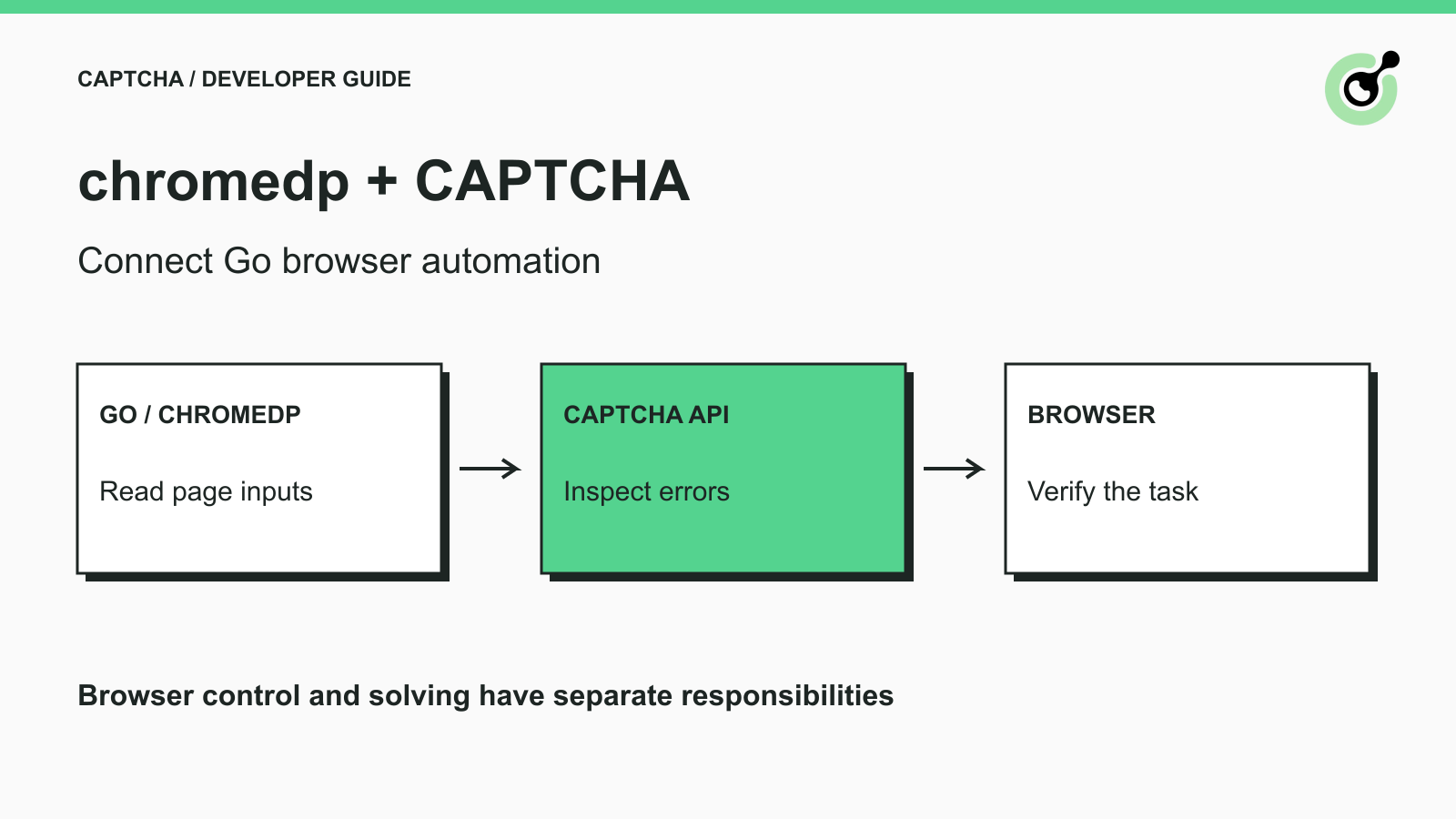
How to Add a CAPTCHA Solver to chromedp in Go
Connect chromedp browser automation to a CAPTCHA solver in Go. Check current APIs, page inputs, SDK errors, and the boundary between solving and page success.

Ethan Collins
02-Nov-2026
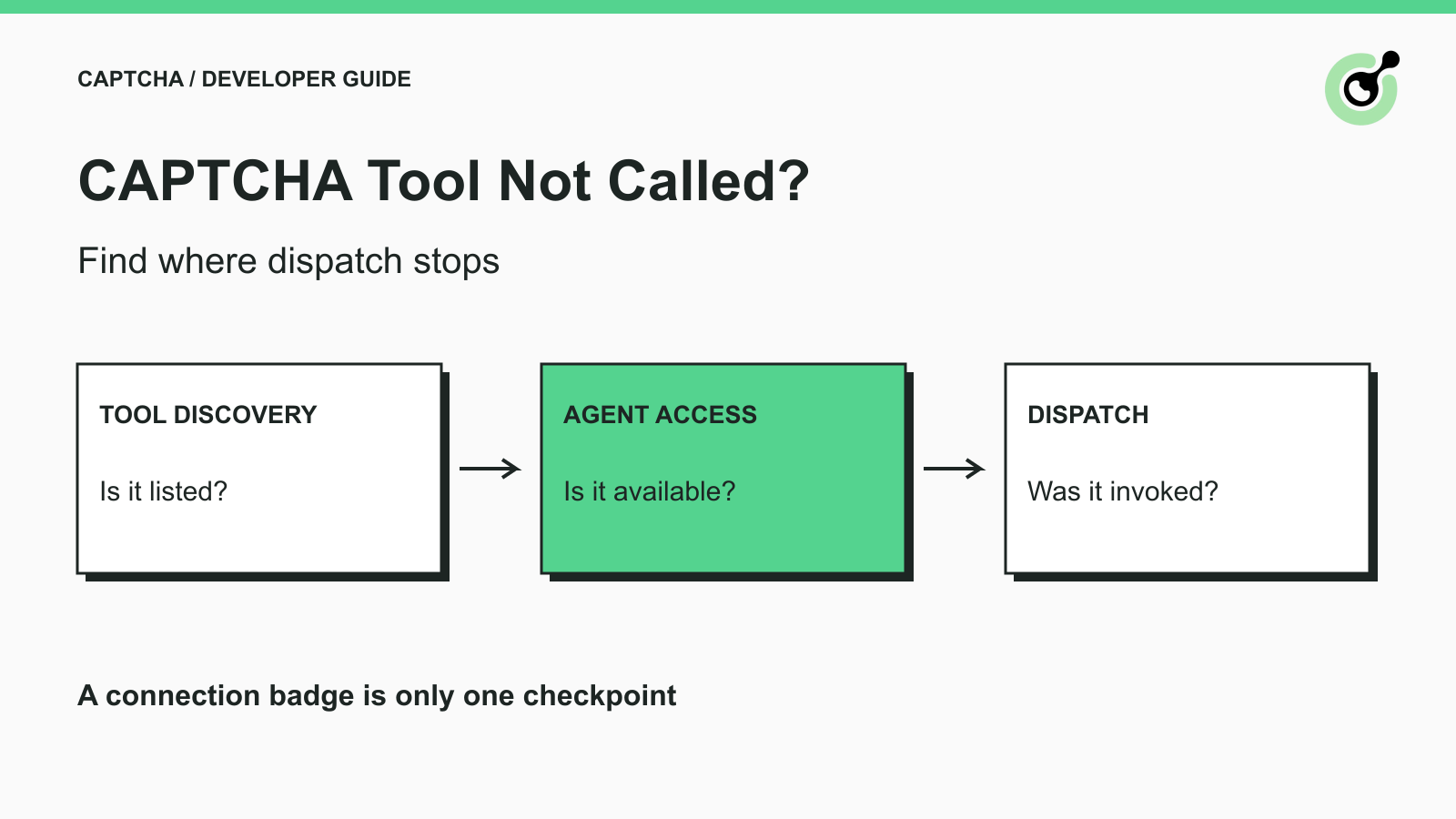
CAPTCHA Tool Connected but Your AI Agent Never Calls It?
Fix CAPTCHA tools that connect but never run. Check discovery, agent visibility, required inputs, approvals, and executor dispatch before changing solver settings.
Ethan Collins
02-Nov-2026
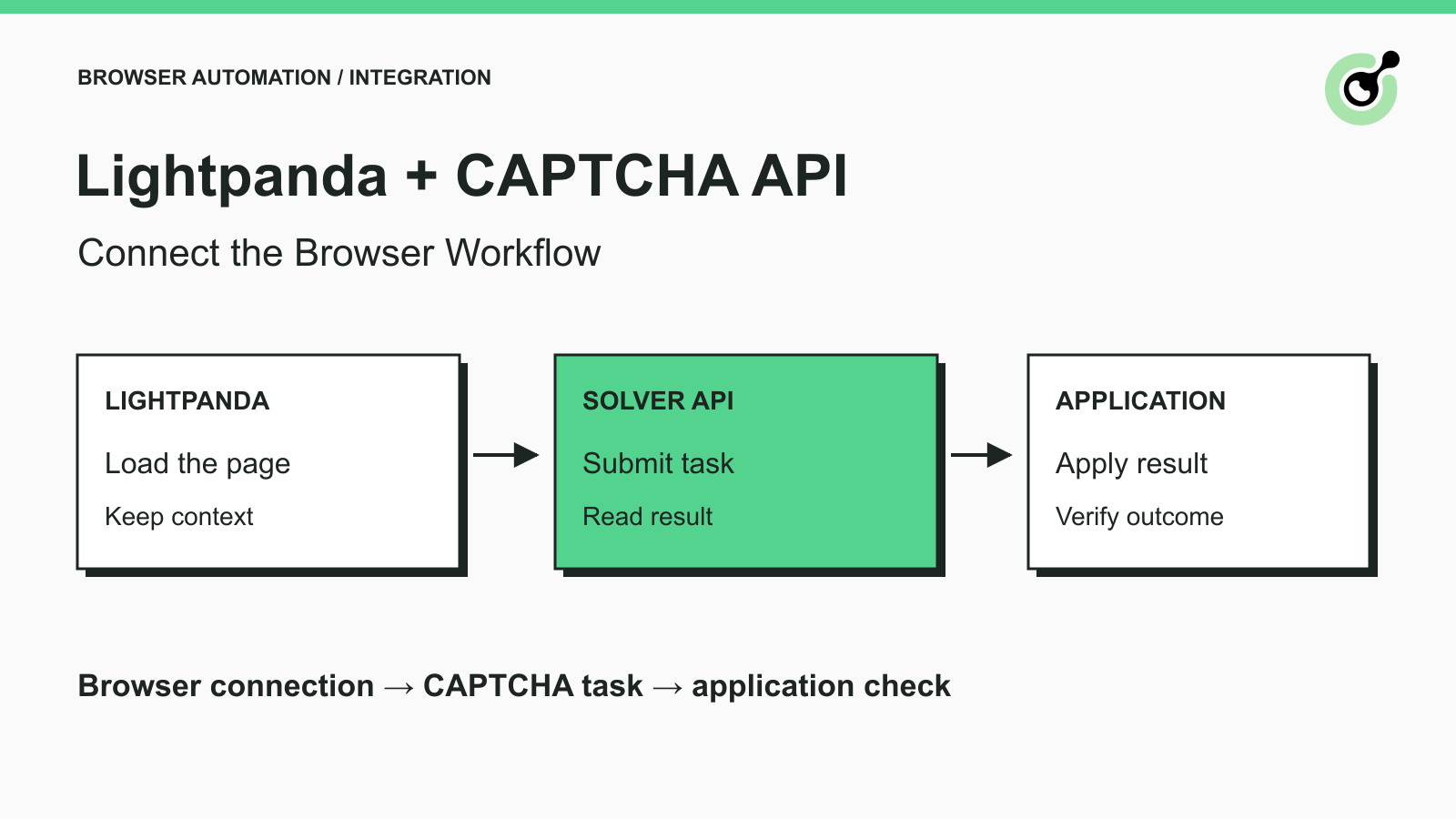
How to Connect Lightpanda Crawlers to a CAPTCHA Solver API
Connect Lightpanda through Puppeteer, prepare a CAPTCHA solver request, and validate the browser handoff before using the integration on an authorized page.

Rajinder Singh
29-Oct-2026
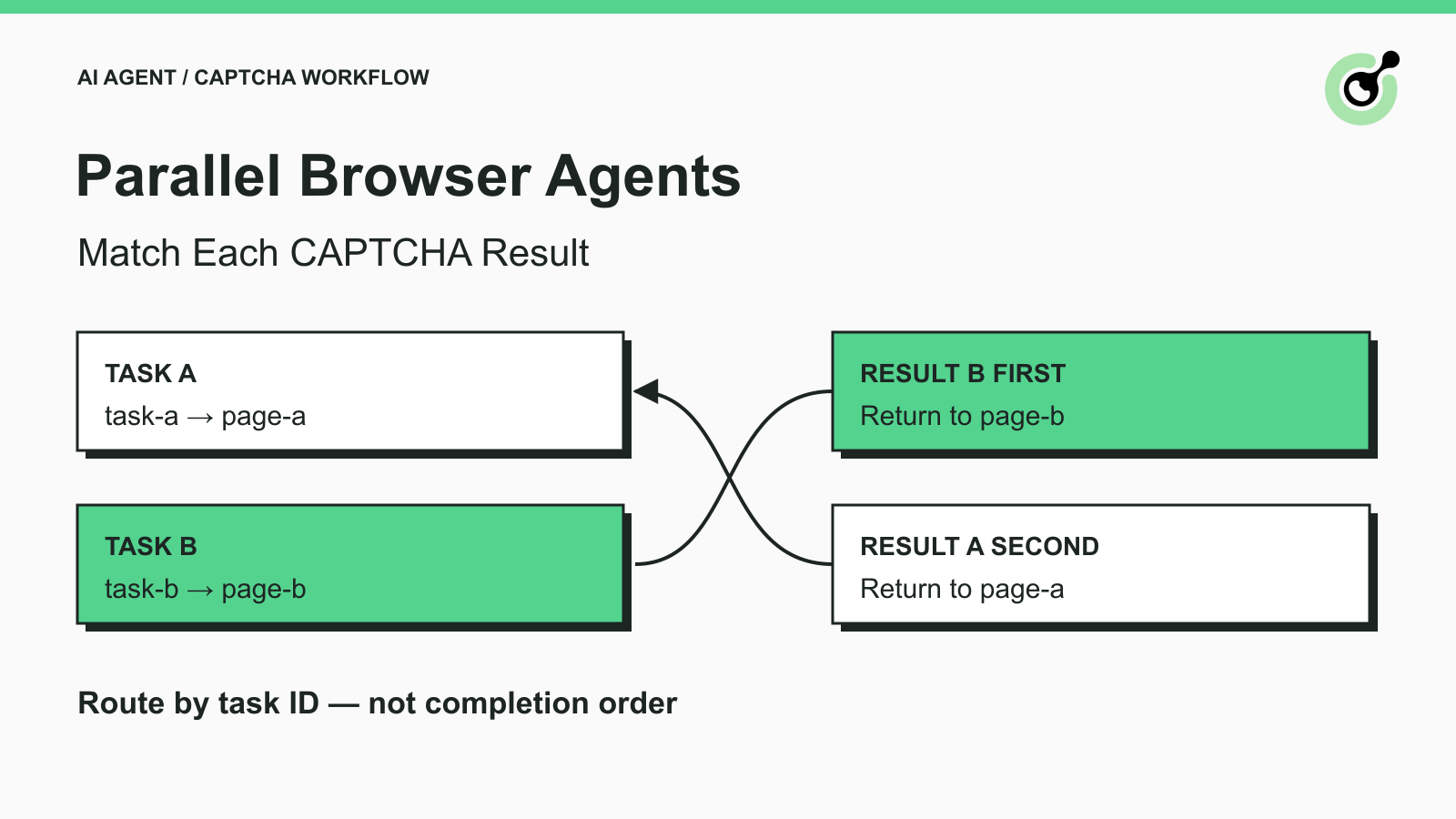
How to Match CAPTCHA Results to Parallel Browser Agent Tasks
Keep parallel browser agents from mixing CAPTCHA results. Map task IDs to page owners, reject stale responses, and test routing before applying a solution.
Khadija Santos
29-Oct-2026
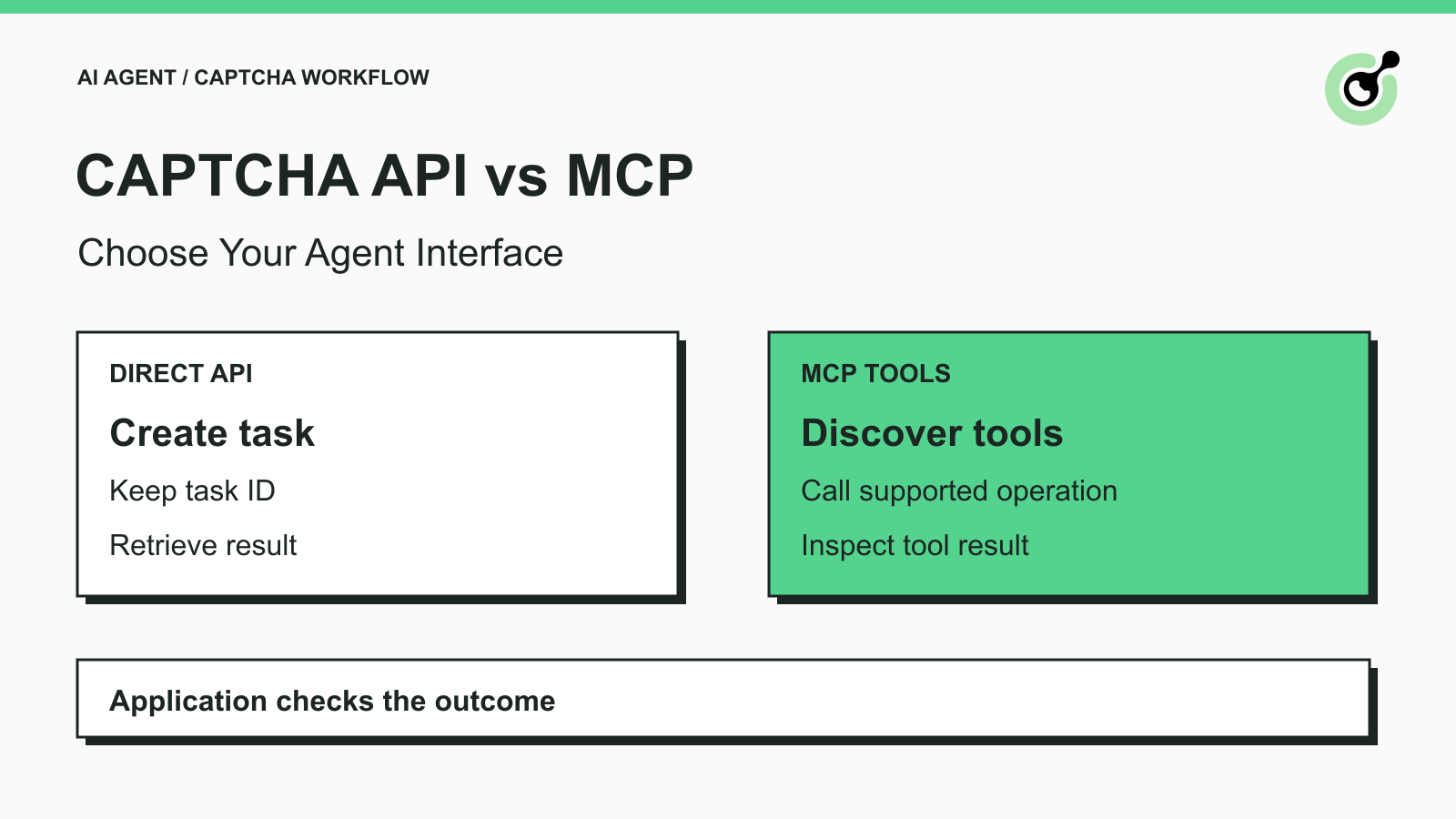
How to Choose Between a CAPTCHA API and MCP for AI Agents
Choose a CAPTCHA API or MCP for your AI agent by comparing task control, tool discovery, result handling, and browser responsibilities before you integrate.
Khadija Santos
29-Oct-2026