




How to Choose Between a CAPTCHA API and MCP for AI Agents

Khadija Santos
How to use CapSolver
29-Oct-2026
TL;DR
- Choose the direct CAPTCHA API when your application should create tasks, retain task IDs, and control result retrieval.
- Choose MCP when your AI client already supports tool discovery and you want to expose documented CAPTCHA operations through that interface.
- MCP changes how the agent calls a capability; it does not replace the underlying solver or guarantee that every API task type is available as a tool.
- Keep browser ownership and final application checks explicit with either route. A solver response does not prove that the user's task finished.
An AI agent reaches a CAPTCHA during a permitted browser task. Your application already knows the page URL and public site key. Should the next step be an HTTP request or an MCP tool call?
The useful distinction is who should control the operation. A service you maintain may need direct task IDs and its own polling logic. An existing MCP client may be better served by a discoverable tool with defined inputs. Both still need a browser workflow that can use the result correctly.
CapSolver offers a task API and an MCP service. This comparison helps you choose their roles for the same CAPTCHA checkpoint. Start with the CAPTCHA task you need and the part of your application that will own it.
What changes between a CAPTCHA API and MCP?
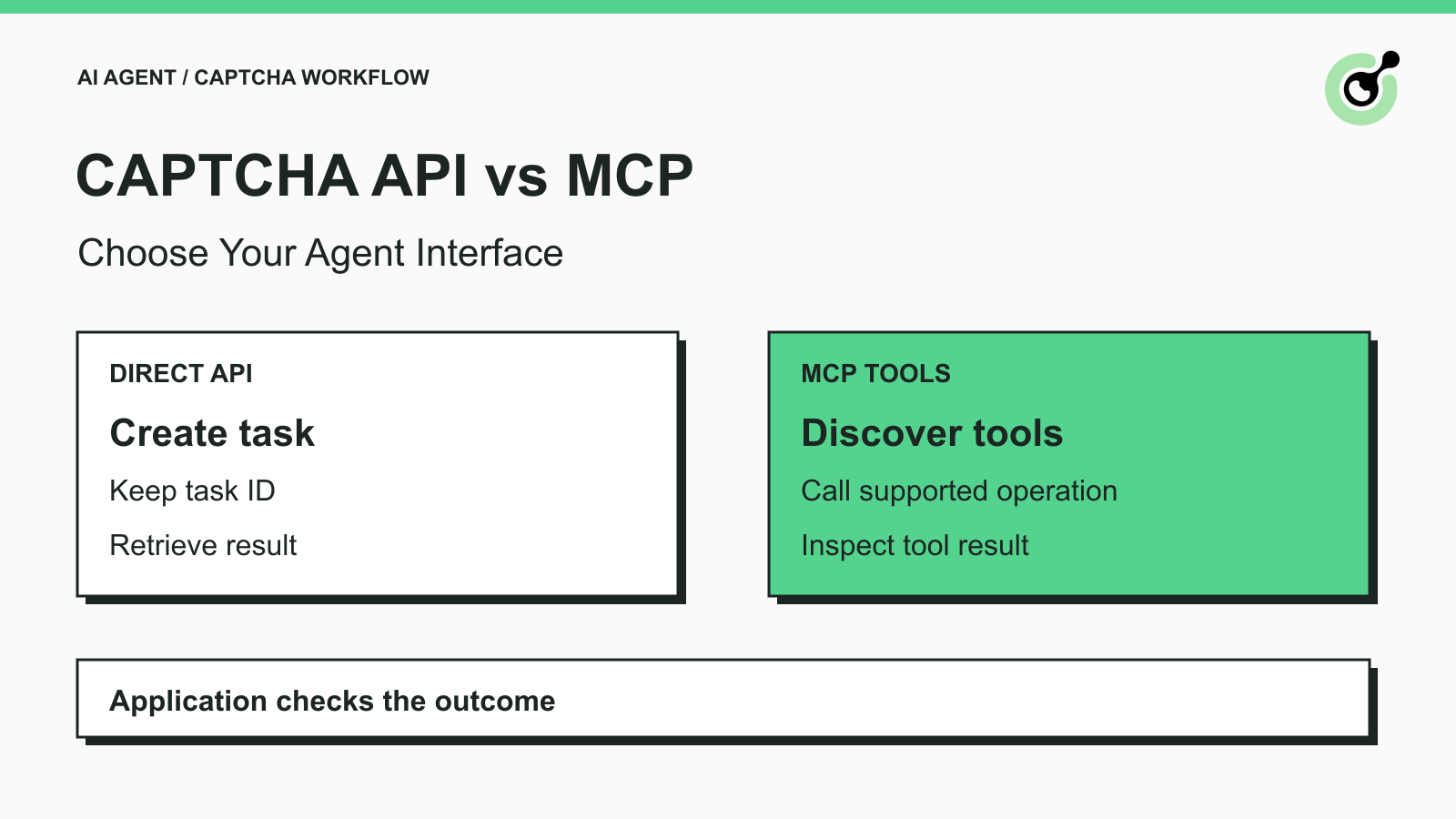
The direct API exposes solver requests to your application, while MCP exposes tools to an MCP client.
In the API route, your service sends a documented task to createTask. An asynchronous task returns an identifier that the application uses to request its result. The application decides where to store that identifier and when its worker should check again.
In the MCP route, the client connects to a server, discovers its available tools, and invokes one with structured arguments. The MCP tool specification defines tool discovery and invocation. The server then performs its own implementation work behind that tool boundary.
CapSolver's MCP service wraps its Core SDK. The official server repository is the implementation reference; it is not a separate CAPTCHA-solving model. Consequently, changing the interface alone is not evidence of better recognition accuracy or a faster solve.
Which interface fits your agent?
Choose the interface that matches the component already responsible for execution.
| Decision | Direct task API | MCP service |
|---|---|---|
| Existing application | Useful when your backend already owns HTTP calls and job state | Useful when the host already discovers and calls MCP tools |
| Task lifecycle | Your application retains task IDs and retrieves results | The tool implementation handles its internal solver flow |
| Inputs | Task-specific API schema | Advertised tool schema for the installed server |
| Result handling | Parse the API error/status envelope and task-specific solution | Inspect the MCP result and the tool's own success/error data |
| Capability check | Read the documentation for the exact task type | Inspect the installed tool list and supported-types registry |
| Browser continuation | Your application applies the result through its supported browser flow | The browser owner still needs a supported way to continue |
This is an implementation decision, not a ranking of providers. Neither column removes the need to identify the challenge correctly or check the final page. An asynchronous API separates requesting work from receiving its result. Your agent must retain the association between those steps.
Choose the API for a backend-owned worker
A backend-owned worker benefits from direct access to its task lifecycle. For example, an authorized catalog agent may pause a browser job, record the returned solver task ID, and wait within a defined deadline. Another worker can then inspect that job record without asking a model to reconstruct what happened.
The getTaskResult reference describes asynchronous states and task-specific solution data. Match the result to the task you created. Do not treat every task as asynchronous, because the createTask documentation also describes immediate results for some task types.
Choose MCP for an existing tool-capable client
An MCP-capable client benefits from a common discovery interface. You can inspect which tools exist and which arguments they require before making a permitted call. That is useful when the client already operates other tools and should expose CAPTCHA handling through the same interaction pattern.
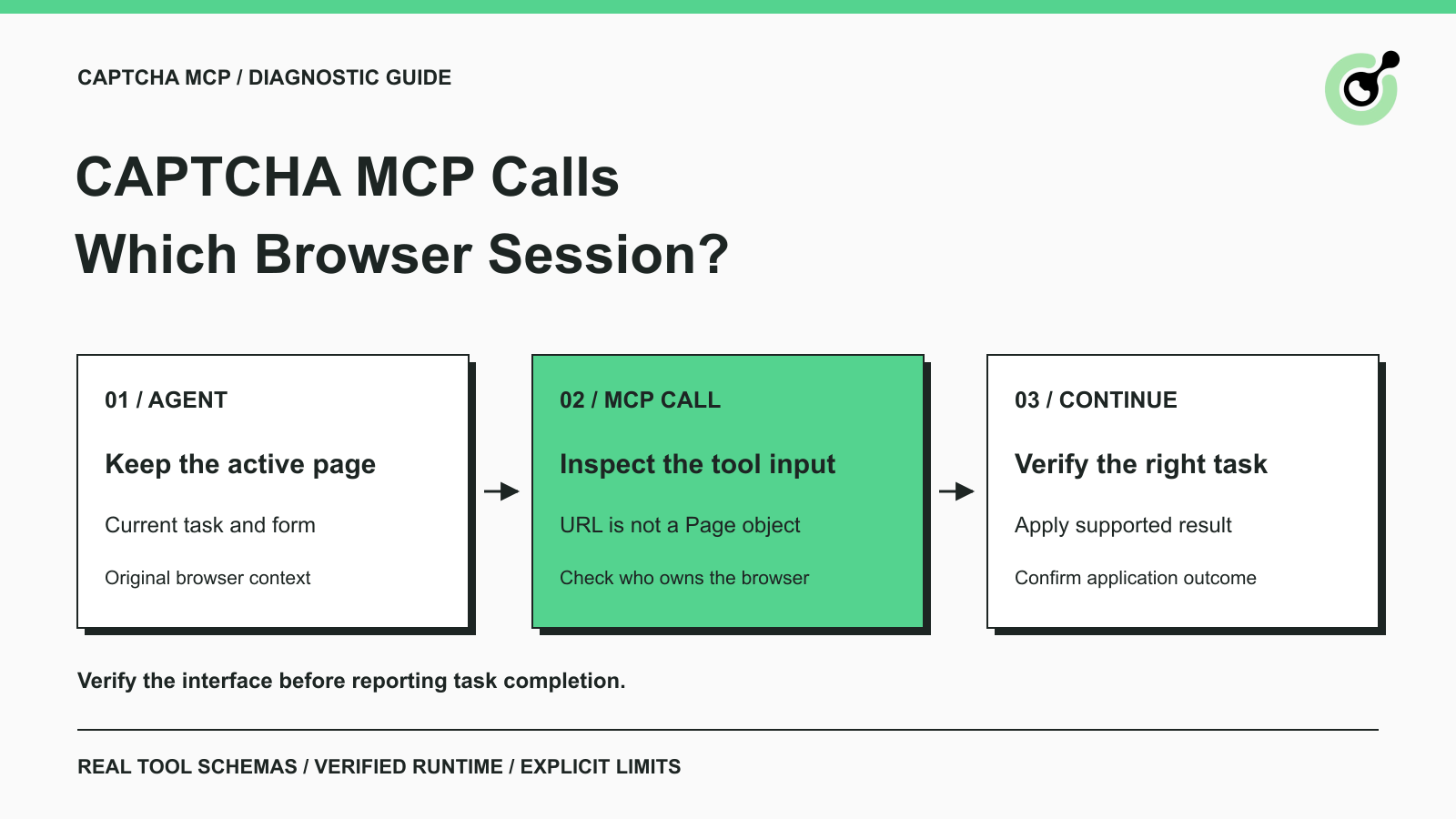
The MCP architecture overview distinguishes the host, client, and server. Those roles help explain why a connected server can be available to the agent without owning the browser that is currently open.
Redeem Your CapSolver Bonus Code
Boost your automation budget instantly!
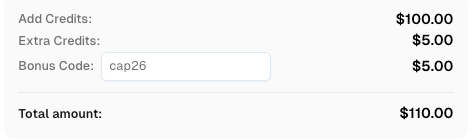
Use bonus code CAP26 when topping up your CapSolver account to get an extra 5% bonus on every recharge — with no limits.
Redeem it now in your CapSolver Dashboard
Compare the inputs for the same CAPTCHA checkpoint
Compare inputs using one supported task rather than assuming the API body can be pasted into an MCP call.
For token-mode solving, the current MCP service reference exposes solve_captcha. Our installed capsolver-mcp 0.1.3 advertised three required inputs: captcha_type, website_url, and website_key. Its runtime registry listed reCaptchaV2, reCaptchaV3, and cloudflare. Those names describe that installed tool surface; they are not a promise that the MCP wrapper exposes the full HTTP API catalog.
The raw task API instead uses clientKey and a task object containing the selected API task type and that type's documented fields. Tool arguments and API field names belong to different schemas. Keep the account key in the server or backend environment rather than placing it in an agent's conversational arguments.
Before choosing either path, write down the challenge type, the permitted page, the inputs actually available, the expected result, and which component can deliver that result to the browser. If a required input is missing, resolve that gap instead of letting the model guess it.
Read the result at the correct level
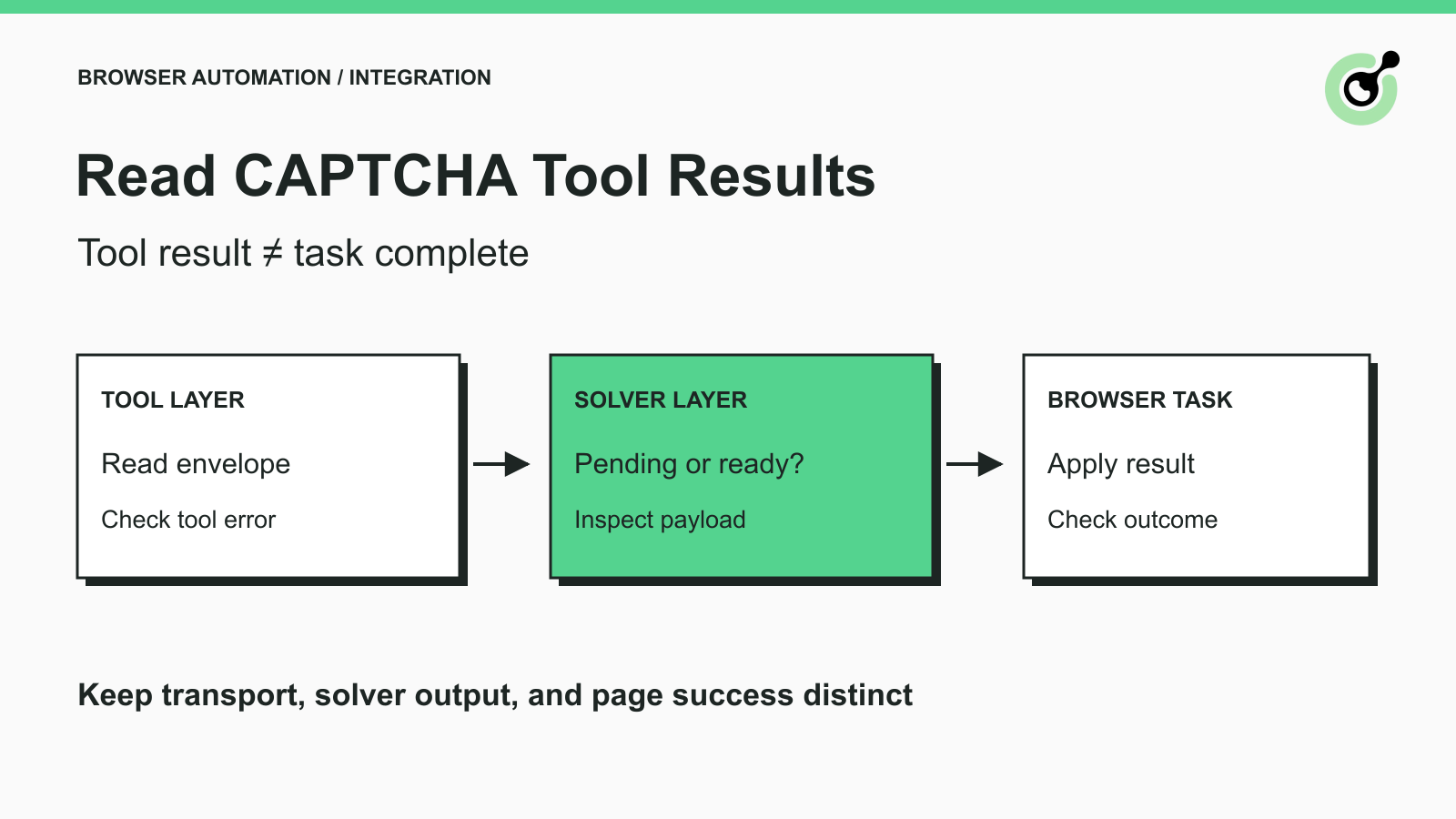
Read both the transport outcome and the solver outcome before continuing the browser task.
For the raw API, inspect the documented error and status fields before consuming a solution. Retain the task ID with the application job. A response indicating ongoing processing is a reason to follow the documented retrieval flow, not to create a second task automatically.
For MCP, a completed request may still contain a tool error. The tool may also return application-level success or error data inside the MCP result. Handle both layers according to the server's documented or observed output. Avoid a generic rule that equates “the tool returned text” with “the CAPTCHA was solved.”
The browser then needs its own acceptance check. Did the original task's permitted form or data request complete? Is the expected record present? If the tool operated on another page, its result does not establish that the agent's paused page changed. The existing MCP setup guide covers installation; keep that setup work separate from deciding how the application consumes the outcome.
Check the interface before connecting a browser task
Check the installed tool schema and registry before relying on an MCP integration. Package versions can expose a different set of tools or supported task types than an older setup example.
With capsolver-mcp 0.1.3, a real local connection returned the tool schemas and supported-types registry. A solve_captcha request without the required page URL and site key was rejected. These checks establish the input contract; they do not measure paid solving or website acceptance.
For your rollout, test the exact permitted challenge with valid credentials, then check your application's intended outcome. A client that can list tools has passed only the connection step.
Consider operational effort without inventing a price winner
Compare the work your team will actually maintain: a job store and polling worker for direct API calls, or a client/server runtime and tool-result parser for MCP. Some applications need both. For example, the agent can request a high-level operation while a backend worker owns the solver task lifecycle.
Do not assume that MCP makes solving free or that an extra software layer always makes it slower. The useful cost comparison requires your actual usage and deployment. Keep paid task consumption, client usage, and runtime hosting separate when reviewing a real setup.
Build Reliable Automation Workflows with CapSolver
Select the interface around your agent's execution owner. Choose direct API control for a backend job workflow, or MCP discovery for a compatible tool client. In both cases, CapSolver supplies the supported CAPTCHA operation while your application verifies the user's intended outcome.
FAQ
Q: Does MCP replace the CAPTCHA API?
No. MCP provides a tool interface, and a server can call the underlying solver through its implementation. It changes the integration boundary rather than removing the solving service.
Q: Is MCP required for an AI agent to use a CAPTCHA solver?
No. An agent application can call a documented API through backend code. MCP is useful when its discovery and tool interface fit the client you already use.
Q: Can I send an API task body directly to solve_captcha?
Use the installed tool's schema instead. The MCP tool's arguments differ from the HTTP API's clientKey and task-object envelope.
Q: Does a connected MCP server prove that solving works?
No. Connection and tool discovery confirm protocol access. Paid solving and acceptance by your permitted application require separate checks.
Q: Should the agent try both routes for the same CAPTCHA?
Assign one execution owner to the attempt. Calling both independently can create duplicate work and make it harder to associate a result with the correct browser task.
Compliance Disclaimer: The information provided on this blog is for informational purposes only. CapSolver is committed to compliance with all applicable laws and regulations. The use of the CapSolver network for illegal, fraudulent, or abusive activities is strictly prohibited and will be investigated. Our captcha-solving solutions enhance user experience while ensuring 100% compliance in helping solve captcha difficulties during public data crawling. We encourage responsible use of our services. For more information, please visit our Terms of Service and Privacy Policy.
More
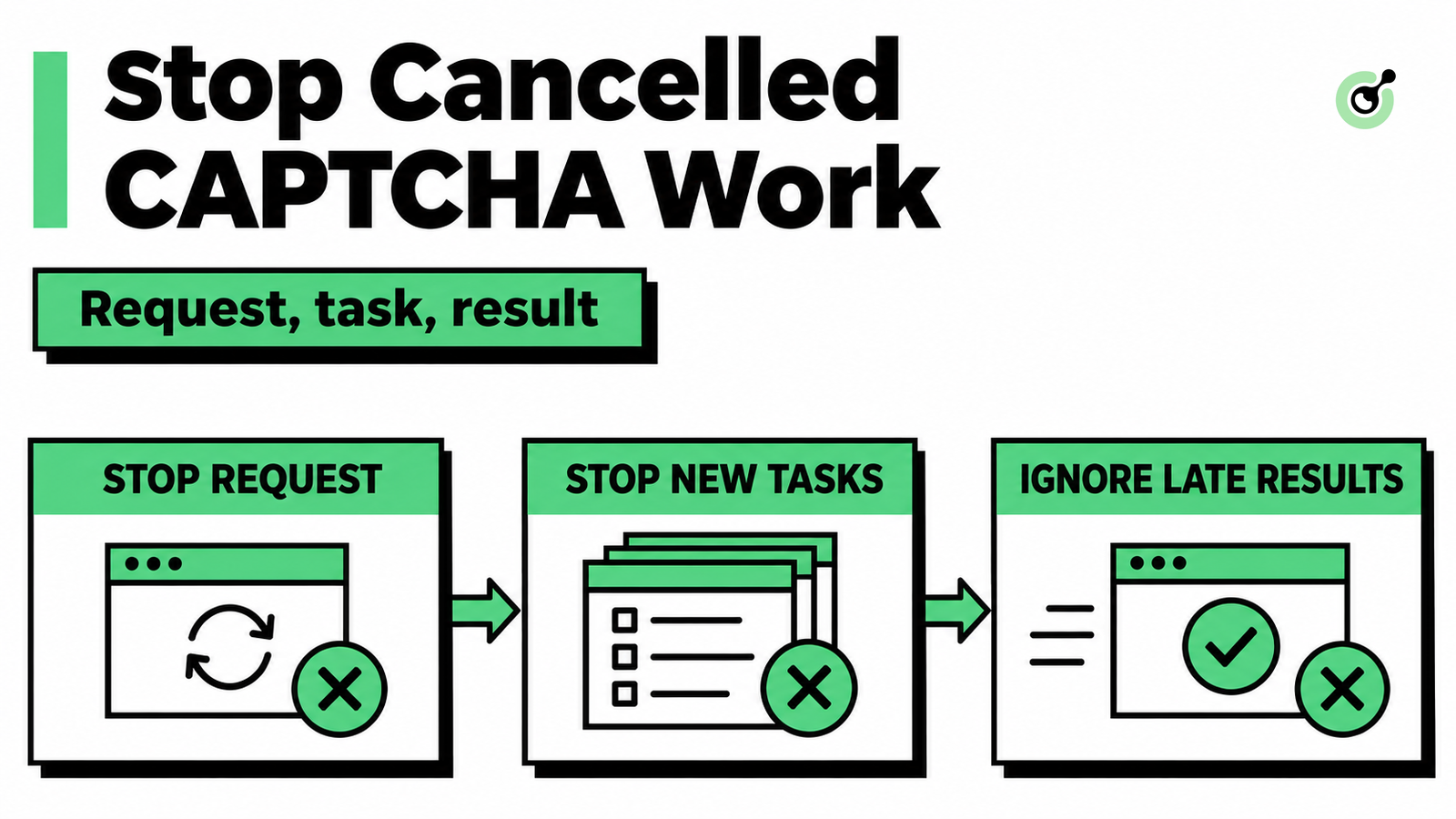
MCP CAPTCHA Cancellation: How to Stop Agent Tool Calls
Handle MCP CAPTCHA cancellation in AI agents. Stop new calls, distinguish remote tasks from local waits, and prevent late results from restarting work.
Khadija Santos
03-Nov-2026
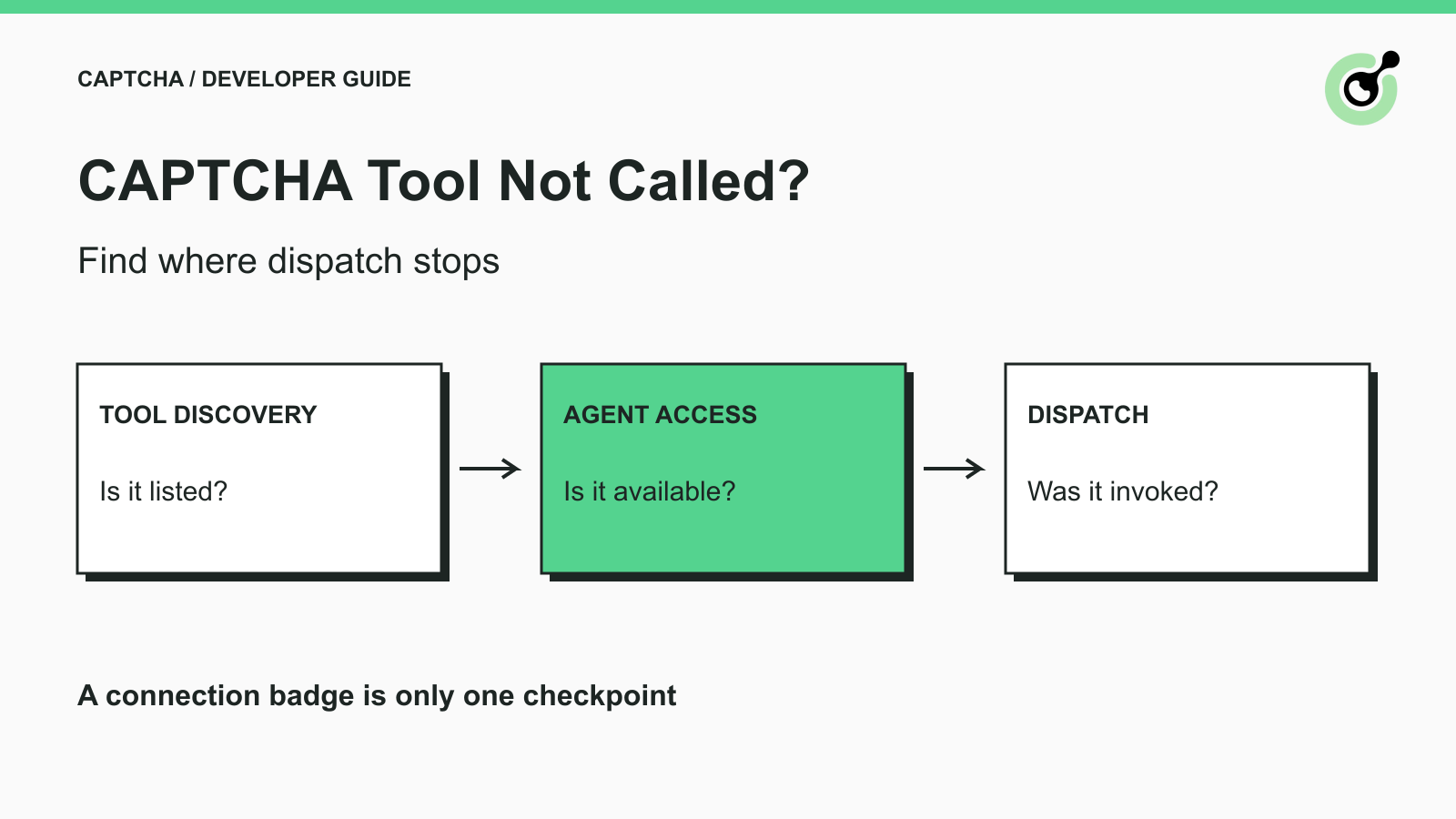
CAPTCHA Tool Connected but Your AI Agent Never Calls It?
Fix CAPTCHA tools that connect but never run. Check discovery, agent visibility, required inputs, approvals, and executor dispatch before changing solver settings.

Ethan Collins
02-Nov-2026
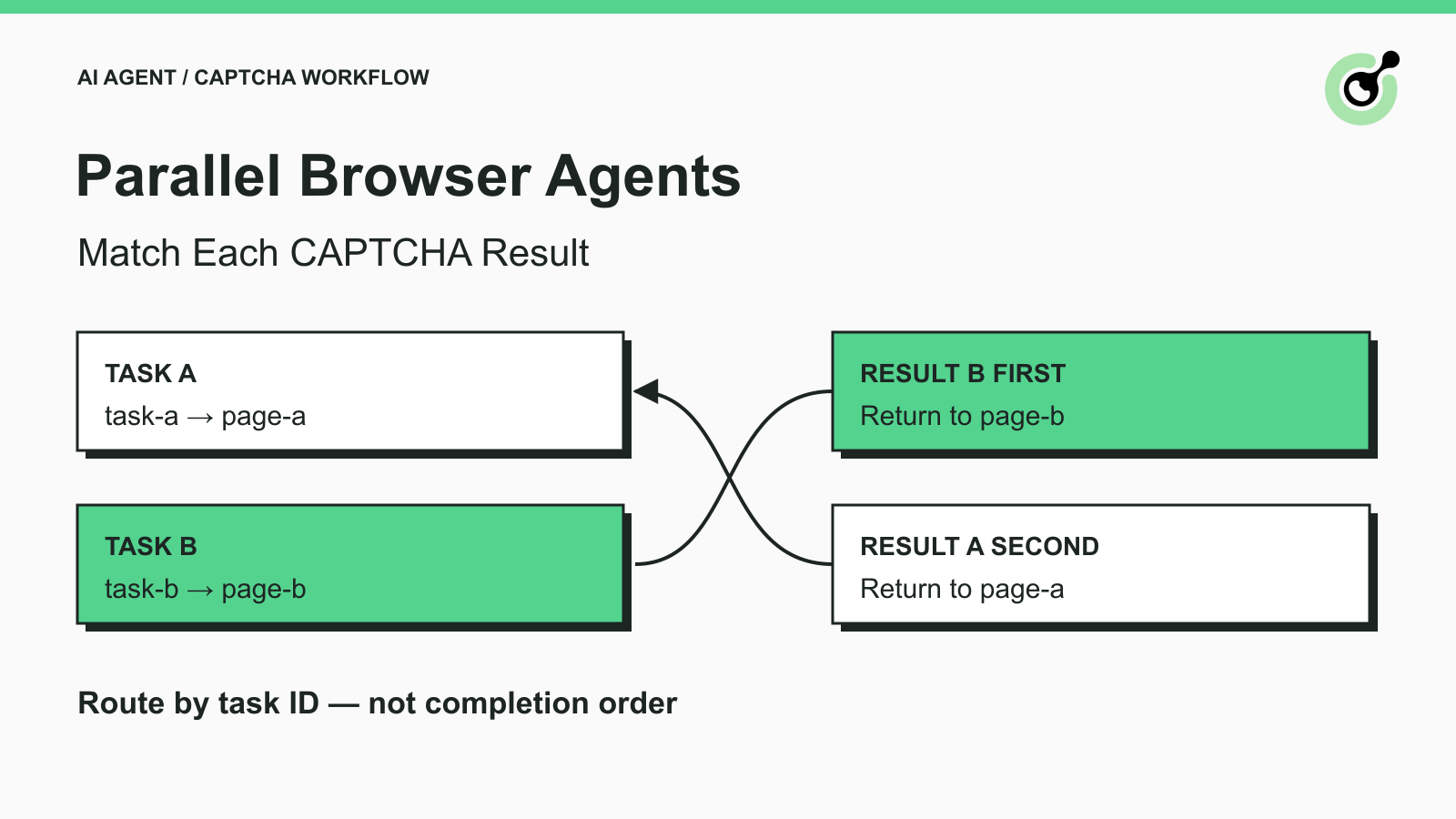
How to Match CAPTCHA Results to Parallel Browser Agent Tasks
Keep parallel browser agents from mixing CAPTCHA results. Map task IDs to page owners, reject stale responses, and test routing before applying a solution.
Khadija Santos
29-Oct-2026
How to Choose Between a CAPTCHA API and MCP for AI Agents
Choose a CAPTCHA API or MCP for your AI agent by comparing task control, tool discovery, result handling, and browser responsibilities before you integrate.
Khadija Santos
29-Oct-2026
How to Fix CAPTCHA MCP Calls Using the Wrong Browser Session
Diagnose CAPTCHA MCP calls that open a different browser session. Inspect tool inputs, keep the original page, and verify the task before continuing.
Khadija Santos
28-Oct-2026
How to Return CAPTCHA Tool Results an AI Agent Can Use
Read CAPTCHA tool results correctly: distinguish transport errors, pending tasks, solver output, and browser success before letting an AI agent continue.
Khadija Santos
28-Oct-2026