











CapSolver MCP Server Is Now Available for AI Agents

Sora Fujimoto
How to use CapSolver
11-Sep-2026
TL;DR
- CapSolver MCP Server is now available on PyPI as
capsolver-mcp. Version 0.1.1 installs on Python 3.10 or later and automatically installscapsolver-coreas a runtime dependency. - The server gives MCP-compatible AI clients five CapSolver tools. They cover token-mode solving, CAPTCHA detection, browser-based solving and fill-back, account balance checks, and supported-type discovery.
- The default stdio transport is designed for local MCP clients. SSE and Streamable HTTP transports are also available for deployments that need a network endpoint.
- Browser tools are optional. Install the
browserextra and Chromium only when the workflow needs page detection or in-browser result fill-back. - CapSolver MCP Server is intended for authorized automation. Technical access does not grant permission to automate private, restricted, or otherwise unauthorized systems.
CapSolver MCP Server brings CAPTCHA handling to AI agents
AI agents can plan tasks, operate browsers, and call external tools, but a verification checkpoint can interrupt an otherwise valid automation run. CapSolver MCP Server gives compatible AI clients a standard tool interface for handling supported CAPTCHA challenges in authorized workflows. The broader CapSolver Agent Automation platform connects the same infrastructure to agent frameworks, browser tools, and direct SDK integrations.
The package connects CapSolver to the Model Context Protocol, an open protocol through which AI applications discover and invoke external capabilities. Instead of implementing separate glue code for every compatible client, teams can configure one MCP server and expose the same CapSolver tool set through the protocol.
The first public release shipped as version 0.1.0. Version 0.1.1 is now available with updated publishing and clean-install documentation. The package supports Python 3.10 through 3.13 and is published under the MIT License.
What changed with the MCP release
The MCP release turns CapSolver functionality into five named tools that an AI client can discover after connecting to the server. The model can select a tool based on the task, while CapSolver MCP Server handles the corresponding SDK operation.
| Tool | Requires a browser? | Purpose |
|---|---|---|
solve_captcha |
No | Solve a supported CAPTCHA using a task type and site parameters in token mode |
detect_captchas |
Yes | Inspect a page and report supported CAPTCHA types that are present |
solve_on_page |
Yes | Detect supported challenges, request solutions, and fill results back into the page |
get_balance |
No | Check the CapSolver account balance and packages |
get_supported_captchas |
No | Return the CAPTCHA types and handlers available to the installed package |
CapSolver MCP Server uses capsolver-core underneath this tool layer. A normal pip install capsolver-mcp command installs the required Core package automatically, so users do not need to install the dependency separately. The optional browser extra adds Playwright support for detect_captchas and solve_on_page.
The server also offers three transport choices. Stdio is the default for a local client that starts the server as a child process. SSE and Streamable HTTP can bind to a configured host and port for deployments in which the MCP client connects over a network boundary.
Who should use CapSolver MCP Server
CapSolver MCP Server is the best fit for teams already using an MCP-compatible AI application and wanting a configuration-first integration. The MCP path avoids writing a framework-specific wrapper before an agent can discover CapSolver tools.
Common fits include authorized QA flows, permitted RPA, internal monitoring, and approved public-data workflows in which an agent may encounter a supported verification step. A team can also expose a shared network service to multiple compatible clients, subject to its own authentication, network, and access-control requirements.
CapSolver provides two other integration layers for developers who need more control. capsolver-agent supplies framework-agnostic agent tool schemas and an executor for custom agent loops and supported framework integrations. capsolver-core provides the underlying Python SDK for direct API and browser automation without requiring an LLM. The CapSolver AI integration overview explains when to select MCP, Agent Tools, or Core SDK, while the CapSolver AI GitHub organization contains the public packages and integration examples.
Redeem Your CapSolver Bonus Code
Boost your automation budget instantly!
Use bonus code CAP26 when topping up your CapSolver account to get an extra 5% bonus on every recharge — with no limits.
Redeem it now in your CapSolver Dashboard

A verified installation path
The shortest installation path uses Python 3.10 or later and the package published on PyPI. The following command was verified in a clean Python 3.12 environment with version 0.1.1:
bash
python -m pip install capsolver-mcp==0.1.1The clean installation pulled capsolver-core automatically and installed the capsolver-mcp command. Running the help command confirmed the documented stdio, SSE, and Streamable HTTP transport options:
bash
capsolver-mcp --helpFor browser-based detection and fill-back, install the optional extra and a Chromium runtime:
bash
python -m pip install "capsolver-mcp[browser]==0.1.1"
playwright install chromium
The browser extra is not needed for solve_captcha, get_balance, or get_supported_captchas. Keeping browser dependencies optional makes the base installation smaller for token-only workflows.
Before starting the server, create a CapSolver account and store the credential in the CAPSOLVER_API_KEY environment variable. An API key is a credential and should remain outside source code, screenshots, issue reports, and public configuration files.
bash
export CAPSOLVER_API_KEY="your-capsolver-api-key"
capsolver-mcp
The server starts in stdio mode by default. The terminal may appear to remain occupied because the process is waiting for an MCP client to exchange protocol messages over standard input and output.
Configure an MCP client
An MCP client needs the server command and the API-key environment variable. The following configuration follows the structure documented by CapSolver for local stdio clients:
json
{
  "mcpServers": {
    "capsolver": {
      "command": "capsolver-mcp",
      "env": {
        "CAPSOLVER_API_KEY": "YOUR_API_KEY"
      }
    }
  }
}
Save the block in the location required by the selected client, restart the client, and inspect its available tools. The five CapSolver tools should appear after a successful connection. You can then ask the client to use get_supported_captchas or get_balance as a low-impact configuration check before testing a solving workflow.
If the client cannot find capsolver-mcp, its process may not inherit the shell environment in which the package was installed. One option is to use uvx, which the project’s detailed client guide supports:
json
{
  "mcpServers": {
    "capsolver": {
      "command": "uvx",
      "args": ["capsolver-mcp"],
      "env": {
        "CAPSOLVER_API_KEY": "YOUR_API_KEY"
      }
    }
  }
}
Another option is to point command to the absolute Python path inside the environment and use "args": ["-m", "capsolver_mcp"]. The CapSolver MCP client configuration guide contains client-specific paths and examples for Claude Desktop, Claude Code, Cursor, Windsurf, Cline, and remote HTTP setups.
Choose the right transport
The transport should match where the MCP client and server run. Local desktop tools should generally begin with stdio because the client owns the server process and no listening network port is required.
Streamable HTTP is suitable when the server runs as a separately managed service and the client supports an HTTP MCP endpoint. SSE remains available for clients or existing deployments that require it. The server exposes host and port flags for both network modes:
bash
capsolver-mcp --transport streamable-http --host 127.0.0.1 --port 8000Binding to 127.0.0.1 keeps the endpoint local to the machine. Binding to 0.0.0.0 makes it reachable through available network interfaces and therefore requires deliberate authentication, firewall, proxy, TLS, secret-management, and logging controls. Do not expose a server containing an API key directly to the public internet.
What to verify after setup
A successful installation does not by itself confirm that the client, environment, account, and optional browser runtime are all correctly connected. Verify the integration in stages:
- Confirm that the client reports the CapSolver MCP server as connected.
- Confirm that all five expected tool names are visible.
- Call
get_supported_captchasto check tool execution without opening a browser. - Call
get_balanceto confirm that the API key is available to the server. - Test solving only on a site or system you own or have explicit permission to automate.
- Install the browser extra separately before testing
detect_captchasorsolve_on_page.
The official MCP Service documentation contains the current tool descriptions, command-line flags, configuration format, and browser requirements. The public CapSolver MCP repository contains the source, change history, development commands, issue tracker, and MIT License. The PyPI package page is the source for published package files and version availability.
Explore CapSolver agent automation integrations
CapSolver MCP Server is one entry point into the wider agent automation stack. Choose the integration page that matches the framework or browser runtime already used by the workflow:
| Integration | When to use it |
|---|---|
| MCP integration | Connect an MCP-compatible AI client to the five CapSolver tools described in this article |
| LangChain integration | Add CapSolver tools to LangChain or LangGraph agent workflows |
| Browser Use integration | Add CAPTCHA handling to Browser Use automation runs |
| OpenAI Agents SDK integration | Expose CapSolver capabilities as tools inside OpenAI Agents SDK workflows |
| Playwright integration | Work directly with browser pages and Playwright-based automation |
The integration pages provide product-level guidance, while the capsolver-mcp, capsolver-agent, and capsolver-core repositories provide installable packages, source code, examples, and issue tracking.
Limits and responsible use
CapSolver MCP Server supplies tools; it does not determine whether an automation task is authorized. Users remain responsible for applicable laws, site terms, account permissions, data-handling requirements, and organizational policies.
Browser-based operations require Playwright and a Chromium installation, while token-mode tools do not operate a browser. A compatible MCP client is also required: installing the package does not add MCP support to an application that lacks the protocol.
The package is currently marked Alpha in its Python project metadata. Pinning a tested version is appropriate for controlled environments, and teams should review the changelog before upgrading. Network transports require additional operational safeguards because they change the trust boundary from a local child process to a reachable service.
CapSolver MCP Server is ready for controlled adoption
CapSolver MCP Server provides a standard way to make five CapSolver capabilities available to MCP-compatible AI clients. The package installs through PyPI, supports local and network transports, keeps browser dependencies optional, and exposes a documented configuration path for major MCP development tools.
Start with a local stdio configuration, confirm tool discovery and account access, and then test a bounded workflow in an authorized environment. Review the package source and report technical problems through the project’s GitHub issue tracker.
Build Reliable Automation Workflows with CapSolver
Start with the CapSolver MCP integration page, follow the MCP Service guide, and review the implementation in the capsolver-mcp GitHub repository. Use CapSolver only for lawful, authorized automation and approved public-data workflows.
FAQ
Q: What is CapSolver MCP Server?
CapSolver MCP Server is a Python package that exposes five CapSolver capabilities as tools through the Model Context Protocol. Compatible AI clients can discover and invoke those tools after the server is configured.
Q: Do I need to install capsolver-core separately?
No. The published capsolver-mcp package declares capsolver-core as a runtime dependency, so a normal pip installation installs it automatically. Browser tools still require the optional browser extra and Chromium.
Q: Which Python versions are supported?
CapSolver MCP Server currently requires Python 3.10 or later, and the project metadata lists Python 3.10, 3.11, 3.12, and 3.13.
Q: Does every tool require Playwright?
No. Only detect_captchas and solve_on_page require browser support. Token solving, balance checks, and supported-type discovery work with the base package.
Q: Can CapSolver MCP Server be exposed as a remote service?
Yes. The server supports SSE and Streamable HTTP in addition to local stdio, but remote exposure requires appropriate authentication, TLS, firewall rules, secret management, and access logging.
Compliance Disclaimer: The information provided on this blog is for informational purposes only. CapSolver is committed to compliance with all applicable laws and regulations. The use of the CapSolver network for illegal, fraudulent, or abusive activities is strictly prohibited and will be investigated. Our captcha-solving solutions enhance user experience while ensuring 100% compliance in helping solve captcha difficulties during public data crawling. We encourage responsible use of our services. For more information, please visit our Terms of Service and Privacy Policy.
More
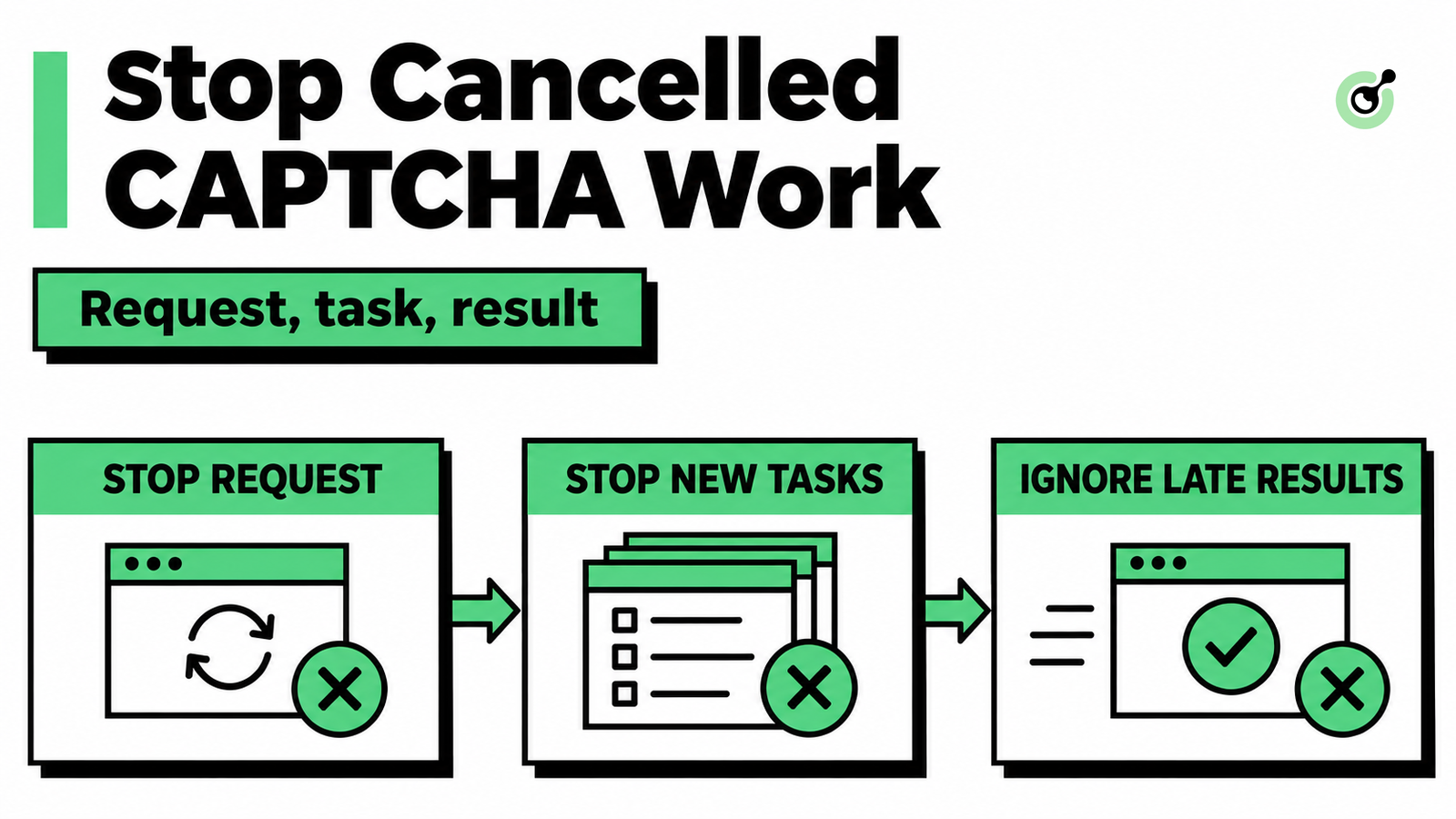
MCP CAPTCHA Cancellation: How to Stop Agent Tool Calls
Handle MCP CAPTCHA cancellation in AI agents. Stop new calls, distinguish remote tasks from local waits, and prevent late results from restarting work.

Khadija Santos
03-Nov-2026
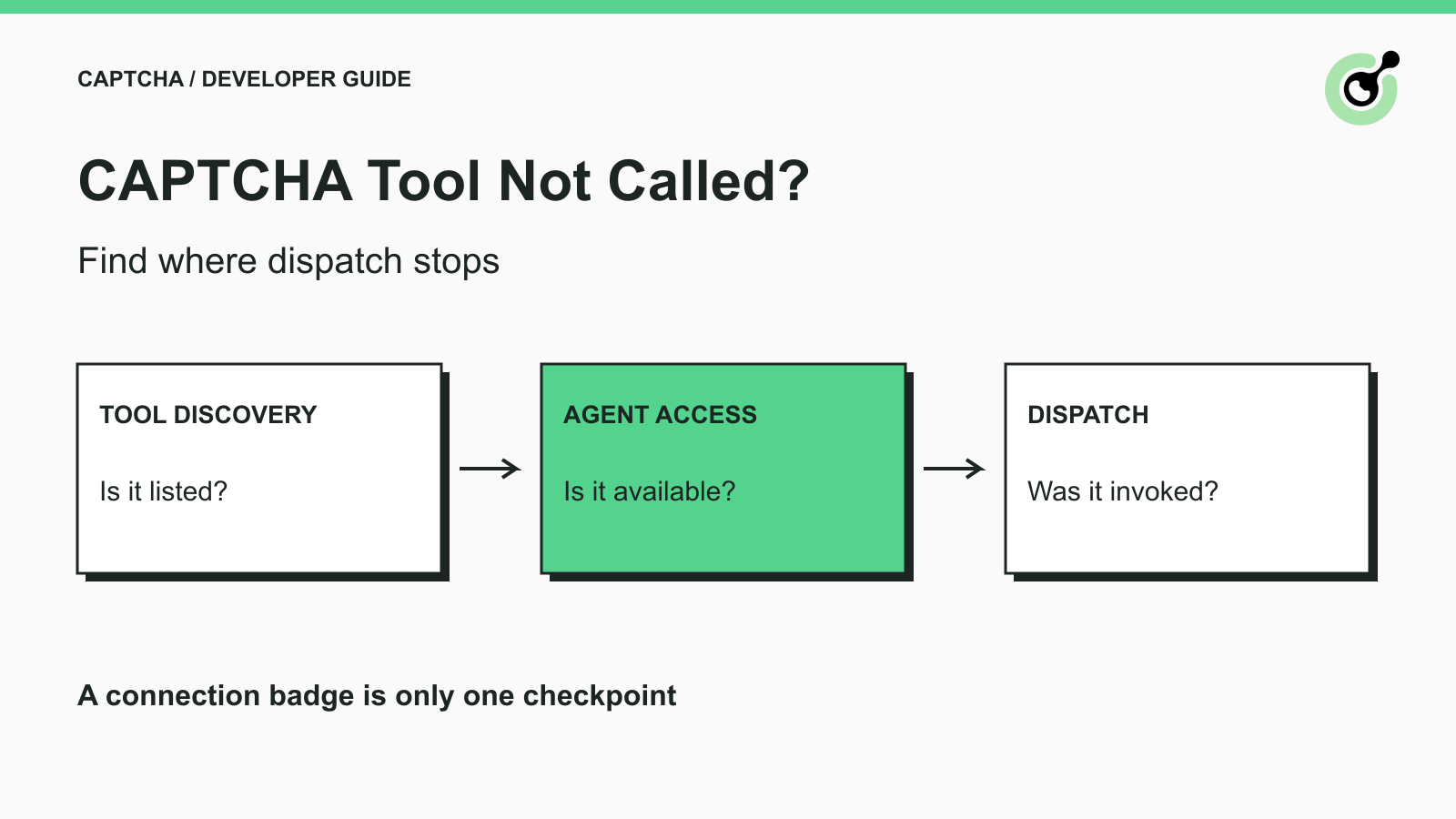
CAPTCHA Tool Connected but Your AI Agent Never Calls It?
Fix CAPTCHA tools that connect but never run. Check discovery, agent visibility, required inputs, approvals, and executor dispatch before changing solver settings.

Ethan Collins
02-Nov-2026
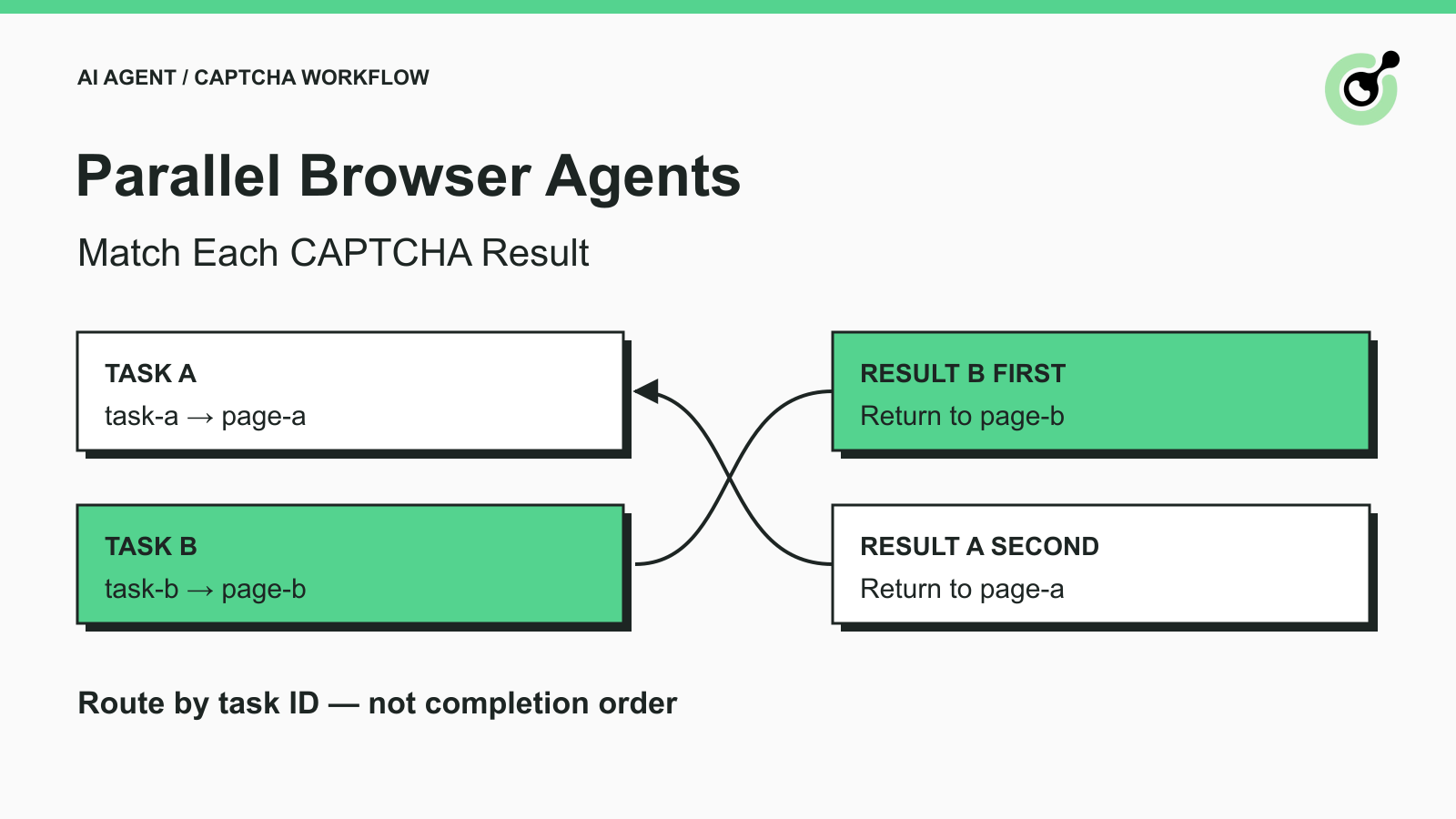
How to Match CAPTCHA Results to Parallel Browser Agent Tasks
Keep parallel browser agents from mixing CAPTCHA results. Map task IDs to page owners, reject stale responses, and test routing before applying a solution.
Khadija Santos
29-Oct-2026
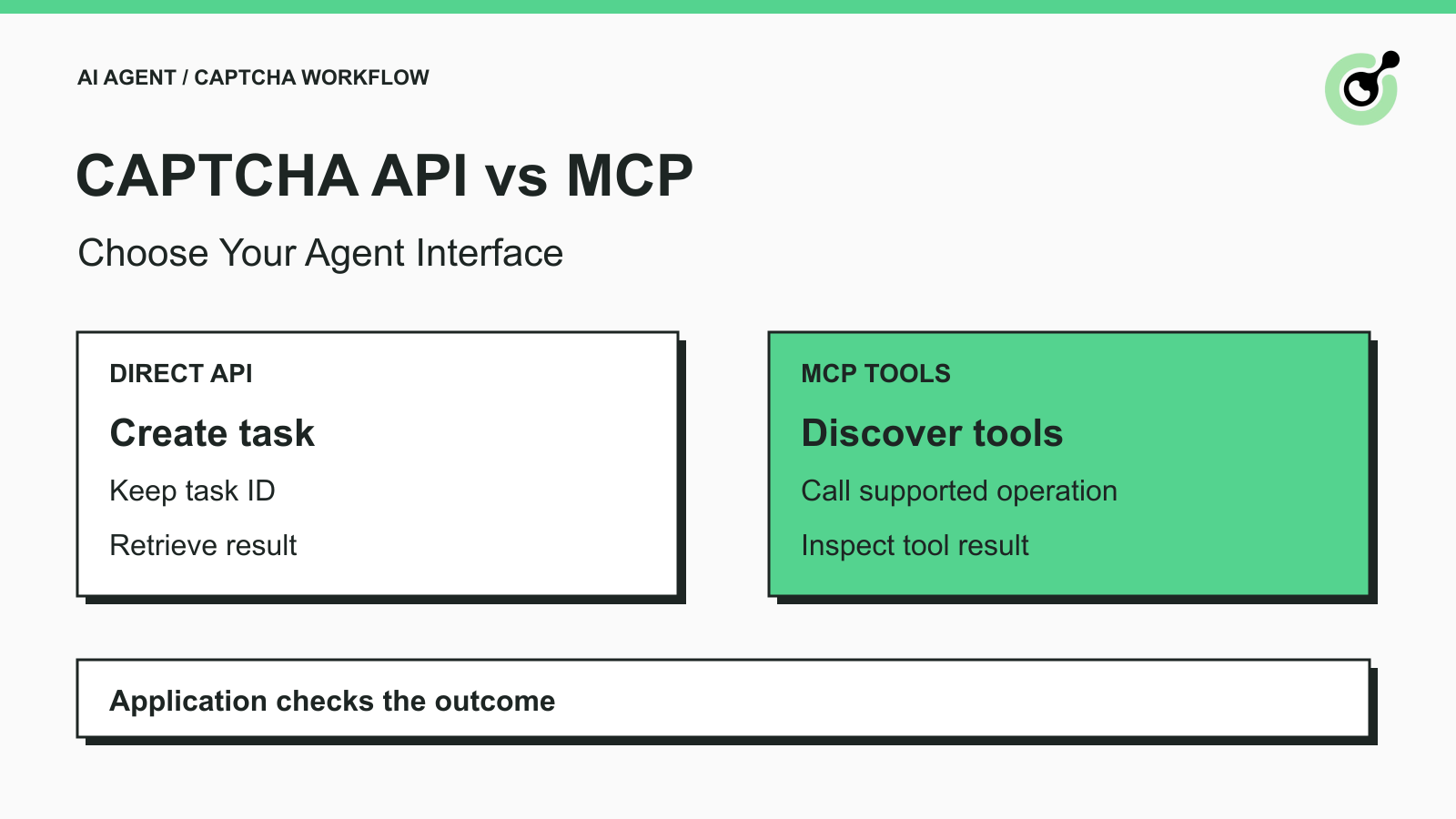
How to Choose Between a CAPTCHA API and MCP for AI Agents
Choose a CAPTCHA API or MCP for your AI agent by comparing task control, tool discovery, result handling, and browser responsibilities before you integrate.
Khadija Santos
29-Oct-2026
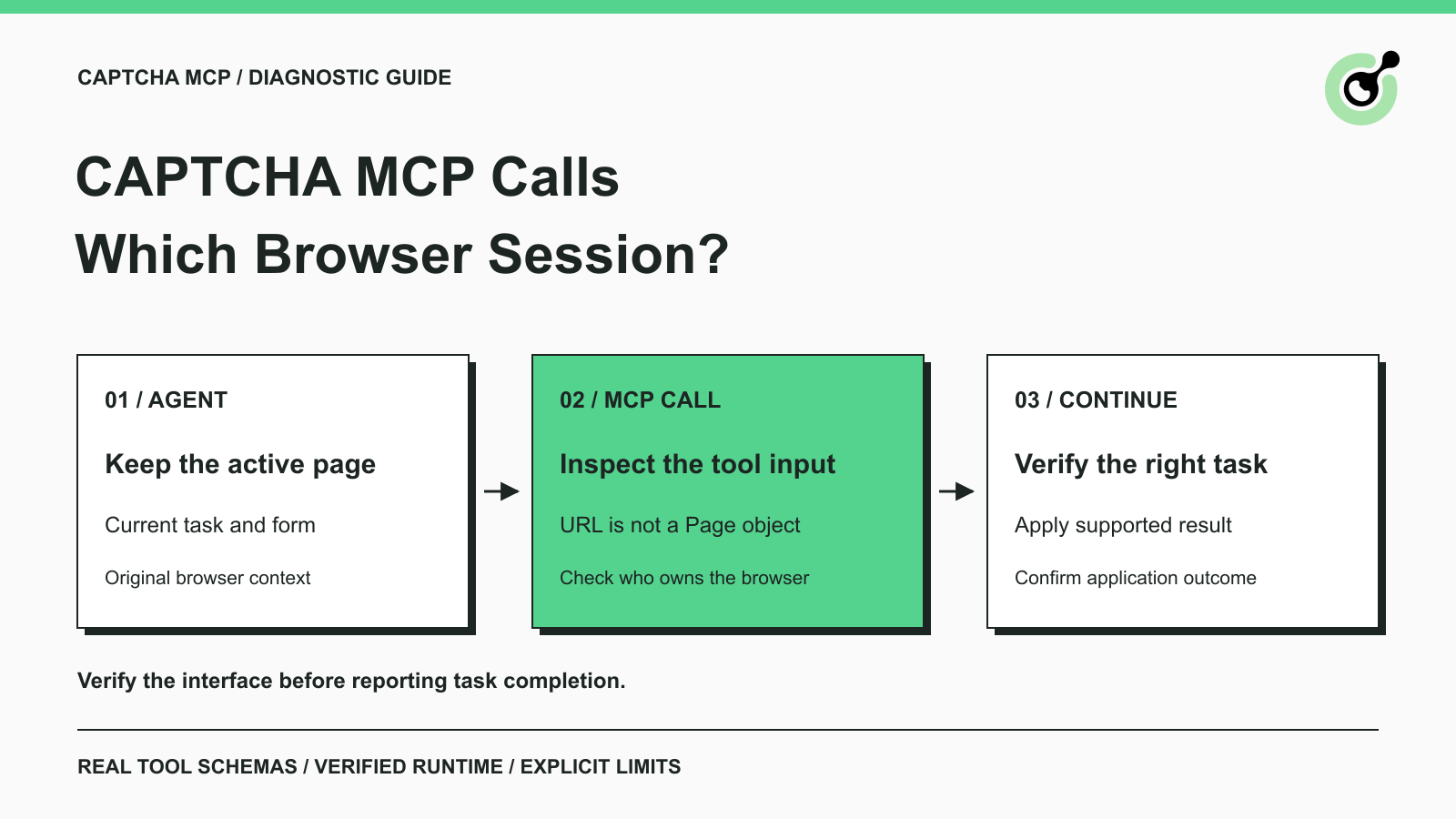
How to Fix CAPTCHA MCP Calls Using the Wrong Browser Session
Diagnose CAPTCHA MCP calls that open a different browser session. Inspect tool inputs, keep the original page, and verify the task before continuing.
Khadija Santos
28-Oct-2026
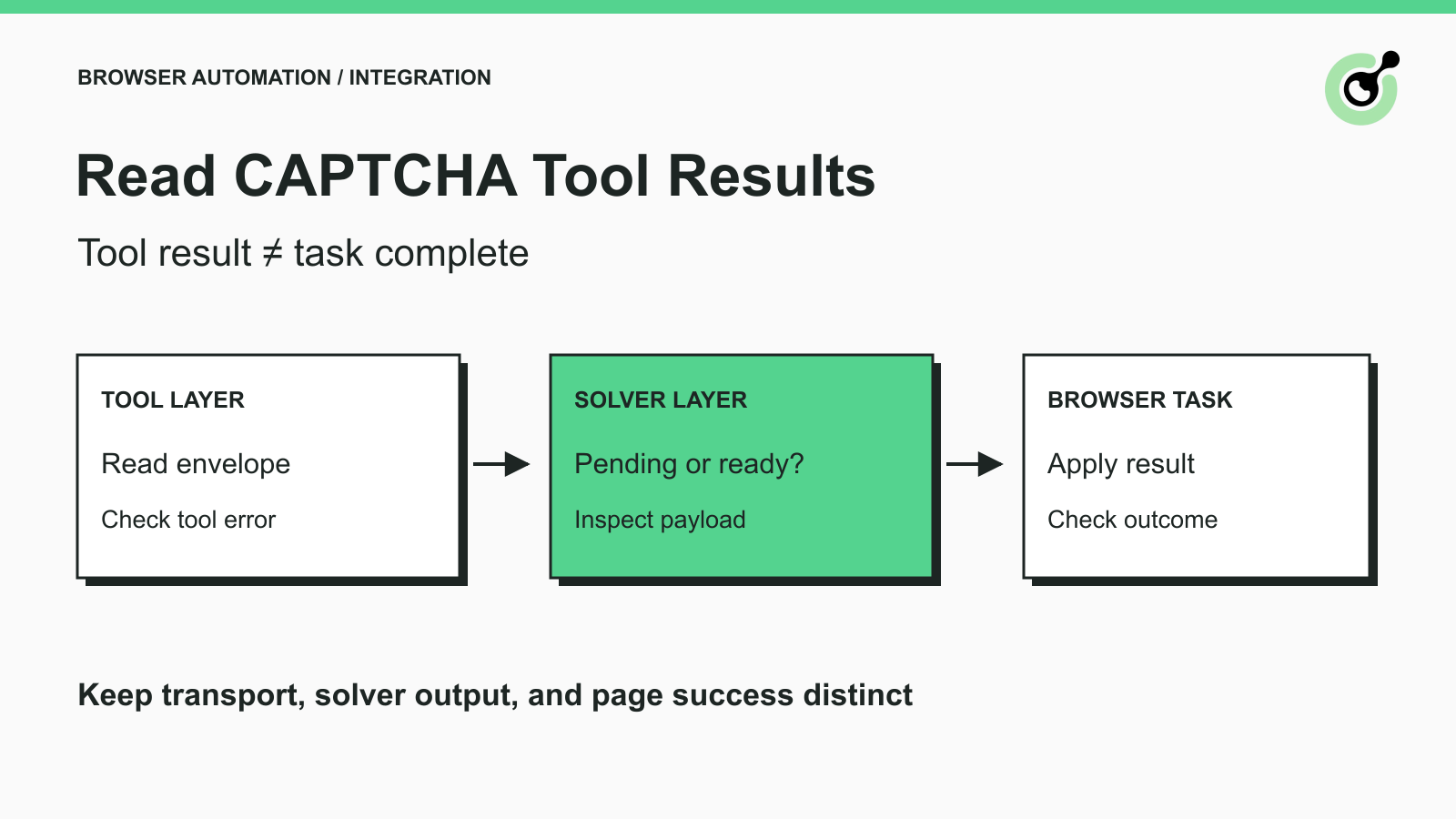
How to Return CAPTCHA Tool Results an AI Agent Can Use
Read CAPTCHA tool results correctly: distinguish transport errors, pending tasks, solver output, and browser success before letting an AI agent continue.
Khadija Santos
28-Oct-2026