











AI Browser Automation for Online Privacy and Personal Information Removal: A Practical Guide

Ethan Collins
How to use CapSolver
28-May-2026
TL;DR
- AI Browser Automation for Online Privacy and Personal Information Removal works best as a supervised workflow, not a blind scraping script.
- The safest process is to discover exposed data, prioritize sensitive records, submit lawful requests, save evidence, and monitor reappearances.
- Search result removal, website deletion, account closure, and data broker opt-outs are different tasks.
- Compliance matters at every step because private, restricted, or unauthorized data is never fair game.
- CAPTCHA and traffic validation challenges may appear during repeated opt-outs, so use documented tools only where access is allowed.
Introduction
AI Browser Automation for Online Privacy and Personal Information Removal is useful when privacy cleanup becomes repetitive, evidence-heavy, and hard to track. It can help individuals, privacy teams, and security operations teams organize lawful removal requests across search results, public pages, account settings, and data broker forms. The core value is not speed alone. The real value is consistency, auditability, and human review before sensitive actions. Google says it can remove some private personally identifiable information from Search results, but not from the source website itself. That distinction shapes the whole workflow. Automation can assist, but legal rights, site rules, and consent still define what should be done.
Why this privacy removal scenario needs automation
AI Browser Automation for Online Privacy and Personal Information Removal solves a practical coordination problem. Personal information can appear in search snippets, cached pages, public directories, broker profiles, old accounts, and archived content. Each source may require a different form, proof, waiting period, and follow-up.
Manual removal is possible for a small footprint. It becomes fragile when a person has multiple names, addresses, phone numbers, work profiles, and old accounts. Browser automation can open forms, collect screenshots, record timestamps, and place each request into a review queue. The user still decides what to submit.
This is also a risk reduction workflow. The FTC explains that websites and apps may use cookies, pixels, device fingerprinting, and advertising identifiers to track online activity FTC Online Privacy Guidance. Removing exposed records is only one part of privacy hygiene. Teams should also reduce future collection through browser settings, account settings, and data minimization.
What competitors often miss about AI browser automation
Most privacy guides explain what to remove. Fewer explain how to operate removal at scale. Common articles cover Google removal requests, site owner emails, data broker opt-outs, social settings, and ongoing monitoring. Those sections are useful, so this guide includes them.
The missing layer is operational design. AI Browser Automation for Online Privacy and Personal Information Removal needs a queue, evidence capture, human approval, retry limits, and an audit log.
Another gap is challenge handling. Repeated privacy forms may trigger reCAPTCHA, Cloudflare challenges, or other traffic validation. CapSolver’s guide to browser automation for developers is useful background for this controlled browser layer.
Step 1: map where personal information appears
Start with discovery. AI Browser Automation for Online Privacy and Personal Information Removal should begin with user-approved queries, not broad collection. Search for known names, email addresses, phone numbers, user names, old employers, and public profile URLs.
Separate findings into four buckets. Search results are links and snippets. Source pages are the websites hosting the content. Account systems are services where the user can sign in and edit data. Data brokers are entities that collect, sell, or share personal information.
Keep evidence simple. Save the URL, visible data fields, screenshot, discovery date, source type, and sensitivity level. Do not store extra personal information just because automation can capture it. NIST describes privacy risk management as an enterprise process for protecting individuals’ privacy while managing data use NIST Privacy Framework. That principle applies even to internal removal tools.
Step 2: choose the right removal path
Match each record to its real control point. AI Browser Automation for Online Privacy and Personal Information Removal fails when every exposure is treated like the same form. Search removal can reduce visibility. Source deletion removes or edits the page. Account closure removes data controlled by the user. Broker opt-outs request suppression or deletion from broker systems.
For Google Search, collect exact URLs before submitting a request. Google states that request forms review specific URLs and that Search removal does not remove content from the hosting website <a This means the automation should create a source-page task after every search-result task.
For data broker requests, eligibility and jurisdiction matter. California DROP platform says eligible residents can submit a single request to registered data brokers and that brokers begin processing requests under its timeline. The same concept applies elsewhere. Check local law, proof requirements, and representative authorization before sending requests.
Comparison Summary
| Approach | Best use case | Main advantage | Main limitation | Compliance control |
|---|---|---|---|---|
| Manual removal | Small personal footprint | Full user control | Slow and hard to repeat | User reviews every submission |
| Managed privacy service | Broad consumer opt-outs | Ongoing broker monitoring | Less workflow visibility | Review authorization and reports |
| AI-assisted browser workflow | Teams with repeated cases | Evidence, queues, and repeatability | Requires governance and testing | Human approval, logs, and scope rules |
| API-first removal | Sites with official APIs | Stable and auditable | Not always available | Use documented endpoints only |
Step 3: build the automation workflow safely
Use a narrow workflow. AI Browser Automation for Online Privacy and Personal Information Removal should not wander across the web. It should follow approved URLs, predefined form fields, and documented decision rules.
A practical workflow has six stages. First, the user approves the target list. Second, the browser opens each page in a clean profile. Third, the system extracts only required fields. Fourth, the system prepares the request draft. Fifth, a human confirms submission. Sixth, the system saves the confirmation page, email receipt, or screenshot.
Every request needs a status. Use values like discovered, drafted, submitted, waiting, verified, rejected, and recheck. This keeps the process readable. It also prevents repeated submissions that can annoy site owners or trigger traffic validation.
For technical teams, tool choice matters. This CapSolver article on Selenium vs Puppeteer CAPTCHA solving gives context for automation environments. The privacy decision still comes first.
Step 4: add privacy-by-design controls
Governance must come before speed. AI Browser Automation for Online Privacy and Personal Information Removal handles names, addresses, screenshots, and sometimes identity evidence. Store less data than you could collect. Encrypt request records. Limit access by role. Delete evidence after the retention period.
Do not submit forms under false identity. Do not access private accounts without the owner’s permission. Do not collect third-party data during a user’s request.
The workflow should also respect rate limits. Slow, traceable execution is better than noisy automation. Prefer official forms, clear emails, and documented APIs.
A strong review screen should show the target URL, requested action, personal fields, legal basis if known, and attached evidence.
Step 5: handle CAPTCHA and traffic validation responsibly
Challenges are common in repeated privacy workflows. AI Browser Automation for Online Privacy and Personal Information Removal may encounter reCAPTCHA v2, reCAPTCHA v3, Cloudflare challenges, image-click tasks, or email verification links. Treat these as checkpoints, not obstacles.
The safe rule is simple. Continue only when the user or organization has a legitimate reason to access that page. If access fails, review terms, reduce frequency, or use an official channel.
CapSolver can help when challenge handling is part of an allowed automation workflow. For reCAPTCHA v2, the official documentation says to create a task with createTask and retrieve the result with getTaskResult in the reCAPTCHA v2 guide. For reCAPTCHA v3, the reCAPTCHA v3 guide documents task types such as ReCaptchaV3TaskProxyLess and includes pageAction in its SDK example.
The official SDK-style pattern is concise:
python
# pip install --upgrade capsolver
# export CAPSOLVER_API_KEY='...'
import capsolver
# capsolver.api_key = "..."
solution = capsolver.solve({
    "type": "ReCaptchaV3TaskProxyLess",
    "websiteURL": "https://www.google.com",
    "websiteKey": "6Le-wvkSAAAAAPBMRTvw0Q4Muexq9bi0DJwx_kl-",
    "pageAction": "login",
})
For Cloudflare challenges, CapSolver’s Cloudflare Challenge guide documents AntiCloudflareTask, websiteURL, a required static or sticky proxy, and consistent userAgent handling. If your privacy workflow uses headless browsing, this guide to automating CAPTCHA solving in headless browsers gives broader implementation context.
Step 6: verify removal and monitor reappearance
Verification completes the workflow. AI Browser Automation for Online Privacy and Personal Information Removal should revisit submitted URLs after the waiting period, compare visible fields, and mark outcomes with evidence. It should not assume success because a form was submitted.
Data can reappear. Brokers refresh records, search engines recrawl pages, and old accounts may expose profile fields again. A monthly or quarterly recheck is practical for most people. High-risk roles may need more frequent monitoring.
Keep monitoring scoped. Recheck only approved URLs, known query terms, and confirmed broker lists. If new personal information appears, create a new review task rather than submitting automatically. This protects the user and the organization running the workflow.
CapSolver’s article on an AI browser CAPTCHA solver is relevant when monitoring repeatedly reaches validation pages. Its use should stay limited to lawful, reasonable, and documented automation. CapSolver’s FAQ on whether CAPTCHA solving is legal for web scraping can support internal review.
Conclusion and CTA
AI Browser Automation for Online Privacy and Personal Information Removal is most effective when it is narrow, documented, and supervised. It should help people find exposed records, choose the correct removal path, prepare lawful requests, capture evidence, and monitor reappearances. It should not replace consent, legal review, or human judgment.
The best privacy workflows combine automation with restraint. Use official forms, honor site rules, store minimal evidence, and pause for human approval before submitting sensitive requests. When reCAPTCHA, Cloudflare, or image-click challenges appear in an approved workflow, review CapSolver’s official documentation and use documented patterns only. CapSolver can fit this recurring scenario because privacy removal often involves repeated form submissions, browser sessions, and challenge handling. Start with a compliant process, then add CapSolver where it supports that process.
Redeem Your CapSolver Bonus Code
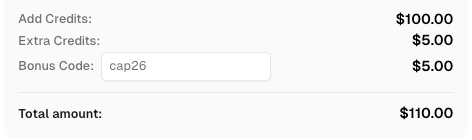
Boost your automation budget instantly. Use bonus code CAP26 when topping up your CapSolver account to get an extra 5% bonus on every recharge, with no limits.
Redeem it now in your CapSolver Dashboard
FAQ
Is AI Browser Automation for Online Privacy and Personal Information Removal legal?
It can be legal when it follows applicable law, site terms, and user authorization. The safest workflow uses approved targets, human review, documented requests, and minimal data collection.
Can automation remove all personal information from the internet?
No. AI Browser Automation for Online Privacy and Personal Information Removal can reduce exposure, but complete deletion is unrealistic. Search removal, source deletion, broker opt-outs, and account cleanup each have different limits.
What data should the workflow store?
Store only what proves the request and supports follow-up. Usually this means URL, screenshot, date, request type, status, and confirmation evidence. Avoid collecting unrelated personal data.
How should teams handle CAPTCHA challenges during privacy requests?
Teams should pause first and confirm that access is allowed. If the workflow is legitimate, use official documentation, such as CapSolver’s reCAPTCHA and Cloudflare guides, without adding unofficial parameters.
How often should personal information be checked again?
Most users can recheck monthly or quarterly. Higher-risk users may need more frequent reviews. The key is to monitor approved sources and avoid uncontrolled scanning.
Compliance Disclaimer: The information provided on this blog is for informational purposes only. CapSolver is committed to compliance with all applicable laws and regulations. The use of the CapSolver network for illegal, fraudulent, or abusive activities is strictly prohibited and will be investigated. Our captcha-solving solutions enhance user experience while ensuring 100% compliance in helping solve captcha difficulties during public data crawling. We encourage responsible use of our services. For more information, please visit our Terms of Service and Privacy Policy.
More
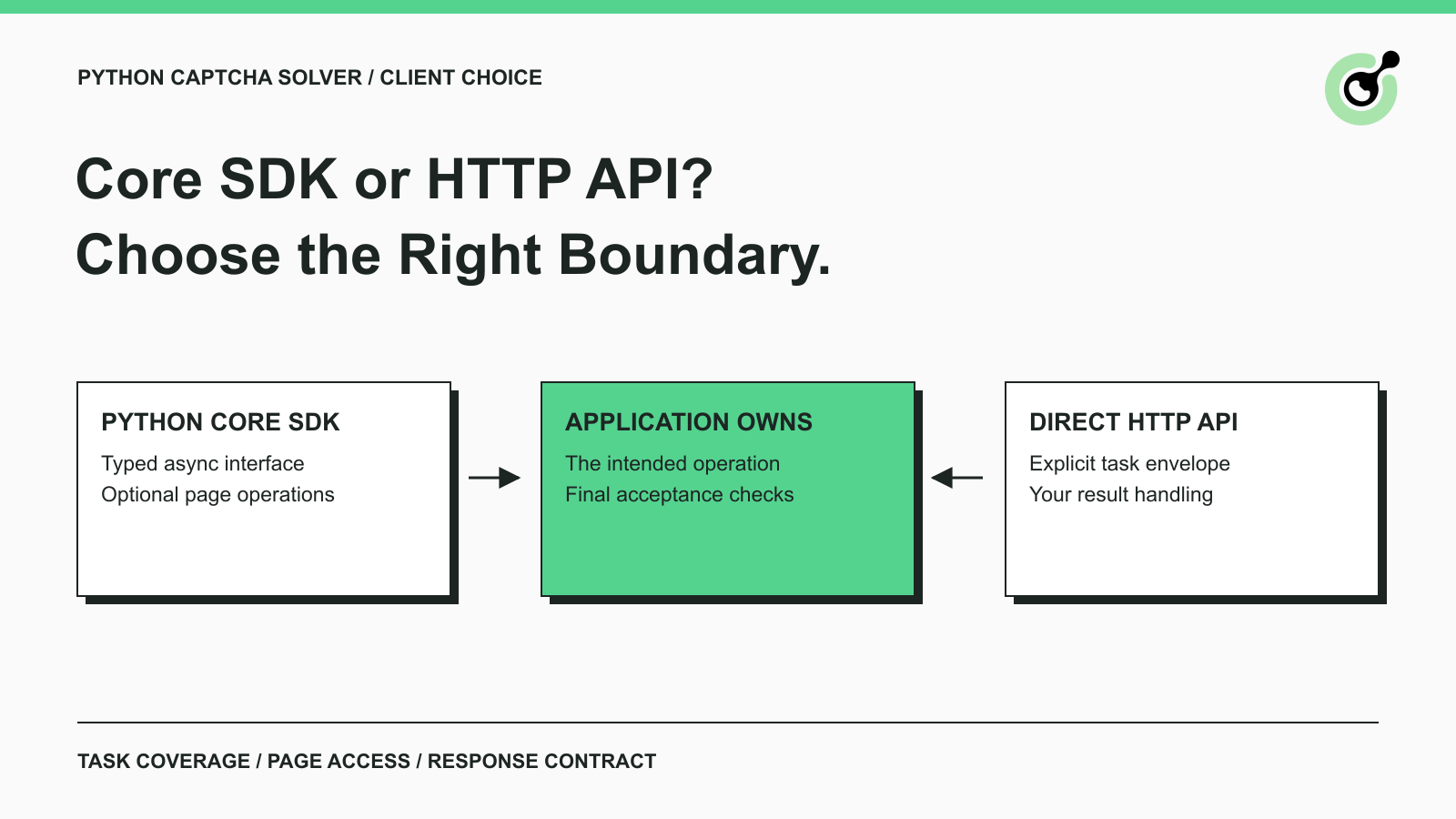
CapSolver Python Core SDK vs HTTP API: Which Should You Use?
Choose the CapSolver Python Core SDK or direct HTTP API by task support, page access, response handling, and the responsibilities your application owns.
Ethan Collins
16-Sep-2026
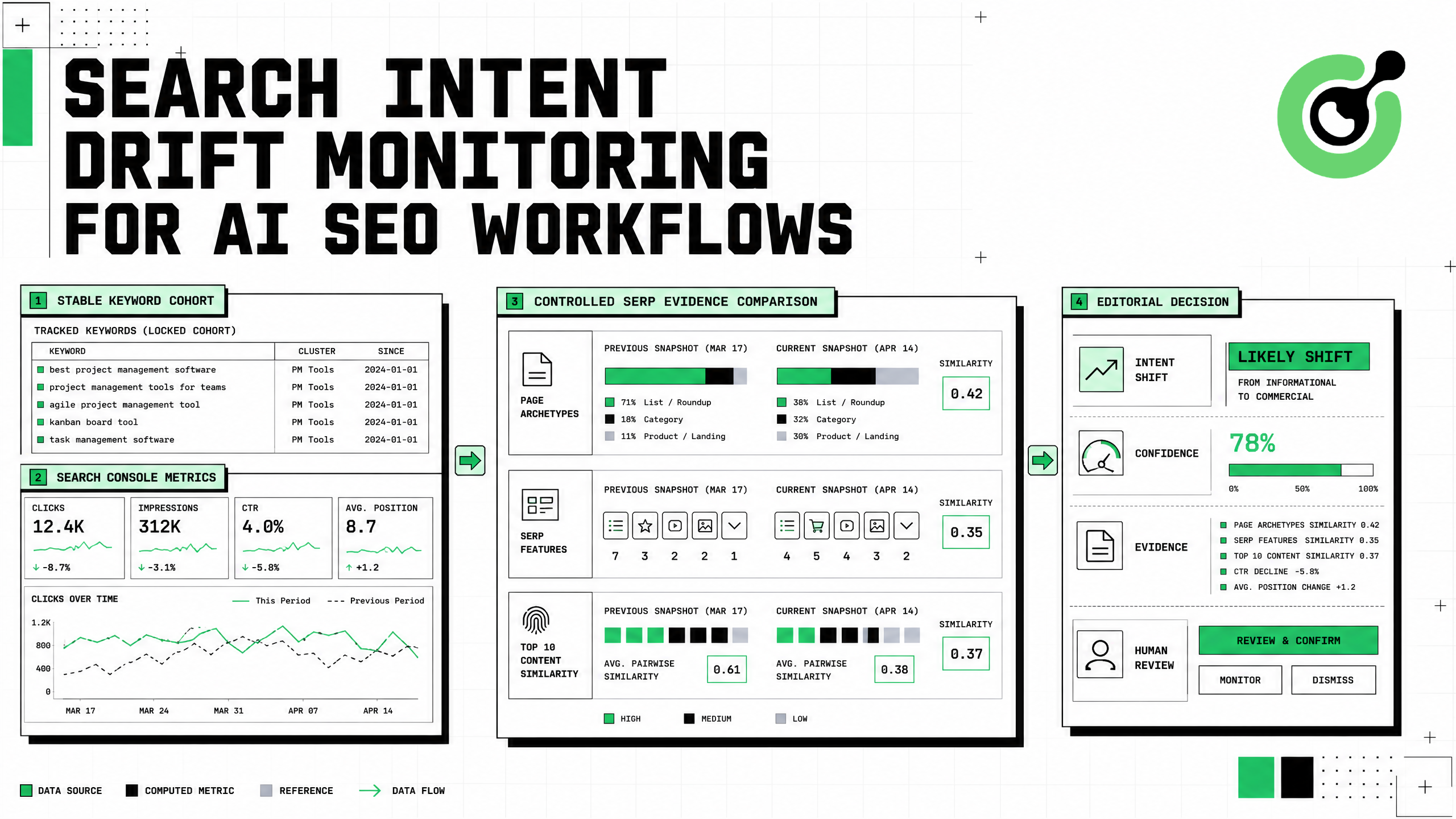
Search Intent Drift Monitoring for AI SEO Workflows
Build search intent drift monitoring with Search Console data, controlled SERP observations, intent labels, confidence gates, evidence, and safe automation.
Ethan Collins
31-Aug-2026
How to Add Gumloop CAPTCHA Solving to Web Workflows
Build Gumloop CAPTCHA solving with a verified HTTP contract, controlled recovery branch, retry budget, browser-state checks, and human fallback.

Nikolai Smirnov
21-Aug-2026
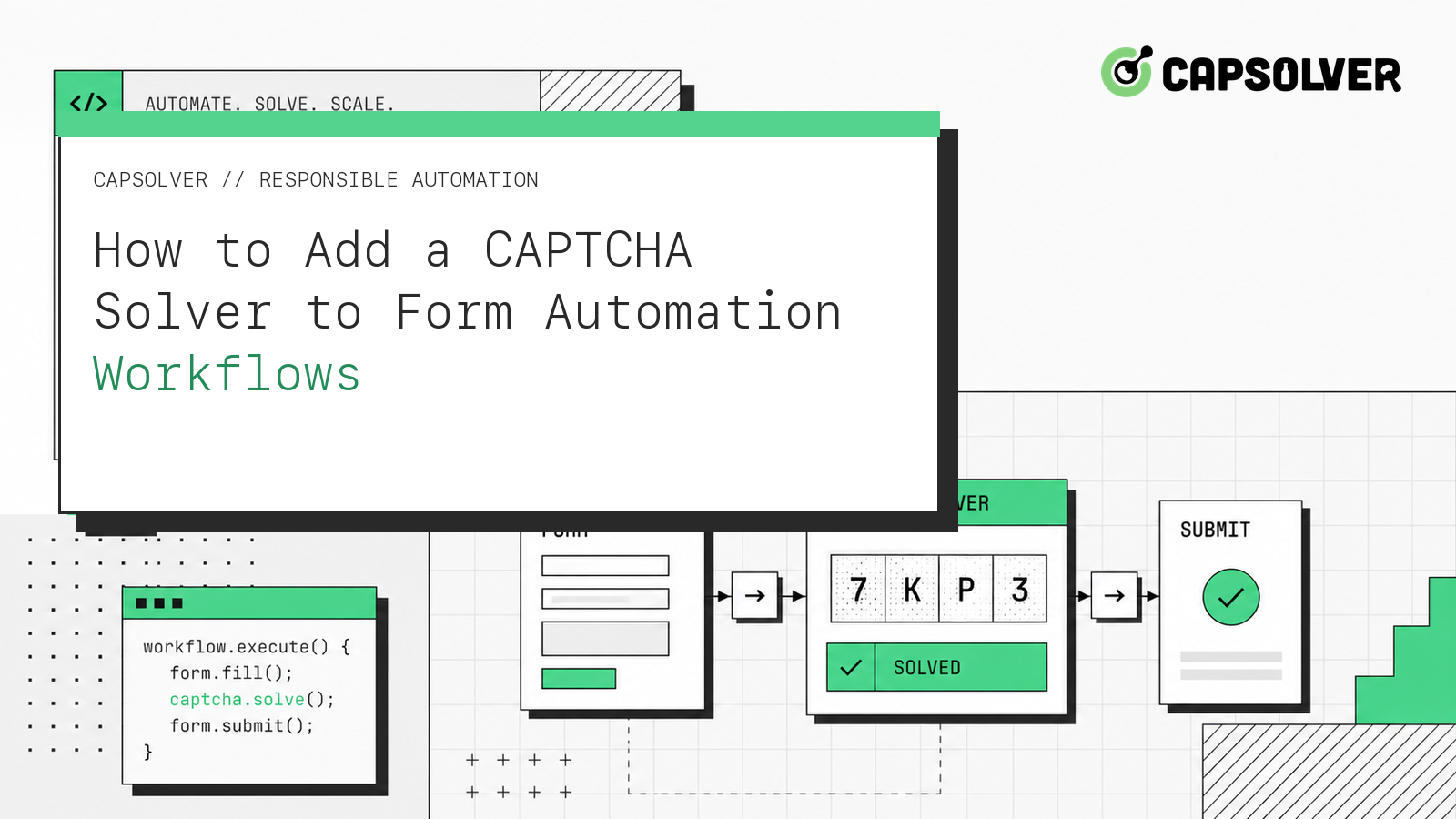
How to Add a CAPTCHA Solver to Form Automation Workflows
A form automation captcha solver is an error-recovery component for a permitted form workflow, not a shortcut around authorization. CapSolver can provide a reCAPTCHA solution through the documented task API while your application preserves inputs, browser context, consent, and the final submission rule. The safest sequence is detect, snapshot, create one task, poll with a deadline, apply the result in the same session, and verify the form's own confirmation state. This articl
Ethan Collins
13-Aug-2026
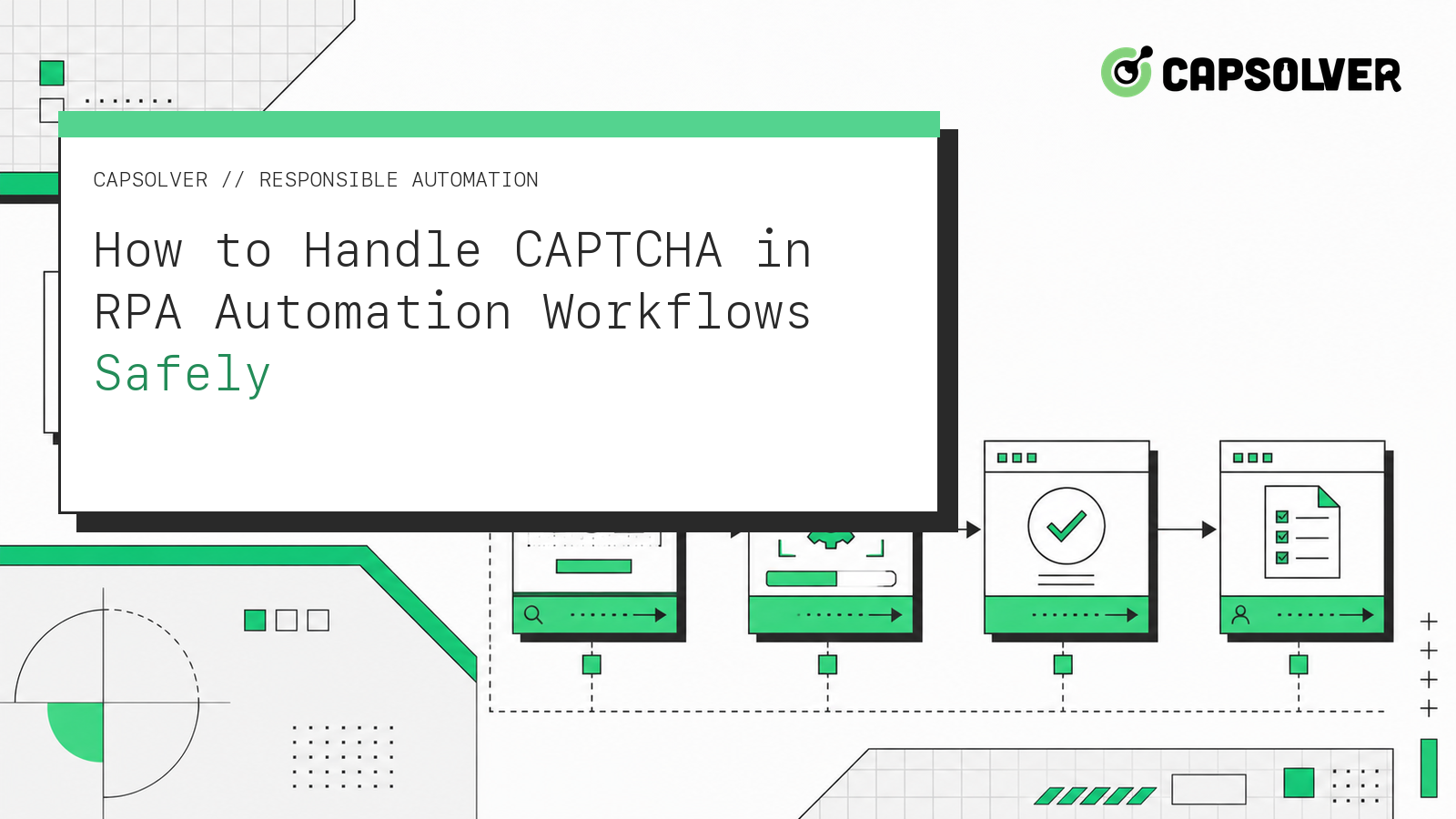
How to Handle CAPTCHA in RPA Automation Workflows Safely
RPA CAPTCHA automation is reliable only when CAPTCHA becomes an explicit workflow state. CapSolver can provide the CAPTCHA handling layer through its browser extension or documented API, while the RPA platform controls process scope, credentials, timeouts, and business validation. This avoids the common failure where a robot keeps clicking after verification appears, loses form state, or submits twice. A production design pauses at detection, waits for one bounded result, ver
Ethan Collins
12-Aug-2026
How to Handle CAPTCHA in Automated QA Testing
Handle CAPTCHA in automated QA testing with controlled test fixtures, CapSolver browser integration, bounded retries, and reliable assertions.
Ethan Collins
10-Aug-2026