











ChatGPT Search Brand Mention Monitoring: Track Your Brand in AI Answers

Ethan Collins
How to use CapSolver
30-Jul-2026
ChatGPT Search now generates real-time answers that cite specific brands, products, and websites. When ChatGPT mentions your brand — or your competitor's — it directly influences purchasing decisions for millions of users. Monitoring these mentions requires automated access to ChatGPT's search results, which are protected by Cloudflare's verification systems. This guide covers building a brand mention monitoring pipeline that tracks when and how ChatGPT cites your brand, using CapSolver to maintain continuous access.
TL;DR
- ChatGPT Search cites specific brands in AI-generated answers, directly influencing user decisions
- Monitoring brand mentions requires automated queries that trigger Cloudflare protection
- CapSolver clears Cloudflare Turnstile challenges in 2-5 seconds, enabling continuous monitoring
- Track mention frequency, sentiment, context, and competitor co-mentions across target queries
- The data informs GEO (Generative Engine Optimization) strategy for improving AI citation rates
Why ChatGPT Brand Mention Monitoring Matters
ChatGPT Search represents a fundamental shift in how consumers discover brands and products. When a user asks "best CAPTCHA solving API" or "top project management tools," ChatGPT generates an answer that names specific products — and those named products receive direct consideration from the user. Unlike traditional search where users scan 10 blue links, ChatGPT presents a curated, authoritative answer that heavily influences the user's next action.
For brands, this creates both opportunity and risk. Being mentioned positively in ChatGPT's answers drives awareness and consideration. Being absent — while competitors are mentioned — means losing visibility in a growing discovery channel. OpenAI's announcement of ChatGPT Search indicates the feature is available to hundreds of millions of users, making it a significant brand visibility channel.
The challenge for monitoring is access. ChatGPT's web interface and API are protected by Cloudflare's bot management, which blocks automated queries. Without solving these challenges, brands cannot systematically track their mention frequency, context, or competitive positioning in AI-generated answers.
What You Need Before Starting
bash
pip install git+https://github.com/capsolver-ai/capsolver-core.git
pip install aiohttp pandas schedule
bash
export CAPSOLVER_API_KEY="your-capsolver-api-key"Additional requirements:
- A CapSolver account with credits
- Target query list (queries where your brand should appear)
- Competitor brand list for comparative tracking
- Database for storing mention history and trends
Building the Monitoring Architecture
python
from dataclasses import dataclass, field
from typing import List, Optional
import time

@dataclass
class BrandMention:
    """A single brand mention in a ChatGPT answer."""
    query: str
    brand_mentioned: str
    mention_context: str      # Surrounding text
    sentiment: str            # positive, neutral, negative
    position: int             # Order of mention (1st, 2nd, etc.)
    co_mentioned_brands: List[str]
    timestamp: float

@dataclass
class MonitoringResult:
    """Complete monitoring result for one query."""
    query: str
    your_brand_mentioned: bool
    your_mention_position: Optional[int]
    competitor_mentions: List[str]
    answer_text: str
    sources_cited: List[str]
    timestamp: float
Collection Engine with CAPTCHA Handling
python
import asyncio
from capsolver_core import create_capsolver, CaptchaType, CaptchaInfo

class ChatGPTBrandMonitor:
    """Monitor brand mentions in ChatGPT Search answers."""

    def __init__(self, api_key: str, your_brand: str, competitors: list):
        self.cap = create_capsolver(api_key=api_key)
        self.your_brand = your_brand
        self.competitors = competitors
        self.history = []

    async def check_query(self, query: str) -> MonitoringResult:
        """Check a single query for brand mentions."""
        # Access ChatGPT Search (protected by Cloudflare)
        answer = await self._fetch_chatgpt_answer(query)

        # Analyze brand mentions
        your_mentioned = self.your_brand.lower() in answer.lower()
        competitor_mentions = [c for c in self.competitors if c.lower() in answer.lower()]

        result = MonitoringResult(
            query=query,
            your_brand_mentioned=your_mentioned,
            your_mention_position=self._find_position(answer, self.your_brand),
            competitor_mentions=competitor_mentions,
            answer_text=answer[:1000],
            sources_cited=self._extract_sources(answer),
            timestamp=time.time()
        )

        self.history.append(result)
        return result

    async def _fetch_chatgpt_answer(self, query: str) -> str:
        """Fetch ChatGPT Search answer with Cloudflare handling."""
        # Solve Turnstile if challenged
        info = CaptchaInfo(
            type=CaptchaType.CLOUDFLARE,
            website_url="https://chatgpt.com",
            website_key="0x4AAAAAAAx..."  # ChatGPT's Turnstile key
        )
        solution = await self.cap.solve(info)
        # Use token to access search results
        # Implementation depends on access method
        return ""  # Parsed answer text

    async def monitor_batch(self, queries: list) -> dict:
        """Monitor a batch of queries and generate report."""
        results = []
        for query in queries:
            result = await self.check_query(query)
            results.append(result)
            await asyncio.sleep(10)  # Rate limiting

        return self._generate_report(results)

    def _generate_report(self, results: list) -> dict:
        mentioned_count = sum(1 for r in results if r.your_brand_mentioned)
        return {
            "total_queries": len(results),
            "your_brand_mentioned": mentioned_count,
            "mention_rate": f"{mentioned_count/len(results)*100:.1f}%",
            "top_competitors": self._rank_competitors(results),
            "queries_without_mention": [r.query for r in results if not r.your_brand_mentioned]
        }

    async def close(self):
        await self.cap.aclose()
Tracking Metrics and Trends
| Metric | What It Tells You | Action |
|---|---|---|
| Mention rate | % of target queries where you appear | Optimize content for low-mention queries |
| Mention position | Where you appear in the answer (1st, 2nd, etc.) | Improve authority signals for higher positioning |
| Competitor co-mentions | Which competitors appear alongside you | Differentiate from frequently co-mentioned brands |
| Sentiment context | How your brand is described | Address negative contexts, amplify positive ones |
| Source citations | Which of your pages get cited | Optimize cited pages, create content for uncited topics |
GEO Strategy from Monitoring Data
The monitoring data directly informs your Generative Engine Optimization strategy:
- Content gaps: Queries where competitors are mentioned but you are not → create targeted content
- Authority building: Queries where you appear in position 3+ → strengthen authority signals
- Competitive displacement: Queries where only competitors appear → develop differentiated content
- Citation optimization: Analyze which content formats (lists, definitions, comparisons) get cited most
Claim Your Bonus Code: Use code WEBS at CapSolver Dashboard to get an extra 5% bonus on every recharge.
The CapSolver AI blog covers additional patterns for AI-powered data collection. For handling Cloudflare Turnstile on ChatGPT and similar platforms, the Turnstile documentation provides implementation details. The CapSolver products page lists all supported verification systems and pricing.
Conclusion
ChatGPT Search brand mention monitoring requires automated access to AI-generated answers, which are protected by Cloudflare's verification systems. CapSolver clears these challenges in 2-5 seconds, enabling systematic tracking of when, where, and how your brand appears in ChatGPT's answers. The monitoring data directly informs GEO strategy — revealing content gaps, competitive positioning, and citation opportunities that drive AI search visibility.
FAQ
Can I monitor ChatGPT Search mentions for multiple brands?
Yes. Track your brand and any number of competitors simultaneously. The monitoring system checks each query for all tracked brands and reports comparative positioning, co-mentions, and relative visibility.
How often should I check brand mentions?
For active GEO campaigns, daily monitoring of 50-100 target queries provides sufficient data to detect changes. For baseline tracking, 2-3 times per week captures major shifts. ChatGPT's answers can change daily based on content freshness signals.
What queries should I monitor?
Focus on queries where your brand should logically appear: product category searches ("best [your category]"), comparison queries ("[your brand] vs [competitor]"), and informational queries in your expertise area. Start with 20-30 high-intent queries and expand based on results.
Does ChatGPT Search always cite the same brands?
No. ChatGPT's answers vary based on query phrasing, conversation context, and content freshness. The same query may produce different brand mentions on different days, which is why continuous monitoring is necessary to track trends rather than point-in-time snapshots.
Compliance Disclaimer: The information provided on this blog is for informational purposes only. CapSolver is committed to compliance with all applicable laws and regulations. The use of the CapSolver network for illegal, fraudulent, or abusive activities is strictly prohibited and will be investigated. Our captcha-solving solutions enhance user experience while ensuring 100% compliance in helping solve captcha difficulties during public data crawling. We encourage responsible use of our services. For more information, please visit our Terms of Service and Privacy Policy.
More
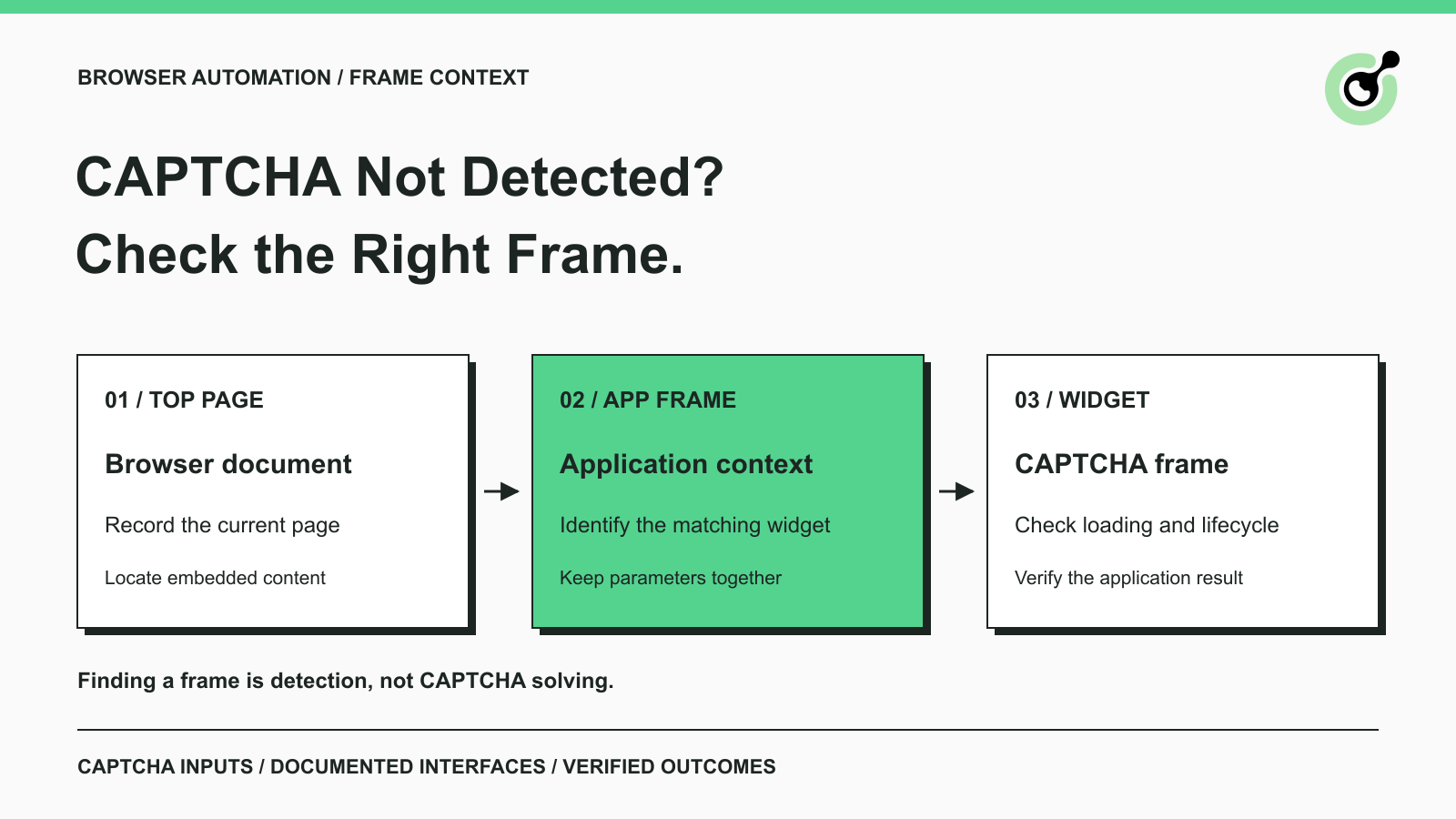
CAPTCHA in an iframe Not Detected? How to Find the Right Frame
Find why a visible CAPTCHA is missed inside an iframe. Check document context, widget loading, site parameters, and the browser handoff to your solver.

Nikolai Smirnov
27-Oct-2026
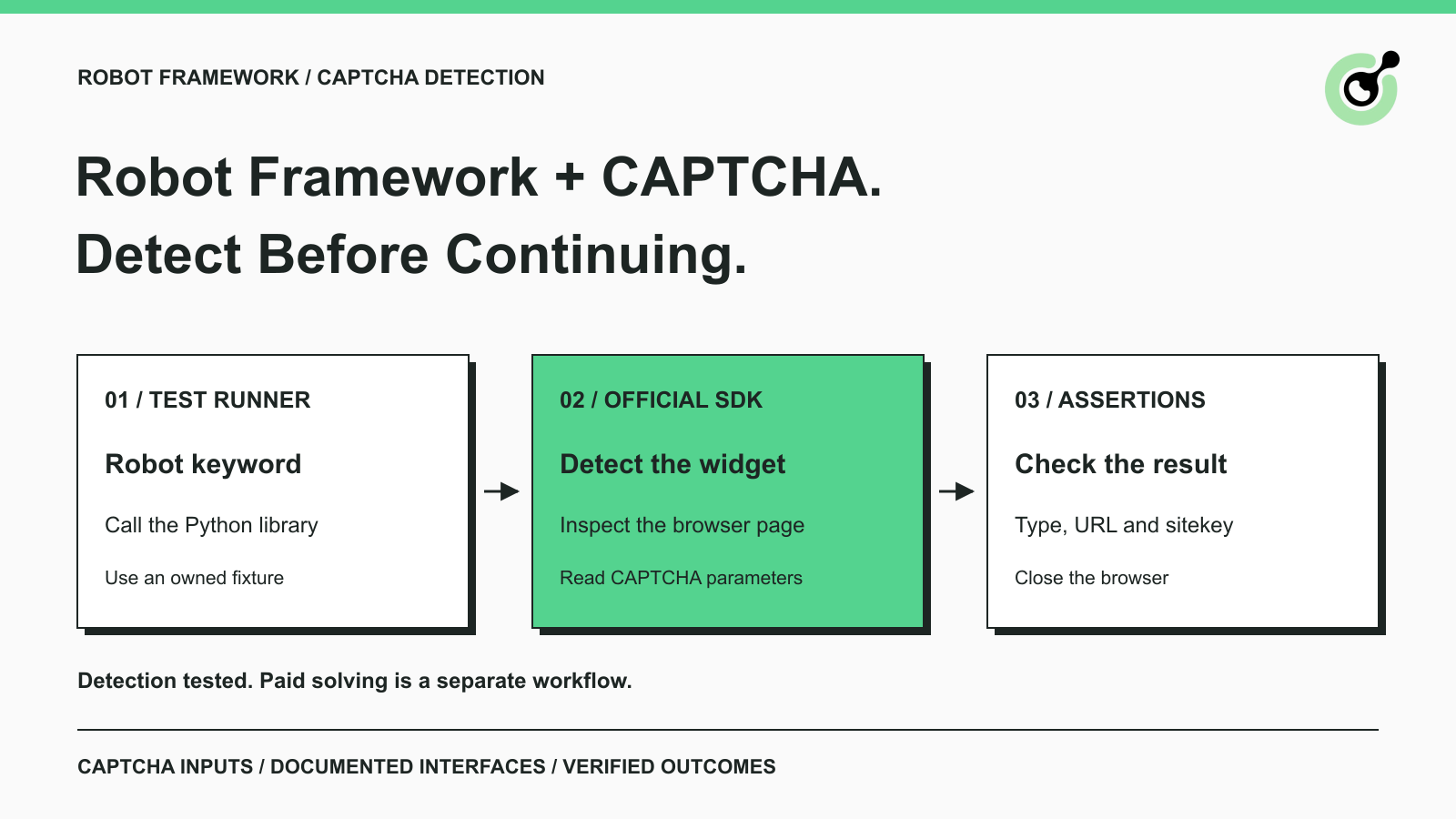
How to Detect CAPTCHA in Robot Framework Browser Tests
Detect CAPTCHA in Robot Framework with a tested Python keyword and the official solver SDK. Inspect page parameters and understand where detection stops.

Aloísio Vítor
26-Oct-2026
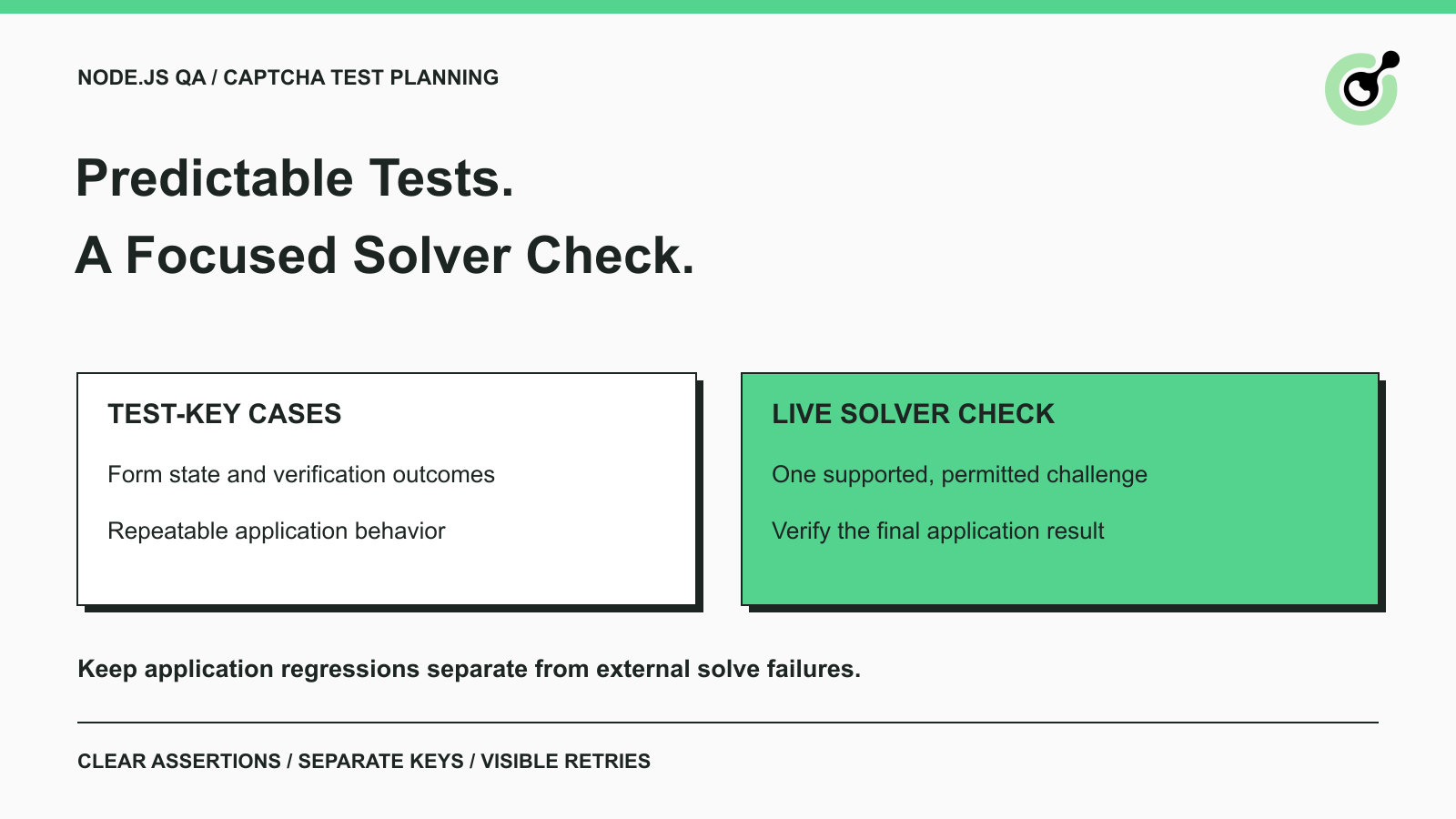
CAPTCHA Testing in Node.js: Test Keys and Solver Checks
Plan Node.js CAPTCHA tests with vendor test keys, controlled solver checks, and clear assertions. Separate form regressions from external solving failures.

Khadija Santos
16-Oct-2026
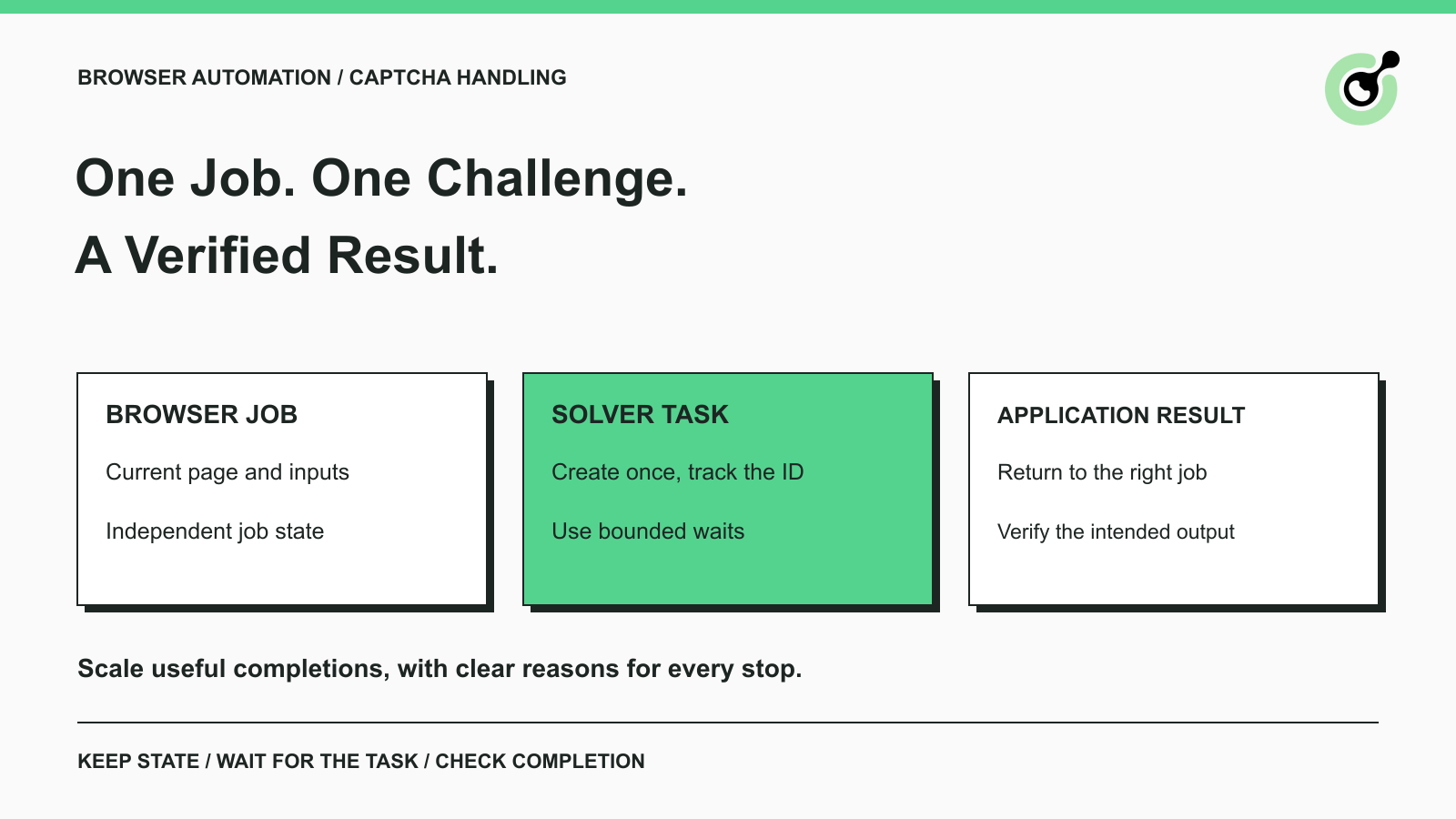
CAPTCHA Handling at Scale: A Browser Automation Guide
Improve CAPTCHA handling in browser automation with current task inputs, isolated browser sessions, bounded retries, and checks that confirm the final result.
Nikolai Smirnov
14-Oct-2026
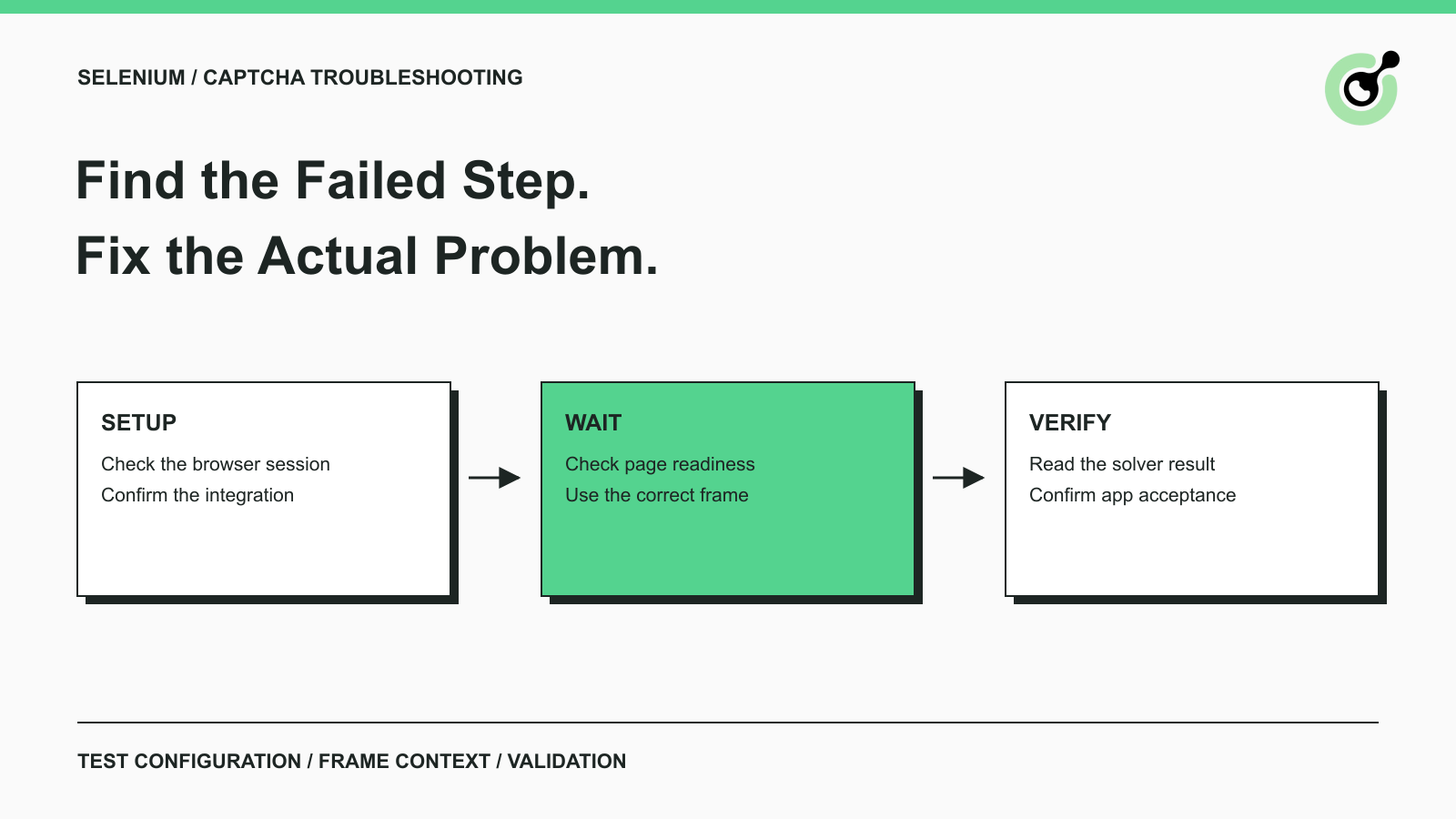
Common Selenium CAPTCHA Problems and How to Fix Them
Fix common Selenium CAPTCHA integration problems by checking test configuration, extensions, waits, iframe context, solver responses, and application results.
Nikolai Smirnov
22-Sep-2026
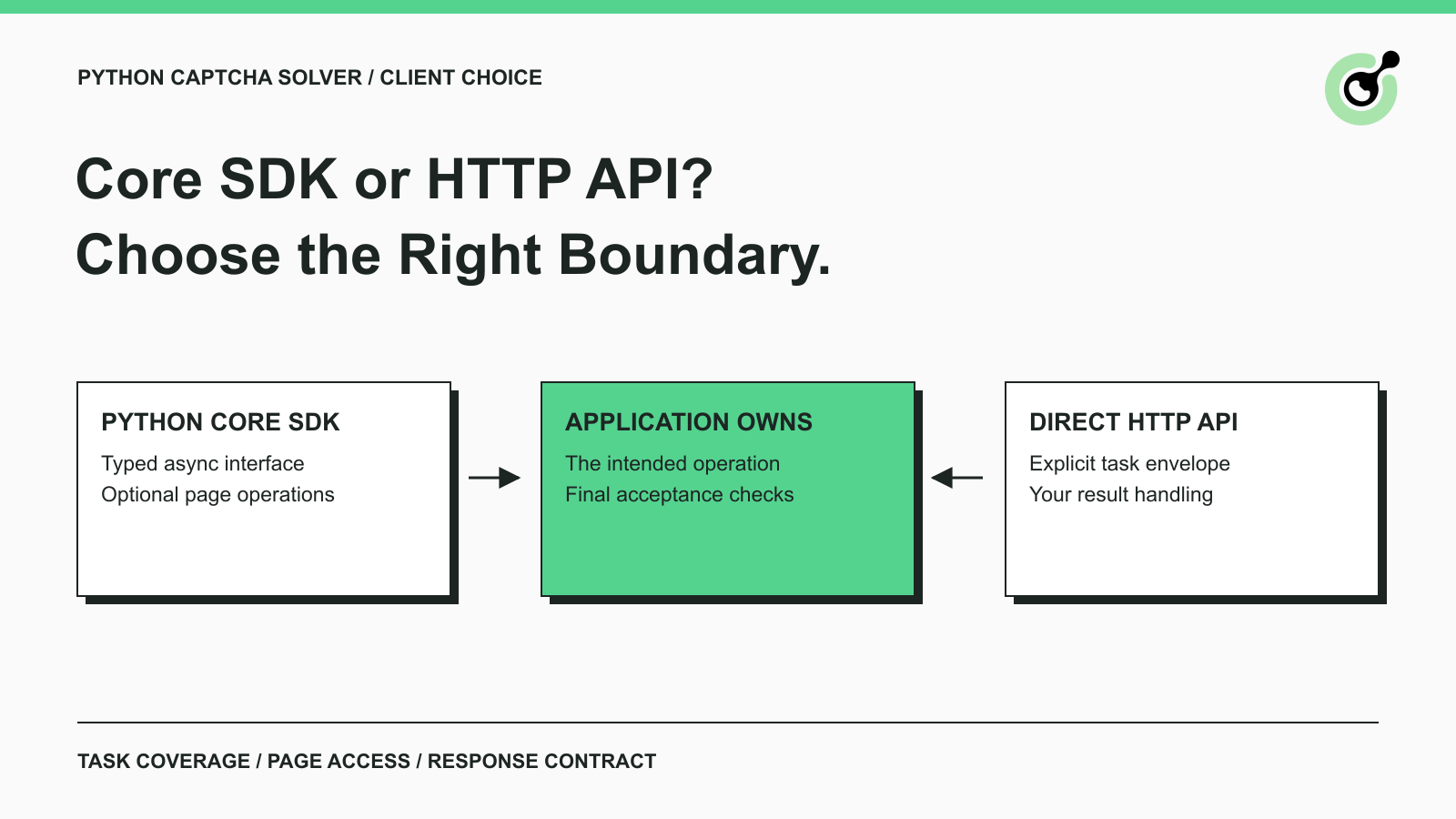
CapSolver Python Core SDK vs HTTP API: Which Should You Use?
Choose the CapSolver Python Core SDK or direct HTTP API by task support, page access, response handling, and the responsibilities your application owns.
Ethan Collins
16-Sep-2026