











CAPTCHA Solving for FinTech Compliance Automation

Ethan Collins
Pattern Recognition Specialist
30-Jun-2025
CAPTCHA Solving for FinTech Compliance Automation
FinTech companies running automated compliance workflows — including KYC verification, AML screening, regulatory filing, and transaction monitoring — frequently encounter CAPTCHA challenges on government portals, financial databases, and regulatory websites. This guide demonstrates how to integrate CapSolver into fintech compliance automation pipelines, ensuring uninterrupted access to public regulatory data while maintaining strict adherence to legal requirements.
TL;DR
- FinTech compliance teams face CAPTCHA challenges on SEC EDGAR, FinCEN, state licensing portals, and financial data aggregators
- CapSolver's API handles reCAPTCHA, Cloudflare Turnstile, and image-based challenges with under 5-second average solve times
- Integration with Python-based compliance scripts requires fewer than 20 lines of additional code
- All automated access must comply with platform terms, data protection regulations, and financial industry standards
- Proper error handling and audit logging ensure regulatory defensibility of automated processes
What You Need Before Starting
Your fintech compliance automation stack should include Python 3.8+ or Node.js 18+, an HTTP client library such as requests or aiohttp, and existing scripts that interact with regulatory portals or financial databases. You will need a CapSolver account with API credentials configured for your production environment.
Confirm that your automated access to each target portal is permitted under its terms of service. Many government regulatory databases explicitly allow automated access for compliance purposes, but rate limits and acceptable use policies vary. Document your compliance justification for each automated data source before deployment.
Step 1 — Map CAPTCHA Challenges Across Compliance Data Sources
What to Do
Audit your compliance workflow to identify where CAPTCHA challenges interrupt automated processes. Common fintech compliance data sources with CAPTCHA protection include:
| Data Source | CAPTCHA Type | Use Case |
|---|---|---|
| SEC EDGAR | reCAPTCHA v2 | Corporate filing retrieval, beneficial ownership checks |
| State licensing portals | Image CAPTCHA / reCAPTCHA | License verification for partners and vendors |
| FinCEN BSA E-Filing | Cloudflare Turnstile | SAR/CTR filing status checks |
| Corporate registries | reCAPTCHA v3 | Entity verification, UBO identification |
| Credit bureau portals | Custom CAPTCHA | Credit monitoring for lending decisions |
Use the CapSolver browser extension to identify exact CAPTCHA parameters (sitekey, type, version) on each target portal. Record these parameters in your configuration management system for automated retrieval.
Why This Matters
FinTech compliance operations run on strict timelines. FinCEN regulations require Suspicious Activity Reports (SARs) to be filed within 30 days of detection. Automated screening that stalls on CAPTCHA challenges can push teams past regulatory deadlines, resulting in penalties averaging 50,000–1 million per violation according to enforcement data.
Common Mistakes to Avoid
- Hardcoding CAPTCHA parameters: Government portals update their CAPTCHA configurations quarterly; use runtime detection
- Ignoring session management: Many compliance portals require maintaining authenticated sessions alongside CAPTCHA solving
Step 2 — Integrate CapSolver into Your Compliance Pipeline
What to Do
Add CAPTCHA solving as a middleware layer in your compliance automation. Here is a production-ready Python implementation:
python
import capsolver
import requests

capsolver.api_key = "YOUR_API_KEY"

def solve_and_submit(portal_url, sitekey, captcha_type="ReCaptchaV2TaskProxyLess"):
    """Solve CAPTCHA and return token for form submission."""
    solution = capsolver.solve({
        "type": captcha_type,
        "websiteURL": portal_url,
        "websiteKey": sitekey
    })
    return solution["gRecaptchaResponse"]

# Example: Automated entity verification on a state registry
token = solve_and_submit(
    "https://registry.example-state.gov/entity-search",
    "6Le-REGISTRY-SITEKEY"
)

# Submit search with solved CAPTCHA token
response = requests.post(
    "https://registry.example-state.gov/api/search",
    data={"entity_name": "FinTech Corp", "g-recaptcha-response": token}
)
For Cloudflare-protected regulatory portals:
python
solution = capsolver.solve({
    "type": "AntiTurnstileTaskProxyLess",
    "websiteURL": "https://compliance-portal.gov",
    "websiteKey": "0x4AAAAAAA-portal-key"
})
Access your API credentials through the CapSolver dashboard.
Why This Matters
Manual CAPTCHA solving in compliance workflows creates bottlenecks. A compliance team processing 500 entity verifications daily loses approximately 2.5 hours to manual CAPTCHA interaction at 18 seconds per challenge. CapSolver's automated solving eliminates this overhead entirely. The CapSolver web scraping FAQ addresses common questions about automated data collection from protected sources.
Common Mistakes to Avoid
- Not implementing retry logic: Government portals have variable response times; implement 3 retries with exponential backoff
- Missing audit trails: Log every CAPTCHA solve attempt with timestamp, portal, and outcome for compliance records
Step 3 — Build Compliance-Grade Error Handling
What to Do
FinTech compliance automation requires higher reliability standards than typical web scraping. Implement a robust error handling framework:
python
import logging
from datetime import datetime

logger = logging.getLogger("compliance_captcha")

def solve_with_compliance_logging(portal_name, url, sitekey, max_retries=3):
    """Solve CAPTCHA with full audit logging for compliance."""
    for attempt in range(max_retries):
        try:
            start_time = datetime.utcnow()
            solution = capsolver.solve({
                "type": "ReCaptchaV2TaskProxyLess",
                "websiteURL": url,
                "websiteKey": sitekey
            })
            elapsed = (datetime.utcnow() - start_time).total_seconds()

            logger.info(f"CAPTCHA solved: portal={portal_name}, "
                       f"attempt={attempt+1}, time={elapsed:.2f}s")
            return solution["gRecaptchaResponse"]

        except Exception as e:
            logger.warning(f"CAPTCHA failed: portal={portal_name}, "
                          f"attempt={attempt+1}, error={str(e)}")
            if attempt == max_retries - 1:
                logger.error(f"CAPTCHA exhausted retries: portal={portal_name}")
                raise
This logging pattern satisfies audit requirements under OCC BSA/AML examination procedures, which require documented evidence of automated process controls.
Why This Matters
Regulatory examiners review automation logs during compliance audits. Undocumented automated processes create examination risk. The CapSolver error troubleshooting FAQ provides guidance on handling specific error codes in production environments.
Step 4 — Optimize for High-Volume Compliance Operations
What to Do
Configure your integration for enterprise-scale compliance processing:
| Operation | Volume | Optimization |
|---|---|---|
| KYC batch screening | 1,000+ entities/day | Async task queuing with concurrent solves |
| Transaction monitoring | 10,000+ alerts/day | Token pre-fetching for known portals |
| Regulatory filing checks | 100–500/day | Scheduled batch processing during off-peak hours |
| License verification | 50–200/day | Cached results with 24-hour TTL |
For high-volume operations, use CapSolver's async task creation pattern:
python
import asyncio
import capsolver

async def batch_verify_entities(entities, portal_url, sitekey):
    """Process multiple entity verifications concurrently."""
    tasks = []
    for entity in entities:
        task = capsolver.solve({
            "type": "ReCaptchaV2TaskProxyLess",
            "websiteURL": portal_url,
            "websiteKey": sitekey
        })
        tasks.append(task)
    return await asyncio.gather(*tasks, return_exceptions=True)
Monitor costs through the CapSolver products page. At 1–3 per 1,000 solves, a compliance team processing 2,000 daily verifications spends approximately 60–180 monthly on CAPTCHA solving — a fraction of the cost of one compliance analyst's time.
Why This Matters
FinTech compliance operations scale with customer growth. A company onboarding 10,000 new customers monthly requires proportional scaling of verification processes. CapSolver's AI and automation capabilities support this scaling without proportional headcount increases.
Step 5 — Maintain Regulatory Compliance and Data Security
What to Do
Implement these safeguards specific to fintech compliance automation:
- Data minimization — Only collect data required for your specific compliance obligation; do not store CAPTCHA tokens or intermediate responses beyond the transaction
- Access controls — Restrict API key access to authorized compliance systems; rotate keys quarterly
- Rate limiting — Respect portal-specific limits; SEC EDGAR allows 10 requests per second, most state portals allow 1–2
- Encryption — Ensure all API communications use TLS 1.2+; CapSolver enforces HTTPS by default
- Vendor due diligence — Document CapSolver as a third-party vendor in your compliance program per FDIC third-party risk guidance
The CapSolver CAPTCHA solving FAQ provides additional technical details on security practices and data handling.
Why This Matters
FinTech companies operate under heightened regulatory scrutiny. Automated compliance tools must themselves be compliant. Proper vendor management, data handling, and access controls protect your organization during regulatory examinations and reduce operational risk.
Claim Your Bonus Code for CapSolver: WEBS. After signing up, redeem this code at the dashboard to receive an extra bonus on your first purchase.
Conclusion
CAPTCHA solving for fintech compliance automation requires a structured approach that balances operational efficiency with regulatory requirements. By integrating CapSolver into your compliance pipeline with proper error handling, audit logging, and security controls, you can eliminate manual CAPTCHA intervention while maintaining full regulatory defensibility. Start with your highest-volume compliance workflow, validate the integration against your audit requirements, then expand across your full compliance technology stack.
Frequently Asked Questions
Which regulatory portals use CAPTCHA protection?
Most government financial regulatory portals including SEC EDGAR, state corporate registries, FinCEN filing systems, and banking license databases use some form of CAPTCHA. Common types include reCAPTCHA v2, reCAPTCHA v3, Cloudflare Turnstile, and image-based challenges. CapSolver supports all of these through a single API.
Is automated CAPTCHA solving compliant with financial regulations?
Automated CAPTCHA solving is a technical tool; compliance depends on your specific use case and authorization. Accessing public regulatory databases for legitimate compliance purposes (KYC, AML screening, license verification) is generally permissible. Always verify each portal's terms of service and document your compliance justification.
How reliable is CapSolver for mission-critical compliance workflows?
CapSolver maintains a 95%+ success rate across supported CAPTCHA types with average solve times under 5 seconds. For mission-critical compliance workflows, implement retry logic (3 attempts recommended) and fallback procedures. The API provides real-time status monitoring through the dashboard.
What audit documentation should I maintain for automated CAPTCHA solving?
Maintain logs of every CAPTCHA solve attempt including timestamp, target portal, success/failure status, and elapsed time. Document CapSolver as a third-party vendor in your compliance program. Record your compliance justification for automated access to each data source, and retain logs per your organization's record retention policy.
How does CapSolver handle data security for fintech use cases?
CapSolver processes CAPTCHA challenges without storing the underlying page content or form data. API communications use TLS encryption. No personally identifiable information (PII) or financial data passes through the CAPTCHA solving process — only the challenge parameters and resulting tokens are transmitted.
Compliance Disclaimer: The information provided on this blog is for informational purposes only. CapSolver is committed to compliance with all applicable laws and regulations. The use of the CapSolver network for illegal, fraudulent, or abusive activities is strictly prohibited and will be investigated. Our captcha-solving solutions enhance user experience while ensuring 100% compliance in helping solve captcha difficulties during public data crawling. We encourage responsible use of our services. For more information, please visit our Terms of Service and Privacy Policy.
More
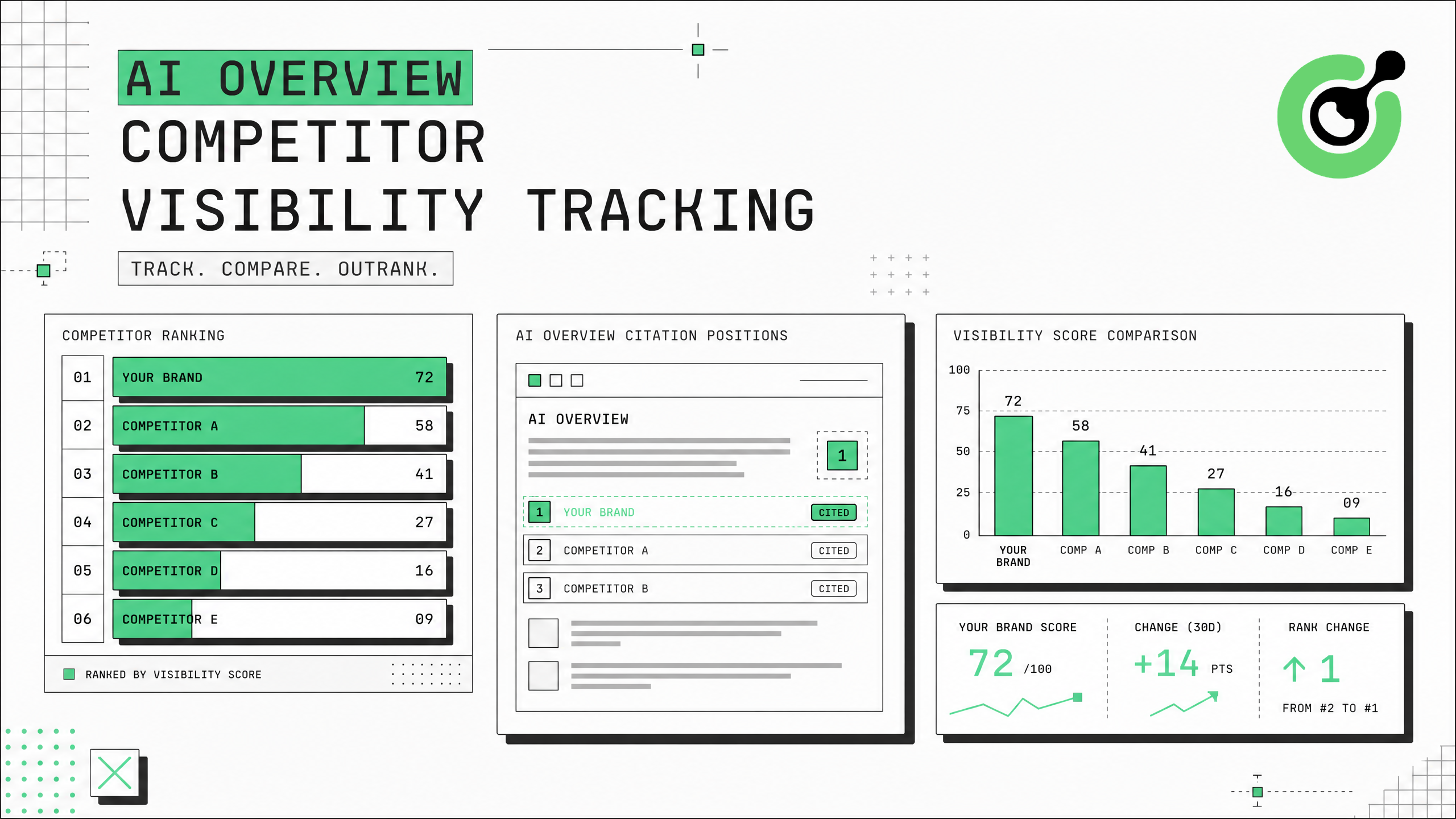
AI Overview Competitor Visibility Tracking: Monitor Who Google Cites in Your Niche
Track competitor visibility in Google AI Overviews with automated citation monitoring and CAPTCHA solving.
Ethan Collins
31-Jul-2026
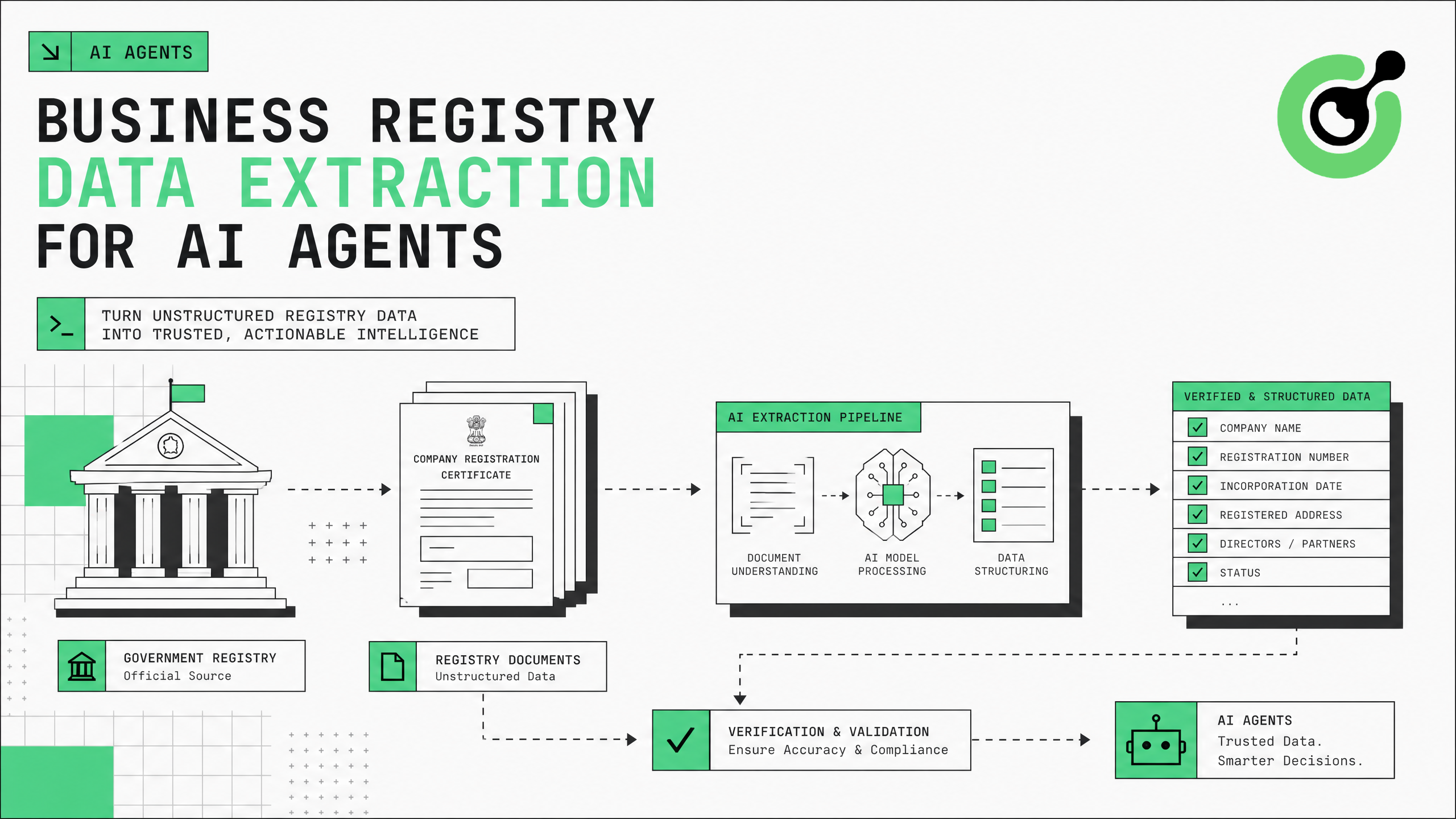
Business Registry Data Extraction for AI Agents: Automate Company Verification
Automate company verification with business registry data extraction for AI agents.
Ethan Collins
30-Jul-2026
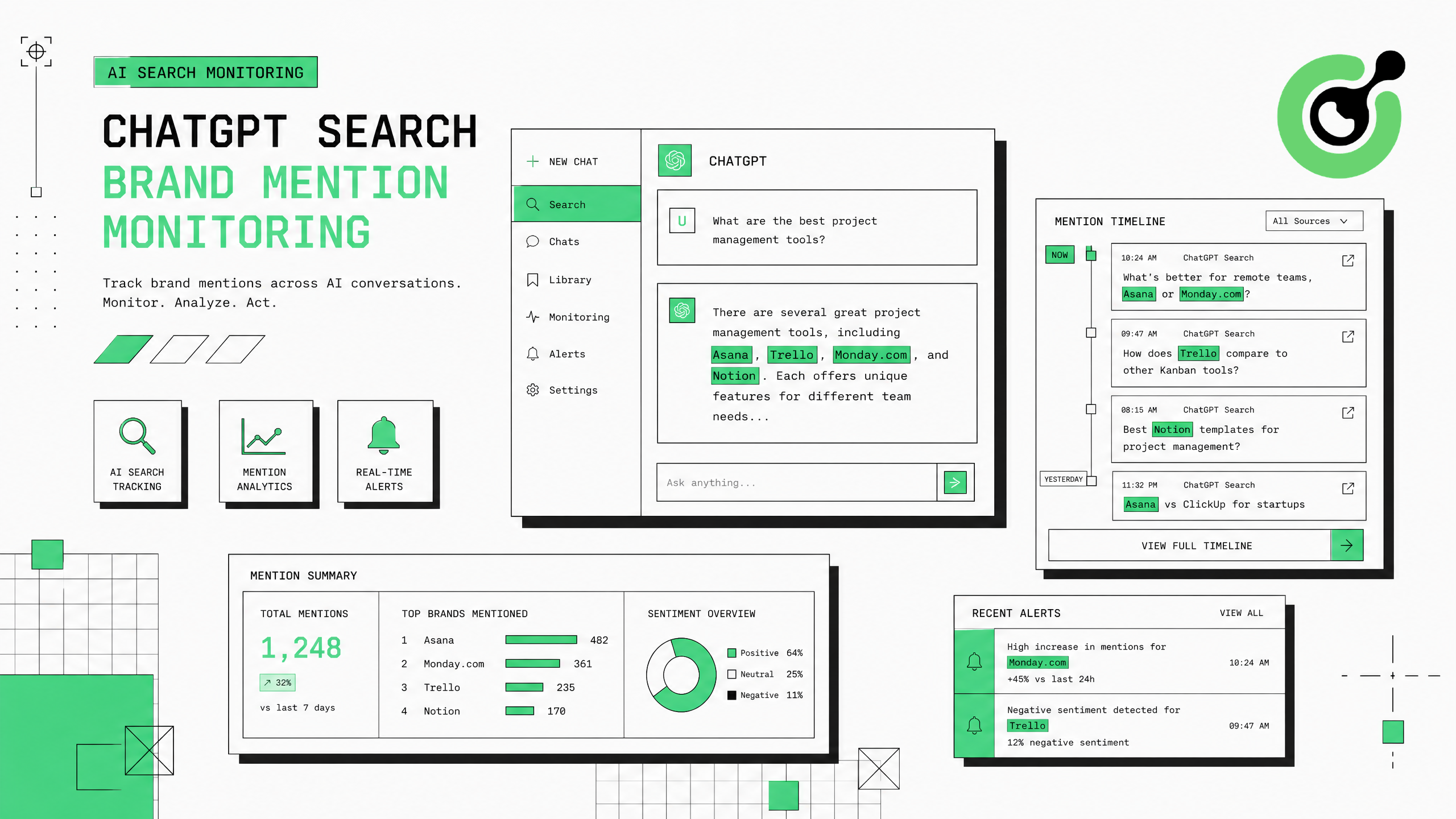
ChatGPT Search Brand Mention Monitoring: Track Your Brand in AI Answers
Track when ChatGPT Search mentions your brand in AI-generated answers with automated monitoring.
Ethan Collins
30-Jul-2026
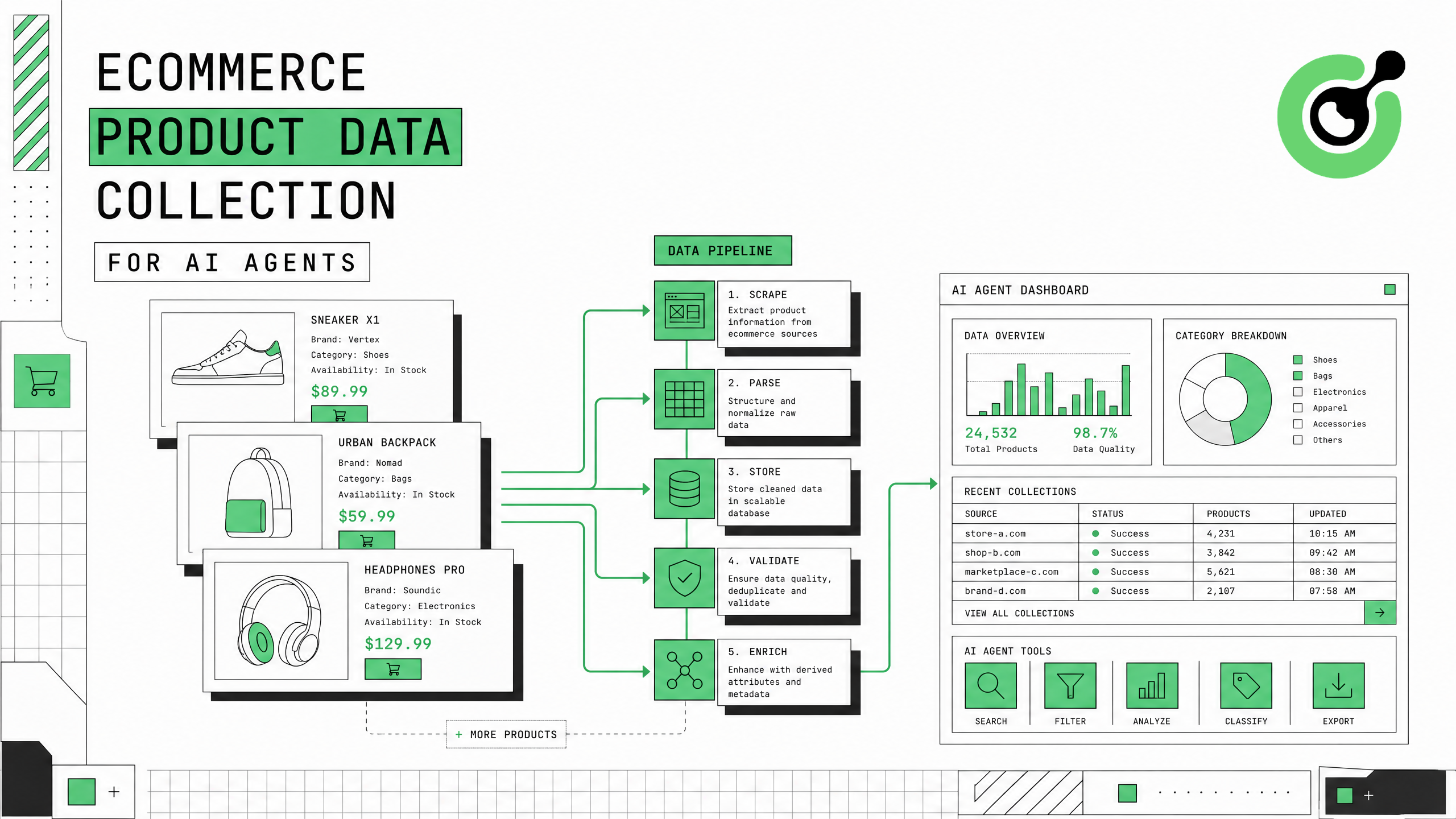
Ecommerce Product Data Collection for AI Agents: A Complete Guide
Complete guide to building ecommerce product data pipelines for AI agents with CAPTCHA solving.
Ethan Collins
30-Jul-2026

Skyvern Review: Next-Gen Web Automation with Visual Reasoning
An analysis of Skyvern’s Planner-Agent-Validator architecture. Explore how Skyvern revolutionizes web scraping and form filling with self-healing capabilities and seamless CAPTCHA solver integrations.
Ethan Collins
29-Jul-2026
Skyvern Integrating CapSolver: A Guide to CAPTCHA Handling in AI Browser Automation
Discover how to effectively manage and bypass CAPTCHA challenges in AI browser automation. This guide provides practical steps for robust and scalable web automation solutions.
Ethan Collins
28-Jul-2026