











How to Add a CAPTCHA Solver to Form Automation Workflows

Ethan Collins
How to use CapSolver
13-Aug-2026
TL;DR
- A form automation captcha solver should pause before submission, preserve the exact form state, solve only the detected challenge, then resume the pending action once.
- The CapSolver API returns a
taskIdfromcreateTask;getTaskResultlater returnsready,failed, or an error response. - For reCAPTCHA v2, the required task inputs are the task type, full page URL, and public website key.
- Stop after a deadline, API error, changed page, repeated checkpoint, or failed application confirmation.
Introduction
A form automation captcha solver is an error-recovery component for a permitted form workflow, not a shortcut around authorization. CapSolver can provide a reCAPTCHA solution through the documented task API while your application preserves inputs, browser context, consent, and the final submission rule. The safest sequence is detect, snapshot, create one task, poll with a deadline, apply the result in the same session, and verify the form's own confirmation state. This article uses reCAPTCHA v2 as a concrete example because its current CapSolver task fields and response are documented. Apply the pattern only to lawful, reasonable, responsible automation. Do not use it to enter private, restricted, sensitive, or unauthorized areas or to submit data without the user's permission.
Place the Recovery Step Before Form Submission
The form automation captcha solver should begin only after required fields pass local validation and the workflow confirms that a CAPTCHA is present. Store a redacted snapshot identifier rather than copying personal form values into logs. The pending submission must remain attached to one URL, user-authorized purpose, and browser context.
The reCAPTCHA v2 task guide defines ReCaptchaV2TaskProxyLess, websiteURL, and websiteKey. The createTask contract explains task creation, while the getTaskResult contract defines polling outcomes. The automation integration hub offers a browser-oriented sibling path.
Use a Bounded API Helper
This Python helper creates one task and stops after a 120-second deadline. It intentionally returns only the documented gRecaptchaResponse field when status is ready:
python
import os
import time
import requests

API_KEY = os.environ["CAPSOLVER_API_KEY"]
CREATE_URL = "https://api.capsolver.com/createTask"
RESULT_URL = "https://api.capsolver.com/getTaskResult"

def solve_form_recaptcha(page_url: str, site_key: str) -> str:
    created = requests.post(CREATE_URL, json={
        "clientKey": API_KEY,
        "task": {
            "type": "ReCaptchaV2TaskProxyLess",
            "websiteURL": page_url,
            "websiteKey": site_key,
        },
    }, timeout=30).json()
    task_id = created.get("taskId")
    if not task_id or created.get("errorId"):
        raise RuntimeError(created.get("errorDescription", "task creation failed"))

    deadline = time.monotonic() + 120
    while time.monotonic() < deadline:
        time.sleep(2)
        result = requests.post(RESULT_URL, json={
            "clientKey": API_KEY,
            "taskId": task_id,
        }, timeout=30).json()
        if result.get("status") == "ready":
            return result["solution"]["gRecaptchaResponse"]
        if result.get("status") == "failed" or result.get("errorId"):
            raise RuntimeError(result.get("errorDescription", "task failed"))
    raise TimeoutError("stop: CAPTCHA task deadline exceeded")
The input is the full authorized page URL and public site key. The output is the documented response token. The stop conditions are a missing taskId, an API error, failed, or the deadline. The form adapter must also stop if the page URL, form-state identifier, user, or expected action changes while polling.
Resume the Exact Pending Form Action
Do not rebuild the form from logs after the form automation captcha solver returns. Resume the same in-memory or browser session, apply the result through the site's documented client integration, and submit once. The protected application remains responsible for server-side verification. The reCAPTCHA server verification model explains that the site backend validates the response. The HTML form submission algorithm clarifies why controls and submission state should remain coherent.
The login automation reCAPTCHA workflow shows how a verification checkpoint can be attached to a specific authorized action. The signup CAPTCHA testing pattern provides a related form-state example.
Redeem Your CapSolver Bonus Code
Boost your automation budget instantly!
Use bonus code CAP26 when topping up your CapSolver account to get an extra 5% bonus on every recharge — with no limits.
Redeem it now in your CapSolver Dashboard

Design Error Recovery Around Form State
A form automation captcha solver needs separate outcomes for READY_TO_SUBMIT, REVIEW, CANCELLED, and EXPIRED. Network timeouts, validation changes, a second CAPTCHA, a changed action, or an expired consent record must go to REVIEW or CANCELLED, never another silent submission.
The HTTP semantics standard is useful when deciding which transport failures are retryable. The OWASP logging guidance supports redacted audit events. Store request identifiers and terminal states, not personal form values or raw tokens.
Test the Form Workflow, Not Just the API
Test valid input, validation failure before the checkpoint, task creation error, polling timeout, changed form values, repeated CAPTCHA, rejected server verification, and a successful confirmation. A passing form automation captcha solver test must prove that exactly one permitted form submission occurred and that the expected confirmation page or application response appeared.
For troubleshooting, the automation CAPTCHA failure checklist helps classify timing and parameter errors. The reCAPTCHA callback workflow can help developers working on a system they own identify the correct client integration point.
Conclusion
A dependable form automation captcha solver preserves one authorized form state, uses documented CapSolver task fields, polls with a deadline, resumes the exact pending action, and verifies the application's confirmation. Every ambiguous state should stop for review. Teams automating forms they operate or have permission to use can evaluate CapSolver for the CAPTCHA recovery step.
FAQ
What inputs does this form automation CAPTCHA solver need?
For the documented reCAPTCHA v2 proxyless task, it needs the task type, full page URL, public website key, and the CapSolver client key at the API envelope level.
What output should the form workflow consume?
When status is ready, the documented solution contains gRecaptchaResponse. Consume it in the same authorized session and verify the form's final state.
How long should the API polling loop run?
Use a fixed deadline appropriate to the workflow. The example stops after 120 seconds and does not start a second task automatically.
Is CAPTCHA completion enough to mark a form submitted?
No. The application must confirm the actual form result, such as a known route, receipt, or success response.
Compliance Disclaimer: The information provided on this blog is for informational purposes only. CapSolver is committed to compliance with all applicable laws and regulations. The use of the CapSolver network for illegal, fraudulent, or abusive activities is strictly prohibited and will be investigated. Our captcha-solving solutions enhance user experience while ensuring 100% compliance in helping solve captcha difficulties during public data crawling. We encourage responsible use of our services. For more information, please visit our Terms of Service and Privacy Policy.
More
CAPTCHA in an iframe Not Detected? How to Find the Right Frame
Find why a visible CAPTCHA is missed inside an iframe. Check document context, widget loading, site parameters, and the browser handoff to your solver.

Nikolai Smirnov
27-Oct-2026
How to Detect CAPTCHA in Robot Framework Browser Tests
Detect CAPTCHA in Robot Framework with a tested Python keyword and the official solver SDK. Inspect page parameters and understand where detection stops.

Aloísio Vítor
26-Oct-2026
CAPTCHA Testing in Node.js: Test Keys and Solver Checks
Plan Node.js CAPTCHA tests with vendor test keys, controlled solver checks, and clear assertions. Separate form regressions from external solving failures.

Khadija Santos
16-Oct-2026
CAPTCHA Handling at Scale: A Browser Automation Guide
Improve CAPTCHA handling in browser automation with current task inputs, isolated browser sessions, bounded retries, and checks that confirm the final result.
Nikolai Smirnov
14-Oct-2026
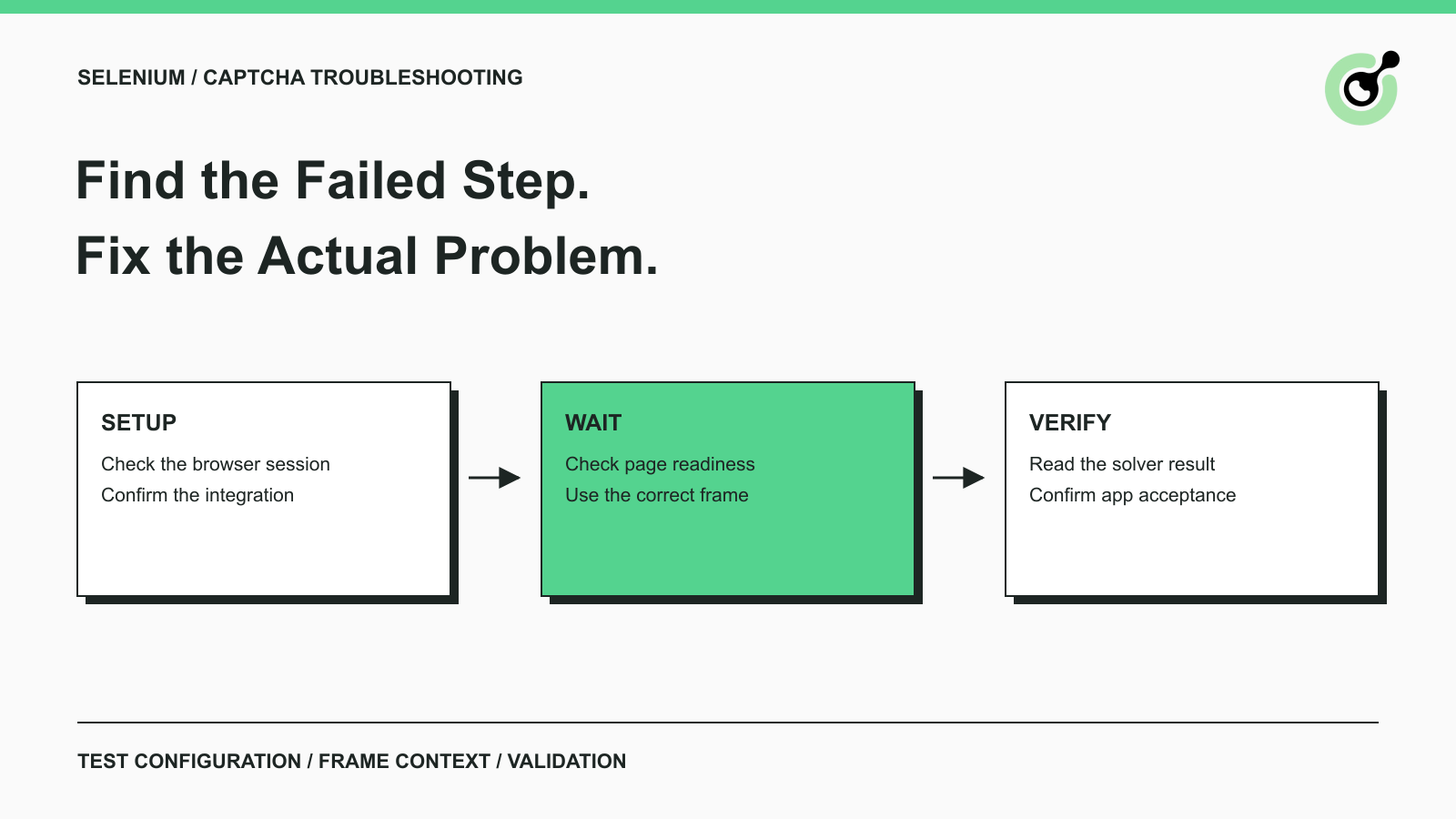
Common Selenium CAPTCHA Problems and How to Fix Them
Fix common Selenium CAPTCHA integration problems by checking test configuration, extensions, waits, iframe context, solver responses, and application results.
Nikolai Smirnov
22-Sep-2026
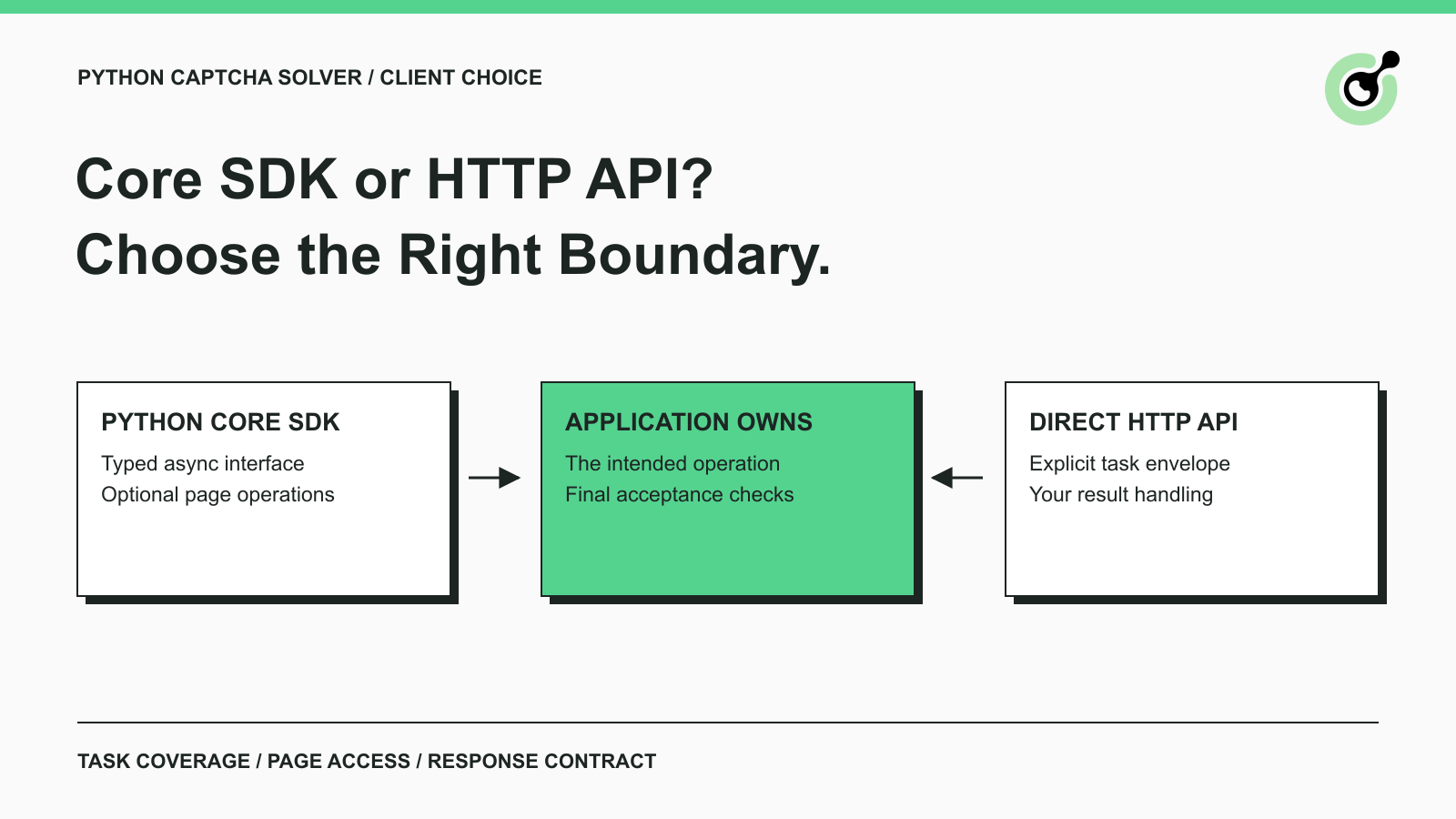
CapSolver Python Core SDK vs HTTP API: Which Should You Use?
Choose the CapSolver Python Core SDK or direct HTTP API by task support, page access, response handling, and the responsibilities your application owns.
Ethan Collins
16-Sep-2026