











How to Automate CAPTCHA for Recruitment Data Collection

Lucas Mitchell
How to use CapSolver
03-Jul-2026
Recruitment teams and HR technology platforms need to collect candidate data, job market intelligence, and salary benchmarks from multiple sources. Job boards, professional networks, and government labor databases increasingly deploy CAPTCHA challenges that block automated data collection. This guide walks through integrating CAPTCHA solving into recruitment automation workflows, covering job board scraping, candidate sourcing pipelines, labor market research, and compliance with data collection regulations.
TL;DR
- Job boards like Indeed, LinkedIn, and Glassdoor deploy aggressive CAPTCHA and bot protection that blocks automated recruitment data collection after 10-30 requests.
- Recruitment agencies processing 100+ job requisitions simultaneously lose 3-5 hours daily to manual CAPTCHA solving across various platforms.
- CapSolver resolves job board CAPTCHAs in 3-12 seconds, enabling continuous candidate sourcing and market intelligence gathering.
- Effective implementation combines CAPTCHA solving with respectful rate limiting, session rotation, and compliance with each platform's data access policies.
- A properly configured pipeline can monitor thousands of job listings and candidate profiles daily at minimal CAPTCHA solving cost.
Introduction
The recruitment industry relies heavily on data from job boards, professional networks, and labor market databases. According to SHRM, the average cost-per-hire in the US is $4,700, and reducing time-to-fill directly impacts this cost. Recruitment technology platforms that aggregate job postings, track salary trends, and source candidates must access dozens of protected websites daily. CAPTCHA challenges on these platforms create bottlenecks that slow down hiring pipelines and reduce the volume of market intelligence available to recruiters. This guide shows how to build CAPTCHA-resilient recruitment data collection systems that operate within responsible use boundaries.
What You Need Before Starting
Prepare these components before adding CAPTCHA handling to your recruitment automation:
- A CapSolver account with API access
- Your recruitment automation framework (Python scrapers, RPA tools, or ATS integrations)
- Target platform list with identified CAPTCHA types (use the CapSolver extension for detection)
- Proxy infrastructure with residential IPs for job board access
- Understanding of each platform's terms of service regarding automated access
- Compliance review for data protection regulations (GDPR, CCPA) applicable to candidate data
The CapSolver guide to web scraping with Python provides foundational patterns that apply directly to recruitment data collection scenarios.
Step 1 — Map Job Board CAPTCHA Protection Systems
What to Do
Document the CAPTCHA systems deployed across your target recruitment data sources:
- Identify major job boards your team monitors (Indeed, LinkedIn, Glassdoor, ZipRecruiter, Monster).
- Document professional network protections (LinkedIn's bot detection, GitHub Jobs, Stack Overflow).
- Note government labor databases (Bureau of Labor Statistics, state workforce agencies, H-1B databases).
- Record salary data sources and their protections (Glassdoor, Levels.fyi, Payscale).
- Map CAPTCHA trigger patterns — how many requests before challenges appear.
Common CAPTCHA systems on recruitment platforms:
| Platform Type | Protection System | CAPTCHA Trigger | Challenge Type |
|---|---|---|---|
| Major job boards (Indeed) | Custom + reCAPTCHA v3 | Score-based, 20-50 requests | Invisible + image fallback |
| Professional networks (LinkedIn) | Custom bot detection | Behavioral analysis | Account restriction + CAPTCHA |
| Salary databases (Glassdoor) | Cloudflare | Session-based | Turnstile |
| Government labor portals | reCAPTCHA v2 | Every search or after 10 requests | Checkbox + image grid |
| Niche job boards | reCAPTCHA v2 | Per-session | Standard checkbox |
| ATS career pages | Cloudflare/DataDome | Rate-based | Turnstile or custom |
Why This Matters
Each recruitment platform has different sensitivity levels and trigger thresholds. LinkedIn's behavioral detection is far more sophisticated than a small niche job board's reCAPTCHA v2. Understanding these differences lets you allocate your CAPTCHA solving budget efficiently and avoid unnecessary account restrictions on high-value platforms.
Common Mistakes to Avoid
- Treating all job boards the same: Indeed's protection differs fundamentally from LinkedIn's. Indeed uses score-based invisible challenges, while LinkedIn relies on behavioral fingerprinting and account-level restrictions. Different platforms require different strategies.
- Ignoring platform-specific rate limits: Some job boards explicitly state their acceptable use rates in their robots.txt or API documentation. Exceeding these rates triggers not just CAPTCHAs but permanent IP or account blocks.
Step 2 — Build the Recruitment CAPTCHA Solving Integration
What to Do
Implement a CAPTCHA handler tailored for recruitment data collection patterns:
python
import requests
import time
from datetime import datetime, timedelta
from collections import defaultdict

CAPSOLVER_KEY = "your-api-key"

class RecruitmentCaptchaHandler:
    def __init__(self):
        self.platform_stats = defaultdict(lambda: {
            "solves_today": 0,
            "last_solve": None,
            "success_rate": 1.0
        })
        self.daily_budget_limit = 1000  # Max solves per day across all platforms
        self.total_solves_today = 0

    def solve_job_board_captcha(self, platform_name, site_key, page_url, captcha_type="ReCaptchaV2TaskProxyLess"):
        """Solve CAPTCHA for a job board with platform-aware rate tracking."""
        if self.total_solves_today >= self.daily_budget_limit:
            raise Exception("Daily CAPTCHA budget exhausted")

        # Build task parameters based on CAPTCHA type
        task_params = {"type": captcha_type, "websiteURL": page_url}

        if captcha_type in ["ReCaptchaV2TaskProxyLess", "ReCaptchaV3TaskProxyLess"]:
            task_params["websiteKey"] = site_key
            if captcha_type == "ReCaptchaV3TaskProxyLess":
                task_params["pageAction"] = "search"  # Common action for job searches
        elif captcha_type == "AntiCloudflareTask":
            task_params["websiteURL"] = page_url

        # Create and solve task
        response = requests.post("https://api.capsolver.com/createTask", json={
            "clientKey": CAPSOLVER_KEY,
            "task": task_params
        })

        result = response.json()
        if result.get("errorId") != 0:
            self.platform_stats[platform_name]["success_rate"] *= 0.95
            raise Exception(f"Task creation failed: {result.get('errorDescription')}")

        task_id = result["taskId"]

        # Poll for result
        for _ in range(40):
            poll_result = requests.post("https://api.capsolver.com/getTaskResult", json={
                "clientKey": CAPSOLVER_KEY,
                "taskId": task_id
            }).json()

            if poll_result.get("status") == "ready":
                self.total_solves_today += 1
                stats = self.platform_stats[platform_name]
                stats["solves_today"] += 1
                stats["last_solve"] = datetime.utcnow()
                stats["success_rate"] = min(1.0, stats["success_rate"] * 1.01)
                return poll_result["solution"]
            time.sleep(3)

        raise TimeoutError(f"CAPTCHA solve timed out for {platform_name}")

    def get_daily_report(self):
        """Generate daily CAPTCHA solving report for cost tracking."""
        report = {"total_solves": self.total_solves_today, "platforms": {}}
        for platform, stats in self.platform_stats.items():
            report["platforms"][platform] = {
                "solves": stats["solves_today"],
                "success_rate": f"{stats['success_rate']:.1%}"
            }
        return report
Why This Matters
Recruitment data collection often involves multiple platforms simultaneously. A recruiter filling 20 positions may need to search Indeed, LinkedIn, Glassdoor, and 5 niche boards for each role. Tracking CAPTCHA solving per platform helps identify which sources are most expensive to access and whether alternative data sources might be more cost-effective.
Common Mistakes to Avoid
- No budget controls: Without daily limits, a misconfigured scraper could burn through hundreds of dollars in CAPTCHA solves overnight. Set daily caps and implement alerts at 80% utilization.
- Ignoring success rate degradation: If a platform's CAPTCHA success rate drops below 80%, it likely means the platform changed its protection. Continuing to send solve requests wastes credits. Implement automatic pausing when success rates drop.
Step 3 — Implement Job Listing and Candidate Data Collection
What to Do
Build data collection workflows that handle CAPTCHAs transparently during recruitment research:
python
class RecruitmentDataCollector:
    def __init__(self, captcha_handler: RecruitmentCaptchaHandler):
        self.handler = captcha_handler
        self.session = requests.Session()
        self.collected_data = []

    def search_job_listings(self, keywords, location, platform_config):
        """Search job listings with automatic CAPTCHA handling."""
        search_url = platform_config["search_url"]
        params = {
            "q": keywords,
            "l": location,
            "sort": "date"
        }

        response = self.session.get(search_url, params=params)

        # Check for CAPTCHA
        if self.is_captcha_page(response):
            solution = self.handler.solve_job_board_captcha(
                platform_name=platform_config["name"],
                site_key=platform_config["site_key"],
                page_url=search_url,
                captcha_type=platform_config["captcha_type"]
            )
            # Inject token and retry
            token = solution.get("gRecaptchaResponse") or solution.get("token")
            response = self.submit_with_captcha(search_url, params, token)

        if response.status_code == 200:
            return self.parse_job_listings(response.text)
        return []

    def collect_salary_data(self, job_title, location, platform="glassdoor"):
        """Collect salary benchmark data with CAPTCHA handling."""
        # Glassdoor typically uses Cloudflare Turnstile
        salary_url = f"https://www.glassdoor.com/Salaries/{location}-{job_title}-salary"

        response = self.session.get(salary_url)
        if self.is_cloudflare_challenge(response):
            solution = self.handler.solve_job_board_captcha(
                platform_name="glassdoor",
                site_key=None,
                page_url=salary_url,
                captcha_type="AntiCloudflareTask"
            )
            # Use Cloudflare clearance cookies
            response = self.retry_with_clearance(salary_url, solution)

        return self.parse_salary_data(response.text)

    def bulk_collect_market_data(self, job_titles, locations, delay=8):
        """Collect market intelligence across multiple searches."""
        results = []
        for title in job_titles:
            for location in locations:
                try:
                    listings = self.search_job_listings(title, location, self.get_platform_config())
                    salary = self.collect_salary_data(title, location)
                    results.append({
                        "title": title,
                        "location": location,
                        "listing_count": len(listings),
                        "salary_data": salary,
                        "status": "success"
                    })
                except Exception as e:
                    results.append({
                        "title": title,
                        "location": location,
                        "status": "failed",
                        "error": str(e)
                    })
                time.sleep(delay)  # Respectful rate limiting
        return results
Why This Matters
Recruitment data collection is time-sensitive. When a client needs to fill a senior engineering position, the recruiter needs current market data — how many similar roles are open, what salaries are being offered, and which companies are hiring. Delays caused by CAPTCHA challenges mean working with stale data that may not reflect current market conditions.
Common Mistakes to Avoid
- Scraping candidate personal data without consent: Recruitment data collection should focus on public job listings, salary aggregates, and market trends. Collecting individual candidate profiles without their knowledge may violate GDPR, CCPA, or platform terms of service. Focus on aggregated market intelligence.
- Not respecting robots.txt: Many job boards specify crawl rates and restricted paths in their robots.txt. Ignoring these signals increases the likelihood of IP blocks and account suspensions.
How Does CAPTCHA Solving Fit into a Modern Recruitment Tech Stack?
Modern recruitment technology stacks include ATS systems (Greenhouse, Lever, Workday), sourcing tools (LinkedIn Recruiter, Hiretual), and market intelligence platforms. CAPTCHA solving fits as a middleware layer between your data collection scripts and the external platforms they access. When your sourcing automation encounters a challenge on a job board, the CAPTCHA solver resolves it transparently and returns control to the main workflow. This is similar to how proxy services fit into the stack — they handle infrastructure challenges so the business logic can focus on data extraction and analysis. CapSolver's integration with automation tools provides the API patterns that connect to any recruitment platform's data pipeline.
Step 4 — Scale Across Multiple Job Boards Simultaneously
What to Do
For recruitment agencies monitoring dozens of job boards, implement parallel collection with per-platform rate controls:
python
import asyncio
from asyncio import Semaphore

class MultiPlatformRecruitmentCollector:
    def __init__(self, captcha_handler):
        self.handler = captcha_handler
        # Different rate limits per platform
        self.platform_semaphores = {
            "indeed": Semaphore(3),      # Max 3 concurrent requests
            "glassdoor": Semaphore(2),   # Max 2 concurrent requests
            "linkedin": Semaphore(1),    # Max 1 concurrent request (most sensitive)
            "ziprecruiter": Semaphore(3),
            "niche_boards": Semaphore(5) # Less protected, higher concurrency
        }
        self.platform_delays = {
            "indeed": 10,       # 10 seconds between requests
            "glassdoor": 15,    # 15 seconds between requests
            "linkedin": 30,     # 30 seconds between requests
            "ziprecruiter": 8,
            "niche_boards": 5
        }

    async def collect_from_platform(self, platform, search_params):
        """Collect data from a single platform with rate limiting."""
        semaphore = self.platform_semaphores.get(platform, Semaphore(2))
        delay = self.platform_delays.get(platform, 10)

        async with semaphore:
            # Perform search with CAPTCHA handling
            result = await self.async_search(platform, search_params)
            await asyncio.sleep(delay)
            return result

    async def run_multi_platform_search(self, job_title, locations):
        """Search across all platforms for a given role."""
        platforms = list(self.platform_semaphores.keys())
        tasks = []

        for platform in platforms:
            for location in locations:
                tasks.append(
                    self.collect_from_platform(platform, {
                        "title": job_title,
                        "location": location
                    })
                )

        results = await asyncio.gather(*tasks, return_exceptions=True)

        # Aggregate results
        successful = [r for r in results if not isinstance(r, Exception)]
        failed = [r for r in results if isinstance(r, Exception)]

        return {
            "total_listings_found": sum(r.get("count", 0) for r in successful),
            "platforms_searched": len(platforms),
            "locations_covered": len(locations),
            "success_rate": f"{len(successful)}/{len(results)}",
            "captcha_solves": self.handler.total_solves_today
        }
Why This Matters
A recruitment agency working on 50 active requisitions needs market data from multiple platforms for each role. Sequential processing across 5 platforms for 50 roles with 3 locations each would take days. Parallel collection with per-platform rate controls completes the same work in hours while respecting each platform's capacity.
Common Mistakes to Avoid
- Same rate limits for all platforms: LinkedIn is far more sensitive to automated access than a small niche job board. Apply platform-specific rate limits based on each site's tolerance and your relationship with the platform.
- No circuit breaker for account restrictions: If a platform restricts your account (LinkedIn's "unusual activity" warning), your automation should immediately stop all requests to that platform and alert a human operator.
Comparison: Recruitment Data Collection Approaches
| Approach | CAPTCHA Handling | Data Sources/Day | Time Investment | Monthly Cost |
|---|---|---|---|---|
| Manual recruiter browsing | Human solves | 5-10 platforms | 3-5 hours/day | 0 (labor cost: 2,000-$4,000) |
| Basic automation (no CAPTCHA) | Fails on challenge | Limited | 1 hour setup + monitoring | 50-100 (infra) |
| Automation + CapSolver | Automatic solving | 20+ platforms | 30 min monitoring | 100-300 (infra + API) |
| Commercial recruitment intelligence | Built-in (limited scope) | Varies | Minimal | 500-5,000/month |
Claim Your Bonus Code: Use code WEBS at CapSolver dashboard to get an extra 5% bonus on every recharge. Great for recruitment teams scaling their market intelligence operations.
Step 5 — Ensure Data Collection Compliance
What to Do
Implement compliance safeguards specific to recruitment data collection:
- Review and document each platform's terms of service regarding automated access and data use.
- Focus collection on publicly available job listings and aggregated salary data rather than individual candidate profiles.
- Implement data retention policies — delete raw scraped data after extracting aggregated insights.
- Respect opt-out signals and do not collect data from profiles that indicate privacy preferences.
- Maintain records of your data collection purposes (market research, salary benchmarking, job market analysis) for GDPR/CCPA compliance.
The CapSolver FAQ on responsible use emphasizes operating within legal boundaries and respecting platform terms — principles that are especially important in recruitment where personal data may be involved.
For platforms that offer official APIs (LinkedIn's Talent Solutions API, Indeed's Publisher API), prefer API access over scraping when available. APIs provide structured data with explicit permission and typically do not require CAPTCHA solving.
Why This Matters
Recruitment data collection intersects with employment law, data protection regulations, and platform terms of service. The GDPR Article 6 requires a lawful basis for processing personal data. Collecting aggregated market intelligence (job counts, salary ranges, demand trends) is generally lower-risk than collecting individual candidate data. Clear compliance documentation protects your organization if questions arise.
Common Mistakes to Avoid
- Storing candidate PII without lawful basis: If your scraping inadvertently collects names, emails, or phone numbers from public profiles, you need a documented lawful basis under GDPR/CCPA. Market research and legitimate interest may apply, but document your reasoning.
- No data minimization: Collect only the data fields you actually need for your recruitment intelligence. If you need salary ranges, do not also store individual reviewer names from salary report sites.
Conclusion
Automating CAPTCHA for recruitment data collection enables HR technology platforms and recruitment agencies to maintain comprehensive market intelligence without manual bottlenecks. The five-step framework — mapping platform protections, building a CAPTCHA solving integration with budget controls, implementing data collection workflows, scaling across platforms with appropriate rate limits, and ensuring compliance — creates a system that delivers actionable recruitment insights at scale. CapSolver's support for the CAPTCHA types deployed across major job boards and professional networks, combined with fast solve times, makes it the practical infrastructure layer for recruitment automation that needs reliable access to protected data sources.
Build your recruitment data collection pipeline at CapSolver.
Frequently Asked Questions
Is it legal to scrape job board data for recruitment purposes?
Scraping publicly available job listings is generally permitted under the precedent set by the hiQ v. LinkedIn case, which established that accessing public data does not violate the CFAA. However, each platform's terms of service may restrict automated access. Focus on public job postings rather than private candidate profiles, respect rate limits, and consider using official APIs where available. Many job boards offer publisher APIs specifically designed for programmatic access to listing data.
How many CAPTCHA solves does a typical recruitment agency need daily?
A mid-size recruitment agency monitoring 50 active requisitions across 5 job boards with 3 geographic locations each typically encounters 200-500 CAPTCHAs daily. At CapSolver's pricing of 1.5-3.0 per 1,000 solves, daily costs range from 0.30 to 1.50. Agencies with larger portfolios (200+ requisitions) may encounter 1,000-2,000 daily CAPTCHAs, costing 1.50-6.00 per day.
Can CAPTCHA solving help with LinkedIn recruitment automation?
LinkedIn has sophisticated bot detection that goes beyond standard CAPTCHAs. While CapSolver can solve the reCAPTCHA challenges LinkedIn occasionally presents, LinkedIn's primary defense is behavioral analysis and account-level restrictions. For LinkedIn specifically, the most effective approach combines very conservative rate limiting (1 request per 30+ seconds), realistic browser fingerprints, and CAPTCHA solving only for the occasional explicit challenges. Consider LinkedIn's official Talent Solutions API for high-volume needs.
What data should recruitment automation focus on collecting?
Focus on aggregated market intelligence rather than individual candidate data: job listing counts by role and location, salary range distributions, required skills frequency analysis, company hiring volume trends, and time-to-fill estimates. This aggregated data provides strategic value for recruitment planning while minimizing privacy concerns. Individual candidate sourcing should use platforms' official tools (LinkedIn Recruiter, Indeed Resume) that have built-in consent mechanisms.
Compliance Disclaimer: The information provided on this blog is for informational purposes only. CapSolver is committed to compliance with all applicable laws and regulations. The use of the CapSolver network for illegal, fraudulent, or abusive activities is strictly prohibited and will be investigated. Our captcha-solving solutions enhance user experience while ensuring 100% compliance in helping solve captcha difficulties during public data crawling. We encourage responsible use of our services. For more information, please visit our Terms of Service and Privacy Policy.
More
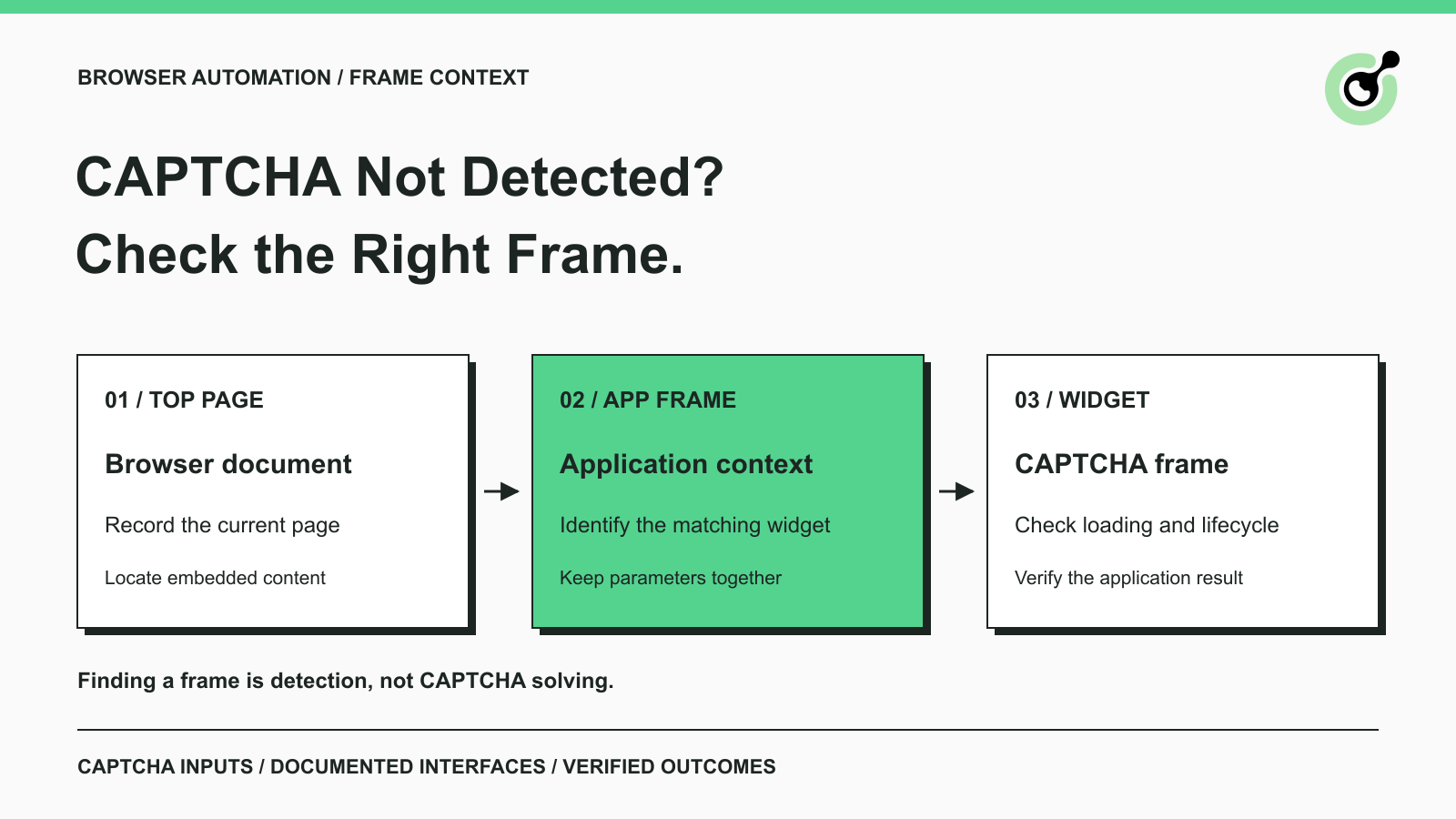
CAPTCHA in an iframe Not Detected? How to Find the Right Frame
Find why a visible CAPTCHA is missed inside an iframe. Check document context, widget loading, site parameters, and the browser handoff to your solver.

Nikolai Smirnov
27-Oct-2026
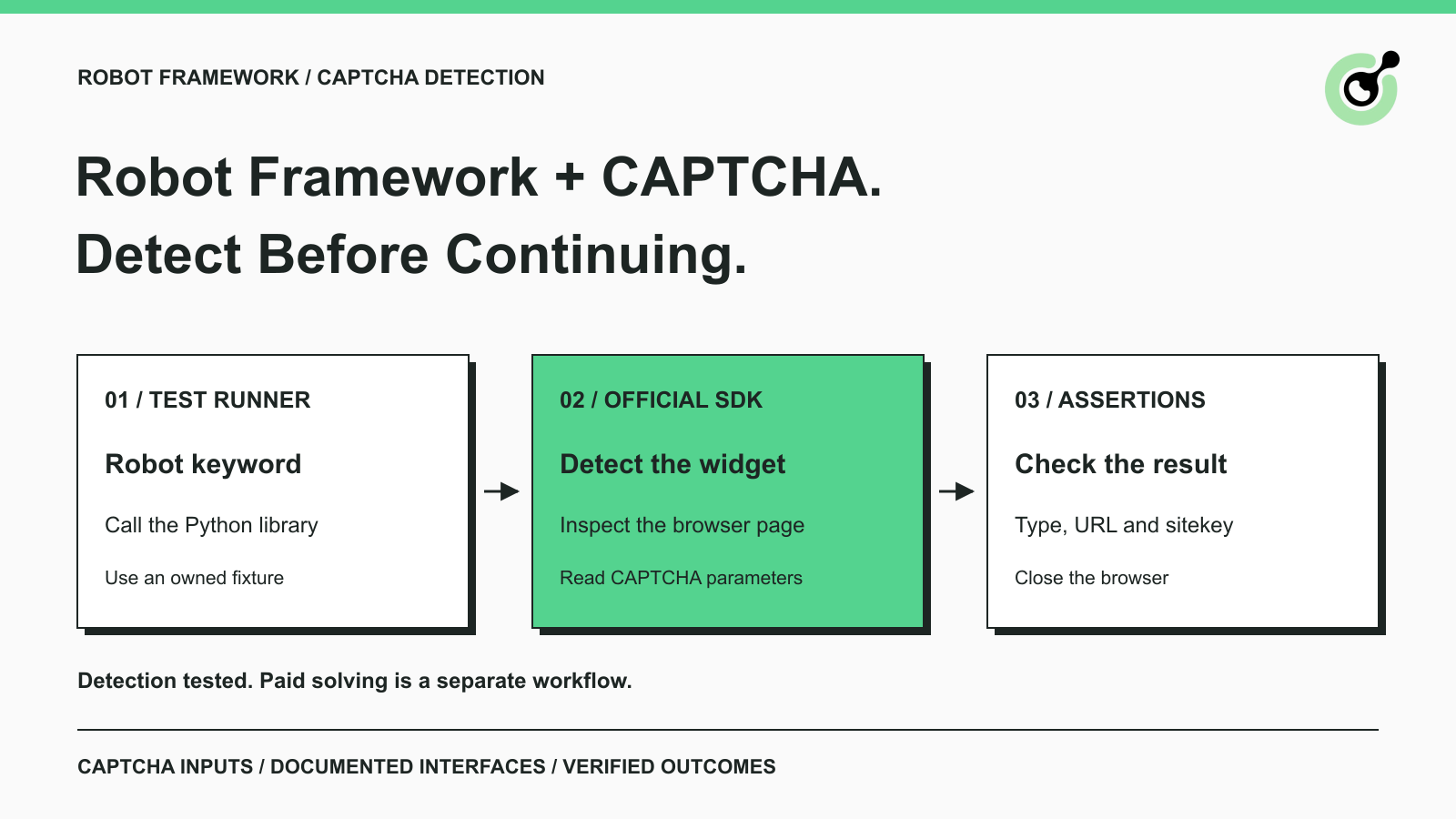
How to Detect CAPTCHA in Robot Framework Browser Tests
Detect CAPTCHA in Robot Framework with a tested Python keyword and the official solver SDK. Inspect page parameters and understand where detection stops.

Aloísio Vítor
26-Oct-2026
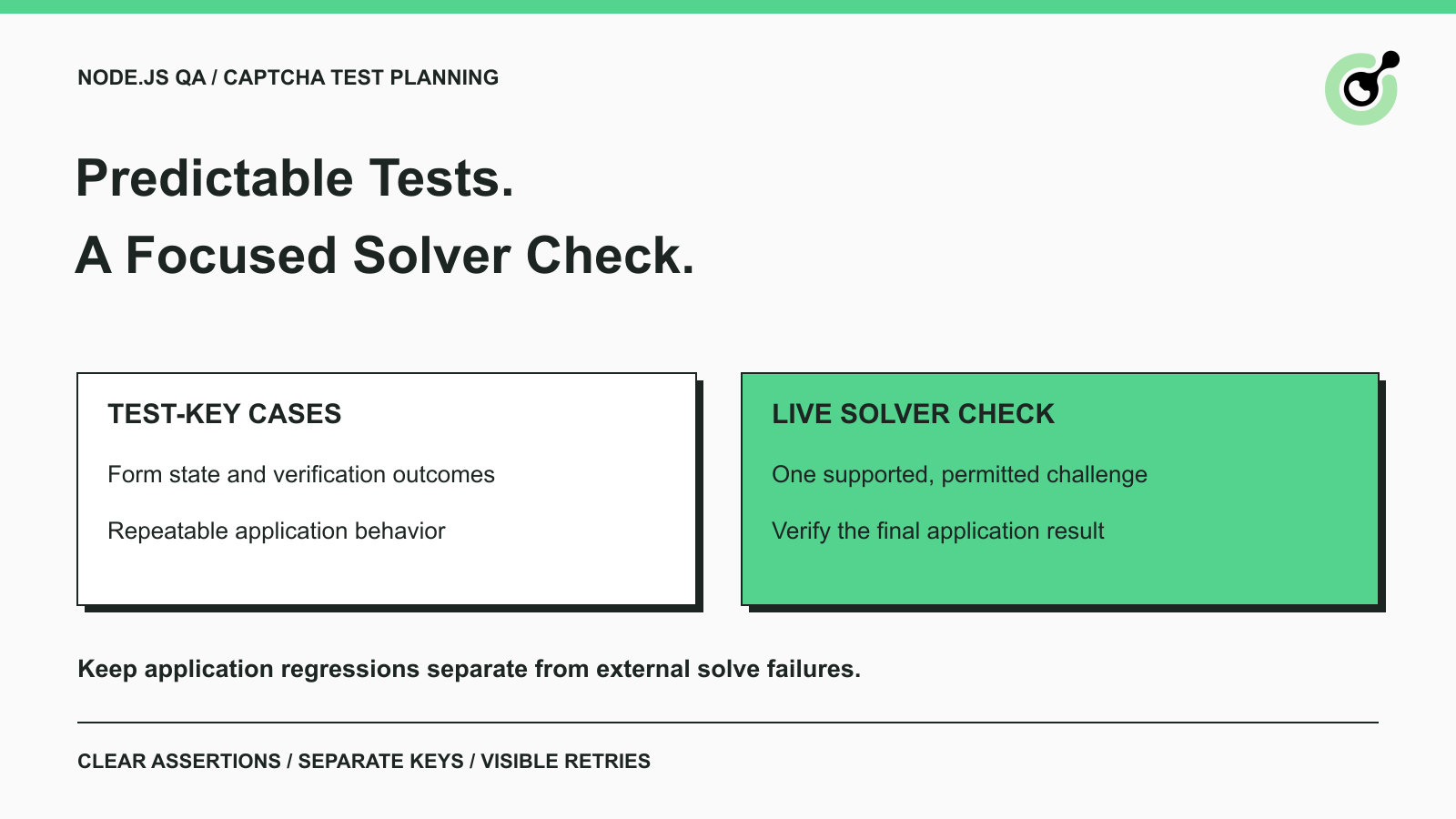
CAPTCHA Testing in Node.js: Test Keys and Solver Checks
Plan Node.js CAPTCHA tests with vendor test keys, controlled solver checks, and clear assertions. Separate form regressions from external solving failures.

Khadija Santos
16-Oct-2026
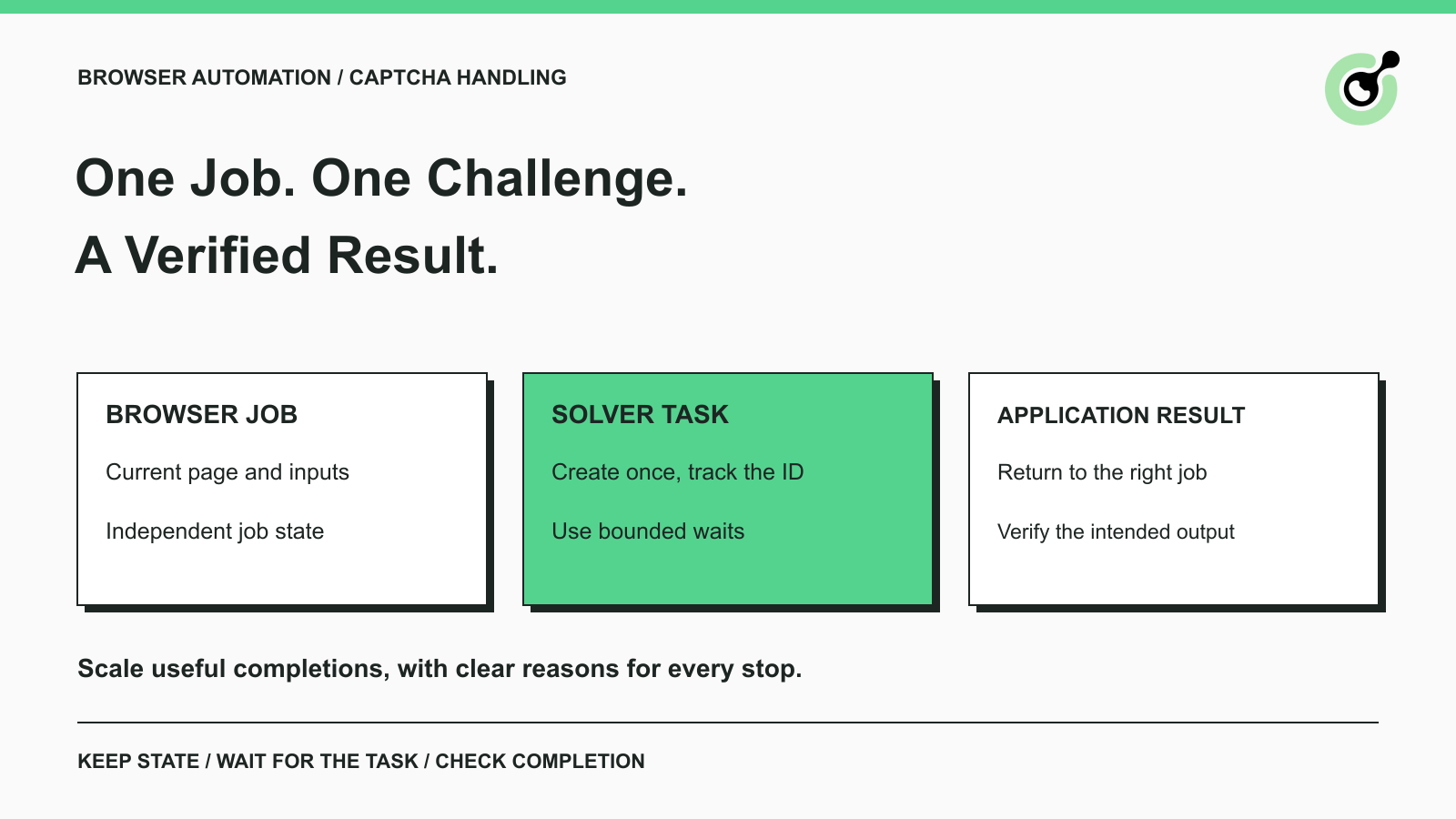
CAPTCHA Handling at Scale: A Browser Automation Guide
Improve CAPTCHA handling in browser automation with current task inputs, isolated browser sessions, bounded retries, and checks that confirm the final result.
Nikolai Smirnov
14-Oct-2026
Common Selenium CAPTCHA Problems and How to Fix Them
Fix common Selenium CAPTCHA integration problems by checking test configuration, extensions, waits, iframe context, solver responses, and application results.
Nikolai Smirnov
22-Sep-2026
CapSolver Python Core SDK vs HTTP API: Which Should You Use?
Choose the CapSolver Python Core SDK or direct HTTP API by task support, page access, response handling, and the responsibilities your application owns.

Ethan Collins
16-Sep-2026