











How to Handle CAPTCHA in Ecommerce Price Monitoring

Ethan Collins
How to use CapSolver
03-Jul-2026
How to Handle CAPTCHA in Ecommerce Price Monitoring
Ecommerce price monitoring is essential for competitive intelligence, MAP compliance, and dynamic pricing strategies. But the biggest technical barrier is CAPTCHA — retailers like Amazon, Walmart, and Target deploy aggressive bot protection that blocks automated price scrapers within minutes. This guide provides a complete walkthrough for integrating CAPTCHA solving into your ecommerce price monitoring pipeline, covering detection strategies, API integration, session management, and scaling to monitor thousands of SKUs daily without interruption.
TL;DR
- Major ecommerce platforms deploy reCAPTCHA, Cloudflare Turnstile, and custom challenges that trigger after 10-50 automated requests.
- Price monitoring bots that ignore CAPTCHA handling lose 40-60% of their data collection attempts, creating gaps in competitive intelligence.
- CapSolver resolves ecommerce CAPTCHAs in 3-12 seconds, maintaining continuous data flow for price tracking pipelines.
- Effective implementation combines CAPTCHA solving with proxy rotation, session management, and request throttling for sustained access.
- A properly configured pipeline can monitor 10,000+ SKUs daily across multiple retailers at a CAPTCHA solving cost under $15/day.
Introduction
Price monitoring at scale requires accessing product pages across dozens of ecommerce platforms multiple times daily. According to Statista, global ecommerce sales exceeded $6.3 trillion in 2024, and competitive pricing is a primary driver of purchase decisions. Retailers respond to this competitive pressure by deploying increasingly sophisticated bot protection. A price monitoring system without CAPTCHA handling is fundamentally unreliable — it will miss price changes during the exact periods when competitors are most active. This guide shows how to build a CAPTCHA-resilient price monitoring pipeline that delivers consistent, complete data.
What You Need Before Starting
Prepare these components before adding CAPTCHA handling to your price monitoring system:
- A CapSolver account with API access configured
- Your existing scraping framework (Scrapy, Playwright, Puppeteer, or custom HTTP client)
- A proxy pool with residential or ISP proxies (datacenter proxies trigger CAPTCHAs more frequently)
- Target retailer list with identified CAPTCHA types (use CapSolver's browser extension for identification)
- Database or storage system for price history data
- Understanding of web scraping best practices including rate limiting and session management
Step 1 — Identify CAPTCHA Patterns on Target Ecommerce Sites
What to Do
Each ecommerce platform has different CAPTCHA triggers and challenge types. Map these before building your integration:
- Visit each target retailer programmatically and document when CAPTCHAs appear (after N requests, on specific page types, or based on browsing patterns).
- Identify the CAPTCHA system deployed — check page source for reCAPTCHA, Cloudflare, DataDome, PerimeterX, or custom solutions.
- Note whether CAPTCHAs are session-based (solve once per session) or request-based (solve per page).
- Document any additional bot detection signals like JavaScript fingerprinting or behavioral analysis.
Common ecommerce CAPTCHA patterns:
| Retailer Type | Protection System | CAPTCHA Trigger | Challenge Type |
|---|---|---|---|
| Amazon-scale marketplaces | Custom + reCAPTCHA | 20-50 requests/session | Image selection grid |
| Mid-tier retailers | Cloudflare | Session start + rate limit | Turnstile invisible |
| Fashion/luxury brands | DataDome | Behavioral analysis | Custom slider |
| Electronics retailers | PerimeterX | Fingerprint mismatch | reCAPTCHA v3 |
| Grocery/local retailers | reCAPTCHA v2 | Every search query | Checkbox + images |
Why This Matters
Understanding trigger patterns lets you minimize CAPTCHA encounters through smart request scheduling. If a site only triggers CAPTCHAs after 30 requests per session, rotating sessions every 25 requests eliminates most challenges proactively. The CAPTCHAs you cannot avoid are then handled by the solving API.
Common Mistakes to Avoid
- Testing with datacenter IPs: CAPTCHA trigger thresholds are much lower for datacenter IP ranges. Test with the same proxy type you will use in production to get accurate trigger data.
- Ignoring JavaScript challenges: Some sites serve a JavaScript challenge before the CAPTCHA. If your scraper does not execute JavaScript, it will never reach the CAPTCHA stage and will simply receive empty responses.
Step 2 — Build the CAPTCHA Detection and Solving Layer
What to Do
Implement a middleware layer that detects CAPTCHA responses and automatically resolves them:
python
import requests
from bs4 import BeautifulSoup
import time

CAPSOLVER_KEY = "your-api-key"

class EcommerceCaptchaHandler:
    def __init__(self):
        self.solve_count = 0
        self.session_solves = {}

    def detect_captcha(self, response):
        """Detect if a response contains a CAPTCHA challenge."""
        # Check for common CAPTCHA indicators
        if response.status_code == 403:
            return True
        if response.status_code == 503 and "challenge" in response.text.lower():
            return True

        soup = BeautifulSoup(response.text, 'html.parser')

        # reCAPTCHA detection
        if soup.find('div', class_='g-recaptcha'):
            return True
        if 'recaptcha' in response.text.lower():
            return True

        # Cloudflare detection
        if soup.find('div', id='cf-challenge-running'):
            return True
        if 'cf-turnstile' in response.text:
            return True

        return False

    def extract_captcha_params(self, response, url):
        """Extract site key and CAPTCHA type from the page."""
        soup = BeautifulSoup(response.text, 'html.parser')

        # Try reCAPTCHA
        recaptcha_div = soup.find('div', class_='g-recaptcha')
        if recaptcha_div:
            site_key = recaptcha_div.get('data-sitekey', '')
            return {
                "type": "ReCaptchaV2TaskProxyLess",
                "websiteKey": site_key,
                "websiteURL": url
            }

        # Try Cloudflare Turnstile
        turnstile_div = soup.find('div', class_='cf-turnstile')
        if turnstile_div:
            site_key = turnstile_div.get('data-sitekey', '')
            return {
                "type": "AntiCloudflareTask",
                "websiteKey": site_key,
                "websiteURL": url
            }

        return None

    def solve(self, captcha_params):
        """Send CAPTCHA to CapSolver and retrieve the token."""
        payload = {
            "clientKey": CAPSOLVER_KEY,
            "task": captcha_params
        }

        resp = requests.post("https://api.capsolver.com/createTask", json=payload)
        task_id = resp.json().get("taskId")

        if not task_id:
            raise Exception(f"Failed to create task: {resp.json()}")

        for _ in range(40):
            result = requests.post("https://api.capsolver.com/getTaskResult", json={
                "clientKey": CAPSOLVER_KEY,
                "taskId": task_id
            }).json()

            if result.get("status") == "ready":
                self.solve_count += 1
                return result["solution"]
            time.sleep(3)

        raise TimeoutError("CAPTCHA solve timed out")
Why This Matters
A detection-first approach means your scraper only invokes the CAPTCHA solver when actually needed. This reduces API costs significantly — if your proxy rotation and session management prevent 70% of CAPTCHAs, you only pay for solving the remaining 30%.
Common Mistakes to Avoid
- Solving CAPTCHAs that are not there: Some 403 responses are IP blocks, not CAPTCHAs. Always verify the response contains an actual CAPTCHA challenge before sending a solve request.
- Not caching session tokens: If a site uses session-based CAPTCHAs (solve once, valid for the session), store the solved session cookie and reuse it for subsequent requests within that session.
Step 3 — Integrate with Your Price Scraping Pipeline
What to Do
Connect the CAPTCHA handler to your existing price monitoring workflow:
python
import asyncio
from typing import Optional, Dict

class PriceMonitor:
    def __init__(self, captcha_handler: EcommerceCaptchaHandler):
        self.handler = captcha_handler
        self.session = requests.Session()
        self.prices = {}

    def fetch_price(self, product_url: str, retry_count: int = 3) -> Optional[Dict]:
        """Fetch product price with automatic CAPTCHA handling."""
        for attempt in range(retry_count):
            response = self.session.get(product_url, headers={
                "User-Agent": "Mozilla/5.0 (Windows NT 10.0; Win64; x64) AppleWebKit/537.36"
            })

            if self.handler.detect_captcha(response):
                # CAPTCHA detected - solve it
                params = self.handler.extract_captcha_params(response, product_url)
                if params:
                    solution = self.handler.solve(params)
                    # Inject token and retry
                    token = solution.get("gRecaptchaResponse") or solution.get("token")
                    # Re-request with solved token
                    response = self.submit_with_token(product_url, token)

            if response.status_code == 200 and not self.handler.detect_captcha(response):
                return self.extract_price(response)

            time.sleep(2 ** attempt)

        return None

    def extract_price(self, response) -> Dict:
        """Extract price data from product page."""
        soup = BeautifulSoup(response.text, 'html.parser')
        # Implementation varies by retailer
        price_elem = soup.find('span', class_='price')
        return {
            "price": price_elem.text if price_elem else None,
            "timestamp": time.time(),
            "available": True
        }
Why This Matters
Integrating CAPTCHA handling directly into the fetch loop means your price monitoring runs autonomously. When a CAPTCHA appears, it gets solved transparently without manual intervention or pipeline failures. This is critical for time-sensitive price monitoring where missing a competitor's price change by even a few hours can impact revenue.
Common Mistakes to Avoid
- No differentiation between product pages and search pages: Search result pages often have different CAPTCHA thresholds than individual product pages. Monitor both separately and adjust your request patterns accordingly.
- Ignoring price page redirects: Some retailers redirect to a CAPTCHA page rather than showing it inline. Check for URL changes in your response that indicate a redirect to a challenge page.
How Proxy Rotation Works with CAPTCHA Solving for Price Monitoring
Proxy rotation and CAPTCHA solving are complementary strategies, not alternatives. Rotating proxies reduces CAPTCHA frequency by distributing requests across many IP addresses, making each IP appear to have low request volume. When CAPTCHAs still appear (which they will, especially on heavily protected sites), the CAPTCHA solver handles them instantly. The optimal configuration uses residential proxies with a rotation interval of 5-10 requests per IP, combined with CapSolver for the 10-30% of requests that still trigger challenges. CapSolver's guide to solving CAPTCHAs in web scraping provides additional context on combining these approaches. The best proxy services comparison can help you select the right proxy provider for your monitoring needs.
Step 4 — Scale to Thousands of SKUs with Concurrent Solving
What to Do
For monitoring 10,000+ products, implement concurrent CAPTCHA solving with proper resource management:
python
import asyncio
import aiohttp
from asyncio import Semaphore

class ScalablePriceMonitor:
    def __init__(self, max_concurrent_solves=15, max_concurrent_requests=50):
        self.solve_semaphore = Semaphore(max_concurrent_solves)
        self.request_semaphore = Semaphore(max_concurrent_requests)
        self.daily_stats = {"requests": 0, "captchas": 0, "solved": 0, "failed": 0}

    async def monitor_product(self, product_url, session):
        """Monitor a single product with rate limiting."""
        async with self.request_semaphore:
            response = await session.get(product_url)

            if self.is_captcha(await response.text()):
                self.daily_stats["captchas"] += 1
                async with self.solve_semaphore:
                    token = await self.async_solve_captcha(product_url, await response.text())
                    if token:
                        self.daily_stats["solved"] += 1
                        return await self.retry_with_token(product_url, token, session)
                    else:
                        self.daily_stats["failed"] += 1
                        return None

            self.daily_stats["requests"] += 1
            return await self.parse_price(await response.text())

    async def run_monitoring_cycle(self, product_urls):
        """Run one complete monitoring cycle for all products."""
        async with aiohttp.ClientSession() as session:
            tasks = [self.monitor_product(url, session) for url in product_urls]
            results = await asyncio.gather(*tasks, return_exceptions=True)

            success_count = sum(1 for r in results if r and not isinstance(r, Exception))
            print(f"Cycle complete: {success_count}/{len(product_urls)} prices collected")
            print(f"CAPTCHAs encountered: {self.daily_stats['captchas']}, "
                  f"Solved: {self.daily_stats['solved']}")
            return results
Why This Matters
Sequential processing of 10,000 products at 2 seconds per request takes over 5.5 hours. With 50 concurrent requests and automatic CAPTCHA handling, the same monitoring cycle completes in under 30 minutes. The semaphore pattern prevents overwhelming the CAPTCHA solving API while maintaining high throughput.
Common Mistakes to Avoid
- Unlimited concurrent solves: Sending 100 simultaneous CAPTCHA tasks can hit API rate limits and increase failure rates. Cap concurrent solves at 10-20 for optimal success rates.
- No circuit breaker: If a retailer changes their protection system and all solves fail, your pipeline should detect this pattern and pause requests to that retailer rather than burning through API credits on unsolvable challenges.
Comparison: Price Monitoring Approaches and CAPTCHA Handling
| Approach | CAPTCHA Handling | Daily SKU Capacity | Data Completeness | Monthly Cost (10K SKUs) |
|---|---|---|---|---|
| Manual browsing | Human solves | 50-200 | 95%+ (slow) | 3,000-5,000 (labor) |
| Basic scraper (no CAPTCHA) | None — fails on challenge | 10,000+ | 40-60% | 50-100 (infra only) |
| Scraper + CapSolver | Automatic API solving | 10,000+ | 95-99% | 150-400 (infra + API) |
| Enterprise monitoring SaaS | Built-in (opaque) | Varies | 90-95% | 2,000-10,000 |
Claim Your Bonus Code: Use code WEBS at CapSolver dashboard to get an extra 5% bonus on every recharge. Perfect for ecommerce teams scaling their price monitoring operations.
Step 5 — Monitor Pipeline Health and Optimize Costs
What to Do
Implement cost tracking and optimization for your CAPTCHA solving budget:
- Track CAPTCHA encounter rate per retailer — if a site's rate increases sharply, investigate whether your request patterns need adjustment.
- Calculate cost per successful price data point: total CAPTCHA API spend divided by successful price extractions.
- Implement smart scheduling: monitor high-priority products (your own listings, top competitors) more frequently, and lower-priority products less often.
- Use CapSolver's response time optimization techniques to reduce per-solve latency and improve throughput.
- Set up daily cost alerts: if spending exceeds 150% of the expected daily budget, investigate for anomalies.
Why This Matters
Uncontrolled CAPTCHA solving costs can escalate quickly if a retailer increases their challenge frequency or if a bug in your scraper causes unnecessary page reloads. Active cost monitoring keeps your price monitoring operation profitable.
Common Mistakes to Avoid
- Monitoring the same product too frequently: Checking a product price every 5 minutes when it only changes once daily wastes CAPTCHA solves. Adjust monitoring frequency based on historical price change patterns.
- Not tracking ROI: If the CAPTCHA solving cost for monitoring a specific retailer exceeds the revenue benefit of having their pricing data, consider reducing monitoring frequency or dropping that source.
Conclusion
Handling CAPTCHA in ecommerce price monitoring requires a layered approach: minimize CAPTCHA encounters through smart session management and proxy rotation, then solve unavoidable challenges automatically through CapSolver's API. The five-step framework — mapping CAPTCHA patterns, building a detection layer, integrating with your scraping pipeline, scaling with concurrency controls, and monitoring costs — creates a production system that reliably collects pricing data across thousands of SKUs daily. CapSolver's support for all major CAPTCHA types encountered on ecommerce platforms, combined with sub-12-second solve times, makes it the practical choice for price monitoring teams that need consistent data completeness without manual intervention.
Build your CAPTCHA-resilient price monitoring pipeline today at CapSolver.
Frequently Asked Questions
How many CAPTCHAs should I expect when monitoring 10,000 products daily?
With proper proxy rotation and session management, expect a 10-30% CAPTCHA encounter rate depending on the target retailers. For 10,000 daily product checks, that translates to 1,000-3,000 CAPTCHA solves per day. At CapSolver's pricing of 1.5-3.0 per 1,000 solves, daily CAPTCHA costs range from 1.50 to 9.00. Sites with aggressive protection like Amazon may have higher rates, while smaller retailers may rarely trigger challenges.
Can I monitor Amazon prices without getting blocked?
Amazon uses a combination of CAPTCHA challenges and IP-based rate limiting. Successful monitoring requires residential proxies, realistic browser fingerprints, request delays of 3-10 seconds between pages, and automatic CAPTCHA solving for the challenges that still appear. CapSolver handles Amazon's image-grid reCAPTCHA challenges effectively. The key is keeping request volume per IP below Amazon's detection threshold while using CAPTCHA solving as a safety net.
Is ecommerce price scraping legal?
Public pricing data displayed on ecommerce websites is generally considered publicly available information. The hiQ v. LinkedIn ruling established that scraping publicly available data does not violate the CFAA. However, you should review each retailer's terms of service, implement reasonable rate limits, and avoid accessing any authenticated or restricted areas. Use price monitoring for legitimate competitive intelligence purposes only.
What happens when a retailer switches their CAPTCHA provider?
Retailer CAPTCHA changes are common — a site might migrate from reCAPTCHA to Cloudflare Turnstile or deploy DataDome. Your monitoring system should detect increased failure rates through the health monitoring in Step 5 and alert your team. Since CapSolver supports all major CAPTCHA types, the fix typically involves updating the task type parameter in your CAPTCHA configuration. Maintain a modular detection system that can identify new CAPTCHA types automatically.
Compliance Disclaimer: The information provided on this blog is for informational purposes only. CapSolver is committed to compliance with all applicable laws and regulations. The use of the CapSolver network for illegal, fraudulent, or abusive activities is strictly prohibited and will be investigated. Our captcha-solving solutions enhance user experience while ensuring 100% compliance in helping solve captcha difficulties during public data crawling. We encourage responsible use of our services. For more information, please visit our Terms of Service and Privacy Policy.
More
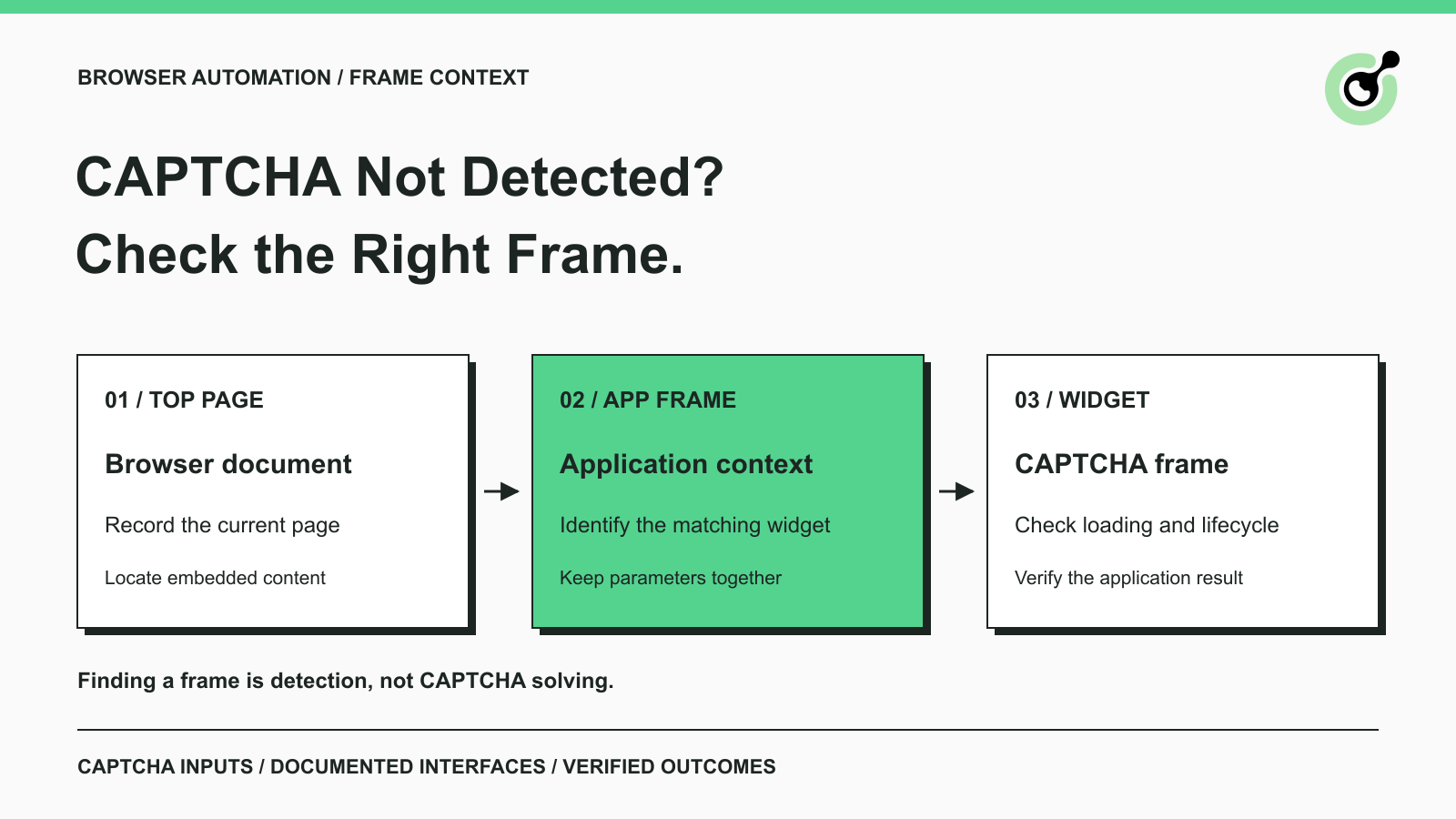
CAPTCHA in an iframe Not Detected? How to Find the Right Frame
Find why a visible CAPTCHA is missed inside an iframe. Check document context, widget loading, site parameters, and the browser handoff to your solver.

Nikolai Smirnov
27-Oct-2026
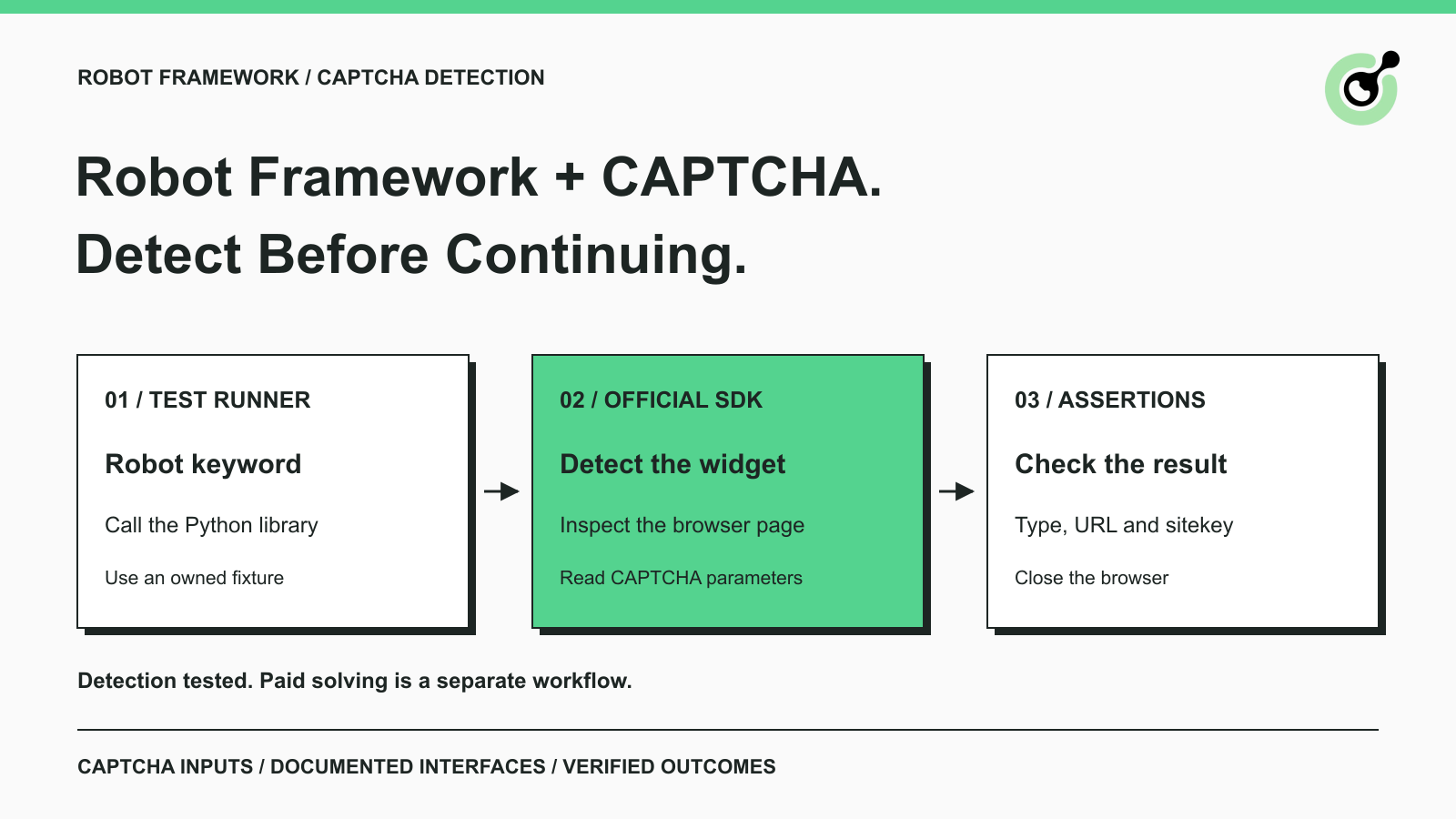
How to Detect CAPTCHA in Robot Framework Browser Tests
Detect CAPTCHA in Robot Framework with a tested Python keyword and the official solver SDK. Inspect page parameters and understand where detection stops.

Aloísio Vítor
26-Oct-2026
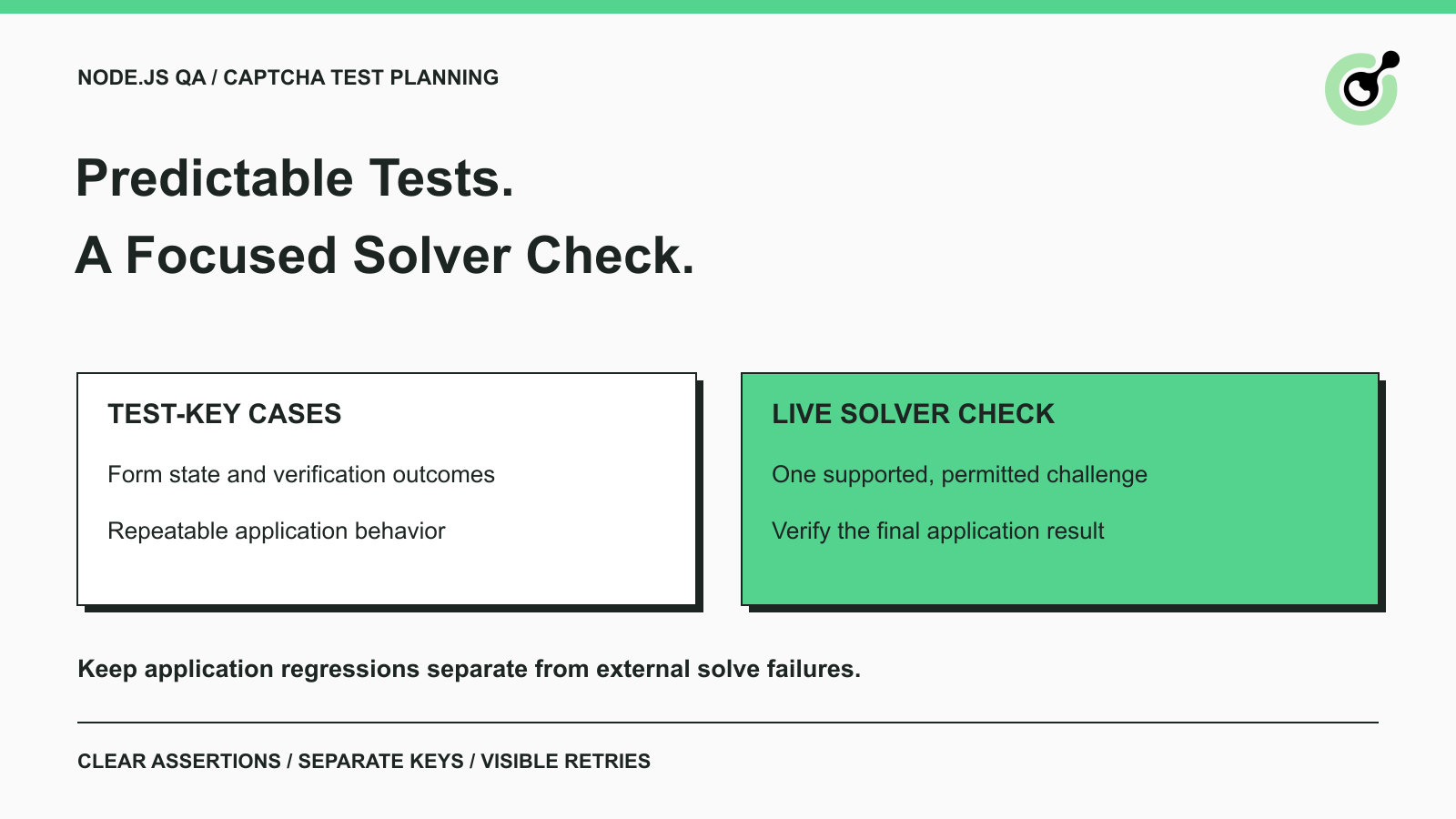
CAPTCHA Testing in Node.js: Test Keys and Solver Checks
Plan Node.js CAPTCHA tests with vendor test keys, controlled solver checks, and clear assertions. Separate form regressions from external solving failures.

Khadija Santos
16-Oct-2026
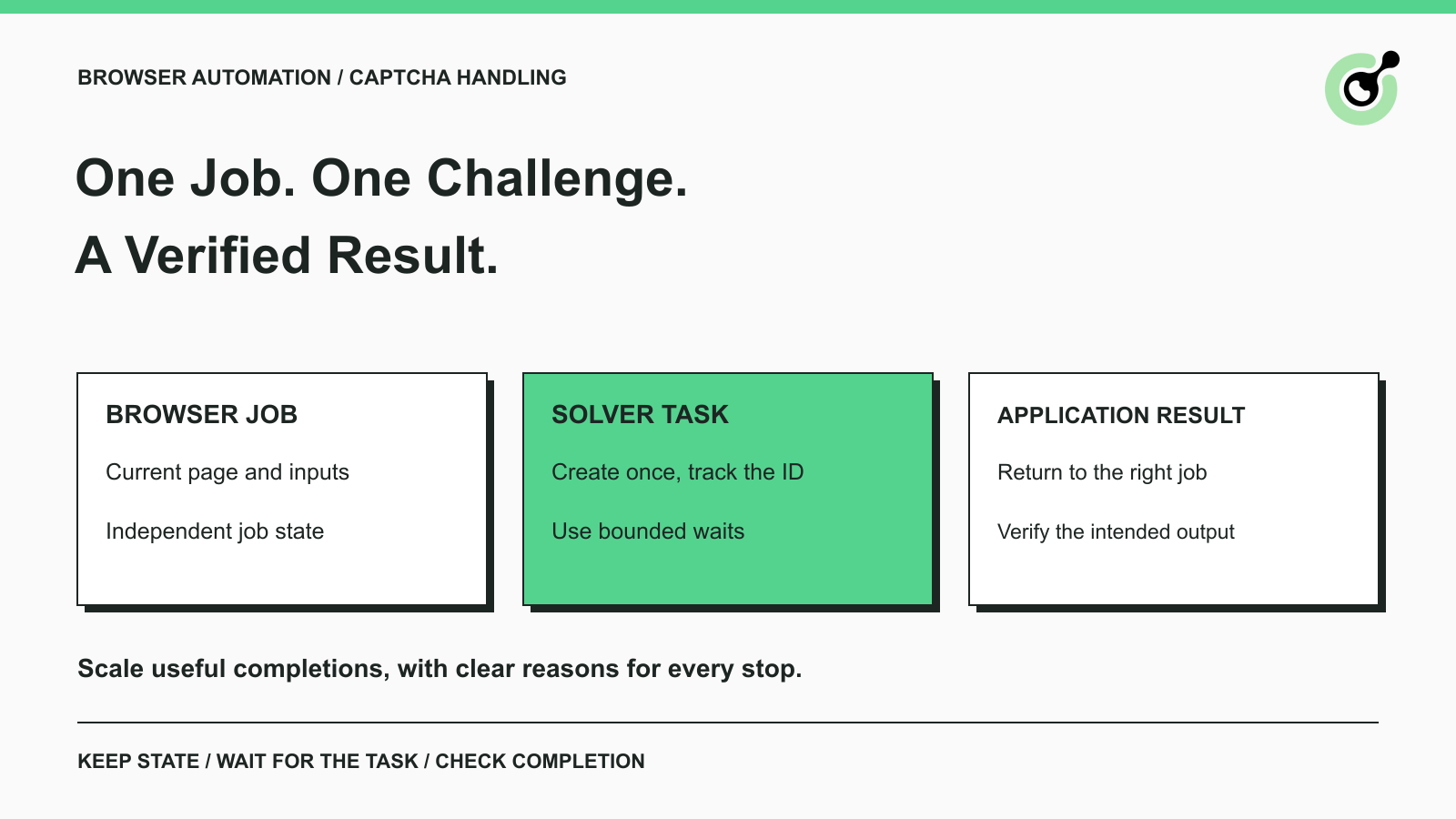
CAPTCHA Handling at Scale: A Browser Automation Guide
Improve CAPTCHA handling in browser automation with current task inputs, isolated browser sessions, bounded retries, and checks that confirm the final result.
Nikolai Smirnov
14-Oct-2026
Common Selenium CAPTCHA Problems and How to Fix Them
Fix common Selenium CAPTCHA integration problems by checking test configuration, extensions, waits, iframe context, solver responses, and application results.
Nikolai Smirnov
22-Sep-2026
CapSolver Python Core SDK vs HTTP API: Which Should You Use?
Choose the CapSolver Python Core SDK or direct HTTP API by task support, page access, response handling, and the responsibilities your application owns.
Ethan Collins
16-Sep-2026