











How to Solve CAPTCHA in Automated Recruiting Workflows

Ethan Collins
Pattern Recognition Specialist
30-Jun-2025
How to Solve CAPTCHA in Automated Recruiting Workflows
Recruitment teams running automated candidate sourcing, resume parsing, and job board monitoring face a common obstacle: CAPTCHA challenges that interrupt workflows and reduce efficiency. This guide explains how to handle CAPTCHA in recruiting automation using CapSolver's API, covering practical integration steps, compliance considerations, and performance optimization. Whether you operate an ATS with automated data collection or run talent pipeline tools that interact with job platforms, this article provides a clear path to maintaining uninterrupted recruitment operations.
TL;DR
- CAPTCHA challenges disrupt automated recruiting workflows at job boards, LinkedIn scrapers, and ATS integrations
- CapSolver's API resolves reCAPTCHA, Cloudflare Turnstile, and image-based challenges programmatically
- Integration requires minimal code changes to existing Python or Node.js recruiting automation scripts
- Compliance with platform terms of service and data privacy regulations remains essential
- Average solve time under 5 seconds keeps recruiting pipelines running without manual intervention
What You Need Before Starting
Before integrating a CAPTCHA solving solution into your recruiting automation, confirm you have the following prerequisites in place. Your automation stack should include a scripting language such as Python or Node.js, a browser automation framework like Playwright or Selenium, and API access to your target job platforms where permitted.
You will also need a CapSolver account with API credentials. CapSolver supports multiple CAPTCHA types including reCAPTCHA v2, reCAPTCHA v3, Cloudflare Turnstile, and image-based challenges — all of which appear frequently on recruiting platforms.
Ensure your use case complies with the target platform's terms of service. Automated recruiting tools should access only publicly available job postings or data you have authorization to collect.
Step 1 — Identify CAPTCHA Types on Recruiting Platforms
What to Do
Start by mapping which CAPTCHA types appear across your target recruiting platforms. Common patterns include:
| Platform Type | Typical CAPTCHA | Trigger Condition |
|---|---|---|
| Job boards (Indeed, Monster) | reCAPTCHA v2/v3 | Rapid page requests, form submissions |
| Custom challenge + reCAPTCHA | Profile viewing, search queries | |
| Company career pages | Cloudflare Turnstile | Bot detection on application forms |
| Government job portals | Image CAPTCHA | Every form submission |
Use your browser's developer tools (Network tab) to inspect challenge requests. Look for grecaptcha, turnstile, or captcha in page source and network calls. The CapSolver browser extension can automatically detect CAPTCHA types and parameters on any page.
Why This Matters
Different CAPTCHA types require different API endpoints and parameters. Misidentifying the challenge type causes failed solves and wasted API credits. A 2024 report from Grand View Research found that 67% of enterprise recruiting teams use some form of automation, making CAPTCHA handling a widespread operational need.
Common Mistakes to Avoid
- Assuming all CAPTCHAs are the same: reCAPTCHA v2 invisible requires different parameters than v2 checkbox
- Ignoring dynamic sitekeys: Some platforms rotate CAPTCHA sitekeys; always extract them at runtime rather than hardcoding
Step 2 — Set Up CapSolver API Integration
What to Do
Install the CapSolver SDK or use direct HTTP requests. Here is a Python example for solving reCAPTCHA v2 on a job board:
python
import capsolver

capsolver.api_key = "YOUR_API_KEY"

solution = capsolver.solve({
    "type": "ReCaptchaV2TaskProxyLess",
    "websiteURL": "https://example-jobboard.com/apply",
    "websiteKey": "6Le-CAPTCHA-SITEKEY"
})

token = solution["gRecaptchaResponse"]
# Insert token into your form submission
For Cloudflare Turnstile challenges on career pages:
python
solution = capsolver.solve({
    "type": "AntiTurnstileTaskProxyLess",
    "websiteURL": "https://careers.example.com",
    "websiteKey": "0x4AAAAAAA-turnstile-key"
})
Register for API access through the CapSolver dashboard.
Why This Matters
Direct API integration keeps your recruiting pipeline running without human intervention. According to SHRM research, the average time-to-fill for technical roles is 44 days. Automated sourcing that runs 24/7 without CAPTCHA interruptions can reduce this timeline by 20–30%.
Common Mistakes to Avoid
- Not handling timeouts: Set a 30-second timeout and implement retry logic for failed solves
- Using synchronous calls in batch operations: Use async/await patterns when processing multiple candidates simultaneously
Step 3 — Integrate with Your Recruiting Automation Pipeline
What to Do
Connect the CAPTCHA solving step into your existing workflow. A typical recruiting automation pipeline follows this sequence:
- Candidate search — Query job boards or LinkedIn for matching profiles
- CAPTCHA intercept — Detect and solve any challenge that appears
- Data extraction — Parse candidate information, resume details, or job posting data
- ATS submission — Push collected data into your Applicant Tracking System
For browser automation with Playwright, inject the solved token before form submission:
python
# After solving CAPTCHA with CapSolver
await page.evaluate(f"""
    document.getElementById('g-recaptcha-response').value = '{token}';
""")
await page.click('#submit-application')
CapSolver also integrates with n8n workflow automation for no-code recruiting pipelines, and with Playwright-based automation for custom scripts.
Why This Matters
Seamless integration prevents pipeline breaks. A single unresolved CAPTCHA can halt batch processing of hundreds of candidate profiles. The CapSolver automation FAQ covers common integration patterns for continuous workflows.
Step 4 — Optimize for Speed and Cost Efficiency
What to Do
Configure your integration for optimal performance in high-volume recruiting scenarios:
| Optimization | Implementation | Impact |
|---|---|---|
| Task type selection | Use ProxyLess variants when possible |
30% faster solve times |
| Batch processing | Queue multiple CAPTCHA tasks simultaneously | Higher throughput |
| Token caching | Cache reCAPTCHA v3 tokens for 90 seconds | Reduce API calls by 40% |
| Error handling | Implement exponential backoff on failures | Prevent credit waste |
Monitor your usage through the CapSolver dashboard. Set daily spending limits aligned with your recruiting volume. For enterprise recruiting teams processing 1,000+ candidate profiles daily, CapSolver's pricing model at approximately $1–3 per 1,000 solves makes automated CAPTCHA handling cost-effective compared to manual intervention.
Why This Matters
Recruiting automation at scale requires predictable costs and consistent performance. The CapSolver pricing page provides transparent per-task pricing that scales with your hiring volume.
Step 5 — Ensure Compliance and Responsible Use
What to Do
Implement these compliance safeguards in your recruiting automation:
- Rate limiting — Respect platform-specific request limits; typically 1–2 requests per second for job boards
- Data privacy — Ensure candidate data handling complies with GDPR and local employment regulations
- Terms review — Verify that automated access aligns with each platform's acceptable use policy
- Audit logging — Record all automated actions for compliance review
Responsible automation means accessing only publicly available information or data you have explicit authorization to collect. CapSolver provides the technical capability to handle CAPTCHA challenges, but users must ensure their specific use case operates within legal and ethical boundaries.
The recruitment automation and CAPTCHA solving guide on CapSolver's blog covers industry-specific compliance patterns in detail.
Why This Matters
Non-compliant recruiting automation risks legal liability, platform bans, and reputational damage. A structured compliance framework protects your organization while maintaining operational efficiency.
Claim Your Bonus Code for CapSolver: WEBS. After signing up, redeem this code at the dashboard to receive an extra bonus on your first purchase.
Conclusion
Solving CAPTCHA in automated recruiting workflows requires identifying challenge types across target platforms, integrating CapSolver's API into your existing pipeline, and maintaining compliance with platform terms and data privacy regulations. The combination of fast solve times (under 5 seconds average), support for all major CAPTCHA types, and straightforward API integration makes CapSolver a practical solution for recruiting teams scaling their automation. Start with a single platform integration, validate performance metrics, then expand across your full recruiting technology stack.
Frequently Asked Questions
What CAPTCHA types appear most on recruiting platforms?
Job boards and career pages primarily use reCAPTCHA v2, reCAPTCHA v3, and Cloudflare Turnstile. Government job portals often use image-based challenges. CapSolver handles all these types through a unified API, with average solve times under 5 seconds per challenge.
Is automated CAPTCHA solving legal for recruiting purposes?
The legality depends on your specific use case, jurisdiction, and the target platform's terms of service. Accessing publicly available job postings is generally permissible, but scraping private candidate data without consent may violate GDPR or local employment laws. Always review platform terms and consult legal counsel for your specific scenario.
How much does CAPTCHA solving cost for high-volume recruiting?
CapSolver charges approximately 1–3 per 1,000 CAPTCHA solves depending on the challenge type. For a recruiting team processing 5,000 candidate profiles monthly with an average of 2 CAPTCHAs per profile, the monthly cost ranges from 10 to $30 — significantly less than manual intervention time.
Can CapSolver integrate with existing ATS platforms?
Yes. CapSolver provides REST API endpoints compatible with any programming language or automation platform. Direct integrations exist for Python, Node.js, Playwright, Puppeteer, Selenium, and n8n. Most ATS platforms with webhook or API capabilities can incorporate CapSolver through custom middleware.
How do I handle CAPTCHA on LinkedIn for recruiting?
LinkedIn uses multiple protection layers including custom challenges and reCAPTCHA. While CapSolver can solve the technical CAPTCHA component, LinkedIn's terms of service restrict automated access. Consider using LinkedIn's official Recruiter API for compliant candidate sourcing, and reserve CAPTCHA solving for platforms where automated access is permitted.
Compliance Disclaimer: The information provided on this blog is for informational purposes only. CapSolver is committed to compliance with all applicable laws and regulations. The use of the CapSolver network for illegal, fraudulent, or abusive activities is strictly prohibited and will be investigated. Our captcha-solving solutions enhance user experience while ensuring 100% compliance in helping solve captcha difficulties during public data crawling. We encourage responsible use of our services. For more information, please visit our Terms of Service and Privacy Policy.
More
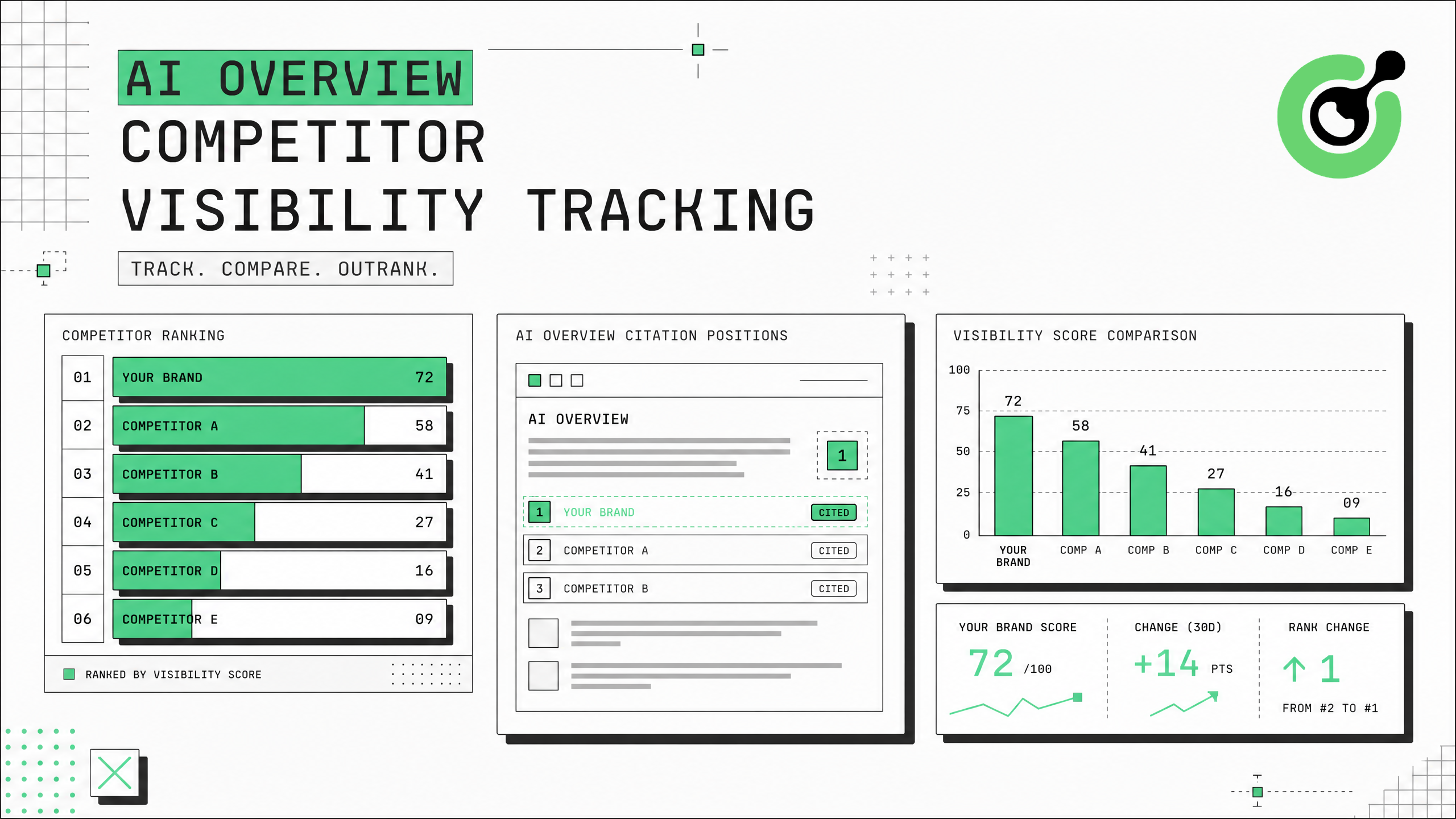
AI Overview Competitor Visibility Tracking: Monitor Who Google Cites in Your Niche
Track competitor visibility in Google AI Overviews with automated citation monitoring and CAPTCHA solving.
Ethan Collins
31-Jul-2026
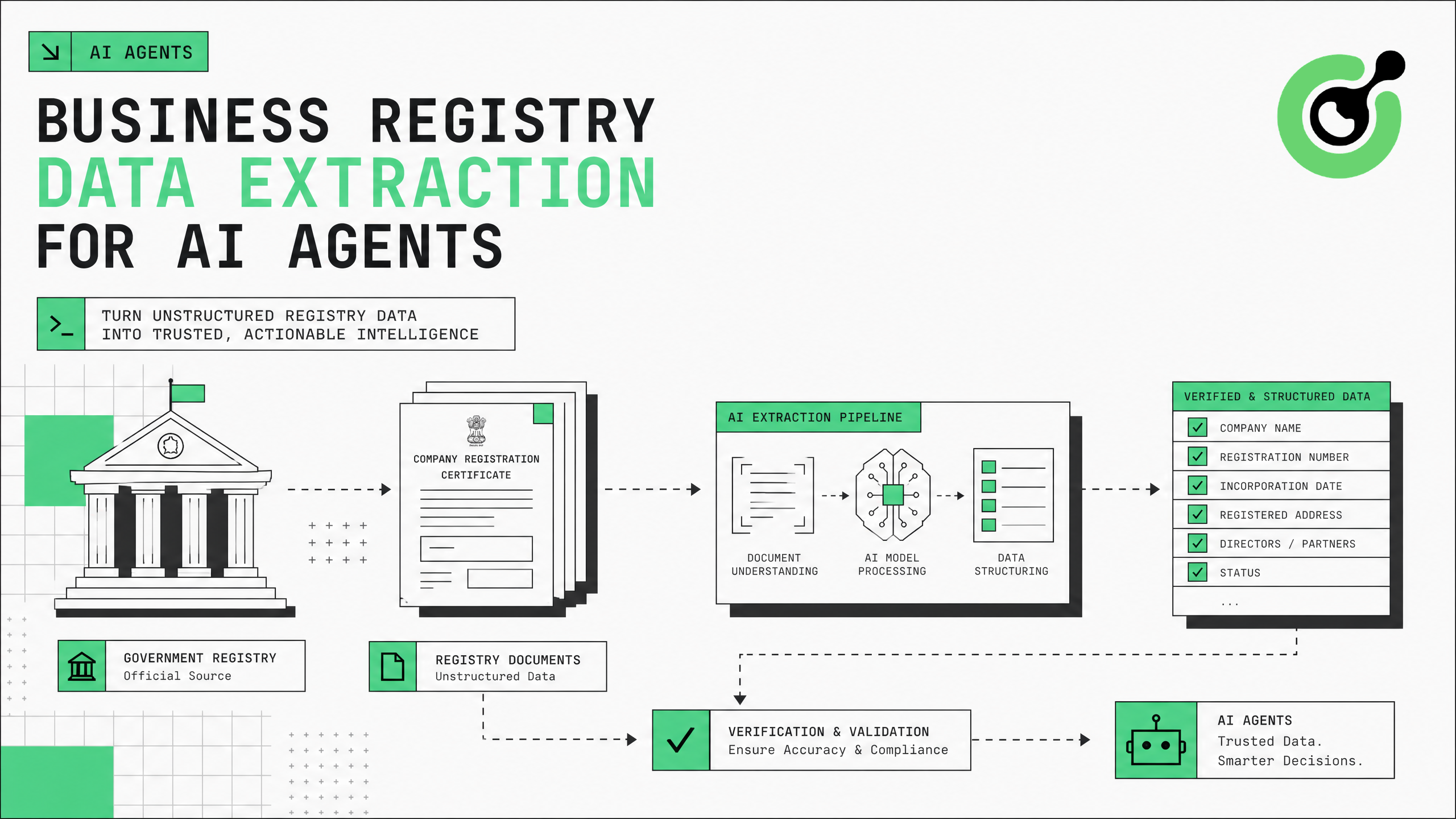
Business Registry Data Extraction for AI Agents: Automate Company Verification
Automate company verification with business registry data extraction for AI agents.
Ethan Collins
30-Jul-2026
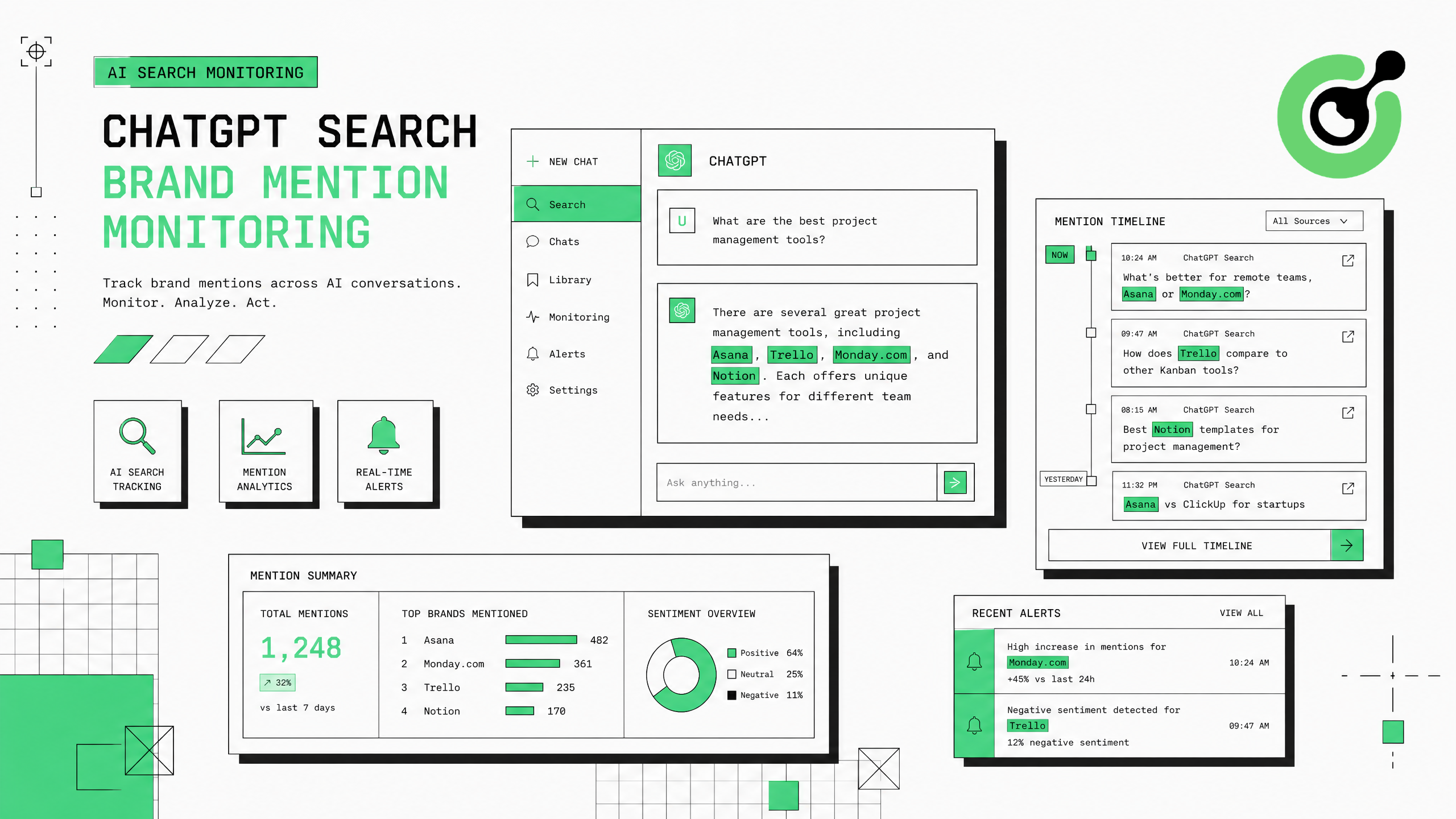
ChatGPT Search Brand Mention Monitoring: Track Your Brand in AI Answers
Track when ChatGPT Search mentions your brand in AI-generated answers with automated monitoring.
Ethan Collins
30-Jul-2026
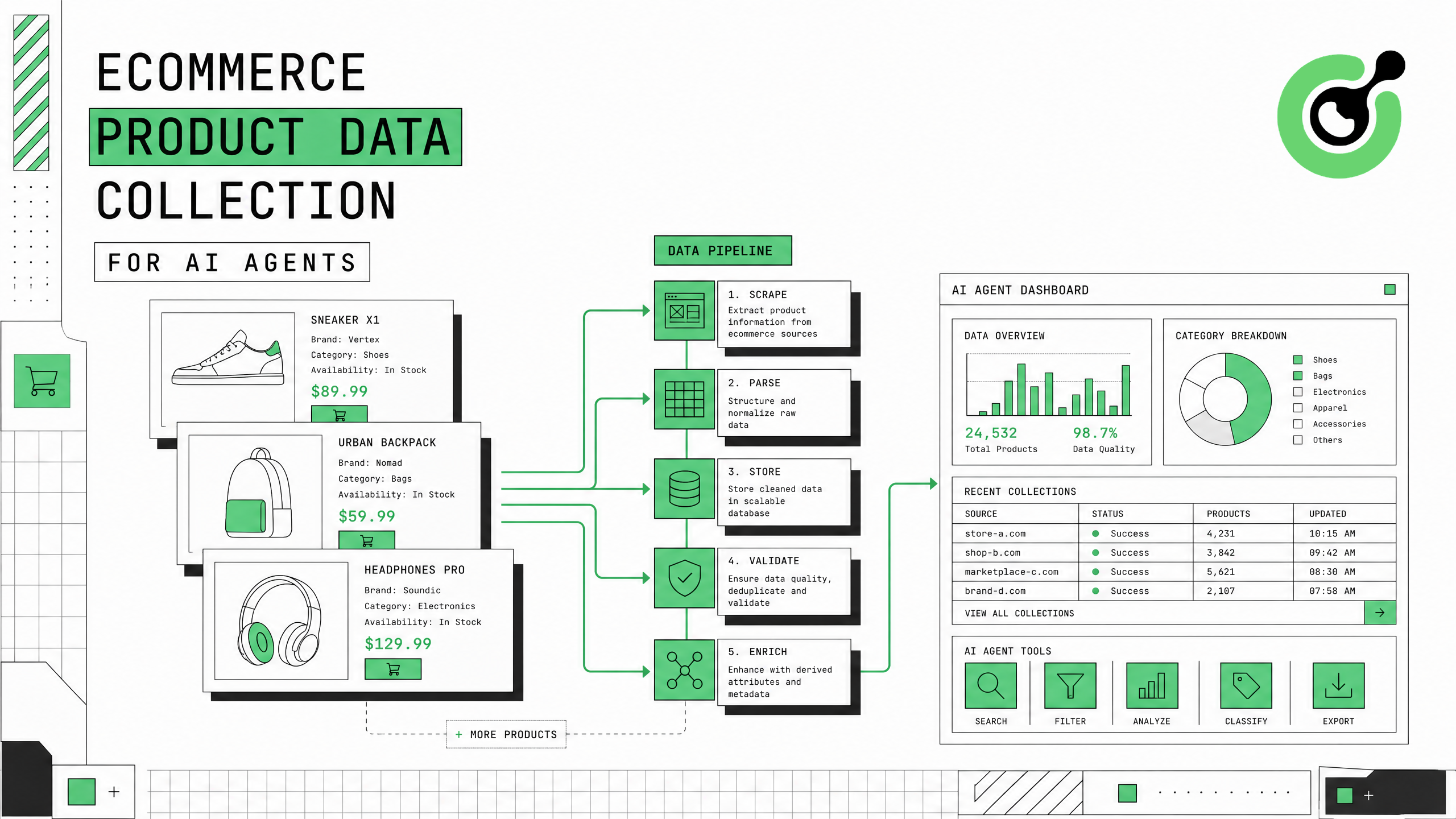
Ecommerce Product Data Collection for AI Agents: A Complete Guide
Complete guide to building ecommerce product data pipelines for AI agents with CAPTCHA solving.
Ethan Collins
30-Jul-2026
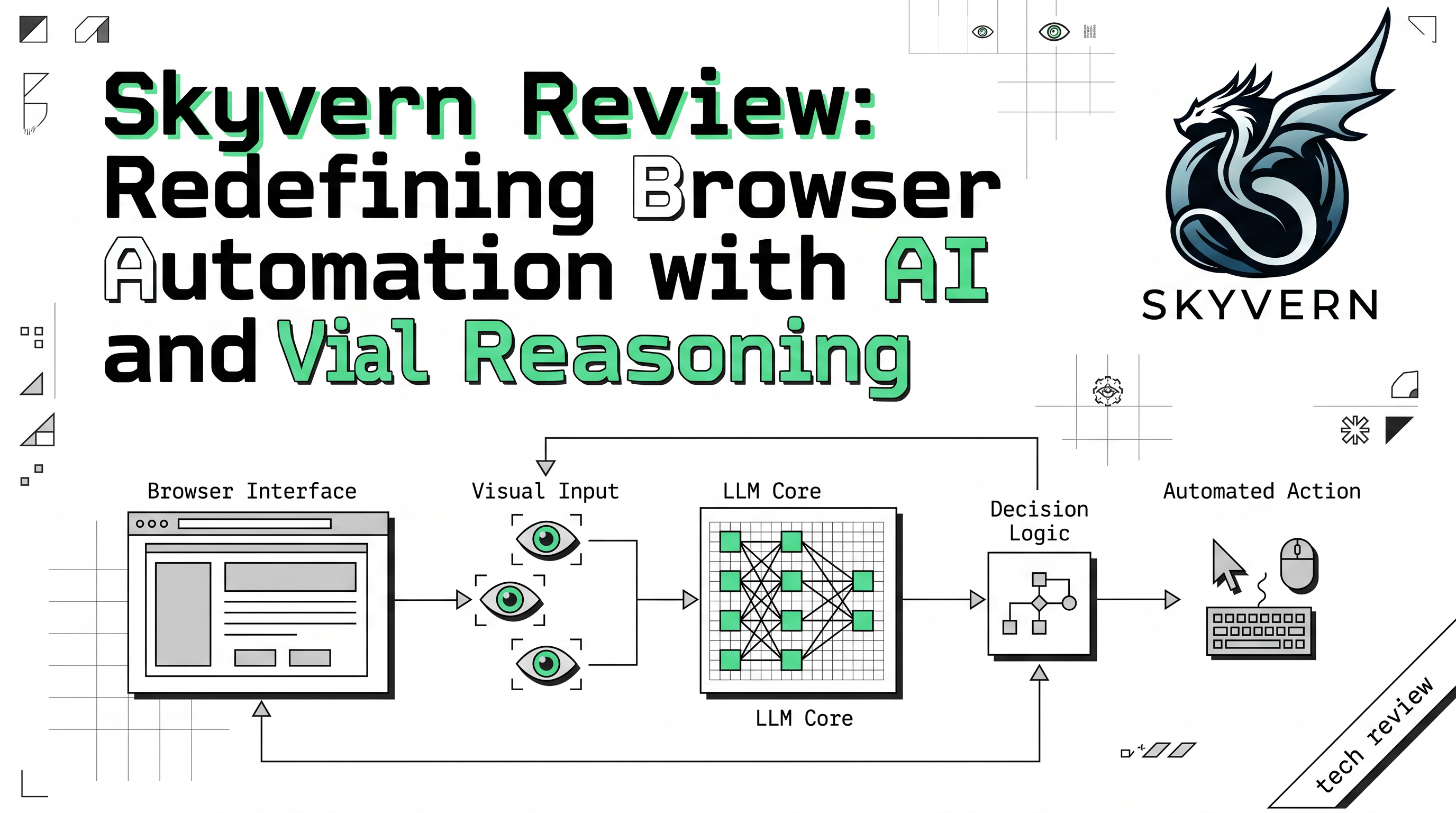
Skyvern Review: Next-Gen Web Automation with Visual Reasoning
An analysis of Skyvern’s Planner-Agent-Validator architecture. Explore how Skyvern revolutionizes web scraping and form filling with self-healing capabilities and seamless CAPTCHA solver integrations.
Ethan Collins
29-Jul-2026
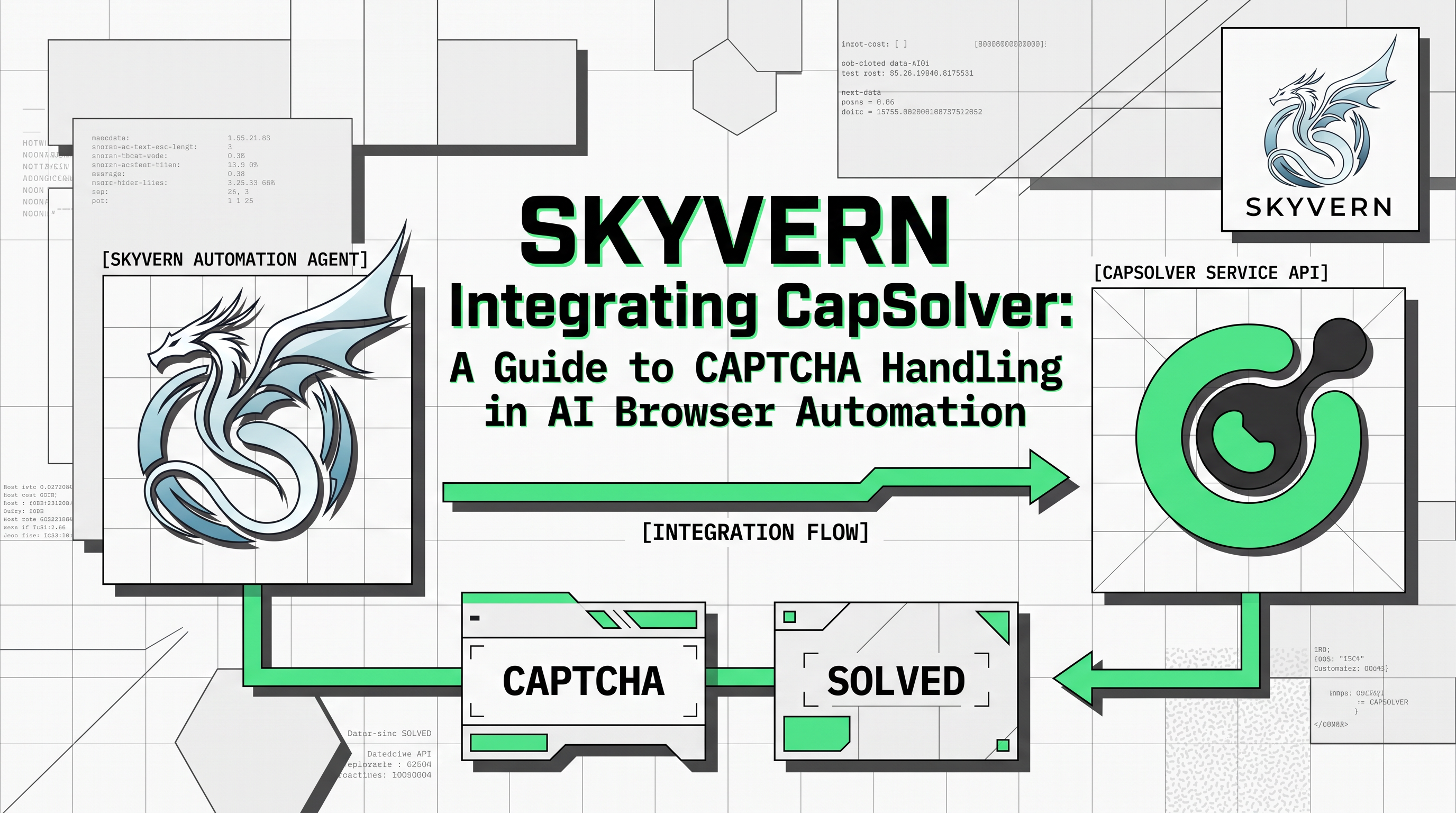
Skyvern Integrating CapSolver: A Guide to CAPTCHA Handling in AI Browser Automation
Discover how to effectively manage and bypass CAPTCHA challenges in AI browser automation. This guide provides practical steps for robust and scalable web automation solutions.
Ethan Collins
28-Jul-2026