











How to Solve CAPTCHA in LegalTech Document Automation

Ethan Collins
How to use CapSolver
01-Jul-2026
TL;DR
- LegalTech Automation Bottleneck: Document scraping and automated legal research are frequently blocked by CAPTCHAs.
- Compliance is Key: Legal data extraction must maintain compliance while bypassing anti-bot measures.
- CapSolver Integration: Using CapSolver's API allows seamless CAPTCHA solving for uninterrupted document retrieval.
- Framework B Approach: This tutorial provides a step-by-step guide to integrating CAPTCHA solving in LegalTech workflows.
Introduction
Automating document retrieval is a cornerstone of modern LegalTech, but the process is often derailed by aggressive bot protection. Whether you are scraping public court records, monitoring patent filings, or automating compliance checks, CAPTCHAs stand as a significant barrier. The challenge is not just bypassing these checks, but doing so reliably and at scale without violating compliance standards. This guide explains how to solve CAPTCHAs in LegalTech document automation using CapSolver, ensuring your automated workflows remain efficient and uninterrupted.
Understanding the CAPTCHA Challenge in LegalTech
Legal platforms and government databases frequently use CAPTCHAs (like reCAPTCHA or Cloudflare Turnstile) to prevent abuse. For LegalTech companies relying on automated data extraction, these challenges cause timeouts and incomplete data gathering.
Why Traditional Methods Fail
Standard browser automation tools like Puppeteer or Selenium are easily detected by modern anti-bot systems. They lack the nuanced human-like interaction patterns required to solve advanced CAPTCHAs, leading to IP bans and blocked access.
Step-by-Step Guide: Solving CAPTCHAs in Document Automation
Step 1: Identify the Target CAPTCHA Type
Before implementing a solution, identify the CAPTCHA protecting the legal database. Is it an image-based challenge, an invisible reCAPTCHA v3, or a Cloudflare Turnstile? Understanding the type dictates the API parameters you will use.
Step 2: Integrate CapSolver API
CapSolver provides a robust API designed to handle various CAPTCHA types seamlessly. By routing the CAPTCHA challenge through CapSolver, you receive a token that can be submitted with your automation request.
Bonus Code: Use this code for a bonus when signing up:
legaltech-bonus
Claim your bonus here
Step 3: Implement the Solving Logic
In your automation script, capture the site key and URL of the target page. Send this data to CapSolver's API. Once the API returns the solved token, inject it into the page's form or submit it via your HTTP request.
python
# Example: Sending request to CapSolver API
import requests

api_key = "YOUR_CAPSOLVER_API_KEY"
site_key = "TARGET_SITE_KEY"
page_url = "TARGET_PAGE_URL"

payload = {
    "clientKey": api_key,
    "task": {
        "type": "ReCaptchaV2TaskProxyless",
        "websiteURL": page_url,
        "websiteKey": site_key
    }
}
# Send request and wait for token...
Step 4: Ensure Compliance and Rate Limiting
When automating legal data extraction, respect the target site's robots.txt and terms of service. Use residential proxies and implement reasonable rate limits to avoid overwhelming the server.
Comparison: Manual vs. Automated CAPTCHA Solving
| Feature | Manual Solving | CapSolver Automation |
|---|---|---|
| Speed | Slow and prone to human error | Fast, API-driven responses |
| Scalability | Impossible for large datasets | Highly scalable for enterprise needs |
| Cost Efficiency | High labor costs | Cost-effective API pricing |
| Reliability | Variable | Consistent high success rates |
Conclusion
Solving CAPTCHAs in LegalTech document automation is essential for maintaining the flow of critical data. By integrating a reliable service like CapSolver, LegalTech firms can overcome bot protection hurdles efficiently and at scale. Ready to streamline your document automation? Explore CapSolver's solutions today.
Frequently Asked Questions
What is the best way to solve CAPTCHAs in LegalTech?
Using an API-driven service like CapSolver is the most efficient and scalable method for solving CAPTCHAs in automated legal workflows.
Can CapSolver handle Cloudflare Turnstile?
Yes, CapSolver supports a wide range of CAPTCHA types, including Cloudflare Turnstile, reCAPTCHA.
Is automated document scraping legal?
The legality depends on the target site's terms of service, the nature of the data (public vs. private), and your jurisdiction. Always consult legal counsel and adhere to compliance standards.
How do I integrate CapSolver with Puppeteer?
CapSolver provides comprehensive documentation and SDKs for integrating with browser automation tools like Puppeteer and Selenium.
Compliance Disclaimer: The information provided on this blog is for informational purposes only. CapSolver is committed to compliance with all applicable laws and regulations. The use of the CapSolver network for illegal, fraudulent, or abusive activities is strictly prohibited and will be investigated. Our captcha-solving solutions enhance user experience while ensuring 100% compliance in helping solve captcha difficulties during public data crawling. We encourage responsible use of our services. For more information, please visit our Terms of Service and Privacy Policy.
More
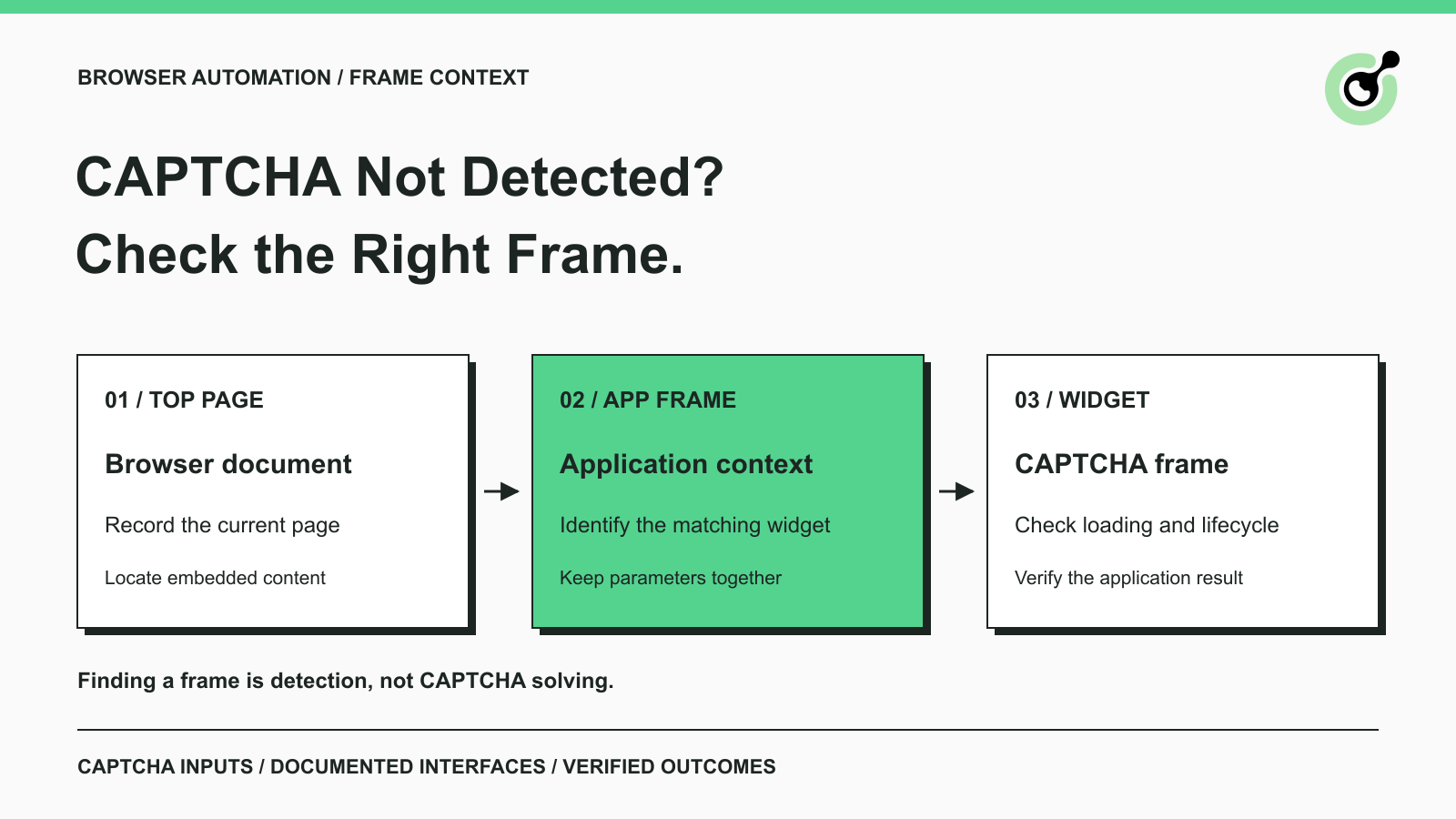
CAPTCHA in an iframe Not Detected? How to Find the Right Frame
Find why a visible CAPTCHA is missed inside an iframe. Check document context, widget loading, site parameters, and the browser handoff to your solver.

Nikolai Smirnov
27-Oct-2026
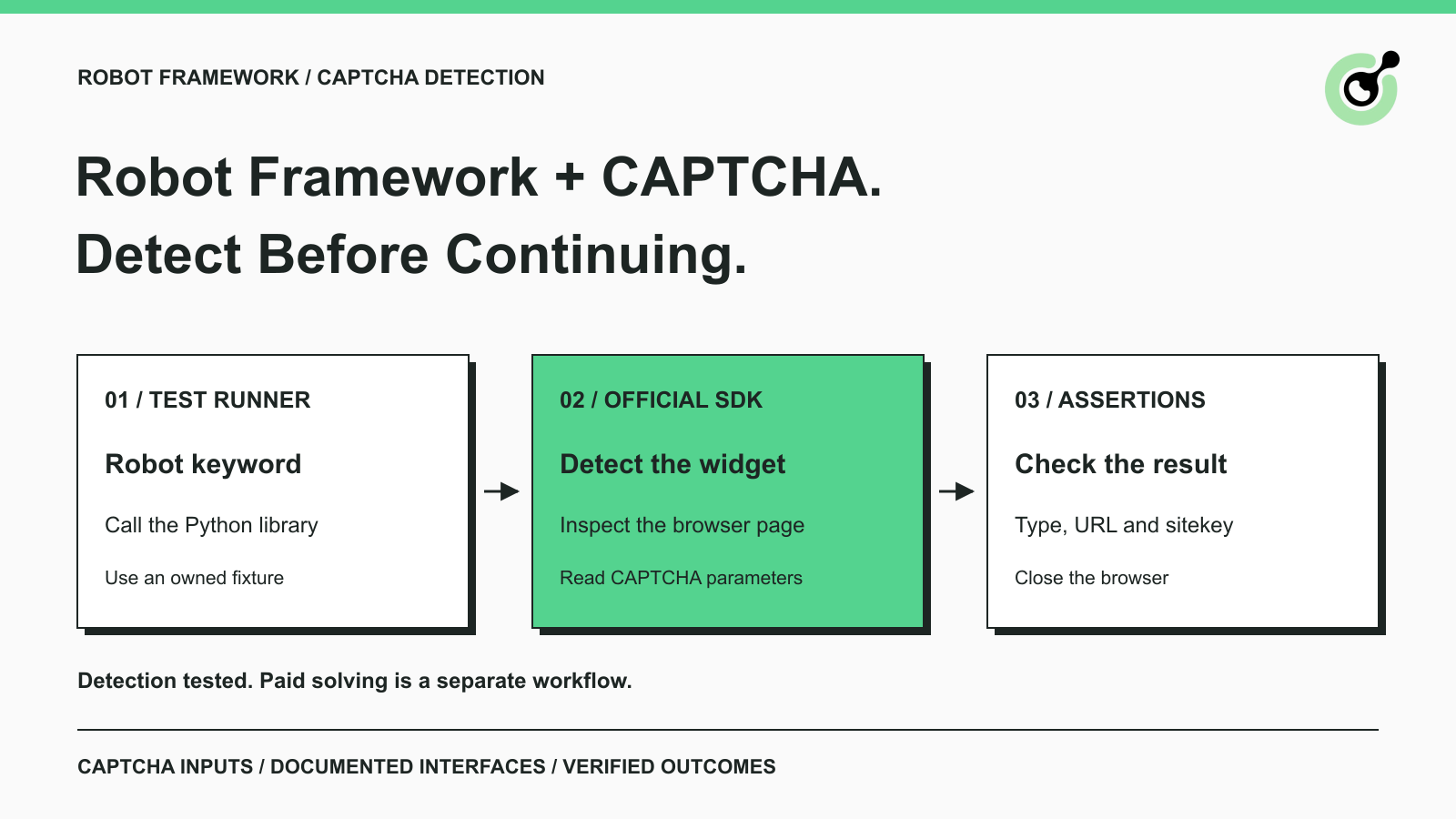
How to Detect CAPTCHA in Robot Framework Browser Tests
Detect CAPTCHA in Robot Framework with a tested Python keyword and the official solver SDK. Inspect page parameters and understand where detection stops.

Aloísio Vítor
26-Oct-2026
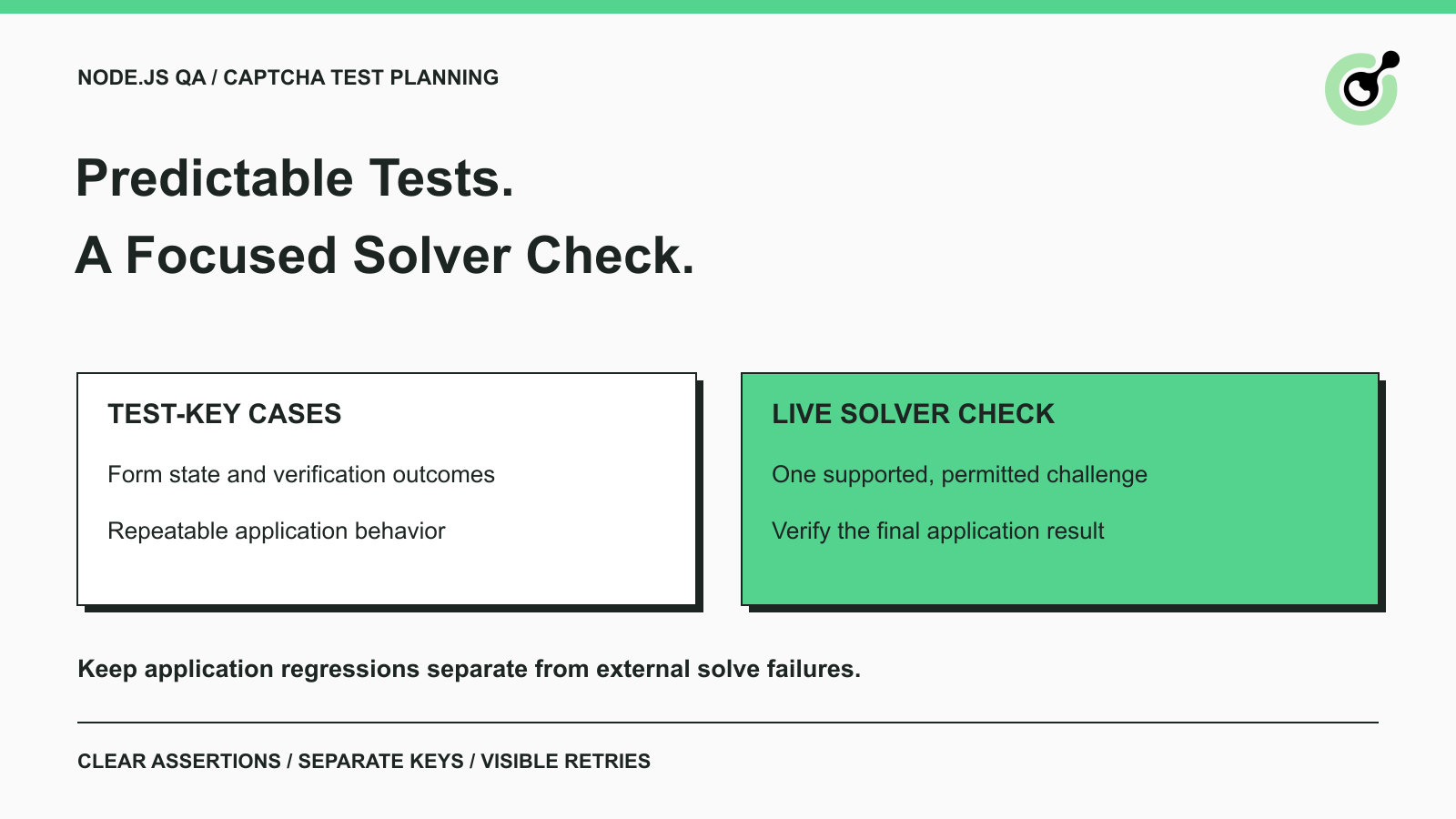
CAPTCHA Testing in Node.js: Test Keys and Solver Checks
Plan Node.js CAPTCHA tests with vendor test keys, controlled solver checks, and clear assertions. Separate form regressions from external solving failures.

Khadija Santos
16-Oct-2026
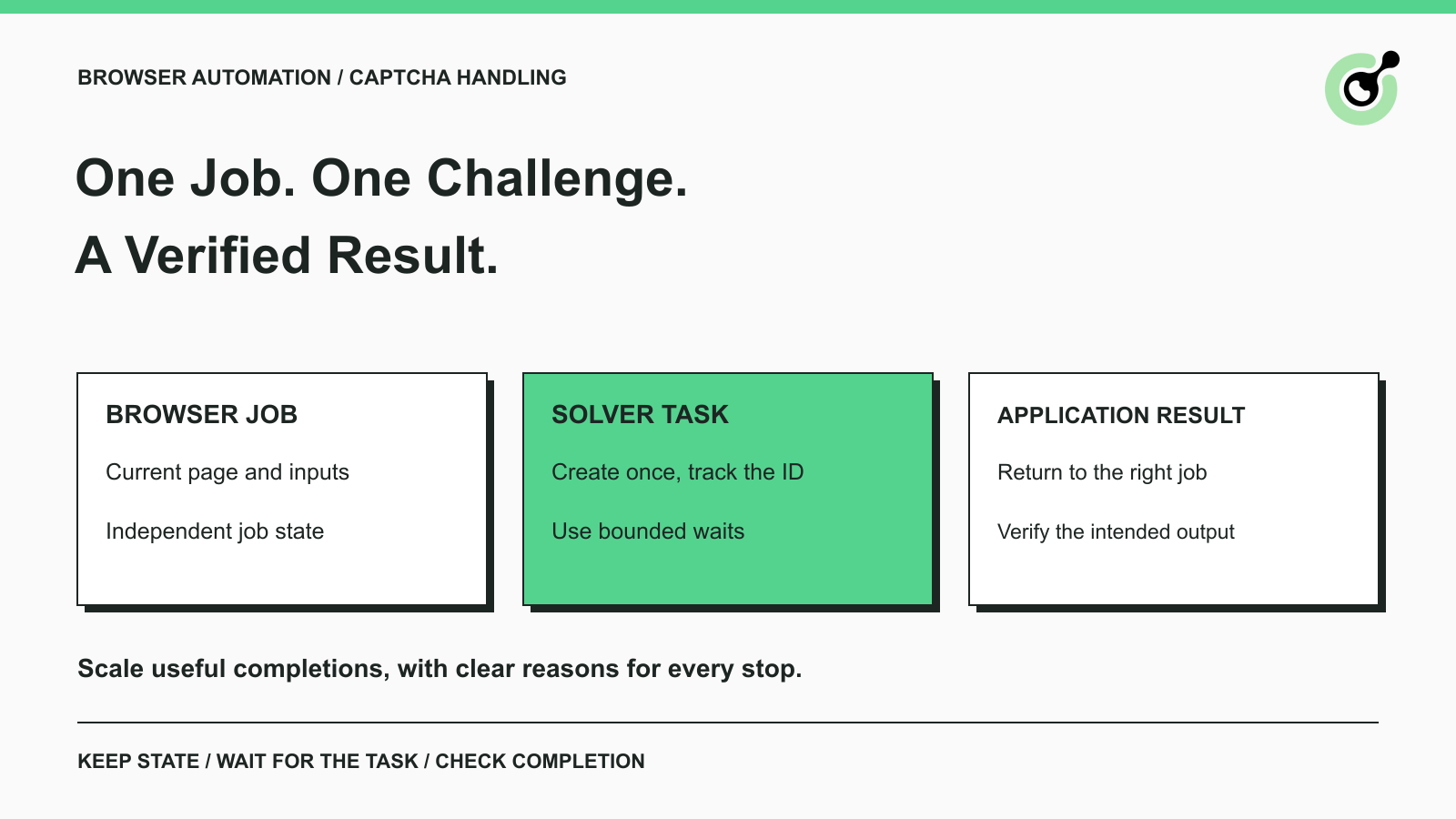
CAPTCHA Handling at Scale: A Browser Automation Guide
Improve CAPTCHA handling in browser automation with current task inputs, isolated browser sessions, bounded retries, and checks that confirm the final result.
Nikolai Smirnov
14-Oct-2026
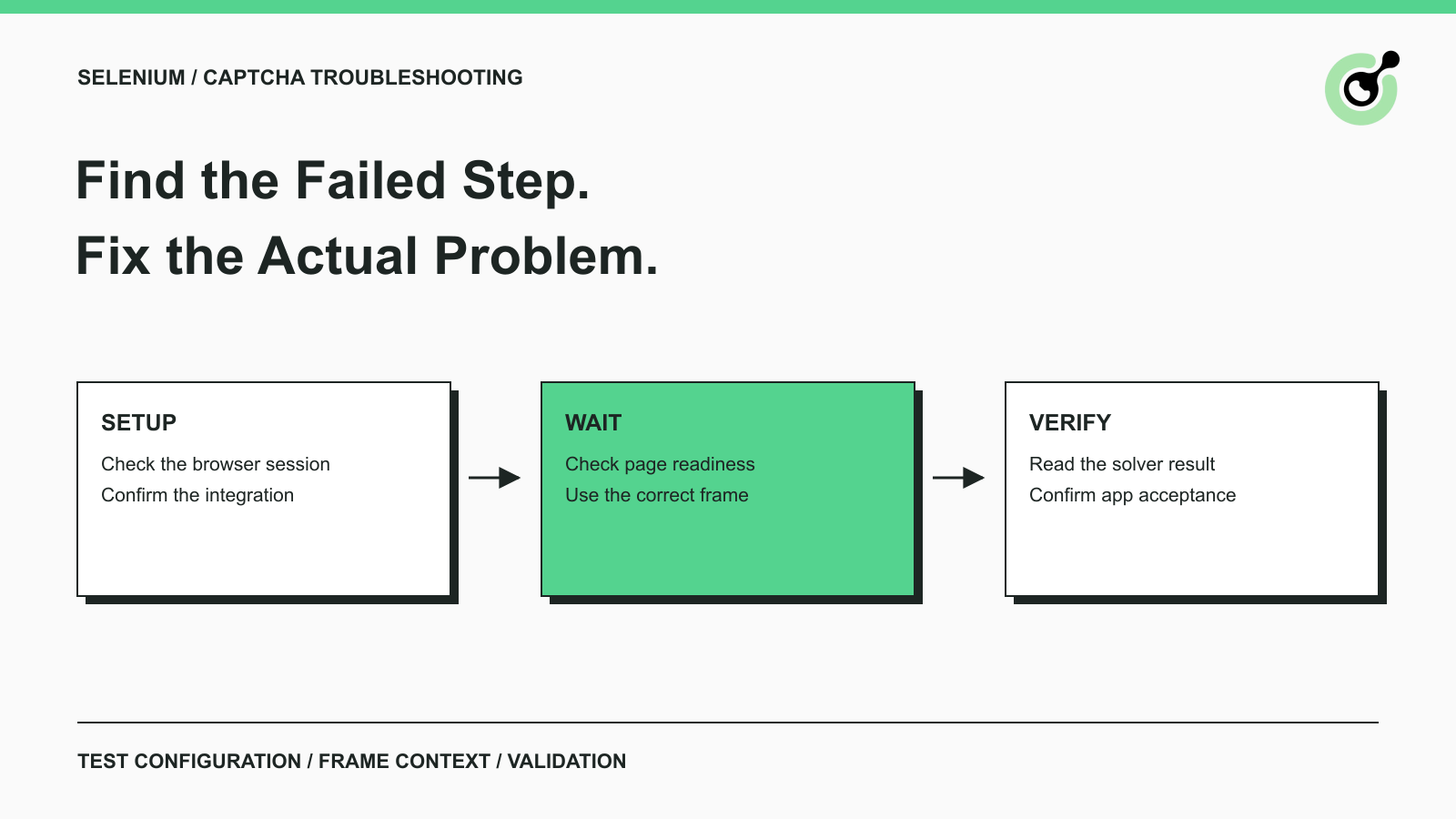
Common Selenium CAPTCHA Problems and How to Fix Them
Fix common Selenium CAPTCHA integration problems by checking test configuration, extensions, waits, iframe context, solver responses, and application results.
Nikolai Smirnov
22-Sep-2026
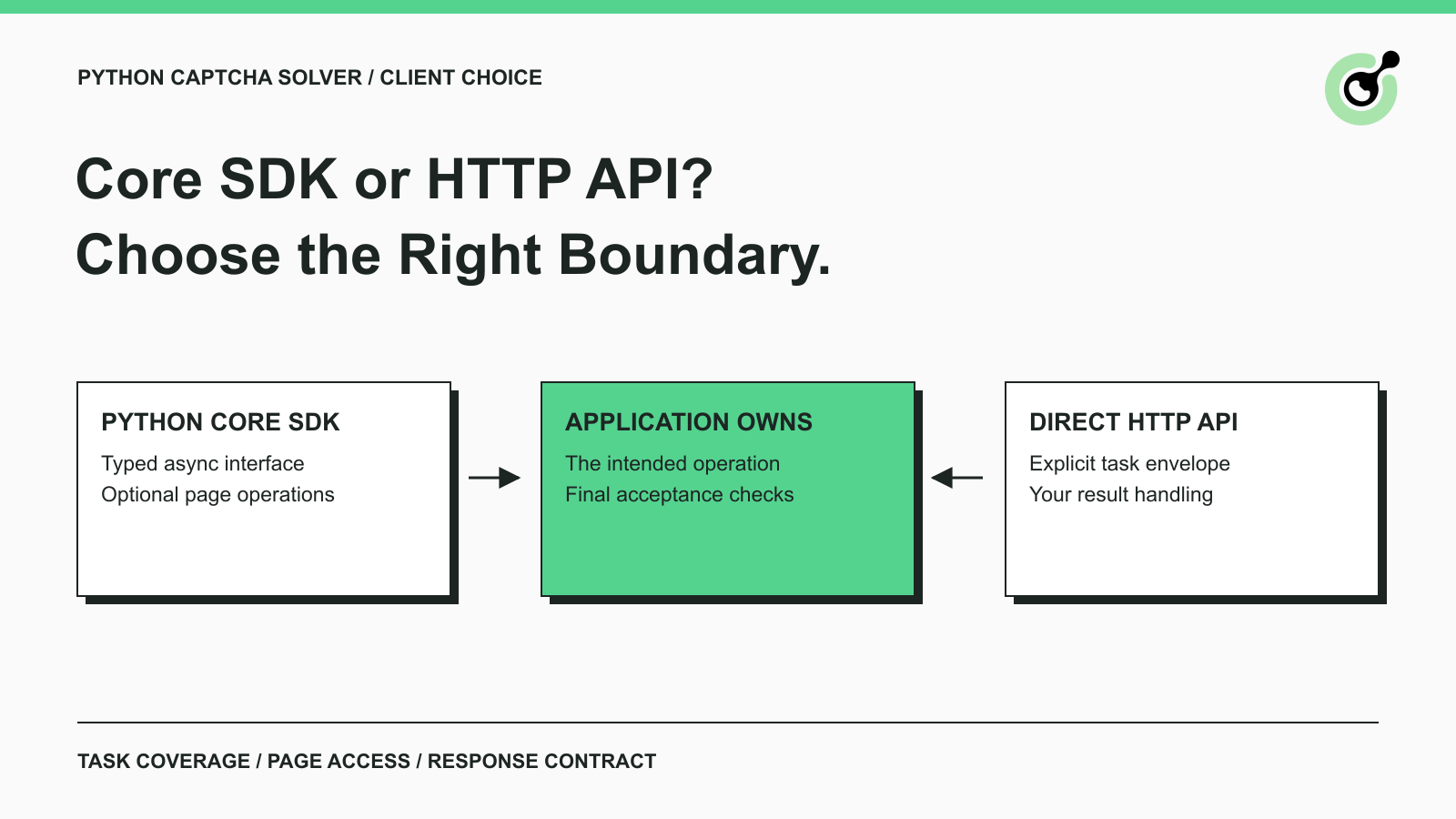
CapSolver Python Core SDK vs HTTP API: Which Should You Use?
Choose the CapSolver Python Core SDK or direct HTTP API by task support, page access, response handling, and the responsibilities your application owns.
Ethan Collins
16-Sep-2026