











Search Intent Drift Monitoring for AI SEO Workflows

Ethan Collins
How to use CapSolver
31-Aug-2026
TL;DR
- Search intent drift monitoring compares stable query cohorts across time; it does not infer intent from one ranking or one model response.
- Use owned Google Search Console data for clicks, impressions, and position, then add controlled SERP observations from an approved API or user-provided export.
- Label intent from multiple signals: result types, dominant page archetypes, SERP features, modifiers, and query-to-page behavior.
- Require persistence, coverage, and confidence thresholds before changing content or internal links.
- Keep automated recommendations separate from publication decisions, and retain evidence for every intent-change alert.
Introduction
Search intent drift monitoring detects when the result set and user behavior around a query change enough that an existing page may no longer satisfy the dominant need. A reliable system does not ask an AI model to guess from a single search page. It combines owned Search Console trends, controlled SERP snapshots, page archetypes, feature changes, and query modifiers, then applies persistence and confidence rules before alerting an SEO team. This approach is especially useful for evergreen guides, programmatic pages, comparison content, product categories, and fast-changing topics. This guide explains the evidence model, query cohorts, Search Console ingestion, approved SERP collection, intent taxonomy, similarity metrics, confidence scoring, change confirmation, agent-safe tools, QA, and responsible automation.
Define Search Intent Drift Precisely
Search intent drift is a sustained change in the dominant task implied by the result environment and user behavior for a stable query cohort. Examples include:
- informational results giving way to product category pages;
- product reviews giving way to first-party product pages;
- fresh news results replacing evergreen explainers;
- local packs becoming dominant for a previously national query;
- video or forum results occupying more of the visible result set;
- a branded query becoming navigational rather than comparative;
- an owned page receiving impressions but losing clicks after result features change.
Search intent drift monitoring automation should not label ordinary rank volatility as intent change. Ranking, feature presence, and intent are related but distinct.
The CapSolver automation blog covers related scheduled-data workflows, while the CapSolver web-scraping FAQ provides guidance for permitted public web observations.
Use a Two-Layer Evidence Model
The strongest system combines first-party performance and controlled result observations.
| Evidence layer | Examples | What it can show | Main limitation |
|---|---|---|---|
| Owned performance | Impressions, clicks, CTR, position, page, device, country | How users reach owned pages | Does not show the complete result set |
| Controlled SERP observation | Result types, URLs, titles, features, page archetypes | What the search environment looks like | Coverage and localization depend on the collection method |
| Content inventory | Page type, template, freshness, schema, topic entities | What the site currently offers | Does not prove current demand |
| Human review | Query meaning, business context, risk | Final interpretation | Slower and capacity-limited |
Google's Search Console overview states that Search Analytics reports queries, impressions, clicks, and position for owned sites. Use it as a first-party signal, not as a complete competitor dataset.
Build Stable Query Cohorts
Do not monitor isolated keywords without context. Group queries by a stable business question and preserve the raw query.
python
from dataclasses import dataclass

@dataclass(frozen=True)
class QueryCohort:
    cohort_id: str
    market: str
    language: str
    device: str
    canonical_topic: str
    queries: tuple[str, ...]
    owned_page_group: tuple[str, ...]
    business_purpose: str
Examples:
python
cohort = QueryCohort(
    cohort_id="captcha-api-comparison-us-en-desktop",
    market="US",
    language="en",
    device="DESKTOP",
    canonical_topic="captcha api comparison",
    queries=(
        "captcha api comparison",
        "compare captcha solving api",
        "captcha service comparison",
    ),
    owned_page_group=("/products/", "/blog/ai/"),
    business_purpose="content planning",
)
Keep market, language, and device fixed in time-series comparisons.
Pull Owned Search Console Data
Google's Search Analytics API documentation says the query method requires a date range, supports filters and grouping dimensions, and may return top rows rather than every row. Store coverage notes with each extraction.
python
from googleapiclient.discovery import build
from google.oauth2 import service_account

SCOPES = ["https://www.googleapis.com/auth/webmasters.readonly"]

credentials = service_account.Credentials.from_service_account_file(
    "search-console-reader.json",
    scopes=SCOPES,
)
service = build("searchconsole", "v1", credentials=credentials)


def search_console_rows(
    site_url: str,
    start_date: str,
    end_date: str,
    row_limit: int = 25000,
) -> list[dict]:
    body = {
        "startDate": start_date,
        "endDate": end_date,
        "dimensions": ["query", "page", "country", "device"],
        "rowLimit": row_limit,
        "dataState": "final",
    }
    response = service.searchanalytics().query(
        siteUrl=site_url,
        body=body,
    ).execute()
    return response.get("rows", [])
Keep the credential read-only and outside notebooks or prompts.
Normalize Search Console Observations
python
from dataclasses import dataclass

@dataclass
class SearchPerformance:
    query: str
    page: str
    country: str
    device: str
    clicks: float
    impressions: float
    ctr: float
    position: float
    start_date: str
    end_date: str
    extraction_id: str
    coverage_note: str


def normalize_sc_row(row: dict, start_date: str, end_date: str, run_id: str):
    keys = row.get("keys") or []
    if len(keys) != 4:
        raise ValueError("Unexpected Search Console dimensions")

    return SearchPerformance(
        query=keys[0],
        page=keys[1],
        country=keys[2],
        device=keys[3],
        clicks=float(row.get("clicks", 0)),
        impressions=float(row.get("impressions", 0)),
        ctr=float(row.get("ctr", 0)),
        position=float(row.get("position", 0)),
        start_date=start_date,
        end_date=end_date,
        extraction_id=run_id,
        coverage_note="API may prioritize top rows; not guaranteed exhaustive",
    )
Do not treat missing rows as zero demand unless you have confirmed the extraction scope and data availability.
The CapSolver AI blog provides related examples of feeding structured evidence into controlled AI workflows.
Collect SERP Evidence Through an Approved Method
Use a licensed SERP API, partner dataset, or user-provided export. Avoid direct search-engine collection when the source terms or access method do not permit it.
python
from dataclasses import dataclass, field
from datetime import datetime, timezone

@dataclass
class SerpSnapshot:
    cohort_id: str
    query: str
    market: str
    language: str
    device: str
    source: str
    collection_id: str
    organic_results: list[dict]
    features: list[str]
    evidence_hash: str
    collected_at: str = field(
        default_factory=lambda: datetime.now(timezone.utc).isoformat()
    )
For each result, preserve:
- rank;
- URL and hostname;
- title and visible snippet;
- result type;
- page archetype;
- publication or update date when shown;
- feature ownership;
- evidence reference.
A challenge encountered on an approved collection source should be routed as an infrastructure event. It must never be interpreted as a missing result or an intent shift.
The CapSolver products page lists supported challenge categories for authorized workflows.
Define a Practical Intent Taxonomy
python
INTENT_LABELS = {
    "INFORMATIONAL_GUIDE",
    "TROUBLESHOOTING",
    "COMMERCIAL_COMPARISON",
    "TRANSACTIONAL_CATEGORY",
    "TRANSACTIONAL_PRODUCT",
    "NAVIGATIONAL_BRAND",
    "LOCAL_VISIT",
    "NEWS_FRESHNESS",
    "VIDEO_LEARNING",
    "COMMUNITY_DISCUSSION",
    "MIXED",
}
Use labels that map to content decisions. Avoid dozens of overlapping categories that reviewers cannot apply consistently.
Classify Page Archetypes Deterministically First
python
from urllib.parse import urlparse


def classify_archetype(result: dict) -> str:
    url = result.get("url", "")
    title = result.get("title", "").lower()
    path = urlparse(url).path.lower()

    if any(part in path for part in ["/product/", "/products/"]):
        return "PRODUCT_OR_CATEGORY"
    if any(part in path for part in ["/compare", "/best-"]):
        return "COMPARISON"
    if any(word in title for word in ["how to", "guide", "tutorial"]):
        return "GUIDE"
    if any(part in path for part in ["/news/", "/press/"]):
        return "NEWS"
    if any(part in path for part in ["/forum/", "/community/"]):
        return "COMMUNITY"
    return "OTHER"
Use an AI classifier only for ambiguous cases. Send minimal result text, require structured labels, and store the model version and prompt version.
Build a Feature Vector
python
from collections import Counter


def snapshot_features(snapshot: SerpSnapshot) -> dict:
    top_results = snapshot.organic_results[:10]
    archetypes = Counter(
        item.get("archetype", "OTHER") for item in top_results
    )
    hosts = {urlparse(item["url"]).hostname for item in top_results}

    return {
        "archetype_share": {
            key: value / max(len(top_results), 1)
            for key, value in archetypes.items()
        },
        "hosts": hosts,
        "features": set(snapshot.features),
        "top_urls": {item["url"] for item in top_results},
    }
Compare snapshots only when market, language, device, query, and collection method match.
Measure Result-Set Similarity
python
def jaccard(left: set, right: set) -> float:
    union = left | right
    if not union:
        return 1.0
    return len(left & right) / len(union)


def serp_change_metrics(previous: SerpSnapshot, current: SerpSnapshot) -> dict:
    old = snapshot_features(previous)
    new = snapshot_features(current)

    return {
        "url_similarity": jaccard(old["top_urls"], new["top_urls"]),
        "host_similarity": jaccard(old["hosts"], new["hosts"]),
        "feature_similarity": jaccard(old["features"], new["features"]),
        "previous_archetypes": old["archetype_share"],
        "current_archetypes": new["archetype_share"],
    }
A low URL similarity alone can reflect rank volatility. Intent evidence is stronger when page archetypes and result features also shift.
Detect Archetype Movement
python
def archetype_delta(previous: dict, current: dict) -> dict:
    labels = set(previous) | set(current)
    return {
        label: round(current.get(label, 0) - previous.get(label, 0), 3)
        for label in labels
    }


def dominant_archetype(shares: dict) -> str:
    if not shares:
        return "UNKNOWN"
    return max(shares.items(), key=lambda item: item[1])[0]
For example, a move from 60% guide pages to 60% product/category pages is more meaningful than a swap among guide URLs.
Add Search Console Behavior
python
def performance_delta(previous: SearchPerformance, current: SearchPerformance):
    return {
        "impression_delta": current.impressions - previous.impressions,
        "click_delta": current.clicks - previous.clicks,
        "ctr_delta": current.ctr - previous.ctr,
        "position_delta": current.position - previous.position,
    }
Interpret these metrics carefully. A CTR decline can come from position loss or a new SERP feature, not necessarily a change in user need.
Score Intent Drift with Multiple Signals
python
def intent_drift_score(metrics: dict, behavior: dict) -> dict:
    url_change = 1 - metrics["url_similarity"]
    host_change = 1 - metrics["host_similarity"]
    feature_change = 1 - metrics["feature_similarity"]

    old_dom = dominant_archetype(metrics["previous_archetypes"])
    new_dom = dominant_archetype(metrics["current_archetypes"])
    archetype_changed = float(old_dom != new_dom)

    score = (
        0.20 * url_change
        + 0.15 * host_change
        + 0.20 * feature_change
        + 0.35 * archetype_changed
        + 0.10 * min(abs(behavior["ctr_delta"]) * 5, 1)
    )

    return {
        "score": round(score, 3),
        "previous_dominant": old_dom,
        "current_dominant": new_dom,
        "archetype_changed": bool(archetype_changed),
    }
Treat the weights as a starting hypothesis. Calibrate them on reviewed historical cases rather than presenting them as universal truth.
Require Persistence
python
def confirmed_drift(windows: list[dict], minimum_score: float = 0.55):
    if len(windows) < 3:
        return False

    recent = windows[-3:]
    high = [item for item in recent if item["score"] >= minimum_score]
    labels = {
        item["current_dominant"]
        for item in recent
        if item["current_dominant"] != "UNKNOWN"
    }

    return len(high) >= 2 and len(labels) == 1
Search intent drift monitoring automation should require the new dominant archetype to persist across multiple valid snapshots. Increase the window for low-volume or seasonal queries.
Create an Evidence-Rich Alert
python
def build_drift_alert(cohort: QueryCohort, analysis: dict) -> dict:
    return {
        "event": "SEARCH_INTENT_DRIFT_CONFIRMED",
        "cohort_id": cohort.cohort_id,
        "topic": cohort.canonical_topic,
        "market": cohort.market,
        "device": cohort.device,
        "previous_intent": analysis["previous_dominant"],
        "current_intent": analysis["current_dominant"],
        "score": analysis["score"],
        "snapshot_ids": analysis["snapshot_ids"],
        "search_console_run_ids": analysis["search_console_run_ids"],
        "recommended_action": "human_content_review",
    }
The alert should point to evidence, not publish a rewrite automatically.
Separate Intent Events from Infrastructure Events
| Event | Meaning | Action |
|---|---|---|
INTENT_DRIFT_CONFIRMED |
Persistent archetype and feature shift | Content strategist review |
RANK_VOLATILITY |
URLs changed without intent evidence | Continue monitoring |
FEATURE_SHIFT |
SERP feature mix changed | Review CTR impact |
GSC_COVERAGE_LIMITED |
Extraction may contain only top rows | Record coverage warning |
SNAPSHOT_MISSING |
Approved source did not return evidence | Source operations queue |
CHALLENGE_ENCOUNTERED |
Collection source presented a supported challenge | Infrastructure handling |
PARSER_UNKNOWN |
Snapshot format changed | Data-quality queue |
Do not label missing data as intent drift.
The CapSolver errors FAQ helps teams normalize source and challenge failures separately from business signals.
Give an AI Agent a Safe Analysis Tool
python
from dataclasses import dataclass

@dataclass(frozen=True)
class AnalysisCase:
    case_id: str
    cohort_id: str
    approved_purpose: str
    snapshot_ids: tuple[str, ...]
    search_console_run_ids: tuple[str, ...]

CASES: dict[str, AnalysisCase] = {}

async def analyze_search_intent_case(case_id: str) -> dict:
    """Analyze a pre-approved search-intent case from stored evidence."""
    case = CASES.get(case_id)
    if case is None:
        raise PermissionError("Unknown analysis case")

    result = analysis_service.compute(case)
    return {
        "case_id": case.case_id,
        "status": result.status,
        "previous_intent": result.previous_intent,
        "current_intent": result.current_intent,
        "confidence": result.confidence,
        "evidence_references": result.evidence_references,
        "review_required": True,
    }
The model receives evidence references and analysis results, not Search Console credentials, unrestricted URLs, browser sessions, or raw private exports.
Map Intent Changes to Content Decisions
python
CONTENT_ACTIONS = {
    ("GUIDE", "COMPARISON"): "add decision criteria and comparison table",
    ("GUIDE", "PRODUCT_OR_CATEGORY"): "review category or product landing page fit",
    ("EVERGREEN", "NEWS"): "add freshness workflow or news companion page",
    ("NATIONAL", "LOCAL"): "review location-specific page and local evidence",
    ("TEXT", "VIDEO"): "add a verified video or visual explanation",
}
This mapping generates review prompts. It should not change production pages without editorial approval.
Measure Program Quality
| Metric | Definition | Desired behavior |
|---|---|---|
| Snapshot validity rate | Comparable snapshots divided by scheduled snapshots | High and stable |
| Cohort coverage | Queries with valid GSC and SERP evidence | Documented by market/device |
| Reviewer agreement | Human agreement on intent label | Improves with taxonomy clarity |
| Alert precision | Confirmed alerts judged actionable | High before scaling volume |
| False-change rate | Alerts caused by source/parser failures | Near zero |
| Time to review | Alert-to-decision time | Within editorial SLA |
| Evidence completeness | Alerts with required snapshot and extraction IDs | 100% |
Search intent drift monitoring automation should optimize for accurate, reviewable alerts rather than maximum alert volume.
Bonus Code: Use code WEBS at CapSolver Dashboard to get an extra 5% bonus on every recharge.
Comparison Summary
| Approach | Context quality | Auditability | Recommended role |
|---|---|---|---|
| Rank tracker only | Low for intent | Medium | Volatility signal |
| Search Console only | Strong owned behavior | High | First-party performance layer |
| One live SERP snapshot | Medium | Medium | Diagnostic evidence |
| Persistent SERP plus GSC evidence | High | High | Intent-change monitoring |
| Model opinion without stored evidence | Low | Low | Avoid |
The combined approach makes search intent drift monitoring explainable to SEO, content, data, and compliance teams.
Production Checklist
- Define stable query cohorts by market, language, device, and topic.
- Use read-only Search Console credentials.
- Record API coverage limits and extraction IDs.
- Collect SERP observations through an approved method.
- Store result types, URLs, features, archetypes, and evidence hashes.
- Compare only equivalent snapshots.
- Require multiple intent signals and persistence.
- Separate source failures from intent events.
- Route every content recommendation to human review.
- Recalibrate thresholds against reviewed historical cases.
The CapSolver web-scraping blog offers related data-pipeline guidance, and the CapSolver glossary can help standardize challenge and automation terminology.
Responsible Use
Use only Search Console properties you are authorized to access and SERP data sources whose terms permit the intended monitoring. Minimize personal and account data, use read-only credentials, and respect rate limits. Do not treat rankings or inferred intent as proof about an individual. Keep automated content changes, redirects, deletions, and publication decisions behind editorial approval.
Conclusion
Search intent drift monitoring works when it combines owned performance, controlled result snapshots, page archetypes, SERP features, persistent evidence, and human review. Search Console shows how users reach owned pages; approved SERP observations show how the result environment is changing; deterministic scoring identifies candidates; reviewers decide the content response.
Build an authorized monitoring workflow with CapSolver, start with a small set of valuable query cohorts, and validate every alert against stored evidence before scaling automation.
FAQ
Is a ranking drop the same as search intent drift?
No. Rankings can change while the dominant page types and user need remain stable. Confirm intent changes with archetypes, features, result-set evidence, and behavior.
Can Search Console show the complete result page?
No. It provides owned performance data such as queries, clicks, impressions, CTR, and position. Add controlled SERP observations for result-environment evidence.
How many snapshots are needed before alerting?
Use multiple comparable snapshots and require persistence. The exact window depends on query volume, volatility, seasonality, and business risk.
Should AI automatically rewrite a page after an alert?
No. AI can summarize evidence and suggest options, but an editor should review the query cohort, result set, business purpose, and possible side effects.
What if a collection source returns a challenge or empty page?
Record an infrastructure event and exclude that snapshot from intent analysis. Missing or invalid source data is not evidence of an intent change.
Compliance Disclaimer: The information provided on this blog is for informational purposes only. CapSolver is committed to compliance with all applicable laws and regulations. The use of the CapSolver network for illegal, fraudulent, or abusive activities is strictly prohibited and will be investigated. Our captcha-solving solutions enhance user experience while ensuring 100% compliance in helping solve captcha difficulties during public data crawling. We encourage responsible use of our services. For more information, please visit our Terms of Service and Privacy Policy.
More
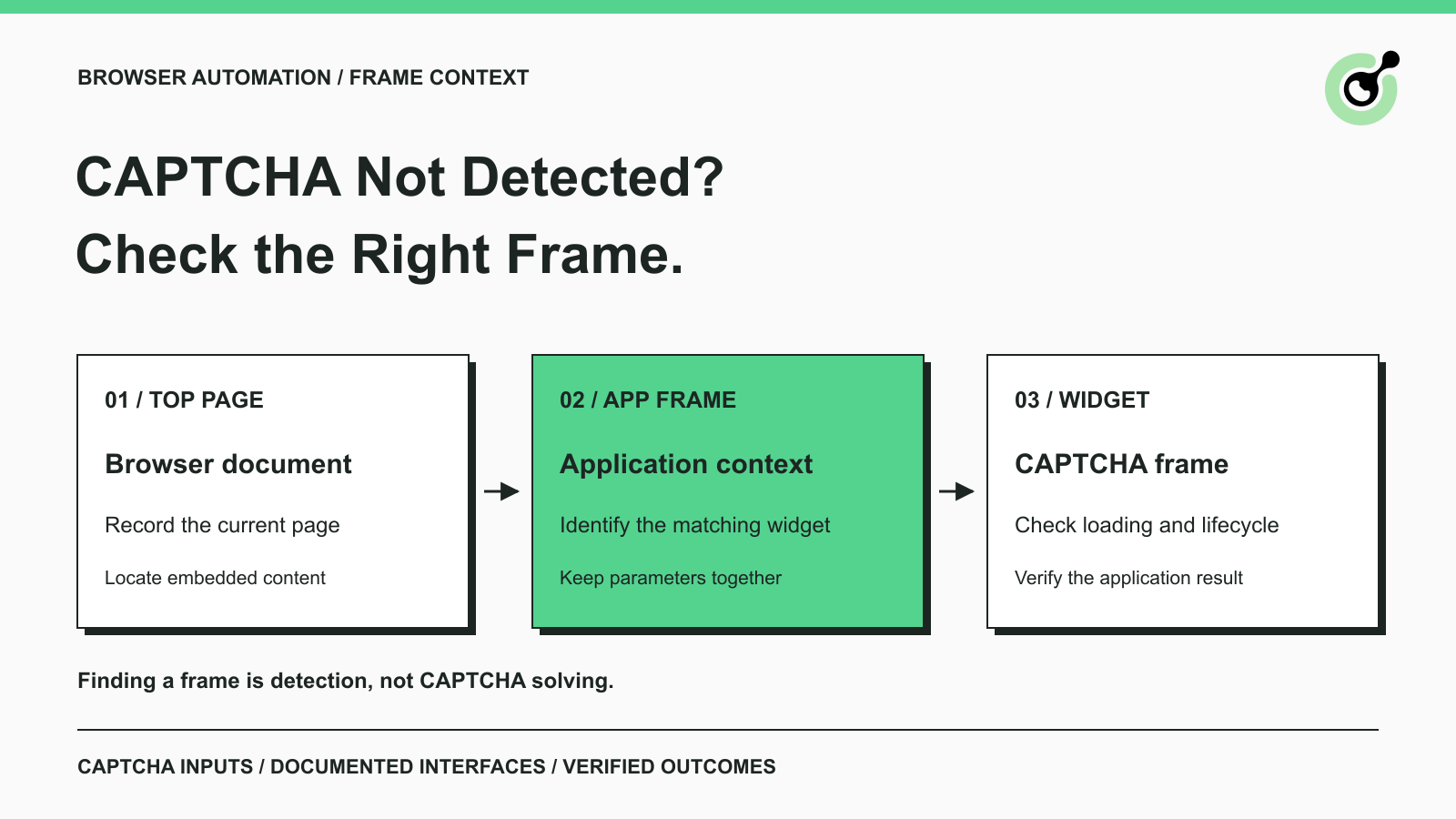
CAPTCHA in an iframe Not Detected? How to Find the Right Frame
Find why a visible CAPTCHA is missed inside an iframe. Check document context, widget loading, site parameters, and the browser handoff to your solver.

Nikolai Smirnov
27-Oct-2026
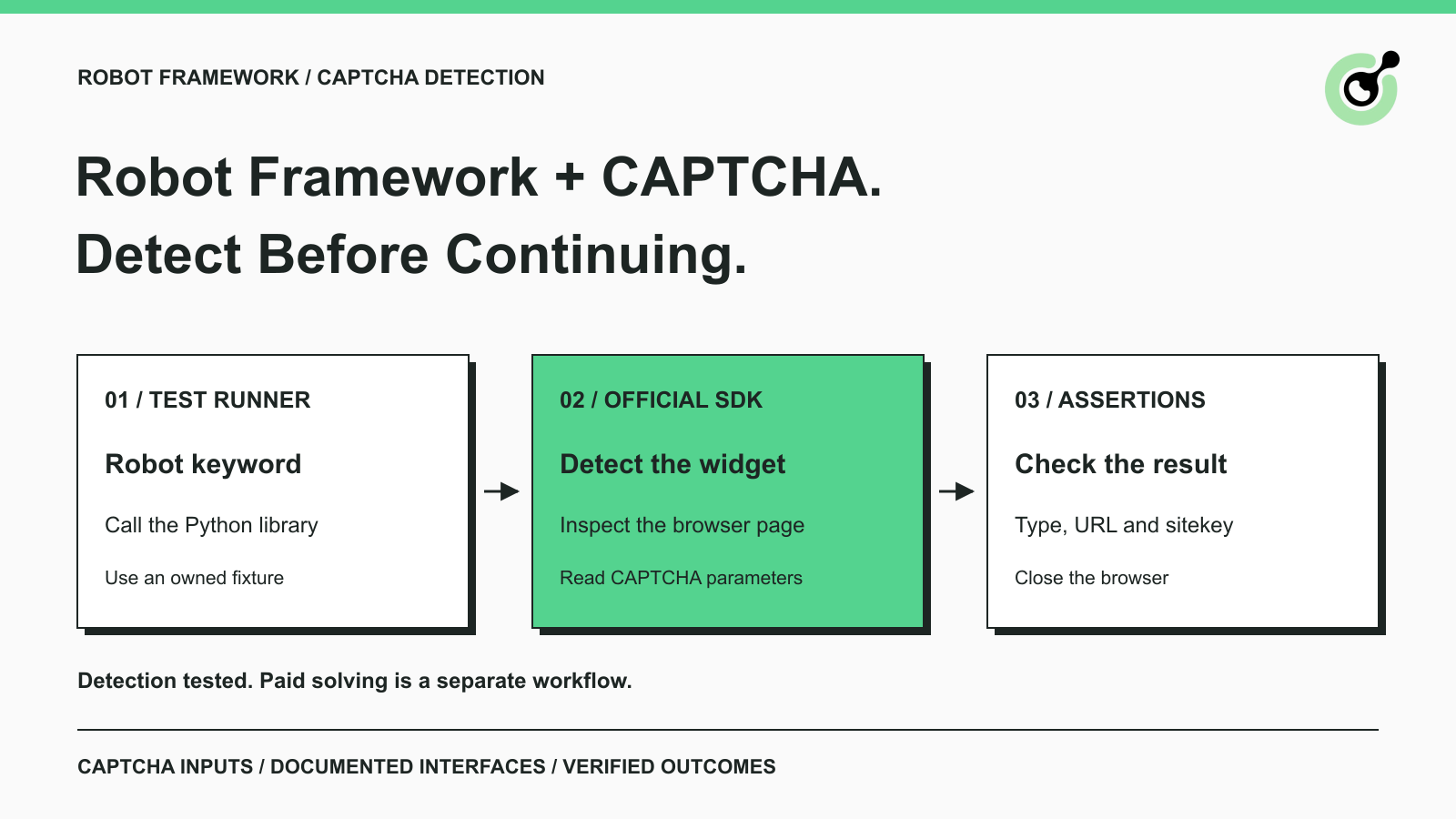
How to Detect CAPTCHA in Robot Framework Browser Tests
Detect CAPTCHA in Robot Framework with a tested Python keyword and the official solver SDK. Inspect page parameters and understand where detection stops.

Aloísio Vítor
26-Oct-2026
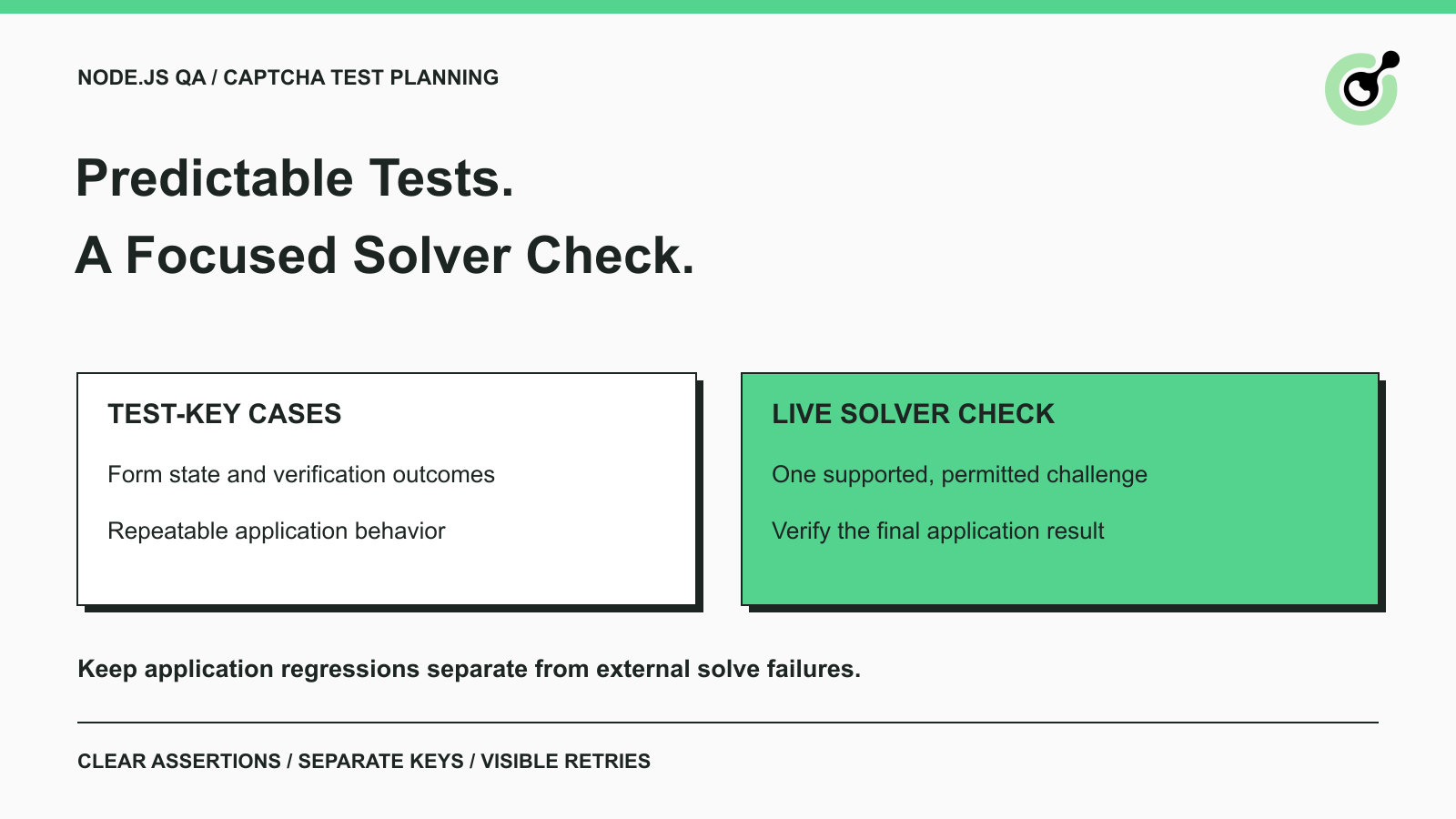
CAPTCHA Testing in Node.js: Test Keys and Solver Checks
Plan Node.js CAPTCHA tests with vendor test keys, controlled solver checks, and clear assertions. Separate form regressions from external solving failures.

Khadija Santos
16-Oct-2026
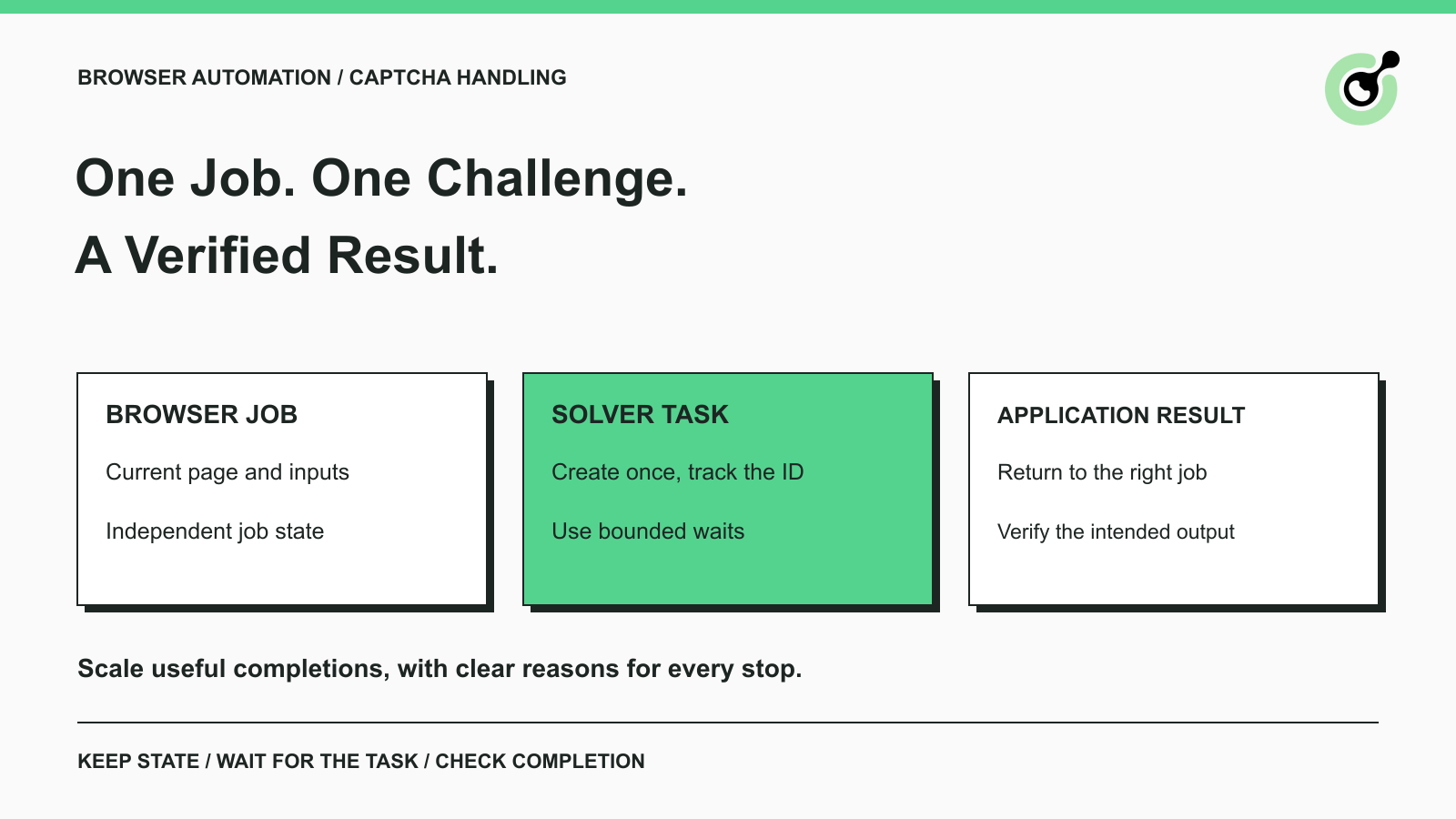
CAPTCHA Handling at Scale: A Browser Automation Guide
Improve CAPTCHA handling in browser automation with current task inputs, isolated browser sessions, bounded retries, and checks that confirm the final result.
Nikolai Smirnov
14-Oct-2026
Common Selenium CAPTCHA Problems and How to Fix Them
Fix common Selenium CAPTCHA integration problems by checking test configuration, extensions, waits, iframe context, solver responses, and application results.
Nikolai Smirnov
22-Sep-2026
CapSolver Python Core SDK vs HTTP API: Which Should You Use?
Choose the CapSolver Python Core SDK or direct HTTP API by task support, page access, response handling, and the responsibilities your application owns.
Ethan Collins
16-Sep-2026