











How to Solve AWS WAF CAPTCHA in Go with the Official SDK

Lucas Mitchell
How to use CapSolver
17-Sep-2026
TL;DR
- The official Go SDK can submit a documented
AntiAwsWafTaskand return an AWS WAF CAPTCHA result. - This task uses an owned page URL and a proxy; optional challenge fields should follow the current task documentation.
- Set the SDK API host to HTTPS explicitly in the version used here, and apply an HTTP request timeout.
- Read the result through
result.Solution.Cookieafter checking errors, readiness, and a nonempty solution. - Local HTTP fixture tests verified the example's request and response behavior; a live AWS WAF solve and application acceptance were not tested.
An AWS WAF CAPTCHA integration in Go has two separate responsibilities: ask a solver for the documented result, then use that result correctly in the application being tested. The official SDK handles the API exchange, but it cannot decide whether your application accepted the completed attempt.
This tutorial uses CapSolver for an owned AWS WAF test page. It focuses on installing the Go module, constructing the task, handling the returned cookie, and understanding the SDK's transport behavior. The walkthrough does not assume that a token accepted on one domain applies to another.
What does the Go SDK handle?
The Go SDK wraps task creation and result retrieval behind its Solve method. An API library packages those calls into language-level methods, but you still need the correct task parameters and application logic.
The official AWS WAF task documentation describes AntiAwsWafTask and its solution.cookie result. The Go SDK exposes the response as a CapSolverResponse containing a Solution pointer. That distinction matters: Solve does not return the cookie string directly.
For this tutorial, the intended sequence is:
- Open an owned test page and identify the AWS WAF challenge context.
- Provide that page URL, the required proxy, and a solving API key.
- Call the SDK and check the returned response.
- Pass the cookie value to the same authorized application test.
- Assert the application's actual outcome.
AWS describes its tokens as part of AWS WAF intelligent threat mitigation. Treat the result as a value associated with a particular attempt, not as a permanent permission to access an application.
Step 1: Install the official Go module
Create a small Go module and pin the SDK version used for this example. The package is published in the official CapSolver Go repository.
bash
mkdir capsolver-aws-waf-example
cd capsolver-aws-waf-example
go mod init capsolver-aws-waf-example
go get github.com/capsolver/capsolver-go@v0.0.0-20251204081438-e4e07af23eae
The example was compiled and its local tests executed with Go 1.27.1. The long dependency version is a Go pseudo-version identifying a particular commit. Pinning it makes the SDK source reproducible; it is not a recommendation to ignore future upstream fixes.
Keep the generated go.mod and go.sum with the example. The standard Go dependency management documentation explains these files and version selection. When upgrading the SDK, rerun the tests that cover request fields and response handling.
This installation prepares the client library. It does not provision an AWS WAF test page, buy solver credit, or configure a proxy. Those are separate prerequisites for a real solve.
Step 2: Prepare the three required settings
The example reads an owned page URL, a proxy string, and a solving API key from environment variables.
| Variable | Value to supply |
|---|---|
OWNED_WAF_URL |
URL of the AWS WAF page you own or are authorized to test |
CAPSOLVER_PROXY |
Proxy formatted according to the task documentation |
CAPSOLVER_API_KEY |
Solving API key for your CapSolver account |
These variable names belong to the example; they are not additional API task fields. The Go code maps them to websiteURL, proxy, and the SDK client's ApiKey.
Use your normal secret manager or development environment to supply credentials. Do not paste a real key into committed source, and do not substitute a content-management credential for the solving key. Proxy credentials should receive the same care.
Choose the specific owned URL that produces the challenge. A generic homepage may not provide the context needed for a test of a different route. Keep the application session and network configuration consistent with the test design instead of treating the solver result as detached from the request that needs it.
Step 3: Set HTTPS and submit the task
Save the following code as main.go. Its task map and Solve call follow the official SDK and task examples. The environment checks, explicit HTTPS host, timeout, and ready-cookie checks are additions for this small program. Local HTTP fixtures exercised the SDK; a live solve requires your solving key, proxy, and owned page and was not performed.
go
package main

import (
    "errors"
    "fmt"
    "log"
    "net/http"
    "os"
    "time"

    capsolver_go "github.com/capsolver/capsolver-go"
)

func solveAWS(pageURL, proxy, key string) (*capsolver_go.CapSolverResponse, error) {
    if pageURL == "" || proxy == "" || key == "" {
        return nil, errors.New("set OWNED_WAF_URL, CAPSOLVER_PROXY and CAPSOLVER_API_KEY")
    }
    client := capsolver_go.CapSolver{ApiKey: key}
    result, err := client.Solve(map[string]any{
        "type": "AntiAwsWafTask",
        "websiteURL": pageURL,
        "proxy": proxy,
    })
    if err != nil {
        return nil, err
    }
    if result == nil || result.Status != "ready" ||
        result.Solution == nil || result.Solution.Cookie == "" {
        return nil, errors.New("no ready AWS WAF cookie result")
    }
    return result, nil
}

func main() {
    capsolver_go.ApiHost = "https://api.capsolver.com"
    http.DefaultClient.Timeout = 20 * time.Second
    result, err := solveAWS(
        os.Getenv("OWNED_WAF_URL"),
        os.Getenv("CAPSOLVER_PROXY"),
        os.Getenv("CAPSOLVER_API_KEY"),
    )
    if err != nil {
        log.Fatal(err)
    }
    fmt.Println("AWS WAF result status:", result.Status)
    // result.Solution.Cookie belongs to this authorized test attempt.
}
In the pinned SDK source, the default host falls back to an HTTP URL. The explicit assignment to capsolver_go.ApiHost selects https://api.capsolver.com before the request carries your solving credential.
The SDK uses Go's default HTTP client. Setting http.DefaultClient.Timeout therefore applies a request timeout for this standalone example. It also changes that process-wide client: if you embed the SDK in a larger application, review the effect on other users of the default client.
The 20-second value is an example setting, not a service completion guarantee or a deadline for the whole task. The SDK can make multiple HTTP requests while retrieving a result. Each request having a timeout does not make the complete Solve call a 20-second operation.
The Go net/http documentation describes client timeout behavior. The wrapper does not expose a context-based cancellation parameter because the SDK method shown here does not accept one.
Redeem Your CapSolver Bonus Code
Boost your automation budget instantly!
Use bonus code CAP26 when topping up your CapSolver account to get an extra 5% bonus on every recharge — with no limits.
Redeem it now in your CapSolver Dashboard

Step 4: Run the program and inspect the result
Run the program after providing the three environment settings. This live command still needs validation with your owned page; the recorded tests used a local HTTP fixture:
bash
go run .When the SDK returns a ready response with a nonempty cookie, the program prints the response status. It deliberately does not print the cookie itself. The value is available at result.Solution.Cookie for the part of your owned test that continues the application flow.
There are three distinct checks in solveAWS. A Go error fails the call. A missing or non-ready response fails the wrapper's readiness check. A nil solution or empty cookie fails the result-content check. This prevents the calling code from continuing merely because a pointer was returned.
A status print is not a successful application assertion. Add the final check in your test runner after it uses the returned value in the appropriate session. If the page still presents a challenge, retain the observed stage and relevant provider error information rather than treating the printed status as proof that the page accepted the attempt.
The example does not implement an HTTP cookie jar or browser automation layer. Those depend on how your application creates and maintains its test session. Avoid adding a guessed cookie domain or global header that applies the value to unrelated requests.
When are optional AWS WAF fields needed?
Optional fields are relevant when the actual challenge context and current task documentation require them. The AWS WAF task guide includes fields such as awsKey, awsIv, awsContext, and awsChallengeJS for documented situations.
Start with the request that matches your page and supported task type. If the service reports that required context is missing, inspect the current challenge on the owned page and follow the corresponding documentation. Do not insert placeholder values into every optional field simply to make the JSON look complete.
Challenge data should belong to the current attempt. Mixing a page URL from one test with challenge parameters saved from a different page or time makes the request harder to reason about. A request can be syntactically valid while its inputs describe incompatible contexts.
The broader AWS WAF CAPTCHA guide explains the task family. This Go example adds language-specific handling of the response envelope and HTTP behavior; it does not change the required challenge information.
How should the application use the returned cookie?
The application should use the result only in the authorized test context for which it was obtained. AWS documents token domains and domain lists, which influence where a token can be accepted.
For an owned integration test, record the target host and the attempt associated with the result. Let the application-specific client or browser layer manage its intended cookie scope. Do not assume that the returned string should be copied to every host a crawler or agent visits.
A useful acceptance check answers two questions: did the provider return the expected result shape, and did the application accept the subsequent operation? Keep both outcomes. If the first succeeds and the second fails, investigate domain, session, timing, and the application response rather than labeling every rejection as an SDK transport failure.
The SDK does not implement AWS access policies or alter your web ACL. Your application's WAF configuration still controls request handling.
What did the local tests verify?
The example was run against a local HTTP fixture using the real pinned SDK. The tests checked the outgoing task map, a direct ready response, a create-then-poll response, provider errors, malformed JSON, missing cookies, and missing settings.
That test surface is narrower than a live solve. The fixture supplied its own cookie value, and no real AWS WAF page accepted it. The tests establish that the Go wrapper interacts with the installed SDK and handles those response shapes. They do not establish live service compatibility or a solve success rate.
One source detail deserves attention when extending the client: the pinned SDK serializes its credential using ClientKey, while the REST examples show clientKey. The local fixture records what the SDK actually sends; it does not prove what casing a live endpoint accepts. Keep this distinction visible when diagnosing a real request, and consult upstream support before changing SDK internals.
For a first live check, use a single representative owned page, a valid solving key, and the documented proxy setup. Verify the returned cookie and the final application outcome. Try CapSolver for that task-specific check before expanding the integration to additional pages.
FAQ
Q: What is the correct Go import path?
Use github.com/capsolver/capsolver-go. This example assigns it the local alias capsolver_go and pins the dependency version shown in the installation command.
Q: Does Solve return the AWS WAF cookie directly?
No. It returns a response envelope. After checking the error, response status, and solution, access the cookie through result.Solution.Cookie.
Q: Why set the API host explicitly?
The pinned SDK source has an HTTP fallback host. The example selects the HTTPS API endpoint before sending credentials. Check this behavior again when changing dependency versions.
Q: Is the HTTP timeout a deadline for the complete solve?
No. The SDK can issue several requests while retrieving the result. A per-request timeout does not impose the same limit on the whole operation or establish remote cancellation.
Q: Was this tested against a live AWS WAF page?
No. The Go code was executed against local HTTP fixtures with the real SDK. A live solving key and an owned AWS WAF test page are still needed to validate service behavior and application acceptance.
Compliance Disclaimer: The information provided on this blog is for informational purposes only. CapSolver is committed to compliance with all applicable laws and regulations. The use of the CapSolver network for illegal, fraudulent, or abusive activities is strictly prohibited and will be investigated. Our captcha-solving solutions enhance user experience while ensuring 100% compliance in helping solve captcha difficulties during public data crawling. We encourage responsible use of our services. For more information, please visit our Terms of Service and Privacy Policy.
More
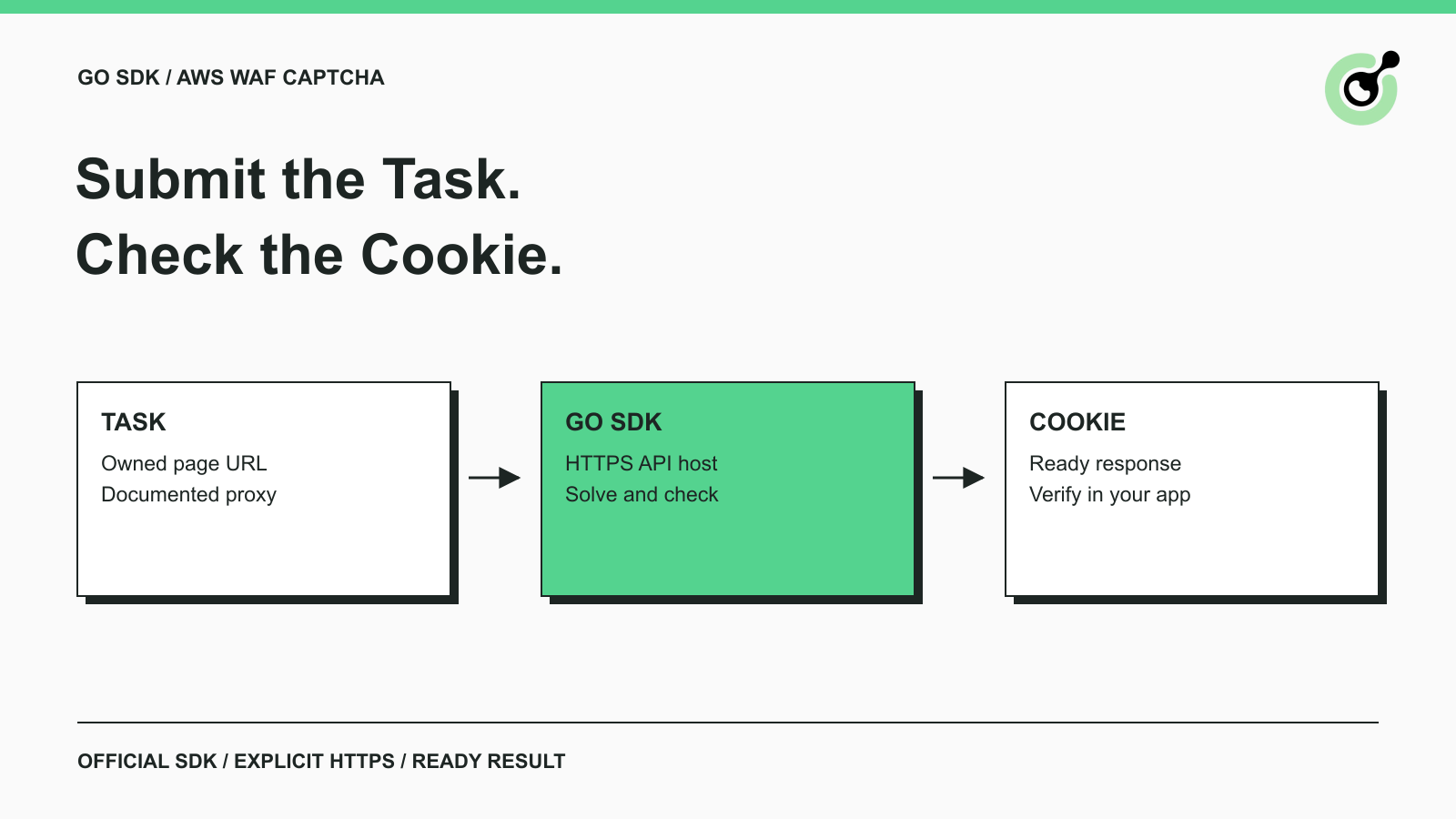
How to Solve AWS WAF CAPTCHA in Go with the Official SDK
Use the official Go SDK for an AWS WAF CAPTCHA task, set HTTPS explicitly, supply documented parameters, and check the returned cookie before continuing.
Lucas Mitchell
17-Sep-2026
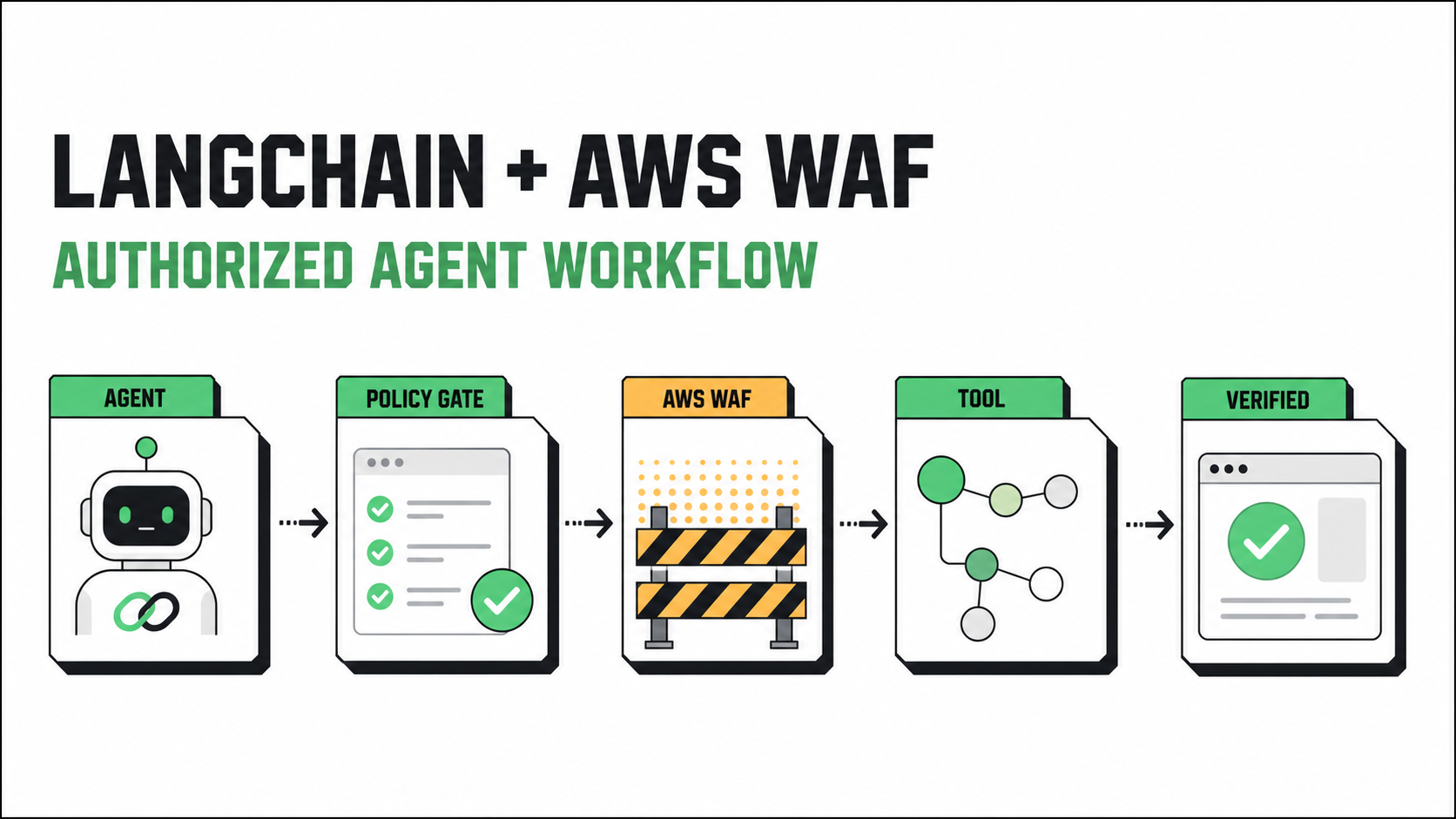
How to Solve AWS WAF in LangChain with CapSolver
Build an authorized AWS WAF LangChain workflow with CapSolver tools, response detection, policy gates, session handling, retries, and verification.

Ethan Collins
23-Jul-2026
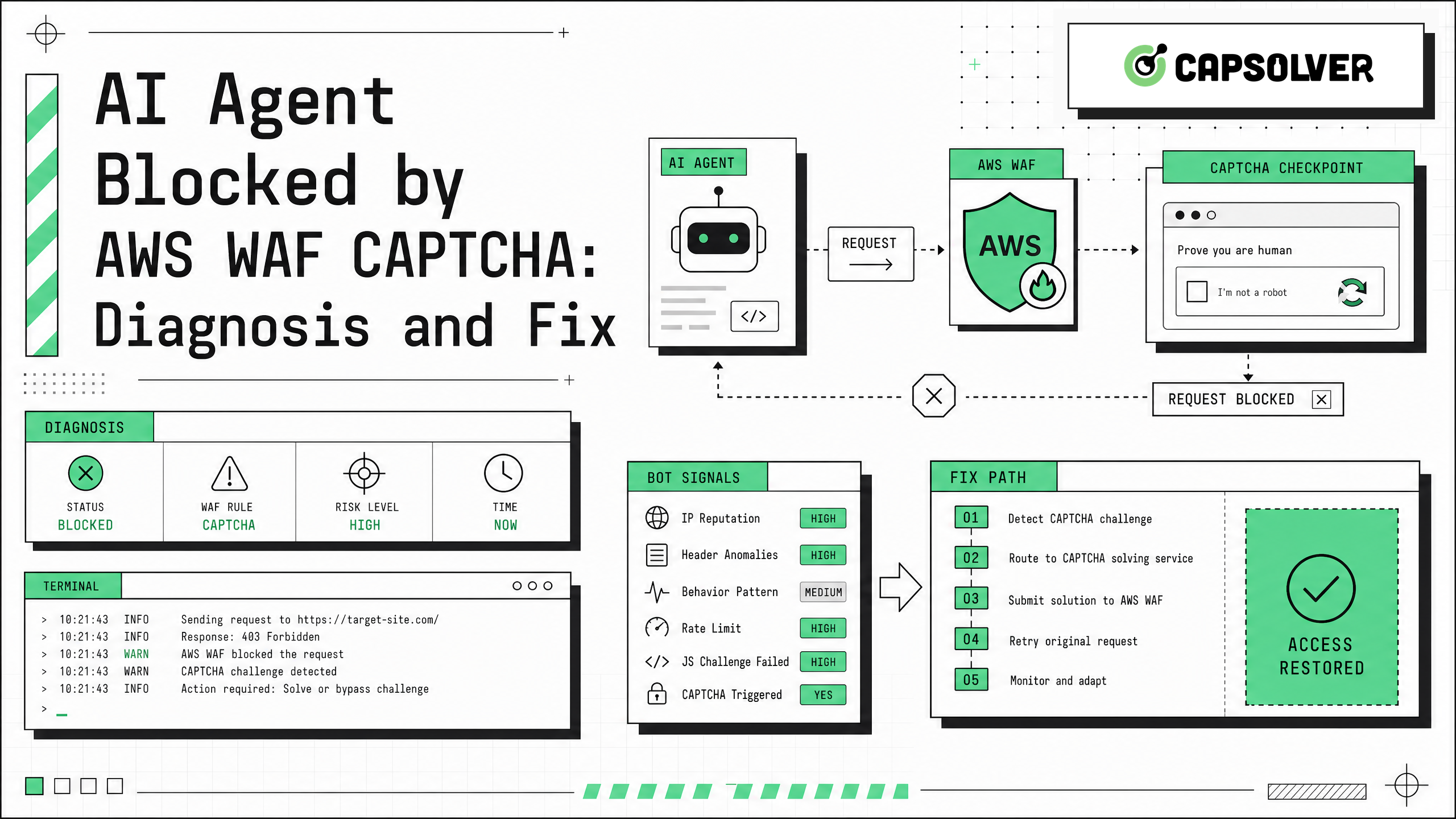
AI Agent Blocked by AWS WAF CAPTCHA: Diagnosis and Fix
AI agent blocked by AWS WAF CAPTCHA? Learn causes, log signals, token checks, browser fixes, and safe CapSolver integration for automation workflows.

Sora Fujimoto
02-Jun-2026
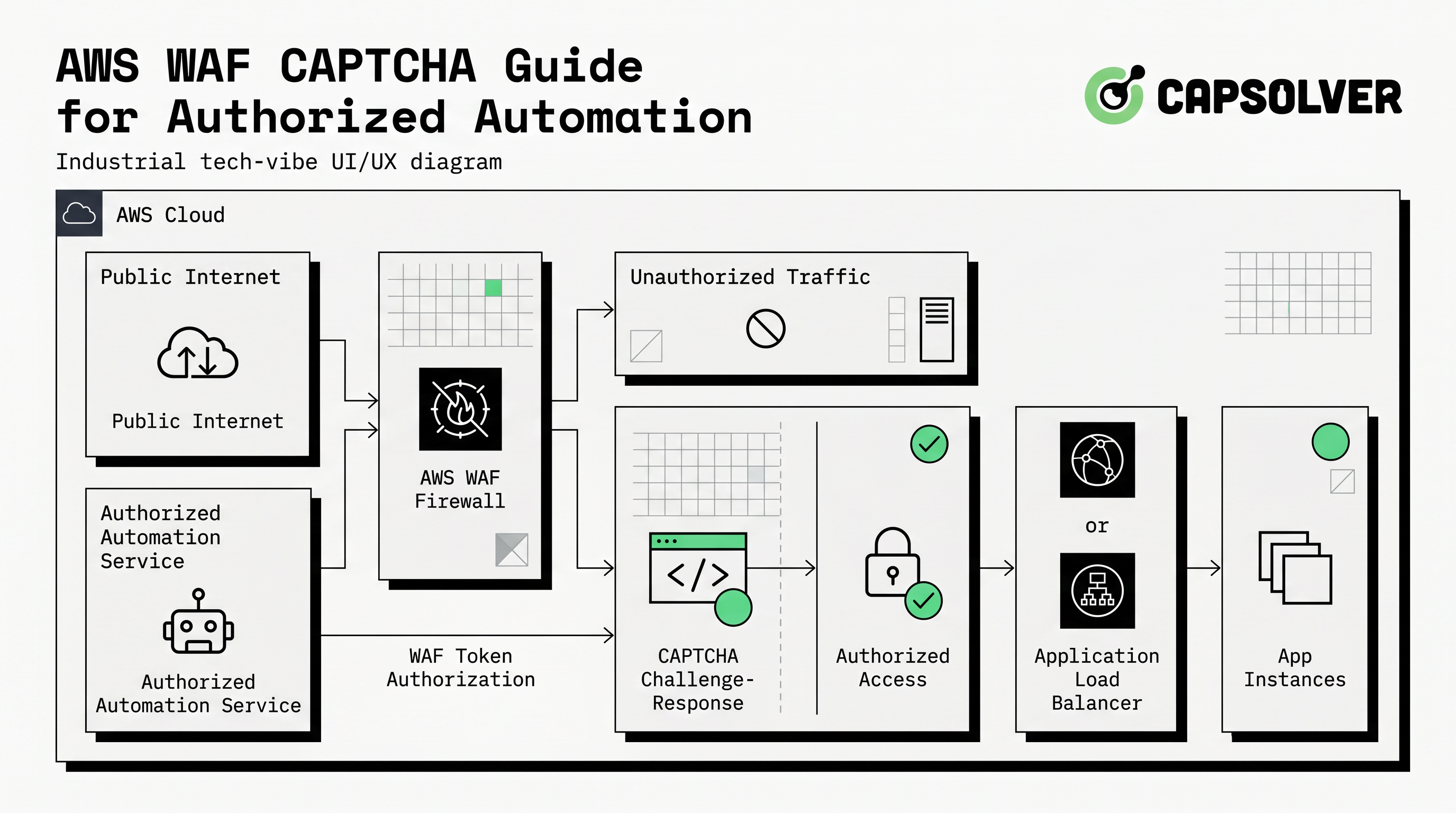
AWS WAF CAPTCHA Guide for Authorized Automation in 2026
Understand aws waf captcha workflows, token behavior, safe testing, and how CapSolver supports authorized CAPTCHA handling.
Lucas Mitchell
21-May-2026
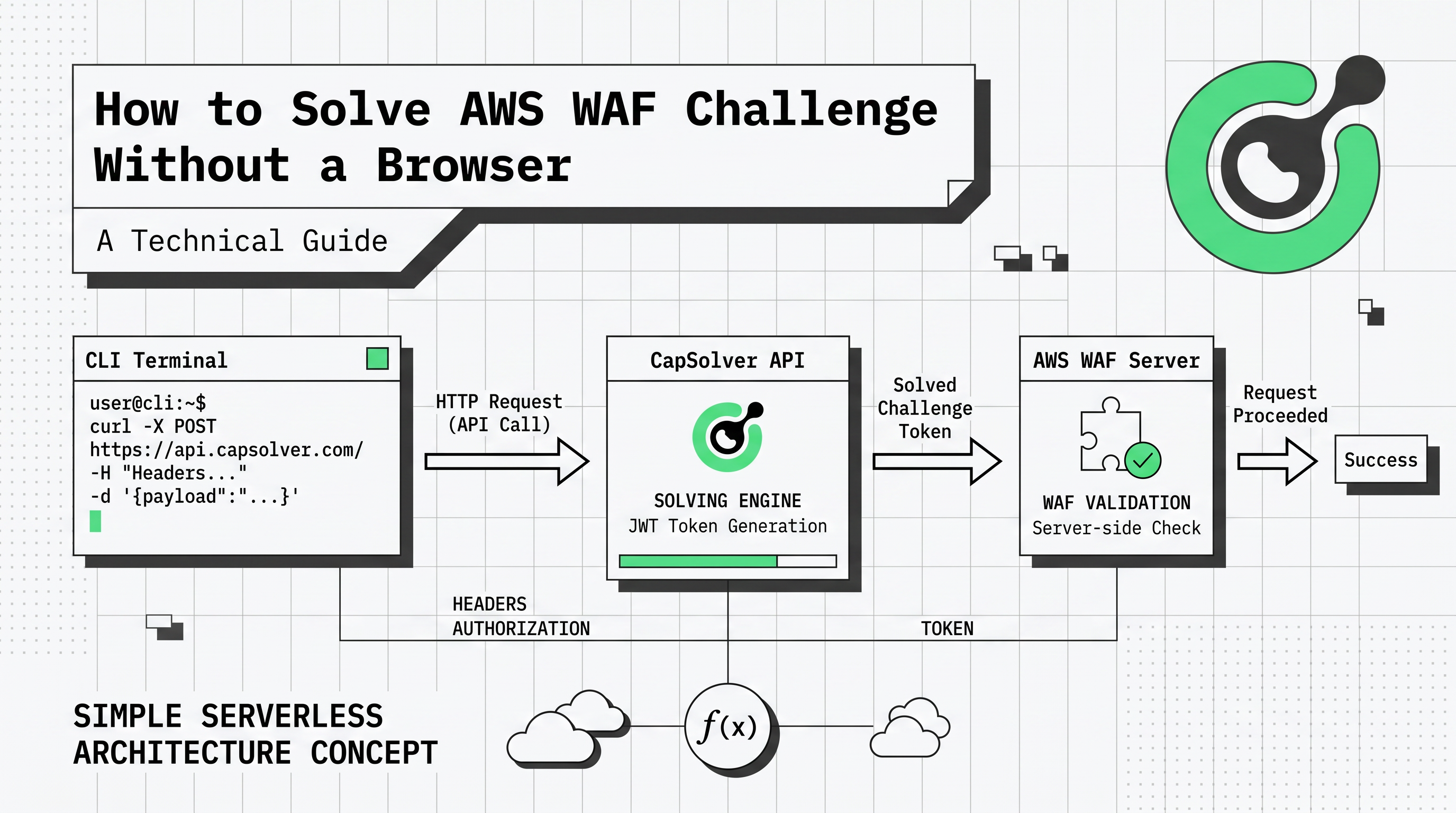
How to Solve AWS WAF Challenge Without a Browser: A Technical Guide
Learn how to solve AWS WAF challenges and CAPTCHAs without a browser. Use CapSolver's API to generate tokens and bypass 405 status codes.
Ethan Collins
06-May-2026
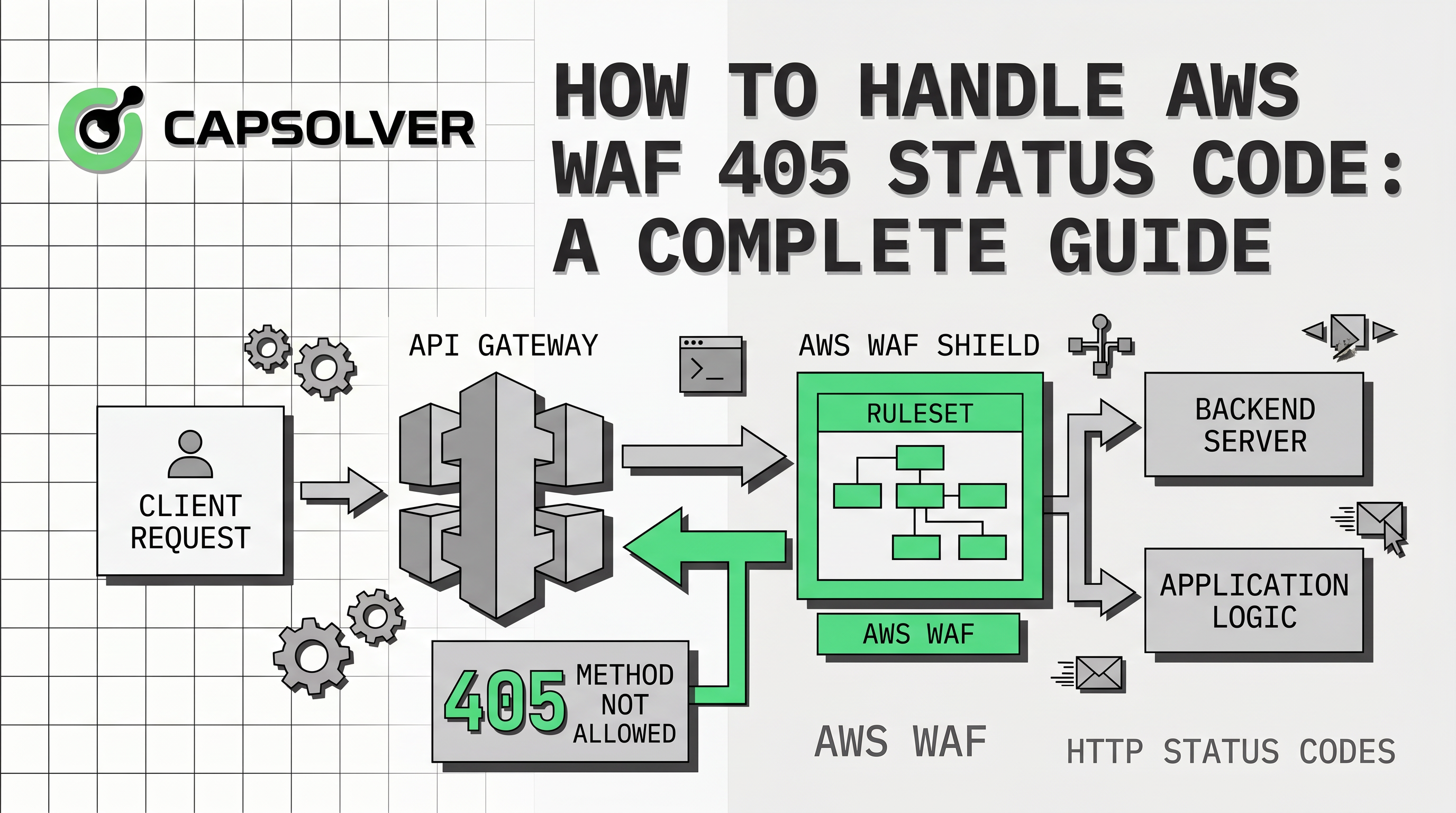
How to Handle AWS WAF 405 Status Code: A Complete Guide
Learn how to handle AWS WAF 405 status code effectively. Discover the difference between 202 and 405, and how to solve CAPTCHA challenges with CapSolver.
Ethan Collins
27-Apr-2026