











Cloudflare Blocking Your AI Agent? Here's the Solution

Lucas Mitchell
How to use CapSolver
04-Jun-2026
TL;DR
- Cloudflare blocking your AI agent usually means the request pattern, browser signals, IP reputation, rate, or AI crawler category looks risky to the target site.
- Start with permission, robots.txt, rate limits, and official APIs before changing automation infrastructure.
- For owned or authorized workflows, classify the block as Turnstile, Managed Challenge, WAF rule, rate limit, or AI crawler control before choosing a fix.
- CapSolver can help AI agents handle supported Cloudflare Turnstile challenges when the workflow is lawful, authorized, and technically integrated correctly.
- The durable solution is not one trick. It is a responsible workflow with browser context, stable sessions, crawl discipline, challenge handling, monitoring, and fallback logic.
Introduction
Cloudflare blocking your AI agent is usually a signal problem, not a random failure. The site may see fast requests, weak browser context, unusual IP reputation, missing cookies, or an AI crawler category it does not want to serve. The right solution is to slow down, classify the Cloudflare response, and use approved access paths first. For teams running legitimate browser automation, QA, RPA, public data monitoring, or agentic browsing, CapSolver can handle supported CAPTCHA and Turnstile steps as part of a controlled workflow. This guide explains why Cloudflare blocks AI agents, how to diagnose the exact layer, and how to build a practical recovery path without violating site rules or user trust.
Why Cloudflare Blocks AI Agents
Cloudflare blocking your AI agent often starts with a mismatch between the agent's behavior and normal browser traffic. Many AI agents run from cloud infrastructure, execute tasks quickly, open pages without a warm session history, and repeat similar navigation paths. Those signals can trigger traffic validation even when the task itself is legitimate.
Cloudflare also gives site owners several ways to control non-human traffic. Its bot documentation describes categories such as verified bots and well-behaved crawlers that respect robots.txt, crawl rates, and clear identity signals through Cloudflare bot concepts. For AI-specific traffic, Cloudflare's crawler controls help site owners observe and manage AI crawler activity through AI Crawl Control.
This matters because Cloudflare blocking your AI agent can mean different things:
- The site does not permit your crawler or agent.
- The site permits some crawlers but not AI data collection.
- The agent is moving too quickly or too uniformly.
- The browser session lacks required cookies, JavaScript execution, or client signals.
- A Cloudflare Turnstile widget or challenge step is waiting for completion.
- A WAF or rate-limiting rule is stopping the request before the page loads.
Before using any technical fix, confirm that your automation is lawful, permitted, and proportionate. Technical capability does not grant permission to access private, restricted, sensitive, or unauthorized data.
First Diagnose The Type Of Cloudflare Block
Cloudflare blocking your AI agent should be treated as an incident with evidence. Do not guess from a single screenshot. Capture the HTTP status, response body, browser console, final URL, cookies, request headers, and the visible challenge type.
1. Turnstile Widget
Turnstile is Cloudflare's CAPTCHA alternative. Cloudflare describes it as a challenge type designed to validate traffic with less user friction through Cloudflare Turnstile documentation. In a page, you may see a widget, a cf-turnstile element, or a sitekey value.
If Cloudflare blocking your AI agent is caused by Turnstile, the agent usually reaches the page but cannot submit a form or continue the task until a token is produced and verified. For authorized automation, CapSolver's Cloudflare Turnstile documentation shows the supported task type and the required fields, including websiteURL and websiteKey.
2. Managed Challenge Or Interstitial Page
A Managed Challenge often appears as an intermediate page before the target page. The browser may show a "checking your browser" style flow or a challenge page that never completes in headless or poorly configured browser sessions.
When Cloudflare blocking your AI agent happens at this layer, check whether the agent is using a real browser engine, loading JavaScript, preserving cookies, and avoiding excessive parallel requests. Some failures come from agent orchestration choices rather than the challenge provider.
3. WAF Rule, 403, Or 1020 Access Denied
A WAF block is often policy-driven. It may be based on path, country, ASN, IP reputation, request header pattern, or method. CAPTCHA handling will not fix a policy rule that denies the request before a challenge flow begins.
For your own properties, review Cloudflare security events and rule IDs. For third-party properties, do not attempt to work around access restrictions. Use the site's API, data partnership, export feature, or permission process.
4. Rate Limit Or 429
Cloudflare blocking your AI agent can also appear as 429 Too Many Requests. In that case, the solution is rate discipline: reduce concurrency, add backoff, cache results, respect crawl-delay preferences when present, and avoid repeated retries against protected endpoints.
CapSolver's errors and troubleshooting FAQ is useful when diagnosing automation failures such as HTTP 429, proxy timeouts, and incorrect target pages.
5. AI Crawler Control
AI crawler controls are different from generic browser automation blocks. OpenAI documents crawler identity and robots.txt controls for GPTBot and related agents in OpenAI crawler documentation. Google similarly documents common crawler identities and AI-related tokens in Google crawler documentation. Anthropic documents ClaudeBot and opt-out behavior in Anthropic crawler guidance.
If Cloudflare blocking your AI agent is caused by AI crawler policy, the responsible path is transparency and permission. Identify your agent honestly, respect robots.txt and site terms, and contact the site owner if you need access.
The Practical Solution Framework
Cloudflare blocking your AI agent is best solved with a layered workflow. The goal is reliable authorized access, not noisy retries.
| Problem layer | Common symptom | Responsible fix |
|---|---|---|
| Permission or policy | robots.txt denies access, API terms prohibit crawling, AI crawler blocked | Stop or request permission, use an official API, or narrow scope |
| Rate and behavior | 429, repeated challenge pages, session resets | Lower concurrency, add backoff, preserve sessions, cache results |
| Browser context | Challenge loop, missing page state, JavaScript errors | Use a full browser, maintain cookies, load scripts, stabilize environment |
| Turnstile challenge | Widget or cf-turnstile sitekey blocks form completion |
Use authorized Turnstile handling with documented fields |
| WAF block | 403, 1020, rule-based denial | Review rules on owned sites or stop on third-party sites |
This framework prevents a common mistake: treating every Cloudflare block as the same problem. A Turnstile widget, a WAF rule, and an AI crawler policy require different responses.
How CapSolver Fits Into Authorized AI Agent Workflows
Cloudflare blocking your AI agent becomes manageable when the challenge is supported and the workflow is allowed. CapSolver is relevant when your agent encounters CAPTCHA or Turnstile steps in legitimate automation, browser testing, RPA, public data workflows with permission, or internal operational tools.
For Cloudflare Turnstile, CapSolver documents the AntiTurnstileTaskProxyLess task type and requires websiteURL and websiteKey. The typical process is:
- The agent detects a Turnstile challenge on an authorized page.
- The integration extracts the page URL and site key.
- The agent creates a CapSolver task using the documented task type.
- The agent waits for the result.
- The browser submits the returned token in the page flow.
- The agent verifies that the task continued successfully.
The same design logic appears in CapSolver's agent content, including agentic browser CAPTCHA infrastructure, OpenBrowser automation guidance, and Cloudflare-specific workflow guidance such as Best CapSolver Cloudflare Workflow for Turnstile and Challenge Automation.
Redeem Your CapSolver Bonus Code
Boost your automation budget instantly!
Use bonus code CAP26 when topping up your CapSolver account to get an extra 5% bonus on every recharge — with no limits.
Redeem it now in your CapSolver Dashboard

Cloudflare blocking your AI agent should still have guardrails. Add allowlists for owned domains, cap retries, log challenge frequency, and fail closed when the agent reaches a page it is not authorized to access. For third-party websites, use CapSolver only where you have a valid basis to automate and where the target workflow allows automated access.
Implementation Checklist For AI Agent Teams
A stable fix for Cloudflare blocking your AI agent needs engineering discipline. Use this checklist before shipping the workflow.
Confirm Access Rights
Document the purpose of the automation, the target domains, the allowed paths, and the data categories collected. If the workflow touches accounts, payments, personal data, private pages, or restricted systems, require explicit authorization and a human review path.
Identify The Agent Honestly
For crawler-style agents, use a clear user agent, publish contact information, and respect robots.txt. Do not rotate identity to hide behavior. If a site opts out, stop crawling or request access through a business channel.
Stabilize Browser Sessions
Cloudflare blocking your AI agent is more likely when each run starts from a fresh, stateless, high-speed browser. Persist cookies where appropriate, avoid unnecessary new contexts, wait for page readiness, and keep browser fingerprints consistent within a session.
Control Concurrency
Aggressive parallelism is a common cause of challenge escalation. Use domain-level queues, exponential backoff, jitter, and per-endpoint limits. Track response status and reduce load automatically when challenge or 429 rates rise.
Add Challenge Detection
Detect visible Turnstile widgets, challenge URLs, 403/1020 pages, and repeated redirects. Route each case differently. A Cloudflare Turnstile challenge may call a documented solver integration. A WAF denial should stop the task or alert the owner.
Monitor Outcomes
Log challenge type, solve duration, retry count, final page state, and failure reason. For production agents, dashboards should separate permission failures from technical failures. This makes Cloudflare blocking your AI agent easier to fix without adding risky behavior.
Common Mistakes That Make The Block Worse
Cloudflare blocking your AI agent often gets worse when the agent keeps retrying without changing strategy. Repeated failed attempts can strengthen the risk signal, especially from the same IP range or browser profile.
Avoid these mistakes:
- Ignoring robots.txt, site terms, or explicit access denials.
- Treating every Cloudflare page as a Turnstile problem.
- Running high-concurrency retries after a 429 or challenge loop.
- Mixing session cookies, proxies, and user agents inconsistently.
- Using CAPTCHA handling where the real issue is a WAF rule or policy block.
- Collecting private, sensitive, or restricted data without permission.
The better approach is simple: classify the block, reduce noise, choose the correct route, and stop when permission is unclear.
When You Own The Website
If Cloudflare blocking your AI agent happens on your own site, you have more options. Create rules that allow your internal QA, monitoring, or RPA agents by verified identity, source IP, mTLS, signed headers, service tokens, or a dedicated test route. Keep public defenses intact for unknown traffic.
For AI crawler visibility, use Cloudflare analytics and crawler controls to decide which agents are beneficial. You might allow search crawlers, block training crawlers, and permit internal agents only on staging or specific production paths.
For forms protected by Turnstile, test both human and automation flows. If an internal agent needs to submit a protected form, consider a dedicated service API instead of forcing the agent through the human interface. Cloudflare blocking your AI agent may be the right signal that the workflow needs an API boundary.
When You Do Not Own The Website
If you do not own the target site, Cloudflare blocking your AI agent is a clear reason to pause. Check the site's robots.txt, terms, API documentation, and permission channels. If the site offers an API, export, partner feed, or data license, use that path.
For public data monitoring, keep collection narrow and respectful. Do not access logged-in content, paywalled content, private user data, restricted endpoints, or systems that clearly deny automated access. For research or commercial workflows, get written permission when the rules are not clear.
CapSolver can support authorized challenge handling, but it is not a permission substitute. The legal and ethical basis must come first.
Conclusion
Cloudflare blocking your AI agent is solvable when you separate policy, rate, browser context, WAF, and Turnstile challenges. Start with permission and diagnostics. Then stabilize the browser, reduce concurrency, respect crawler controls, and add documented challenge handling only for allowed workflows. For teams building legitimate AI agents, browser automation, RPA, QA, or public data monitoring, CapSolver provides the CAPTCHA and Turnstile infrastructure needed to keep authorized tasks moving with clear guardrails.
FAQ
Why is Cloudflare blocking your AI agent?
Cloudflare blocking your AI agent usually means the site sees risky traffic signals, such as high request rate, weak browser context, poor IP reputation, missing cookies, AI crawler category rules, or a Turnstile challenge that the agent cannot complete.
Is a Cloudflare block always a CAPTCHA problem?
No. A Cloudflare block can be a Turnstile challenge, Managed Challenge, WAF rule, rate limit, bot category rule, or explicit access policy. Diagnose the status code, page content, challenge type, and security event before choosing a fix.
Can CapSolver help when Cloudflare blocks an AI agent?
Yes, when the workflow is lawful and authorized and the block is a supported CAPTCHA or Turnstile challenge. CapSolver's Cloudflare Turnstile task uses documented fields such as websiteURL and websiteKey.
What should I do if the site does not allow automation?
Stop the workflow or request permission. Use an official API, export, partner feed, or written authorization. CAPTCHA handling does not grant permission to access private, restricted, sensitive, or unauthorized data.
How do I prevent Cloudflare blocking your AI agent again?
Use clear identity, respect robots.txt, reduce concurrency, preserve browser sessions, add backoff, monitor challenge rates, and route Turnstile, WAF, and rate-limit failures differently.
Compliance Disclaimer: The information provided on this blog is for informational purposes only. CapSolver is committed to compliance with all applicable laws and regulations. The use of the CapSolver network for illegal, fraudulent, or abusive activities is strictly prohibited and will be investigated. Our captcha-solving solutions enhance user experience while ensuring 100% compliance in helping solve captcha difficulties during public data crawling. We encourage responsible use of our services. For more information, please visit our Terms of Service and Privacy Policy.
More
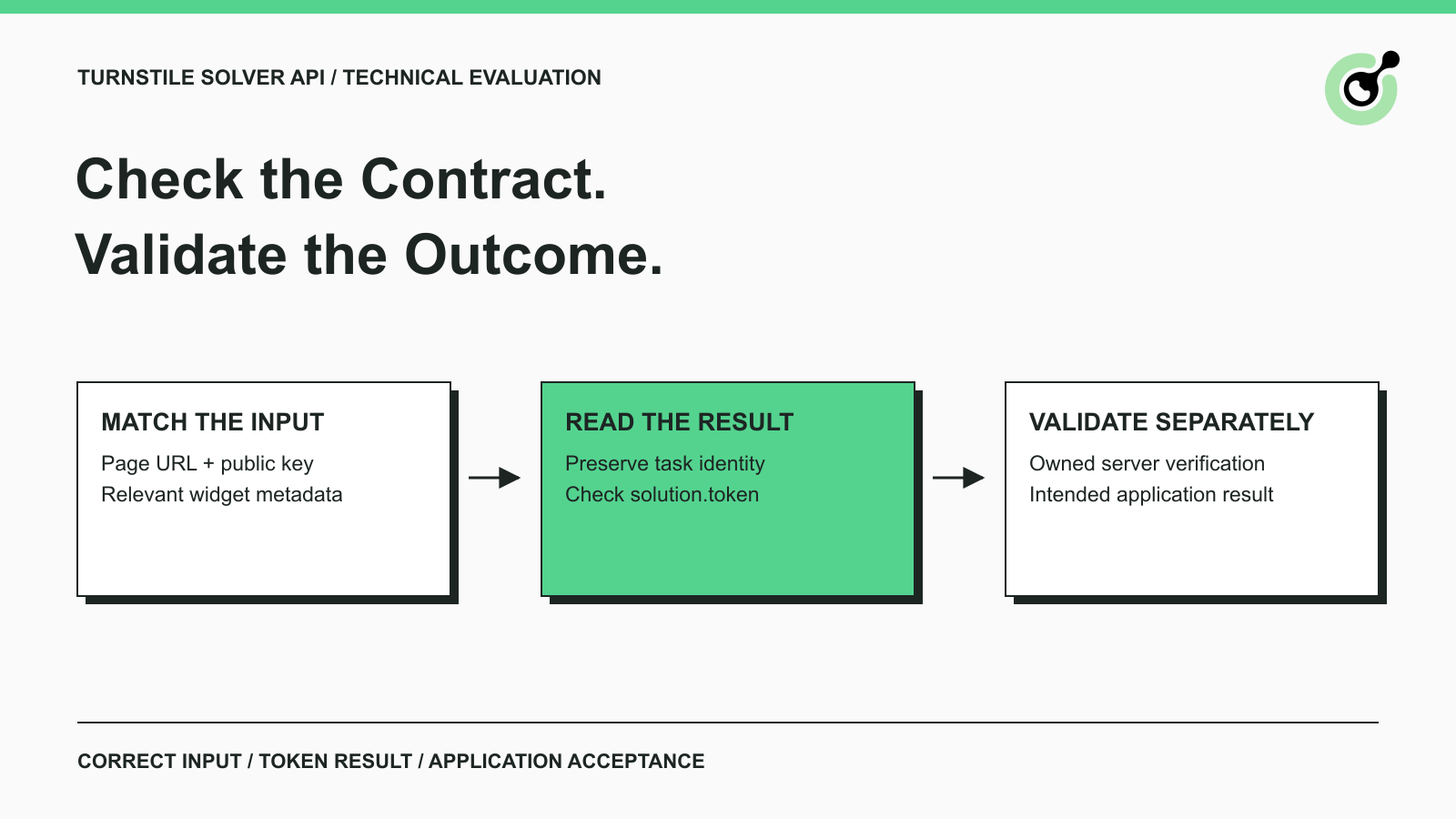
Turnstile Solver API Checklist: Inputs, Tokens, and Validation
Evaluate a Turnstile solver API by its documented inputs, token response, validation boundary, and controlled test cases before adding it to your workflow.

Emma Foster
16-Sep-2026
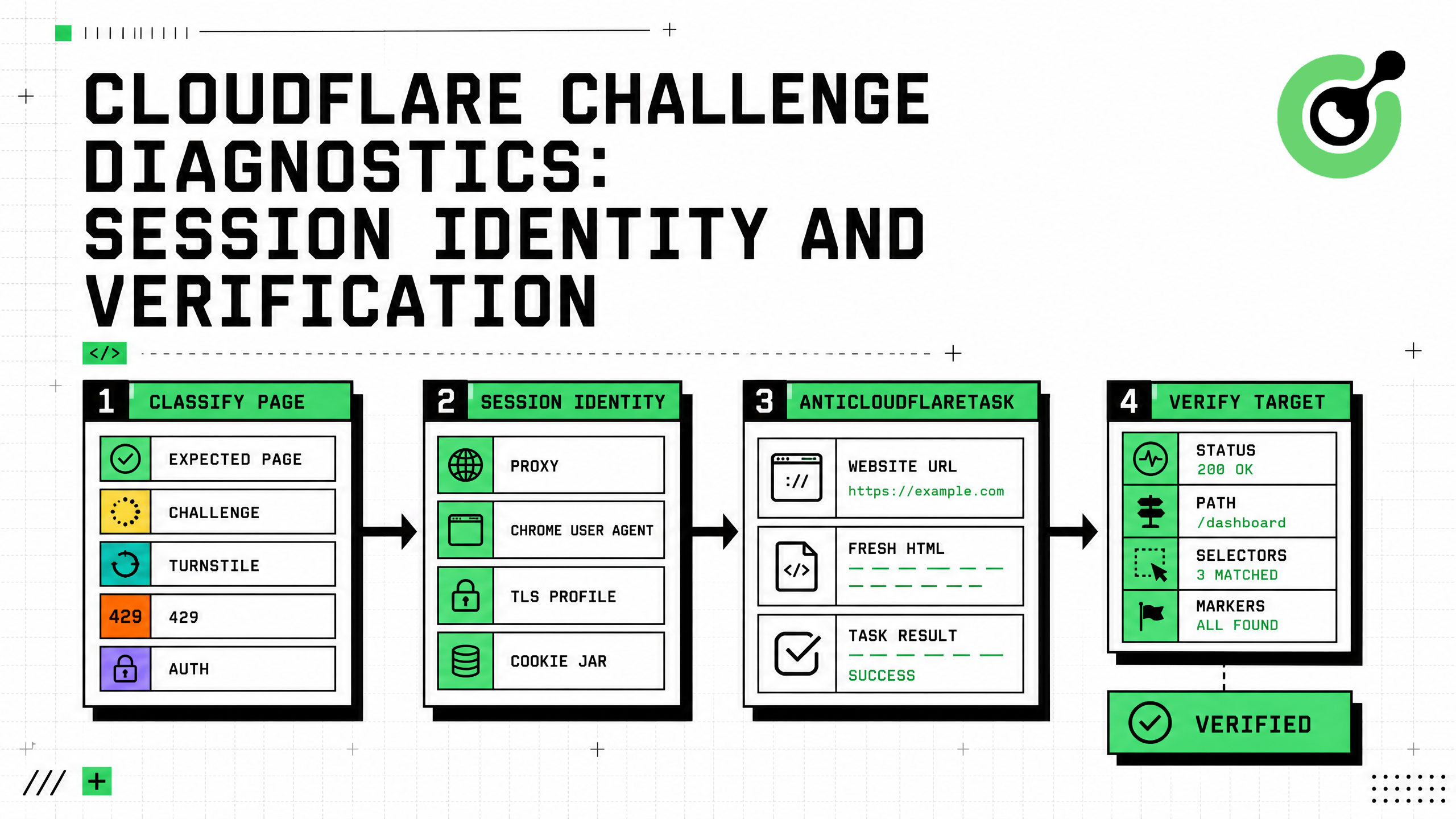
Cloudflare Challenge Diagnostics: Session Identity and Verification
Diagnose Cloudflare Challenge flows with AntiCloudflareTask, stable proxy and user agent identity, fresh HTML, clearance handling, validation, and safe errors.

Nikolai Smirnov
31-Aug-2026
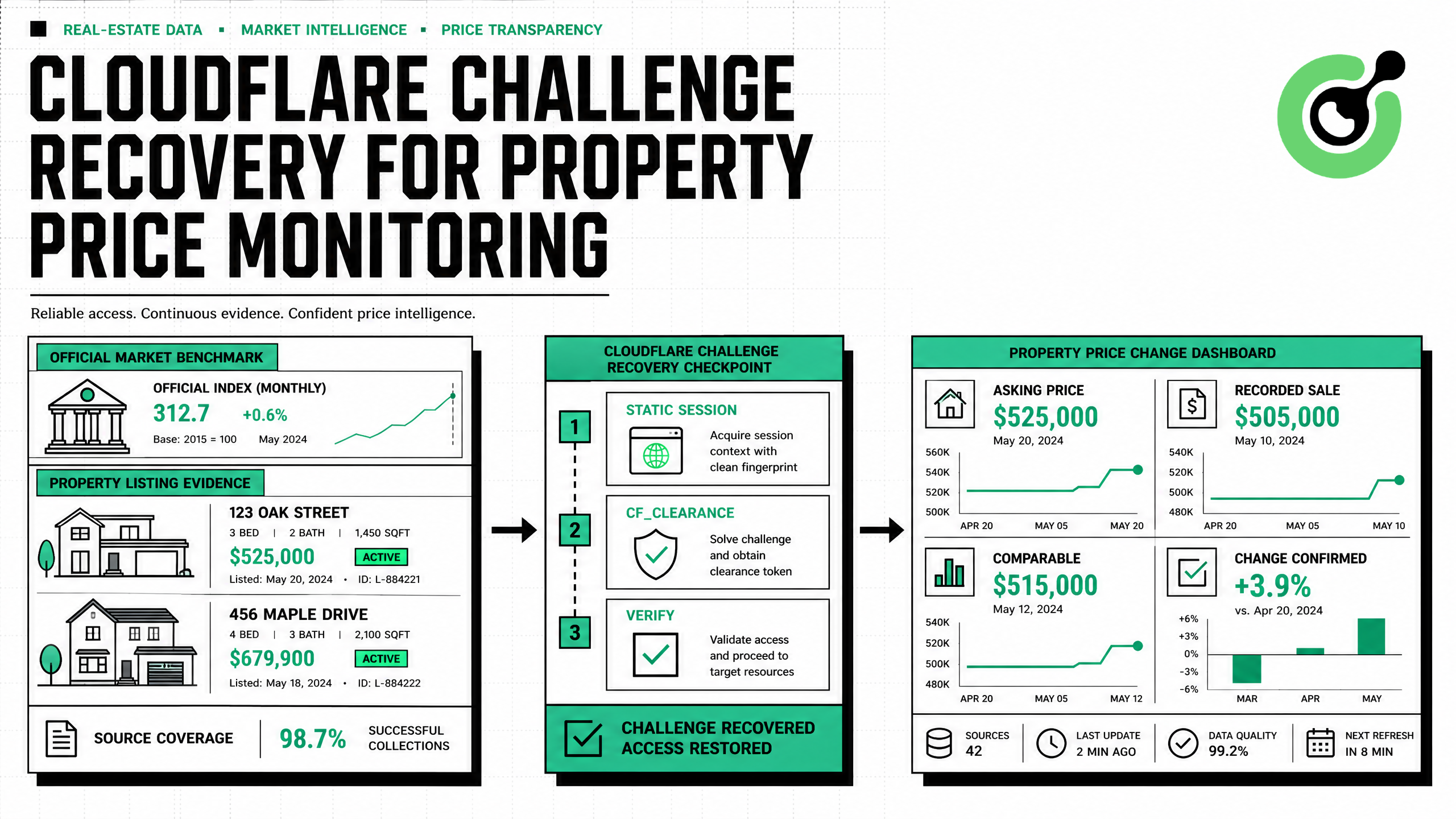
How to Solve Cloudflare Challenge for Property Price Monitoring
Build reliable property price monitoring with official datasets, comparable observations, Cloudflare Challenge Solving, evidence, and controlled alerts.

Adélia Cruz
28-Aug-2026
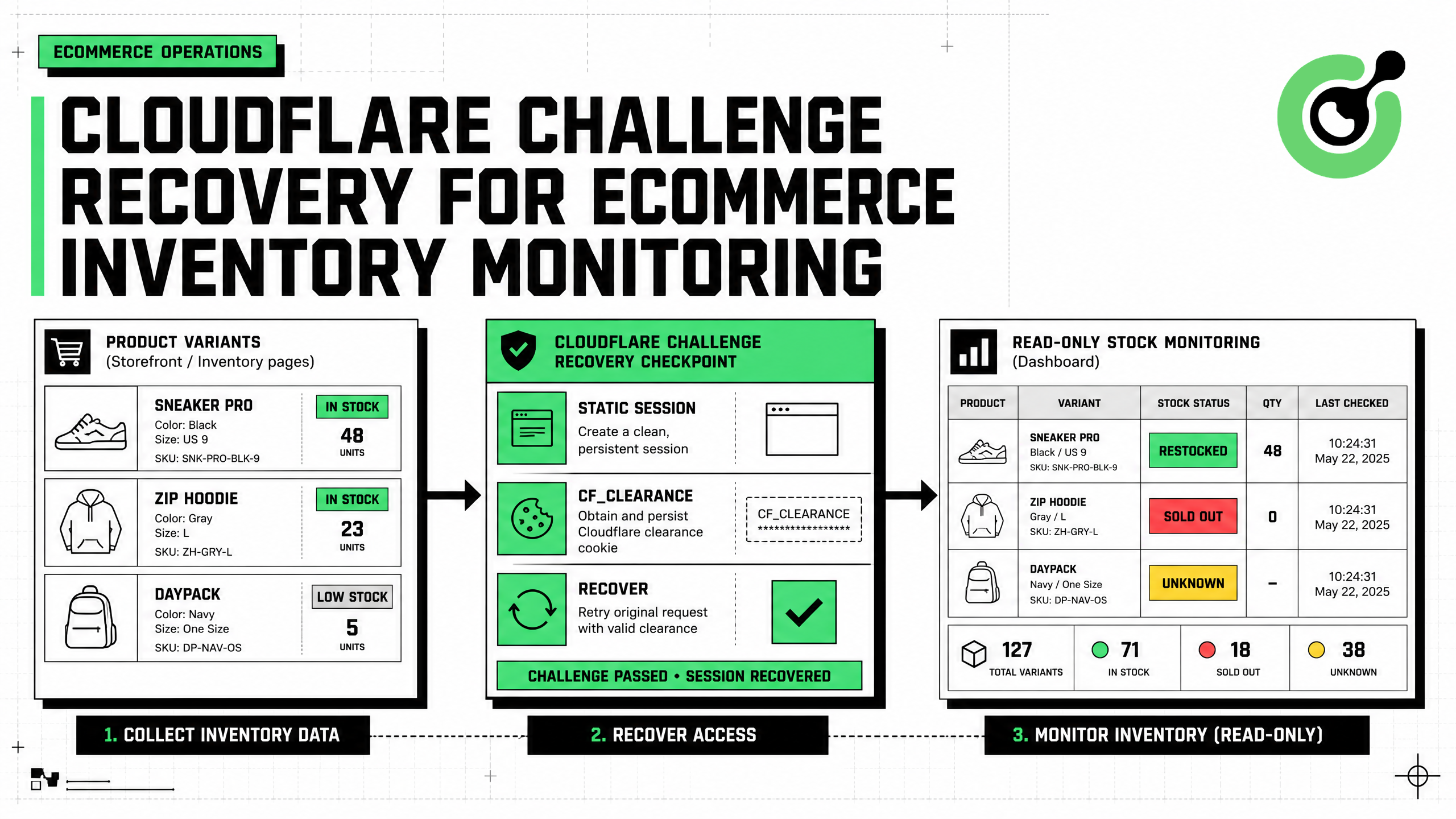
How to Solve Cloudflare Challenge for Ecommerce Inventory Monitoring
Build reliable ecommerce inventory monitoring with API-first sourcing, Cloudflare Challenge recovery, session consistency, stock evidence, and safe alerts.

Ethan Collins
27-Aug-2026
What is Invalid Cloudflare Turnstile Token: Causes and Fixes
Fix an invalid Turnstile token by checking expiry, site key, action, cdata, browser state, server verification, and bounded CapSolver retries.
Ethan Collins
10-Aug-2026
MCP CAPTCHA Solver: Cloudflare Turnstile Integration Guide
Build a policy-gated MCP Cloudflare Turnstile workflow with CapSolver, bounded retries, redacted logs, session checks, and outcome validation.
Ethan Collins
22-Jul-2026