











Playwright Blocked by Cloudflare Turnstile: Causes & Fix

Rajinder Singh
How to use CapSolver
12-Jun-2026
TL;DR
- Playwright trace evidence should come before code changes because the failure may be selector timing, widget lifecycle, network refusal, or server validation.
- Locator visibility does not prove Turnstile readiness; actionability checks must be paired with widget and network state.
- Network events reveal whether Turnstile scripts loaded, whether the challenge rendered, and whether the final request carried validation data.
- Turnstile parameters must be captured from the same page state that will submit the form, not from a stale reload or different context.
- A successful client token still needs server acceptance, so log the final response instead of stopping at the browser callback.
Introduction
Playwright gives enough evidence to debug Turnstile precisely, but only if traces and network events are captured before selectors are rewritten. A test can fail because the widget never rendered, a locator clicked too early, a token expired, a route changed, or the server rejected validation. CapSolver can support approved Turnstile handling, but it should be placed after trace-based diagnosis. When Playwright is blocked by Cloudflare Turnstile, preserve the trace, screenshots, console logs, request failures, response statuses, storage state, page URL, widget parameters, and final server response. The fix is a stable sequence: render, observe, handle, submit, verify.
Start With a Trace, Not a Selector Rewrite
A Playwright trace shows the sequence that a screenshot hides. The Playwright trace viewer records actions, snapshots, network calls, console events, and timing around the failure. When Playwright is blocked by Cloudflare Turnstile, start by comparing traces from manual, headed Playwright, and headless Playwright runs in the same environment. Do not rewrite locators until the trace shows that the right element was present at the right time.
Use the trace to answer specific questions. Did the Turnstile script load? Did the iframe appear? Did the page navigate before validation completed? Did a request fail with 403? Did a callback run? Did the final submit include the expected field? CapSolver's Cloudflare Playwright workflow can be mapped to those trace checkpoints for permitted testing.
Keep trace artifacts secure because they may contain URLs, cookies, form values, or account context. Redact secrets before sharing. The goal is not to expose sensitive data; it is to prove which transition failed.
Pair Locators With Actionability and Widget State
Playwright's locator model is strong, but visible does not always mean ready. The Playwright actionability checks explain checks such as visibility, stability, event reception, and enabled state. Turnstile adds another layer: the widget may be visible while still processing, expired, or waiting for server validation. A button may be actionable while the token field is not ready.
Use locators for form controls and widget containers, then pair them with explicit state checks. Wait for the widget container to exist, the challenge iframe to load when applicable, the token callback or response field to update, and the submit request to complete. Avoid hard sleeps that pass locally and fail in CI. Prefer event-based waits with clear timeouts and diagnostic output.
When Playwright is blocked by Cloudflare Turnstile after a locator change, review whether the action moved earlier in time. A faster click can submit before validation state is complete. CapSolver's Playwright integration pattern is useful only when it is inserted into a well-timed Playwright flow rather than pasted around unstable selectors.
Use Network Events to Locate the Refusal
Network events reveal where the refusal happens. A visible Turnstile page may still fail because scripts were blocked, the challenge endpoint returned an error, the final application request lacked validation data, or the server returned 403 after token submission. The HTTP 403 Forbidden baseline helps classify a refusal response without guessing from the rendered page.
Attach listeners for request failed, response, frame attached, console, and page error events. Store status code, URL class, resource type, and timing, but avoid storing secrets. If Turnstile assets fail to load, solve the resource or route problem first. If assets load and token handling succeeds but the final endpoint rejects, inspect token freshness, session continuity, action value, and server result.
This is where CapSolver can be placed for authorized tasks. The Cloudflare 403 troubleshooting path helps separate a Turnstile-specific validation failure from a broader access refusal. If the server refuses the account or path before any widget appears, challenge handling is not the correct repair.
Redeem Your CapSolver Bonus Code
Boost your automation budget instantly!
Use bonus code CAP26 when topping up your CapSolver account to get an extra 5% bonus on every recharge — with no limits.
Redeem it now in your CapSolver Dashboard

Capture Turnstile Parameters From the Live Page
Turnstile parameter capture must match the live page that will submit the result. Site key, action, cData, page URL, and related values can change after reload, route change, or navigation. A common Playwright mistake is collecting parameters from one render, then submitting from another context after a failed wait or test retry. That creates a mismatch even when each individual step looks correct.
Use a single attempt ID. Bind the page URL, browser context, proxy route, storage state, widget render time, parameter set, token receipt time, submit time, and final response to that ID. If the page reloads, create a new ID. If the route changes, create a new ID. If the token expires, create a new ID. This makes Playwright blocked by Cloudflare Turnstile a traceable lifecycle problem rather than a vague failure.
The Turnstile server validation step confirms why final server acceptance matters. Browser-side token receipt is not the end of the flow. The application server still decides whether the validation response, secret-side check, hostname, action, and timing are acceptable.
Keep Context Stable Through Server Validation
Stability through server validation is the last mile. Keep the same browser context, storage state, viewport, locale, timezone, and route while Turnstile renders and the form submits. Do not clear cookies between token receipt and submit. Do not close the page early because a callback fired. Wait for the final application response and record whether it accepted, rejected, redirected, or challenged again.
The WebDriver browser automation model helps frame why automation behavior itself is part of the environment. Playwright is reliable, but test code can still create unnatural transitions: immediate repeated clicks, aborted requests, route changes, or context resets. Fix those transitions before assuming the challenge provider is the only issue.
Responsible use is mandatory. Limit Playwright automation to owned properties, contracted testing, or permitted data workflows. Respect terms, account rules, privacy obligations, and target rate limits. If a site refuses access, stop. If a supported Turnstile challenge appears inside an authorized flow, keep CapSolver integration observable and scoped to that validation boundary.
Save Trace Bundles for Every Failed Attempt
A failed Playwright attempt should leave a compact trace bundle. Store the trace file, screenshot, console log, request failure list, final URL, response status summary, storage-state age, and attempt ID. Redact cookies, tokens, credentials, and personal data before sharing. The bundle should be created automatically when a Turnstile state appears, when a submit returns 403, or when a validation timeout fires.
Trace bundles make review faster. Engineers can compare the exact moment the widget rendered, when the token callback fired, what request followed, and what the server returned. Without that bundle, the team tends to argue about selectors or proxy routes from memory. With it, Playwright blocked by Cloudflare Turnstile becomes a timeline: action, page state, challenge state, network event, final result. That timeline is the shortest path to a reliable fix.
Separate Test Retries From Validation Retries
Playwright test retries and Turnstile validation retries are different concepts. A test retry starts a new test attempt and should normally create fresh page state. A validation retry inside one page flow should only happen when the widget and server path allow it. Mixing the two causes confusing results: the test framework may retry the whole scenario while the application sees repeated validation attempts from related sessions.
Label both retry layers. The test runner attempt ID should be separate from the validation attempt ID. If the test retries, clear assumptions from the previous page. If validation retries, capture a new widget render and token timeline. This prevents stale parameters, reused tokens, and mismatched traces. For Playwright blocked by Cloudflare Turnstile, clear retry boundaries often reveal that the failure is not the widget itself but the way the test framework repeats the scenario.
Add Assertions Around the Final Application Response
The final assertion should target the application result, not only the widget result. A test can receive a client-side token and still fail because the application rejected the server-side validation, redirected to a denial page, or preserved an earlier error state. Add assertions for final URL, response status, visible success marker, absence of validation error, and the expected state change in the application.
This assertion layer protects against false positives. Without it, a test may report that Turnstile was handled while the user journey still failed. With it, Playwright blocked by Cloudflare Turnstile is measured by the outcome the business actually needs: the authorized task completed, the server accepted the validation, and the page reached the expected next state.
Keep CI and Local Runs Comparable
CI often differs from local Playwright runs in route, CPU speed, browser cache, fonts, viewport, timezone, and storage state. Record those differences in the trace bundle before blaming Turnstile. A timing issue that appears only in CI may come from slower rendering or missing state rather than a new challenge rule.
Run a small parity check after every fix. Compare script loading, widget render time, submit timing, and final response between local and CI. This protects teams from shipping a local-only repair for Playwright blocked by Cloudflare Turnstile.
Keep the parity report next to the trace bundle. If a later browser upgrade, dependency change, or CI image update changes the result, the team can identify the environmental difference before rewriting the Turnstile flow again. Add the browser version, operating system image, locale, timezone, route class, and storage-state source so the next reviewer can reproduce the failure path instead of guessing from screenshots or stale CI notes. Record who reviewed the parity evidence and which trace proved the final fix. This also makes rollback decisions faster and reduces repeated test speculation during urgent release windows.
Conclusion
The practical fix for Playwright blocked by Cloudflare Turnstile is evidence-first debugging. Use traces, pair locators with widget state, inspect network events, capture parameters from the live page, and wait for server validation. This keeps the solution precise and reduces unnecessary retries.
For permitted Playwright flows that still need supported Turnstile handling, test the validation step with CapSolver and keep the full render-to-submit lifecycle in the trace.
FAQ
Why does Playwright pass locally but fail in CI?
CI may use a different route, browser mode, timing profile, viewport, locale, storage state, or resource loading path. Compare traces before changing selectors.
Is locator visibility enough to submit after Turnstile?
No. Visibility only describes an element state. You also need widget lifecycle, token timing, submit request, and final server response.
What network events should be captured?
Capture request failures, response statuses, frame attachments, console errors, challenge asset loading, submit request timing, and final endpoint response.
Can a Playwright retry reuse the same Turnstile token?
No. Treat retries as new attempts with new page state, parameter capture, token timing, and final response logging.
When should CapSolver be added?
Add CapSolver only for supported challenges in authorized workflows after traces show the browser context and Turnstile lifecycle are stable.
Compliance Disclaimer: The information provided on this blog is for informational purposes only. CapSolver is committed to compliance with all applicable laws and regulations. The use of the CapSolver network for illegal, fraudulent, or abusive activities is strictly prohibited and will be investigated. Our captcha-solving solutions enhance user experience while ensuring 100% compliance in helping solve captcha difficulties during public data crawling. We encourage responsible use of our services. For more information, please visit our Terms of Service and Privacy Policy.
More
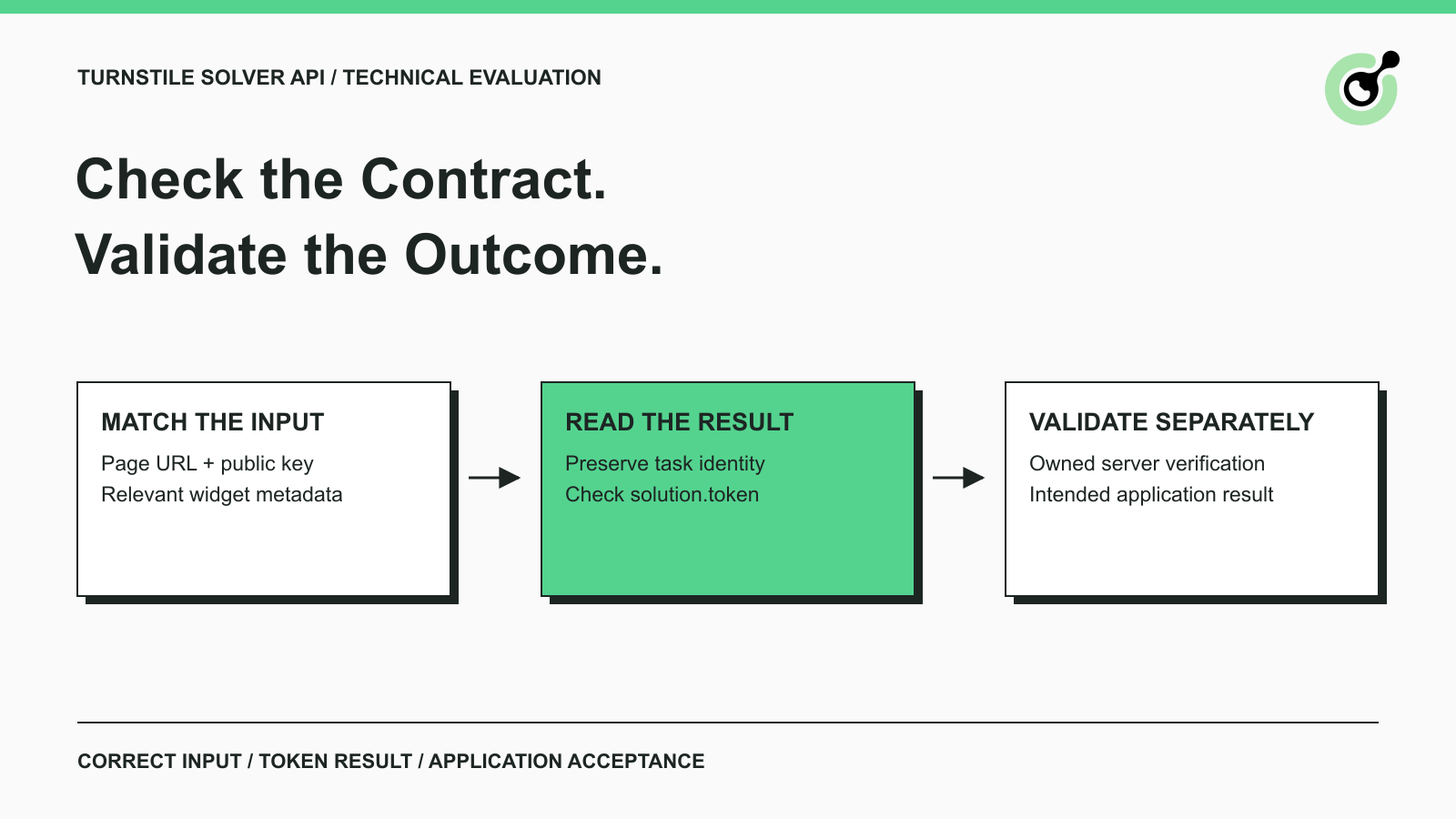
Turnstile Solver API Checklist: Inputs, Tokens, and Validation
Evaluate a Turnstile solver API by its documented inputs, token response, validation boundary, and controlled test cases before adding it to your workflow.

Emma Foster
16-Sep-2026
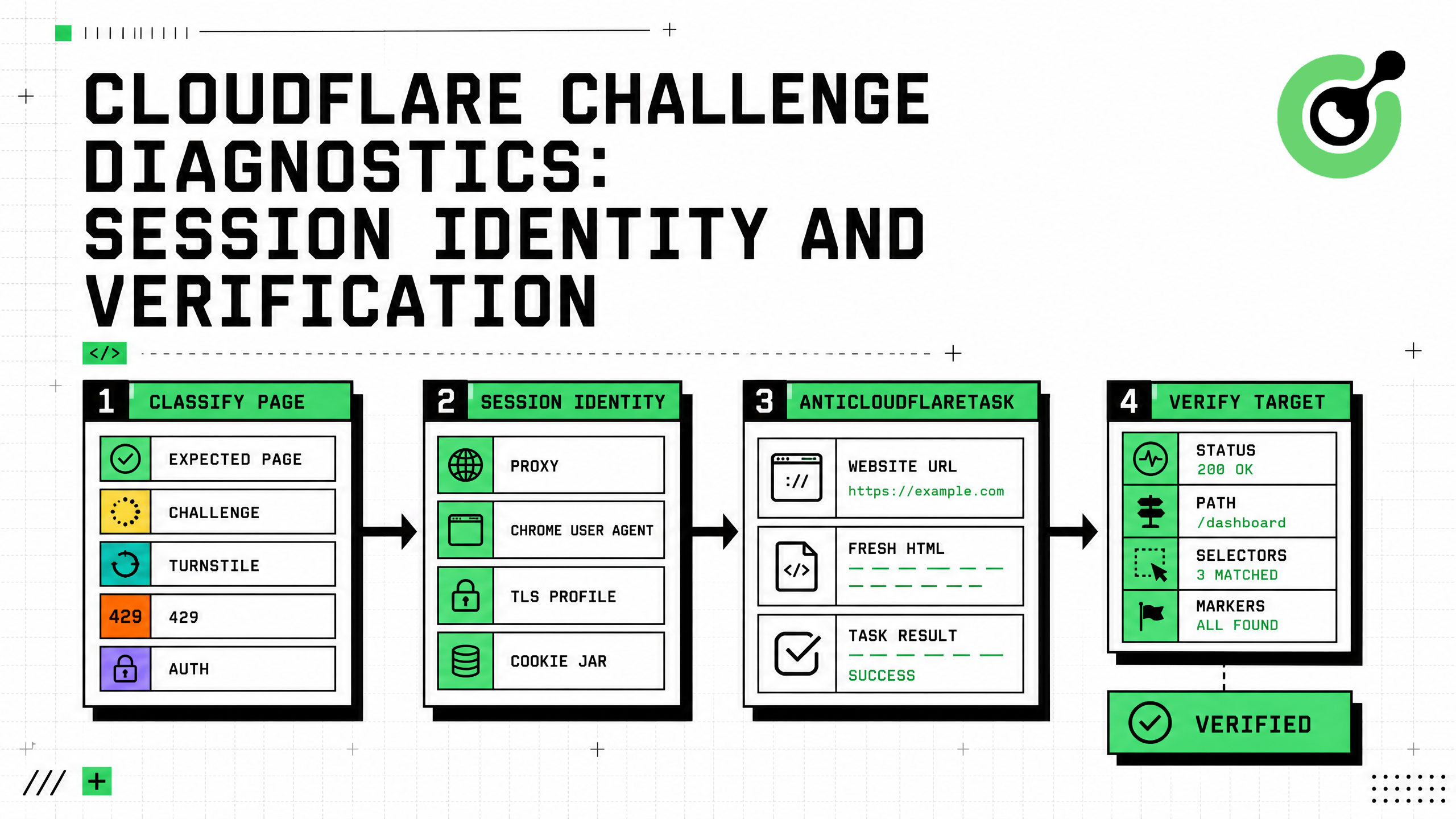
Cloudflare Challenge Diagnostics: Session Identity and Verification
Diagnose Cloudflare Challenge flows with AntiCloudflareTask, stable proxy and user agent identity, fresh HTML, clearance handling, validation, and safe errors.

Nikolai Smirnov
31-Aug-2026
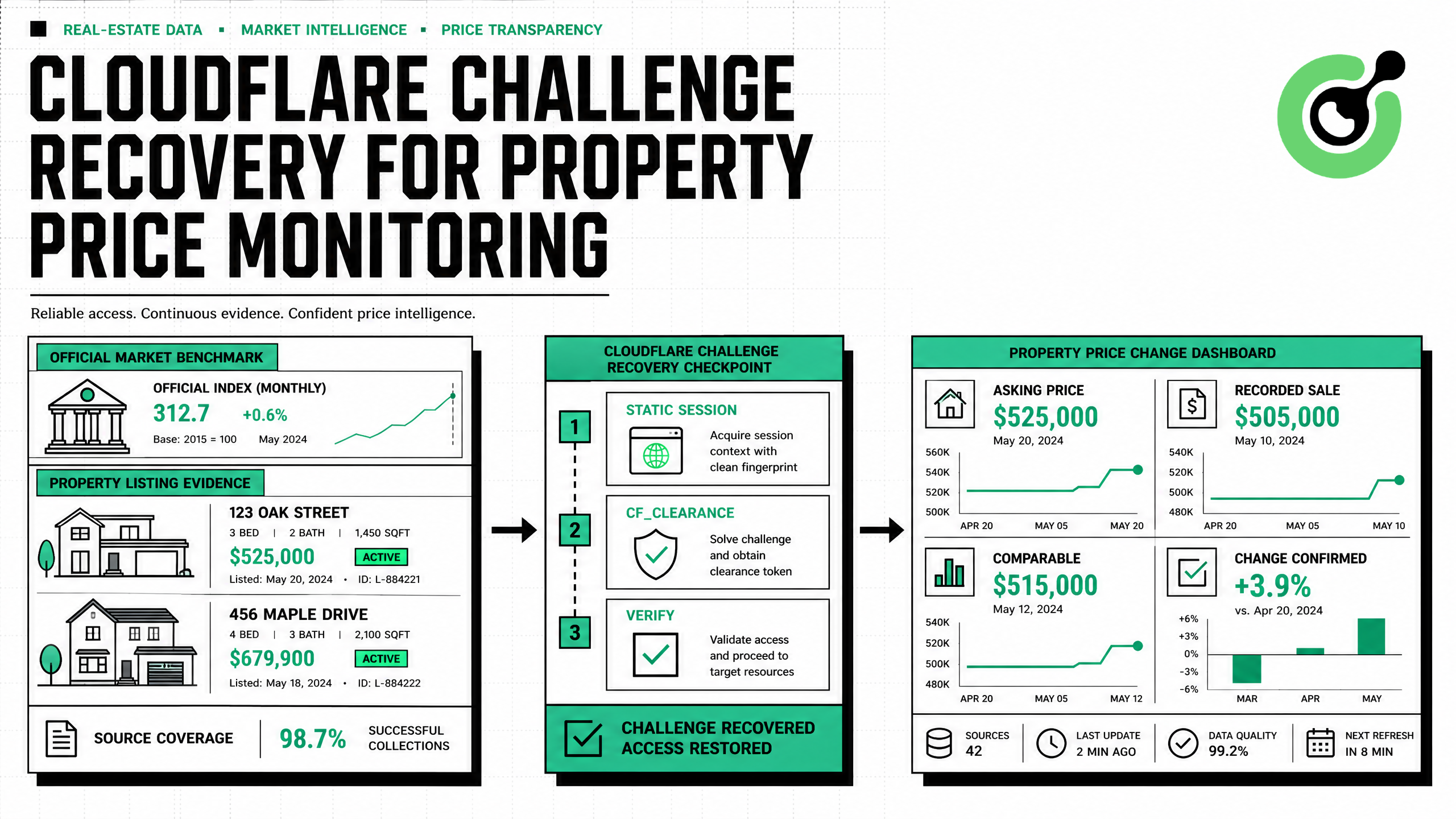
How to Solve Cloudflare Challenge for Property Price Monitoring
Build reliable property price monitoring with official datasets, comparable observations, Cloudflare Challenge Solving, evidence, and controlled alerts.

Adélia Cruz
28-Aug-2026
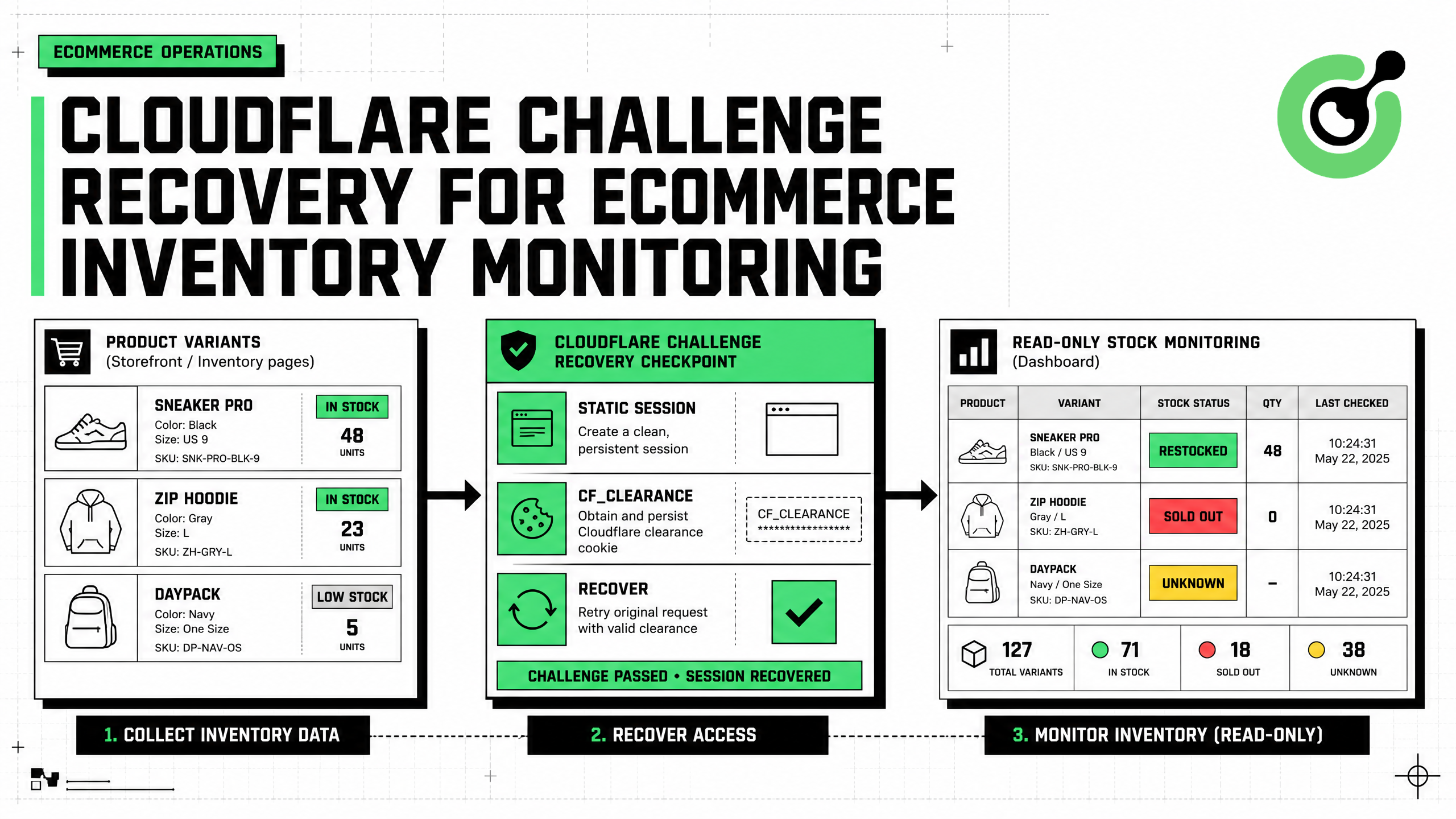
How to Solve Cloudflare Challenge for Ecommerce Inventory Monitoring
Build reliable ecommerce inventory monitoring with API-first sourcing, Cloudflare Challenge recovery, session consistency, stock evidence, and safe alerts.

Ethan Collins
27-Aug-2026
What is Invalid Cloudflare Turnstile Token: Causes and Fixes
Fix an invalid Turnstile token by checking expiry, site key, action, cdata, browser state, server verification, and bounded CapSolver retries.
Ethan Collins
10-Aug-2026
MCP CAPTCHA Solver: Cloudflare Turnstile Integration Guide
Build a policy-gated MCP Cloudflare Turnstile workflow with CapSolver, bounded retries, redacted logs, session checks, and outcome validation.
Ethan Collins
22-Jul-2026