











AI Agent reCAPTCHA v3 Solver: Integration Guide and Example

Ethan Collins
How to use CapSolver
17-Aug-2026
TL;DR
- An ai agent recaptcha v3 solver must preserve the exact page action and browser context used by the authorized workflow.
- The official agent layer covers reCAPTCHA v2, reCAPTCHA v3 including Enterprise, and Cloudflare Turnstile.
- Use token mode for known site parameters and browser mode when the live page must be detected and filled in the same session.
- A changed route, mismatched action, repeated challenge, or failed application assertion must end in review instead of another autonomous retry.
Introduction
An ai agent recaptcha v3 solver is reliable only when the agent preserves the action, page, browser session, and authorization context that produced the challenge. CapSolver provides the documented CAPTCHA infrastructure layer through Core SDK, Agent Tools, and MCP. The agent still owns policy, retries, and confirmation of the original task. This guide explains a production integration for reCAPTCHA v3, including Enterprise, without treating a returned token as the final success signal. It shows real package and method names, separates browser and token modes, and defines stop conditions for stale pages, changed actions, unsupported challenges, and repeated failures. Use the workflow only for lawful, reasonable, responsible, user-authorized automation on systems and data you are permitted to access.
Use Only the Official AI CAPTCHA Surface
The product boundary for ai agent recaptcha v3 solver is defined by CapSolver for AI Agents, Core SDK, Agent Tools, MCP Service. The Core SDK provides create_capsolver, detect, get_captcha_info, solve, and solve_on_page. Agent Tools provides get_all_tools, create_executor, and its documented execution path. MCP exposes solve_captcha, detect_captchas, solve_on_page, get_balance, and get_supported_captchas. Use only capsolver-core, capsolver-agent, and capsolver-mcp with their real names. The current agent layer is limited to reCAPTCHA v2, reCAPTCHA v3 including Enterprise, and Cloudflare Turnstile.
The inputs are the approved HTTPS page URL, public site key, and observed page action. The executor returns a structured tool result that must remain bound to that page context. The local wrapper stops before the call when the approved URL or action is missing, and the orchestrator must stop after one failed application check or any context change.
python
import os
from capsolver_agent.schema import get_all_tools, create_executor

executor = create_executor(api_key=os.environ["CAPSOLVER_API_KEY"])
tools = [tool.to_openai_function() for tool in get_all_tools()]

async def run_recaptcha_v3(website_url, website_key, page_action):
    if not website_url.startswith("https://") or not page_action:
        return {"state": "REVIEW", "reason": "missing approved URL or action"}
    result = await executor.execute("solve_captcha", {
        "captcha_type": "reCaptchaV3",
        "website_url": website_url,
        "website_key": website_key,
        "page_action": page_action,
    })
    return {"state": "VERIFY_APPLICATION", "result": result}
Choose Token Mode or Browser Mode
ai agent recaptcha v3 solver needs a defined integration path at this stage. Record known site parameters, live Playwright page, page action, Enterprise flag, browser ownership, and final assertion as one checkpoint, not as unrelated log messages. These values explain what the automation believed, what it observed, and why it was permitted to continue. The operating rule is to select one control plane before the agent calls a tool. The conservative boundary is to stop when the caller cannot prove which browser context owns the challenge. Without that boundary, a technically successful API call can be attached to the wrong page, wrong account, wrong business object, or stale browser session.
Required evidence: known site parameters
Start with known site parameters, then bind it to live Playwright page, page action, Enterprise flag. Use typed fields and explicit unknown values. Every record should include an observed timestamp, a correlation ID, the authorized purpose, and the component that made the decision. Avoid copying credentials, full cookies, raw solution values, or unnecessary page content into the record. Missing evidence must remain missing; a convenient default must never look like a real observation.
The current packet should be compared with the last valid packet for the same authorized unit of work. A change in live Playwright page may be expected, while a change in page action can invalidate the job. Emit a small state set such as ACCEPT, RETRY_ONCE, REVIEW, or STOP with a reason code. Operational telemetry can follow W3C Trace Context while keeping credentials, cookies, raw solution values, and unnecessary page content out of logs.
Failure boundary: stop when the caller cannot prove which browser context owns the challenge
The stop condition is part of the implementation. When the workflow must stop when the caller cannot prove which browser context owns the challenge, cancel pending child work, preserve a redacted evidence summary, release the queue lock, and prevent background retries from continuing with stale state. A later operator-approved run should begin from a fresh browser or task checkpoint and re-evaluate scope. This makes ai agent recaptcha v3 solver explainable under load and prevents a single ambiguous page from becoming a retry storm.
The reCAPTCHA v3 score diagnosis adds adjacent implementation context, while this workflow keeps the narrower integration path contract explicit. The output of this stage is a machine-readable decision and the minimum evidence required to reproduce it. It is not permission to ignore terms, access controls, data rights, rate limits, or account boundaries. A review state is a valid outcome when the evidence is incomplete.
Capture the v3 Action and Enterprise Context
ai agent recaptcha v3 solver needs a defined parameter fidelity at this stage. Record website URL, website key, page action, Enterprise state, optional s value, and observation time as one checkpoint, not as unrelated log messages. These values explain what the automation believed, what it observed, and why it was permitted to continue. The operating rule is to read parameters from the authorized live page. The conservative boundary is to send incomplete or contradictory Enterprise evidence to review. Without that boundary, a technically successful API call can be attached to the wrong page, wrong account, wrong business object, or stale browser session.
Typed checkpoint: website URL
Start with website URL, then bind it to website key, page action, Enterprise state. Use typed fields and explicit unknown values. Every record should include an observed timestamp, a correlation ID, the authorized purpose, and the component that made the decision. Avoid copying credentials, full cookies, raw solution values, or unnecessary page content into the record. Missing evidence must remain missing; a convenient default must never look like a real observation.
The current packet should be compared with the last valid packet for the same authorized unit of work. A change in website key may be expected, while a change in page action can invalidate the job. Emit a small state set such as ACCEPT, RETRY_ONCE, REVIEW, or STOP with a reason code. Evidence retention should reflect OWASP Logging Guidance while keeping credentials, cookies, raw solution values, and unnecessary page content out of logs.
Consistency test: send incomplete or contradictory Enterprise evidence to review
The stop condition is part of the implementation. When the workflow must send incomplete or contradictory Enterprise evidence to review, cancel pending child work, preserve a redacted evidence summary, release the queue lock, and prevent background retries from continuing with stale state. A later operator-approved run should begin from a fresh browser or task checkpoint and re-evaluate scope. This makes ai agent recaptcha v3 solver explainable under load and prevents a single ambiguous page from becoming a retry storm.
The OpenAI agent reCAPTCHA v3 workflow adds adjacent implementation context, while this workflow keeps the narrower parameter fidelity contract explicit. The output of this stage is a machine-readable decision and the minimum evidence required to reproduce it. It is not permission to ignore terms, access controls, data rights, rate limits, or account boundaries. A review state is a valid outcome when the evidence is incomplete.
Expose Only Documented Agent Tools
ai agent recaptcha v3 solver needs a defined tool contract at this stage. Record get_all_tools output, create_executor configuration, solve_captcha input, structured result, model message, and policy gate as one checkpoint, not as unrelated log messages. These values explain what the automation believed, what it observed, and why it was permitted to continue. The operating rule is to keep the tool schema stable and policy outside prompts. The conservative boundary is to reject unrecognized tool names, fields, or challenge families. Without that boundary, a technically successful API call can be attached to the wrong page, wrong account, wrong business object, or stale browser session.
Decision record: get_all_tools output
Start with get_all_tools output, then bind it to create_executor configuration, solve_captcha input, structured result. Use typed fields and explicit unknown values. Every record should include an observed timestamp, a correlation ID, the authorized purpose, and the component that made the decision. Avoid copying credentials, full cookies, raw solution values, or unnecessary page content into the record. Missing evidence must remain missing; a convenient default must never look like a real observation.
The current packet should be compared with the last valid packet for the same authorized unit of work. A change in create_executor configuration may be expected, while a change in solve_captcha input can invalidate the job. Emit a small state set such as ACCEPT, RETRY_ONCE, REVIEW, or STOP with a reason code. The control boundary is consistent with NIST AI Risk Management Framework while keeping credentials, cookies, raw solution values, and unnecessary page content out of logs.
Stop condition: reject unrecognized tool names, fields, or challenge families
The stop condition is part of the implementation. When the workflow must reject unrecognized tool names, fields, or challenge families, cancel pending child work, preserve a redacted evidence summary, release the queue lock, and prevent background retries from continuing with stale state. A later operator-approved run should begin from a fresh browser or task checkpoint and re-evaluate scope. This makes ai agent recaptcha v3 solver explainable under load and prevents a single ambiguous page from becoming a retry storm.
The output of this stage is a machine-readable decision and the minimum evidence required to reproduce it. It is not permission to ignore terms, access controls, data rights, rate limits, or account boundaries. A review state is a valid outcome when the evidence is incomplete.
Redeem Your CapSolver Bonus Code
Boost your automation budget instantly!
Use bonus code CAP26 when topping up your CapSolver account to get an extra 5% bonus on every recharge — with no limits.
Redeem it now in your CapSolver Dashboard

Bind a Result to the Same Agent Checkpoint
ai agent recaptcha v3 solver needs a defined context binding at this stage. Record run ID, browser context, hostname, route, action, challenge timestamp, and attempt number as one checkpoint, not as unrelated log messages. These values explain what the automation believed, what it observed, and why it was permitted to continue. The operating rule is to compare the checkpoint before result use. The conservative boundary is to discard results after navigation, refresh, logout, or action drift. Without that boundary, a technically successful API call can be attached to the wrong page, wrong account, wrong business object, or stale browser session.
Validation packet: run ID
Start with run ID, then bind it to browser context, hostname, route. Use typed fields and explicit unknown values. Every record should include an observed timestamp, a correlation ID, the authorized purpose, and the component that made the decision. Avoid copying credentials, full cookies, raw solution values, or unnecessary page content into the record. Missing evidence must remain missing; a convenient default must never look like a real observation.
The current packet should be compared with the last valid packet for the same authorized unit of work. A change in browser context may be expected, while a change in hostname can invalidate the job. Emit a small state set such as ACCEPT, RETRY_ONCE, REVIEW, or STOP with a reason code.
Operator handoff: discard results after navigation, refresh, logout, or action drift
The stop condition is part of the implementation. When the workflow must discard results after navigation, refresh, logout, or action drift, cancel pending child work, preserve a redacted evidence summary, release the queue lock, and prevent background retries from continuing with stale state. A later operator-approved run should begin from a fresh browser or task checkpoint and re-evaluate scope. This makes ai agent recaptcha v3 solver explainable under load and prevents a single ambiguous page from becoming a retry storm.
The output of this stage is a machine-readable decision and the minimum evidence required to reproduce it. It is not permission to ignore terms, access controls, data rights, rate limits, or account boundaries. A review state is a valid outcome when the evidence is incomplete.
Verify the Protected Application State
ai agent recaptcha v3 solver needs a defined success definition at this stage. Record expected route, form response, account state, record count, error banner, and correlation ID as one checkpoint, not as unrelated log messages. These values explain what the automation believed, what it observed, and why it was permitted to continue. The operating rule is to assert the original authorized outcome. The conservative boundary is to end in review when a tool succeeds but the application does not. Without that boundary, a technically successful API call can be attached to the wrong page, wrong account, wrong business object, or stale browser session.
Recovery state: expected route
Start with expected route, then bind it to form response, account state, record count. Use typed fields and explicit unknown values. Every record should include an observed timestamp, a correlation ID, the authorized purpose, and the component that made the decision. Avoid copying credentials, full cookies, raw solution values, or unnecessary page content into the record. Missing evidence must remain missing; a convenient default must never look like a real observation.
The current packet should be compared with the last valid packet for the same authorized unit of work. A change in form response may be expected, while a change in account state can invalidate the job. Emit a small state set such as ACCEPT, RETRY_ONCE, REVIEW, or STOP with a reason code.
Quality gate: end in review when a tool succeeds but the application does not
The stop condition is part of the implementation. When the workflow must end in review when a tool succeeds but the application does not, cancel pending child work, preserve a redacted evidence summary, release the queue lock, and prevent background retries from continuing with stale state. A later operator-approved run should begin from a fresh browser or task checkpoint and re-evaluate scope. This makes ai agent recaptcha v3 solver explainable under load and prevents a single ambiguous page from becoming a retry storm.
The output of this stage is a machine-readable decision and the minimum evidence required to reproduce it. It is not permission to ignore terms, access controls, data rights, rate limits, or account boundaries. A review state is a valid outcome when the evidence is incomplete.
Test Scores, Timeouts, and Repeated Challenges
ai agent recaptcha v3 solver needs a defined test matrix at this stage. Record v3 standard, v3 Enterprise, delayed tool, low-score rejection, stale page, repeated challenge, and unsupported fixture as one checkpoint, not as unrelated log messages. These values explain what the automation believed, what it observed, and why it was permitted to continue. The operating rule is to test every terminal branch in staging. The conservative boundary is to pause automation when the same checkpoint appears twice. Without that boundary, a technically successful API call can be attached to the wrong page, wrong account, wrong business object, or stale browser session.
Production control: v3 standard
Start with v3 standard, then bind it to v3 Enterprise, delayed tool, low-score rejection. Use typed fields and explicit unknown values. Every record should include an observed timestamp, a correlation ID, the authorized purpose, and the component that made the decision. Avoid copying credentials, full cookies, raw solution values, or unnecessary page content into the record. Missing evidence must remain missing; a convenient default must never look like a real observation.
The current packet should be compared with the last valid packet for the same authorized unit of work. A change in v3 Enterprise may be expected, while a change in delayed tool can invalidate the job. Emit a small state set such as ACCEPT, RETRY_ONCE, REVIEW, or STOP with a reason code.
Runbook rule: pause automation when the same checkpoint appears twice
The stop condition is part of the implementation. When the workflow must pause automation when the same checkpoint appears twice, cancel pending child work, preserve a redacted evidence summary, release the queue lock, and prevent background retries from continuing with stale state. A later operator-approved run should begin from a fresh browser or task checkpoint and re-evaluate scope. This makes ai agent recaptcha v3 solver explainable under load and prevents a single ambiguous page from becoming a retry storm.
The output of this stage is a machine-readable decision and the minimum evidence required to reproduce it. It is not permission to ignore terms, access controls, data rights, rate limits, or account boundaries. A review state is a valid outcome when the evidence is incomplete.
Conclusion
ai agent recaptcha v3 solver works in production only when every stage has a defined input, typed output, redacted evidence record, and terminal stop condition. Preserve the authorized page and business context, use verified CapSolver methods or API fields, keep retries bounded, and validate the original application outcome after recovery. Teams running lawful and permitted automation can evaluate CapSolver for the documented CAPTCHA layer while retaining deterministic policy, data quality, and human-review controls in their own systems.
FAQ
Q: What is an ai agent recaptcha v3 solver?
An ai agent recaptcha v3 solver is a controlled tool layer that obtains a v3 result for an authorized agent workflow and returns control to the original application state.
Q: Does the official agent layer support reCAPTCHA Enterprise?
Yes. The current CapSolver AI documentation covers reCAPTCHA v2 and v3, including Enterprise, plus Cloudflare Turnstile.
Q: Which methods and tools are official?
Use capsolver-core methods such as detect, get_captcha_info, solve, and solve_on_page, or documented Agent Tools and MCP tools such as solve_captcha.
Q: Does a returned result prove the agent task succeeded?
No. The protected application must still accept the result and reach the expected authorized state.
Q: When should the agent stop?
Stop on scope changes, missing action context, unsupported challenge types, repeated checkpoints, exhausted attempts, or failed application validation.
Compliance Disclaimer: The information provided on this blog is for informational purposes only. CapSolver is committed to compliance with all applicable laws and regulations. The use of the CapSolver network for illegal, fraudulent, or abusive activities is strictly prohibited and will be investigated. Our captcha-solving solutions enhance user experience while ensuring 100% compliance in helping solve captcha difficulties during public data crawling. We encourage responsible use of our services. For more information, please visit our Terms of Service and Privacy Policy.
More
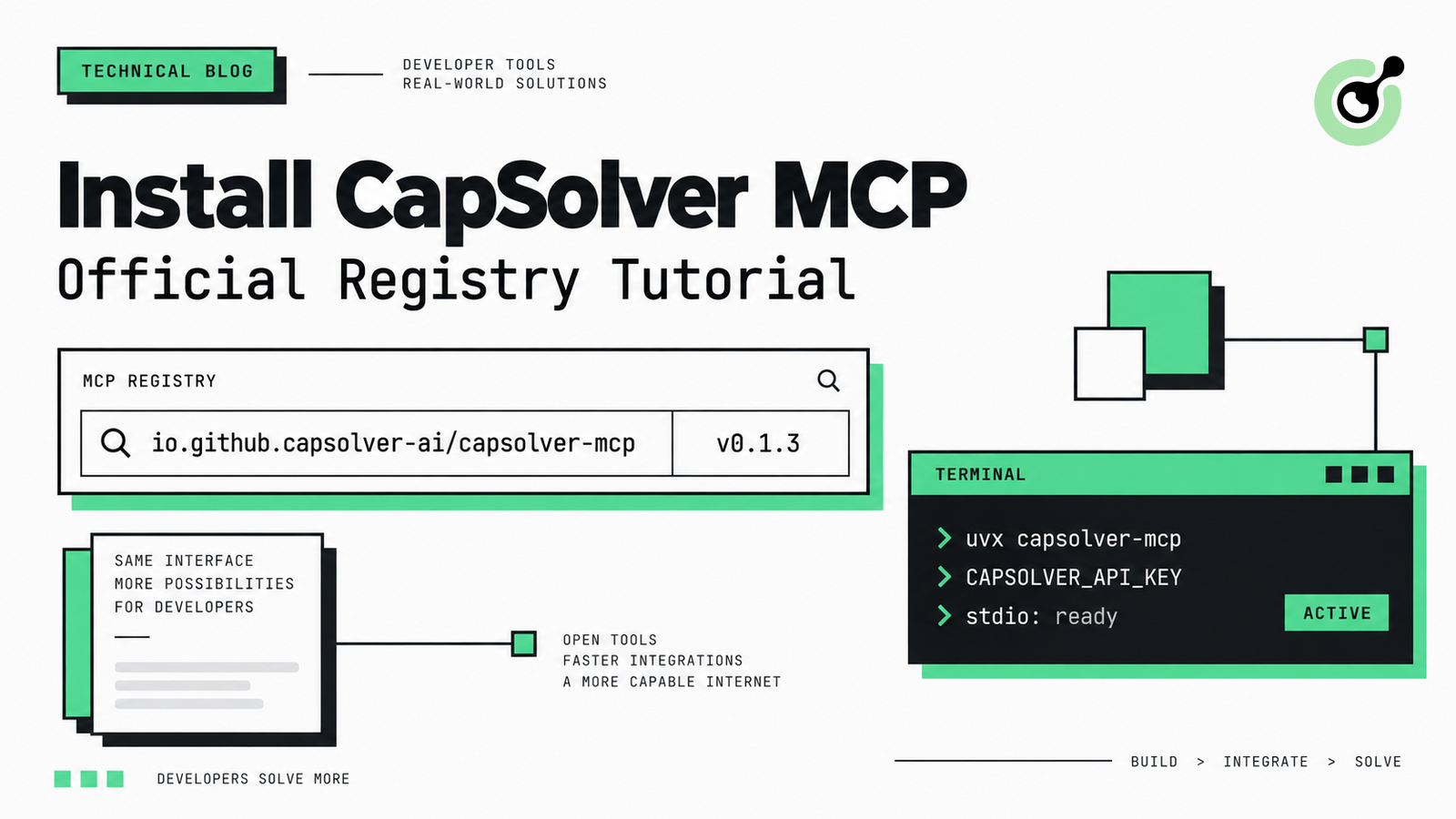
How to Install CapSolver MCP from the Official MCP Registry
Find CapSolver MCP in the Official MCP Registry, install version 0.1.3 with uvx or pip, configure a local client, and verify the stdio tools.

Khadija Santos
18-Sep-2026
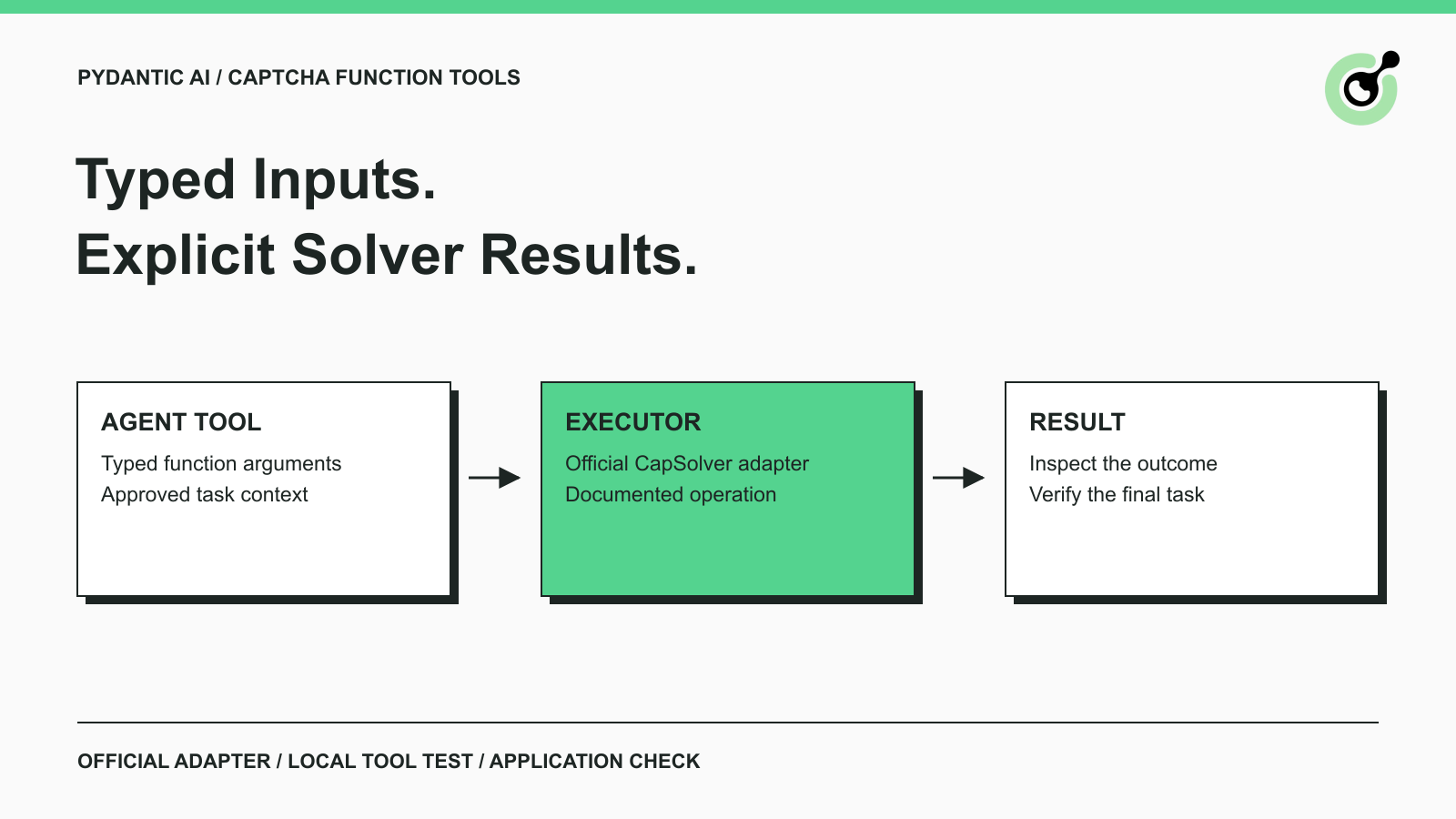
Pydantic AI CAPTCHA Tools: Typed Inputs and Solver Results
Add CAPTCHA tools to Pydantic AI using the official CapSolver adapter, test tool execution locally, and handle typed inputs and structured solver results.
Khadija Santos
18-Sep-2026
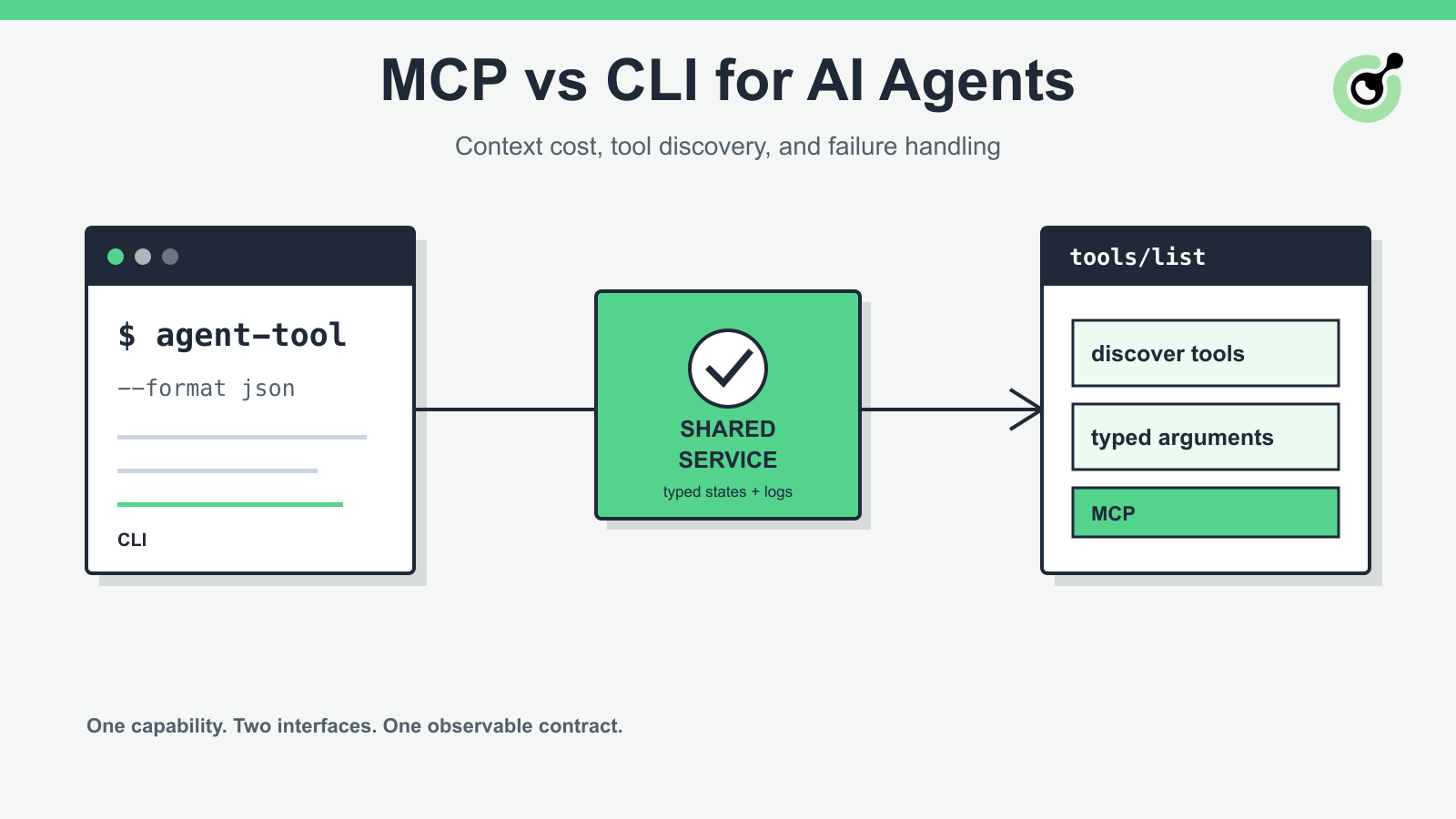
MCP vs CLI for AI Agents: Context Cost and Failure Handling
Compare MCP and CLI interfaces for AI agents across tool discovery, context cost, security, debugging, failure handling, and hybrid architecture.

Nikolai Smirnov
18-Sep-2026
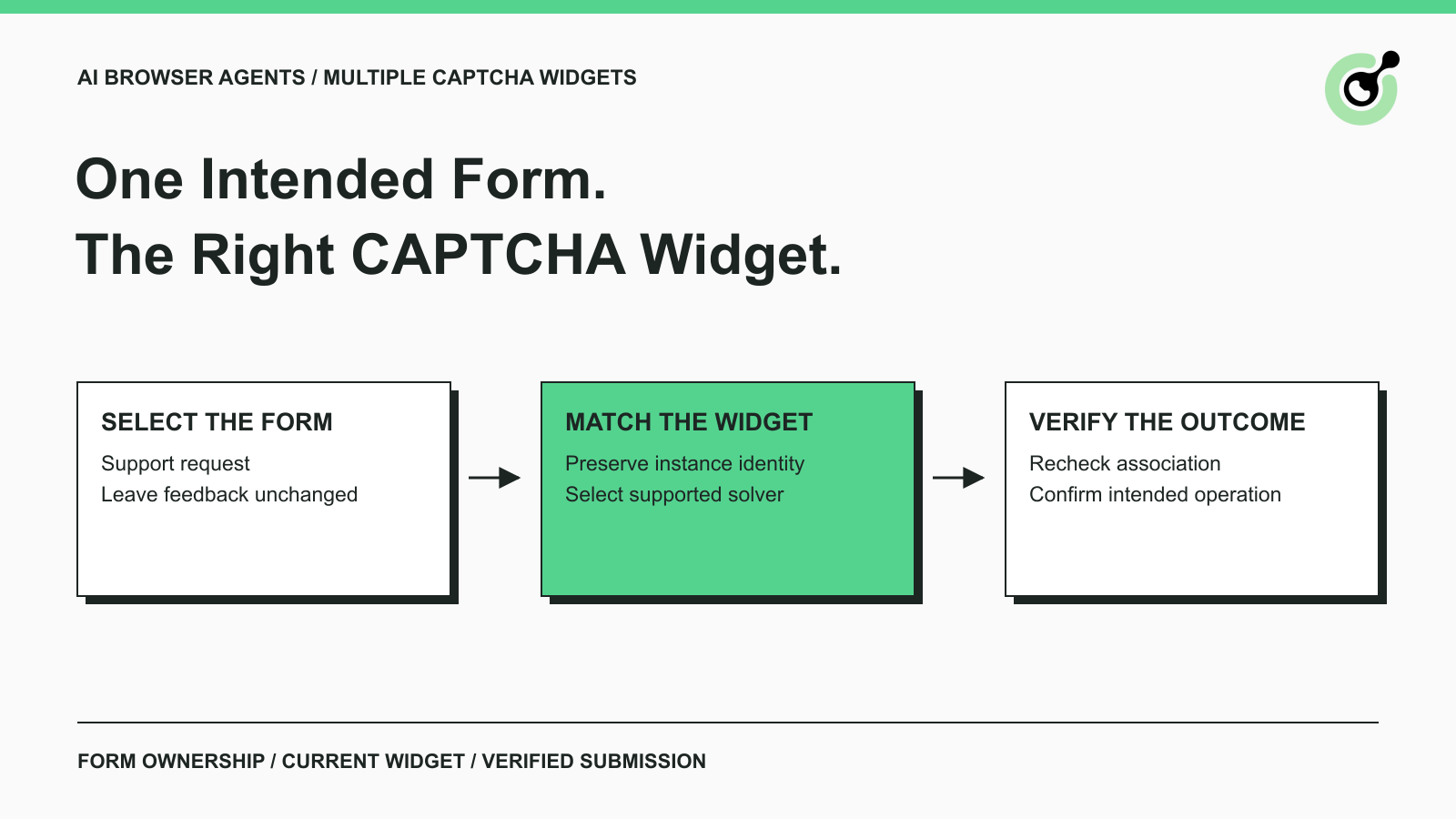
How to Handle Multiple CAPTCHA Widgets in AI Browser Agents
Handle multiple CAPTCHA widgets on one page with explicit form ownership, solver parameters, result routing, and checks for the intended AI agent action.

Lucas Mitchell
15-Sep-2026

CapSolver MCP Server Is Now Available for AI Agents
Install CapSolver MCP Server from PyPI and give compatible AI agents five tools for authorized CAPTCHA handling through the Model Context Protocol.

Sora Fujimoto
11-Sep-2026

AI Agents vs Scripts: How to Choose for Web Automation
Choose between AI agents, scripts, and hybrid web automation by task uncertainty, testability, cost, and the controls needed for reliable execution.
Lucas Mitchell
11-Sep-2026