











Pydantic AI CAPTCHA Tools: Typed Inputs and Solver Results

Khadija Santos
How to use CapSolver
18-Sep-2026
TL;DR
- Pydantic AI can expose CAPTCHA solving as a typed Python function tool backed by the official CapSolver agent adapter.
- Keep the wrapper small: receive the documented parameters, call the executor, and return its structured result without inventing a successful answer.
- The example below runs a real Pydantic AI agent loop with TestModel and calls the installed adapter's supported-type catalog.
- The solving function is registered but deliberately excluded from that test run; no model-provider request or paid solve occurs.
- Type validation helps describe tool inputs. Your application still decides which page and operation are approved and whether the final browser task succeeded.
A Pydantic AI CAPTCHA tool gives an agent a defined operation to use when an approved browser task reaches a supported challenge. The model does not need to invent a solving algorithm, and the application does not need a new CAPTCHA client for every agent framework.
The CapSolver agent adapter supplies the execution layer. Pydantic AI supplies the function-tool interface. This guide shows how those pieces connect, using an example derived from CapSolver's maintained Pydantic AI repository and a local test that executes the real adapter's catalog operation.
What does the Pydantic AI integration add?
The Pydantic AI integration turns an ordinary typed Python function into a tool available to an agent. The function receives named arguments, delegates the CAPTCHA operation, and returns a result that the agent can inspect.
For an owned QA form, the useful sequence is concrete: the browser identifies a supported challenge, the application provides the page parameters, the solver tool returns its result, and the browser continues the same form attempt. The final assertion belongs to the form workflow.
An API library packages the underlying service calls. In this case, the CapSolver agent-tools documentation describes an executor that dispatches named operations to the core implementation.
Pydantic AI's function tools documentation explains how function signatures and annotations contribute to tool definitions. Three annotated strings can describe the required input shape, but they do not establish that a URL is approved or that a site key belongs to the current page.
Why use the official adapter instead of another HTTP client?
Use the official adapter when you want a small framework wrapper around the documented solving implementation. That keeps the wrapper focused on the agent interface rather than duplicating task creation, retrieval, and result conversion.
CapSolver maintains a Pydantic AI example repository using create_executor, Agent, and @agent.tool_plain. It is an example application, not an additional package named after the repository.
The example in this article retains the repository's three-argument solving function and executor call. It changes the surrounding demonstration to use Pydantic AI's TestModel and a supported-type catalog call. That allows the tool connection to be exercised without supplying a model key or creating a paid solving task.
This route differs from attaching an MCP server. The functions call the installed adapter in the same Python application; there is no separate MCP server process in this example. Choose the interface that fits your existing agent rather than adding both interfaces to the same small task without a reason.
Step 1: Install the tested packages
Install the framework and adapter in an isolated Python environment. The recorded run used Python 3.12.14, pydantic-ai-slim 2.44.0, capsolver-agent 0.1.1, and capsolver-core 0.1.1.
The slim package provides the core Pydantic AI functionality used by TestModel without installing every model-provider integration. The following versions match the local run:
bash
python3 -m venv .venv
source .venv/bin/activate
python -m pip install pydantic-ai-slim==2.44.0 capsolver-agent==0.1.1 capsolver-core==0.1.1
Python's virtual environment guide describes environment creation and shell-specific activation. Keep the package versions with your project so the demonstration can be reproduced before upgrading.
The local catalog demonstration does not need a solving credential. A later live solve_captcha call requires your CapSolver solving API key, and a real model conversation needs your chosen provider's package and authentication. Those are separate prerequisites.
Do not use a blog-publishing MCP credential as the solving key. The executor's service credential belongs outside the model prompt and committed source.
Step 2: Register the typed tools
Save the following as quickstart.py. The solving wrapper follows the official repository; the catalog tool and TestModel configuration are the locally executed adaptation. The code registers the solving tool but does not call it.
python
import asyncio
import json

from capsolver_agent import create_executor
from pydantic_ai import Agent, models
from pydantic_ai.models.test import TestModel

models.ALLOW_MODEL_REQUESTS = False
capsolver = create_executor()
agent = Agent(TestModel(call_tools=["get_supported_captchas"]))


@agent.tool_plain
async def get_supported_captchas() -> str:
    """Return the registered CAPTCHA types without solving a challenge."""
    return json.dumps(await capsolver.execute("get_supported_captchas", {}))


@agent.tool_plain
async def solve_captcha(captcha_type: str, website_url: str, website_key: str) -> str:
    """Solve a supported CAPTCHA for a lawful, user-authorized workflow."""
    result = await capsolver.execute(
        "solve_captcha",
        {
            "captcha_type": captcha_type,
            "website_url": website_url,
            "website_key": website_key,
        },
    )
    return json.dumps(result, ensure_ascii=False)


async def main() -> None:
    result = await agent.run("List the supported CAPTCHA types.")
    print(result.output)


if __name__ == "__main__":
    asyncio.run(main())
Run the file with the environment's Python interpreter:
bash
python quickstart.pyThe script sets ALLOW_MODEL_REQUESTS to false to prevent accidental calls to a non-test model. It also restricts TestModel to the catalog tool. Both choices matter: preventing model requests is different from preventing a tool from contacting an external service.
Pydantic AI's testing documentation explains that TestModel can call registered tools using generated input data. Leaving a paid solving tool in an unrestricted test run would be a different operation from the controlled catalog check shown here.
Step 3: Read the observed result correctly
The local run returned a successful catalog result from the actual installed CapSolver adapter. It reported handlers named recaptcha and cloudflare, with type values reCaptchaV2, reCaptchaV3, and cloudflare.
The printed TestModel output contained the catalog tool's JSON string inside a tool-result summary. Escaped quotation marks in that printed summary are a consequence of returning serialized JSON from the function; they are not a newly generated CAPTCHA token.
The official wrapper uses json.dumps to return the executor result as a string. Preserve the distinction between that string and the underlying dictionary if another component consumes it. Parse the relevant JSON value deliberately rather than assuming every layer returns the same shape.
The test establishes that registration, argument-free tool execution, adapter dispatch, and result return work together in the installed versions. It does not establish that an LLM will select the correct solving tool or that a particular protected form will accept a token.
Redeem Your CapSolver Bonus Code
Boost your automation budget instantly!
Use bonus code CAP26 when topping up your CapSolver account to get an extra 5% bonus on every recharge — with no limits.
Redeem it now in your CapSolver Dashboard

How do typed inputs map to a CAPTCHA request?
Typed inputs map the agent's tool call into the argument dictionary accepted by the adapter. The minimal solving wrapper accepts captcha_type, website_url, and website_key.
| Function argument | Meaning | Example category |
|---|---|---|
captcha_type |
Type understood by the adapter | reCaptchaV2 |
website_url |
Page associated with the challenge | Owned QA form URL |
website_key |
Public key from that page's integration | Actual public site key |
These names belong to the adapter interface. They are not a verbatim REST request containing clientKey and a task object. Consult the installed tool schema and the reCAPTCHA v2 task documentation when connecting an actual page.
The three-field wrapper is intentionally minimal. Some variants require additional context. Do not assume that every challenge listed by the broader service can be solved with only these three strings, or that wrapper type names can be replaced with REST task names.
A string annotation does not restrict the URL to an approved hostname. Enforce the permitted target and operation in the application that supplies the tool arguments. The page's content should not be able to authorize a new target simply by asking the model to use one.
How should the agent handle solver results?
The agent should inspect the executor's outcome and keep the CAPTCHA result separate from the business task's outcome. The documented agent adapter returns a success envelope containing a solution, or a failure envelope describing the error.
On failure, the application should retain the relevant error information and decide whether corrected inputs, a fresh attempt, or operator review are appropriate. Do not turn an error into a token-looking placeholder just to satisfy a downstream string field.
On success, pass the result to the application component responsible for the same challenge attempt. The function in this guide does not control a browser, locate a response field, submit a form, or assert application acceptance.
For an owned form test, an appropriate completion criterion might be the expected test confirmation record. A solver success and an application rejection should remain two separate observations. That separation makes a wrong page key distinguishable from an unrelated form validation failure.
Avoid putting credentials or full tokens into routine traces. If the agent needs a readable summary, retain the operational status and safe diagnostic fields while keeping the result value in the component that actually consumes it.
How do you move from TestModel to a real agent?
Move to a real agent by configuring the intended model provider, supplying its authentication, and enabling only the live operations the application needs. Keep the tested tool wrappers and inspect the new model's actual tool calls.
The demonstration's TestModel is procedural test infrastructure, not a language model. Its successful catalog choice does not measure model reasoning. A real conversation may produce a missing parameter, select the wrong tool, or request another operation, so the application must still check its inputs.
Start with one owned QA page and a documented challenge variant. Supply the actual page URL and public site key from the application, then validate the solver result and the form's final response. Record failures by stage rather than reducing the whole experiment to whether text appeared in an agent answer.
The broader enterprise CAPTCHA solving guide discusses team adoption. This framework example establishes a narrower foundation: typed function registration and real adapter execution with a controlled, non-solving operation.
Try CapSolver for the supported challenge in your approved task once that local connection is understood. Keep the scope of each test explicit: tool registration, model selection, paid solving, and browser acceptance are different checks.
FAQ
Q: Is there a separate pydantic-ai-capsolver package?
The referenced repository contains examples using Pydantic AI and the official CapSolver agent library. This tutorial installs those libraries directly rather than assuming the repository name is a package.
Q: Does TestModel call the real CAPTCHA service?
TestModel can execute registered tools, so the selected tool determines what happens. This example explicitly calls only the supported-type catalog and does not invoke a solving request.
Q: Are typed string inputs enough to approve a target page?
No. Type annotations describe input shape. The application must enforce the permitted URL, task, and context separately.
Q: Why does the printed result contain escaped JSON?
The wrapper returns serialized JSON, and TestModel includes that string in its output summary. Treat each serialization layer deliberately instead of assuming the summary is a bare solution object.
Q: Can this exact wrapper handle every CAPTCHA variant?
No such coverage is established here. The minimal function accepts three parameters; variants needing additional context require the corresponding documented fields and validation.
Q: Was a live CAPTCHA solved during testing?
No. The installed framework and adapter executed a real catalog operation using TestModel. A live solve and acceptance by an owned application remain separate tests requiring the appropriate credentials and page.
Compliance Disclaimer: The information provided on this blog is for informational purposes only. CapSolver is committed to compliance with all applicable laws and regulations. The use of the CapSolver network for illegal, fraudulent, or abusive activities is strictly prohibited and will be investigated. Our captcha-solving solutions enhance user experience while ensuring 100% compliance in helping solve captcha difficulties during public data crawling. We encourage responsible use of our services. For more information, please visit our Terms of Service and Privacy Policy.
More
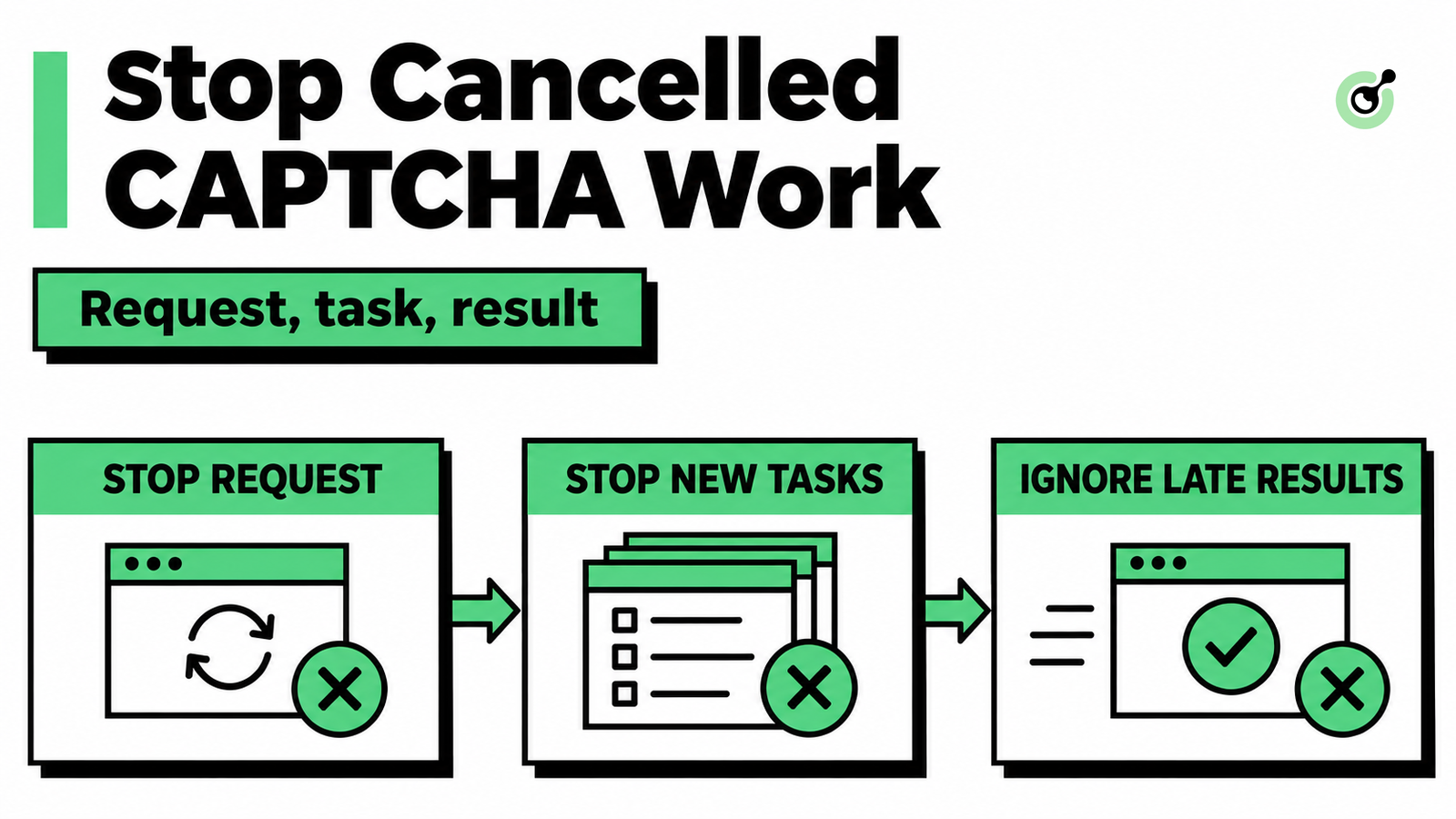
MCP CAPTCHA Cancellation: How to Stop Agent Tool Calls
Handle MCP CAPTCHA cancellation in AI agents. Stop new calls, distinguish remote tasks from local waits, and prevent late results from restarting work.
Khadija Santos
03-Nov-2026
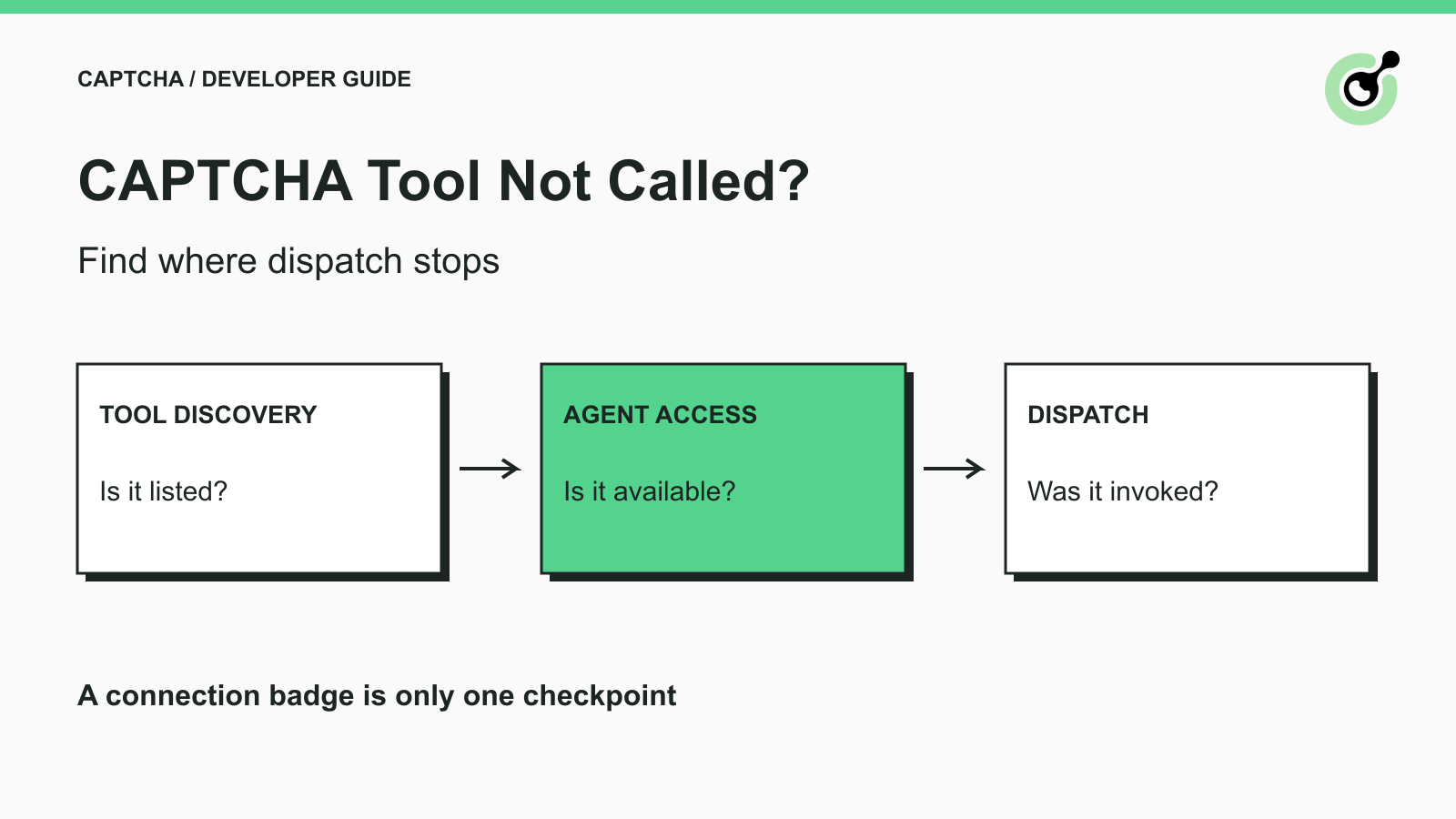
CAPTCHA Tool Connected but Your AI Agent Never Calls It?
Fix CAPTCHA tools that connect but never run. Check discovery, agent visibility, required inputs, approvals, and executor dispatch before changing solver settings.

Ethan Collins
02-Nov-2026
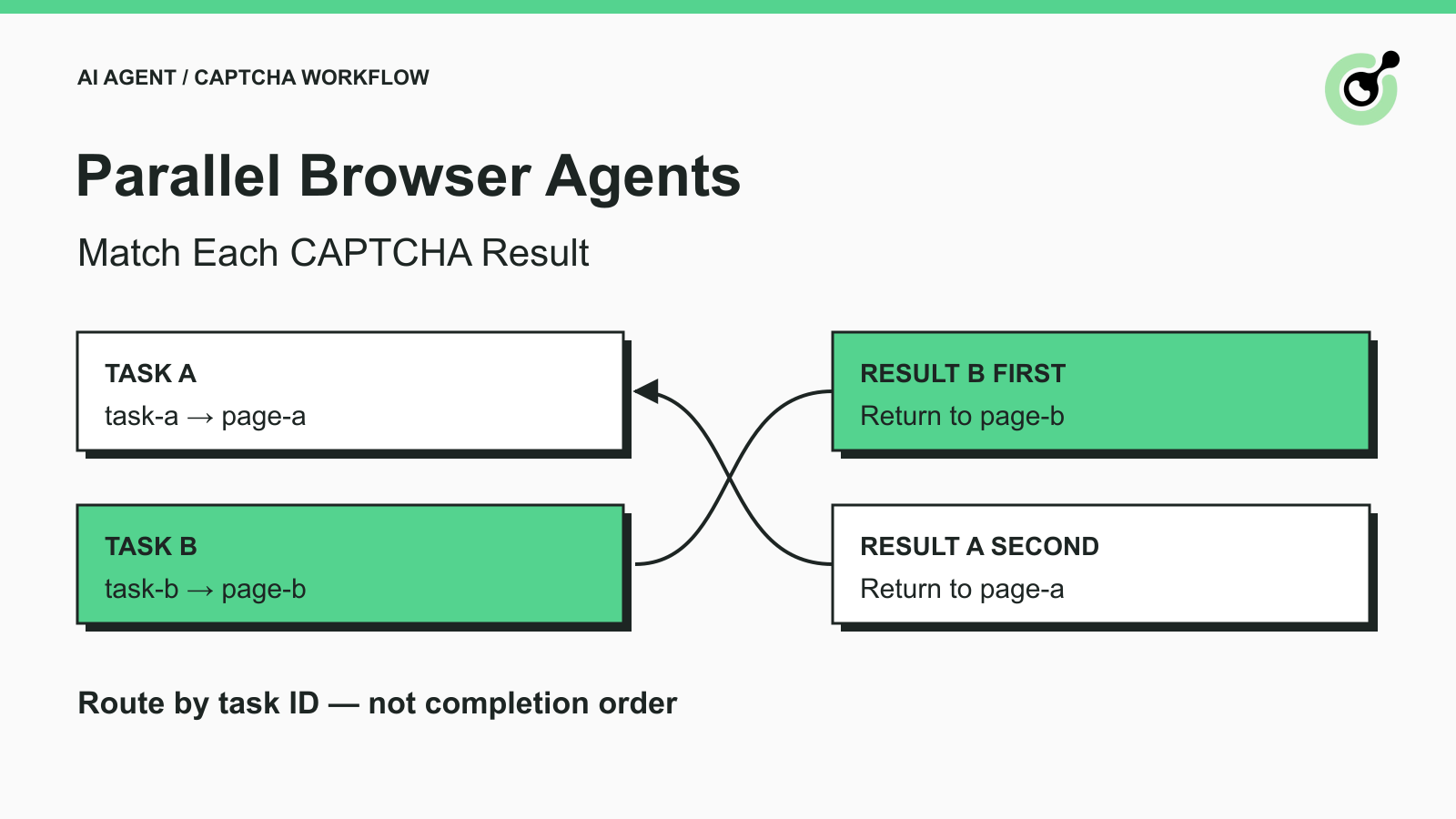
How to Match CAPTCHA Results to Parallel Browser Agent Tasks
Keep parallel browser agents from mixing CAPTCHA results. Map task IDs to page owners, reject stale responses, and test routing before applying a solution.
Khadija Santos
29-Oct-2026
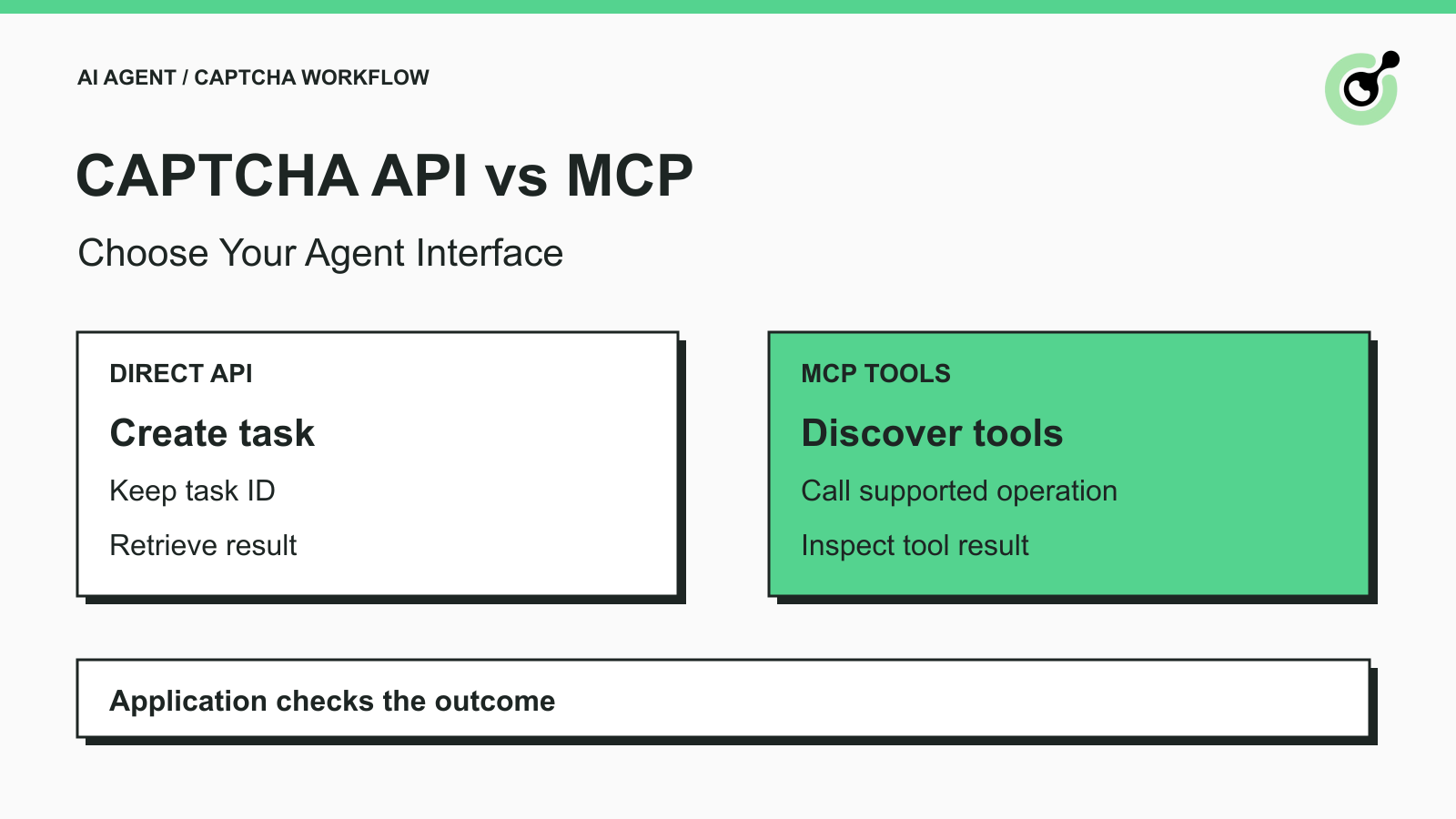
How to Choose Between a CAPTCHA API and MCP for AI Agents
Choose a CAPTCHA API or MCP for your AI agent by comparing task control, tool discovery, result handling, and browser responsibilities before you integrate.
Khadija Santos
29-Oct-2026
How to Fix CAPTCHA MCP Calls Using the Wrong Browser Session
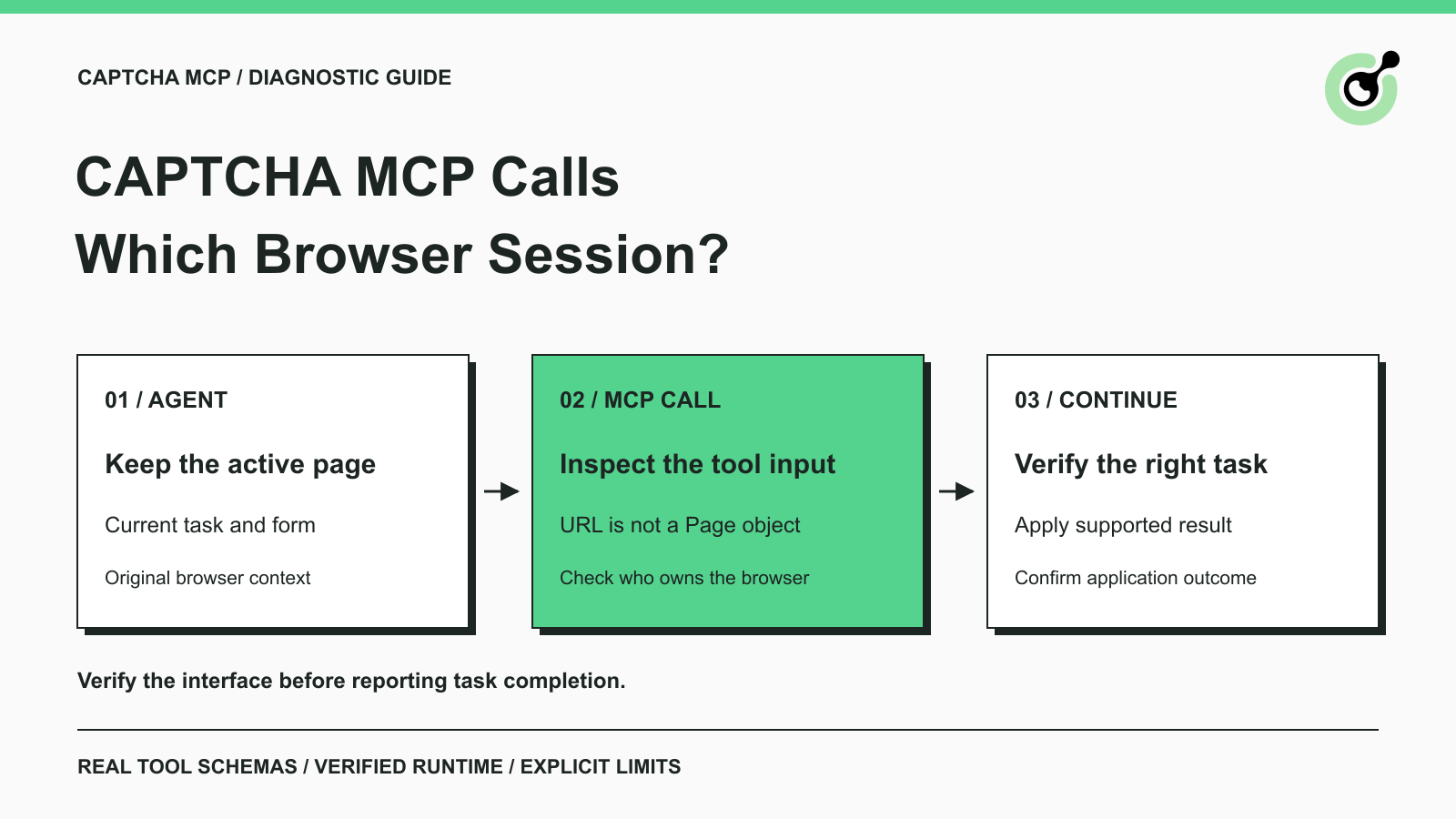
Diagnose CAPTCHA MCP calls that open a different browser session. Inspect tool inputs, keep the original page, and verify the task before continuing.
Khadija Santos
28-Oct-2026
How to Return CAPTCHA Tool Results an AI Agent Can Use
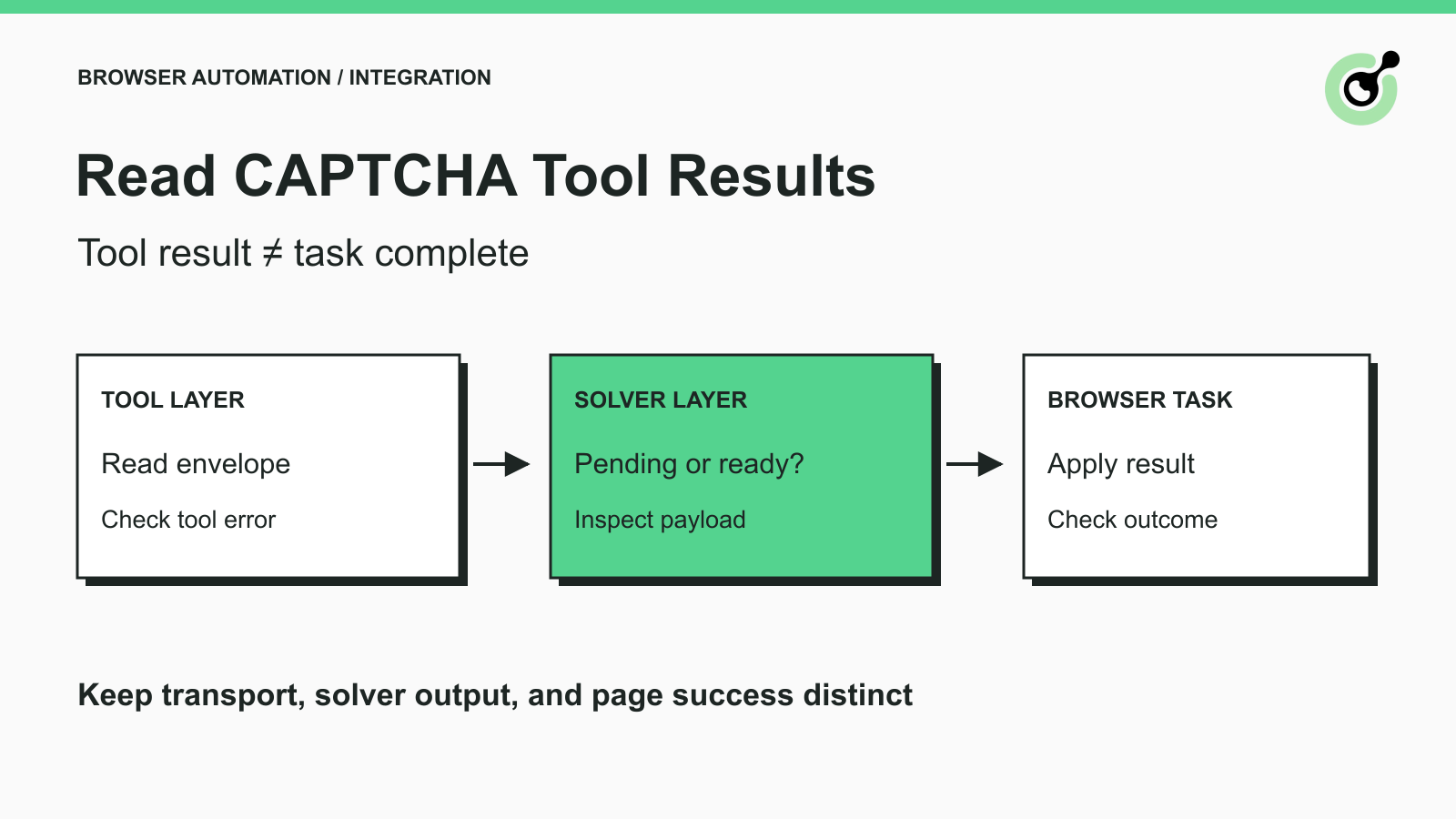
Read CAPTCHA tool results correctly: distinguish transport errors, pending tasks, solver output, and browser success before letting an AI agent continue.
Khadija Santos
28-Oct-2026