











The CAPTCHA API for AI Agent Automation

Sora Fujimoto
AI Solutions Architect
24-Jun-2026
TL;DR
- AI agents frequently encounter CAPTCHA challenges that block automated workflows without a dedicated solving layer
- A CAPTCHA API handles challenge resolution programmatically, returning tokens your agent injects directly into forms or requests
- CapSolver supports reCAPTCHA v2/v3, hCaptcha, Cloudflare Turnstile, AWS WAF, and dozens of other challenge types
- Response times average under 10 seconds for most challenge types, keeping pipelines fast and reliable
- Proper CAPTCHA API integration requires token injection, error handling, and retry logic to reach production stability
- All automation should comply with the target site's terms of service and applicable data regulations
Introduction
AI agents need uninterrupted access to web resources to complete tasks reliably. The moment a risk control system presents a CAPTCHA challenge, an unequipped agent stalls — losing data, missing deadlines, or failing the task entirely. A purpose-built CAPTCHA API solves this by handling challenge resolution in the background, returning a valid token your agent uses to continue. CapSolver is purpose-engineered for exactly this scenario, offering a high-throughput, agent-ready solving infrastructure that integrates in minutes. This article explains how CAPTCHA APIs work, what to look for in a production-grade solution, and how to integrate one into your AI agent stack responsibly.
Why AI Agents Hit CAPTCHA Walls
The nature of bot protection systems
Modern websites use layered traffic validation systems. These systems analyze browser fingerprints, mouse movement patterns, TLS handshakes, request timing, and dozens of other signals to distinguish human visitors from automated clients.
When an AI agent — running in a headless browser or making direct HTTP requests — triggers enough risk signals, the site's protection layer responds with a CAPTCHA challenge. This is not a bug in your agent. It is the expected behavior of any serious risk control system.
The challenge types vary widely:
- reCAPTCHA v2 — image-based checkbox challenges
- reCAPTCHA v3 — invisible scoring, no user interaction required
- hCaptcha — privacy-focused image challenges
- Cloudflare Turnstile — JavaScript-based proof-of-work challenges
- AWS WAF CAPTCHA — Amazon's native challenge layer
- FunCaptcha / Arkose Labs — interactive game-style challenges
- GeeTest — slider and behavior-based challenges
Each type requires a different solving mechanism. An agent without a CAPTCHA API simply cannot handle this variety at scale.
Why manual handling does not scale
Some teams attempt to route CAPTCHA challenges to human solvers embedded in their workflow. This creates latency spikes, inconsistent throughput, and significant operational cost. For AI agents automating web scraping tasks, even a 30-second delay per CAPTCHA can make entire pipelines economically unviable.
A CAPTCHA API removes the human bottleneck entirely. The agent submits the challenge parameters, the API resolves it, and returns a token — typically within 3–15 seconds depending on challenge type.
How a CAPTCHA API Works
The core request-response cycle
The integration pattern is consistent across challenge types:
- Your agent detects a CAPTCHA challenge on the target page
- It extracts the required parameters (site key, page URL, action, etc.)
- It sends a
createTaskrequest to the CAPTCHA API with those parameters - The API returns a
taskId - Your agent polls
getTaskResultuntil the status isready - The API returns a
solutiontoken - Your agent injects the token into the form field or request payload and submits
This cycle happens entirely in the background. The target site receives a valid, human-looking token and allows the request to proceed.
Token injection mechanics
Token injection is where many integrations fail. The token must be placed in the correct location:
- For reCAPTCHA v2: set the value of
g-recaptcha-responsebefore form submission - For reCAPTCHA v3: pass the token to the
grecaptcha.executecallback or inject it directly - For hCaptcha: set the
h-captcha-responsefield - For Cloudflare Turnstile: inject into
cf-turnstile-response
If your agent is operating in a headless browser environment, you can use page.evaluate() in Playwright or Puppeteer to set these values programmatically before triggering the form submission event.
Error handling and retry logic
Production-grade CAPTCHA API integration requires explicit error handling. Common failure modes include:
ERROR_CAPTCHA_UNSOLVABLE— the challenge image or parameters were invalidERROR_ZERO_BALANCE— account credit exhaustedERROR_TIMEOUT— the solver did not complete within the allowed window- Network errors between your agent and the API
Your agent should implement exponential backoff with a maximum retry count (typically 3 attempts) before raising an exception to the orchestrating layer. For autonomous agent infrastructure, this retry logic is as important as the initial integration.
Choosing the Right CAPTCHA API for Agent Workflows
What separates agent-grade from basic solvers
Not every CAPTCHA API is built for automated pipelines. Consumer-grade solvers prioritize simplicity. Agent-grade solvers prioritize:
- Low latency — sub-10-second average response for common challenge types
- High uptime SLA — 99.9%+ availability for production pipelines
- Broad challenge coverage — support for all major challenge types without switching providers
- Programmatic API design — RESTful endpoints, clear error codes, SDKs in multiple languages
- Scalability — ability to handle concurrent task submissions without rate-limiting your pipeline
For a detailed evaluation of options in 2026, the best CAPTCHA API for AI agents comparison covers the major providers across these dimensions.
CapSolver's agent-ready architecture
CapSolver is designed from the ground up for programmatic use. Its infrastructure supports:
- Asynchronous task creation and polling
- Proxy injection at the task level (pass your own residential or datacenter proxy)
- Browser fingerprint customization for stealth-sensitive workflows
- Webhook callbacks to eliminate polling overhead in high-volume pipelines
- Dashboard-level monitoring with per-task logs and success rate metrics
The CapSolver agent-ready solver overview details how these features map to common agent architecture patterns.
Redeem Your CapSolver Bonus Code
Boost your automation budget instantly!
Use bonus code CAP26 when topping up your CapSolver account to get an extra 5% bonus on every recharge — with no limits.
Redeem it now in your CapSolver Dashboard

Integrating a CAPTCHA API into Your AI Agent Stack
Where CAPTCHA solving fits in the automation layer
A well-designed agent stack separates concerns cleanly. The CAPTCHA API belongs in the HTTP/browser interaction layer — not in the reasoning or planning layer. Your agent's orchestrator should treat CAPTCHA resolution as a low-level utility call, similar to DNS resolution or TLS negotiation.
For a complete picture of how this fits into the broader stack, the web automation infrastructure stack for AI agents guide maps each layer from network to task planning.
The integration pattern in Python looks like this:
python
import requests
import time

API_KEY = "your_capsolver_api_key"

def solve_recaptcha_v2(site_key, page_url):
    # Create task
    task_payload = {
        "clientKey": API_KEY,
        "task": {
            "type": "ReCaptchaV2Task",
            "websiteURL": page_url,
            "websiteKey": site_key
        }
    }
    response = requests.post(
        "https://api.capsolver.com/createTask",
        json=task_payload
    ).json()

    task_id = response.get("taskId")
    if not task_id:
        raise Exception(f"Task creation failed: {response}")

    # Poll for result
    for _ in range(30):
        time.sleep(3)
        result = requests.post(
            "https://api.capsolver.com/getTaskResult",
            json={"clientKey": API_KEY, "taskId": task_id}
        ).json()

        if result.get("status") == "ready":
            return result["solution"]["gRecaptchaResponse"]

    raise Exception("CAPTCHA solving timed out")
This pattern works across challenge types — only the type field and solution key change.
Proxy configuration for stealth-sensitive agents
Many risk control systems correlate CAPTCHA solving with the IP address making the subsequent request. If your agent sends the solved token from a different IP than the one that received the challenge, the token may be rejected.
CapSolver supports proxy passthrough at the task level. You include your proxy credentials in the task payload, and the solver uses that proxy to complete the challenge — ensuring the token is generated from the same IP your agent will use for the follow-up request.
This is a critical detail for agentic browser automation workflows that rely on session consistency.
RPA and workflow automation integration
For teams using RPA platforms like UiPath or Automation Anywhere, the CAPTCHA API integrates via HTTP activity blocks. The same request-response cycle applies — the RPA bot makes an HTTP POST to create the task, polls for the result, and injects the token using a browser activity.
CapSolver's RPA glossary entry covers the specific configuration patterns for common RPA platforms.
Comparison: CAPTCHA API Approaches for AI Agents
| Approach | Latency | Challenge Coverage | Proxy Support | Agent-Friendly API | Cost Model |
|---|---|---|---|---|---|
| CapSolver API | 3–10s avg | reCAPTCHA, hCaptcha, Turnstile, AWS WAF, GeeTest, FunCaptcha, 50+ types | Yes (task-level) | RESTful, async, webhooks | Per-task, pay-as-you-go |
| Manual human solving services | 30–120s avg | Most image-based types | No | Basic polling | Per-task, higher cost |
| In-house ML solver | Variable | Limited to trained types | Depends on impl | Custom | High upfront + maintenance |
| Browser extension solvers | N/A for headless | Consumer types only | No | Not programmatic | Subscription |
| No solver (retry loop) | Infinite | None | N/A | N/A | Free but blocks pipeline |
The data makes the case clearly. For AI agent pipelines requiring consistent throughput, a dedicated CAPTCHA API is the only viable production option. For a deeper evaluation framework, see the guide on choosing a CAPTCHA solver for agent infrastructure in 2026.
Compliance and Responsible Use
Operating within acceptable boundaries
A CAPTCHA API is a powerful tool. Its use carries responsibility. Before integrating any automated solving solution, verify:
- The target site's Terms of Service permit automated access
- Your use case complies with applicable laws, including the Computer Fraud and Abuse Act (CFAA) in the US and equivalent statutes in other jurisdictions
- Data collected through automated means is handled in compliance with GDPR or applicable privacy regulations
- Your automation does not create disproportionate load on target infrastructure
CapSolver's acceptable use policy explicitly prohibits use cases targeting systems without authorization. Responsible automation respects both the technical and legal boundaries of the systems it interacts with.
Understanding what CAPTCHA systems protect
CAPTCHA systems exist to protect services from abuse — credential stuffing, scraping at harmful scale, automated fraud, and similar threats. A CAPTCHA API used for legitimate research, authorized data collection, or internal automation of systems you own or have permission to access is appropriate. Using it to circumvent protections on systems you do not have authorization to access is not.
For a full treatment of the CAPTCHA solving infrastructure considerations for AI agents, including compliance checkpoints, that resource covers the topic in depth.
Conclusion
AI agent automation is only as reliable as its ability to handle the obstacles real web environments present. A CAPTCHA API is not optional infrastructure for production agents — it is foundational. Without it, any pipeline touching protected web resources will fail unpredictably at scale.
CapSolver provides the CAPTCHA API purpose-built for this use case: broad challenge coverage, low latency, proxy passthrough, async task management, and the monitoring tools your team needs to maintain pipeline health. If your agents are hitting challenge walls today, CapSolver's infrastructure is ready to integrate — and the bonus code above gives you extra budget to get started.
Build responsibly, integrate cleanly, and keep your agents moving.
FAQ
Q: What is a CAPTCHA API and how does it work for AI agents?
A: A CAPTCHA API is a programmatic service that accepts challenge parameters from your agent, resolves the challenge using automated or human-assisted methods, and returns a valid token. Your agent injects that token into the target request or form to satisfy the site's traffic validation requirement and continue its task.
Q: Which CAPTCHA types does CapSolver's API support?
A: CapSolver supports over 50 challenge types including reCAPTCHA v2, reCAPTCHA v3, hCaptcha, Cloudflare Turnstile, AWS WAF CAPTCHA, FunCaptcha, GeeTest v3/v4, ImageToText, and several provider-specific challenge formats. The full list is available in CapSolver's official documentation.
Q: How fast is a typical CAPTCHA API response?
A: For common challenge types like reCAPTCHA v2 and hCaptcha, average response times are 3–10 seconds. Invisible scoring challenges like reCAPTCHA v3 are typically faster. Response time varies based on challenge difficulty, current queue depth, and whether proxy passthrough is enabled.
Q: Do I need to use a proxy with the CAPTCHA API?
A: Not always, but it is strongly recommended for production pipelines. If the token generated by the solver is tied to a different IP than your agent's outbound IP, some risk control systems will reject it. Using proxy passthrough ensures the token and the subsequent request originate from the same IP, improving acceptance rates.
Q: Is using a CAPTCHA API legal?
A: Legality depends entirely on your use case and jurisdiction. Using a CAPTCHA API to automate systems you own, have explicit permission to access, or are authorized to test is generally permissible. Using it to access systems without authorization may violate computer fraud laws and the target site's terms of service. Always verify compliance before deploying automated workflows against any external system.
Compliance Disclaimer: The information provided on this blog is for informational purposes only. CapSolver is committed to compliance with all applicable laws and regulations. The use of the CapSolver network for illegal, fraudulent, or abusive activities is strictly prohibited and will be investigated. Our captcha-solving solutions enhance user experience while ensuring 100% compliance in helping solve captcha difficulties during public data crawling. We encourage responsible use of our services. For more information, please visit our Terms of Service and Privacy Policy.
More
How to Solve CAPTCHA with TinyFish AgentQL – Step-by-Step Guide Using CapSolver
Learn how to integrate CapSolver with TinyFish AgentQL to automatically solve CAPTCHAs like reCAPTCHA and Cloudflare Turnstile. Step-by-step tutorial with Python and JavaScript SDK examples for seamless AI-powered web automation.

Ethan Collins
05-Aug-2026
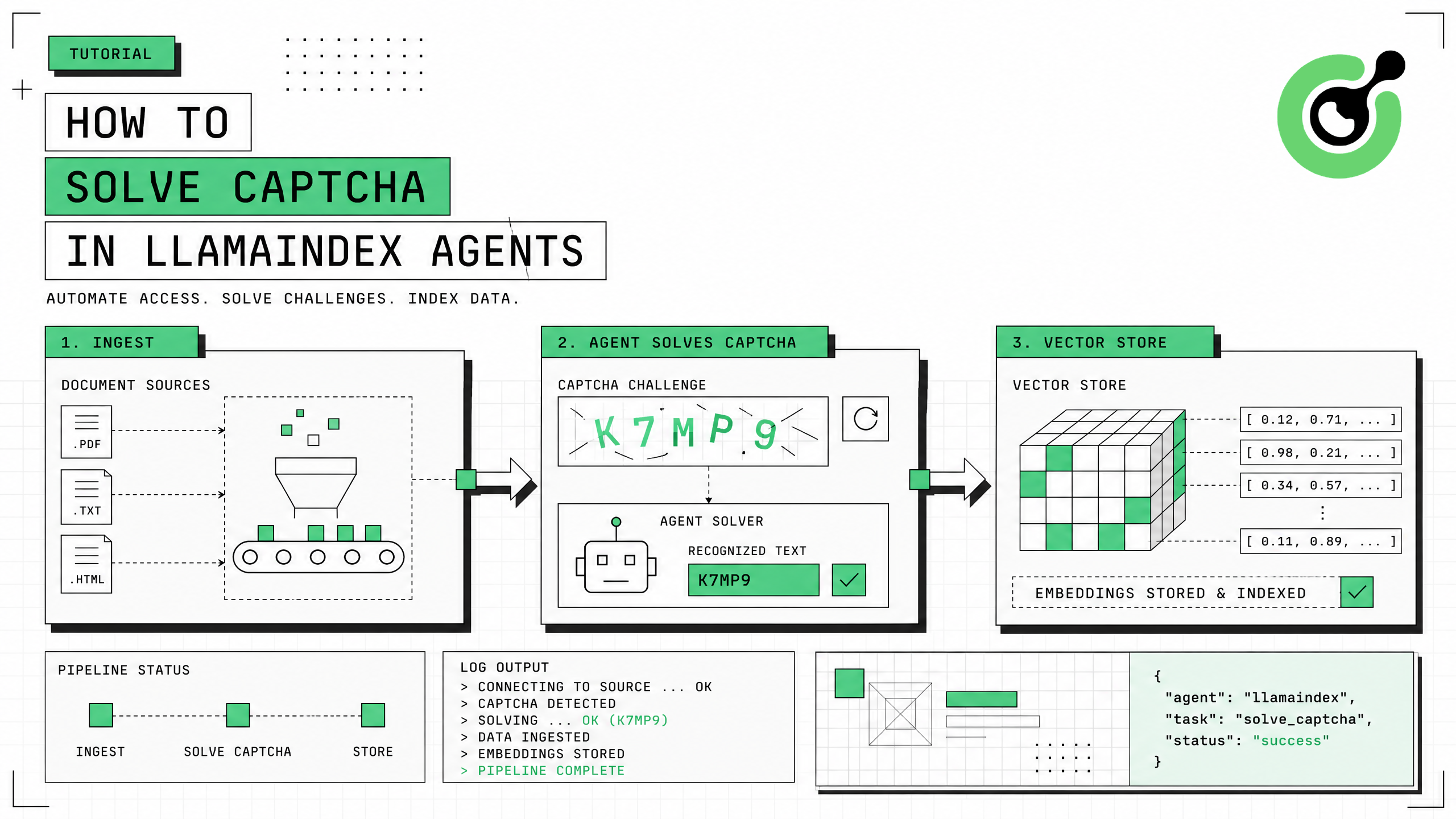
How to Solve CAPTCHA in LlamaIndex Agents
Integrate CAPTCHA solving into LlamaIndex agents using FunctionTool and CapSolver for web data ingestion pipelines.
Ethan Collins
31-Jul-2026
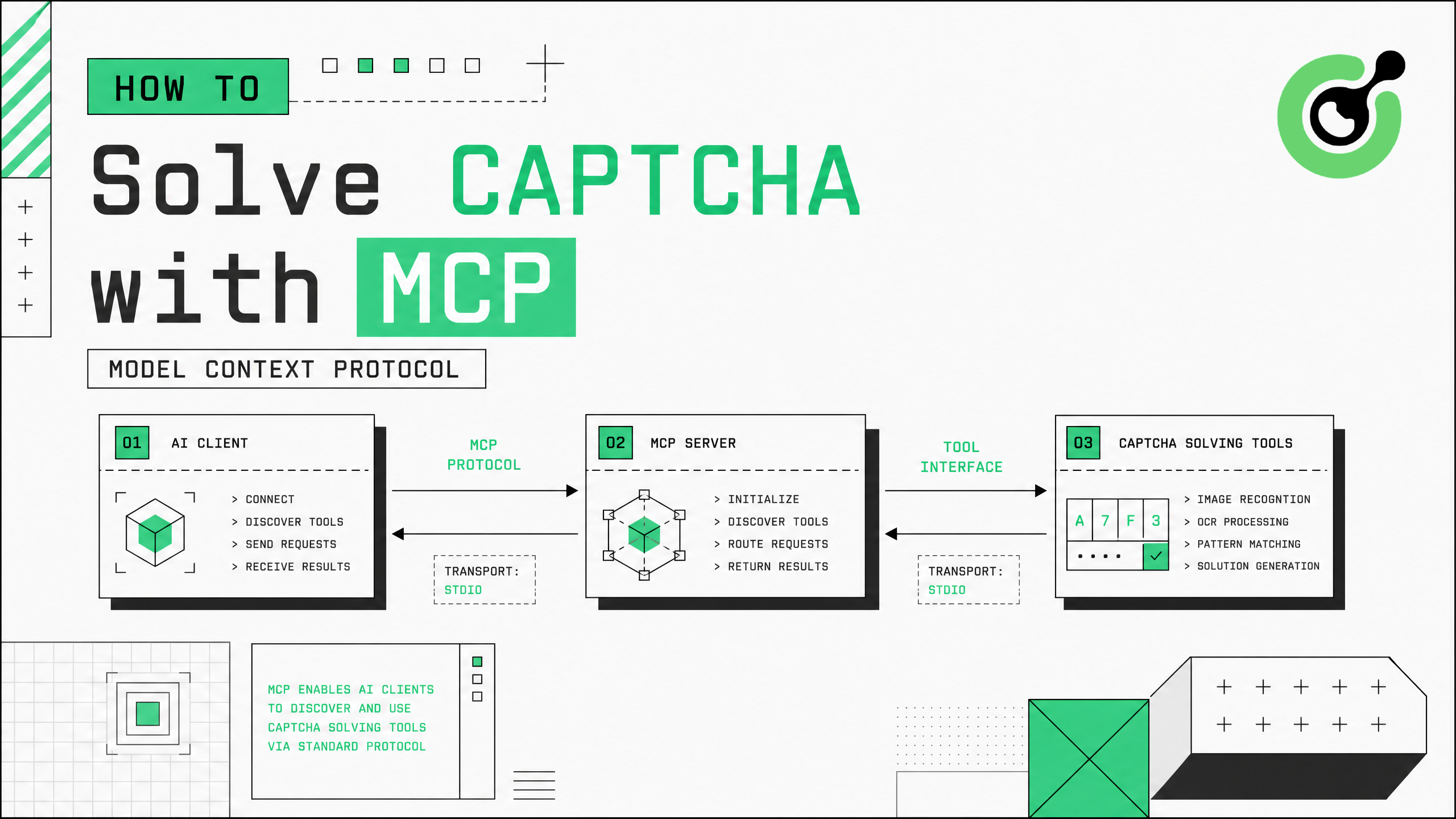
How to Solve CAPTCHA with MCP: CapSolver Model Context Protocol Service
Set up CapSolver MCP service for zero-code CAPTCHA solving in Claude Desktop, Cursor, and any MCP client.
Ethan Collins
31-Jul-2026
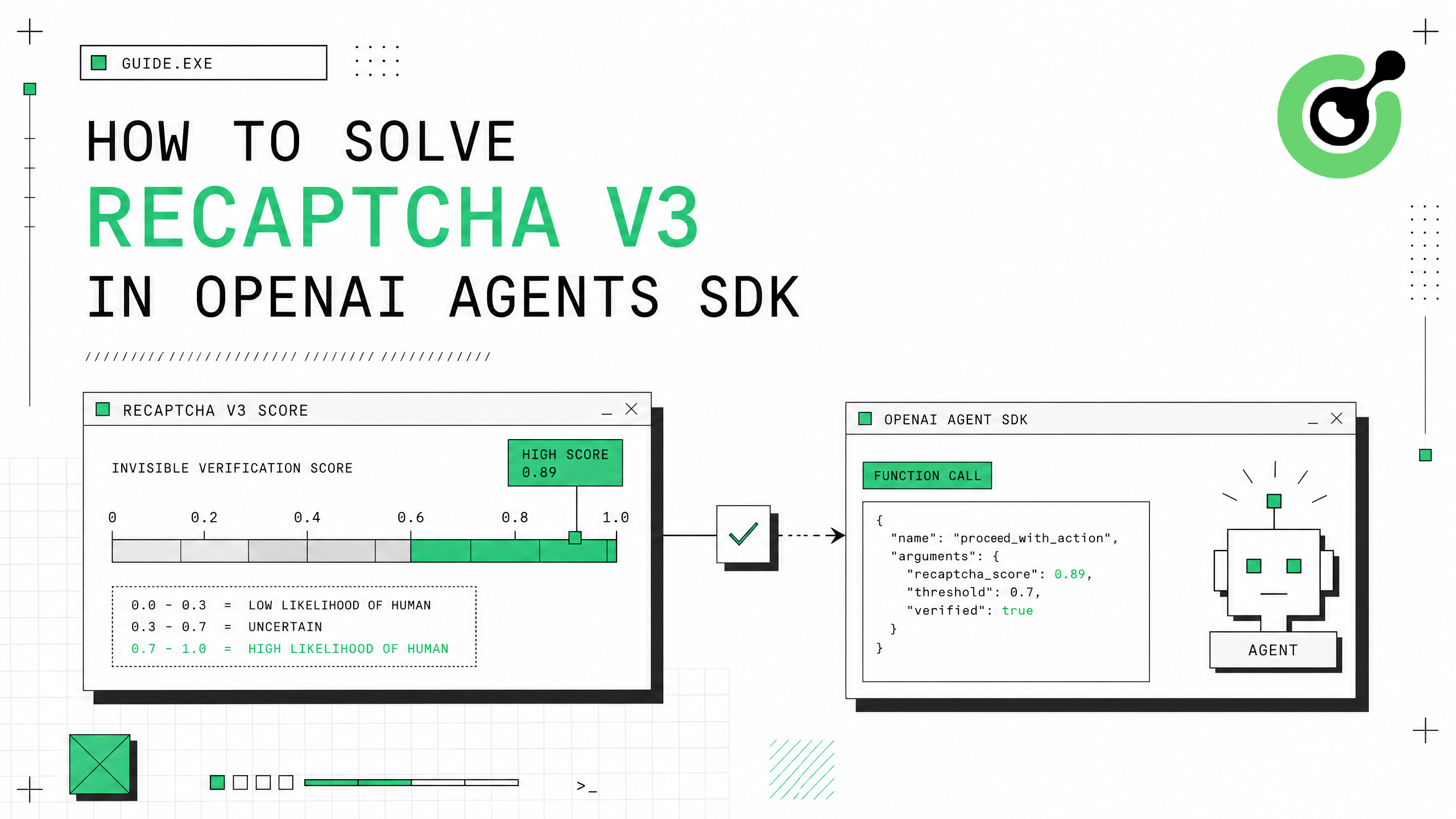
How to Solve reCAPTCHA v3 in OpenAI Agents SDK
Generate high-score reCAPTCHA v3 tokens in OpenAI Agents SDK using CapSolver function_tool.
Ethan Collins
30-Jul-2026
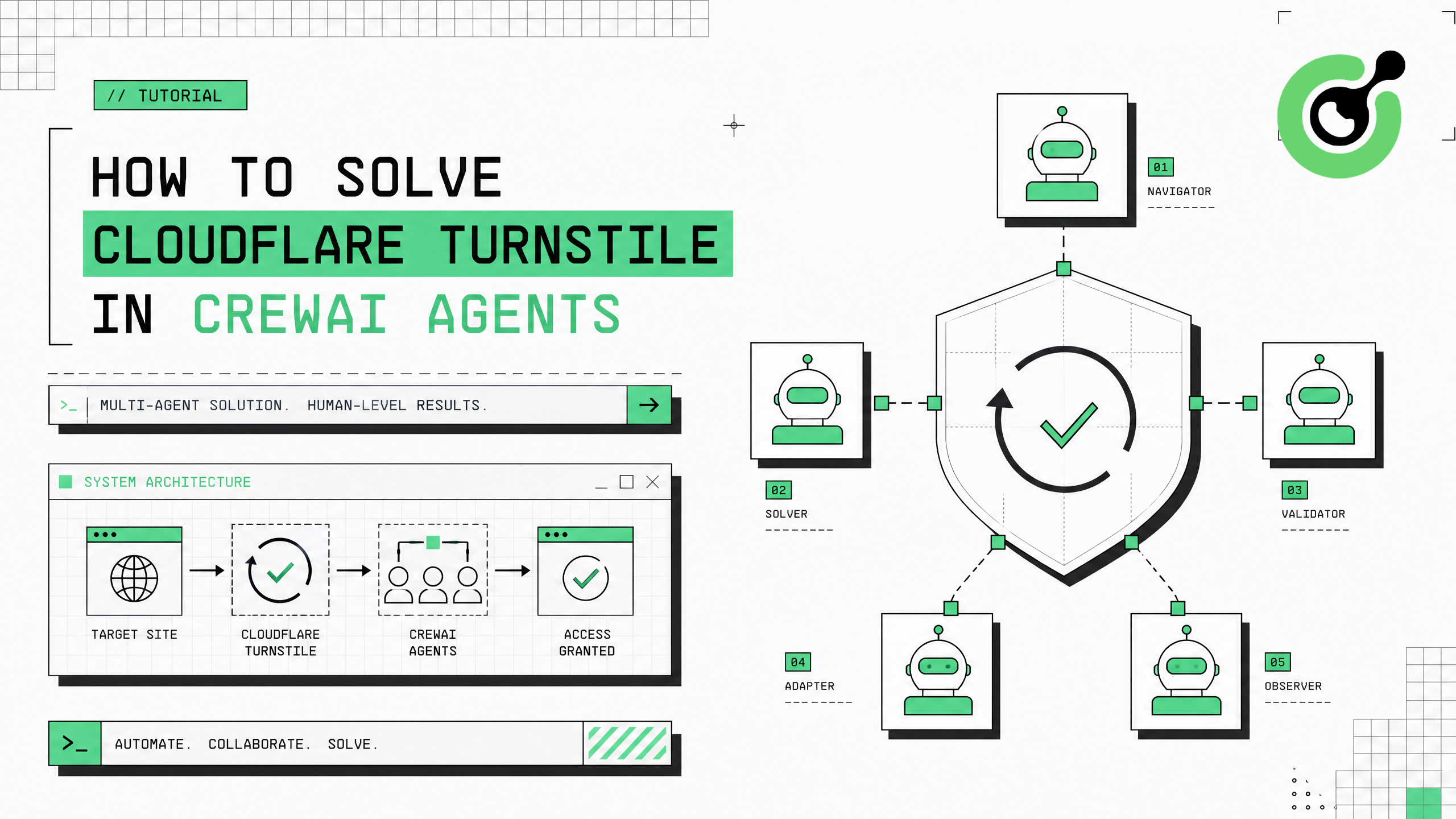
How to Solve Cloudflare Turnstile in CrewAI Agents
Integrate Cloudflare Turnstile solving into CrewAI multi-agent workflows using CapSolver.
Ethan Collins
30-Jul-2026
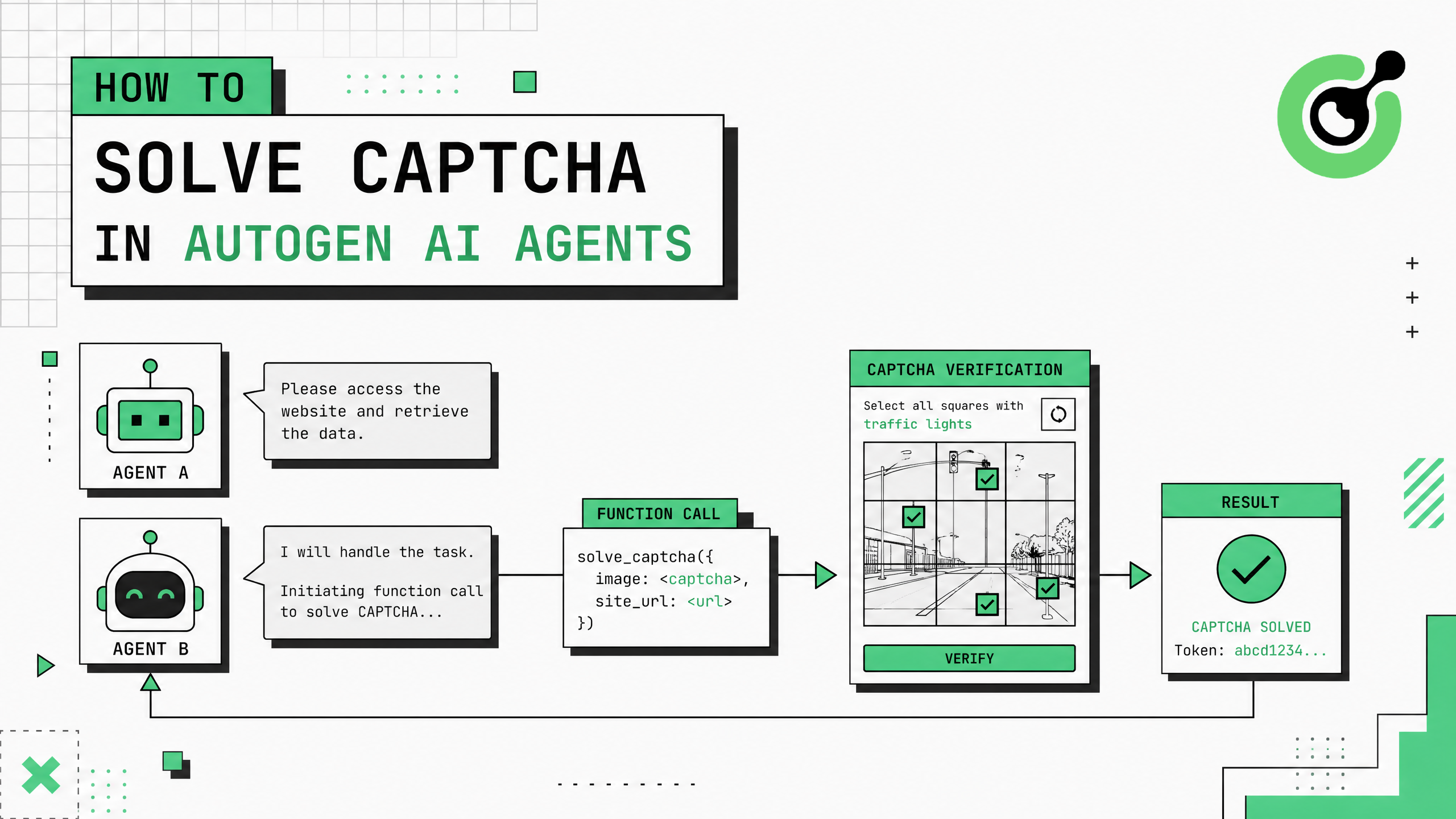
How to Solve CAPTCHA in AutoGen Agents
Complete guide to integrating CAPTCHA solving into Microsoft AutoGen multi-agent conversations using CapSolver with register_function and group chat patterns.
Ethan Collins
29-Jul-2026