











How to Solve Cloudflare Turnstile in CrewAI Agents

Ethan Collins
Pattern Recognition Specialist
30-Jul-2026
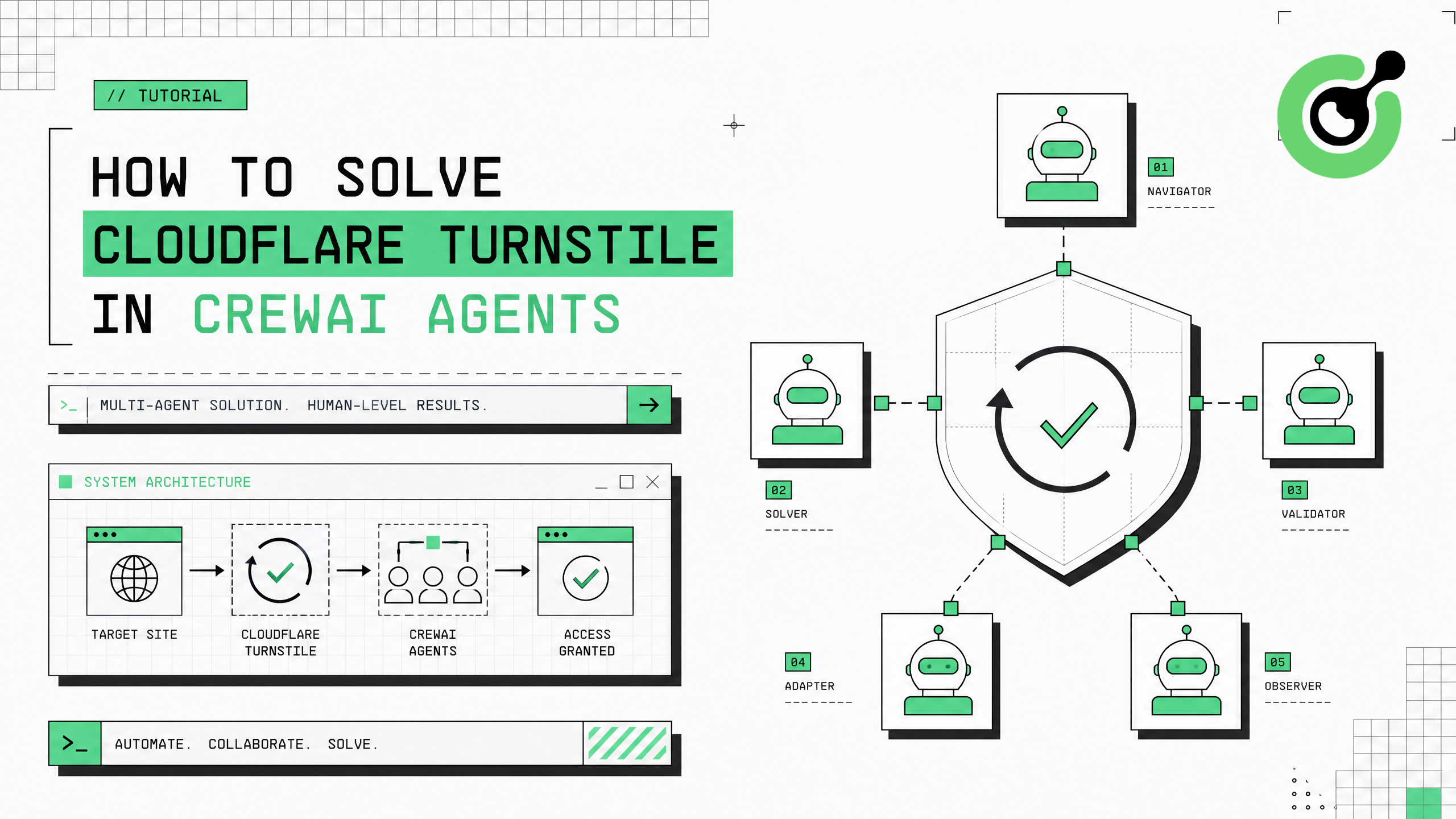
Cloudflare Turnstile is rapidly replacing traditional CAPTCHAs across modern web applications. When CrewAI multi-agent workflows encounter Turnstile-protected pages during web research, data collection, or automated workflows, the entire crew stalls. CapSolver's capsolver-core SDK solves Turnstile challenges in 2-5 seconds, integrating seamlessly with CrewAI's tool system to keep your multi-agent pipelines running without interruption.
TL;DR
- Cloudflare Turnstile is deployed on 25%+ of modern web applications, making it the fastest-growing verification system
- CapSolver solves Turnstile in 2-5 seconds — faster than reCAPTCHA — using the
cloudflaretask type - Integration with CrewAI uses the
@tooldecorator wrapping CapSolver's async executor - Only requires
website_urlandwebsite_key(the Turnstile sitekey starting with0x) - Works in both Token mode (no browser) and Browser mode (auto-detect and fill on live pages)
Why CrewAI Agents Encounter Cloudflare Turnstile
Cloudflare Turnstile has become the default verification system for a growing share of the web. Unlike reCAPTCHA, Turnstile operates as a "non-interactive challenge" — it runs in the background and only presents a visible widget when the risk score is elevated. This makes it harder for agents to detect and handle compared to traditional checkbox CAPTCHAs.
CrewAI agents encounter Turnstile on SaaS platforms, API documentation sites, modern ecommerce stores (especially Shopify), fintech portals, and content management systems. Cloudflare's Turnstile documentation indicates that the system processes billions of challenges monthly across millions of sites, with adoption growing 40%+ year-over-year.
For CrewAI crews performing web research or data collection, Turnstile appears without warning — a page that loaded fine yesterday may deploy Turnstile today after the site enables Cloudflare's bot management. CapSolver's cloudflare task type handles this transparently.
What You Need Before Starting
bash
# CapSolver core engine
pip install git+https://github.com/capsolver-ai/capsolver-core.git
# CapSolver agent tools
pip install git+https://github.com/capsolver-ai/capsolver-agent.git
# CrewAI
pip install crewai crewai-tools
bash
export CAPSOLVER_API_KEY="your-capsolver-api-key"
export OPENAI_API_KEY="your-openai-api-key"
Step 1 — Create a Turnstile Solving Tool for CrewAI
python
import asyncio
from crewai.tools import tool
from capsolver_agent.schema import create_executor

executor = create_executor(api_key="YOUR_CAPSOLVER_API_KEY")

@tool("Solve Cloudflare Turnstile")
def solve_turnstile(website_url: str, website_key: str) -> str:
    """Solve a Cloudflare Turnstile challenge and return the verification token.

    Use this tool when a website is protected by Cloudflare Turnstile.
    The website_key starts with '0x' and can be found in the page's
    cf-turnstile div element's data-sitekey attribute.

    Args:
        website_url: The full URL of the Turnstile-protected page
        website_key: The Turnstile sitekey (starts with 0x)

    Returns:
        The cf-turnstile-response token to submit with requests
    """
    result = asyncio.run(executor.execute("solve_captcha", {
        "captcha_type": "cloudflare",
        "website_url": website_url,
        "website_key": website_key
    }))

    if result["success"]:
        return f"Turnstile solved in ~3s. Token: {result['solution']['token']}"
    return f"Solving failed: {result['error']}"
Step 2 — Build a CrewAI Agent with Turnstile Capability
python
from crewai import Agent, Task, Crew, Process

# Agent with Turnstile solving
researcher = Agent(
    role="Web Research Specialist",
    goal="Access Cloudflare-protected websites and collect data",
    backstory="""You research websites protected by Cloudflare Turnstile.
    When you encounter a Turnstile challenge (identified by cf-turnstile elements
    or Cloudflare challenge pages), use the solve_turnstile tool with the page URL
    and the sitekey (starts with 0x). Submit the returned token as
    cf-turnstile-response.""",
    tools=[solve_turnstile],
    verbose=True
)

# Task requiring Turnstile solving
research_task = Task(
    description="""Access the Cloudflare-protected page at {url}.
    The Turnstile sitekey is {site_key}.
    Solve the Turnstile challenge and report the token.""",
    expected_output="Turnstile token for accessing the protected resource",
    agent=researcher
)

crew = Crew(agents=[researcher], tasks=[research_task], process=Process.sequential)
result = crew.kickoff(inputs={"url": "https://example.com", "site_key": "0x4AAAAAAA..."})
Step 3 — Identify Turnstile Parameters
Turnstile sitekeys are found in the page HTML:
html
<!-- Turnstile widget -->
<div class="cf-turnstile" data-sitekey="0x4AAAAAAABkMYinukE8nzYS"></div>

<!-- Or in JavaScript -->
<script>
  turnstile.render('#container', { sitekey: '0x4AAAAAAABkMYinukE8nzYS' });
</script>
The CapSolver browser extension auto-detects Turnstile parameters on any page. The Cloudflare Turnstile solving guide provides detailed implementation patterns.
Step 4 — Handle Turnstile in Browser Mode
For CrewAI agents driving a browser with Playwright, use solve_on_page() for automatic detection:
python
from capsolver_core import create_capsolver
from playwright.async_api import async_playwright

async def solve_turnstile_on_page(url: str):
    cap = create_capsolver(api_key="YOUR_CAPSOLVER_API_KEY")

    async with async_playwright() as p:
        browser = await p.chromium.launch()
        page = await browser.new_page()
        await page.goto(url)

        # Auto-detect and solve Turnstile
        results = await cap.solve_on_page(page)
        for r in results:
            if r.solution:
                print(f"Turnstile solved and filled: {r.filled}")

        await browser.close()
await cap.aclose()| Feature | Turnstile vs reCAPTCHA |
|---|---|
| Solve time | 2-5 seconds (faster) |
| Cost per solve | $1-2 per 1,000 |
| Browser required | No (Token mode works) |
| Visible widget | Sometimes (risk-based) |
| Token field name | cf-turnstile-response |
Claim Your Bonus Code: Use code WEBS at CapSolver Dashboard to get an extra 5% bonus on every recharge.
Conclusion
Solving Cloudflare Turnstile in CrewAI requires the @tool decorator wrapping CapSolver's executor with captcha_type: "cloudflare". Turnstile solves faster (2-5 seconds) and costs less than reCAPTCHA, making it efficient for high-volume CrewAI workflows. CapSolver handles Turnstile transparently through the same API used for reCAPTCHA, so your CrewAI tools work across all CAPTCHA types without code changes.
FAQ
Is Cloudflare Turnstile harder to solve than reCAPTCHA?
No. Turnstile is actually faster to solve (2-5 seconds vs 5-12 seconds for reCAPTCHA v2) and costs less per solve. The CapSolver API handles both through the same interface — just change the captcha_type parameter.
What does the Turnstile sitekey look like?
Turnstile sitekeys always start with 0x followed by alphanumeric characters, like 0x4AAAAAAABkMYinukE8nzYS. They are found in data-sitekey attributes on div.cf-turnstile elements.
Can one CrewAI tool handle both Turnstile and reCAPTCHA?
Yes. Create a unified tool that accepts captcha_type as a parameter. The executor handles routing to the correct solver based on the type value — cloudflare for Turnstile, reCaptchaV2 or reCaptchaV3 for reCAPTCHA.
Does Turnstile solving work without a browser?
Yes. Token mode only requires the website_url and website_key. No browser, no Playwright, no page rendering needed. The token is returned directly and can be submitted with HTTP requests as cf-turnstile-response.
Compliance Disclaimer: The information provided on this blog is for informational purposes only. CapSolver is committed to compliance with all applicable laws and regulations. The use of the CapSolver network for illegal, fraudulent, or abusive activities is strictly prohibited and will be investigated. Our captcha-solving solutions enhance user experience while ensuring 100% compliance in helping solve captcha difficulties during public data crawling. We encourage responsible use of our services. For more information, please visit our Terms of Service and Privacy Policy.
More
How to Solve CAPTCHA with TinyFish AgentQL – Step-by-Step Guide Using CapSolver
Learn how to integrate CapSolver with TinyFish AgentQL to automatically solve CAPTCHAs like reCAPTCHA and Cloudflare Turnstile. Step-by-step tutorial with Python and JavaScript SDK examples for seamless AI-powered web automation.
Ethan Collins
05-Aug-2026
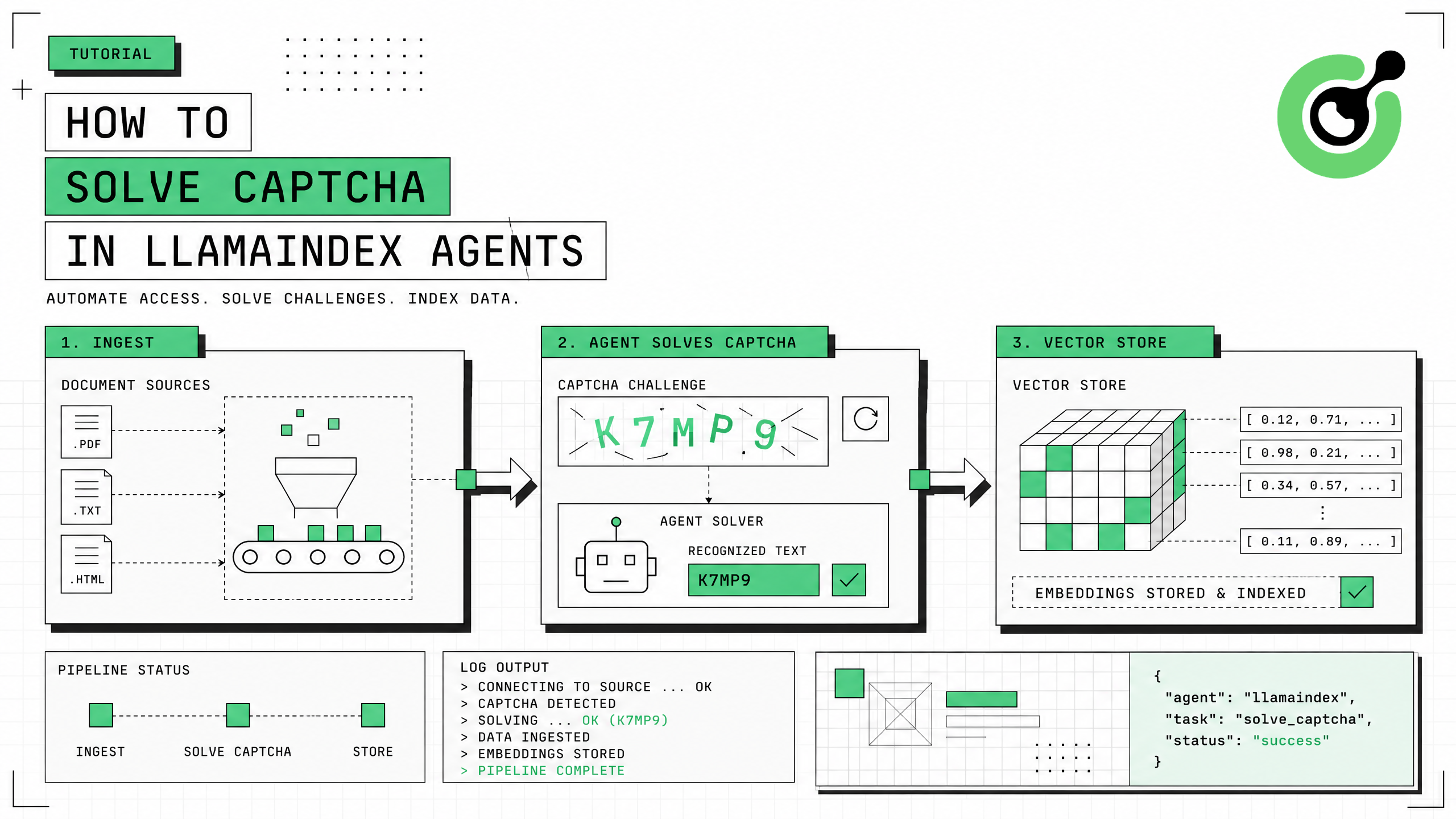
How to Solve CAPTCHA in LlamaIndex Agents
Integrate CAPTCHA solving into LlamaIndex agents using FunctionTool and CapSolver for web data ingestion pipelines.
Ethan Collins
31-Jul-2026
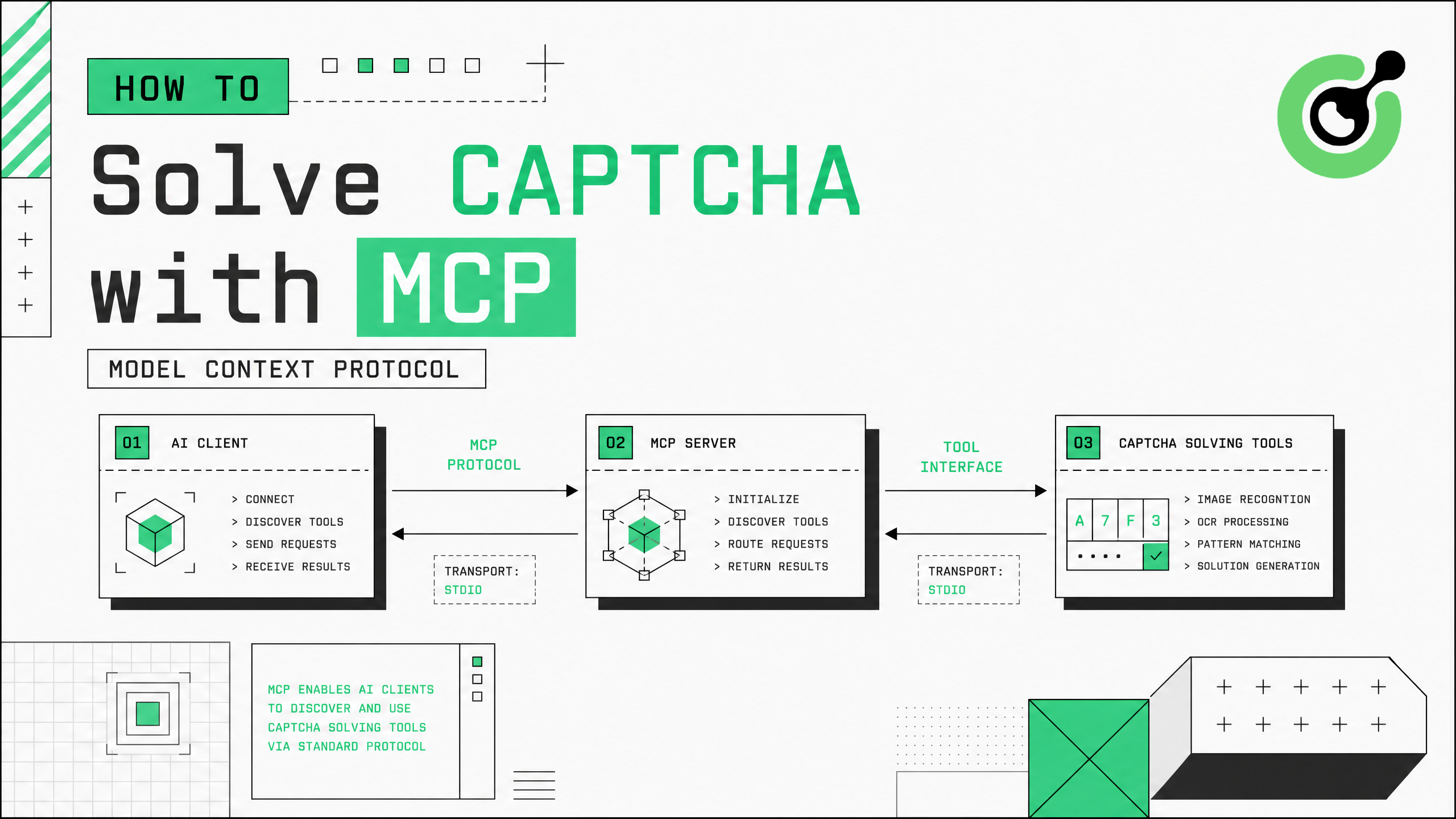
How to Solve CAPTCHA with MCP: CapSolver Model Context Protocol Service
Set up CapSolver MCP service for zero-code CAPTCHA solving in Claude Desktop, Cursor, and any MCP client.
Ethan Collins
31-Jul-2026
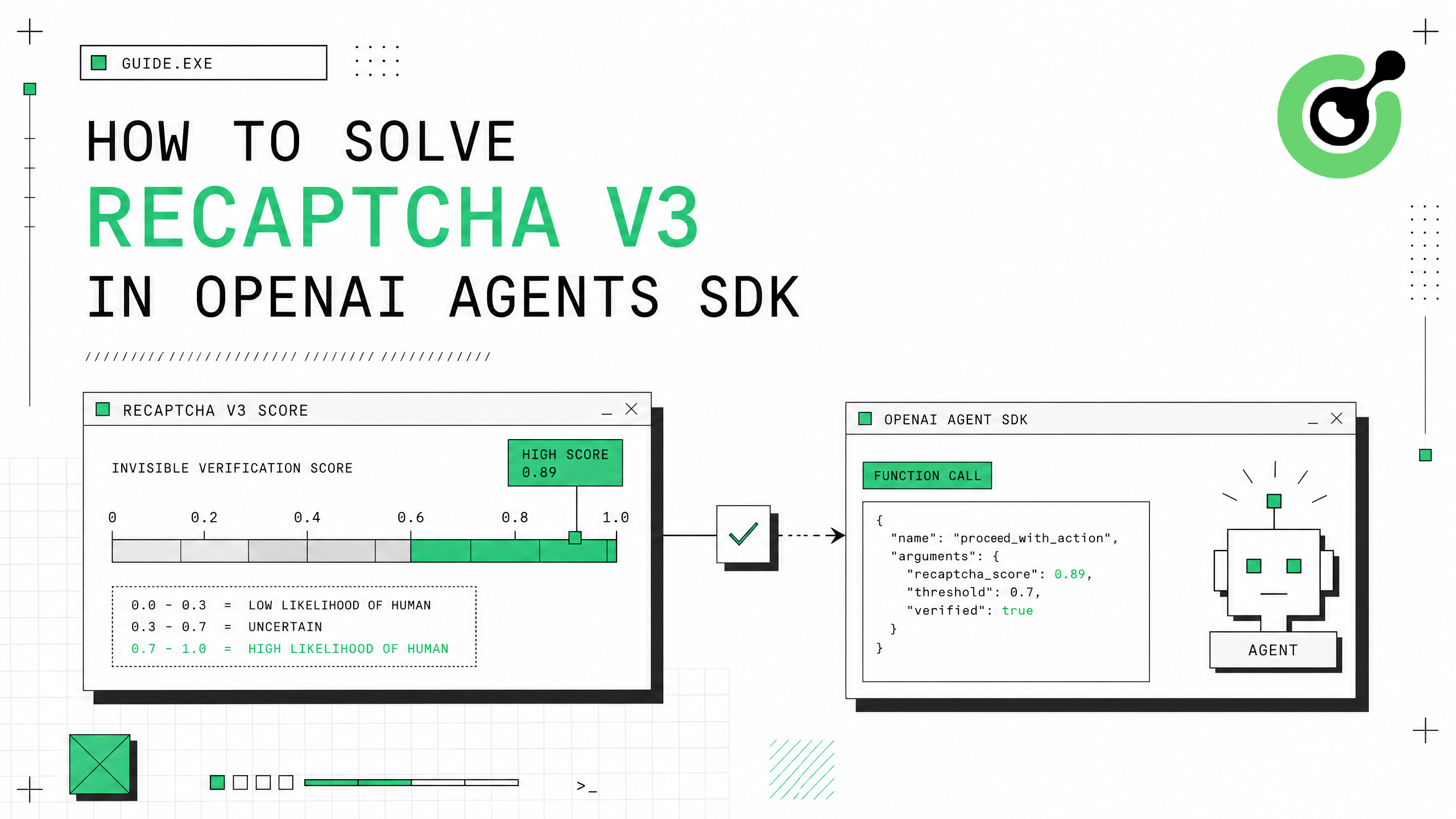
How to Solve reCAPTCHA v3 in OpenAI Agents SDK
Generate high-score reCAPTCHA v3 tokens in OpenAI Agents SDK using CapSolver function_tool.
Ethan Collins
30-Jul-2026
How to Solve Cloudflare Turnstile in CrewAI Agents
Integrate Cloudflare Turnstile solving into CrewAI multi-agent workflows using CapSolver.
Ethan Collins
30-Jul-2026
How to Solve CAPTCHA in AutoGen Agents
Complete guide to integrating CAPTCHA solving into Microsoft AutoGen multi-agent conversations using CapSolver with register_function and group chat patterns.
Ethan Collins
29-Jul-2026