











How to Solve reCAPTCHA v3 in OpenAI Agents SDK

Ethan Collins
Pattern Recognition Specialist
30-Jul-2026
How to Solve reCAPTCHA v3 in OpenAI Agents SDK
reCAPTCHA v3 operates invisibly — no checkbox, no image grid — scoring user interactions behind the scenes. When OpenAI Agents SDK agents access v3-protected APIs and pages, they receive low scores that trigger blocks or secondary challenges. CapSolver generates high-score reCAPTCHA v3 tokens (0.7-0.9) through its AI service, integrating with the OpenAI Agents SDK via @function_tool to let your agent clear invisible verification without any visible interaction.
TL;DR
- reCAPTCHA v3 is invisible and score-based — agents fail silently when their score is too low
- CapSolver generates high-score tokens (0.7-0.9) in 3-8 seconds via the
reCaptchaV3task type - Requires
website_url,website_key, andpage_actionparameters (action name like "login" or "submit") - Integration uses OpenAI Agents SDK's
@function_toolwith CapSolver's asyncexecute_tool() - No browser needed — Token mode works for all reCAPTCHA v3 implementations
Why reCAPTCHA v3 Is Different from v2
reCAPTCHA v3 never shows a visible challenge. Instead, it runs JavaScript in the background that scores the user's session from 0.0 (likely bot) to 1.0 (likely human). The site owner sets a threshold — typically 0.5-0.7 — and blocks or challenges requests below that score.
For OpenAI Agents, this creates a silent failure mode. The agent doesn't see a CAPTCHA widget to solve. Instead, API calls return 403 errors, form submissions silently fail, or the site redirects to an error page. Without understanding that reCAPTCHA v3 is blocking them, agents cannot recover.
Google's reCAPTCHA v3 documentation explains that the score is based on "interactions with your site" — automated browsers with no mouse movement, no scroll behavior, and rapid navigation consistently score below 0.3, triggering blocks.
CapSolver solves this by generating tokens with scores of 0.7-0.9, which pass virtually all site thresholds. The agent submits this token with its request, and the site accepts it as a high-confidence human interaction.
What You Need Before Starting
bash
pip install git+https://github.com/capsolver-ai/capsolver-core.git
pip install git+https://github.com/capsolver-ai/capsolver-agent.git
pip install openai-agents
bash
export CAPSOLVER_API_KEY="your-capsolver-api-key"
export OPENAI_API_KEY="your-openai-api-key"
You need to identify the reCAPTCHA v3 page_action for your target site. Common actions: login, submit, homepage, register, checkout. Find it by searching the page source for grecaptcha.execute(sitekey, {action: '...'}).
Step 1 — Register reCAPTCHA v3 Solving as a Function Tool
python
from agents import Agent, Runner, function_tool
from capsolver_agent.schema import execute_tool

@function_tool
async def solve_recaptcha_v3(
    website_url: str,
    website_key: str,
    page_action: str = "verify",
    min_score: float = 0.7
) -> str:
    """Solve an invisible reCAPTCHA v3 challenge and return a high-score token.

    Use this when a site uses reCAPTCHA v3 (invisible, score-based).
    The token must be submitted as 'g-recaptcha-response' with your request.

    Args:
        website_url: The full URL of the page
        website_key: The reCAPTCHA v3 site key
        page_action: The action name (e.g., 'login', 'submit', 'verify')
        min_score: Minimum acceptable score (default 0.7, range 0.1-0.9)
    """
    result = await execute_tool("solve_captcha", {
        "captcha_type": "reCaptchaV3",
        "website_url": website_url,
        "website_key": website_key,
        "page_action": page_action,
        "min_score": min_score
    }, api_key="YOUR_CAPSOLVER_API_KEY")

    if result["success"]:
        return f"reCAPTCHA v3 solved (score ≥{min_score}). Token: {result['solution']['token']}"
    return f"Failed: {result['error']}"
Step 2 — Build the Agent
python
v3_agent = Agent(
    name="API Access Agent",
    instructions="""You access APIs and pages protected by reCAPTCHA v3 (invisible).

    Signs a page uses v3:
    - Script tag: <script src="...recaptcha/api.js?render=SITE_KEY">
    - No visible CAPTCHA widget on the page
    - API returns 403 or fails silently

    When you need a v3 token:
    1. Identify the site key from the script render parameter
    2. Identify the page_action from grecaptcha.execute calls
    3. Call solve_recaptcha_v3 with these parameters
    4. Submit the token as g-recaptcha-response with your request""",
    tools=[solve_recaptcha_v3]
)

async def main():
    result = await Runner.run(
        v3_agent,
        "Access the API at https://example.com/api/data. It uses reCAPTCHA v3 "
        "with site key 6LdKlZEpAAAAAN... and action 'getData'. Get me a valid token."
    )
    print(result.final_output)

import asyncio
asyncio.run(main())
Step 3 — Identify reCAPTCHA v3 Parameters
reCAPTCHA v3 parameters are found in page JavaScript:
javascript
// Site key in the script tag
<script src="https://www.google.com/recaptcha/api.js?render=6LdKlZEpAAAAAN..."></script>

// Action in the execute call
grecaptcha.execute('6LdKlZEpAAAAAN...', {action: 'submit'}).then(function(token) {
    document.getElementById('g-recaptcha-response').value = token;
});
The reCAPTCHA v3 identification guide explains how to extract these values. The CapSolver extension auto-detects v3 parameters on any page.
| Parameter | Where to Find | Example |
|---|---|---|
| website_key | ?render= in script src |
6LdKlZEpAAAAAN... |
| page_action | {action: '...'} in execute call |
submit, login, verify |
| min_score | Site's threshold (usually 0.5-0.7) | 0.7 (safe default) |
Claim Your Bonus Code: Use code WEBS at CapSolver Dashboard to get an extra 5% bonus on every recharge.
Conclusion
Solving reCAPTCHA v3 in OpenAI Agents SDK requires identifying the site key and page action, then calling CapSolver's reCaptchaV3 task type through @function_tool. Unlike v2, there is no visible widget — the agent must recognize silent failures and proactively generate high-score tokens. CapSolver generates tokens scoring 0.7-0.9 in 3-8 seconds, clearing invisible verification without any browser interaction.
FAQ
What score does CapSolver generate for reCAPTCHA v3?
CapSolver generates tokens with scores of 0.7-0.9, which pass virtually all site thresholds. Most sites set their threshold at 0.5-0.7, so CapSolver's tokens consistently pass verification.
Do I need a browser for reCAPTCHA v3 solving?
No. Token mode works without any browser. Provide the site key, URL, and action — receive a token back. This makes v3 solving faster and simpler than v2 in most cases.
What if I don't know the page_action?
Try common actions: verify, submit, login, homepage. If none work, inspect the page source for grecaptcha.execute calls. The action parameter is always visible in client-side JavaScript.
Is reCAPTCHA v3 Enterprise different?
Yes. Enterprise v3 may require the enterprise: true flag and potentially an s token. CapSolver handles Enterprise variants — add enterprise: true to your parameters if the standard approach fails.
Compliance Disclaimer: The information provided on this blog is for informational purposes only. CapSolver is committed to compliance with all applicable laws and regulations. The use of the CapSolver network for illegal, fraudulent, or abusive activities is strictly prohibited and will be investigated. Our captcha-solving solutions enhance user experience while ensuring 100% compliance in helping solve captcha difficulties during public data crawling. We encourage responsible use of our services. For more information, please visit our Terms of Service and Privacy Policy.
More
How to Solve CAPTCHA with TinyFish AgentQL – Step-by-Step Guide Using CapSolver
Learn how to integrate CapSolver with TinyFish AgentQL to automatically solve CAPTCHAs like reCAPTCHA and Cloudflare Turnstile. Step-by-step tutorial with Python and JavaScript SDK examples for seamless AI-powered web automation.
Ethan Collins
05-Aug-2026
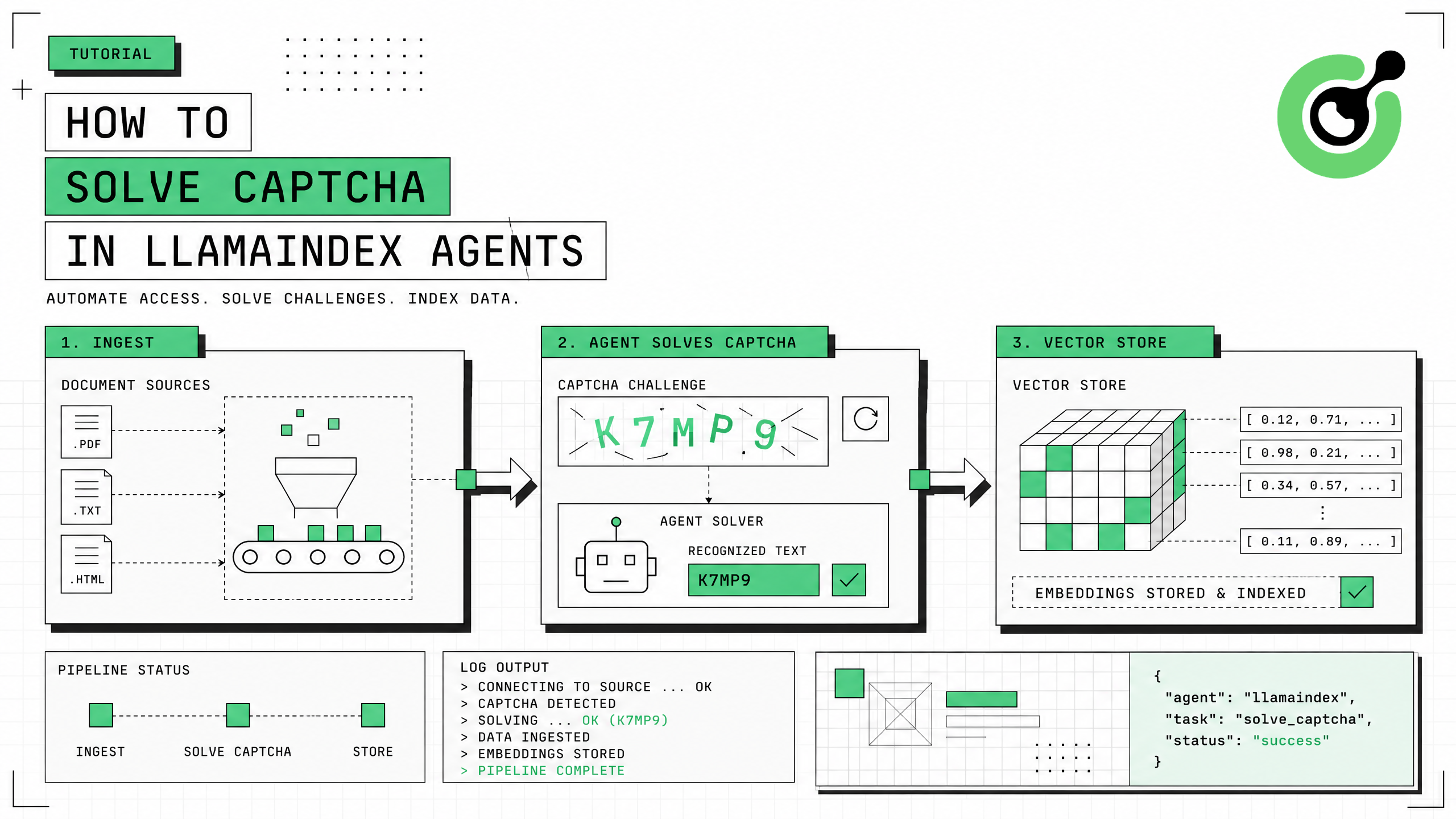
How to Solve CAPTCHA in LlamaIndex Agents
Integrate CAPTCHA solving into LlamaIndex agents using FunctionTool and CapSolver for web data ingestion pipelines.
Ethan Collins
31-Jul-2026
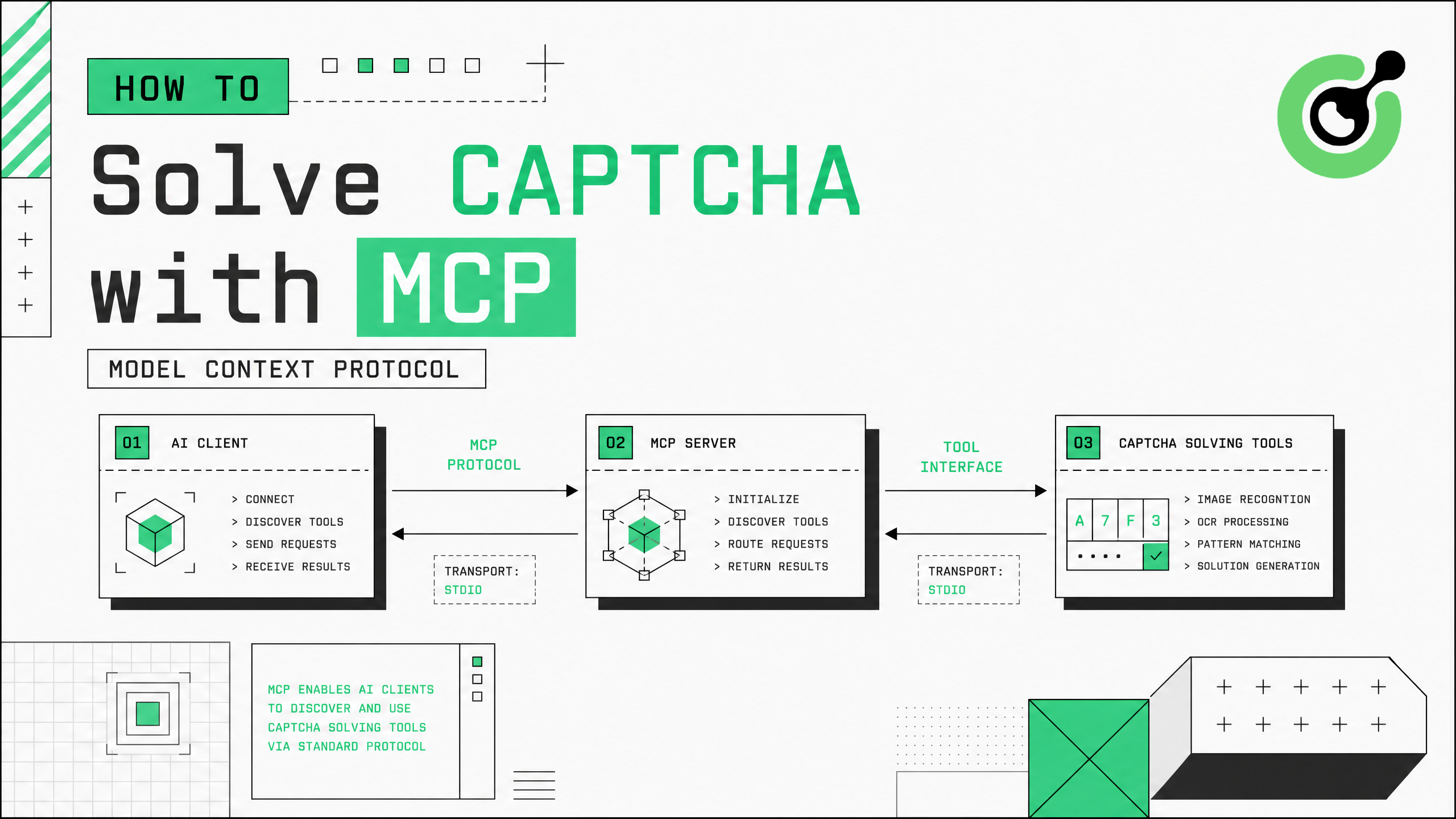
How to Solve CAPTCHA with MCP: CapSolver Model Context Protocol Service
Set up CapSolver MCP service for zero-code CAPTCHA solving in Claude Desktop, Cursor, and any MCP client.
Ethan Collins
31-Jul-2026
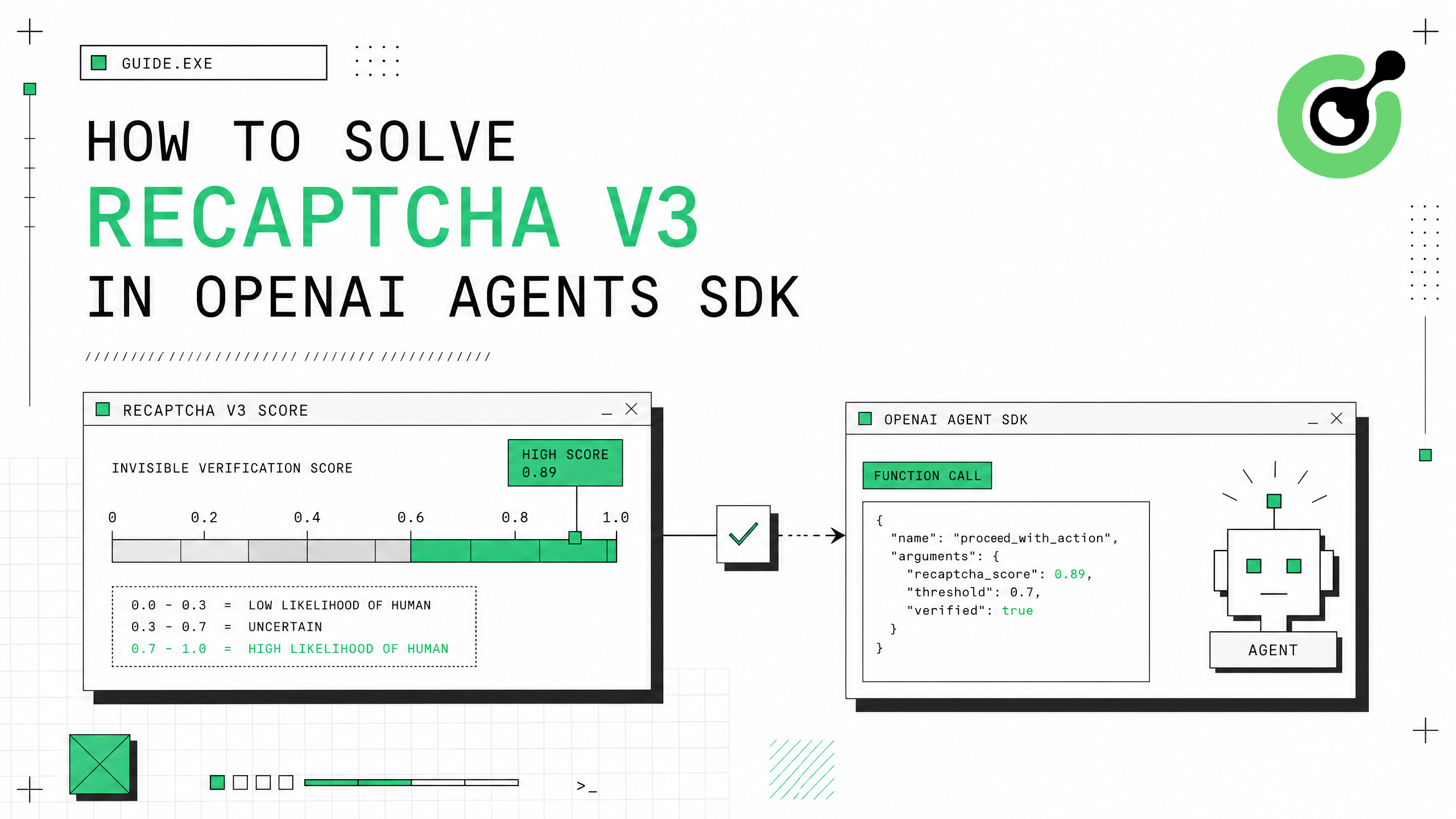
How to Solve reCAPTCHA v3 in OpenAI Agents SDK
Generate high-score reCAPTCHA v3 tokens in OpenAI Agents SDK using CapSolver function_tool.
Ethan Collins
30-Jul-2026
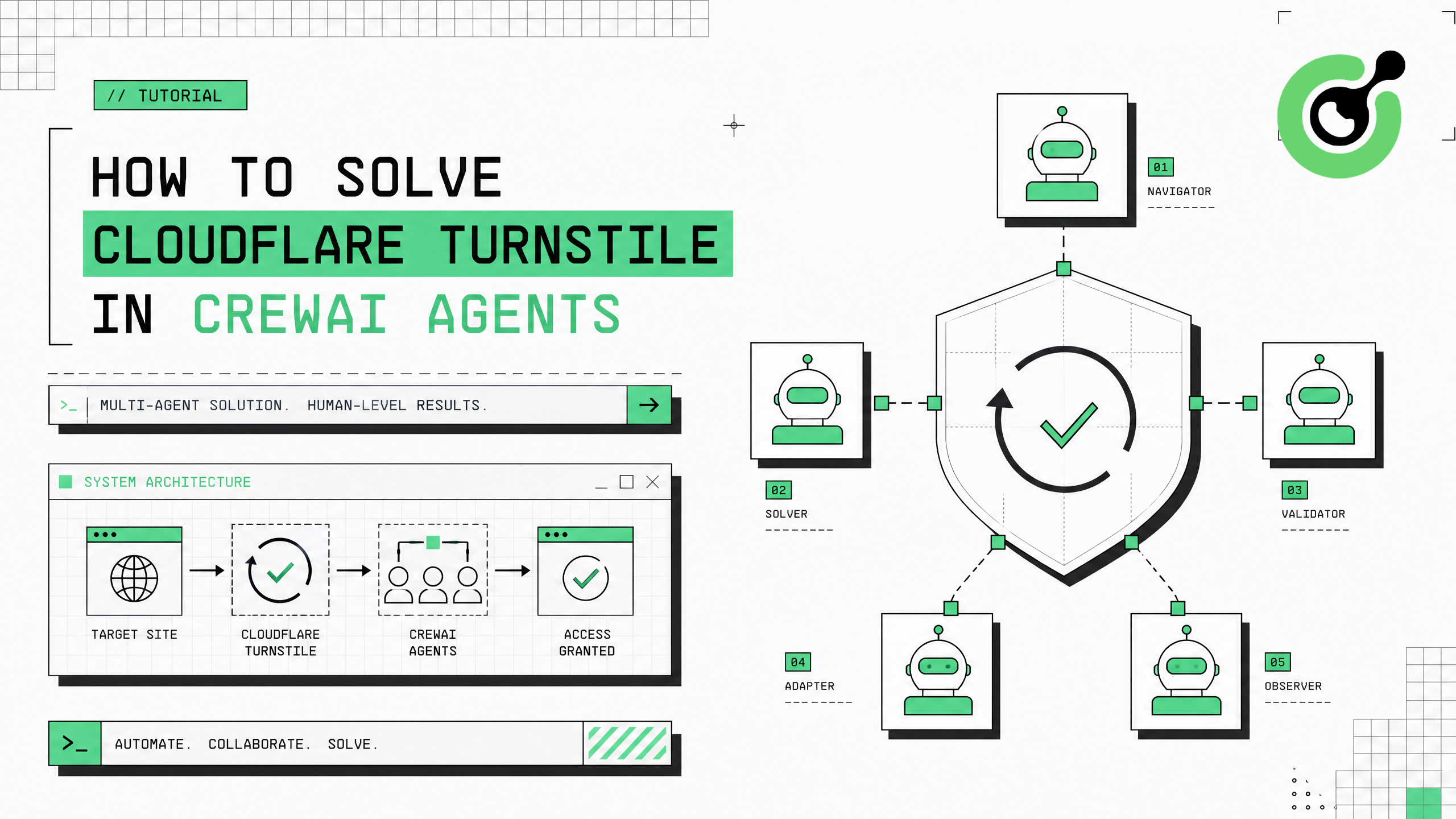
How to Solve Cloudflare Turnstile in CrewAI Agents
Integrate Cloudflare Turnstile solving into CrewAI multi-agent workflows using CapSolver.
Ethan Collins
30-Jul-2026
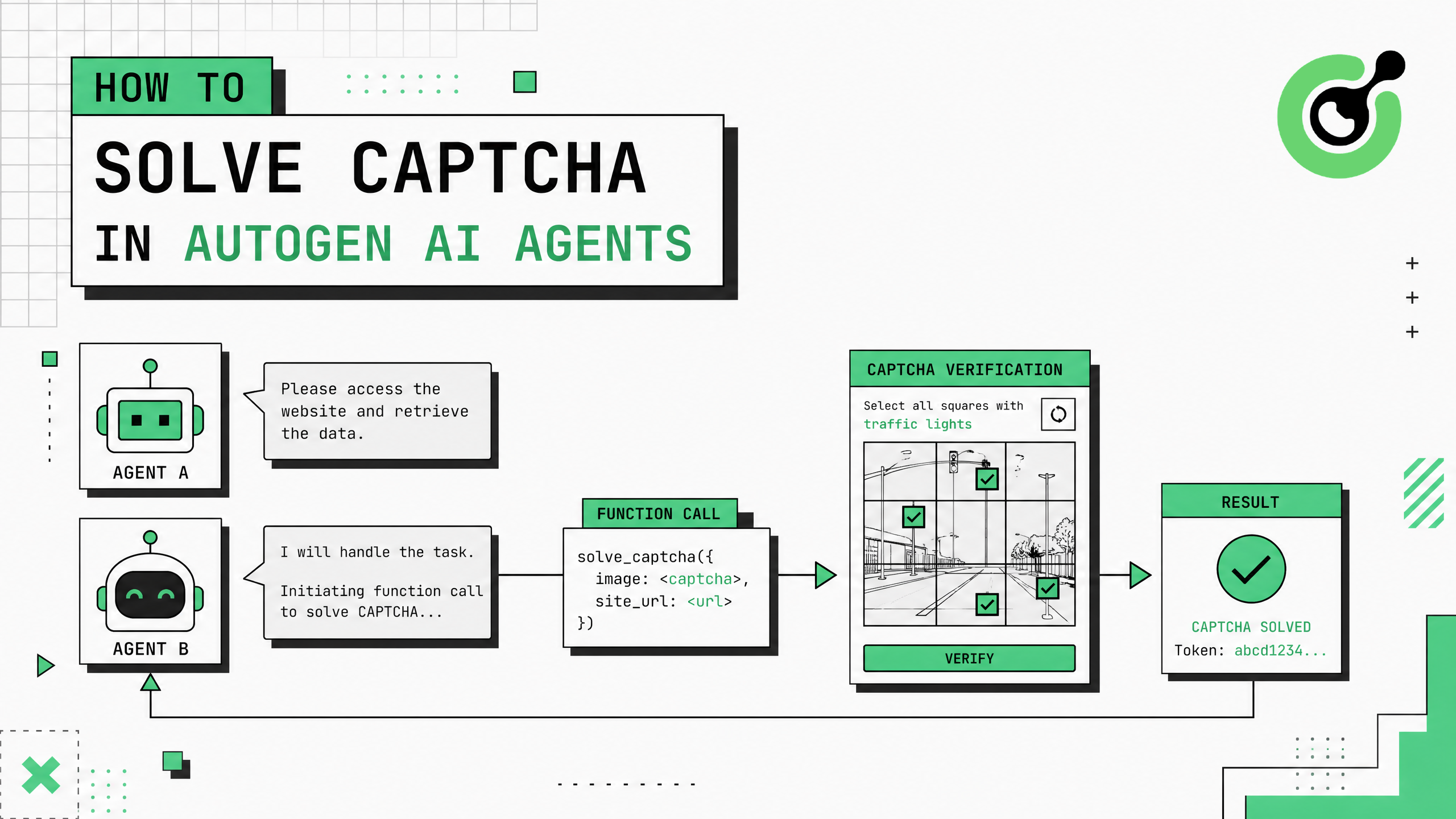
How to Solve CAPTCHA in AutoGen Agents
Complete guide to integrating CAPTCHA solving into Microsoft AutoGen multi-agent conversations using CapSolver with register_function and group chat patterns.
Ethan Collins
29-Jul-2026