











How to Solve CAPTCHA in LangChain

Adélia Cruz
Neural Network Developer
09-Jul-2026
LangChain agents can browse the web, extract data, and execute multi-step workflows autonomously. But when these agents encounter CAPTCHA challenges — reCAPTCHA, Cloudflare Turnstile, or image verification — the entire chain stalls. CapSolver provides a native LangChain integration through the capsolver-agent package that registers CAPTCHA solving as a standard BaseTool, letting your ReAct agent call "solve" the same way it calls "search" or "click." This tutorial shows you how to set it up from scratch.
TL;DR
- CapSolver ships ready-made LangChain
BaseToolimplementations viacapsolver-agent - The agent decides when to solve — no hardcoded CAPTCHA handling logic needed
- Supports reCAPTCHA v2/v3 (including Enterprise) and Cloudflare Turnstile out of the box
- Token mode works without a browser; Browser mode auto-detects and fills tokens on live pages
- Integration takes under 10 lines of code with
get_langchain_tools()
Why LangChain Agents Need CAPTCHA Solving
LangChain powers thousands of production AI agents that interact with websites, APIs, and databases. When these agents perform web-based tasks — lead enrichment, data collection, form submission, or automated testing — they inevitably encounter human-verification challenges. A reCAPTCHA on a login page, a Cloudflare Turnstile on a data portal, or an image CAPTCHA on a government site will halt the agent's execution entirely.
The fundamental problem is that LangChain's tool ecosystem covers browsing, searching, and data extraction, but provides no built-in mechanism for clearing verification challenges. Without a CAPTCHA solving tool, agents require human intervention at every verification wall, defeating the purpose of autonomous operation.
CapSolver's capsolver-agent package solves this by exposing CAPTCHA solving as standard LangChain tools. The agent's reasoning loop naturally decides when to invoke solving — just as it decides when to search or navigate — making CAPTCHA handling a first-class capability in your agent stack. According to CapSolver's production testing, approximately 30% or more of agent tasks stall on verification challenges, making this integration essential for production deployments.
What You Need Before Starting
Prepare these components for the integration:
- Python 3.9+ installed
- A CapSolver account with API key and credits
- An OpenAI API key (or any LangChain-compatible LLM provider)
- Basic familiarity with LangChain agents and tools
Install all required packages:
bash
# Core engine (required — both other packages depend on it)
pip install git+https://github.com/capsolver-ai/capsolver-core.git

# Agent tools with LangChain support
pip install "capsolver-agent[langchain] @ git+https://github.com/capsolver-ai/capsolver-agent.git"

# LangChain and LLM provider
pip install langchain-openai langgraph
Set your environment variables:
bash
export CAPSOLVER_API_KEY="your-capsolver-api-key"
export OPENAI_API_KEY="your-openai-api-key"
Step 1 — Understand the Architecture
What to Do
Before writing code, understand how CapSolver's three-layer architecture maps onto LangChain's tool system:
text
LangChain Agent (decides what to do)
   │  emits a tool call, e.g. solve_captcha(...)
   ▼
capsolver-agent (tool-adapter layer)
   │  executor relays to ↓
   ▼
capsolver-core (engine: detect → solve → fill back)
   │
   ▼
CapSolver AI Service (cloud solving)
The capsolver-agent package provides ready-made BaseTool implementations that plug directly into LangChain's agent framework. Each tool maps to a core method:
| LangChain Tool | Core Method | Browser Required? |
|---|---|---|
solve_captcha |
cap.solve(info) |
No |
detect_captchas |
cap.detect(page) |
Yes |
solve_on_page |
cap.solve_on_page(page) |
Yes |
get_balance |
cap.get_balance() |
No |
get_supported_captchas |
cap.get_supported_captchas() |
No |
For most LangChain use cases, solve_captcha (Token mode) is the primary tool. You provide the CAPTCHA type, website URL, and site key — the tool returns a token you can submit to the target site. No browser is needed.
Why This Matters
Understanding the architecture helps you choose the right integration approach. Token mode is simpler and faster — ideal when your agent already knows the site key. Browser mode is more powerful — it auto-detects CAPTCHAs on any page and fills the solution back into the DOM automatically.
Common Mistakes to Avoid
- Installing only
capsolver-agentwithoutcapsolver-core: The agent package depends on core at runtime. Always install core first. - Confusing Token mode with Browser mode: Token mode needs no browser and works with known parameters. Browser mode requires Playwright and operates on live pages.
Step 2 — Register CapSolver Tools with Your LangChain Agent
What to Do
Import and register CapSolver's LangChain tools with a single function call:
python
import asyncio
from langchain_openai import ChatOpenAI
from langgraph.prebuilt import create_react_agent
from capsolver_agent.langchain import get_langchain_tools

# Get all CapSolver tools as LangChain BaseTool instances
capsolver_tools = get_langchain_tools(api_key="YOUR_CAPSOLVER_API_KEY")

# Create a ReAct agent with CAPTCHA solving capability
llm = ChatOpenAI(model="gpt-4o", temperature=0)
agent = create_react_agent(llm, tools=capsolver_tools)

# Run the agent
async def main():
    result = await agent.ainvoke({
        "messages": [
            ("user", "Solve the reCAPTCHA v2 on https://example.com — the site key is 6LeIxAcTAAAAAJcZVRqyHh71UMIEGNQ_MXjiZKhI")
        ]
    })
    print(result["messages"][-1].content)

asyncio.run(main())
That's the complete integration. get_langchain_tools() returns a list of BaseTool instances that the agent can invoke through its standard reasoning loop. The agent decides when to call solve_captcha based on the task context — no hardcoded CAPTCHA detection logic required.
Why This Matters
This approach follows LangChain's design philosophy: tools are declarative capabilities the agent can reason about. The agent sees "solve_captcha" in its tool list, understands what it does from the description, and calls it when the task requires clearing a verification challenge. This is fundamentally different from hardcoding CAPTCHA handling into your scraping logic.
Common Mistakes to Avoid
- Not using async: The CapSolver SDK is fully async. Use
ainvoke()rather thaninvoke()for proper async execution. - Hardcoding tool calls: Let the agent decide when to solve. The ReAct loop handles tool selection automatically based on the task description.
Step 3 — Use Token Mode for Known CAPTCHA Parameters
What to Do
When you know the CAPTCHA type and site key (the most common scenario for targeted automation), use Token mode directly:
python
from capsolver_agent.schema import create_executor

executor = create_executor(api_key="YOUR_CAPSOLVER_API_KEY")

# Solve reCAPTCHA v2
result = await executor.execute("solve_captcha", {
    "captcha_type": "reCaptchaV2",
    "website_url": "https://example.com/login",
    "website_key": "6LeIxAcTAAAAAJcZVRqyHh71UMIEGNQ_MXjiZKhI"
})

if result["success"]:
    token = result["solution"]["token"]
    # Submit token as g-recaptcha-response with your form data
    print(f"Token obtained: {token[:50]}...")
For reCAPTCHA v3, add the page_action and min_score parameters:
python
result = await executor.execute("solve_captcha", {
    "captcha_type": "reCaptchaV3",
    "website_url": "https://example.com/api",
    "website_key": "6LdKlZEpAAAAAN...",
    "page_action": "login",
    "min_score": 0.7
})
For Cloudflare Turnstile:
python
result = await executor.execute("solve_captcha", {
    "captcha_type": "cloudflare",
    "website_url": "https://example.com",
    "website_key": "0x4AAAAAAABS..."
})
# Submit token as cf-turnstile-response
The CapSolver documentation covers additional parameters for Enterprise variants and edge cases.
Why This Matters
Token mode is the fastest path — no browser overhead, no page rendering, just parameters in and a token out. For LangChain agents that already have the site key from prior analysis or configuration, this is the most efficient approach.
Step 4 — Build a Complete LangChain Agent with CAPTCHA Handling
What to Do
Combine CapSolver tools with other LangChain tools to build a production agent that handles CAPTCHAs as part of a larger workflow:
python
import asyncio
from langchain_openai import ChatOpenAI
from langgraph.prebuilt import create_react_agent
from capsolver_agent.langchain import get_langchain_tools
from langchain_community.tools import DuckDuckGoSearchRun

# Combine CAPTCHA solving with other tools
search_tool = DuckDuckGoSearchRun()
capsolver_tools = get_langchain_tools(api_key="YOUR_CAPSOLVER_API_KEY")
all_tools = [search_tool] + capsolver_tools

# Create agent with full capability set
llm = ChatOpenAI(model="gpt-4o", temperature=0)
agent = create_react_agent(llm, tools=all_tools)

async def run_agent(task: str):
    """Run the agent with a task that may require CAPTCHA solving."""
    result = await agent.ainvoke({
        "messages": [("user", task)]
    })
    return result["messages"][-1].content

# Example: agent that solves CAPTCHA as part of data collection
async def main():
    response = await run_agent(
        "I need to access data behind a reCAPTCHA v2 on https://example.com/data. "
        "The site key is 6LeIxAcTAAAAAJcZVRqyHh71UMIEGNQ_MXjiZKhI. "
        "Solve the CAPTCHA and give me the token I can use to access the page."
    )
    print(response)

asyncio.run(main())
The agent's reasoning loop handles the workflow naturally: it identifies that CAPTCHA solving is needed, calls the appropriate tool, receives the token, and continues with the task. This is the same pattern used in the CapSolver AI agent documentation for production deployments.
Why This Matters
Production agents rarely solve CAPTCHAs in isolation. They solve CAPTCHAs as one step in a larger workflow — data collection, form submission, or multi-site navigation. Combining CapSolver tools with other LangChain tools creates agents that handle the full workflow autonomously.
Step 5 — Add Browser Mode for Autonomous Page Solving
What to Do
For agents that drive a browser and encounter CAPTCHAs dynamically (without knowing parameters in advance), use Browser mode with Playwright:
bash
# Install browser support
pip install "capsolver-core[playwright] @ git+https://github.com/capsolver-ai/capsolver-core.git"
playwright install chromium
python
import asyncio
from capsolver_core import create_capsolver
from playwright.async_api import async_playwright

async def solve_page_captchas(url: str):
    """Detect and solve all CAPTCHAs on a page automatically."""
    cap = create_capsolver(api_key="YOUR_CAPSOLVER_API_KEY")

    async with async_playwright() as p:
        browser = await p.chromium.launch()
        page = await browser.new_page()
        await page.goto(url)

        # One call: detect → solve → fill back
        results = await cap.solve_on_page(page)

        for r in results:
            print(f"Type: {r.info.type}")
            print(f"Token: {r.solution.token[:50] if r.solution else 'Failed'}...")
            print(f"Filled: {r.filled}")
            print(f"Error: {r.error}")

        await browser.close()
    await cap.aclose()

asyncio.run(solve_page_captchas("https://example.com/login"))
The solve_on_page() method handles the entire pipeline: it detects which CAPTCHAs are present, reads their parameters from the live DOM, solves each one through CapSolver's AI service, and fills the tokens back into the page — all in a single call.
Claim Your Bonus Code: Use code WEBS at CapSolver Dashboard to get an extra 5% bonus on every recharge. Perfect for developers building LangChain agents with CAPTCHA solving capability.
Integration with Browser Use
For LangChain agents that use the Browser Use framework for autonomous browsing, CapSolver registers as an action that recovers the session whenever verification appears mid-task:
python
from browser_use import Agent
from langchain_openai import ChatOpenAI
from capsolver_core import create_capsolver

# The agent browses autonomously and calls solving when it hits a CAPTCHA
# Agent browses → hits CAPTCHA → calls solve action → gets token → continues task
This pattern is closest to real-world automation: the agent navigates freely, and when it encounters a verification wall, it calls the solve action within the same browser session, then continues the original task without breaking stride.
The CapSolver extension can also help identify CAPTCHA parameters during development, before you deploy your LangChain agent to production.
Conclusion
Integrating CAPTCHA solving into LangChain agents requires installing capsolver-agent with the LangChain extra, calling get_langchain_tools() to get ready-made BaseTool instances, and passing them to your agent. The agent's ReAct loop handles the rest — deciding when to solve, calling the appropriate tool, and continuing the workflow with the token. CapSolver provides the AI-powered solving infrastructure that makes this possible, supporting reCAPTCHA v2/v3 and Cloudflare Turnstile through a unified interface.
Start with Token mode for known CAPTCHA parameters, then add Browser mode when your agent needs to handle CAPTCHAs dynamically on any page. The integration takes under 10 lines of code and transforms your LangChain agent from one that stalls at verification walls to one that clears them autonomously.
FAQ
Does CapSolver's LangChain integration support async execution?
Yes. The entire CapSolver SDK is built on async/await. The LangChain tools returned by get_langchain_tools() support both sync and async invocation. For best performance with LangChain's async agent runtime, use ainvoke() and the async variants of all methods.
What CAPTCHA types can the LangChain tool solve?
The SDK currently supports reCAPTCHA v2 (including invisible), reCAPTCHA v3 (including Enterprise), and Cloudflare Turnstile. These cover the vast majority of verification challenges encountered by web-browsing agents. The underlying CapSolver service supports additional types through the REST API.
How does the agent know when to call the CAPTCHA solving tool?
The LangChain ReAct agent uses the tool's name and description to reason about when to invoke it. When the task involves accessing a CAPTCHA-protected resource, the agent recognizes that solving is needed and calls the tool with the appropriate parameters. You can also explicitly instruct the agent in the task prompt.
Can I use CapSolver with LangGraph for multi-step workflows?
Yes. CapSolver tools work with LangGraph's create_react_agent and custom graph-based workflows. Register the tools as you would with any LangChain agent, and the graph nodes can invoke CAPTCHA solving as part of conditional or sequential execution paths.
What happens if CAPTCHA solving fails?
The executor returns a structured result with {"success": False, "error": "..."} on failure. The agent receives this feedback and can retry, try alternative parameters, or report the failure to the user. Common failure causes include incorrect site keys, insufficient balance, or unsupported CAPTCHA types.
Compliance Disclaimer: The information provided on this blog is for informational purposes only. CapSolver is committed to compliance with all applicable laws and regulations. The use of the CapSolver network for illegal, fraudulent, or abusive activities is strictly prohibited and will be investigated. Our captcha-solving solutions enhance user experience while ensuring 100% compliance in helping solve captcha difficulties during public data crawling. We encourage responsible use of our services. For more information, please visit our Terms of Service and Privacy Policy.
More
How to Solve CAPTCHA with TinyFish AgentQL – Step-by-Step Guide Using CapSolver
Learn how to integrate CapSolver with TinyFish AgentQL to automatically solve CAPTCHAs like reCAPTCHA and Cloudflare Turnstile. Step-by-step tutorial with Python and JavaScript SDK examples for seamless AI-powered web automation.

Ethan Collins
05-Aug-2026
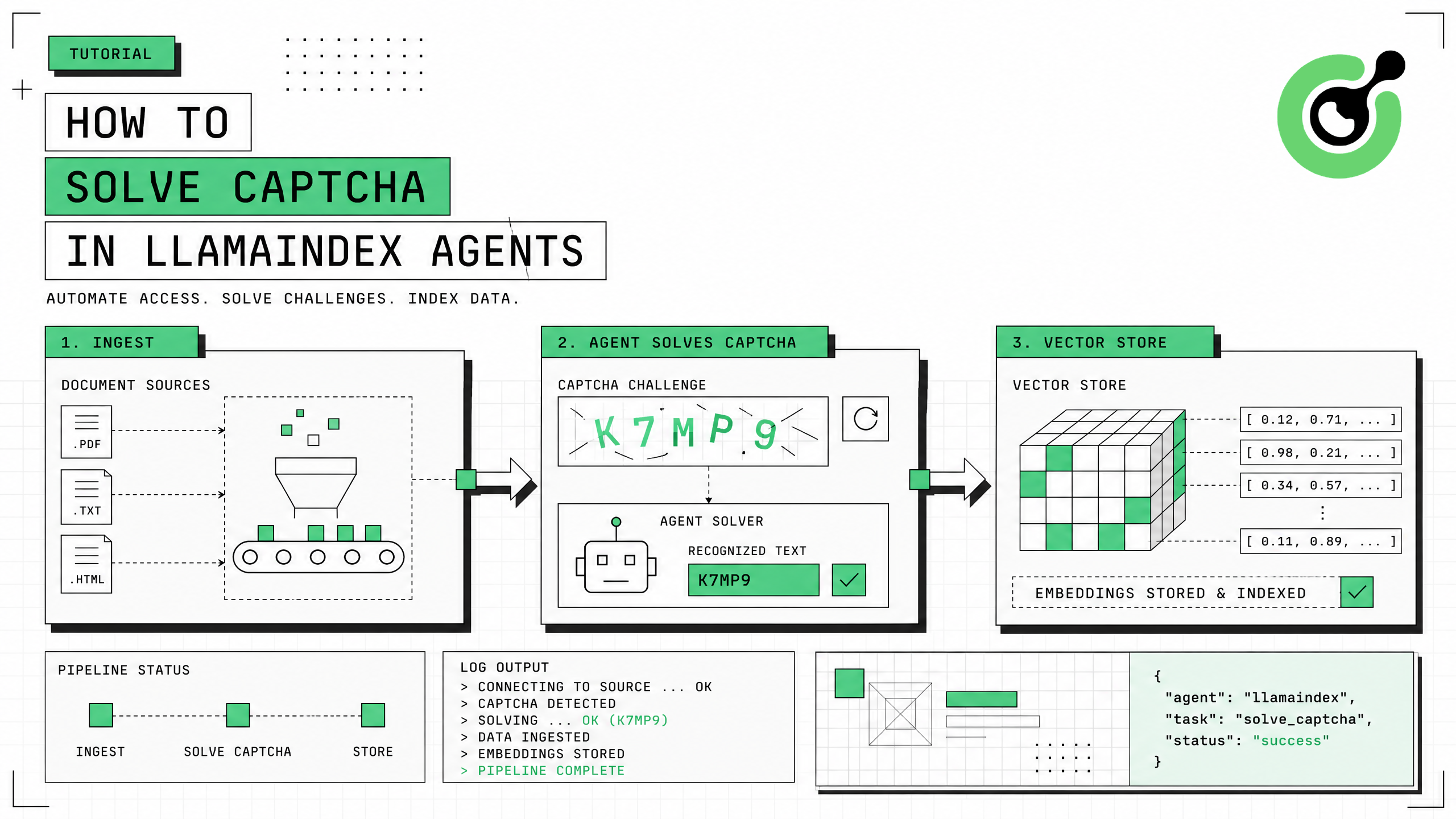
How to Solve CAPTCHA in LlamaIndex Agents
Integrate CAPTCHA solving into LlamaIndex agents using FunctionTool and CapSolver for web data ingestion pipelines.
Ethan Collins
31-Jul-2026
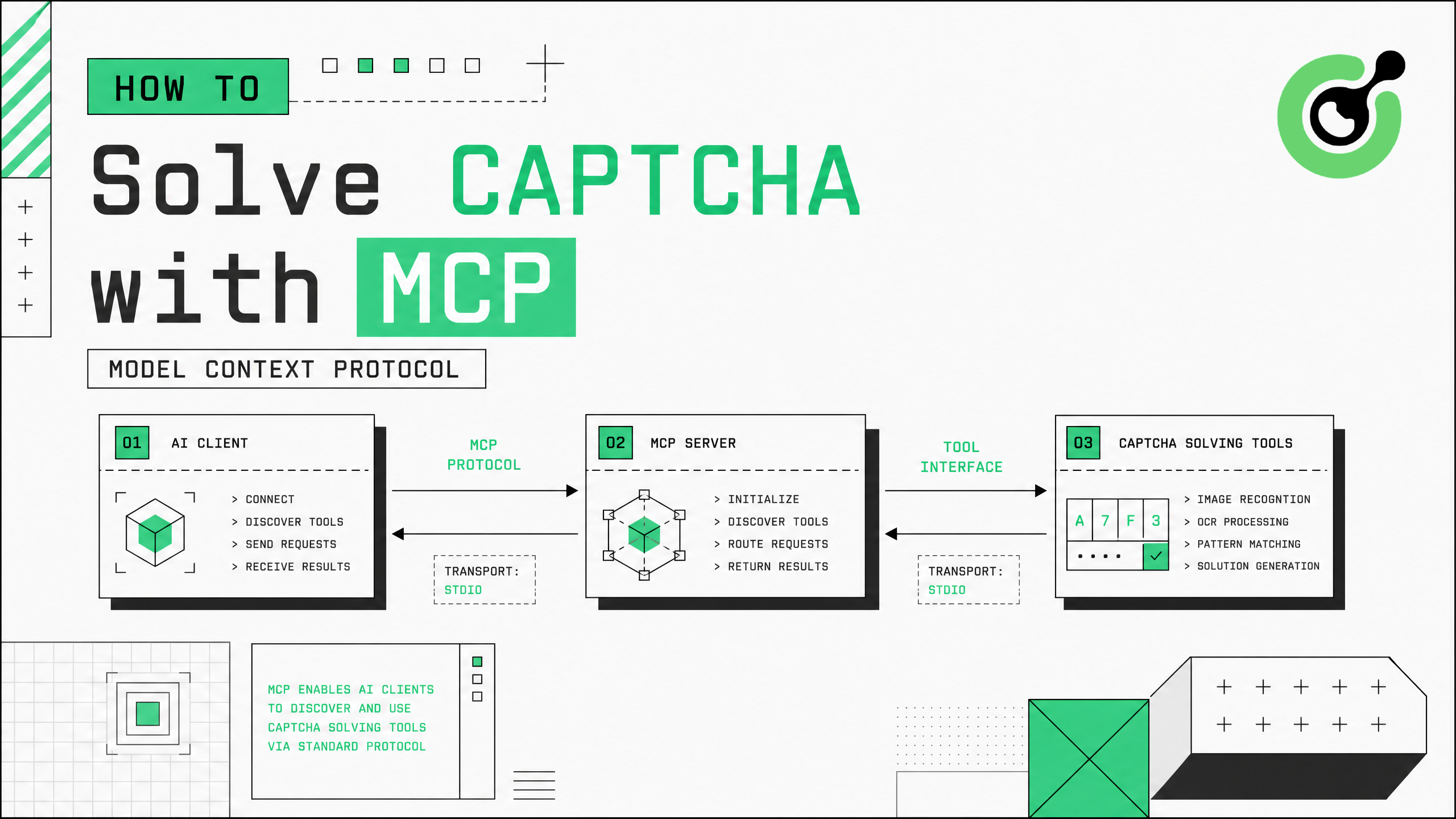
How to Solve CAPTCHA with MCP: CapSolver Model Context Protocol Service
Set up CapSolver MCP service for zero-code CAPTCHA solving in Claude Desktop, Cursor, and any MCP client.
Ethan Collins
31-Jul-2026
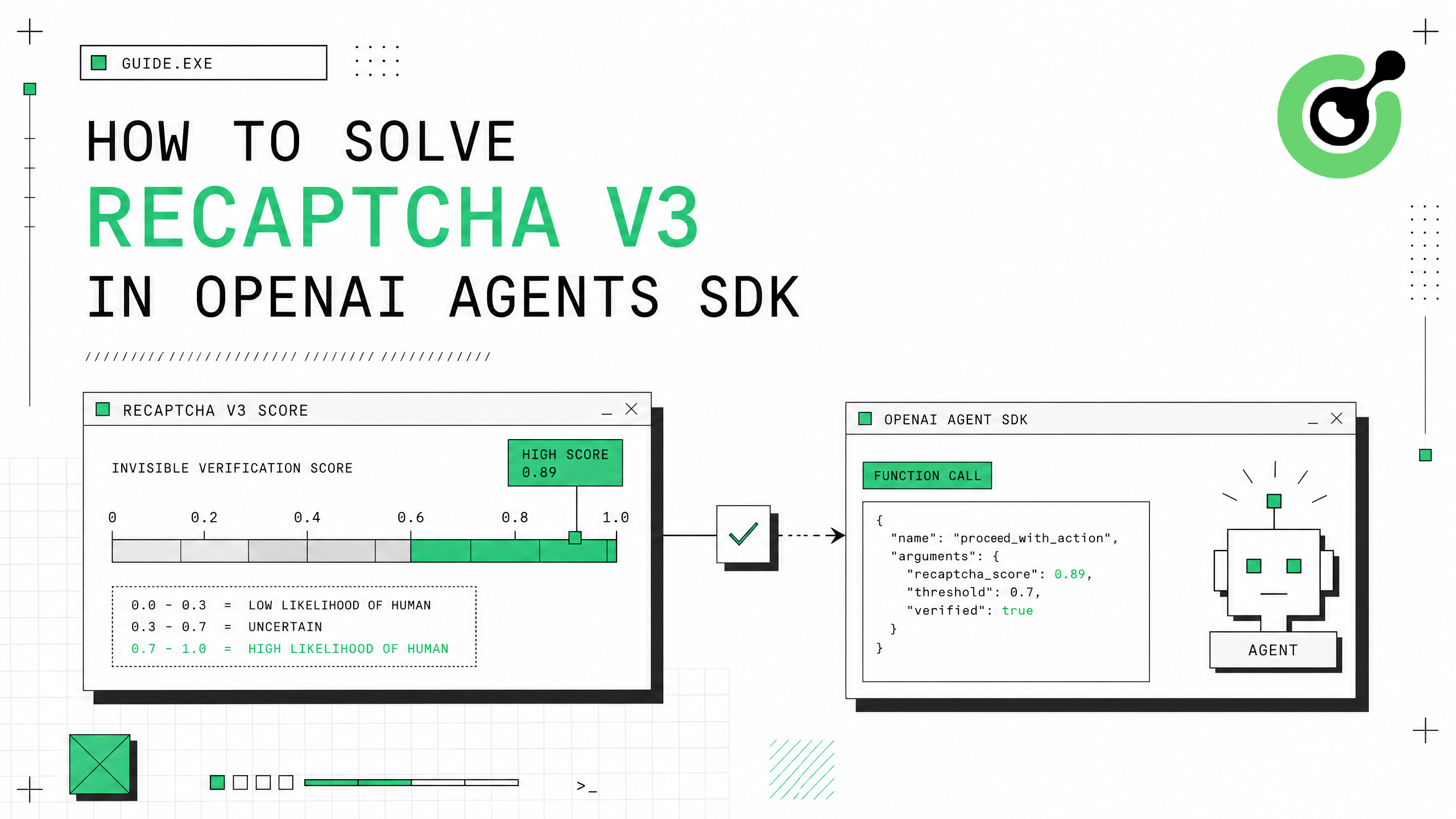
How to Solve reCAPTCHA v3 in OpenAI Agents SDK
Generate high-score reCAPTCHA v3 tokens in OpenAI Agents SDK using CapSolver function_tool.
Ethan Collins
30-Jul-2026
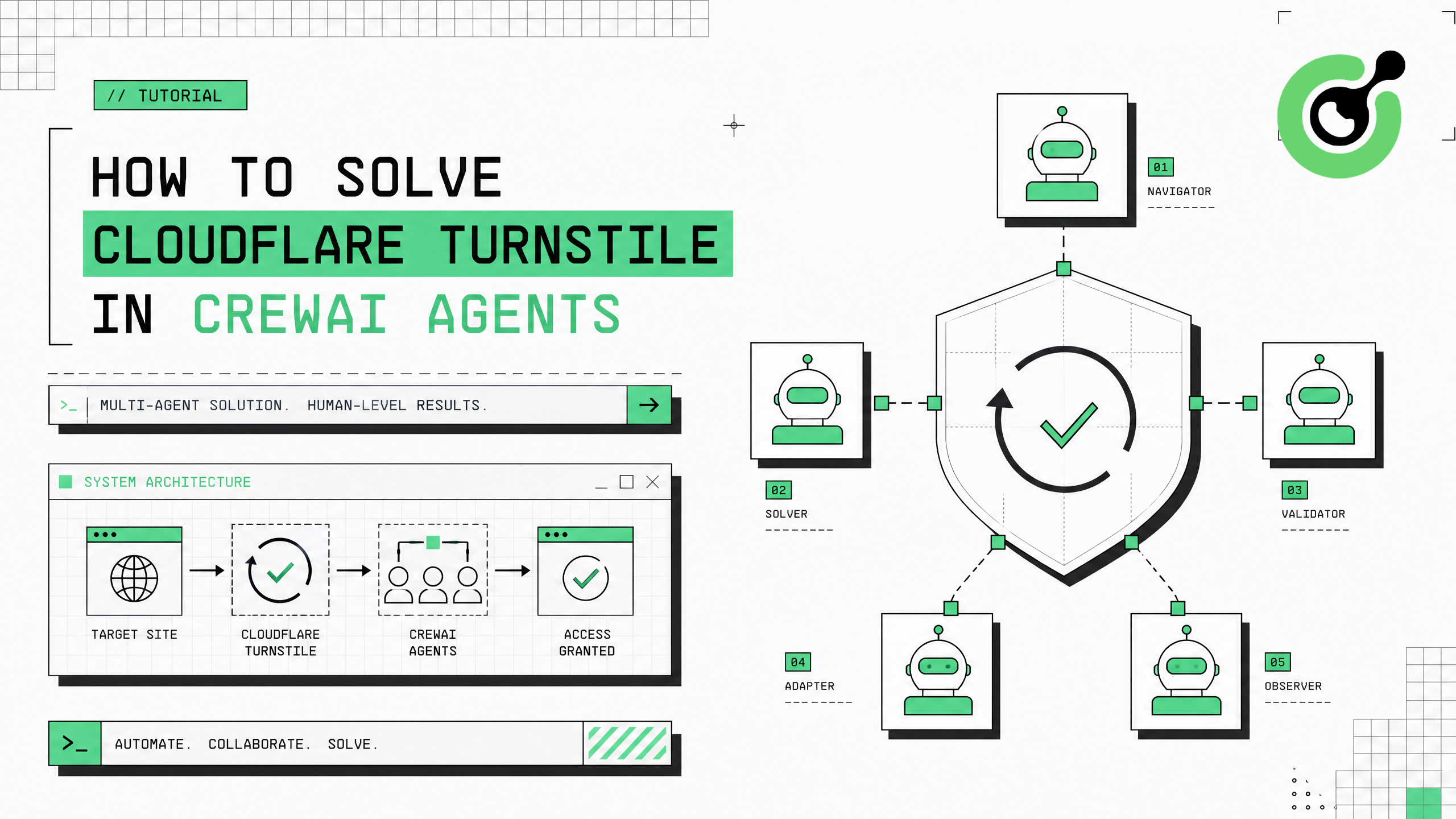
How to Solve Cloudflare Turnstile in CrewAI Agents
Integrate Cloudflare Turnstile solving into CrewAI multi-agent workflows using CapSolver.
Ethan Collins
30-Jul-2026
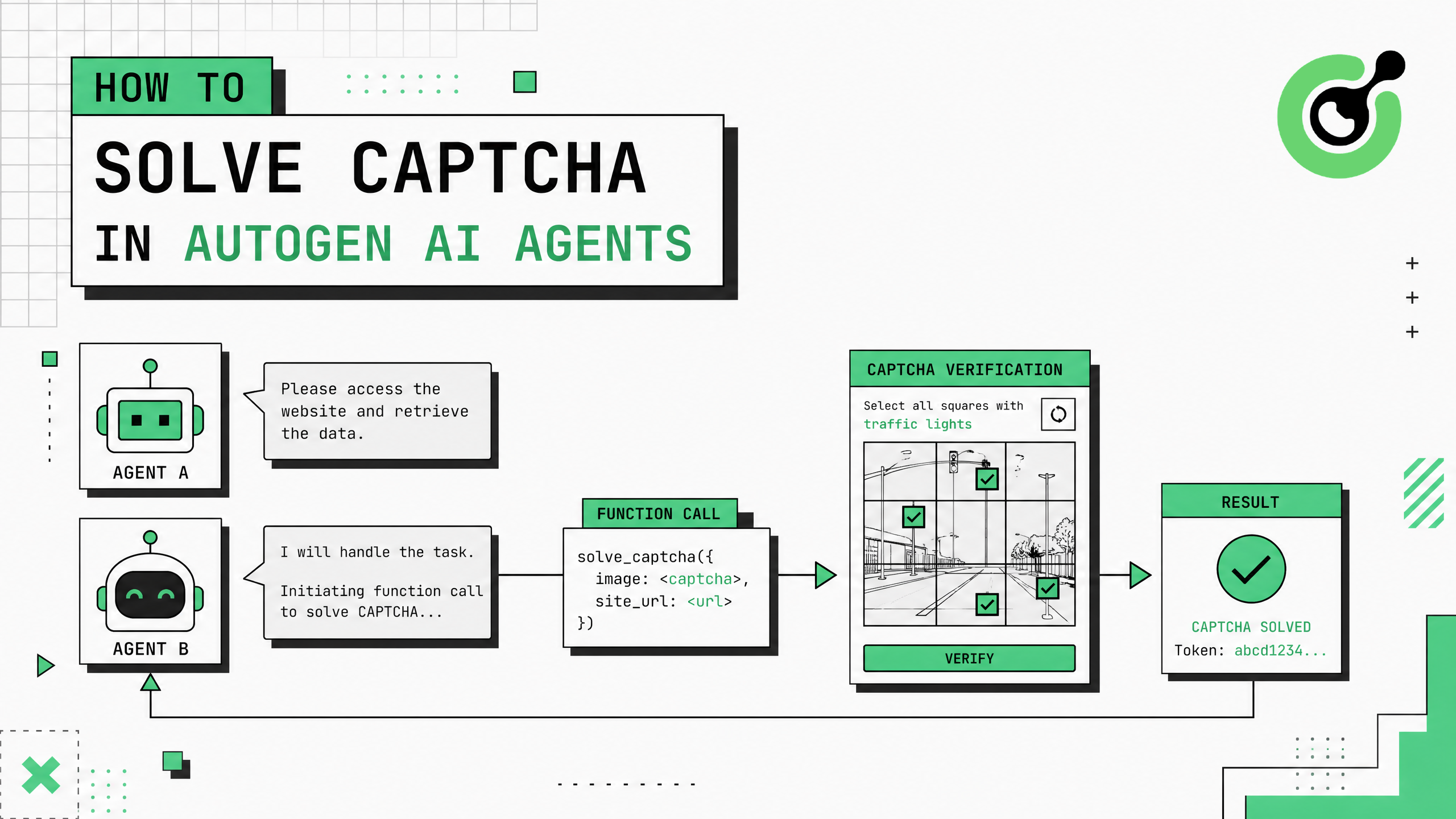
How to Solve CAPTCHA in AutoGen Agents
Complete guide to integrating CAPTCHA solving into Microsoft AutoGen multi-agent conversations using CapSolver with register_function and group chat patterns.
Ethan Collins
29-Jul-2026