











How to Solve reCAPTCHA in OpenAI Agents SDK

Ethan Collins
Pattern Recognition Specialist
28-Jul-2026
The OpenAI Agents SDK provides a production-ready framework for building AI agents with tool-calling capabilities. When these agents interact with websites protected by reCAPTCHA, they need a way to clear verification challenges programmatically. CapSolver's capsolver-agent package integrates with the OpenAI Agents SDK through the @function_tool decorator, enabling your agent to solve reCAPTCHA v2 and v3 challenges as part of its autonomous workflow.
TL;DR
- The OpenAI Agents SDK uses
@function_toolto register callable tools — CapSolver fits this pattern natively capsolver-agent'sexecute_tool()function wraps solving into a single async call compatible with the SDK- Supports reCAPTCHA v2 (checkbox and invisible), reCAPTCHA v3 (score-based), and Enterprise variants
- Token mode requires no browser — just the site key and URL
- The agent autonomously decides when to invoke CAPTCHA solving based on task context
Why OpenAI Agents Need reCAPTCHA Solving
The OpenAI Agents SDK enables developers to build agents that execute multi-step tasks using tools. When an agent's task involves web interaction — accessing data behind a login, submitting forms, or collecting information from protected pages — reCAPTCHA challenges block progress. The agent can reason about what to do next, but without a solving tool, it cannot generate the verification token required to proceed.
reCAPTCHA is particularly common on the sites agents need to access: login portals, data APIs with rate limiting, government databases, and SaaS platforms. Google's reCAPTCHA documentation indicates that over 5 million sites use reCAPTCHA globally, making it the most likely verification challenge your agent will encounter.
CapSolver's architecture aligns perfectly with the OpenAI Agents SDK's design: the agent decides what to do (including when to solve a CAPTCHA), and CapSolver handles solving it through its AI service. This separation of concerns keeps your agent's logic clean while adding verification-clearing capability.
What You Need Before Starting
Install required packages:
bash
# CapSolver core engine
pip install git+https://github.com/capsolver-ai/capsolver-core.git

# CapSolver agent tools
pip install git+https://github.com/capsolver-ai/capsolver-agent.git

# OpenAI Agents SDK
pip install openai-agents
Set environment variables:
bash
export CAPSOLVER_API_KEY="your-capsolver-api-key"
export OPENAI_API_KEY="your-openai-api-key"
You need a CapSolver account with credits. The SDK currently supports reCAPTCHA v2, reCAPTCHA v3 (including Enterprise), and Cloudflare Turnstile — covering the verification types agents encounter most frequently.
Step 1 — Register CAPTCHA Solving as a Function Tool
What to Do
The OpenAI Agents SDK uses @function_tool to define tools the agent can call. Wrap CapSolver's executor into this pattern:
python
from agents import Agent, Runner, function_tool
from capsolver_agent.schema import execute_tool

@function_tool
async def solve_recaptcha(
    website_url: str,
    website_key: str,
    captcha_type: str = "reCaptchaV2"
) -> str:
    """Solve a reCAPTCHA challenge on a website and return the verification token.

    Use this tool when you need to get past a reCAPTCHA verification on a webpage.

    Args:
        website_url: The full URL of the page containing the reCAPTCHA
        website_key: The reCAPTCHA site key (found in data-sitekey attribute)
        captcha_type: Either 'reCaptchaV2' or 'reCaptchaV3' (default: reCaptchaV2)

    Returns:
        The solved reCAPTCHA token to submit as g-recaptcha-response
    """
    result = await execute_tool("solve_captcha", {
        "captcha_type": captcha_type,
        "website_url": website_url,
        "website_key": website_key
    }, api_key="YOUR_CAPSOLVER_API_KEY")

    if result["success"]:
        return f"reCAPTCHA solved. Token: {result['solution']['token']}"
    return f"Solving failed: {result['error']}"
The execute_tool() function from capsolver-agent is a single-shot async call that handles the full solve lifecycle — creating the task, polling for results, and returning structured output. It is specifically designed for scenarios where you want one solve without building the full executor loop.
Why This Matters
The OpenAI Agents SDK's @function_tool decorator automatically generates the JSON schema the model needs to understand the tool's parameters. The agent sees the tool description, understands when to use it, and calls it with the correct arguments — all through the SDK's built-in function-calling mechanism.
Common Mistakes to Avoid
- Synchronous execution: The OpenAI Agents SDK is async. Always use
async deffor tool functions andawaitfor CapSolver calls. - Missing type hints: The SDK generates schemas from type hints. Include proper type annotations for all parameters.
Step 2 — Create an Agent with reCAPTCHA Solving Capability
What to Do
Build an OpenAI agent that includes the reCAPTCHA solving tool:
python
from agents import Agent, Runner

# Create agent with CAPTCHA solving capability
captcha_agent = Agent(
    name="Web Access Agent",
    instructions="""You are a web access agent that helps users interact with
    websites. When a task requires accessing a reCAPTCHA-protected page, use the
    solve_recaptcha tool to obtain a verification token.

    For reCAPTCHA v2: use captcha_type='reCaptchaV2'
    For reCAPTCHA v3: use captcha_type='reCaptchaV3'

    Always provide the exact website_url and website_key from the user's request.""",
    tools=[solve_recaptcha]
)

# Run the agent
async def main():
    result = await Runner.run(
        captcha_agent,
        "I need to access https://example.com/login which has a reCAPTCHA v2. "
        "The site key is 6LeIxAcTAAAAAJcZVRqyHh71UMIEGNQ_MXjiZKhI. "
        "Please solve it and give me the token."
    )
    print(result.final_output)

import asyncio
asyncio.run(main())
The agent processes the request, recognizes that reCAPTCHA solving is needed, calls the tool with the provided parameters, and returns the token to the user.
Why This Matters
The OpenAI Agents SDK handles the conversation loop, tool dispatch, and result integration automatically. You define the tool once, and the SDK's runtime manages when and how it gets called. This is simpler than manually building a function-calling loop.
Step 3 — Handle reCAPTCHA v3 with Score Requirements
What to Do
reCAPTCHA v3 is score-based and invisible — it requires a page_action parameter and returns a token with an associated score. Create a specialized tool:
python
@function_tool
async def solve_recaptcha_v3(
    website_url: str,
    website_key: str,
    page_action: str = "verify",
    min_score: float = 0.7
) -> str:
    """Solve a reCAPTCHA v3 (invisible, score-based) challenge.

    Use this when the site uses reCAPTCHA v3 — there's no visible checkbox,
    but the site validates a score-based token in the background.

    Args:
        website_url: The full URL of the page
        website_key: The reCAPTCHA v3 site key
        page_action: The action name for scoring (e.g., 'login', 'submit', 'verify')
        min_score: Minimum acceptable score (0.0-1.0, default 0.7)
    """
    result = await execute_tool("solve_captcha", {
        "captcha_type": "reCaptchaV3",
        "website_url": website_url,
        "website_key": website_key,
        "page_action": page_action,
        "min_score": min_score
    }, api_key="YOUR_CAPSOLVER_API_KEY")

    if result["success"]:
        return f"reCAPTCHA v3 solved with high score. Token: {result['solution']['token']}"
    return f"Solving failed: {result['error']}"
The reCAPTCHA v3 solving guide explains how to identify the correct page_action parameter for different sites. Common actions include login, submit, homepage, and verify.
Step 4 — Build a Multi-Tool Agent for Complete Web Workflows
What to Do
Combine reCAPTCHA solving with other tools for agents that perform complete web tasks:
python
from agents import Agent, Runner, function_tool

@function_tool
async def solve_recaptcha(website_url: str, website_key: str, captcha_type: str = "reCaptchaV2") -> str:
    """Solve reCAPTCHA and return the token."""
    result = await execute_tool("solve_captcha", {
        "captcha_type": captcha_type,
        "website_url": website_url,
        "website_key": website_key
    }, api_key="YOUR_CAPSOLVER_API_KEY")
    if result["success"]:
        return f"Token: {result['solution']['token']}"
    return f"Failed: {result['error']}"

@function_tool
async def check_solver_balance() -> str:
    """Check remaining CAPTCHA solving credits."""
    result = await execute_tool("get_balance", {}, api_key="YOUR_CAPSOLVER_API_KEY")
    if result["success"]:
        return f"Balance: ${result['balance']:.2f}"
    return "Could not check balance"

# Multi-capability agent
web_agent = Agent(
    name="Autonomous Web Agent",
    instructions="""You help users access web resources that may be protected by
    reCAPTCHA. You can solve both reCAPTCHA v2 (visible checkbox) and v3 (invisible
    score-based). Always check balance before solving if the user asks about costs.

    When solving reCAPTCHA:
    - v2: Use captcha_type='reCaptchaV2'
    - v3: Use captcha_type='reCaptchaV3' and include page_action if known

    Return the token clearly so the user can submit it with their form.""",
    tools=[solve_recaptcha, check_solver_balance]
)

async def run_web_agent(task: str):
    result = await Runner.run(web_agent, task)
    return result.final_output
This pattern works for agents that need to handle multiple reCAPTCHA versions across different sites within a single session.
Claim Your Bonus Code: Use code WEBS at CapSolver Dashboard to get an extra 5% bonus on every recharge. Ideal for developers building OpenAI Agents with web access capabilities.
Step 5 — Production Deployment Considerations
For production OpenAI Agents with reCAPTCHA solving:
python
import os
from agents import Agent, Runner, function_tool
from capsolver_agent.schema import create_executor

# Production executor with custom settings
executor = create_executor(
    api_key=os.environ["CAPSOLVER_API_KEY"],
    default_timeout=90,      # 90 second timeout
    polling_interval=3       # Poll every 3 seconds
)

@function_tool
async def solve_recaptcha_production(
    website_url: str,
    website_key: str,
    captcha_type: str = "reCaptchaV2"
) -> str:
    """Production-grade reCAPTCHA solver with retry logic."""
    for attempt in range(3):
        result = await executor.execute("solve_captcha", {
            "captcha_type": captcha_type,
            "website_url": website_url,
            "website_key": website_key
        })
        if result["success"]:
            return f"Solved (attempt {attempt+1}). Token: {result['solution']['token']}"
        if attempt < 2:
            await asyncio.sleep(2)
    return f"Failed after 3 attempts: {result.get('error')}"
Key production considerations:
- Timeout configuration: Set
default_timeoutbased on your agent's response time requirements - Retry logic: Network issues and temporary failures should trigger retries, not immediate failure
- Balance monitoring: Check balance periodically to avoid mid-task failures from insufficient credits
- Error reporting: Return clear error messages so the agent can reason about alternative approaches
The CapSolver API documentation covers additional configuration options for optimizing solve times in production environments. For identifying reCAPTCHA parameters on target sites, the CapSolver browser extension provides automatic detection.
Conclusion
Integrating reCAPTCHA solving into the OpenAI Agents SDK requires defining a @function_tool that wraps CapSolver's execute_tool() function, then assigning it to your agent. The SDK's runtime handles tool dispatch automatically — the agent decides when reCAPTCHA solving is needed and calls the tool with appropriate parameters. CapSolver provides the AI-powered solving infrastructure that generates valid tokens for reCAPTCHA v2, v3, and Enterprise variants.
Start with a single solve_recaptcha tool, test it with your agent on a known target, then add v3 support and production retry logic. The OpenAI Agents SDK's async architecture aligns naturally with CapSolver's async API, making the integration clean and performant.
FAQ
Does the OpenAI Agents SDK support async CAPTCHA solving?
Yes. The SDK is fully async, and CapSolver's execute_tool() is an async function. The @function_tool decorator supports async def functions natively, so CAPTCHA solving runs without blocking the agent's event loop.
Can the agent solve reCAPTCHA Enterprise with this integration?
Yes. Pass enterprise: true in the parameters. reCAPTCHA Enterprise uses the same v2/v3 task types but may require the s token parameter. CapSolver handles Enterprise variants transparently through the same API.
How does the agent know which reCAPTCHA version a site uses?
Include guidance in the agent's instructions about identifying v2 vs v3. Alternatively, provide the CAPTCHA type in the task prompt. The reCAPTCHA identification guide explains the differences: v2 shows a visible widget, while v3 loads invisibly via a script tag.
What is the cost per reCAPTCHA solve?
reCAPTCHA v2 costs approximately 2-3 per 1,000 solves, and reCAPTCHA v3 costs 1-2 per 1,000. For an agent solving 10 reCAPTCHAs per session, the cost is approximately $0.02-0.03 per session — negligible compared to the value of autonomous task completion.
Can I use this with the OpenAI Agents SDK's handoff feature?
Yes. You can create a specialized "CAPTCHA solver" agent and hand off to it when the primary agent encounters a verification challenge. The solver agent resolves the CAPTCHA and hands back to the primary agent with the token. This keeps agent responsibilities cleanly separated.
Compliance Disclaimer: The information provided on this blog is for informational purposes only. CapSolver is committed to compliance with all applicable laws and regulations. The use of the CapSolver network for illegal, fraudulent, or abusive activities is strictly prohibited and will be investigated. Our captcha-solving solutions enhance user experience while ensuring 100% compliance in helping solve captcha difficulties during public data crawling. We encourage responsible use of our services. For more information, please visit our Terms of Service and Privacy Policy.
More
How to Solve CAPTCHA with TinyFish AgentQL – Step-by-Step Guide Using CapSolver
Learn how to integrate CapSolver with TinyFish AgentQL to automatically solve CAPTCHAs like reCAPTCHA and Cloudflare Turnstile. Step-by-step tutorial with Python and JavaScript SDK examples for seamless AI-powered web automation.
Ethan Collins
05-Aug-2026
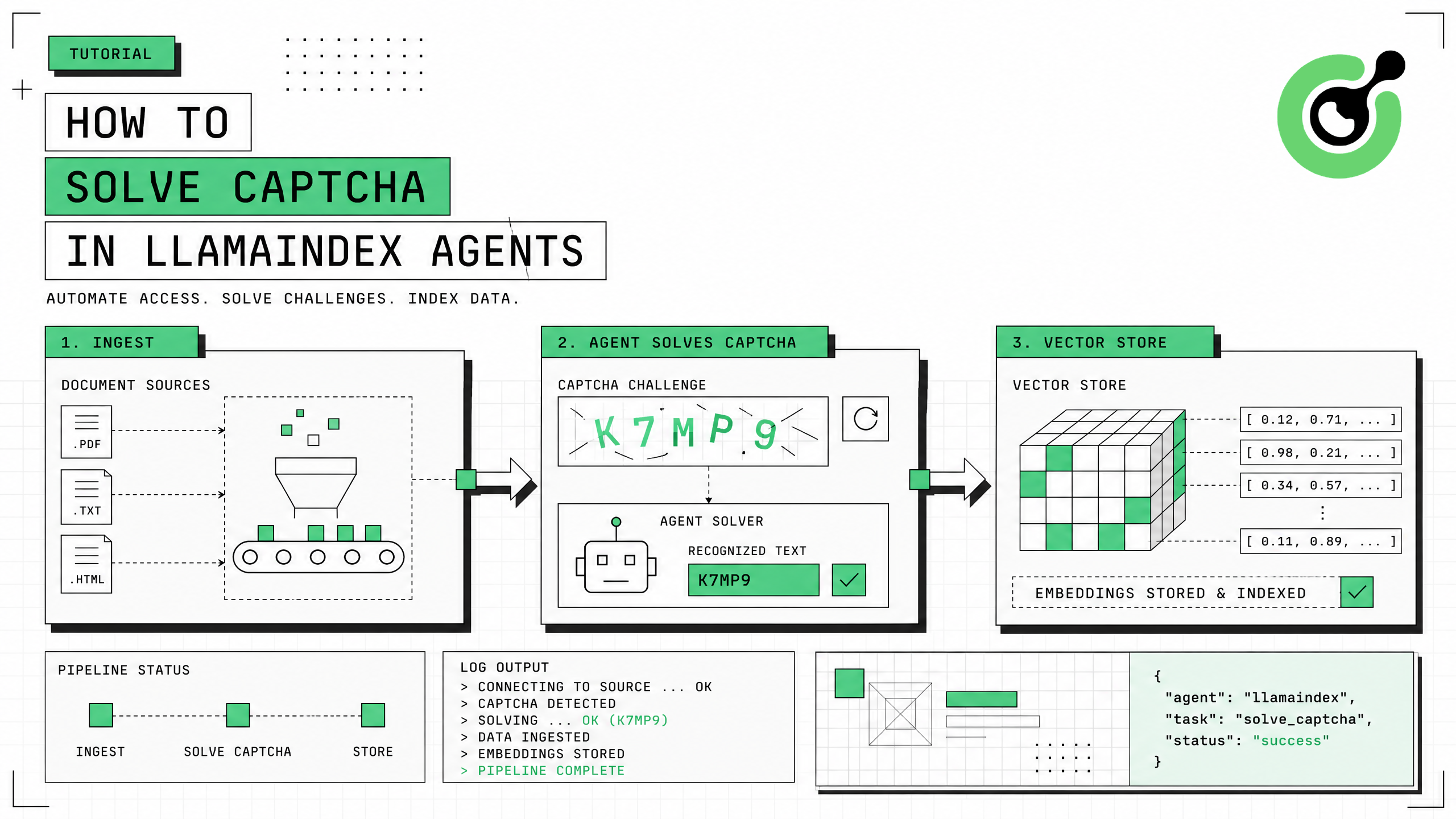
How to Solve CAPTCHA in LlamaIndex Agents
Integrate CAPTCHA solving into LlamaIndex agents using FunctionTool and CapSolver for web data ingestion pipelines.
Ethan Collins
31-Jul-2026
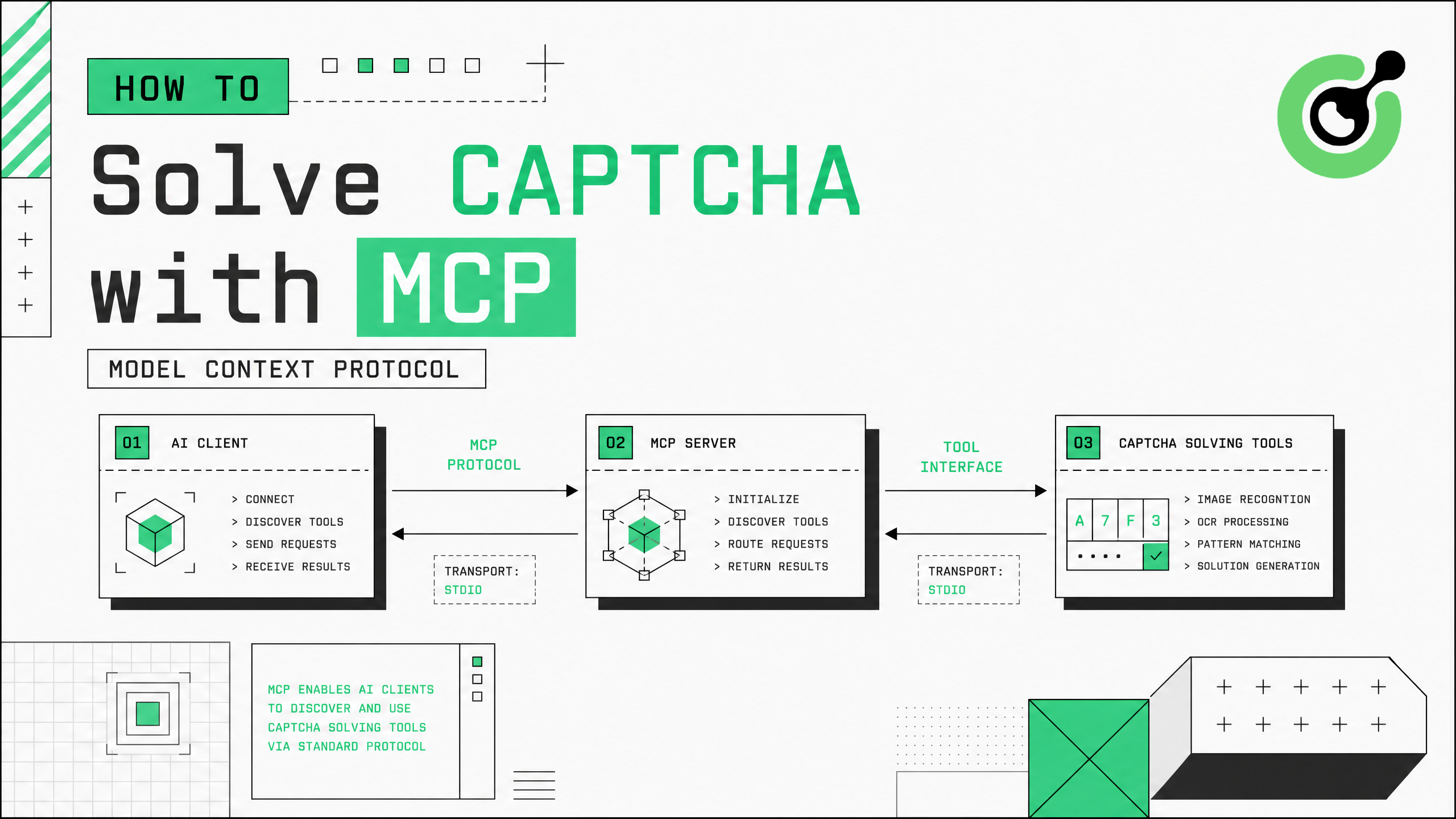
How to Solve CAPTCHA with MCP: CapSolver Model Context Protocol Service
Set up CapSolver MCP service for zero-code CAPTCHA solving in Claude Desktop, Cursor, and any MCP client.
Ethan Collins
31-Jul-2026
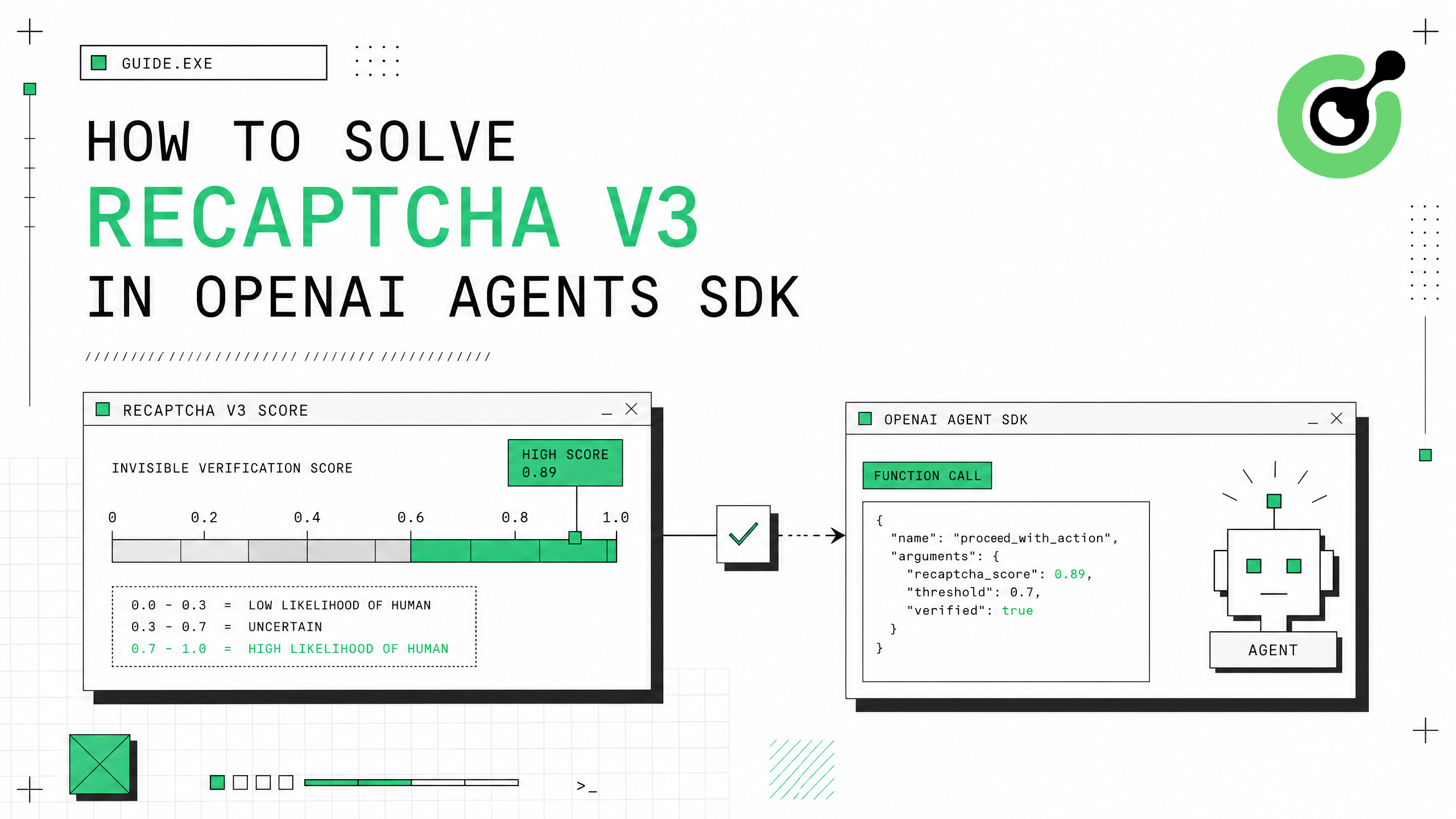
How to Solve reCAPTCHA v3 in OpenAI Agents SDK
Generate high-score reCAPTCHA v3 tokens in OpenAI Agents SDK using CapSolver function_tool.
Ethan Collins
30-Jul-2026
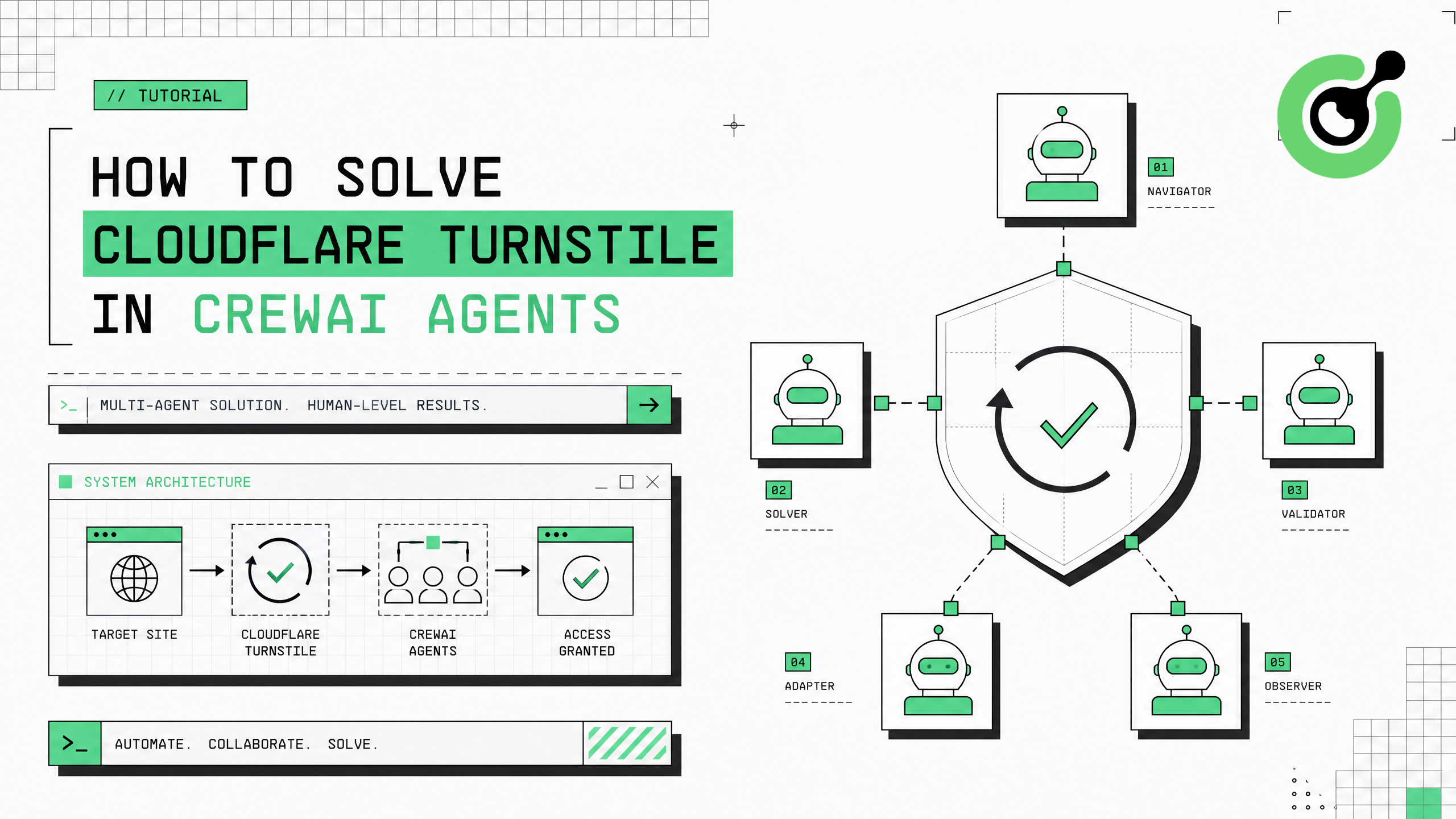
How to Solve Cloudflare Turnstile in CrewAI Agents
Integrate Cloudflare Turnstile solving into CrewAI multi-agent workflows using CapSolver.
Ethan Collins
30-Jul-2026
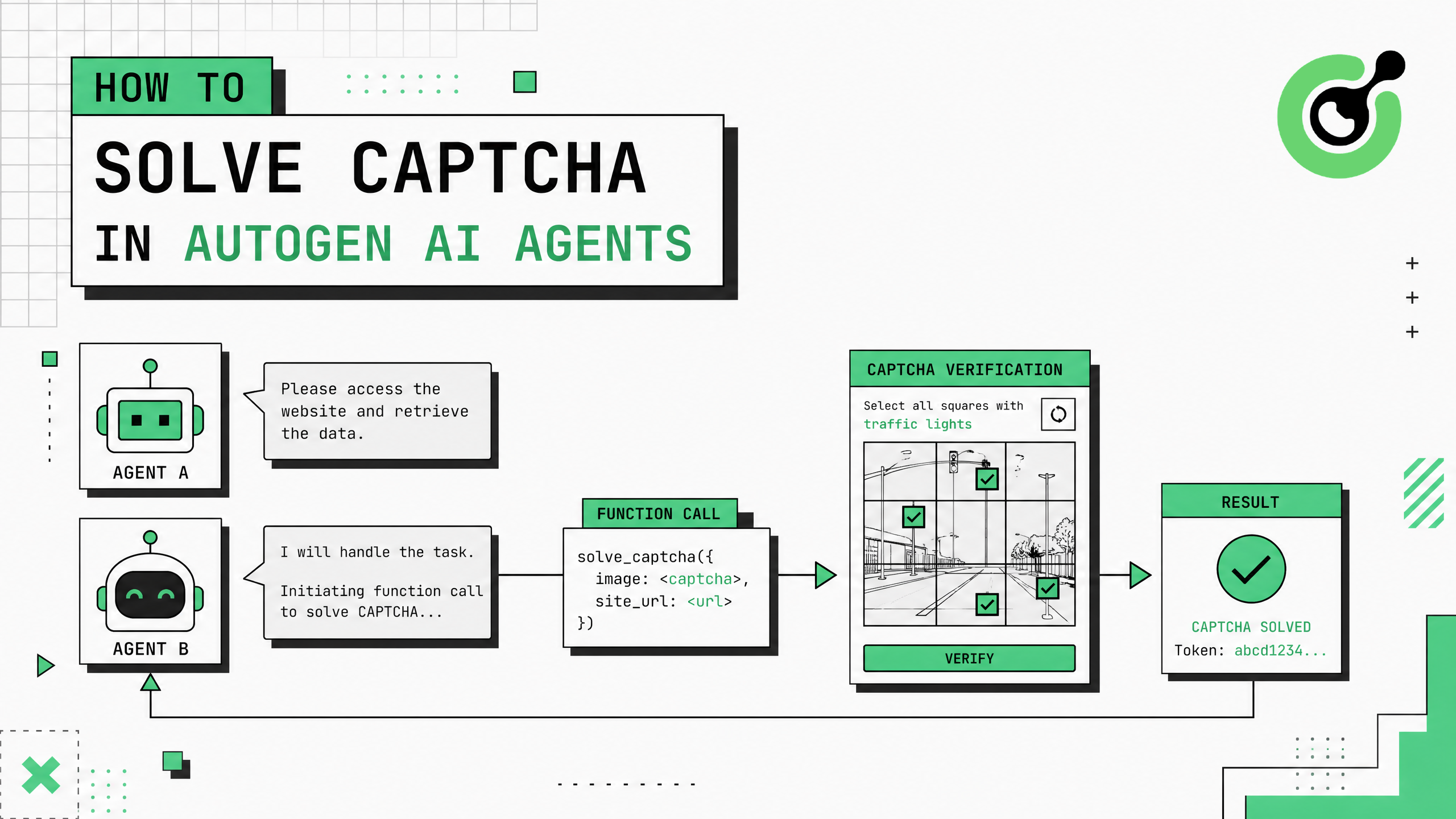
How to Solve CAPTCHA in AutoGen Agents
Complete guide to integrating CAPTCHA solving into Microsoft AutoGen multi-agent conversations using CapSolver with register_function and group chat patterns.
Ethan Collins
29-Jul-2026