











Production MCP Server Checklist: From Tools to Trusted Actions

Nikolai Smirnov
How to use CapSolver
09-Sep-2026
TL;DR
- A production MCP server checklist should verify the action behind each tool, not just whether the server connects and lists tools.
- Enforce the caller's permissions for the specific resource and operation before executing a request.
- Keep tool arguments, retrieved content, credentials, and tenant state on their intended sides of the application boundary.
- Test denied actions, invalid inputs, uncertain completion, and revoked access before expanding the rollout.
- Release with an owner, observable outcomes, and a way to stop new work while reconciling operations already in progress.
What Does Production Readiness Mean for an MCP Server?
Production readiness means an MCP server can perform its permitted work with clear authorization, predictable results, and useful failure evidence. A successful connection proves only that the client and server can communicate. It does not prove that the right person can perform the right action on the right resource. CapSolver can provide documented CAPTCHA capabilities within an agent workflow, while your application remains responsible for those broader execution rules.
Consider a tool that submits a task and another that retrieves its result. Both may work individually while the system still lets one tenant read another tenant's task. A release review needs to examine that relationship. Start with the action and its owner, then work outward through the protocol, runtime, and operating process.
Review the Tool Contract Before the Deployment Settings
The tool contract should explain the allowed action, required inputs, result meaning, and failure behavior. A clear description helps the agent choose a tool, but the server must enforce the actual restrictions.
The official MCP tools specification defines tool discovery, invocation, schemas, and result handling. Treat the deployed protocol revision as an explicit compatibility choice. Do not copy an old request envelope into a new implementation without checking the revision your client and server use.
For each tool, write a short operational description independent of its marketing name. Identify the resource it can access, whether it can create side effects, and the evidence that establishes completion. If nobody can define the result precisely, the tool is not ready for a broad production audience.
Avoid ambiguous action names
A name such as “process request” leaves too much unspecified. The application should know whether the operation reads a record, submits a paid task, or changes a configuration. Make those distinctions visible in the tool description and enforced in code.
List the assumptions as well. Does the tool require a current browser session? Does it operate on a previously created task? Can a result arrive after the caller stops waiting? Those questions determine the application's state model and support procedures.
Check Authorization at the Resource Boundary
Authorization should be checked for the specific action and resource using trusted caller context. Knowing who connected is not enough to decide whether that caller may use a particular task reference or destination.
The OWASP authorization guidance recommends least privilege, denial by default, and permission checks on requests. Apply those principles to the downstream operation as well as the MCP entry point.
Use the API security glossary entry for the broader concept. In a concrete deployment, the important artifact is the implemented relationship between the caller, action, and resource. A tenant name supplied by the model should not override the tenant established by the authenticated application.
Test a cross-tenant request deliberately
Create disposable test resources for separate tenants and verify that one tenant cannot retrieve or modify the other's resource. Use your own test environment and accounts. Record the denial outcome without exposing the resource's protected content.
Repeat the review for task-result retrieval, downloads, and delayed operations. A secure creation endpoint does not establish that every later lookup uses the same ownership check. The test should follow the whole operation rather than only its first request.
Keep Credentials Separate from Tool Arguments
Credentials should be supplied through the trusted runtime boundary, not as ordinary model-generated tool arguments. The model can choose a permitted operation; it should not be asked to reproduce a production secret in a request body visible to the conversation.
The MCP security guidance discusses risks including token passthrough, request forgery, and state-handle misuse. Apply the relevant controls to your deployment rather than treating an MCP connection as an automatic security layer.
For a remote server, verify which identity the server accepts and which credential it uses downstream. For a local server, review the executable, its source, and the filesystem and network access granted by the host. A process launched locally may still possess significant authority.
Review the data returned to the agent
Tool output can contain untrusted text from a page, document, or external system. Preserve its status as task data. A document telling the agent to change its instructions or reveal a key cannot grant permission to do so.
Keep output focused on the operation's result. Returning a complete configuration file or raw network archive may expose much more than the agent needs. Define a safe result shape and place detailed diagnostic material behind appropriate access controls.
Validate Inputs Beyond Their JSON Shape
Input validation should check both structure and meaning. A valid string is not necessarily an allowed destination, a task identifier owned by the caller, or a permitted operation.
Use a narrow set of accepted fields for each tool and reject unexpected values at the boundary that knows their meaning. Resource identifiers should be resolved against trusted state. Destination checks should account for the actual network path, including redirects where relevant, rather than relying on a superficial string prefix.
This article's checklist is an application review framework, not a complete security implementation. URL validation, authorization, and network isolation need implementation-specific tests. A generic regular expression cannot establish that a fetcher is safe for every deployment.
Preserve uncertainty instead of guessing
If an argument is ambiguous, return a useful error or request the missing information through the client's supported interaction. Do not silently substitute a production resource for a missing test resource. A helpful-looking default can change the scope of the action.
Review how the client presents the error. The agent should be able to distinguish invalid input from a transient service failure. Otherwise it may retry an impossible request instead of correcting the missing information.
Redeem Your CapSolver Bonus Code
Boost your automation budget instantly!
Use bonus code CAP26 when topping up your CapSolver account to get an extra 5% bonus on every recharge — with no limits.
Redeem it now in your CapSolver Dashboard

Define Completion, Timeout, and Retry Separately
Completion, timeout, and retry describe different states and should lead to different decisions. The application needs to know whether an operation was rejected before execution, is still running, finished successfully, or has an uncertain outcome.
For a supported CapSolver workflow, the MCP service documentation describes the available integration surface. The task result interface provides the documented task-result contract. Use those sources to interpret service outcomes; do not turn application-owned labels into supposed provider statuses.
If a request may create a paid task or another side effect, a timeout should trigger reconciliation before a fresh submission. Identify any remote task reference that was received and determine what the service can establish. A client that stopped waiting has not necessarily canceled remote work.
Set limits at the owner of each resource
The application should enforce its total deadline and attempt budget. The service's documented limits remain separate. An agent should not be able to reset the overall budget by calling the same tool under a new description.
For long-running work, define what happens when the host exits or permission is revoked. Stop new actions that are no longer authorized and reconcile outstanding work according to the operation's semantics. Do not promise an exactly-once outcome unless the implementation actually provides and tests it.
Use a Release Checklist with Observable Evidence
A release checklist should pair each requirement with a specific observation and an accountable owner. The following rows are proposed review items for your implementation, not a certification or a claim that any named server has passed them.
| Review area | Evidence to collect | Release decision |
|---|---|---|
| Tool contract | Allowed action, inputs, result, and side effects | Reject ambiguous production actions |
| Resource authorization | Permitted and denied requests for disposable resources | Resolve unauthorized access before rollout |
| Tenant isolation | Cross-tenant lookup and delayed-result tests | Keep protected content isolated |
| Input validation | Invalid, missing, and out-of-scope arguments | Return predictable rejection |
| Secret handling | Review of inputs, outputs, logs, and artifacts | Remove credential exposure |
| Failure handling | Timeout, uncertain completion, and service-error cases | Define reconciliation and stop behavior |
| Revocation | A revoked caller attempts new work | Enforce the changed permission |
| Operations | Named owner, monitoring, and stop procedure | Make failures actionable |
Run the cases against the actual implementation in a controlled environment. A document listing desired behavior is not evidence that the server enforces it. Preserve the tested version, client configuration, and relevant outcomes so a later change can be reviewed against the same boundary.
Include cases that should fail. A release process that only demonstrates successful tool calls gives little information about authorization or containment. Denial should be a clear expected outcome, not an unexplained exception buried in a test report.
Plan the Rollout and the Stop Procedure Together
Plan how to expand the deployment and how to stop new work before production use begins. A narrow initial audience and a limited set of operations make it easier to observe whether the tool contract matches real usage.
Monitor meaningful outcomes: permitted actions completed, denied requests, unresolved operations, and failures by category. Avoid treating tool-call count as proof of business value. An increasing call count may reflect repeated failures or a confusing tool description.
The CapSolver MCP setup guide covers initial connection and usage context. Production review adds release evidence and operational ownership. Revisit those controls when the server's tools, credentials, client permissions, or downstream services change.
Keep a way to disable a problematic tool without losing the references needed to investigate in-flight work. Document who may make that decision and how consumers learn that an operation is unavailable. A stop procedure should preserve useful evidence while respecting data-retention requirements.
Release Actions You Can Explain and Control
A production MCP server should expose actions whose permissions, results, and failure paths your team can explain. Validate the implementation with controlled negative cases and retain enough evidence to operate it responsibly. Use CapSolver for documented, authorized challenge tasks within that system, with the surrounding application enforcing its own resource and execution boundaries.
FAQ
Q: Does a successful MCP connection prove production readiness?
No. It proves communication at that moment. Production readiness also requires verified permissions, input handling, failure behavior, and operational ownership for the actual tools.
Q: Should the model supply the tenant or service credential?
Trusted application context should establish the caller's tenant and supply service credentials through the appropriate runtime boundary. Model-generated arguments must not override those controls.
Q: What should happen after a tool call times out?
Determine whether the operation was rejected, remains active, or has an uncertain outcome. Reconcile possible side effects before submitting the same work again.
Q: Is this checklist an MCP compliance certification?
No. It is a practical application review framework. Protocol compatibility and security require tests against your deployed revision, runtime, permissions, and downstream operations.
Compliance Disclaimer: The information provided on this blog is for informational purposes only. CapSolver is committed to compliance with all applicable laws and regulations. The use of the CapSolver network for illegal, fraudulent, or abusive activities is strictly prohibited and will be investigated. Our captcha-solving solutions enhance user experience while ensuring 100% compliance in helping solve captcha difficulties during public data crawling. We encourage responsible use of our services. For more information, please visit our Terms of Service and Privacy Policy.
More
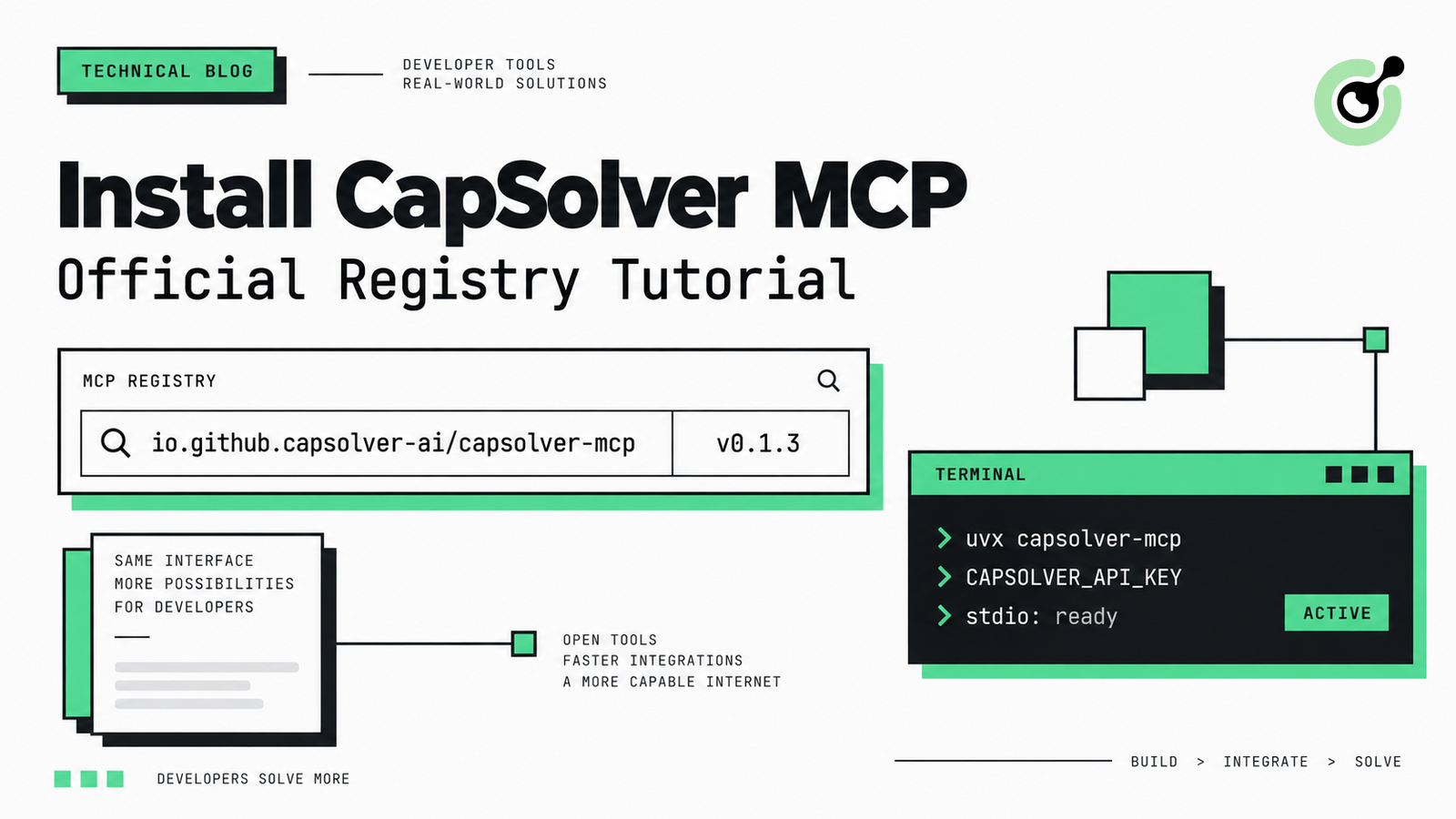
How to Install CapSolver MCP from the Official MCP Registry
Find CapSolver MCP in the Official MCP Registry, install version 0.1.3 with uvx or pip, configure a local client, and verify the stdio tools.

Khadija Santos
18-Sep-2026
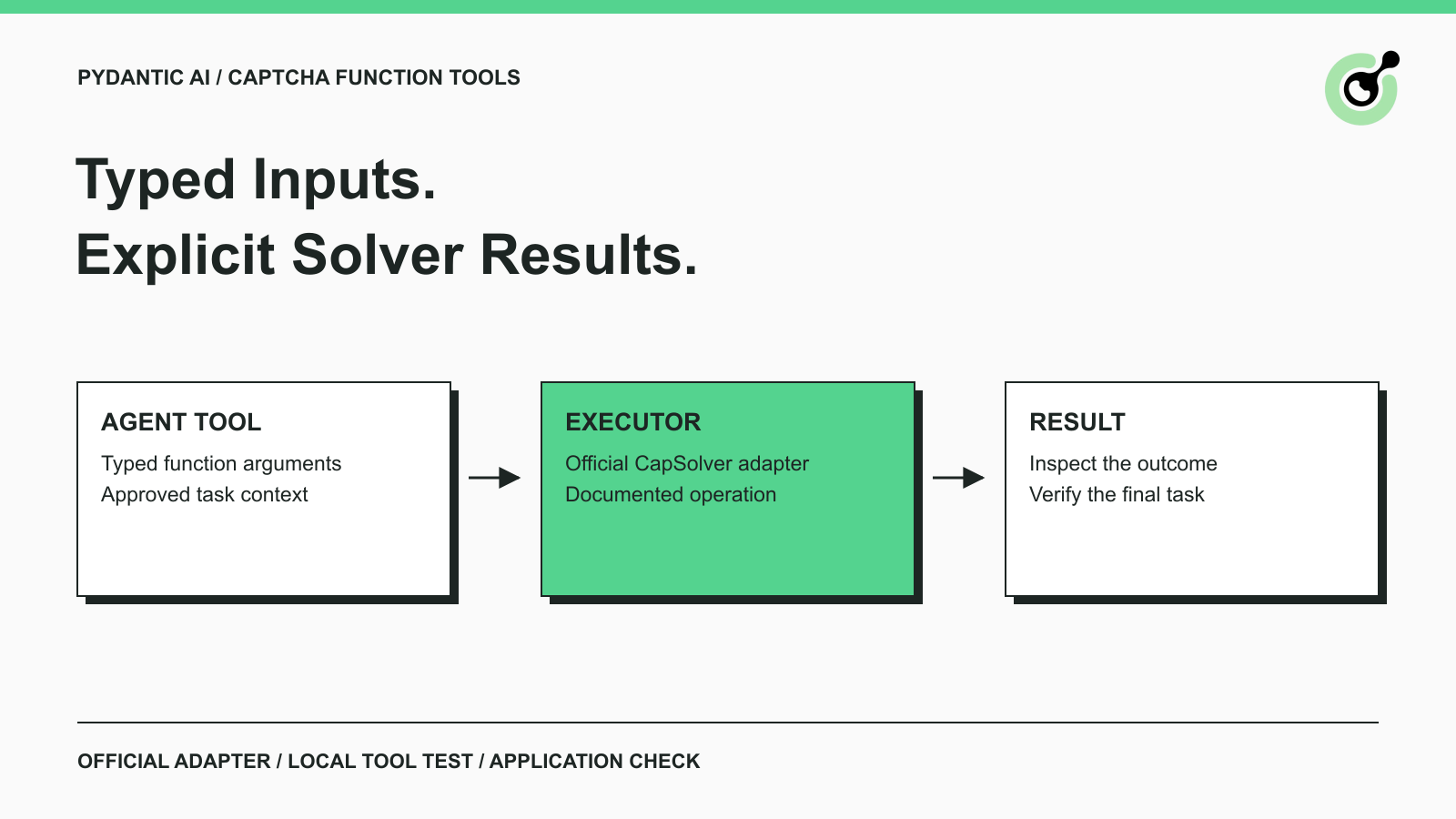
Pydantic AI CAPTCHA Tools: Typed Inputs and Solver Results
Add CAPTCHA tools to Pydantic AI using the official CapSolver adapter, test tool execution locally, and handle typed inputs and structured solver results.
Khadija Santos
18-Sep-2026
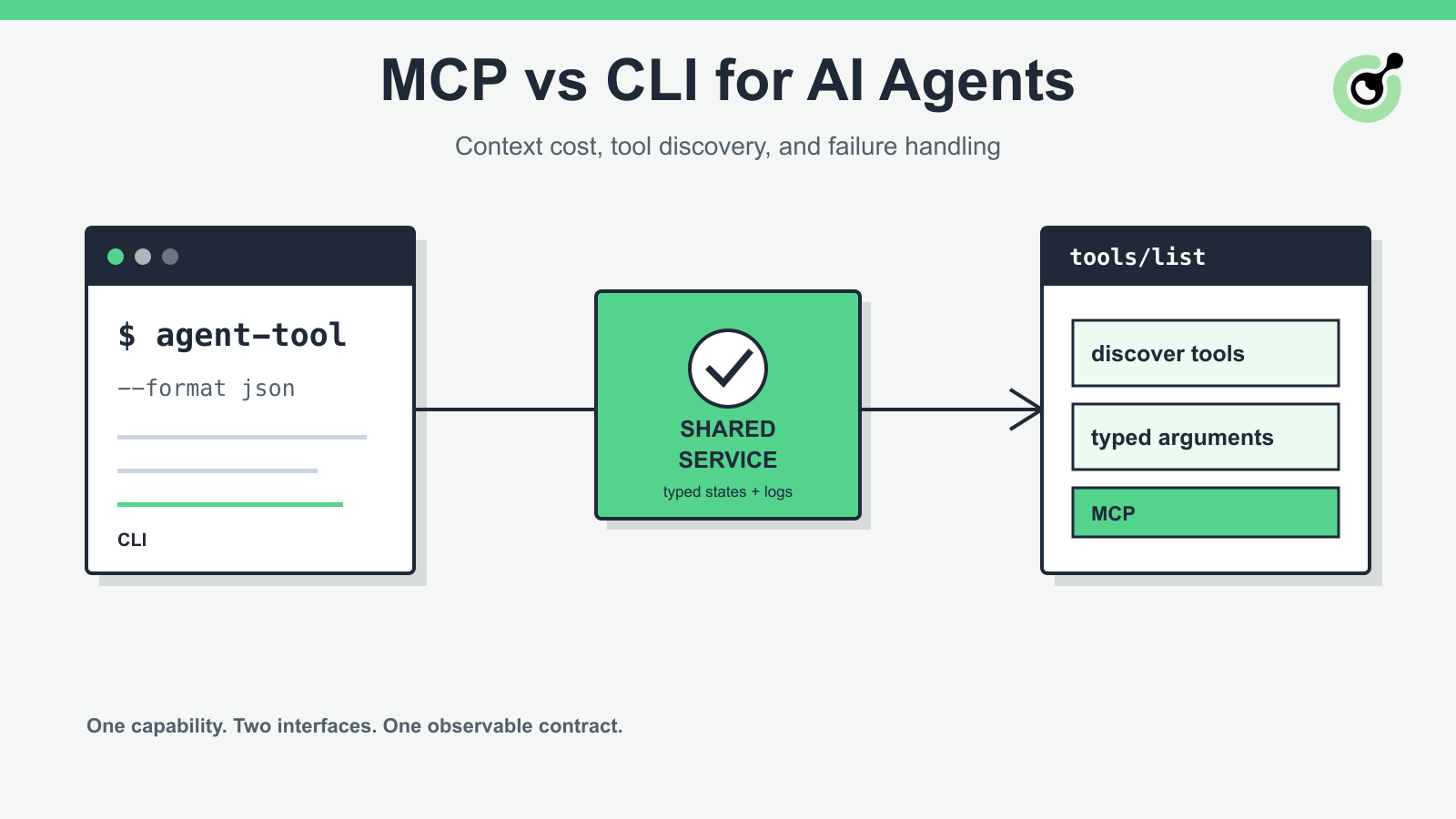
MCP vs CLI for AI Agents: Context Cost and Failure Handling
Compare MCP and CLI interfaces for AI agents across tool discovery, context cost, security, debugging, failure handling, and hybrid architecture.
Nikolai Smirnov
18-Sep-2026
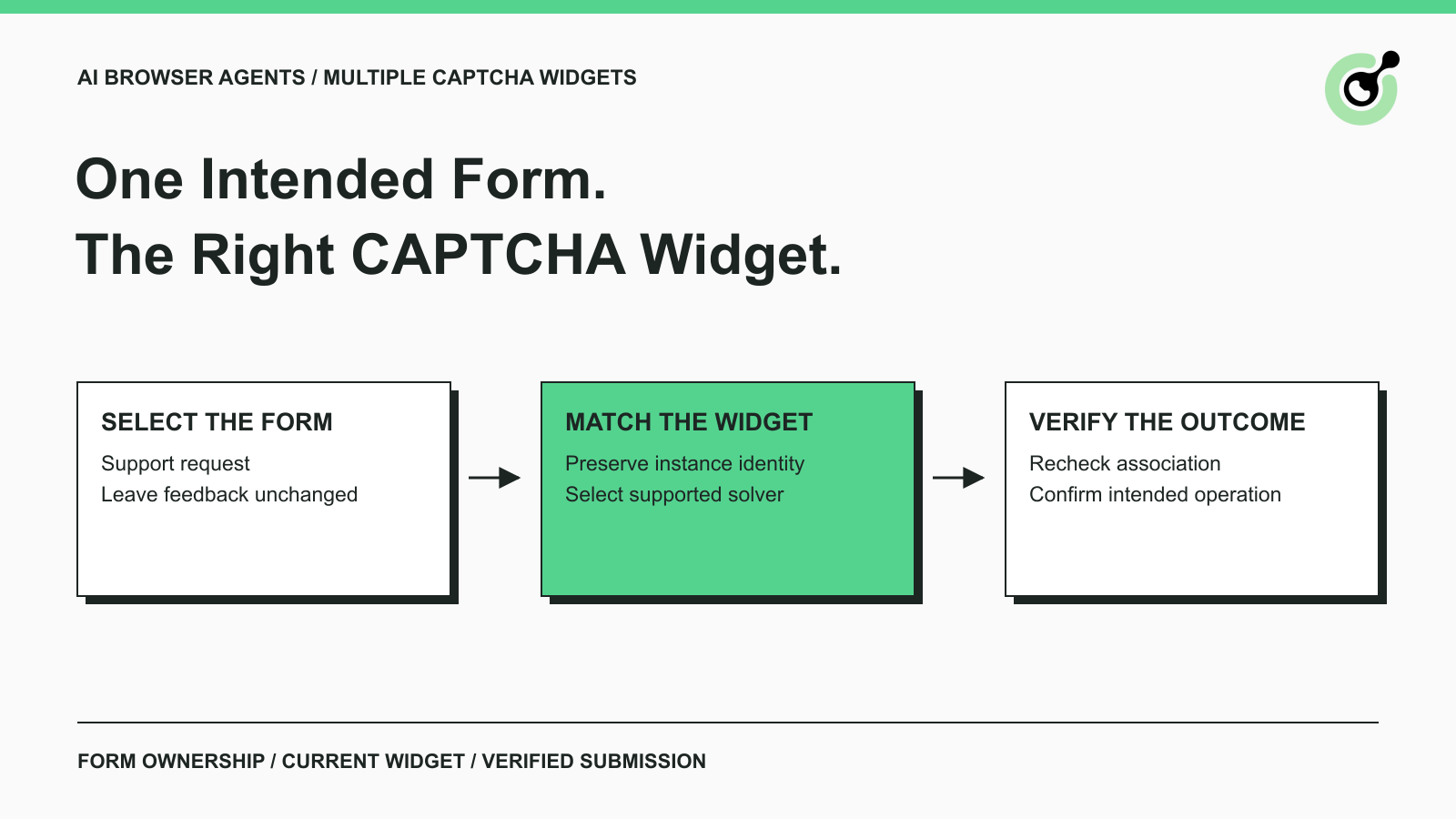
How to Handle Multiple CAPTCHA Widgets in AI Browser Agents
Handle multiple CAPTCHA widgets on one page with explicit form ownership, solver parameters, result routing, and checks for the intended AI agent action.

Lucas Mitchell
15-Sep-2026

CapSolver MCP Server Is Now Available for AI Agents
Install CapSolver MCP Server from PyPI and give compatible AI agents five tools for authorized CAPTCHA handling through the Model Context Protocol.

Sora Fujimoto
11-Sep-2026

AI Agents vs Scripts: How to Choose for Web Automation
Choose between AI agents, scripts, and hybrid web automation by task uncertainty, testability, cost, and the controls needed for reliable execution.
Lucas Mitchell
11-Sep-2026