











How to Use the CapSolver MCP Server: AI Agent Setup Guide

Ethan Collins
How to use CapSolver
13-Aug-2026
TL;DR
- The CapSolver MCP server exposes five documented tools:
solve_captcha,detect_captchas,solve_on_page,get_balance, andget_supported_captchas. - Install
capsolver-corebeforecapsolver-mcp, then configure an MCP client to launch thecapsolver-mcpcommand with the API key in its environment. - Browser tools require the browser extra and Chromium; token mode can run without a browser when the CAPTCHA type, page URL, and site key are already known.
- Production agents need approved-host rules, one bounded recovery attempt, redacted logs, and an application-level success check.
Introduction
The safest answer to how to use capsolver mcp server is to treat CAPTCHA handling as a narrow infrastructure tool, not as a new source of authority for the agent. CapSolver provides the official capsolver-mcp service, which wraps capsolver-core and lets compatible AI clients discover documented CAPTCHA tools. The agent can then recover from reCAPTCHA v2, reCAPTCHA v3 including Enterprise, or Cloudflare Turnstile interruptions inside an authorized browser workflow. Your application still owns scope, credentials, retry limits, and the final business assertion. This guide shows the real installation and JSON configuration, explains every tool and output boundary, and defines stop conditions for lawful, reasonable, responsible use. It does not authorize access to private, restricted, sensitive, or unauthorized data.
Understand the Three CapSolver Layers
Before deciding how to use capsolver mcp server, separate the product layers. The CapSolver for AI Agents overview describes the recovery-layer architecture. capsolver-core performs detection and solving, capsolver-agent adapts those methods into agent-callable schemas, and capsolver-mcp publishes the same capability over MCP.
The core SDK API documents create_capsolver, detect, get_captcha_info, solve, and solve_on_page. The agent tool adapter documents get_all_tools and create_executor. The MCP service guide is the source of truth for installation, transports, configuration, and the five MCP tools.
Choose MCP when the client already speaks MCP
Use the CapSolver MCP server for Claude Desktop, Cursor, Cline, VS Code clients, or another compatible host. Use capsolver-agent when you are writing the function-calling loop yourself. Use capsolver-core when Playwright or a service owns the full control flow and no model needs tool schemas. This distinction prevents duplicated adapters and makes how to use capsolver mcp server easier to maintain.
Install the Official Packages
The official sequence installs the core engine first and the MCP wrapper second:
bash
pip install git+https://github.com/capsolver-ai/capsolver-core.git
pip install git+https://github.com/capsolver-ai/capsolver-mcp.git
For browser detection and solve_on_page, install the browser extra and Chromium:
bash
pip install "capsolver-mcp[browser] @ git+https://github.com/capsolver-ai/capsolver-mcp.git"
playwright install chromium
These commands are the verified input for how to use capsolver mcp server. A successful output is an executable capsolver-mcp command. Stop if installation resolves to an unofficial package name, if the command is missing, or if Chromium is unavailable for a browser-mode deployment.
Configure the MCP Client
The official stdio configuration is compact and works across many local MCP clients:
json
{
  "mcpServers": {
    "capsolver": {
      "command": "capsolver-mcp",
      "env": {
        "CAPSOLVER_API_KEY": "YOUR_API_KEY"
      }
    }
  }
}
Keep the real key in a secret manager or the client environment rather than source control. The input is the command and environment. The output is a connected server whose tool list can be inspected. The stop condition is a failed launch, an unexpected executable path, or an incomplete registry. The MCP tool specification explains why clients should discover and validate tool schemas before calls.
Verify the exact tool names
After reloading the client, confirm all five names: solve_captcha, detect_captchas, solve_on_page, get_balance, and get_supported_captchas. The article on fixing CAPTCHA errors in an MCP server provides a useful diagnostic path, while MCP agent checkpoint recovery explains why recovery must remain bounded.
Redeem Your CapSolver Bonus Code
Boost your automation budget instantly!
Use bonus code CAP26 when topping up your CapSolver account to get an extra 5% bonus on every recharge — with no limits.
Redeem it now in your CapSolver Dashboard

Define Inputs, Outputs, and Stop Conditions
For token mode, the agent supplies a supported CAPTCHA type, the authorized page URL, and the public site key; solve_captcha returns a solution through the MCP tool result. For browser mode, detect_captchas lists detected types and solve_on_page performs documented detection, solving, and fill-back. get_balance reports balance information, and get_supported_captchas reports the current registry.
Do not infer success from a non-error tool response. The application must verify that the expected route, form state, or test assertion changed in the same browser session. Stop how to use capsolver mcp server after one autonomous attempt, a changed hostname, a second checkpoint, expired authorization, an unsupported CAPTCHA type, or an ambiguous page state.
The MCP CAPTCHA setup walkthrough helps connect configuration to real tool discovery. For reCAPTCHA-specific MCP behavior, the Cursor reCAPTCHA v2 example shows how a narrow client integration differs from a general server deployment.
Add Production Guardrails
A production implementation of how to use capsolver mcp server should allow only approved hosts and declared actions. Keep cookies and credentials outside model messages. Log request identifiers, tool names, terminal states, and redacted error codes rather than raw tokens. The OWASP logging guidance supports privacy-aware event design, and the NIST AI Risk Management Framework supports accountable controls.
Test missing keys, missing browser dependencies, incomplete tool discovery, unsupported types, unchanged page state, and repeat challenges. Each negative case should return a terminal review state rather than another autonomous call.
Conclusion
The practical method for how to use capsolver mcp server is straightforward: install capsolver-core and capsolver-mcp, configure the official command, verify all five tools, and place a strict authorization gate in front of every call. Treat application success as the outcome and tool completion as evidence. Teams operating permitted AI-agent workflows can evaluate CapSolver as the CAPTCHA infrastructure layer.
FAQ
Does the CapSolver MCP server support every CapSolver task type for agents?
No. Current AI-agent documentation limits this layer to reCAPTCHA v2, reCAPTCHA v3 including Enterprise, and Cloudflare Turnstile. Check get_supported_captchas at runtime.
Which command should an MCP client launch?
Use the official capsolver-mcp executable, or launch the installed module with the environment's Python when the executable is not on the client's PATH.
When does how to use capsolver mcp server require Playwright?
Browser detection and solve_on_page require the browser extra and Chromium. Token mode does not require a browser when the page parameters are already known.
What should stop an AI agent after a CAPTCHA call?
Stop on scope change, unsupported type, missing browser context, repeated challenge, expired authorization, or an unchanged application state after one attempt.
Compliance Disclaimer: The information provided on this blog is for informational purposes only. CapSolver is committed to compliance with all applicable laws and regulations. The use of the CapSolver network for illegal, fraudulent, or abusive activities is strictly prohibited and will be investigated. Our captcha-solving solutions enhance user experience while ensuring 100% compliance in helping solve captcha difficulties during public data crawling. We encourage responsible use of our services. For more information, please visit our Terms of Service and Privacy Policy.
More
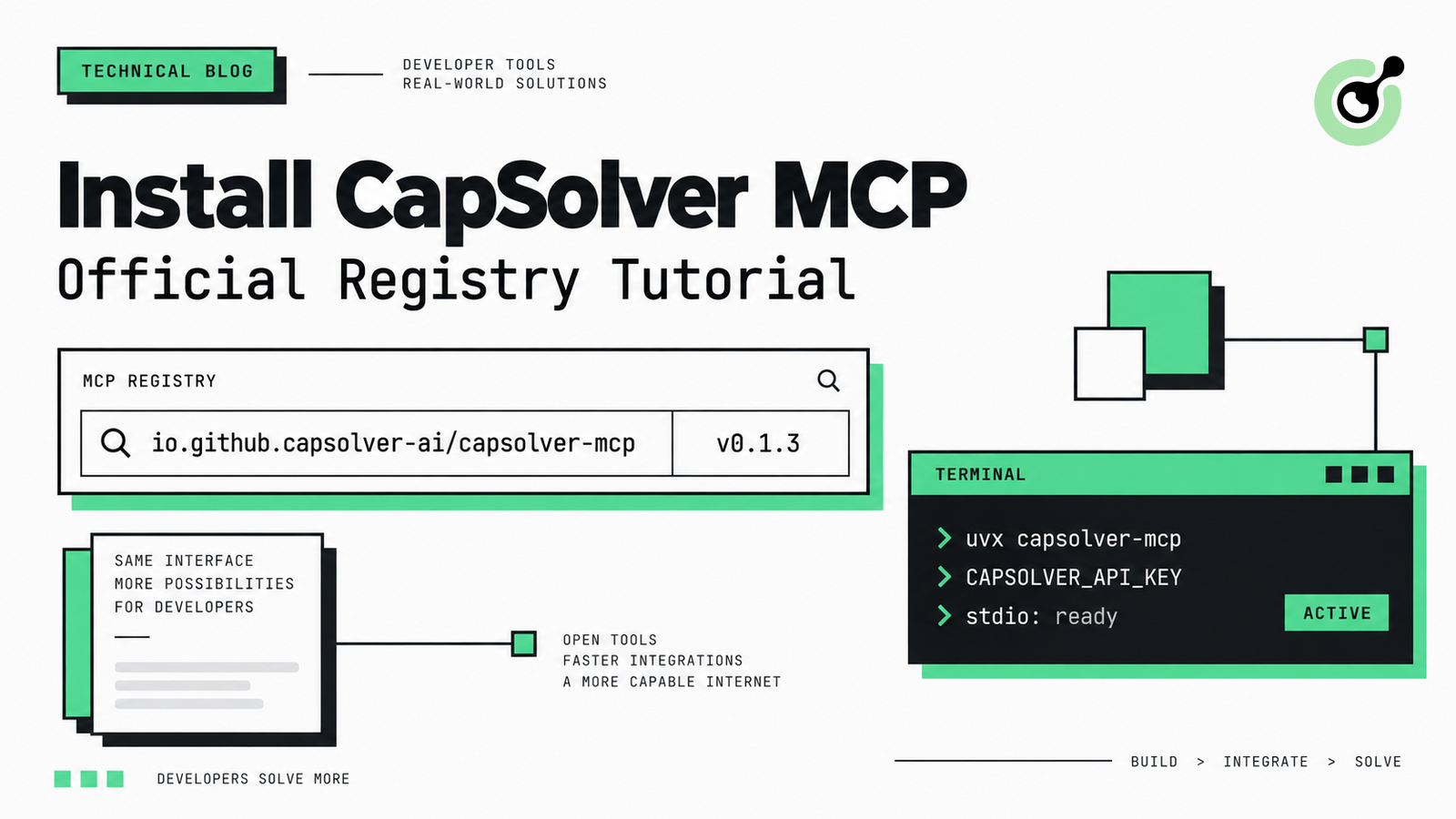
How to Install CapSolver MCP from the Official MCP Registry
Find CapSolver MCP in the Official MCP Registry, install version 0.1.3 with uvx or pip, configure a local client, and verify the stdio tools.

Khadija Santos
18-Sep-2026
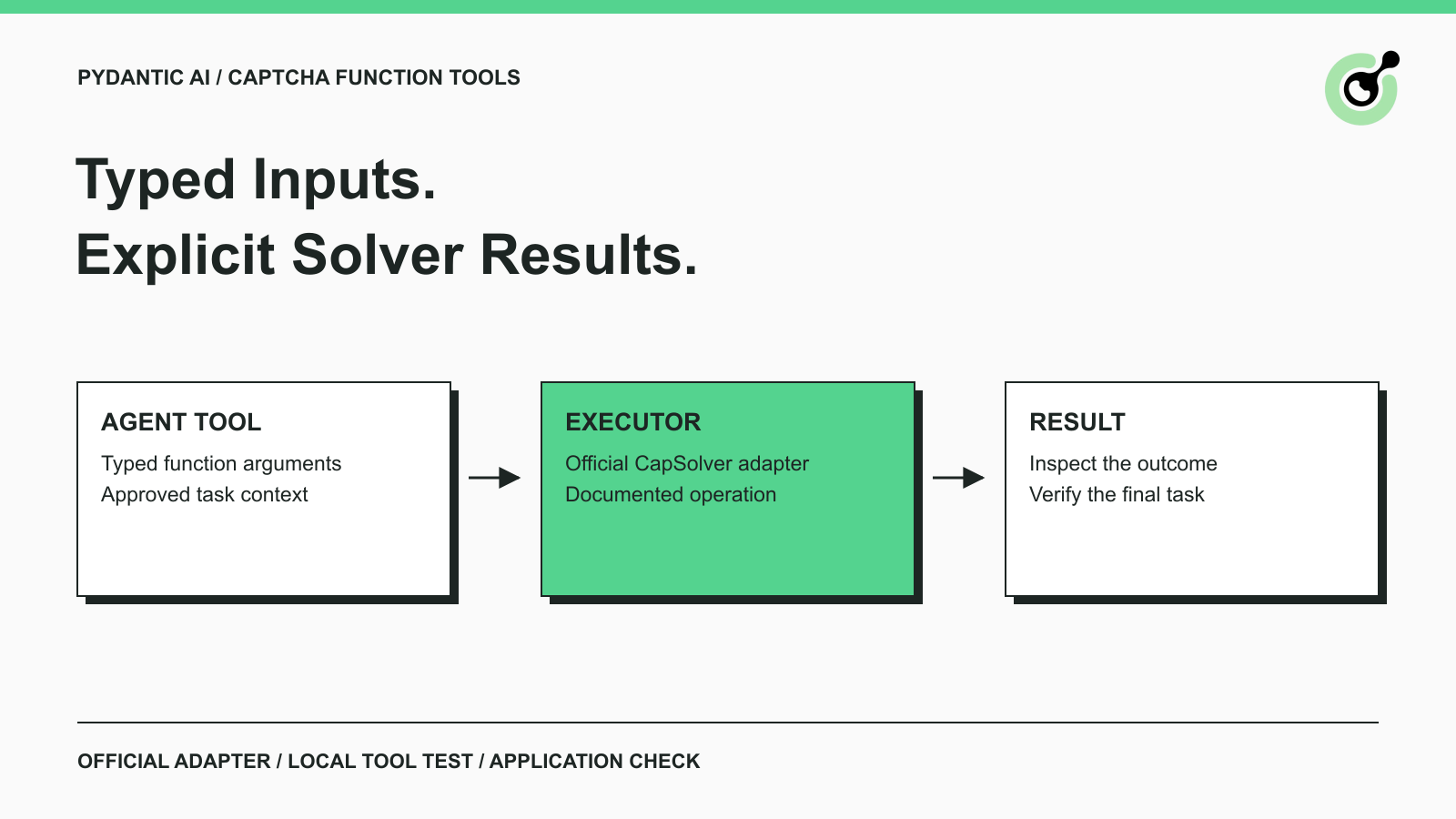
Pydantic AI CAPTCHA Tools: Typed Inputs and Solver Results
Add CAPTCHA tools to Pydantic AI using the official CapSolver adapter, test tool execution locally, and handle typed inputs and structured solver results.
Khadija Santos
18-Sep-2026
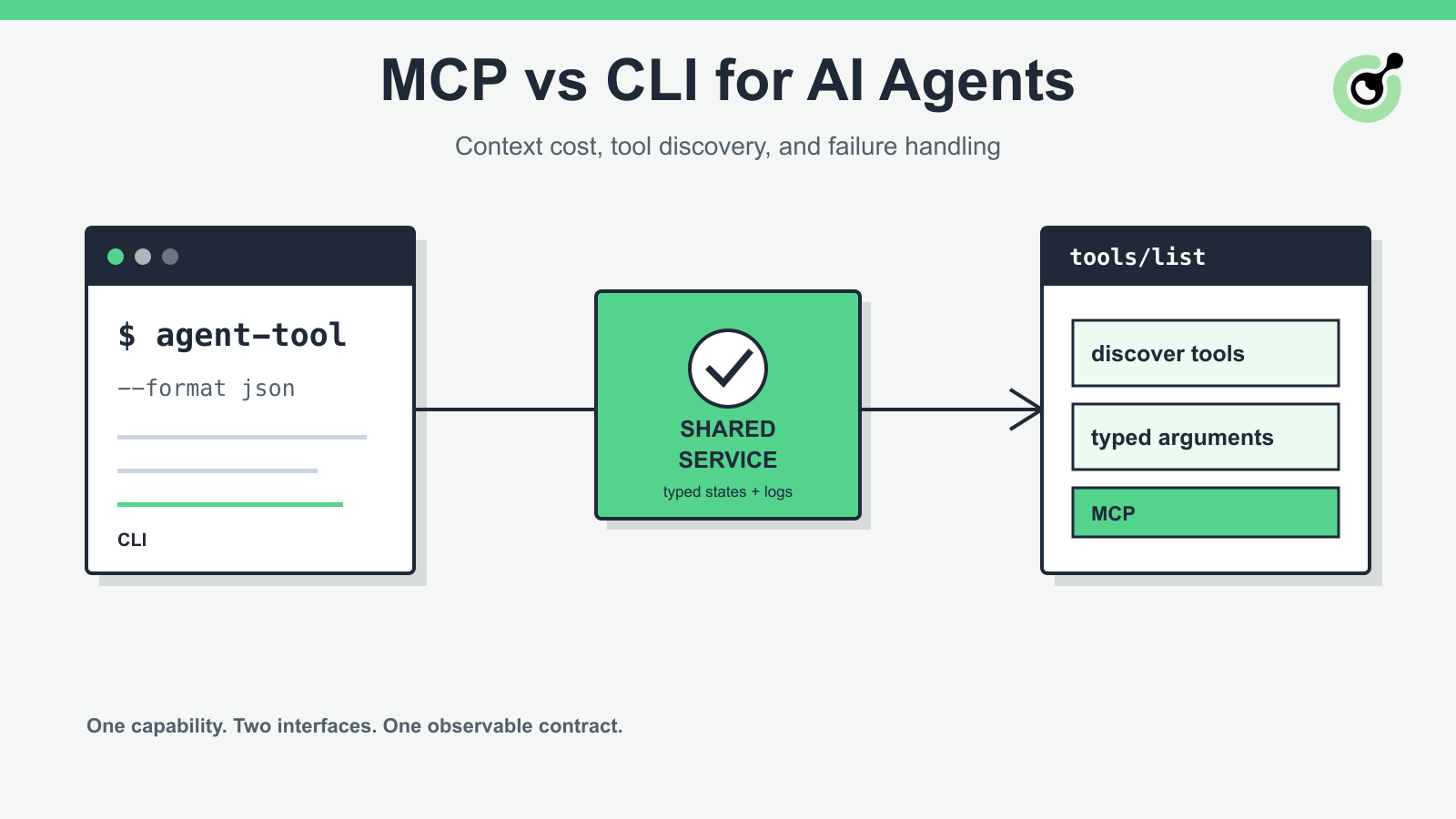
MCP vs CLI for AI Agents: Context Cost and Failure Handling
Compare MCP and CLI interfaces for AI agents across tool discovery, context cost, security, debugging, failure handling, and hybrid architecture.

Nikolai Smirnov
18-Sep-2026
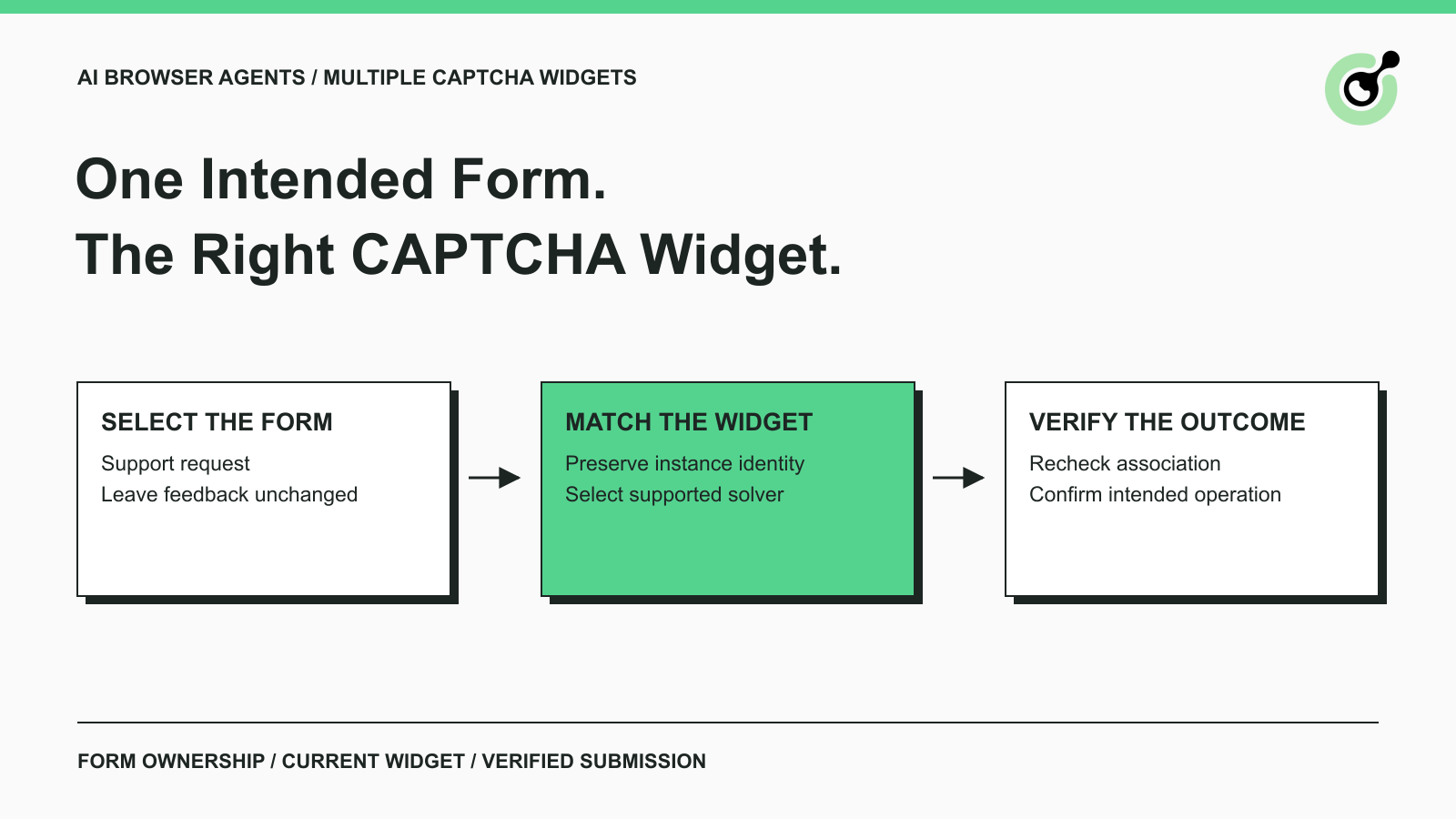
How to Handle Multiple CAPTCHA Widgets in AI Browser Agents
Handle multiple CAPTCHA widgets on one page with explicit form ownership, solver parameters, result routing, and checks for the intended AI agent action.

Lucas Mitchell
15-Sep-2026

CapSolver MCP Server Is Now Available for AI Agents
Install CapSolver MCP Server from PyPI and give compatible AI agents five tools for authorized CAPTCHA handling through the Model Context Protocol.

Sora Fujimoto
11-Sep-2026

AI Agents vs Scripts: How to Choose for Web Automation
Choose between AI agents, scripts, and hybrid web automation by task uncertainty, testability, cost, and the controls needed for reliable execution.
Lucas Mitchell
11-Sep-2026