











Best reCAPTCHA API Key Workflow for Reliable Automation

Nikolai Smirnov
How to use CapSolver
28-May-2026
TL;DR
- The best reCAPTCHA API key workflow separates Google site integration, backend token verification, and approved challenge handling during automation or testing.
- Google’s verification flow requires backend validation of user response tokens through the
siteverifyendpoint, and response tokens are time-limited and single-use. - A Google reCAPTCHA secret key and a CapSolver API key are different credentials with different owners, storage rules, and purposes.
- CapSolver should be considered when an approved workflow needs supported reCAPTCHA challenge solving through a documented API or browser-extension path.
- Teams should not treat any solver key as a replacement for site-owner verification, permission review, rate limits, or security controls.
Introduction
Searches for the “best reCAPTCHA API key” often mix several different needs. A website owner may need Google site and secret keys to protect a form. A QA engineer may need a safe way to test flows that include reCAPTCHA. A web automation team may need a controlled method for handling a supported challenge in an approved workflow. These are related, but they are not the same. Google’s official reCAPTCHA verification documentation explains that the backend verification request goes to https://www.google.com/recaptcha/api/siteverify and includes a secret key plus the user response token.
For teams that need challenge handling inside approved automation, CapSolver’s reCAPTCHA glossary is a practical starting point because it defines reCAPTCHA as Google-owned bot mitigation and human verification. This article explains how to evaluate reCAPTCHA API key workflows, where CapSolver fits, and how to avoid unsafe assumptions.
What a reCAPTCHA API key workflow includes
A reCAPTCHA implementation usually has a site key, a secret key, frontend widget or scoring behavior, backend verification, logging, and operational monitoring. The site key is used in the browser. The secret key belongs on the server and should not be exposed to clients. The user response token must be sent to the backend and verified before the application trusts the form submission, login event, signup, or checkout action.
Google documents important constraints for this process. Response tokens are valid for two minutes and can only be verified once, which helps prevent replay attacks. A strong workflow therefore verifies promptly, records verification outcomes, and avoids reusing stale tokens. The OWASP Automated Threats project is also useful because it shows the kinds of abusive automation that reCAPTCHA and related controls are designed to reduce.
| Component | Owner | Purpose | Common mistake |
|---|---|---|---|
| Site key | Website frontend | Renders or initializes reCAPTCHA | Treating it as a secret |
| Secret key | Website backend | Verifies response tokens | Exposing it in client code |
| Response token | User session or browser flow | Represents a completed challenge or score result | Reusing it after expiry |
| Verification endpoint | Google backend | Confirms validity and returns outcome data | Skipping server-side verification |
| Solver API key | Automation or testing team | Handles approved supported challenge events | Confusing it with the website secret key |
Site-owner keys vs solver API keys
The most important distinction is that a Google reCAPTCHA secret key and a solver API key serve different roles. The Google secret key belongs to the site owner and is used to verify tokens on that site’s backend. A solver API key belongs to the automation or testing team using a service such as CapSolver to handle supported challenge events in approved workflows. One does not replace the other.
This distinction matters for security. If a developer searches for a “best reCAPTCHA API key” and copies the wrong credential into the wrong environment, they may expose secrets or build an unreliable integration. A safer process is to document key ownership, store secrets in a server-side vault, rotate compromised keys, and keep solver credentials separate from site-protection credentials.
CapSolver’s Playwright integration guide is helpful when a QA or automation team needs to connect browser automation with supported reCAPTCHA handling. In that context, CapSolver is not the website’s verification authority. It is a workflow component that helps automation continue when a supported challenge appears and the use case is approved.
Evaluation criteria for the best reCAPTCHA API workflow
The first criterion is correctness. A correct workflow performs backend verification, handles token expiry, rejects duplicate or missing tokens, and records structured errors. The second criterion is security. Secret keys must remain server-side, and logs should never expose full secrets, session cookies, or personal data. The third criterion is observability. Teams should know how often challenges occur, which flows fail, and whether the failure is due to verification, network conditions, page changes, or solver behavior.
The fourth criterion is automation fit. Browser automation may be necessary for QA, monitoring, or approved data workflows, but it must be limited to permitted targets. The Playwright official site describes reliable web automation for testing, scripting, and AI agents across Chromium, Firefox, and WebKit. That makes it relevant for modern automation teams, but it also increases the need for governance. CapSolver’s CAPTCHA solving while scraping guide can help teams decide when a challenge-handling path should exist.
Bonus Code for approved automation testing
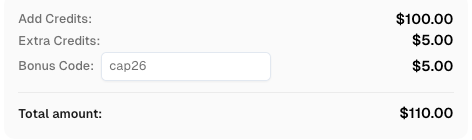
Redeem Your CapSolver Bonus Code
Boost your automation budget instantly! Use bonus code CAP26 when topping up your CapSolver account to get an extra 5% bonus on every recharge — with no limits. Redeem it now in your CapSolver Dashboard.
Recommended architecture
A reliable architecture starts with a clean separation between product security and automation support. The application backend owns the Google secret key and verifies response tokens. The automation platform owns test accounts, approved browser flows, proxy policy if applicable, and any CapSolver API key. The monitoring layer records result categories without leaking secrets.
| Layer | Recommended practice | Reason |
|---|---|---|
| Frontend | Use the correct Google site key and capture the response token | Keeps the user-facing integration clean |
| Backend | Verify every response token with Google before trusting the action | Prevents client-side bypass assumptions |
| Secret storage | Keep Google secret and CapSolver API key separate | Reduces accidental exposure and confusion |
| Browser automation | Use Playwright or similar tools only for approved flows | Keeps testing and automation accountable |
| Challenge handling | Use CapSolver for supported reCAPTCHA events when approved | Avoids manual interruption while preserving governance |
CapSolver’s web scraping FAQ is useful for teams that combine reCAPTCHA handling with public-data workflows, while the browser extension installation guide can help testers debug flows before they move stable logic into a more controlled API integration.
Practical decision framework
If you are the site owner, the best reCAPTCHA API key is the one generated and managed inside your Google reCAPTCHA configuration, stored server-side, rotated when necessary, and verified through the official backend endpoint. If you are an automation or QA team, the best workflow is the one that respects the site owner’s rules, uses approved test or monitoring flows, and introduces CapSolver only when supported reCAPTCHA handling is required.
If the workflow is for web data automation, start by asking whether an official API exists. If an API is available, prefer it. If the page is static and allowed, a crawler may be enough. If the page is dynamic, browser automation may be justified. If a supported reCAPTCHA challenge appears in that approved flow, CapSolver can be integrated as a documented challenge-handling layer. CapSolver’s compliant web scraping guide is a useful reference for keeping that decision inside a governance process.
Mistakes to avoid
Do not expose a Google secret key in frontend JavaScript. The MDN CORS guide is also useful when teams review browser-to-server boundaries, and the RFC 9110 HTTP semantics specification helps engineering teams document request and response behavior consistently. Do not expose a Google secret key in frontend JavaScript. Do not reuse response tokens after they have been verified or after the two-minute validity window. Do not log complete secrets or raw sensitive session data. Do not assume that solving a challenge grants permission to collect restricted data. Do not write content that claims unsupported challenge types are supported. For this workflow, recommendations should stay focused on supported reCAPTCHA paths and other supported types such as Cloudflare Turnstile, Cloudflare Challenge, AWS WAF, image-to-text tasks, and browser-extension workflows.
Conclusion
The best reCAPTCHA API key workflow is a secure operating model, not a single credential. Website owners need correct Google keys and backend verification. Automation teams need approved flows, protected credentials, observability, and a reliable challenge-handling plan. CapSolver is a strong recommendation when an approved workflow requires supported reCAPTCHA solving through an API or browser-extension integration, while Google’s verification endpoint remains the authority for validating tokens on the site owner’s backend.
FAQ
What is the best reCAPTCHA API key for a website owner?
For a website owner, the best key is the official Google site and secret key pair configured for the protected domain, stored correctly, and verified on the backend.
Is a CapSolver API key the same as a Google reCAPTCHA secret key?
No. A Google secret key verifies tokens on the site owner’s backend. A CapSolver API key is used by an approved automation or testing workflow to handle supported challenge events.
How long is a reCAPTCHA response token valid?
Google documents that response tokens are valid for two minutes and can only be verified once, so backend verification should happen promptly.
When should CapSolver be used for reCAPTCHA?
Use CapSolver when an approved automation, QA, monitoring, or data workflow encounters a supported reCAPTCHA challenge and needs a documented API or browser-extension solving path.
What should teams avoid when managing reCAPTCHA keys?
Teams should avoid exposing secret keys in frontend code, reusing response tokens, logging sensitive credentials, or treating challenge solving as permission to bypass access rules.
Compliance Disclaimer: The information provided on this blog is for informational purposes only. CapSolver is committed to compliance with all applicable laws and regulations. The use of the CapSolver network for illegal, fraudulent, or abusive activities is strictly prohibited and will be investigated. Our captcha-solving solutions enhance user experience while ensuring 100% compliance in helping solve captcha difficulties during public data crawling. We encourage responsible use of our services. For more information, please visit our Terms of Service and Privacy Policy.
More
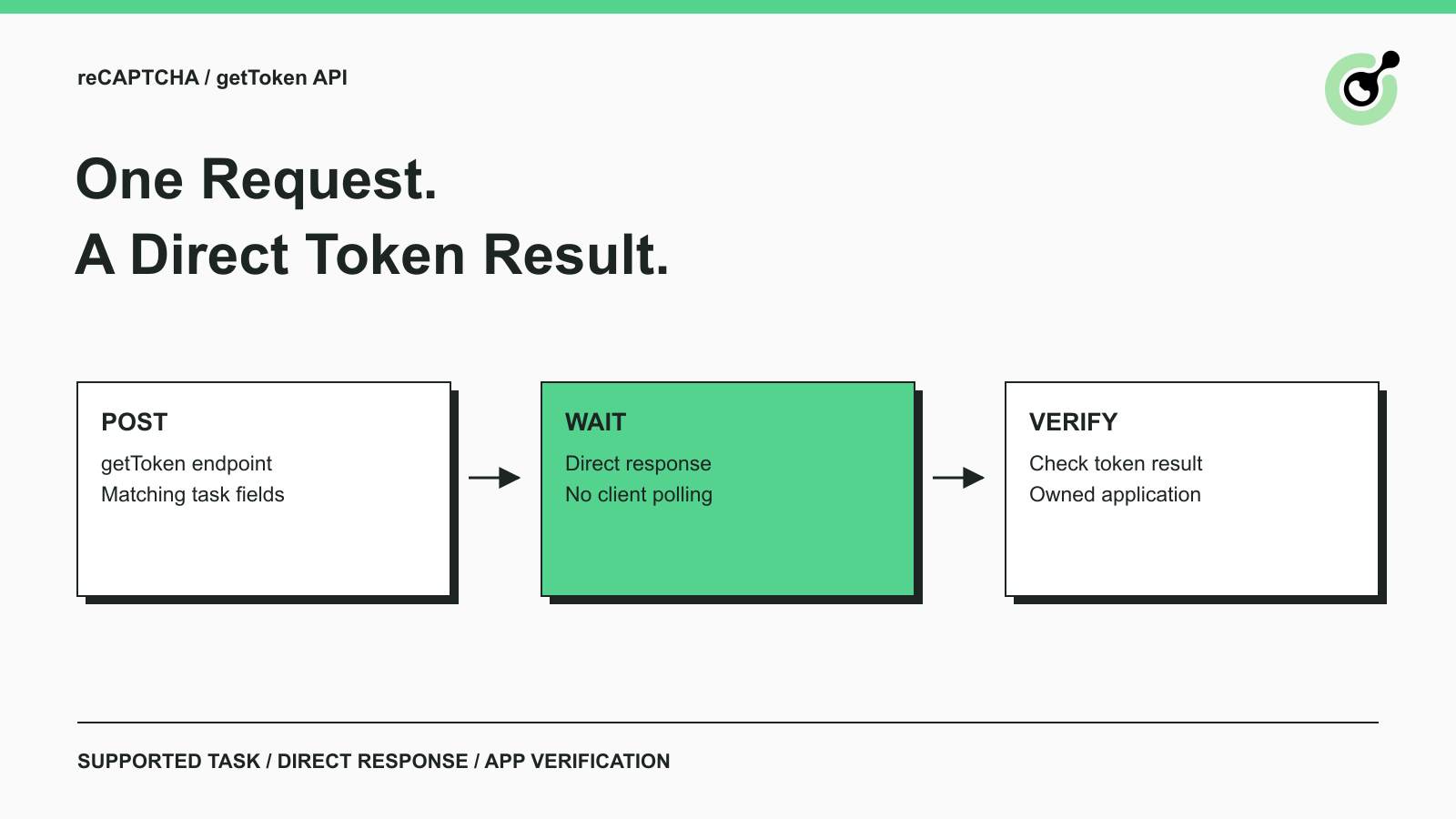
Solve reCAPTCHA with getToken: One Request, No Polling
Use CapSolver getToken for supported reCAPTCHA tasks with a documented JSON request, a cURL example, direct results, and clear token-validation steps.

Emma Foster
17-Sep-2026

reCAPTCHA Test Keys: How to Set Up Reliable QA Environments
Use reCAPTCHA test keys in QA with separate environments, backend validation checks, negative tests, and release guards that keep test settings out of production.

Lucas Mitchell
11-Sep-2026
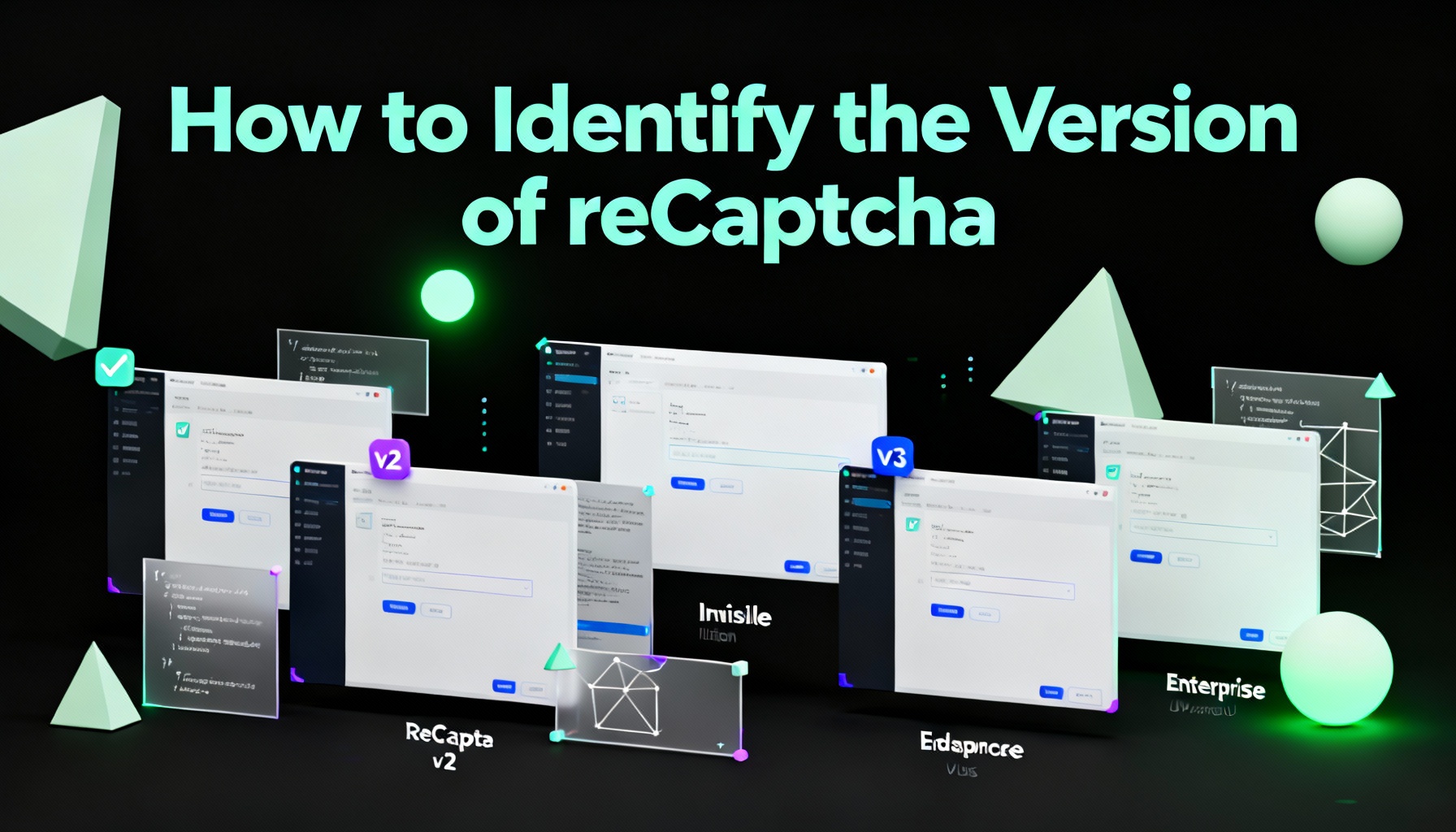
How to Identify the Version of reCaptcha
In this article, we will show you how to identify what reCaptcha version is being used.
Lucas Mitchell
10-Sep-2026

How to Solve "Unusual Traffic from Your Computer Network"
Struggling with 'Unusual traffic from your computer network' errors on Google? Our guide explains the triggers and offers solutions to solve captchas, including tips and a look at how CAPSOLVER.COM can streamline your browsing experience by automatically resolving these interruptions.

Ethan Collins
09-Sep-2026
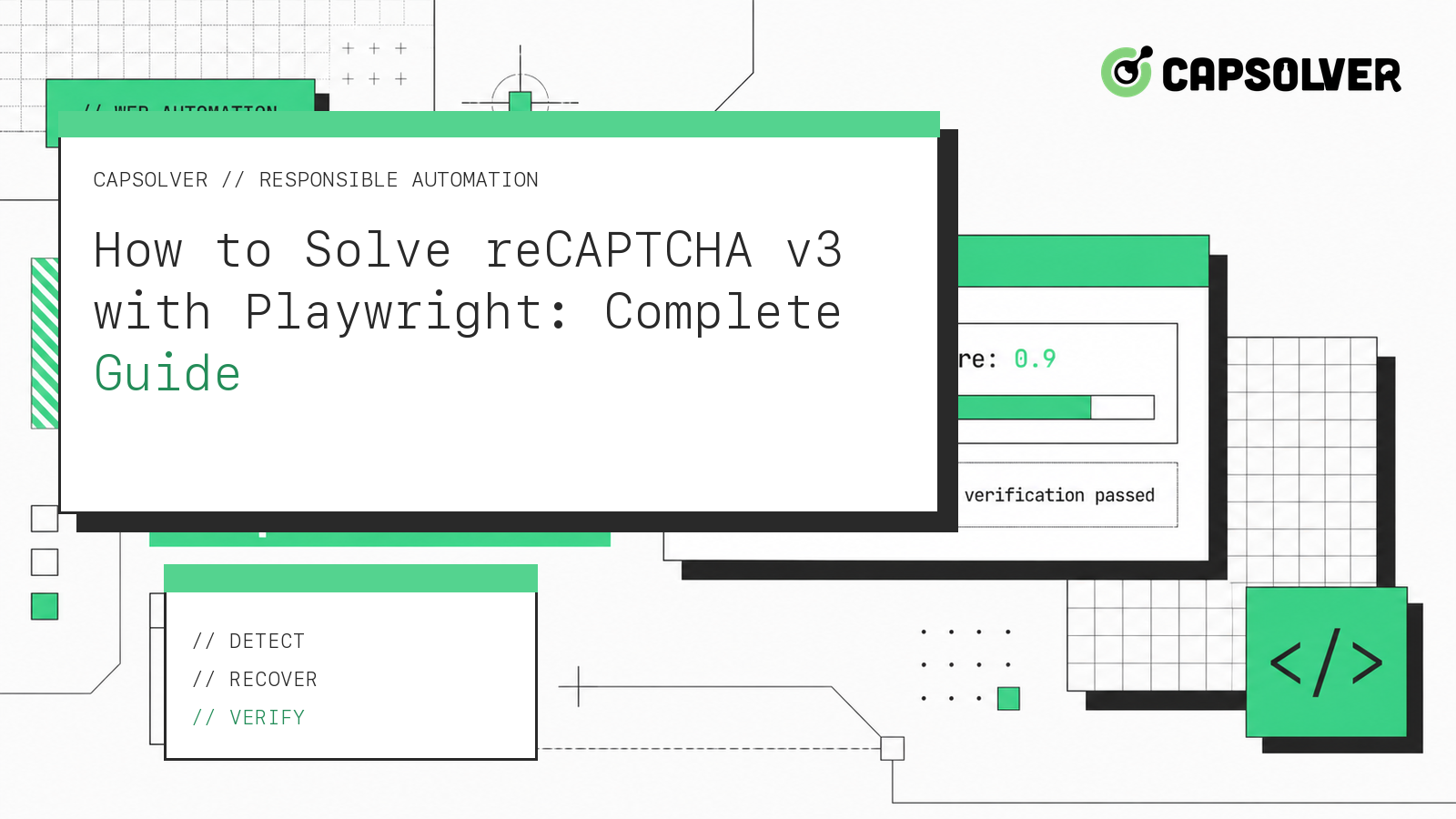
How to Solve reCAPTCHA v3 with Playwright: Complete Guide
The reliable way to implement playwright recaptcha v3 is to pause the permitted browser task at the verification checkpoint, recover inside the same Playwright page, and resume only after the original action passes its own assertion. CapSolver provides the official `capsolver-core` browser pipeline for detection, parameter reading, solving, and fill-back. Playwright remains responsible for navigation, form state, credentials, and test assertions. This separation avoids stale
Ethan Collins
13-Aug-2026
Make reCAPTCHA Solver Tutorial: Build a No-Code CapSolver HTTP Scenario
Follow this Make reCAPTCHA solver tutorial to build a CapSolver HTTP scenario with createTask, getTaskResult, retry branches, and verification.
Lucas Mitchell
16-Jul-2026