











Playwright reCAPTCHA Solver: Browser Agent Workflow

Ethan Collins
How to use CapSolver
15-Jul-2026
TL;DR
- A Playwright reCAPTCHA solver should be a controlled browser workflow, not a loose agent instruction.
- Use CapSolver Core SDK when you want the browser page itself to be inspected, solved, and filled.
- Keep one browser context, one user action, one retry budget, and structured logs.
- Use the pattern only for lawful, reasonable, and permitted automation.
Introduction
A Playwright reCAPTCHA solver is most reliable when it treats CAPTCHA handling as a page recovery step. Your script should detect that a permitted workflow has reached a reCAPTCHA gate, ask CapSolver to solve the challenge, fill the token in the same Playwright page, then verify that the application actually moved forward. This approach is especially useful for QA, owned form testing, internal workflows, and browser agents that need a deterministic tool instead of a vague "try again" prompt.
The important design choice is to keep the model or orchestrator away from security-sensitive details. The agent may decide that a step needs solving, but code should own the Playwright page, the API key, and the retry policy.
Page Recovery Model
Model the workflow as four states:
| State | What The Script Checks | Expected Output |
|---|---|---|
ready |
Page loaded and the target action is allowed. | Continue normally. |
challenge |
reCAPTCHA iframe, sitekey, or form token field is present. | Call the solver. |
filled |
Token was applied or the page method reports a filled result. | Submit or continue. |
blocked |
Challenge repeats after the retry budget. | Stop and record evidence. |
This prevents a Playwright reCAPTCHA solver from becoming an infinite loop. If the page does not advance after one or two attempts, the correct result is an auditable failure, not more retries.
Browser Mode With CapSolver Core SDK
CapSolver's AI SDK documentation describes browser-mode methods such as detect, get_captcha_info, solve, and solve_on_page. For Playwright, the compact path is to pass the page to solve_on_page(page) and let the SDK inspect supported CAPTCHA types on the active page.
python
import os
import asyncio
from capsolver_core import create_capsolver
from playwright.async_api import async_playwright

async def run_checkout_test(url: str) -> dict:
    cap = create_capsolver(api_key=os.environ["CAPSOLVER_API_KEY"])
    async with async_playwright() as p:
        browser = await p.chromium.launch()
        page = await browser.new_page()
        await page.goto(url, wait_until="domcontentloaded")

        results = await cap.solve_on_page(page)
        solved = []
        for item in results:
            solved.append({
                "type": str(item.info.type),
                "filled": item.filled,
                "error": item.error,
            })

        if any(x["filled"] for x in solved):
            await page.locator("button[type=submit]").click()
            await page.wait_for_load_state("networkidle")

        await browser.close()
        return {"solved": solved}

if __name__ == "__main__":
    print(asyncio.run(run_checkout_test("https://example.com/form")))
Keep the URL allowlisted in real use. A Playwright reCAPTCHA solver should not browse arbitrary user-provided domains unless your policy explicitly permits that domain.
Validation Checklist
After solving, verify a business signal instead of only checking that a token exists. Useful checks include the next route, a success toast, an expected API response, or a hidden form field that changed from empty to populated. Log the page URL, challenge type, solver result, elapsed time, and the final application state. Do not log the API key or full tokens.
Internal Links To Add
Link this page to related content about CrewAI reCAPTCHA solver, Selenium Turnstile solver, and n8n reCAPTCHA solver. Those pages serve different automation stacks but share the same operating principle: narrow tool, bounded retry, and post-solve verification.
Bonus Code
Redeem Your CapSolver Bonus Code
Boost your automation budget instantly!
Use bonus code CAP26 when topping up your CapSolver account to get an extra 5% bonus on every recharge - with no limits.
Redeem it now in your CapSolver Dashboard

FAQ
Is browser mode better than extracting a sitekey manually?
Browser mode is often simpler for Playwright workflows because the same page object carries the live DOM, frames, and token fields. Manual extraction can still be useful for lower-level integrations.
How many retries should I allow?
Start with one solve attempt and one application retry. If the challenge repeats, stop and inspect the evidence.
Can an agent decide when to use this tool?
Yes, but the tool should enforce domain allowlists, timeout limits, and structured failure states.
Compliance Disclaimer: The information provided on this blog is for informational purposes only. CapSolver is committed to compliance with all applicable laws and regulations. The use of the CapSolver network for illegal, fraudulent, or abusive activities is strictly prohibited and will be investigated. Our captcha-solving solutions enhance user experience while ensuring 100% compliance in helping solve captcha difficulties during public data crawling. We encourage responsible use of our services. For more information, please visit our Terms of Service and Privacy Policy.
More
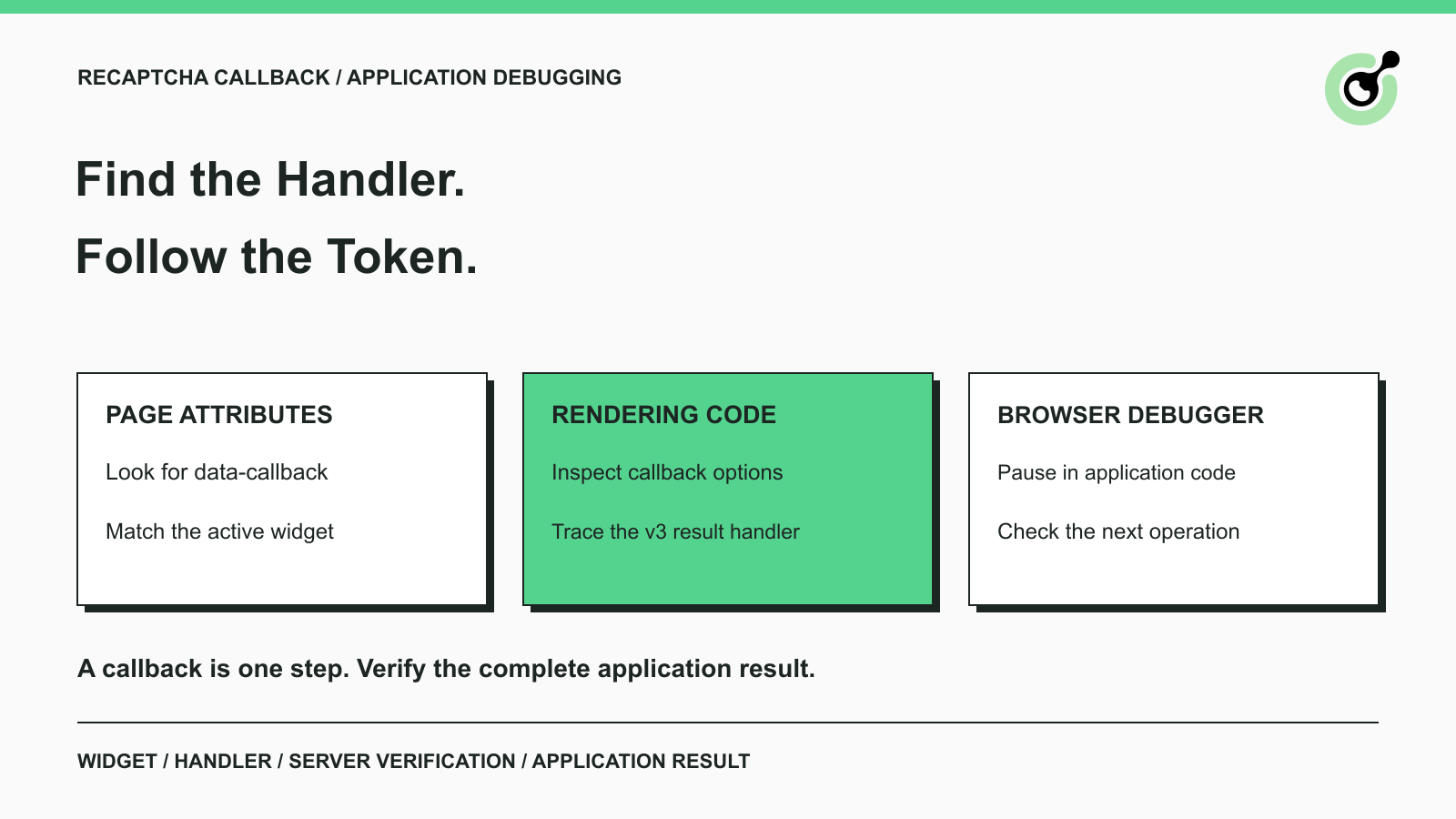
How to Find a reCAPTCHA Callback and Check Token Handling
Find a reCAPTCHA callback through widget attributes, rendering code, and browser debugging. Check token handling without relying on fragile internal paths.

Emma Foster
16-Oct-2026
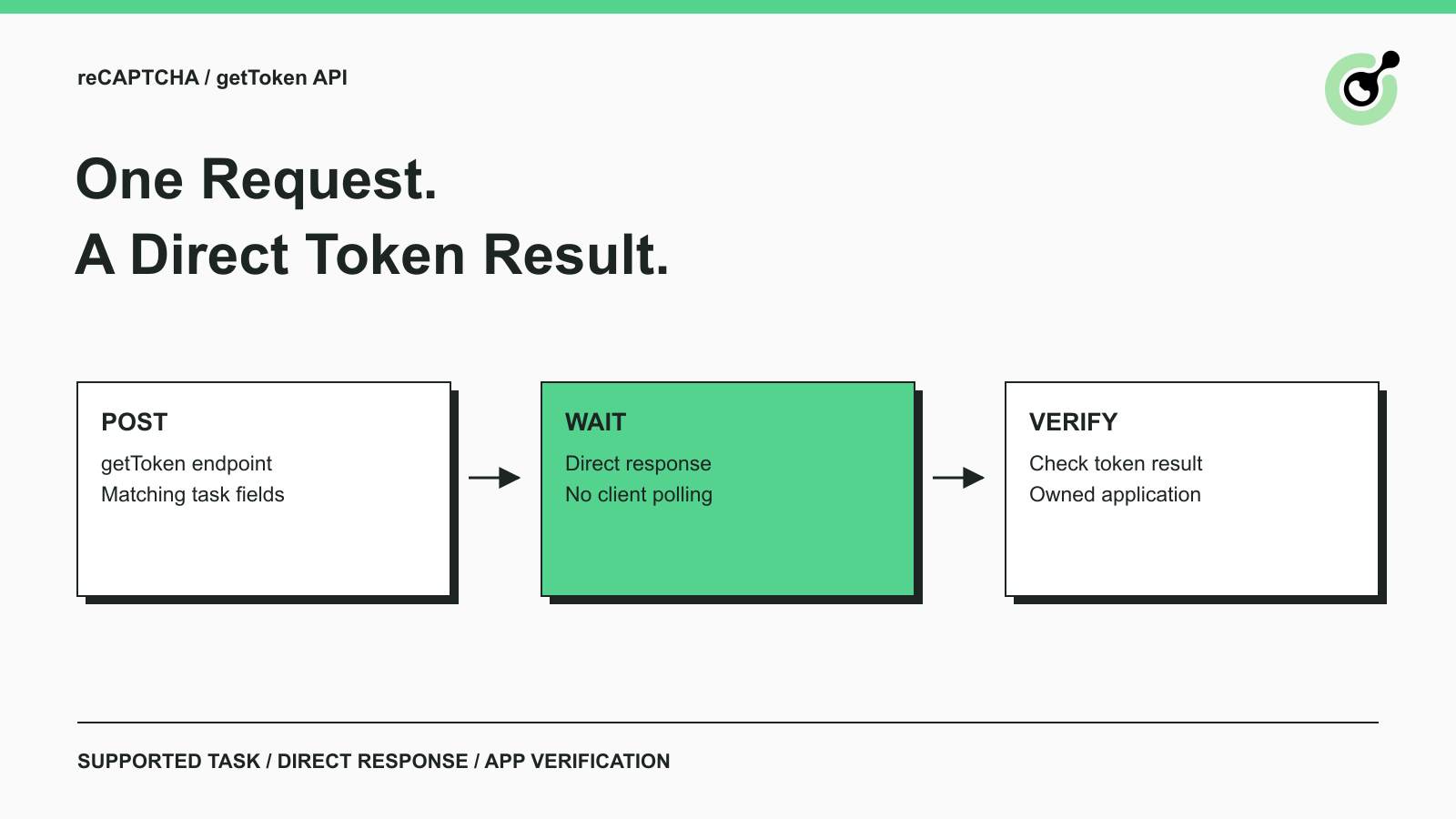
Solve reCAPTCHA with getToken: One Request, No Polling
Use CapSolver getToken for supported reCAPTCHA tasks with a documented JSON request, a cURL example, direct results, and clear token-validation steps.
Emma Foster
17-Sep-2026

reCAPTCHA Test Keys: How to Set Up Reliable QA Environments
Use reCAPTCHA test keys in QA with separate environments, backend validation checks, negative tests, and release guards that keep test settings out of production.

Lucas Mitchell
11-Sep-2026
How to Identify the Version of reCaptcha
In this article, we will show you how to identify what reCaptcha version is being used.
Lucas Mitchell
10-Sep-2026

How to Solve "Unusual Traffic from Your Computer Network"
Struggling with 'Unusual traffic from your computer network' errors on Google? Our guide explains the triggers and offers solutions to solve captchas, including tips and a look at how CAPSOLVER.COM can streamline your browsing experience by automatically resolving these interruptions.
Ethan Collins
09-Sep-2026
How to Solve reCAPTCHA v3 with Playwright: Complete Guide
The reliable way to implement playwright recaptcha v3 is to pause the permitted browser task at the verification checkpoint, recover inside the same Playwright page, and resume only after the original action passes its own assertion. CapSolver provides the official `capsolver-core` browser pipeline for detection, parameter reading, solving, and fill-back. Playwright remains responsible for navigation, form state, credentials, and test assertions. This separation avoids stale
Ethan Collins
13-Aug-2026