











How to Solve reCAPTCHA v3 with Playwright: Complete Guide

Ethan Collins
How to use CapSolver
13-Aug-2026
TL;DR
- A playwright recaptcha v3 workflow should keep Playwright and CapSolver in the same browser context so detection, solving, fill-back, and the pending action remain connected.
capsolver-coreexposescreate_capsolver,detect,get_captcha_info,solve, andsolve_on_page; browser methods require the Playwright extra.- reCAPTCHA v3 is action-based, so the site owner must verify the expected action and acceptance policy after the browser resumes.
- Stop on a host change, action mismatch, missing page context, failed result, repeated checkpoint, or unchanged application state.
Introduction
The reliable way to implement playwright recaptcha v3 is to pause the permitted browser task at the verification checkpoint, recover inside the same Playwright page, and resume only after the original action passes its own assertion. CapSolver provides the official capsolver-core browser pipeline for detection, parameter reading, solving, and fill-back. Playwright remains responsible for navigation, form state, credentials, and test assertions. This separation avoids stale tokens and ambiguous outcomes. It also keeps the automation lawful and reviewable: a CAPTCHA capability does not grant permission to access private, restricted, sensitive, or unauthorized data. The example below uses only current CapSolver APIs and gives each call a defined input, output, and stop condition.
Prepare the Browser-Mode SDK
Install the official core package with Playwright support, then install Chromium:
bash
pip install "capsolver-core[playwright] @ git+https://github.com/capsolver-ai/capsolver-core.git"
playwright install chromium
The CapSolver core SDK documents this installation and the browser methods. The AI-agent overview confirms that the agent layer covers reCAPTCHA v3, while the agent tools interface and MCP service show alternative adapters for model-driven stacks.
Run Detection and Fill-Back in One Page
The official solve_on_page path is the clearest playwright recaptcha v3 example because it uses the live Playwright page:
python
import asyncio
import os
from capsolver_core import create_capsolver
from playwright.async_api import async_playwright

async def main():
    cap = create_capsolver(
        api_key=os.environ["CAPSOLVER_API_KEY"],
        default_timeout=120,
        polling_interval=5,
    )
    async with async_playwright() as p:
        browser = await p.chromium.launch()
        page = await browser.new_page()
        await page.goto("https://staging.example.org/authorized-form")

        detected = await cap.detect(page)
        if not detected:
            raise RuntimeError("Stop: no CAPTCHA detected")

        results = await cap.solve_on_page(page)
        if not results or any(r.error or not r.filled for r in results):
            raise RuntimeError("Stop: CAPTCHA recovery did not complete")

        await page.get_by_role("button", name="Submit").click()
        await page.wait_for_url("**/confirmation")
        await browser.close()

asyncio.run(main())
The input is one authorized page plus the API key. detect outputs a list of CAPTCHA types. solve_on_page outputs SolveOnPageResult items containing info, solution, filled, and error. The stop conditions are no detection, any error, an unfilled result, a changed host, or a missing confirmation. The Playwright Page API documents page navigation and assertions, while the reCAPTCHA v3 action model explains why the site owner must verify the action.
Keep the v3 Action Outside Guesswork
An implementation of playwright recaptcha v3 must not let the script invent or change the protected action. Record the expected action before navigation and compare the final application response against that contract. Keep thresholds and backend risk decisions in site-owned code. The browser should receive only an accepted, rejected, or review outcome.
The Playwright reCAPTCHA failure diagnosis helps distinguish an action mismatch from a browser-state problem. The reCAPTCHA score explanation provides background for owners of the protected application, and the reCAPTCHA v3 error workflow is useful when a permitted agent integration repeatedly reaches review.
Redeem Your CapSolver Bonus Code
Boost your automation budget instantly!
Use bonus code CAP26 when topping up your CapSolver account to get an extra 5% bonus on every recharge — with no limits.
Redeem it now in your CapSolver Dashboard

Add Deterministic Recovery Evidence
A playwright recaptcha v3 test should preserve the Playwright trace, approved hostname, action name, page-state transition, CapSolver request identifier, and terminal result. Do not store cookies, credentials, or raw solution values in reports. The Playwright Trace Viewer can show the exact point where the checkpoint appeared, and the W3C Trace Context model helps correlate browser and service events.
Use one autonomous recovery attempt. A second checkpoint, missing callback, detached frame, navigation to a new host, or unchanged form state must terminate the playwright recaptcha v3 run. This makes retry behavior observable instead of open-ended.
Validate With a Focused Test Matrix
Run a positive staging case, wrong action, expired page, missing key, unsupported page state, interrupted network call, and repeated challenge. The positive case must reach the exact confirmation route. Negative cases must stop before another submission. The existing Playwright reCAPTCHA solver workflow can serve as the broader integration hub when diagnosing parameter drift.
Conclusion
A production playwright recaptcha v3 workflow keeps the browser context stable, uses the official capsolver-core methods, validates the v3 action at the application boundary, and stops on the first ambiguous state. The goal is not a returned tool result; it is the permitted Playwright task reaching a deterministic assertion. Teams testing systems they operate or are authorized to test can evaluate CapSolver for this recovery layer.
FAQ
Does playwright recaptcha v3 require the CapSolver agent package?
No. A Playwright-only workflow can use capsolver-core directly. capsolver-agent and capsolver-mcp are adapters for agent frameworks and MCP clients.
What does solve_on_page return?
It returns a list of results with CAPTCHA information, a solution when successful, a filled flag, and an error field.
How should a Playwright test confirm success?
Assert the original authorized application's expected URL, form state, or response in the same browser context.
Can this Playwright integration run against any website?
No. Use it only for lawful, reasonable, responsible automation on systems and data you are authorized to access.
Compliance Disclaimer: The information provided on this blog is for informational purposes only. CapSolver is committed to compliance with all applicable laws and regulations. The use of the CapSolver network for illegal, fraudulent, or abusive activities is strictly prohibited and will be investigated. Our captcha-solving solutions enhance user experience while ensuring 100% compliance in helping solve captcha difficulties during public data crawling. We encourage responsible use of our services. For more information, please visit our Terms of Service and Privacy Policy.
More
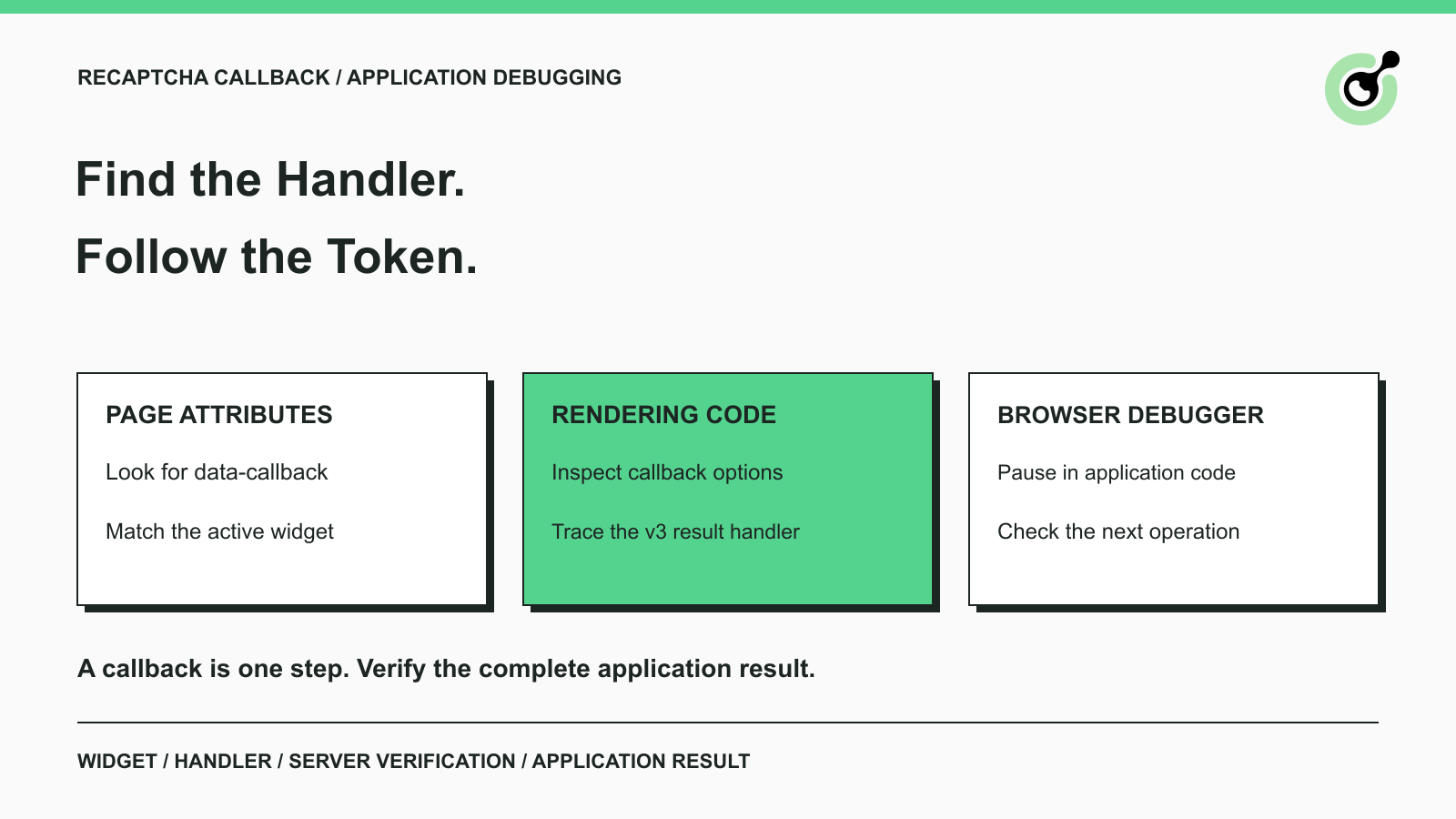
How to Find a reCAPTCHA Callback and Check Token Handling
Find a reCAPTCHA callback through widget attributes, rendering code, and browser debugging. Check token handling without relying on fragile internal paths.

Emma Foster
16-Oct-2026
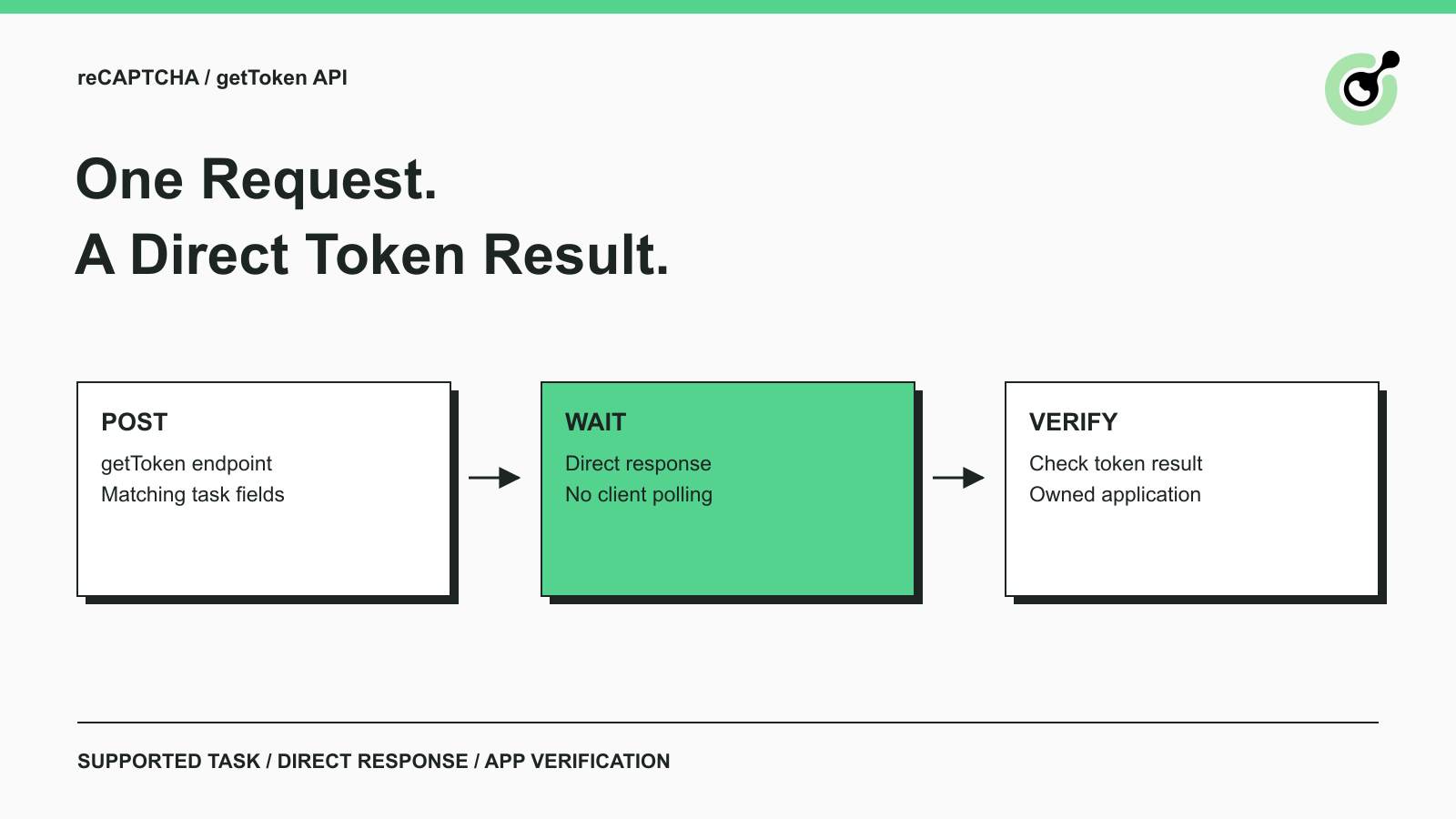
Solve reCAPTCHA with getToken: One Request, No Polling
Use CapSolver getToken for supported reCAPTCHA tasks with a documented JSON request, a cURL example, direct results, and clear token-validation steps.
Emma Foster
17-Sep-2026

reCAPTCHA Test Keys: How to Set Up Reliable QA Environments
Use reCAPTCHA test keys in QA with separate environments, backend validation checks, negative tests, and release guards that keep test settings out of production.

Lucas Mitchell
11-Sep-2026
How to Identify the Version of reCaptcha
In this article, we will show you how to identify what reCaptcha version is being used.
Lucas Mitchell
10-Sep-2026

How to Solve "Unusual Traffic from Your Computer Network"
Struggling with 'Unusual traffic from your computer network' errors on Google? Our guide explains the triggers and offers solutions to solve captchas, including tips and a look at how CAPSOLVER.COM can streamline your browsing experience by automatically resolving these interruptions.
Ethan Collins
09-Sep-2026
How to Solve reCAPTCHA v3 with Playwright: Complete Guide
The reliable way to implement playwright recaptcha v3 is to pause the permitted browser task at the verification checkpoint, recover inside the same Playwright page, and resume only after the original action passes its own assertion. CapSolver provides the official `capsolver-core` browser pipeline for detection, parameter reading, solving, and fill-back. Playwright remains responsible for navigation, form state, credentials, and test assertions. This separation avoids stale
Ethan Collins
13-Aug-2026