











reCAPTCHA Test Keys: How to Set Up Reliable QA Environments

Lucas Mitchell
How to use CapSolver
11-Sep-2026
TL;DR
- Google's published reCAPTCHA v2 test keys are intended for automated testing, not production traffic.
- A passing test-key interaction checks application wiring; it does not measure real challenge difficulty or production risk assessment.
- reCAPTCHA v3 needs a separate testing key, and staging scores should not be treated as representative production scores.
- Keep frontend keys, backend verification configuration, domains, and environment labels aligned.
- Add negative tests for missing results, verification errors, and incomplete submissions instead of testing only the successful path.
- Make the release process reject test configuration in production before users encounter it.
A CAPTCHA test can pass while the integration remains wrong. The widget may render, the browser may receive a response, and the submit button may advance even though the backend never verified the result. Conversely, repeatedly asking a live challenge service to make ordinary form tests pass introduces a dependency that those tests may not need.
reCAPTCHA test keys help separate application behavior from live challenge behavior. This guide focuses on configuring and reviewing QA environments, rather than building a new solver integration. CapSolver can support documented challenge handling in a separately authorized live test, while deterministic tests cover the application's own validation and state transitions. Begin by deciding what each test proves, then choose the key configuration that matches that purpose.
What do reCAPTCHA test keys actually prove?
reCAPTCHA test keys let an application exercise a documented testing path without treating that path as a production risk assessment. Their value is repeatable integration behavior, not evidence that arbitrary live users or automation sessions will receive the same outcome.
Google's automated testing guidance publishes a v2 test key pair. Its public site key is 6LeIxAcTAAAAAJcZVRqyHh71UMIEGNQ_MXjiZKhI; obtain the matching test secret from that same official section. Google describes the pair as producing no challenge and passing verification, with a warning displayed by the widget.
Use the pair together in a testing environment. Do not mix the test frontend key with an unrelated backend secret and then interpret the resulting error as a browser problem. The public test secret is not a production credential, but keeping all verification configuration in your normal server-side configuration path makes deployment review clearer.
The reCAPTCHA glossary explains the general concept. For QA, the more important distinction is between rendering a widget, invoking verification, and accepting a business action. A single green test should not conceal which of those stages ran.
Step 1: Identify the integration before changing its keys
The testing setup must match the integration that the application actually uses. Confirm whether the target form uses checkbox v2, invisible v2, classic v3, or a Cloud-managed configuration with its own key type and assessment path.
Inspect the application's configuration and the protected component. A badge or a loaded script is not enough to establish which key protects the form under test. An application may have several widgets, different keys across environments, or an older integration still active on one route.
Record the integration type, frontend key reference, backend verification path, allowed test domains, and configuration owner. You do not need to put secrets into the test report. A reference to the approved secret entry and a configuration revision is sufficient for troubleshooting.
If the current integration differs from the original tutorial your team followed, use the documentation for the deployed configuration. Avoid forcing a published classic v2 testing example into an Enterprise assessment flow simply because both display reCAPTCHA branding.
Step 2: Separate development, staging, and production
Environment isolation prevents deterministic testing settings from being mistaken for production protection. Keep key references and verification settings distinct for local development, shared staging, and live traffic.
Google's website key creation guidance recommends separate staging and production keys. Follow the domain and testing options appropriate to the selected key type. Do not weaken domain verification simply to make a misconfigured environment pass its tests.
Give each deployment a visible environment identity in operational tooling. A developer should be able to tell which configuration a failing test used without copying a secret into a chat. Include the application revision and deployment environment in test artifacts, then resolve the key reference through authorized configuration management.
Treat frontend and backend deployment as one change when their key settings must match. A frontend release that changes the widget key while the backend retains an older verifier configuration can create an avoidable failure window. Plan the rollout and rollback together.
For temporary preview environments, define who provisions and removes their testing configuration. An abandoned preview should not retain broad credentials or become an untracked exception to the release rules. If preview domains cannot fit the approved setup, limit that preview to local component tests and use a controlled staging environment for full verification.
Step 3: Use a separate strategy for v3 scores
reCAPTCHA v3 testing should separate application score-handling logic from observations of live risk assessment. Google's FAQ advises a separate testing key and notes that scores may not accurately represent real traffic in a test environment.
Test your application's decisions with controlled inputs at the verification boundary. For example, the application may accept a verified action, ask for another approved step, or reject an invalid result. Those decision branches should be exercised deliberately rather than waiting for an unpredictable live score to trigger them.
Label simulated verifier responses as simulations in the test suite. They prove how your code handles the supplied result, not how the external service will assess a production interaction. Keep a smaller integration check to establish that the application can communicate with the actual configured verification service.
Do not compare staging score averages with production as though the populations were equivalent. If a live rollout needs score analysis, define the relevant traffic cohort and acceptance policy separately. A QA pipeline should not adjust production thresholds automatically to make a deterministic test pass.
Step 4: Assert the backend and the final application state
The core QA assertion should establish that the server accepted the intended operation only after the required verification succeeded. A widget callback or a hidden response field is an intermediate signal.
For classic reCAPTCHA, Google's server-side verification documentation describes the response token and verification result. It states that response tokens are valid for two minutes and can be verified only once. The correct handling depends on the integration; use the corresponding assessment documentation for other configurations.
Build a test around an application-owned outcome, such as a test record being created with the expected identifier. Check that the operation was not accepted twice and that a failure leaves the form in an understandable state. A redirect can be part of that evidence, but it should not replace an actual assertion about the intended result.
Observe whether the backend's verification path was invoked without recording the raw token. Use a test correlation identifier, verifier outcome category, and the application transaction result. This gives developers useful evidence while keeping authentication material out of ordinary logs.
Redeem Your CapSolver Bonus Code
Boost your automation budget instantly!
Use bonus code CAP26 when topping up your CapSolver account to get an extra 5% bonus on every recharge — with no limits.
Redeem it now in your CapSolver Dashboard

Step 5: Cover failure paths that test keys cannot supply
A test-key happy path needs complementary negative tests because predictable acceptance does not exercise every verification failure. Define those cases at the application boundary and document what each one proves.
| Test case | Expected application behavior | What the test establishes |
|---|---|---|
| Missing response | Reject or request completion before accepting the operation | Required verification is enforced |
| Verification failure | Display a useful error and preserve permitted form state | The server result affects the transaction |
| Verifier timeout | Stop within the application's deadline | Network uncertainty cannot become success |
| Duplicate submission | Apply the application's repeat-submission policy | One user intent does not create accidental duplicates |
| Incorrect environment settings | Fail the configuration check before normal tests run | Key and verifier settings remain aligned |
Use controlled doubles for error cases that the public test keys do not naturally reproduce. Keep their scope explicit. A stub that returns a failure exercises your handler; it does not demonstrate that the external service produced that failure under the same circumstances.
Include delayed user interaction in the test plan. A person can spend time completing a form after the widget first loads. The application should handle a result that becomes unusable before submission and guide the user through the appropriate renewed verification path.
Avoid fixing a failed test by silently ignoring verifier errors. That can turn an unreliable test into an unreliable production behavior. If the intended product policy changes, update the acceptance criteria and review the application change directly.
Step 6: Keep optional live challenge tests small and separate
A live challenge test should have an explicit purpose that the deterministic suite cannot cover. Run it only against an owned or otherwise authorized environment, using the current documented integration and a bounded attempt policy.
CapSolver's reCAPTCHA v2 task documentation describes supported request parameters. A solver result is one part of the test. The harness still needs to apply the result through the intended application flow and assert the final outcome.
Do not use a production login or unrelated third-party page as an informal fixture. The test environment should have controlled accounts, known state, and a cleanup plan. If a live dependency is unavailable, report that condition separately from an application assertion failure.
The broader CAPTCHA automation for QA guide explains how live browser checks fit into a test suite. Keep the test-key configuration described here as the repeatable baseline, and make the live band an intentional addition rather than a requirement for every form test.
Prevent testing configuration from reaching production
Release checks should verify the effective deployed configuration, not merely the intended settings in a source file. A correct repository value does not prove that the frontend build and server process received it.
Check the rendered frontend key reference, backend secret reference, environment label, and verification mode. Reject the known public testing configuration in production. For integrations with additional testing options, inspect those options as well; searching only for one familiar key string is incomplete.
Repeat a small deployment assertion after release. Confirm that the expected production configuration is active and that ordinary error handling remains intact. Keep this check within the application's approved testing procedure rather than generating large volumes of live challenge traffic.
Maintain a rollback record. If a key or domain change breaks the integration, the operator needs to know which frontend and backend configuration belonged together. Rolling back only one side can leave the mismatch unresolved.
Make passing tests explain what works
Reliable reCAPTCHA QA separates deterministic application checks, real verifier integration, and optional live challenge behavior. Keep environments aligned, assert server-side outcomes, and make negative cases as deliberate as successful ones.
Use CapSolver where a supported, authorized live challenge test requires it. For everyday application development, use the official testing path and clear release guards so a passing suite provides useful evidence about the code you actually own.
FAQ
Q: Can Google's reCAPTCHA v2 test keys be used in production?
No. They are documented for testing and do not provide production challenge behavior. Release checks should prevent testing configuration from reaching live traffic.
Q: Are reCAPTCHA v3 test scores a production benchmark?
No. Testing traffic may not produce representative scores. Use controlled inputs to test application branches and evaluate production policy separately.
Q: Does a widget displaying successfully prove backend validation works?
No. The test must verify that the backend used the required verification result before accepting the intended operation.
Q: Should every CI test call a CAPTCHA solving service?
No. Use deterministic testing paths for ordinary form behavior. Reserve live solving for a small, explicitly authorized integration test band.
Q: Why can a test fail after the frontend key is changed?
The frontend key, backend verification configuration, domain settings, and environment may no longer match. Check that configuration chain before changing browser automation.
Compliance Disclaimer: The information provided on this blog is for informational purposes only. CapSolver is committed to compliance with all applicable laws and regulations. The use of the CapSolver network for illegal, fraudulent, or abusive activities is strictly prohibited and will be investigated. Our captcha-solving solutions enhance user experience while ensuring 100% compliance in helping solve captcha difficulties during public data crawling. We encourage responsible use of our services. For more information, please visit our Terms of Service and Privacy Policy.
More
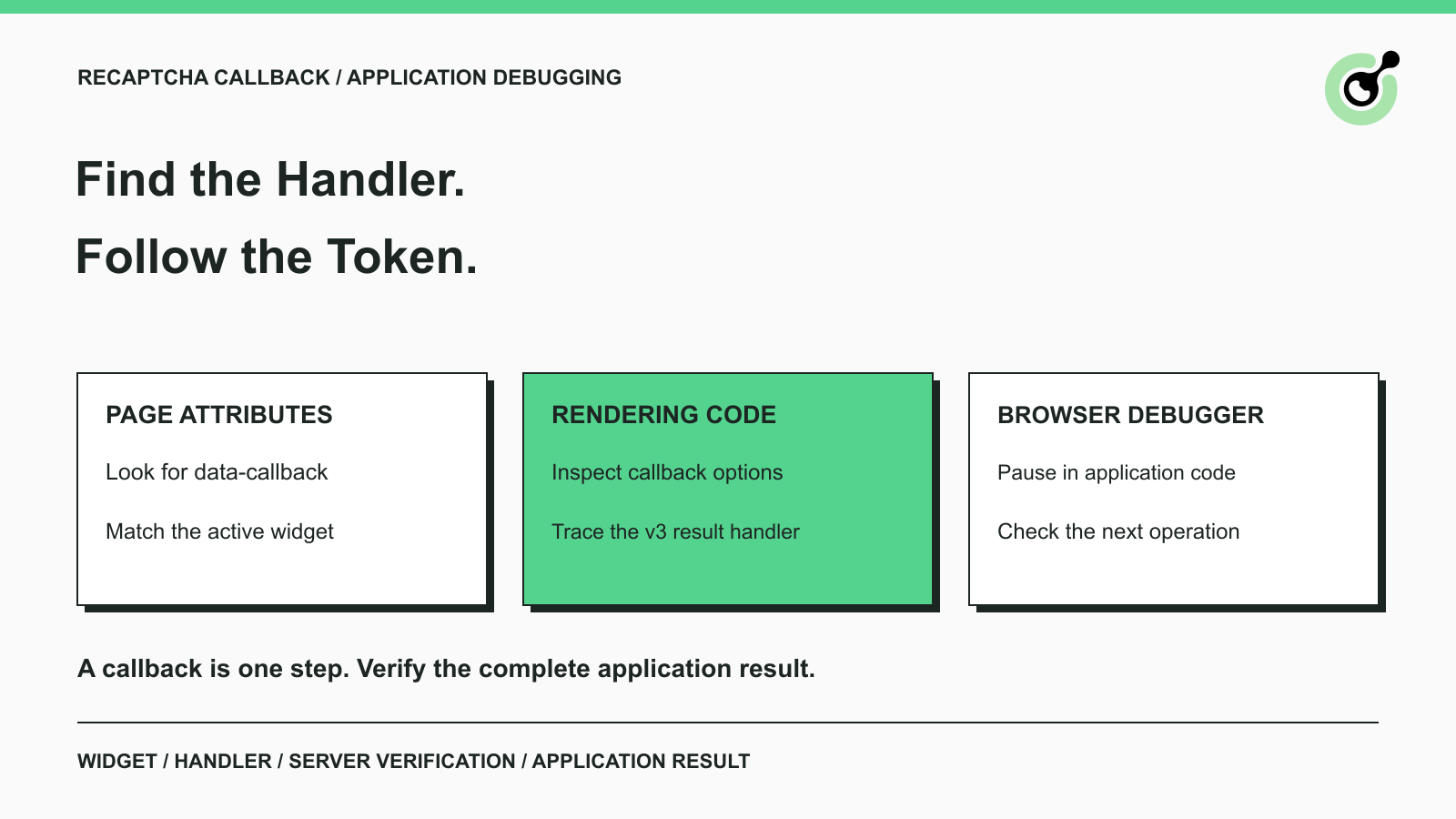
How to Find a reCAPTCHA Callback and Check Token Handling
Find a reCAPTCHA callback through widget attributes, rendering code, and browser debugging. Check token handling without relying on fragile internal paths.

Emma Foster
16-Oct-2026
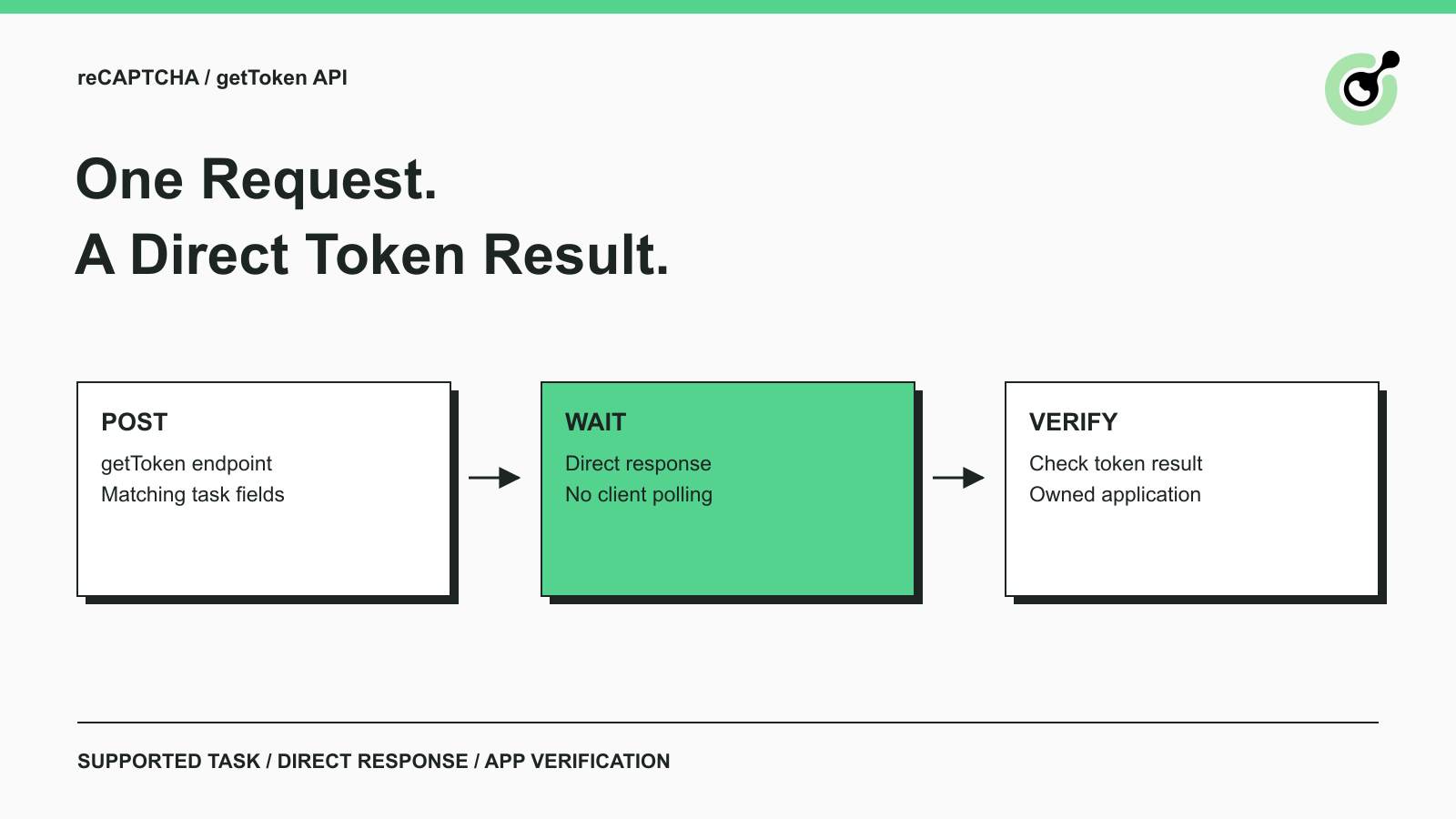
Solve reCAPTCHA with getToken: One Request, No Polling
Use CapSolver getToken for supported reCAPTCHA tasks with a documented JSON request, a cURL example, direct results, and clear token-validation steps.
Emma Foster
17-Sep-2026

reCAPTCHA Test Keys: How to Set Up Reliable QA Environments
Use reCAPTCHA test keys in QA with separate environments, backend validation checks, negative tests, and release guards that keep test settings out of production.
Lucas Mitchell
11-Sep-2026
How to Identify the Version of reCaptcha
In this article, we will show you how to identify what reCaptcha version is being used.
Lucas Mitchell
10-Sep-2026

How to Solve "Unusual Traffic from Your Computer Network"
Struggling with 'Unusual traffic from your computer network' errors on Google? Our guide explains the triggers and offers solutions to solve captchas, including tips and a look at how CAPSOLVER.COM can streamline your browsing experience by automatically resolving these interruptions.

Ethan Collins
09-Sep-2026
How to Solve reCAPTCHA v3 with Playwright: Complete Guide
The reliable way to implement playwright recaptcha v3 is to pause the permitted browser task at the verification checkpoint, recover inside the same Playwright page, and resume only after the original action passes its own assertion. CapSolver provides the official `capsolver-core` browser pipeline for detection, parameter reading, solving, and fill-back. Playwright remains responsible for navigation, form state, credentials, and test assertions. This separation avoids stale
Ethan Collins
13-Aug-2026