











Make reCAPTCHA Solver Tutorial: Build a No-Code CapSolver HTTP Scenario

Lucas Mitchell
How to use CapSolver
16-Jul-2026
Quick Answer
If you are searching for make recaptcha solver, the reliable pattern is not a loose prompt or an endless retry loop. Use CapSolver behind a narrow automation tool, pass only the challenge evidence required for the documented task type, apply the result in the same workflow context, and verify that the application actually moved forward. That gives searchers the practical answer fast while keeping the rest of the article useful for implementation teams.
Who This Guide Is For
No-code operators, RevOps teams, QA teams, and automation owners who want a visible Make scenario instead of custom code for a permitted reCAPTCHA workflow. The goal is not to bypass arbitrary access controls. The goal is to make legitimate automation easier to operate when a permitted workflow includes a CAPTCHA or anti-bot verification step.
Why This Workflow Matters
Most no-code CAPTCHA workflows fail because they only model the happy path. They create a task, poll once, and assume the token worked. A production Make scenario needs retry routing, error handling, secret storage, and one final verification module. CapSolver is useful here because it can be wrapped as a deterministic service call with clear inputs, a bounded wait period, and a structured output. That is exactly what SEO landing pages for automation topics should explain: the searcher needs both the keyword answer and the operational shape of a workflow they can trust.
A high-quality implementation separates three responsibilities. The agent or workflow detects that the page is blocked. The CapSolver integration solves the specific challenge type. The verifier checks that the target workflow accepted the result. Keeping those responsibilities separate makes the system easier to debug, safer to run, and easier to expand across different CAPTCHA types.
Recommended Workflow
- Start from a Webhook, Scheduler, or controlled manual trigger with a known hostname.
- Store websiteURL, websiteKey, correlation ID, and max poll count in variables.
- Use an HTTP module to call CapSolver createTask.
- Sleep for a short interval, then call getTaskResult until ready or timed out.
- Send the token to the next permitted request and verify the target system response.
This flow is deliberately conservative. If the challenge repeats, the best next step is not more retries. Record the challenge type, target hostname, elapsed time, attempt count, and final state. Then send the case to a review queue or adjust the integration with fresh evidence.
Implementation Example
json
{
  "clientKey": "{{CAPSOLVER_API_KEY}}",
  "task": {
    "type": "ReCaptchaV2TaskProxyLess",
    "websiteURL": "{{websiteURL}}",
    "websiteKey": "{{websiteKey}}"
  }
}
json
{
  "clientKey": "{{CAPSOLVER_API_KEY}}",
  "taskId": "{{taskId}}"
}
Treat this code as the workflow skeleton rather than a universal drop-in. Production code should load the CapSolver API key from a secret manager or protected environment variable, validate input hostnames, and centralize provider errors so the rest of the automation system gets one clean state model.
Quality Gates Before Publishing The Workflow
| Quality Gate | What To Check | Why It Matters |
|---|---|---|
| Domain allowlist | Only approved hostnames can call the solver. | Prevents generic or accidental use. |
| Attempt budget | One solve attempt and one workflow retry by default. | Stops loops and makes failures visible. |
| Context consistency | Browser, proxy, user-agent, cookies, and URL stay aligned. | Most CAPTCHA failures come from context drift. |
| Application verification | Route, response, selector, or item extraction proves progress. | Provider success is not the same as business success. |
| Redacted logs | Store state, elapsed time, and reason codes, not secrets. | Keeps debugging useful without leaking tokens. |
These gates also protect the SEO value of the article. Pages about CAPTCHA automation are easy to make thin if they only repeat API names. A useful page needs implementation context, routing decisions, failure handling, and verification criteria. That is why each workflow in this batch includes tool boundaries, example payloads, operational controls, and FAQ sections.
Common Mistakes To Avoid
- Do not hardcode the CapSolver API key inside shared scenario notes.
- Do not accept arbitrary websiteURL values from public webhooks.
- Do not use an infinite polling loop. Add a counter and an error route.
- Do not skip verification. The next HTTP request must prove the workflow advanced.
The most important mistake is measuring the wrong success event. A solver can return a ready response while the page still rejects the token, resets the widget, or shows another challenge. Always measure the application result after solve. For browser workflows, that may be a route change, a visible success state, or a network response. For crawler workflows, it may be a successful item extraction. For no-code workflows, it may be a downstream record or HTTP response field.
SEO And Content Architecture Notes
This page targets the primary keyword make recaptcha solver while supporting related searches around CapSolver, browser automation, AI agents, no-code workflows, and CAPTCHA recovery. To strengthen the cluster, add contextual internal links to these related articles:
- n8n reCAPTCHA Solver: CapSolver API Workflow
- AI Agent CAPTCHA Solver Guide: Route reCAPTCHA, Turnstile, and DataDome With CapSolver
- Playwright reCAPTCHA Solver: Browser Agent Workflow
- 2Captcha Alternative for AI Agents: CapSolver Migration
Use descriptive anchors instead of repeating the exact same keyword every time. A healthy cluster should help readers move from broad architecture pages to stack-specific tutorials and provider-comparison pages.
Operational Checklist
- Confirm the target workflow is permitted and owned or explicitly authorized.
- Confirm the challenge type before choosing the CapSolver task route.
- Keep API keys, raw tokens, cookies, and proxy credentials outside model prompts and shared logs.
- Set a timeout and a maximum poll count.
- Verify the final application state after the solver returns.
- Record enough metadata to debug failures without storing sensitive values.
- Review repeated challenges instead of hiding them behind automatic loops.
Bonus Code
Redeem Your CapSolver Bonus Code
Boost your automation budget instantly!
Use bonus code CAP26 when topping up your CapSolver account to get an extra 5% bonus on every recharge - with no limits.
Redeem it now in your CapSolver Dashboard

FAQ
Is this make recaptcha solver workflow safe for production?
It can be production-ready when it is limited to permitted workflows, uses a hostname allowlist, protects secrets, and verifies the application result after solving. The unsafe version is a generic solver endpoint that accepts arbitrary URLs and retries indefinitely.
What should I log for troubleshooting?
Log challenge type, hostname, correlation ID, attempt count, elapsed time, provider status, and final workflow state. Avoid raw tokens, cookies, passwords, full screenshots with personal data, or unredacted HTML dumps.
How many retries should I allow?
Start with one solve attempt and one application retry. If the same challenge appears again, stop and inspect the evidence. Repeated challenges usually indicate wrong task routing, expired tokens, callback issues, or inconsistent browser context.
Why use CapSolver instead of custom CAPTCHA logic?
CapSolver gives the automation stack a purpose-built solver layer. Your code can focus on detection, routing, verification, and operations instead of trying to manually reproduce every CAPTCHA workflow.
Compliance Disclaimer: The information provided on this blog is for informational purposes only. CapSolver is committed to compliance with all applicable laws and regulations. The use of the CapSolver network for illegal, fraudulent, or abusive activities is strictly prohibited and will be investigated. Our captcha-solving solutions enhance user experience while ensuring 100% compliance in helping solve captcha difficulties during public data crawling. We encourage responsible use of our services. For more information, please visit our Terms of Service and Privacy Policy.
More
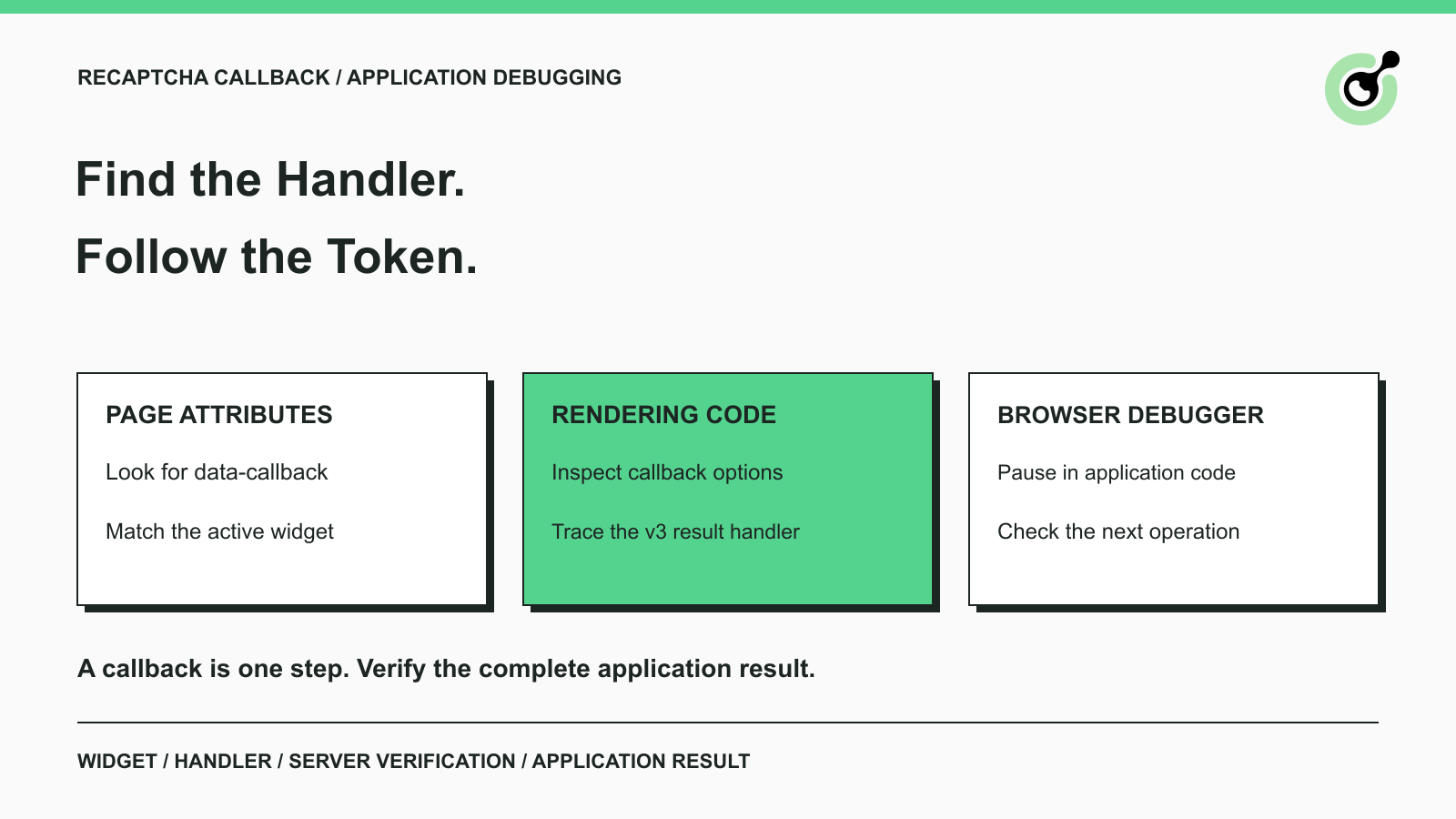
How to Find a reCAPTCHA Callback and Check Token Handling
Find a reCAPTCHA callback through widget attributes, rendering code, and browser debugging. Check token handling without relying on fragile internal paths.

Emma Foster
16-Oct-2026
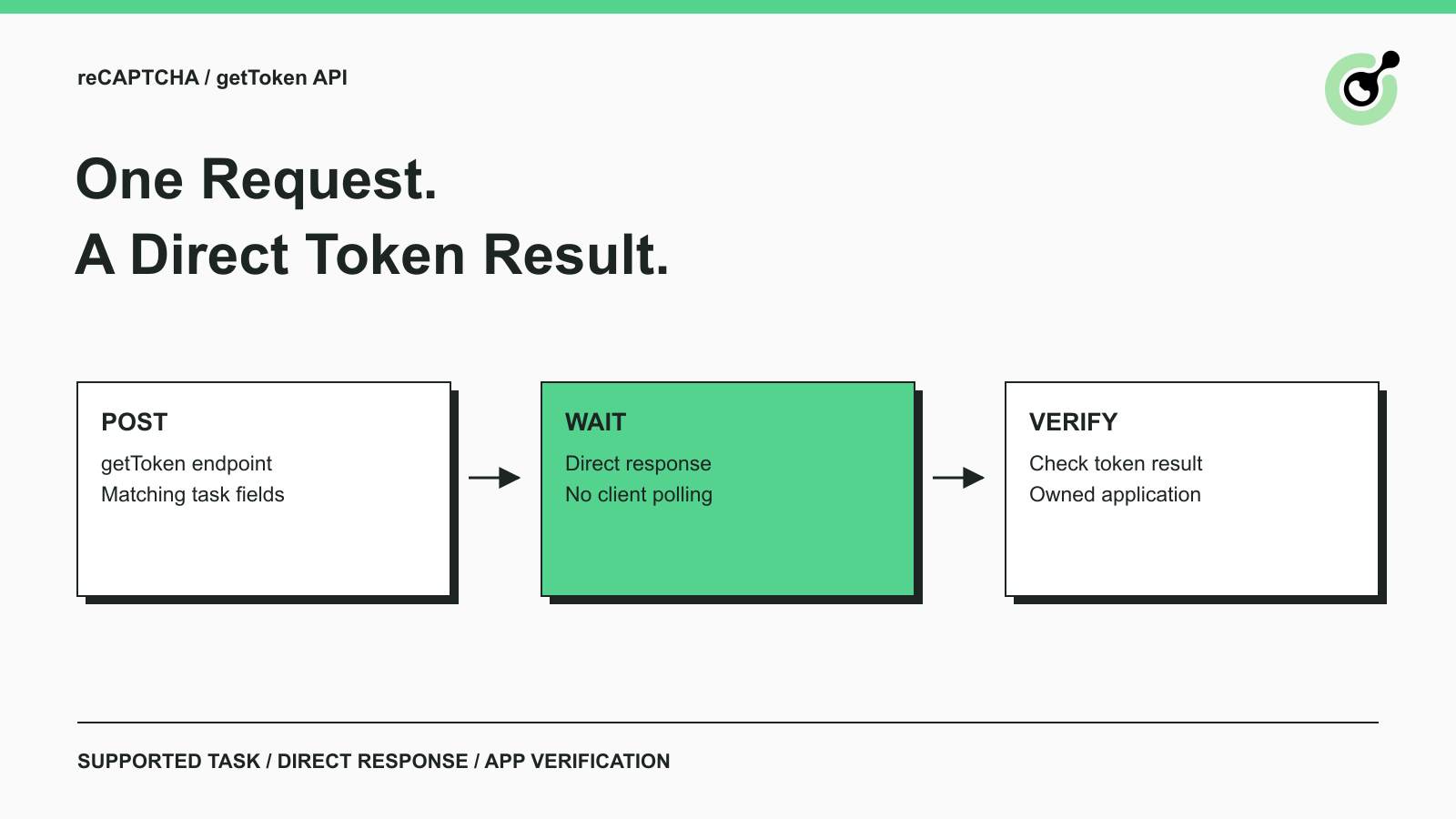
Solve reCAPTCHA with getToken: One Request, No Polling
Use CapSolver getToken for supported reCAPTCHA tasks with a documented JSON request, a cURL example, direct results, and clear token-validation steps.
Emma Foster
17-Sep-2026

reCAPTCHA Test Keys: How to Set Up Reliable QA Environments
Use reCAPTCHA test keys in QA with separate environments, backend validation checks, negative tests, and release guards that keep test settings out of production.
Lucas Mitchell
11-Sep-2026
How to Identify the Version of reCaptcha
In this article, we will show you how to identify what reCaptcha version is being used.
Lucas Mitchell
10-Sep-2026

How to Solve "Unusual Traffic from Your Computer Network"
Struggling with 'Unusual traffic from your computer network' errors on Google? Our guide explains the triggers and offers solutions to solve captchas, including tips and a look at how CAPSOLVER.COM can streamline your browsing experience by automatically resolving these interruptions.

Ethan Collins
09-Sep-2026
How to Solve reCAPTCHA v3 with Playwright: Complete Guide
The reliable way to implement playwright recaptcha v3 is to pause the permitted browser task at the verification checkpoint, recover inside the same Playwright page, and resume only after the original action passes its own assertion. CapSolver provides the official `capsolver-core` browser pipeline for detection, parameter reading, solving, and fill-back. Playwright remains responsible for navigation, form state, credentials, and test assertions. This separation avoids stale
Ethan Collins
13-Aug-2026