











Fixing 'reCAPTCHA Token Invalid' in AI Agents

Nikolai Smirnov
How to use CapSolver
16-Jun-2026
TL;DR
- A reCAPTCHA Token Invalid error usually means the token no longer matches the form action, hostname, session, or verification request that the backend expects.
- Generate tokens after the form is valid and immediately before the protected submit; tokens created at page load often age through field validation and planner delays.
- The agent must bind each token to one attempt, because reusing it after a failed validation, duplicate click, or route change can produce a clean-looking but rejected request.
- Backend verification logs should include action, hostname, token age, remote IP policy, and application-rule result so CAPTCHA errors are not confused with business-rule denials.
- Use reCAPTCHA solving only inside permitted automation, QA, or owned workflows, and stop when access or data rights are unclear.
Introduction: Invalid Token Root Cause
reCAPTCHA Token Invalid in AI agents is a chain-of-custody error, not just a failed widget. The browser may receive a token, the hidden field may be filled, and the server may still reject it because action, age, hostname, session, or request body drifted before verification. CapSolver can support approved reCAPTCHA workflows, but the agent must first prove that the token belongs to the exact protected action. Treat every token as evidence for one submit attempt. Once that evidence is stale, duplicated, or detached from the form, the right fix is timing and binding.
Trace the Token Life Cycle End to End
Start by drawing the token path from script load to server verification. A reCAPTCHA Token Invalid in AI agents incident should include the site key source, action name, token creation time, hidden input mutation, submit request, backend verification call, and final application decision. Google's reCAPTCHA response verification describes the server-side check, including the response token and secret verification step. Use that as the boundary between browser evidence and backend evidence.
Do not let the agent treat the token as a generic form value. It is short-lived evidence for a specific site context. If the model fills fields, waits for validation, opens a help panel, corrects an address, and then submits using an old token, the server may reject the token even though the browser did everything it was told. The trace should show token age in seconds and the user-visible state at the moment of creation.
CapSolver's reCAPTCHA type identification helps separate v2 checkbox, invisible, Enterprise, and v3 flows. That matters because an invalid token can come from using the wrong flow entirely. If the site expects an invisible v2 callback and the agent supplies a v3-style action token, no amount of retrying will repair the mismatch.
Also confirm that the agent is not stripping fields while serializing the form. Some browser tools extract visible fields, rebuild a payload, and accidentally omit hidden values that the page would normally send. The submit request should be captured after the browser framework serializes it, not reconstructed from the model's memory. A reCAPTCHA Token Invalid in AI agents incident often starts with a payload that looks reasonable but is missing a hidden callback field, CSRF value, or route-specific nonce.
Bind One Token to One Submit Attempt
One token should map to one protected action. A reCAPTCHA Token Invalid in AI agents problem often appears when a planner retries a click after a timeout, while the page has already consumed the token. The second click sends the same hidden value again. From the browser's point of view, the form is filled. From the server's point of view, the evidence may be duplicated or expired.
Add an attempt ID. Every time the agent prepares a protected submit, create an attempt record with route, form ID, token source, token timestamp, submit timestamp, response status, and outcome. If the submit returns a client-side validation error unrelated to CAPTCHA, discard the token and start a new attempt after the user-visible form is valid. Do not keep the old token across route changes or field corrections.
CapSolver's reCAPTCHA v2 workflow is most reliable when the surrounding form state is stable. The same principle applies to any solver. Solver output cannot repair a stale CSRF value, missing cookie, wrong callback, or duplicated submit. The agent controller must own those bindings.
Wait for Form State, Not Page Load
Page load is not form readiness. Modern forms hydrate, validate, fetch risk configuration, format phone numbers, calculate shipping, and enable submit buttons after asynchronous events. MDN's FormData serialization behavior is a reminder that the browser sends the form state that exists at submission time, not the state the agent intended five seconds earlier. The token should be created after those values settle.
Use readiness predicates that are specific to the form. Email field valid, password field populated, terms accepted, CSRF field present, hidden reCAPTCHA field empty before execution, submit button enabled, and no pending validation spinner. Then create the token and submit immediately. A reCAPTCHA Token Invalid in AI agents error often disappears when the token moves from page-load time to submit-boundary time.
Avoid sleeps as the main control. A fixed delay can be too short on slow networks and too long on fast paths. Instrument events instead: form_ready, token_requested, token_received, hidden_field_set, submit_sent, and verification_returned. These marks make the repair measurable.
Redeem Your CapSolver Bonus Code
Boost your automation budget instantly!
Use bonus code CAP26 when topping up your CapSolver account to get an extra 5% bonus on every recharge — with no limits.
Redeem it now in your CapSolver Dashboard

Match Action, Hostname, and Session
For reCAPTCHA v3 and Enterprise-style deployments, action names are part of the trust signal. A token produced for homepage can be invalid or low-trust when submitted to login or checkout. CapSolver's reCAPTCHA parameter discovery is useful because the correct action may be set at runtime. Do not hardcode a value from old source code.
Hostname and session continuity matter as well. If the agent opens a form on one subdomain and submits on another, cookies and backend expectations may not align. RFC 6265 explains HTTP cookie state management and why domain and path scope are precise. Keep the same browser context, storage jar, and network route from token creation through verification. If a route must change, end the attempt and start over.
When reCAPTCHA Token Invalid in AI agents appears only in parallel runs, inspect shared session state. Two agents using the same account, same cookies, or the same token cache can race. Each browser context should have its own token attempt record. Shared caches are especially risky because token strings look like reusable credentials but behave like one-action evidence.
Make Backend Verification Observable
Browser logs are not enough. Ask the backend to log verification result, action, hostname, token age, remote IP policy, score when applicable, and any business rule that rejects the request after CAPTCHA verification. A reCAPTCHA Token Invalid in AI agents message can hide a later rule: duplicate account, missing consent, blocked region, invalid CSRF, or failed payment state. Without backend logs, the agent may keep fixing the wrong layer.
Use structured error codes internally even if the user-facing message is generic. recaptcha_action_mismatch, token_expired, hostname_mismatch, duplicate_submit, and business_rule_reject create different repair paths. OWASP's application security verification standard is relevant because authentication and verification failures should be handled deliberately, not by leaking sensitive detail to end users.
CapSolver's reCAPTCHA data parameter can help when the site uses extra data fields, but the backend still decides whether the final request is acceptable. Tie every frontend attempt to a backend correlation ID so the trace has one story.
Verification should also record negative evidence. If the backend never receives the token field, the problem is client serialization. If verification succeeds but the application still returns the same visible message, the problem is downstream policy. If hostname and action match but token age is high, the problem is timing. These distinctions keep the fix small. A useful incident record names the first broken boundary instead of listing every possible CAPTCHA cause.
Keep the Agent From Repeating Bad Evidence
The final repair is a stop rule. If two attempts fail with the same action mismatch, same token age problem, or same backend denial, the agent should stop and report the evidence. A reCAPTCHA Token Invalid in AI agents loop can create unnecessary traffic and account risk. The planner should not treat every invalid token as permission to create another one.
Set a maximum number of protected submits per form and a maximum number of token attempts per task. If the response is 429 or the backend marks the account as temporarily blocked, use cooldown policy. If access is not authorized, stop. Responsible automation is part of the technical design, not a paragraph at the end.
Use a short decision table in runbooks: stale token means move generation closer to submit; action mismatch means fix runtime discovery; hostname mismatch means align route and origin; duplicate submit means fix planner click logic; backend business denial means stop changing CAPTCHA logic. That table keeps the reCAPTCHA Token Invalid in AI agents fix narrow and testable.
Turn the decision table into regression tests. Use a synthetic form that rejects expired tokens, duplicate submits, missing hidden fields, and wrong action names. The test does not need a live reCAPTCHA challenge; it needs to prove the agent waits for form readiness, creates exactly one token per attempt, sends the token in the browser-produced payload, and stops when the backend returns a classified failure. That test prevents the same invalid-token bug from returning after a planner prompt or browser-tool update.
Conclusion
Fixing reCAPTCHA Token Invalid in AI agents means protecting the relationship between token, form, session, and backend verification. Generate the token at the submit boundary, bind it to one attempt, preserve hostname and cookies, log backend results, and stop repeating invalid evidence. When a workflow is owned, contracted, or otherwise permitted and challenge support is appropriate, CapSolver can help with the reCAPTCHA handling layer while the agent controller keeps the request chain coherent.
FAQ
Why does the server say reCAPTCHA Token Invalid when the browser has a token?
The token may be stale, duplicated, tied to a different action, created for a different hostname, or detached from the current session. The browser having a token is only one part of verification.
Should an AI agent create a reCAPTCHA token before filling the form?
Usually no. Create it after the form is valid and immediately before the protected submit. Early tokens can age while the agent waits, validates fields, or handles route changes.
Can backend rules look like CAPTCHA failures?
Yes. Invalid CSRF, duplicate submit, account policy, missing consent, and business-rule denials can appear as a generic verification error. Backend logs should separate CAPTCHA verification from later application decisions.
How many times should the agent retry an invalid token?
Keep retries low and evidence based. If the same mismatch appears twice, stop and report the trace. More attempts rarely fix action, hostname, or session errors.
Compliance Disclaimer: The information provided on this blog is for informational purposes only. CapSolver is committed to compliance with all applicable laws and regulations. The use of the CapSolver network for illegal, fraudulent, or abusive activities is strictly prohibited and will be investigated. Our captcha-solving solutions enhance user experience while ensuring 100% compliance in helping solve captcha difficulties during public data crawling. We encourage responsible use of our services. For more information, please visit our Terms of Service and Privacy Policy.
More
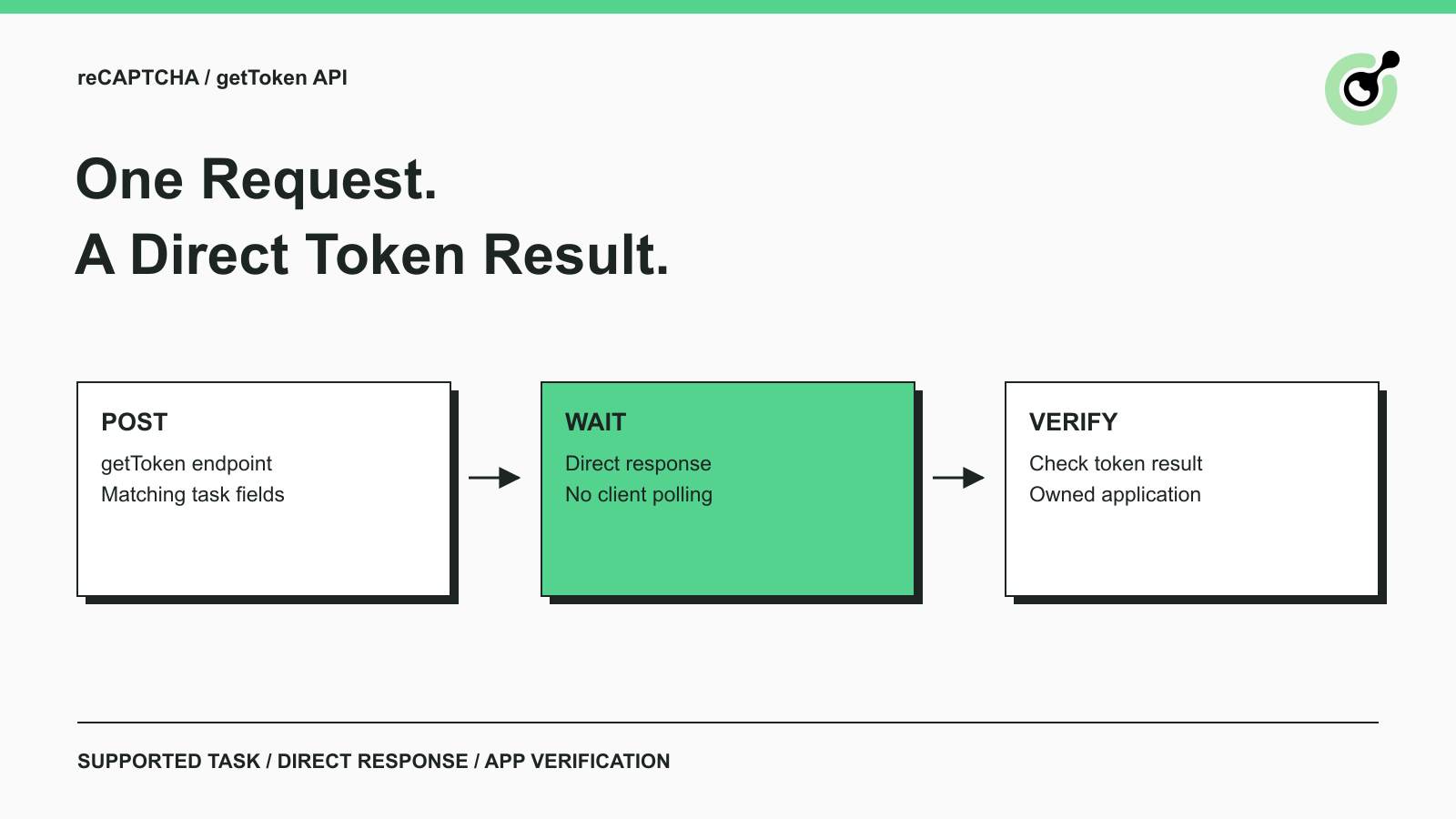
Solve reCAPTCHA with getToken: One Request, No Polling
Use CapSolver getToken for supported reCAPTCHA tasks with a documented JSON request, a cURL example, direct results, and clear token-validation steps.

Emma Foster
17-Sep-2026

reCAPTCHA Test Keys: How to Set Up Reliable QA Environments
Use reCAPTCHA test keys in QA with separate environments, backend validation checks, negative tests, and release guards that keep test settings out of production.

Lucas Mitchell
11-Sep-2026
How to Identify the Version of reCaptcha
In this article, we will show you how to identify what reCaptcha version is being used.
Lucas Mitchell
10-Sep-2026

How to Solve "Unusual Traffic from Your Computer Network"
Struggling with 'Unusual traffic from your computer network' errors on Google? Our guide explains the triggers and offers solutions to solve captchas, including tips and a look at how CAPSOLVER.COM can streamline your browsing experience by automatically resolving these interruptions.

Ethan Collins
09-Sep-2026
How to Solve reCAPTCHA v3 with Playwright: Complete Guide
The reliable way to implement playwright recaptcha v3 is to pause the permitted browser task at the verification checkpoint, recover inside the same Playwright page, and resume only after the original action passes its own assertion. CapSolver provides the official `capsolver-core` browser pipeline for detection, parameter reading, solving, and fill-back. Playwright remains responsible for navigation, form state, credentials, and test assertions. This separation avoids stale
Ethan Collins
13-Aug-2026
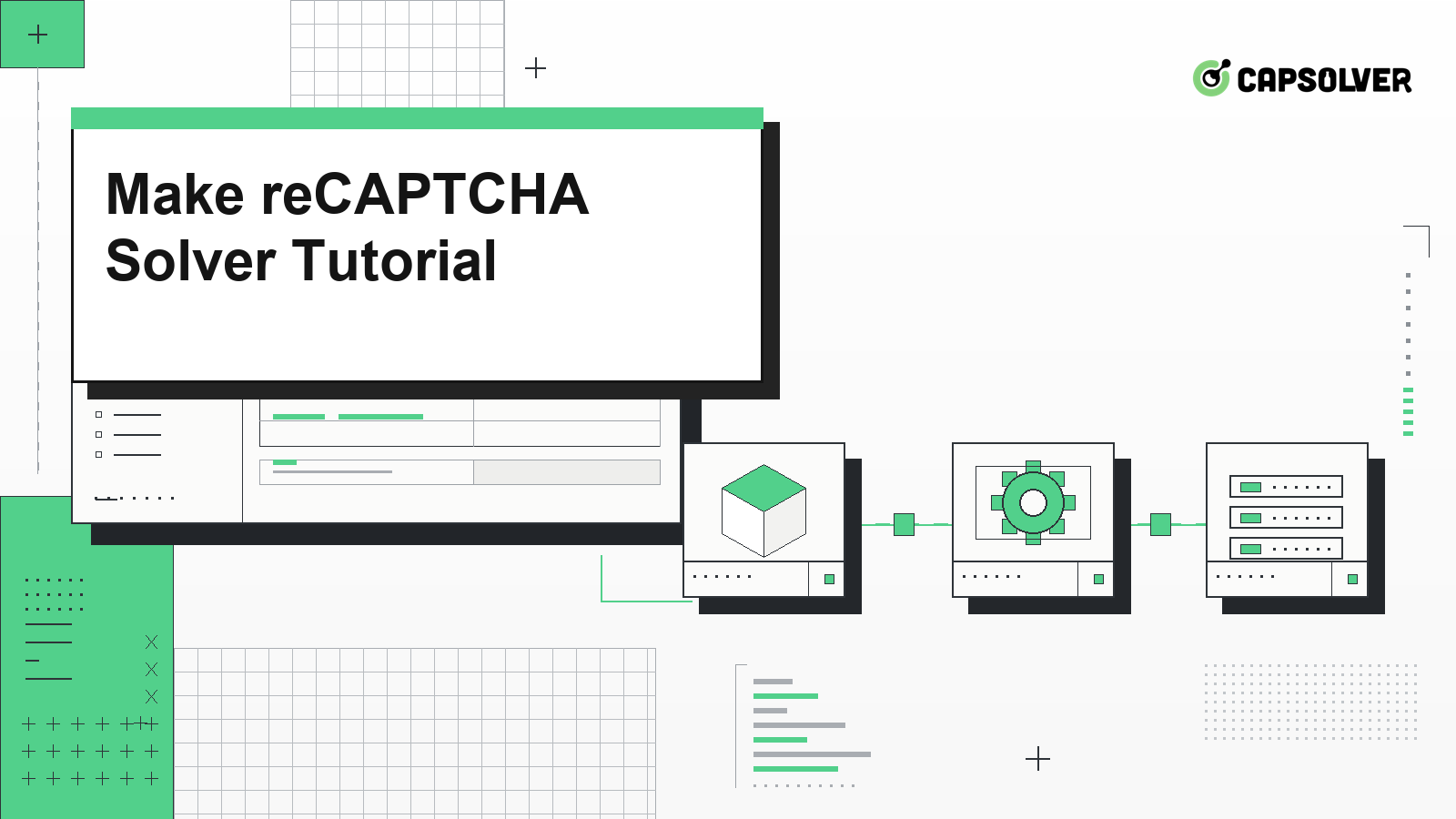
Make reCAPTCHA Solver Tutorial: Build a No-Code CapSolver HTTP Scenario
Follow this Make reCAPTCHA solver tutorial to build a CapSolver HTTP scenario with createTask, getTaskResult, retry branches, and verification.
Lucas Mitchell
16-Jul-2026