











AI Scraper Alternatives for Reliable Web Data Automation

Nikolai Smirnov
How to use CapSolver
27-May-2026
TL;DR
- AI scraper alternatives should be compared by extraction accuracy, browser control, API coverage, compliance controls, and challenge handling rather than by interface alone.
- The strongest workflow often combines an AI extraction layer with deterministic crawlers, official APIs, monitoring, and a controlled CAPTCHA-solving path for approved targets.
- Browser automation is useful for dynamic pages, but teams need rate limits, robots.txt review, permission checks, and clear stop conditions before collecting data.
- CAPTCHA challenges are a reliability checkpoint in some authorized web scraping workflows, and CapSolver can help teams handle them through documented API and browser-extension paths.
- Teams should choose tools that preserve audit logs, reduce maintenance work, and make responsible use easier for engineers and operators.
Introduction
AI scraper alternatives are no longer just visual no-code tools. They now include browser agents, extraction APIs, crawler frameworks, and hybrid workflows that use machine learning only where it adds value. The best choice is the one that collects permitted public data accurately, documents how the workflow behaves, and handles traffic validation events responsibly. When approved automation reaches a CAPTCHA or similar challenge, CapSolver’s CAPTCHA solving while scraping guide can help teams define a controlled exception path rather than treating solving as the whole strategy. This guide compares AI-first, API-first, browser-first, and hybrid options so teams can build reliable web data automation without repeating fragile scraping patterns.
What counts as an AI scraper alternative
An AI scraper alternative is any tool or architecture that helps a team collect structured web data without relying on brittle one-off selectors. Some tools use language models to infer fields from pages. Others provide managed rendering, scheduled crawling, proxy routing, or ready-made extraction APIs. Traditional frameworks also remain relevant because deterministic code is easier to audit, test, and maintain when the target site structure is stable.
The market is broad because web pages vary. Product catalogs, job boards, travel listings, and public directories all expose different markup, pagination, lazy loading, and session behavior. The IBM overview of AI scraping describes AI scraping as the use of AI to automate website data extraction. The Scrapy documentation shows the opposite end of the spectrum: a programmable crawler framework for structured extraction. Serious teams usually need both concepts, because AI can reduce mapping work while deterministic code keeps production predictable.
| Alternative type | Best fit | Main advantage | Risk to manage |
|---|---|---|---|
| AI extraction tool | Changing layouts and semi-structured pages | Faster field mapping and lower setup effort | Output drift and weaker auditability |
| Browser automation | Dynamic applications and JavaScript-heavy pages | Real-page execution and interaction support | Higher cost, timing failures, and challenge events |
| Scraping API | Managed rendering and operational simplicity | Less infrastructure work | Vendor lock-in and less workflow control |
| Crawler framework | Stable pages and repeatable pipelines | Strong testing and version control | More engineering work upfront |
| Hybrid stack | Production teams with mixed targets | Balance between flexibility and governance | Requires clear ownership and documentation |
AI scraper alternatives should be selected at the workflow level. A tool that looks impressive in a demo can still fail if it cannot record approvals, respect site rules, retry safely, or stop when a page changes.
Evaluation criteria for AI scraper alternatives
The first criterion is data accuracy. A modern scraper should return consistent fields, preserve source URLs, and make uncertainty visible. For AI-based extraction, this means sampling outputs, comparing against human-reviewed records, and watching for hallucinated fields. For deterministic crawlers, it means unit tests, selector monitoring, and clear handling of empty or changed pages.
The second criterion is responsible access. Teams should review robots.txt, terms, API availability, rate limits, and contractual permissions before automation starts. The RFC 9309 Robots Exclusion Protocol defines robots.txt as a protocol for automated clients to identify access rules, while the MDN URL reference is useful when teams normalize canonical URLs and deduplicate records. Technical capability does not create permission to collect private, sensitive, restricted, or unauthorized data.
The third criterion is challenge handling. Some approved targets use CAPTCHA, Cloudflare Turnstile, or other traffic validation systems. In those cases, CAPTCHA solving should be treated as a documented exception path with approval, rate limits, redacted logs, and outcome validation. CapSolver’s CAPTCHA glossary helps teams align terminology before they design a workflow.
Where CAPTCHA solving fits in web data automation
CAPTCHA solving is not the center of an AI scraper architecture, but it can be a necessary reliability layer for permitted automation. The right sequence is simple. First, prefer official APIs or data feeds when they exist. Second, use lightweight HTTP extraction when pages are static and allowed. Third, use browser automation only when rendering or interaction is required. Finally, add a controlled challenge-handling path only when the workflow is authorized and the page presents a validation step.
For this reason, CapSolver is best introduced as a workflow component. CapSolver’s web scraping FAQ gives teams context for extraction workflows, while the CapSolver Playwright integration guide shows how challenge handling can connect to browser automation. The goal is not to force every scraper through a challenge-solving service. The goal is to make the exceptional path consistent, auditable, and easier to test.
Bonus Code for approved automation testing
Redeem Your CapSolver Bonus Code
Boost your automation budget instantly!
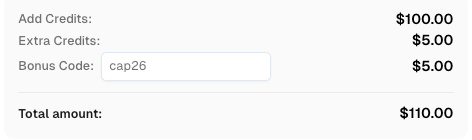
Use bonus code CAP26 when topping up your CapSolver account to get an extra 5% bonus on every recharge — with no limits.
Redeem it now in your CapSolver Dashboard
Practical architecture for AI scraper alternatives
A reliable architecture separates discovery, extraction, validation, and storage. Discovery identifies permitted URLs and scheduling rules. Extraction uses the lowest-complexity method that works, such as an API call, HTTP parser, browser automation, or AI extraction prompt. Validation checks schema completeness, duplicate records, timestamps, and source evidence. Storage keeps raw snapshots or trace IDs when compliance teams need to review the collection process.
For dynamic pages, browser tools such as the Playwright documentation provide controlled rendering and interaction. For crawler pipelines, frameworks such as Scrapy provide scheduling, item pipelines, and middleware. For challenge events, teams can reference CapSolver’s browser extension guide during debugging and then move stable workflows into an API-first integration. This keeps human diagnosis separate from repeatable production automation.
| Workflow layer | Recommended control | Why it matters |
|---|---|---|
| Permission review | Approved domains and allowed data classes | Prevents collection beyond the intended scope |
| Extraction | API first, then HTTP, then browser, then AI-assisted parsing | Reduces cost and avoids unnecessary complexity |
| Challenge handling | Documented CapSolver path for approved targets | Keeps CAPTCHA events from becoming ad hoc manual fixes |
| Monitoring | Schema checks and page-change alerts | Detects drift before bad data reaches users |
| Logging | Redacted task IDs and source evidence | Supports audit without exposing sensitive values |
This architecture also helps teams decide when not to use AI. If a page has stable markup and a predictable pagination model, deterministic code may be more reliable than a model-driven extractor. If the source offers a documented API, that API should usually come before scraping.
How to choose the best option
Choose an AI-first scraper when the page layout changes often and the business value justifies review and monitoring. Choose a crawler framework when your team can maintain code and needs repeatable production behavior. Choose a managed scraping API when infrastructure cost is the primary bottleneck. Choose browser automation when the site depends heavily on JavaScript or user-like interaction. Choose CapSolver when an approved workflow reaches a supported CAPTCHA or traffic validation challenge and the team needs a consistent solving path.
Security and compliance teams should be involved early. The OWASP Automated Threats project explains common abusive automation patterns, which makes it a useful checklist for what responsible systems should avoid. A responsible scraper should identify itself when appropriate, obey limits, avoid sensitive data, and stop when authorization or page behavior is unclear.
Conclusion
AI scraper alternatives should be evaluated as operating models, not just tools. The strongest teams combine official APIs, deterministic crawlers, browser automation, AI extraction, monitoring, and a documented exception path for CAPTCHA challenges. If your approved web data workflow needs reliable challenge handling as part of that architecture, CapSolver’s compliant web scraping guide is a practical reference because it explains how CAPTCHA handling fits into responsible automation governance.
FAQ
What are AI scraper alternatives?
AI scraper alternatives are tools or architectures for web data extraction, including AI extraction tools, browser automation, scraping APIs, crawler frameworks, and hybrid systems.
When should a team use browser automation for scraping?
Use browser automation when permitted target pages require JavaScript rendering, user-like interaction, or post-load data extraction that simple HTTP requests cannot capture reliably.
Does every AI scraper need CAPTCHA solving?
No. CAPTCHA solving is only relevant when an approved workflow encounters a supported challenge. Many web scraping tasks should use official APIs, static extraction, or data partnerships instead.
How can CapSolver support AI scraper alternatives?
CapSolver can support approved workflows by handling CAPTCHA and traffic validation challenges through documented API or browser-extension paths, especially in QA, monitoring, and browser automation.
What is the safest way to start?
Start with permission review, robots.txt review, and a small pilot. Then compare API, crawler, browser, and AI extraction options before adding CAPTCHA challenge handling where it is clearly justified.
Compliance Disclaimer: The information provided on this blog is for informational purposes only. CapSolver is committed to compliance with all applicable laws and regulations. The use of the CapSolver network for illegal, fraudulent, or abusive activities is strictly prohibited and will be investigated. Our captcha-solving solutions enhance user experience while ensuring 100% compliance in helping solve captcha difficulties during public data crawling. We encourage responsible use of our services. For more information, please visit our Terms of Service and Privacy Policy.
More
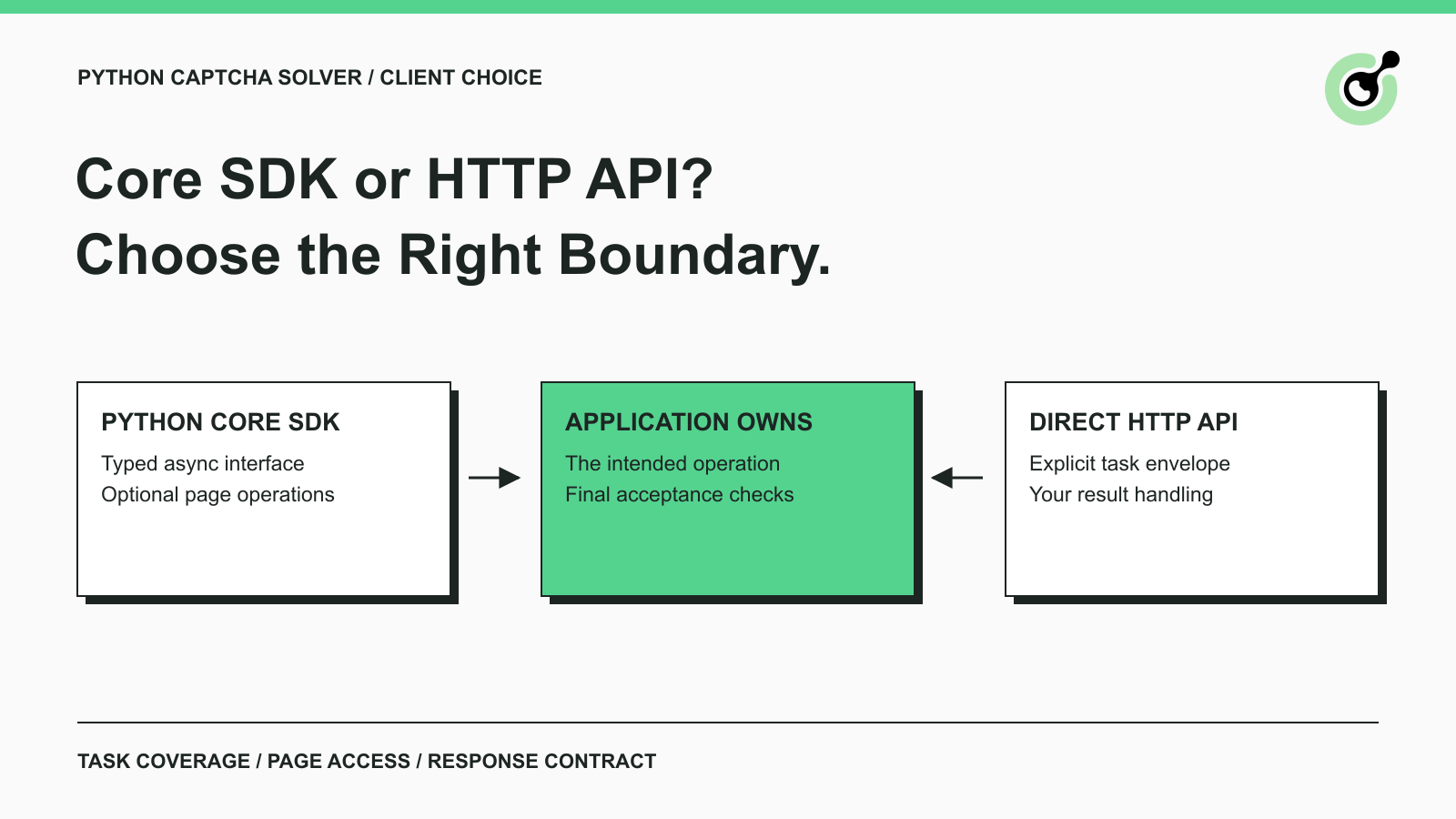
CapSolver Python Core SDK vs HTTP API: Which Should You Use?
Choose the CapSolver Python Core SDK or direct HTTP API by task support, page access, response handling, and the responsibilities your application owns.

Ethan Collins
16-Sep-2026
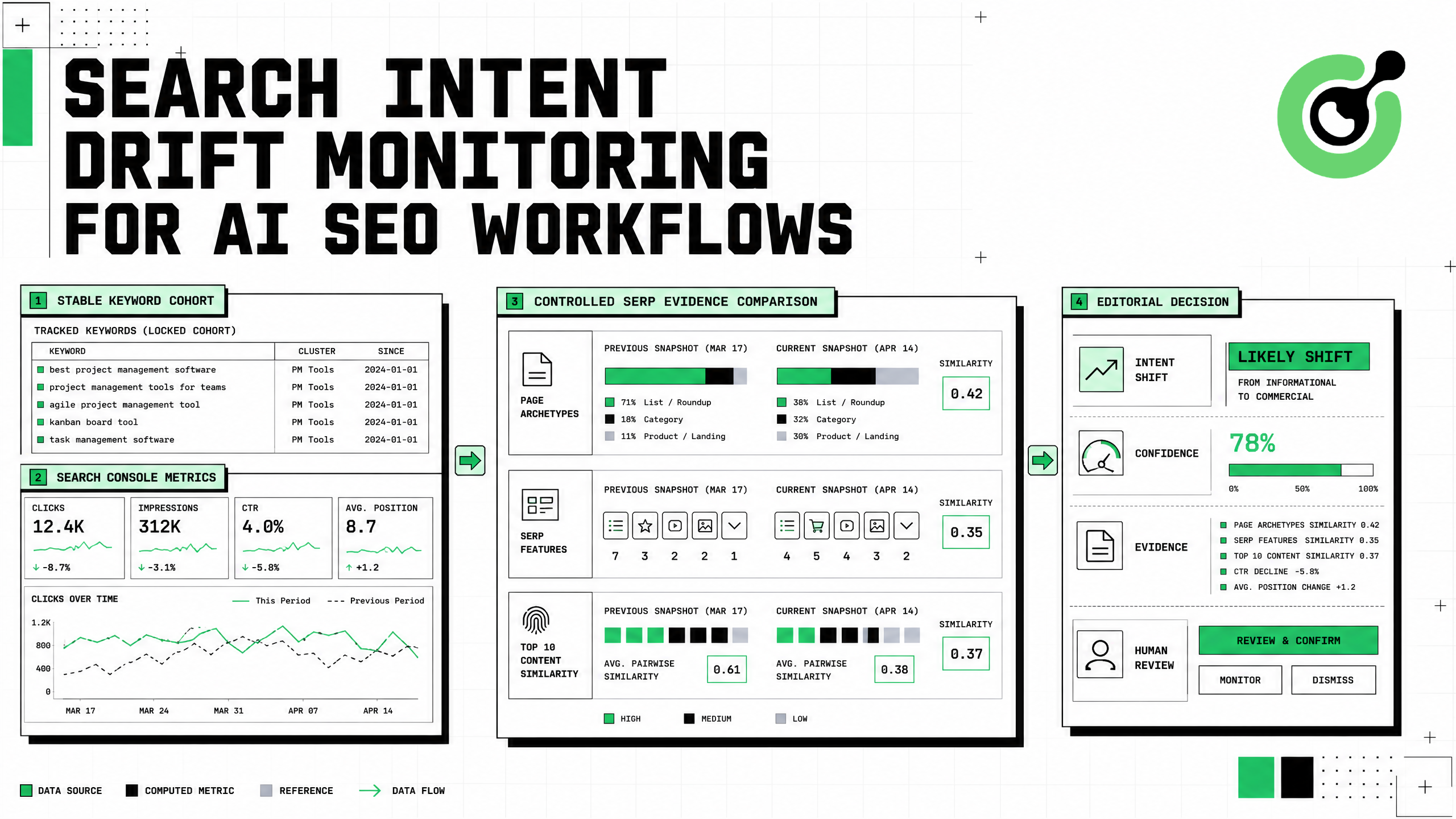
Search Intent Drift Monitoring for AI SEO Workflows
Build search intent drift monitoring with Search Console data, controlled SERP observations, intent labels, confidence gates, evidence, and safe automation.
Ethan Collins
31-Aug-2026
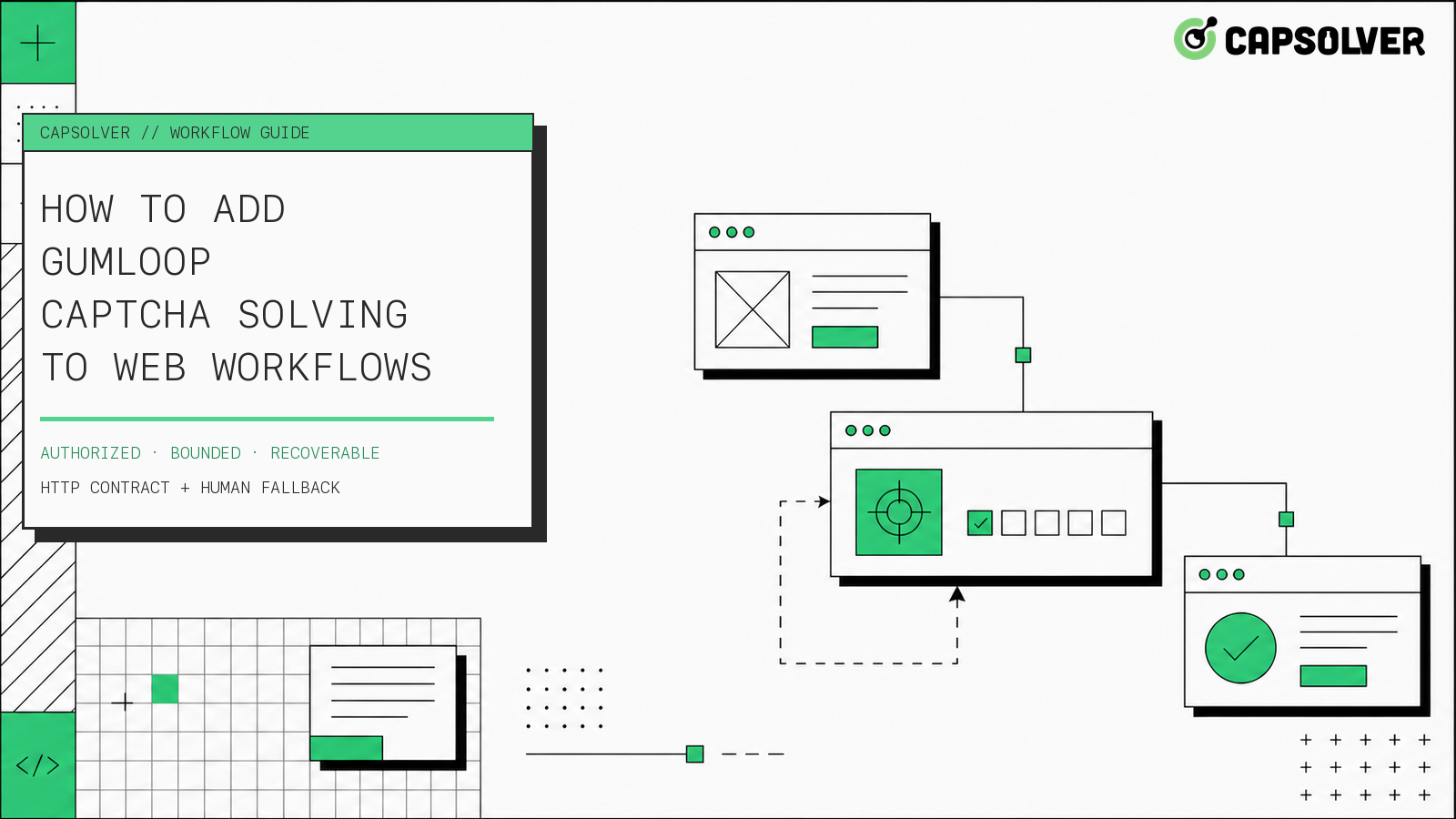
How to Add Gumloop CAPTCHA Solving to Web Workflows
Build Gumloop CAPTCHA solving with a verified HTTP contract, controlled recovery branch, retry budget, browser-state checks, and human fallback.
Nikolai Smirnov
21-Aug-2026
How to Add a CAPTCHA Solver to Form Automation Workflows
A form automation captcha solver is an error-recovery component for a permitted form workflow, not a shortcut around authorization. CapSolver can provide a reCAPTCHA solution through the documented task API while your application preserves inputs, browser context, consent, and the final submission rule. The safest sequence is detect, snapshot, create one task, poll with a deadline, apply the result in the same session, and verify the form's own confirmation state. This articl
Ethan Collins
13-Aug-2026
How to Handle CAPTCHA in RPA Automation Workflows Safely
RPA CAPTCHA automation is reliable only when CAPTCHA becomes an explicit workflow state. CapSolver can provide the CAPTCHA handling layer through its browser extension or documented API, while the RPA platform controls process scope, credentials, timeouts, and business validation. This avoids the common failure where a robot keeps clicking after verification appears, loses form state, or submits twice. A production design pauses at detection, waits for one bounded result, ver
Ethan Collins
12-Aug-2026
How to Handle CAPTCHA in Automated QA Testing
Handle CAPTCHA in automated QA testing with controlled test fixtures, CapSolver browser integration, bounded retries, and reliable assertions.
Ethan Collins
10-Aug-2026