











How to Add Gumloop CAPTCHA Solving to Web Workflows

Nikolai Smirnov
How to use CapSolver
21-Aug-2026
TL;DR
- Gumloop CAPTCHA solving is not a verified native connector; use Gumloop's documented HTTP and routing nodes with an organization-owned browser recovery service.
- Keep challenge detection and token application inside the same authorized browser session instead of asking a workflow node to reconstruct page state.
- Route exact states such as
NO_CHALLENGE,RECOVERED,REVIEW, andSTOPwith deterministic rules, not an open-ended model decision. - Limit the recovery service to documented reCAPTCHA v2/v3 and Cloudflare Turnstile adapters, one workflow attempt by default, and explicit application verification.
- Send unsupported types, lost sessions, repeated challenges, and unclear authorization to a human queue without continuing the web action.
Introduction
Gumloop CAPTCHA solving works best as a controlled recovery branch around an authorized browser task, not as an assumed native integration. Gumloop can orchestrate inputs, HTTP calls, routes, and error paths, while an external browser worker preserves the page session and applies a verified result. CapSolver can provide the documented CAPTCHA layer inside that worker. This separation matters because an API result alone does not prove that the original page advanced. The workflow must check the browser state, enforce a retry budget, and stop when authorization or session continuity is uncertain. The pattern below is for lawful, reasonable, responsible, user-authorized automation on systems and data you may access.
Start with the Prerequisite Gap
No official Gumloop–CapSolver native connector was verified during research for this guide. Gumloop CAPTCHA solving therefore needs an explicit prerequisite: your team must operate an HTTPS service that owns the authorized browser session and exposes a narrow recovery endpoint. This is not a Gumloop private API, a hidden node, or a claim that Gumloop officially integrates CapSolver.
The boundary follows capabilities documented for Gumloop. Its Call API node can send GET or POST requests to an HTTPS endpoint with headers and a request body. Its Input node contract can receive values from a user, webhook, or default. Those capabilities are enough to call a service your organization controls, but they do not create or preserve a browser session by themselves.
What must exist before you build the flow
Prepare these components first:
- an authorized browser worker that owns the page, cookies, storage, user agent, and network context;
- an HTTPS recovery endpoint protected by service authentication;
- a CapSolver API key stored only in the recovery service's secret manager;
- an allowlist of permitted hosts and actions;
- a typed response with terminal states and no raw credentials;
- a manual-review destination for unsupported or ambiguous cases.
If any component is missing, keep Gumloop CAPTCHA solving in design or test status. Do not substitute an unverified Gumloop node or place a production API key in ordinary workflow text.
Use a Five-Stage Workflow Contract
A reliable Gumloop CAPTCHA solving design separates orchestration from browser execution. The Gumloop canvas should model the decision path; the browser worker should own challenge detection, CapSolver calls, result application, and page verification.
Stage 1: receive a bounded browser event
The workflow begins with a webhook or manual input containing an opaque run reference. Do not send cookies, passwords, raw HTML, or a browser-storage dump. A minimal event can look like this:
json
{
  "run_id": "run_01JX...",
  "session_ref": "browser_session_7f2a",
  "approved_host": "portal.example",
  "approved_action": "submit_owned_test_form",
  "observed_state": "CHALLENGE_DETECTED",
  "challenge_type": "recaptcha_v2",
  "attempt": 0
}
The input is a reference to an already approved execution. The output of this stage is either a valid recovery request or STOP. The workflow stops immediately if the host, action, or session reference is absent or outside policy.
Stage 2: call the recovery service
Configure a Call API node to send a POST request to an organization-owned endpoint such as https://automation.example.net/v1/browser/recover. Use a managed credential for the service authorization header. The body should pass the bounded event fields, not the CapSolver API key.
json
{
  "run_id": "{{run_id}}",
  "session_ref": "{{session_ref}}",
  "approved_host": "{{approved_host}}",
  "approved_action": "{{approved_action}}",
  "challenge_type": "{{challenge_type}}",
  "attempt": "{{attempt}}",
  "max_attempts": 1
}
This JSON is a generic HTTP contract for your service. It is not a Gumloop export and not a CapSolver API request. Before implementation, confirm the exact variable interpolation and credential controls available in your Gumloop workspace.
Stage 3: return only operational state
The service should return a small response that Gumloop can route without seeing a raw solution value:
json
{
  "state": "RECOVERED",
  "run_id": "run_01JX...",
  "correlation_id": "recovery_91c8",
  "attempts_used": 1,
  "continuation_verified": true,
  "reason": "expected form step became visible"
}
Useful terminal responses are NO_CHALLENGE, RECOVERED, REVIEW, and STOP. A temporary service failure can return RETRYABLE_ERROR, but Gumloop should consume its one retry budget before calling again. Do not treat a missing state, unparseable body, or HTTP 200 with an unknown value as success.
Stage 4: route with exact conditions
Use the Gumloop Router's standard mode for exact state matching. Challenge recovery is a deterministic control problem, so it does not need model interpretation.
| State | Gumloop branch | Required action |
|---|---|---|
NO_CHALLENGE |
Continue | Resume only if the expected page state is already present |
RECOVERED |
Continue | Require continuation_verified=true |
RETRYABLE_ERROR |
Retry once | Increment the attempt counter, then stop if it repeats |
REVIEW |
Human queue | Preserve redacted evidence and end autonomous execution |
STOP |
Terminal | Close the run without another browser action |
| Unknown or empty | Terminal | Treat malformed output as STOP |
This table defines the output of Gumloop CAPTCHA solving, not the provider's internal task status. Provider state must be resolved inside the recovery service before a terminal response reaches the workflow.
Stage 5: handle transport failures separately
Wrap the Call API node with Gumloop's Error Shield failure branch. Enable pass-through only for the non-secret input fields required to investigate a failed call. The error path should create a review record or send an alert; it should not automatically reconnect to the browser action.
Transport errors, provider errors, application rejection, and unsupported challenges require different evidence. Combining all four into one retry branch makes Gumloop CAPTCHA solving difficult to operate and can create repeated traffic after a terminal failure.
Implement the Recovery Service with Official CapSolver Fields
The recovery service is where official CapSolver fields belong. The createTask request accepts clientKey and a task object. The getTaskResult response uses errorId, status, and solution for asynchronous tasks. The official response states that a processing result can be queried again after three seconds.
The following Python example implements only the reCAPTCHA v2 adapter. It uses the documented ReCaptchaV2TaskProxyLess, websiteURL, and websiteKey fields from the reCAPTCHA v2 task definition. The browser-specific detection and application functions are placeholders owned by your worker; they are not Gumloop or CapSolver API methods.
python
import os
import time
import requests

CAPSOLVER_KEY = os.environ["CAPSOLVER_API_KEY"]
CREATE_TASK = "https://api.capsolver.com/createTask"
GET_RESULT = "https://api.capsolver.com/getTaskResult"
APPROVED_HOSTS = {"portal.example"}


def solve_recaptcha_v2(website_url: str, website_key: str) -> dict:
    created = requests.post(
        CREATE_TASK,
        json={
            "clientKey": CAPSOLVER_KEY,
            "task": {
                "type": "ReCaptchaV2TaskProxyLess",
                "websiteURL": website_url,
                "websiteKey": website_key,
            },
        },
        timeout=15,
    ).json()

    if created.get("errorId") or not created.get("taskId"):
        return {"state": "REVIEW", "reason": "task creation failed"}

    for _ in range(4):
        time.sleep(3)
        result = requests.post(
            GET_RESULT,
            json={"clientKey": CAPSOLVER_KEY, "taskId": created["taskId"]},
            timeout=15,
        ).json()

        if result.get("errorId"):
            return {"state": "REVIEW", "reason": "provider returned an error"}
        if result.get("status") == "ready":
            return {"state": "SOLUTION_READY", "solution": result["solution"]}
        if result.get("status") != "processing":
            return {"state": "REVIEW", "reason": "unexpected task status"}

    return {"state": "STOP", "reason": "poll budget exhausted"}


def recover_authorized_session(event: dict, browser_store) -> dict:
    if event.get("approved_host") not in APPROVED_HOSTS:
        return {"state": "STOP", "reason": "host outside approved scope"}
    if event.get("attempt", 0) >= event.get("max_attempts", 1):
        return {"state": "STOP", "reason": "attempt budget exhausted"}

    page = browser_store.get(event["session_ref"])
    if page is None:
        return {"state": "REVIEW", "reason": "browser session unavailable"}

    info = detect_supported_challenge(page)  # your verified browser adapter
    if info is None:
        return {"state": "NO_CHALLENGE"}
    if info["type"] != "recaptcha_v2":
        return {"state": "REVIEW", "reason": "adapter not configured"}

    solved = solve_recaptcha_v2(info["website_url"], info["website_key"])
    if solved["state"] != "SOLUTION_READY":
        return solved

    apply_solution_in_same_session(page, solved["solution"])
    if not verify_expected_transition(page, event["approved_action"]):
        return {"state": "REVIEW", "reason": "application did not advance"}

    return {"state": "RECOVERED", "continuation_verified": True}
The function input is an approved run event plus an opaque browser-session reference. Its output is a terminal state for Gumloop. It stops on an unapproved host, exhausted attempt budget, missing browser session, unsupported adapter, provider error, unexpected task status, poll-budget exhaustion, or failed application verification.
Do not reuse the v2 task object for other challenge types. Create separate adapters from the official reCAPTCHA v3 task guide and Cloudflare Turnstile task guide. Keep each adapter's required fields, returned solution, browser application logic, and validation assertion isolated.
Redeem Your CapSolver Bonus Code
Boost your automation budget instantly!
Use bonus code CAP26 when topping up your CapSolver account to get an extra 5% bonus on every recharge — with no limits.
Redeem it now in your CapSolver Dashboard

Keep Browser Continuity Outside the Canvas
Session continuity is the decisive boundary in Gumloop CAPTCHA solving. A solution can be technically valid and still fail when it returns to a different page, cookie jar, user agent, proxy identity, route, or protected action.
The Gumloop workflow should pass an opaque session_ref; it should not rebuild browser state from copied fields. The recovery worker resolves that reference, confirms the current URL and challenge, applies the result in the same browser context, and checks a specific application assertion. Examples include a form step becoming visible, an owned QA route completing, or an expected public page element appearing.
Application verification must be stronger than “the HTTP call succeeded.” The adjacent n8n recovery diagnostic illustrates why workflow platforms need a separate post-recovery check. In Gumloop, model that check as part of the worker response and require continuation_verified=true before the success branch can run.
Set a Retry Budget That Cannot Loop
A good Gumloop CAPTCHA solving flow has two budgets: a provider poll budget inside the recovery service and a workflow retry budget in Gumloop. They solve different problems.
The provider poll budget controls how long the service waits for a task that is still processing. The workflow retry budget controls whether Gumloop can call the recovery service again after a temporary transport error. A sensible starting policy is one workflow recovery attempt and a small, timed provider polling loop. Tune those values only from observed authorized workloads.
Stop without retry when:
- the page host or intended action differs from the approved event;
- the browser session cannot be restored;
- the challenge type cannot be classified or has no configured adapter;
- the target reaches a login, payment, private, restricted, or sensitive-data boundary outside authorization;
- the provider returns a terminal error;
- the same challenge reappears after result application;
- the expected application transition does not occur;
- the service response is empty, malformed, or uses an unknown state.
The workflow should record the stop reason, correlation ID, attempt count, and redacted target identifier. It should not store API keys, cookies, raw solution values, or unnecessary page content in routine logs.
Add Human Fallback Without Inventing a Pause Node
Human fallback depends on which Gumloop surface you operate. For a standard workflow, route REVIEW to a notification, ticket, sheet, or other manual queue, then end the autonomous browser action. Do not claim that every workflow can pause indefinitely unless your own Gumloop plan and configuration prove it.
Gumloop separately documents human approval for agent tool calls. If the recovery action is exposed to a Gumloop agent as an approved tool, you can require approval before the tool call and let the agent resume after a decision. That is an agent-control option, not proof of a CapSolver connector and not a substitute for the recovery service's authorization checks.
An operator reviewing Gumloop CAPTCHA solving evidence should see:
- the approved host and action;
- the challenge category, without a raw solution value;
- the browser-session status;
- attempts used and remaining;
- the last application assertion;
- the exact reason autonomous execution stopped.
Approval should permit one named action, not expand the run to a new host or data scope.
Test the Failure Branches Before Production
Validate Gumloop CAPTCHA solving with fixtures on a system you own or are authorized to test. The acceptance suite should cover both the Gumloop canvas and the browser worker.
- Send a valid
NO_CHALLENGEevent and confirm the workflow continues without calling the recovery endpoint. - Send an approved reCAPTCHA v2 fixture and confirm the browser worker preserves the session and returns
RECOVEREDonly after the application assertion passes. - Return
processinguntil the provider poll budget expires and confirm the service returnsSTOP. - Simulate a recovery endpoint timeout and confirm Error Shield uses the review path rather than the success path.
- Return an unknown state and confirm the Router selects the terminal catch-all branch.
- Remove the browser session and confirm the flow does not create a new context silently.
- Present a reCAPTCHA v3 or Turnstile fixture before its adapter is configured and confirm the result is
REVIEW. - Repeat the challenge after application and confirm the workflow does not consume an unlimited retry loop.
The final test evidence should answer four questions: Was the run authorized? Was the challenge adapter documented? Did the same browser session continue? Did the intended application state advance? A “yes” from the API call alone is not enough.
Conclusion
Gumloop CAPTCHA solving is reliable when Gumloop remains the orchestrator and an authorized browser service owns session-sensitive recovery. Use documented Input, Call API, Router, and Error Shield behavior; expose a small HTTP contract; keep retries bounded; verify the original page transition; and route uncertainty to review. Do not claim a native connector or copy browser state into the workflow. For approved web automation that needs documented reCAPTCHA v2/v3 or Cloudflare Turnstile handling behind these controls, evaluate CapSolver as the recovery component inside your service boundary.
FAQ
Does Gumloop officially integrate with CapSolver?
No official native Gumloop–CapSolver connector was verified for this guide. The implementation uses Gumloop's documented HTTP and routing capabilities to call an organization-owned recovery service that integrates CapSolver.
Can I call the CapSolver API directly from a Gumloop Call API node?
The Call API node can send POST requests, but direct calls can expose provider credentials and still do not preserve or resume a browser session. A narrow server-side recovery service is the safer operational boundary because it stores the key, owns the session, applies the result, and returns only a verified state.
Which CAPTCHA types should the workflow support?
For this agent-oriented pattern, configure separate documented adapters for reCAPTCHA v2, reCAPTCHA v3 including Enterprise where applicable, and Cloudflare Turnstile. Do not reuse fields across task types or treat an unsupported type as a retryable error.
How many retries should a Gumloop workflow allow?
Start with one workflow recovery attempt. Keep provider polling inside the recovery service with its own time and query budget. Stop when the challenge repeats, session continuity is lost, the provider returns an error, or application verification fails.
When should Gumloop send a run to human review?
Use human review when authorization is unclear, the browser session is missing, the challenge type is unsupported, the response is malformed, the attempt budget is exhausted, or the expected page transition does not occur. Review must not expand the approved host, action, or data scope.
Compliance Disclaimer: The information provided on this blog is for informational purposes only. CapSolver is committed to compliance with all applicable laws and regulations. The use of the CapSolver network for illegal, fraudulent, or abusive activities is strictly prohibited and will be investigated. Our captcha-solving solutions enhance user experience while ensuring 100% compliance in helping solve captcha difficulties during public data crawling. We encourage responsible use of our services. For more information, please visit our Terms of Service and Privacy Policy.
More
CAPTCHA in an iframe Not Detected? How to Find the Right Frame
Find why a visible CAPTCHA is missed inside an iframe. Check document context, widget loading, site parameters, and the browser handoff to your solver.
Nikolai Smirnov
27-Oct-2026
How to Detect CAPTCHA in Robot Framework Browser Tests
Detect CAPTCHA in Robot Framework with a tested Python keyword and the official solver SDK. Inspect page parameters and understand where detection stops.

Aloísio Vítor
26-Oct-2026
CAPTCHA Testing in Node.js: Test Keys and Solver Checks
Plan Node.js CAPTCHA tests with vendor test keys, controlled solver checks, and clear assertions. Separate form regressions from external solving failures.

Khadija Santos
16-Oct-2026
CAPTCHA Handling at Scale: A Browser Automation Guide
Improve CAPTCHA handling in browser automation with current task inputs, isolated browser sessions, bounded retries, and checks that confirm the final result.
Nikolai Smirnov
14-Oct-2026
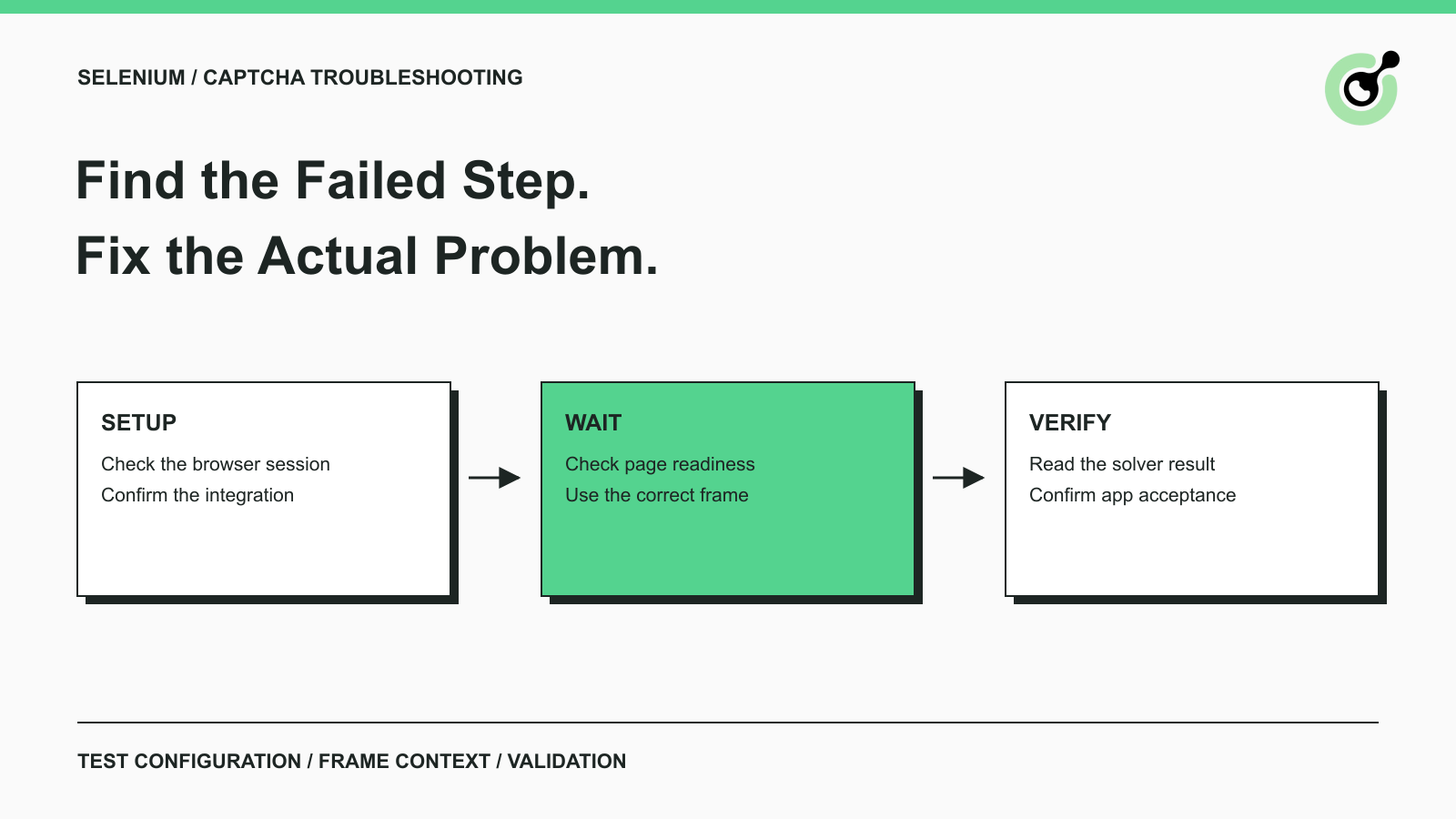
Common Selenium CAPTCHA Problems and How to Fix Them
Fix common Selenium CAPTCHA integration problems by checking test configuration, extensions, waits, iframe context, solver responses, and application results.
Nikolai Smirnov
22-Sep-2026
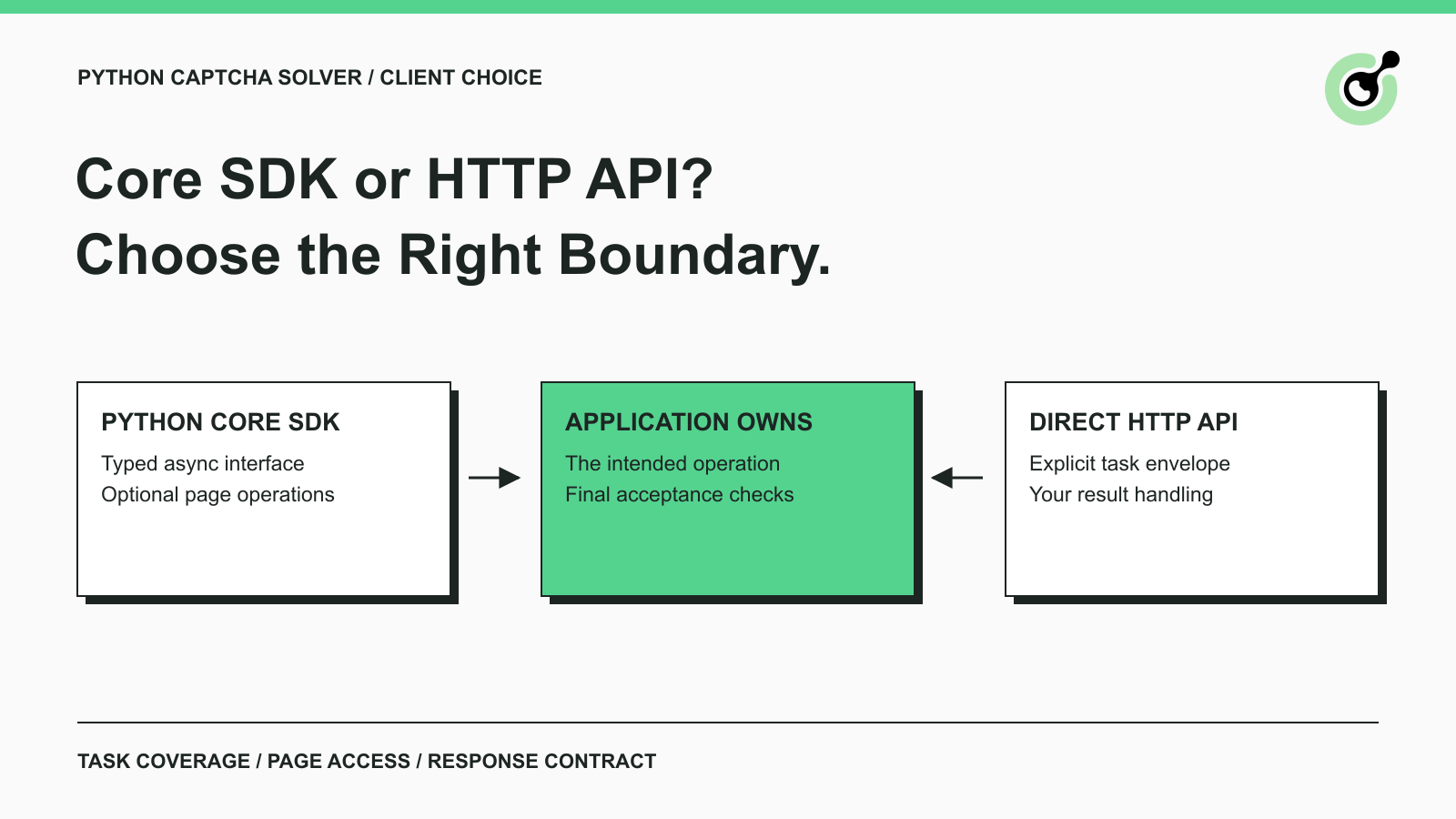
CapSolver Python Core SDK vs HTTP API: Which Should You Use?
Choose the CapSolver Python Core SDK or direct HTTP API by task support, page access, response handling, and the responsibilities your application owns.

Ethan Collins
16-Sep-2026