











How to Handle CAPTCHA in FinTech Compliance Automation

Ethan Collins
How to use CapSolver
03-Jul-2026
FinTech compliance teams face a growing challenge: the government portals, banking APIs, and regulatory databases they need to access for KYC, AML, and transaction monitoring are increasingly protected by CAPTCHA systems. This guide walks through a practical approach to integrating CAPTCHA solving into compliance automation workflows, covering regulatory portal access, identity verification pipelines, and audit data collection. You will learn how to maintain continuous automated access to protected resources while keeping your compliance operations running on schedule.
TL;DR
- FinTech compliance workflows encounter CAPTCHAs on government registries, banking portals, sanctions databases, and regulatory filing systems.
- Manual CAPTCHA solving creates bottlenecks that delay KYC checks by 15-30 minutes per case, directly impacting customer onboarding speed.
- CapSolver's API integrates into RPA and compliance automation pipelines to resolve challenges in under 10 seconds without human intervention.
- Token-based solving works with reCAPTCHA, Cloudflare Turnstile, and custom CAPTCHAs found on state and federal regulatory portals.
- Proper implementation includes audit logging, rate limiting, and compliance documentation to satisfy regulatory requirements.
Introduction
FinTech companies performing Know Your Customer (KYC) and Anti-Money Laundering (AML) checks must access dozens of external data sources daily. According to McKinsey, financial institutions spend 180-270 billion annually on compliance operations globally. A significant portion of that cost comes from manual processes that could be automated — except that CAPTCHA challenges on government portals and regulatory databases block automated access. This guide shows how to integrate CAPTCHA solving into your compliance automation stack so that KYC checks, sanctions screening, and regulatory data pulls run without interruption.
What You Need Before Starting
Before implementing CAPTCHA handling in your compliance automation pipeline, prepare these components:
- A CapSolver API account with sufficient credits for your expected daily volume
- Your existing compliance automation framework (UiPath, Automation Anywhere, custom Python/Node.js scripts, or n8n workflows)
- A list of target portals and their CAPTCHA types (use the CapSolver extension to identify them)
- Audit logging infrastructure to record all automated access for compliance documentation
- Internal legal review confirming that automated access to each target portal is permitted under your agreements and applicable regulations
Understanding the CAPTCHA landscape on regulatory portals is essential. Many state-level business registries use reCAPTCHA v2, while federal systems like SEC EDGAR and FinCEN use custom image-based challenges. The CapSolver guide to solving image CAPTCHAs covers these non-standard challenge types.
Step 1 — Map Your Compliance Portal CAPTCHA Landscape
What to Do
Document every external portal your compliance team accesses and identify which ones deploy CAPTCHA protection. Create a registry of portals, their CAPTCHA types, access frequency, and business criticality.
- List all government registries used for KYC verification (Secretary of State databases, corporate registries, UBO registries).
- Identify banking and financial institution portals accessed for transaction monitoring.
- Document sanctions and watchlist databases (OFAC, EU sanctions lists, PEP databases).
- Record the CAPTCHA type on each portal — note whether it appears on every visit or only after repeated access.
- Prioritize portals by access volume and business impact of delays.
Common CAPTCHA types found on compliance-relevant portals:
| Portal Category | Typical CAPTCHA Type | Frequency |
|---|---|---|
| State business registries | reCAPTCHA v2 | Every search query |
| Federal regulatory databases | Custom image CAPTCHA | After 5-10 requests |
| Banking portals | Cloudflare Turnstile | Session-based |
| Sanctions databases | reCAPTCHA v3 | Score-based, invisible |
| Court record systems | Text/digit CAPTCHA | Every document access |
Why This Matters
Different CAPTCHA types require different API parameters and solving strategies. A compliance workflow that accesses 8 different portals may encounter 4 different CAPTCHA systems. Mapping this landscape upfront prevents integration failures and allows you to estimate API costs accurately.
Common Mistakes to Avoid
- Assuming all government portals use the same CAPTCHA: State-level registries vary significantly. California uses reCAPTCHA v2, while Delaware uses a custom image challenge. Test each portal individually.
- Ignoring rate-based triggers: Some portals only show CAPTCHAs after a threshold of requests. Your automation needs conditional CAPTCHA handling that activates only when a challenge appears.
Step 2 — Integrate CapSolver into Your Compliance RPA Pipeline
What to Do
Add CAPTCHA solving as a middleware step in your existing compliance automation workflow. The integration pattern depends on your automation framework:
For Python-based compliance scripts:
python
import requests
import time
from datetime import datetime

CAPSOLVER_KEY = "your-api-key"

def solve_compliance_captcha(site_key, page_url, captcha_type, portal_name):
    """Solve CAPTCHA with audit logging for compliance documentation."""
    start_time = datetime.utcnow()

    payload = {
        "clientKey": CAPSOLVER_KEY,
        "task": {
            "type": captcha_type,
            "websiteURL": page_url,
            "websiteKey": site_key
        }
    }

    response = requests.post("https://api.capsolver.com/createTask", json=payload)
    task_id = response.json().get("taskId")

    # Poll for result
    for _ in range(40):
        result = requests.post("https://api.capsolver.com/getTaskResult", json={
            "clientKey": CAPSOLVER_KEY,
            "taskId": task_id
        }).json()

        if result.get("status") == "ready":
            solve_time = (datetime.utcnow() - start_time).total_seconds()
            log_captcha_solve(portal_name, captcha_type, solve_time, "success")
            return result["solution"]
        time.sleep(3)

    log_captcha_solve(portal_name, captcha_type, 120, "timeout")
    raise TimeoutError(f"CAPTCHA solve timed out for {portal_name}")

def log_captcha_solve(portal, captcha_type, duration, status):
    """Audit log for compliance records."""
    log_entry = {
        "timestamp": datetime.utcnow().isoformat(),
        "portal": portal,
        "captcha_type": captcha_type,
        "solve_duration_seconds": duration,
        "status": status
    }
    # Write to your audit log system
    print(f"[AUDIT] {log_entry}")
For n8n workflow integration:
CapSolver integrates with n8n automation workflows through HTTP Request nodes. Configure a workflow that detects CAPTCHA presence, calls the CapSolver API, and injects the token before proceeding with data extraction.
Why This Matters
Compliance automation must maintain audit trails. Every CAPTCHA solve should be logged with timestamp, portal name, solve duration, and outcome. This documentation proves to auditors that your automated access followed consistent, controlled procedures rather than ad-hoc manual processes.
Common Mistakes to Avoid
- No audit logging: Regulators may ask how your automated systems access external data sources. Without logs showing controlled, rate-limited access with CAPTCHA handling, you cannot demonstrate compliance with data access policies.
- Hardcoding credentials: Store API keys in environment variables or a secrets manager, never in source code. Compliance code is often subject to internal audit review.
Step 3 — Implement Rate Limiting and Responsible Access Patterns
What to Do
Configure your compliance automation to respect portal rate limits and implement responsible access patterns:
python
import asyncio
from collections import defaultdict

class ComplianceRateLimiter:
    def __init__(self):
        self.portal_limits = {
            "state_registry": {"max_per_minute": 10, "max_per_hour": 200},
            "federal_database": {"max_per_minute": 5, "max_per_hour": 100},
            "sanctions_list": {"max_per_minute": 20, "max_per_hour": 500}
        }
        self.request_counts = defaultdict(list)

    async def wait_if_needed(self, portal_name):
        """Enforce rate limits before making requests."""
        now = time.time()
        limits = self.portal_limits.get(portal_name, {"max_per_minute": 5, "max_per_hour": 100})

        # Clean old entries
        self.request_counts[portal_name] = [
            t for t in self.request_counts[portal_name] if now - t < 3600
        ]

        # Check hourly limit
        if len(self.request_counts[portal_name]) >= limits["max_per_hour"]:
            wait_time = 3600 - (now - self.request_counts[portal_name][0])
            await asyncio.sleep(wait_time)

        # Check per-minute limit
        recent = [t for t in self.request_counts[portal_name] if now - t < 60]
        if len(recent) >= limits["max_per_minute"]:
            await asyncio.sleep(60 - (now - recent[0]))

        self.request_counts[portal_name].append(now)
Why This Matters
Responsible access to government and financial portals is not optional in FinTech. Excessive request rates can trigger IP blocks, account suspensions, or regulatory scrutiny. Rate limiting demonstrates that your automation operates within reasonable bounds and respects the infrastructure of public data sources.
Common Mistakes to Avoid
- No backoff on errors: If a portal returns errors or blocks your requests, implement exponential backoff rather than retrying immediately. Aggressive retry patterns can escalate from a temporary block to a permanent ban.
- Ignoring portal maintenance windows: Many government systems have scheduled maintenance. Build awareness of these windows into your automation schedule to avoid unnecessary CAPTCHA solve attempts during downtime.
Step 4 — Handle Multiple CAPTCHA Types Across Your Portal Stack
What to Do
Build a CAPTCHA type router that automatically selects the correct solving approach based on the portal being accessed:
python
PORTAL_CAPTCHA_CONFIG = {
    "california_sos": {
        "type": "ReCaptchaV2TaskProxyLess",
        "site_key": "6Lc...",
        "url": "https://bizfileonline.sos.ca.gov/search/business"
    },
    "sec_edgar": {
        "type": "ImageToTextTask",
        "module": "common"
    },
    "ofac_sanctions": {
        "type": "ReCaptchaV3TaskProxyLess",
        "site_key": "6Lc...",
        "url": "https://sanctionssearch.ofac.treas.gov/",
        "pageAction": "search"
    },
    "uk_companies_house": {
        "type": "AntiCloudflareTask",
        "url": "https://find-and-update.company-information.service.gov.uk/"
    }
}

def solve_portal_captcha(portal_name, **kwargs):
    config = PORTAL_CAPTCHA_CONFIG[portal_name]
    captcha_type = config["type"]

    task_params = {"type": captcha_type}
    if "site_key" in config:
        task_params["websiteKey"] = config["site_key"]
    if "url" in config:
        task_params["websiteURL"] = config["url"]
    if "pageAction" in config:
        task_params["pageAction"] = config["pageAction"]

    return create_and_solve_task(task_params)
Why This Matters
A unified CAPTCHA handling layer abstracts the complexity of multiple CAPTCHA types behind a single function call. Your compliance analysts and automation engineers do not need to understand the technical differences between reCAPTCHA v2 and Cloudflare Turnstile — they simply call solve_portal_captcha("california_sos") and receive a valid token.
Common Mistakes to Avoid
- Static site keys: Some portals rotate their CAPTCHA site keys periodically. Build a detection mechanism that extracts the current site key from the page rather than relying on hardcoded values.
- Missing the v3 action parameter: reCAPTCHA v3 requires a
pageActionparameter that must match what the site expects. Incorrect action values produce low-score tokens that get rejected.
Comparison: Manual vs. Automated CAPTCHA Handling in Compliance Workflows
| Factor | Manual Handling | Automated (CapSolver) |
|---|---|---|
| Average resolve time | 15-45 seconds per CAPTCHA | 3-12 seconds per CAPTCHA |
| Daily throughput | 200-400 checks per analyst | 5,000-50,000 checks per pipeline |
| Error rate | 5-10% (human fatigue) | Less than 2% (API-based) |
| Audit trail | Inconsistent manual logs | Automated, timestamped records |
| Scalability | Linear (add headcount) | Horizontal (add API capacity) |
| Cost per 1000 checks | 50-150 (analyst time) | 1.5-3.0 (API credits) |
Claim Your Bonus Code: Use code WEBS at CapSolver dashboard to get an extra 5% bonus on every recharge. Ideal for FinTech teams running high-volume compliance checks daily.
Step 5 — Deploy and Monitor Your Compliance CAPTCHA Pipeline
What to Do
Set up monitoring dashboards and alerting for your CAPTCHA solving pipeline:
- Track solve success rates per portal — alert if any portal drops below 95%.
- Monitor average solve times — investigate if times increase beyond 15 seconds consistently.
- Log daily CAPTCHA volumes per portal for capacity planning and cost forecasting.
- Implement fallback routing: if CapSolver experiences temporary issues, queue tasks for retry rather than failing the entire compliance check.
- Generate weekly reports showing CAPTCHA volumes, costs, and success rates for management review.
The CapSolver API response optimization guide provides additional techniques for minimizing latency in high-throughput environments.
Why This Matters
Compliance workflows have SLA requirements. KYC checks often must complete within 24-48 hours of customer application. If your CAPTCHA solving pipeline fails silently, compliance cases back up and onboarding delays occur. Proactive monitoring catches issues before they impact customer experience or regulatory deadlines.
Common Mistakes to Avoid
- No alerting on failure spikes: A portal changing its CAPTCHA implementation can cause 100% failure rates overnight. Without alerts, your team may not discover the issue until the next business day.
- Ignoring cost anomalies: Sudden increases in CAPTCHA solve volume may indicate that a portal has changed its challenge frequency or that your automation has a bug causing unnecessary page reloads.
Conclusion
CAPTCHA handling for FinTech compliance automation is a solved problem when approached systematically. The five-step process — mapping your portal landscape, integrating the solving API with audit logging, implementing rate limits, building a multi-type CAPTCHA router, and deploying with monitoring — creates a production-grade pipeline that handles thousands of daily compliance checks without human intervention. CapSolver's sub-10-second solve times and support for all major CAPTCHA types make it particularly well-suited for compliance workflows where speed and reliability directly impact customer onboarding and regulatory deadlines. The combination of automated audit trails and configurable rate limiting satisfies both operational efficiency goals and regulatory documentation requirements.
Start building your compliance CAPTCHA pipeline today at CapSolver.
Frequently Asked Questions
Is it legal to use CAPTCHA solvers for accessing government compliance databases?
Automated access to government databases for legitimate compliance purposes is generally permitted when you have a lawful basis for the data access, such as performing required KYC checks. However, you must review each portal's terms of use and ensure your access patterns comply with applicable regulations like the Computer Fraud and Abuse Act (CFAA) in the US. Many government portals explicitly support API access for registered financial institutions.
How many CAPTCHA solves does a typical FinTech compliance team need per day?
A mid-size FinTech processing 200-500 new customer applications daily typically encounters 500-2,000 CAPTCHAs across various verification portals. This includes KYC registry checks, sanctions screening, and document verification. At CapSolver's pricing of 1.5-3.0 per 1,000 solves, monthly costs range from 25-180 depending on volume and CAPTCHA complexity.
Can CAPTCHA solving be integrated with existing RPA tools like UiPath?
CapSolver integrates with all major RPA platforms through its REST API. For UiPath, you can use the HTTP Request activity to call the createTask and getTaskResult endpoints. For Automation Anywhere, use the REST Web Service package. The integration pattern is identical regardless of the RPA platform: create task, poll for result, inject token into the browser session.
What happens if a government portal changes its CAPTCHA system?
Portal CAPTCHA changes are common — a registry might upgrade from reCAPTCHA v2 to v3 or switch to Cloudflare Turnstile. Your monitoring system should detect increased failure rates immediately. CapSolver supports all major CAPTCHA types, so the fix typically involves updating the task type parameter in your configuration rather than rebuilding the integration. Maintain a configuration file that maps portals to CAPTCHA types for quick updates.
Compliance Disclaimer: The information provided on this blog is for informational purposes only. CapSolver is committed to compliance with all applicable laws and regulations. The use of the CapSolver network for illegal, fraudulent, or abusive activities is strictly prohibited and will be investigated. Our captcha-solving solutions enhance user experience while ensuring 100% compliance in helping solve captcha difficulties during public data crawling. We encourage responsible use of our services. For more information, please visit our Terms of Service and Privacy Policy.
More
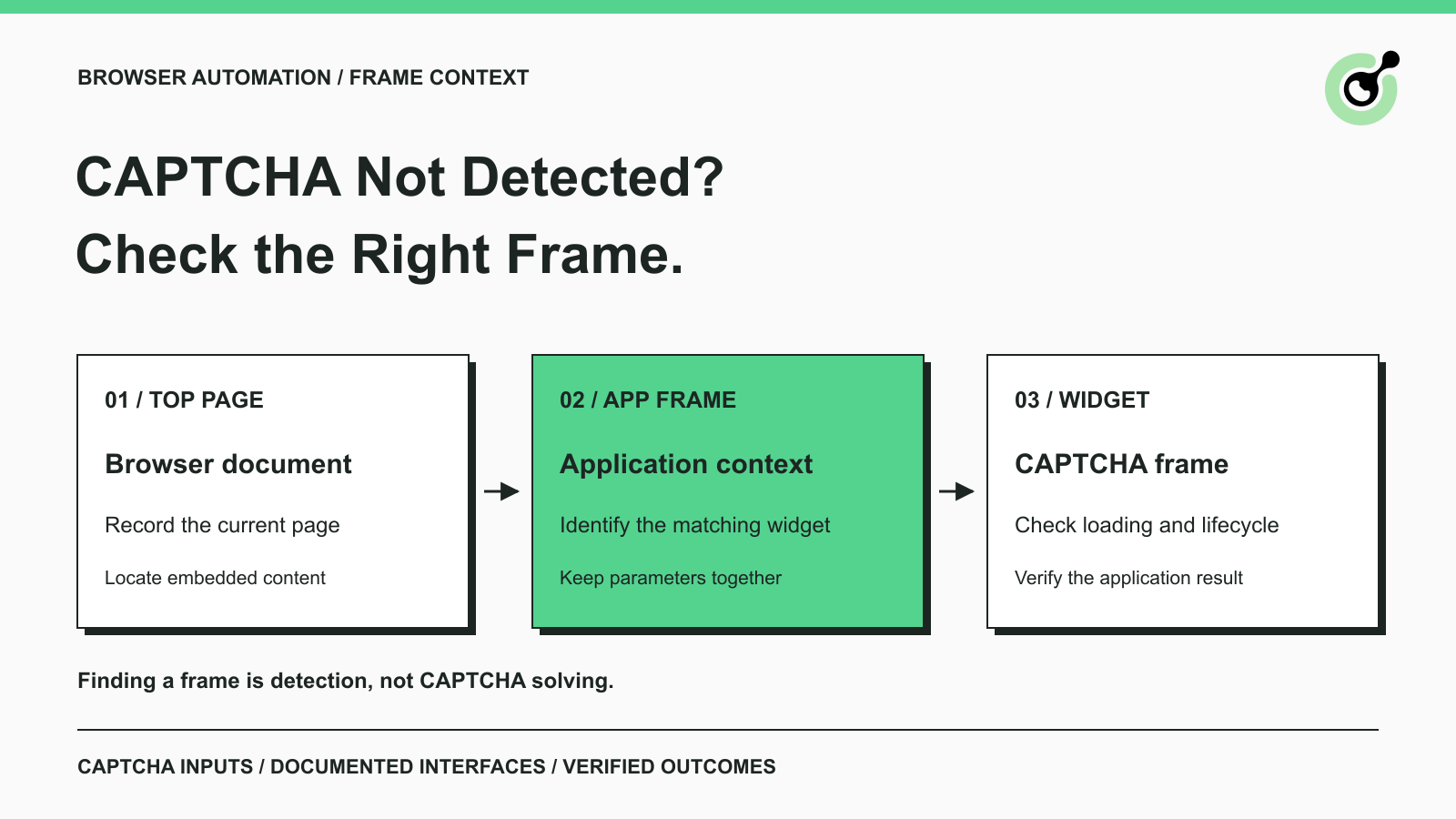
CAPTCHA in an iframe Not Detected? How to Find the Right Frame
Find why a visible CAPTCHA is missed inside an iframe. Check document context, widget loading, site parameters, and the browser handoff to your solver.

Nikolai Smirnov
27-Oct-2026
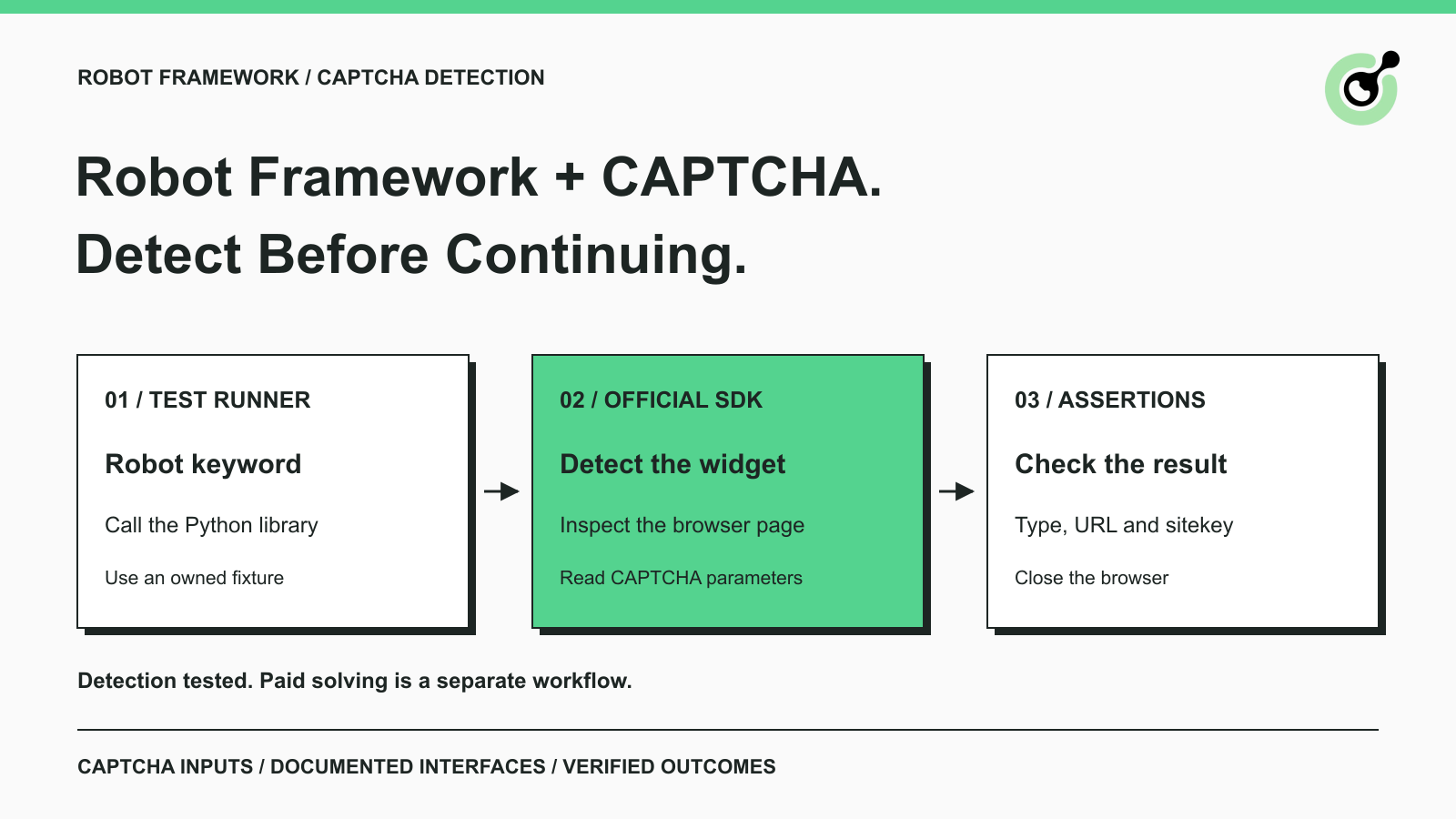
How to Detect CAPTCHA in Robot Framework Browser Tests
Detect CAPTCHA in Robot Framework with a tested Python keyword and the official solver SDK. Inspect page parameters and understand where detection stops.

Aloísio Vítor
26-Oct-2026
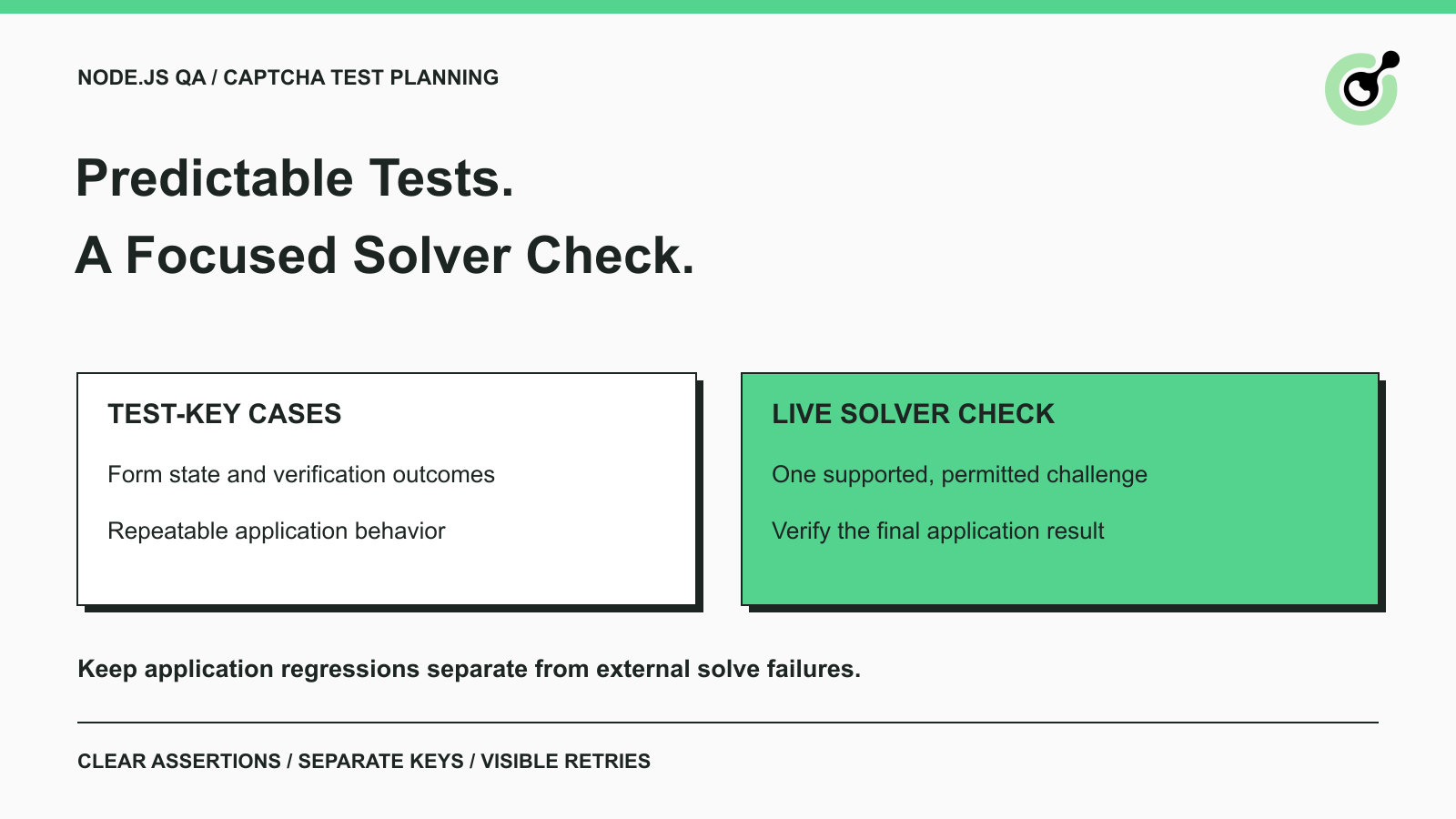
CAPTCHA Testing in Node.js: Test Keys and Solver Checks
Plan Node.js CAPTCHA tests with vendor test keys, controlled solver checks, and clear assertions. Separate form regressions from external solving failures.

Khadija Santos
16-Oct-2026
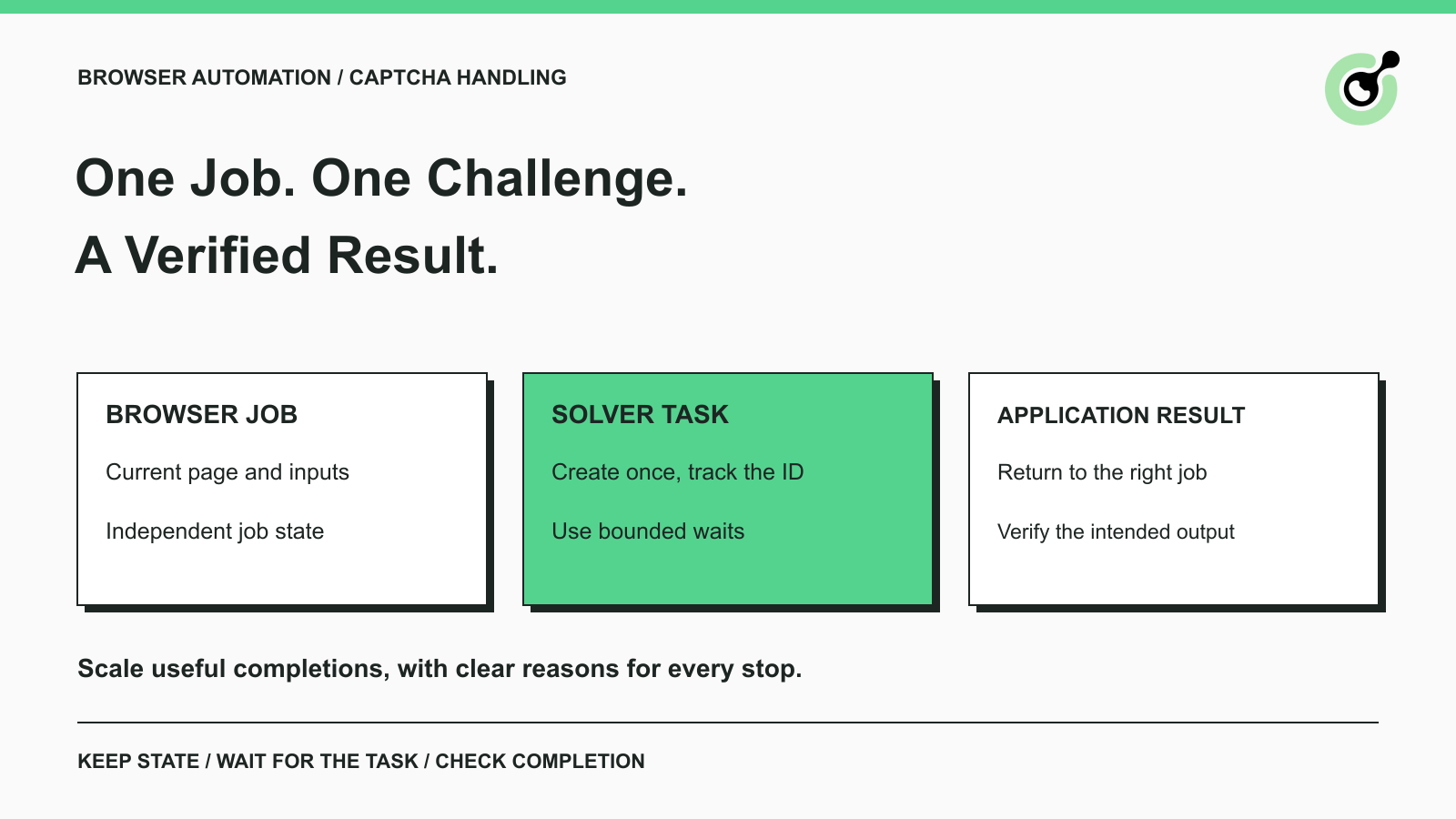
CAPTCHA Handling at Scale: A Browser Automation Guide
Improve CAPTCHA handling in browser automation with current task inputs, isolated browser sessions, bounded retries, and checks that confirm the final result.
Nikolai Smirnov
14-Oct-2026
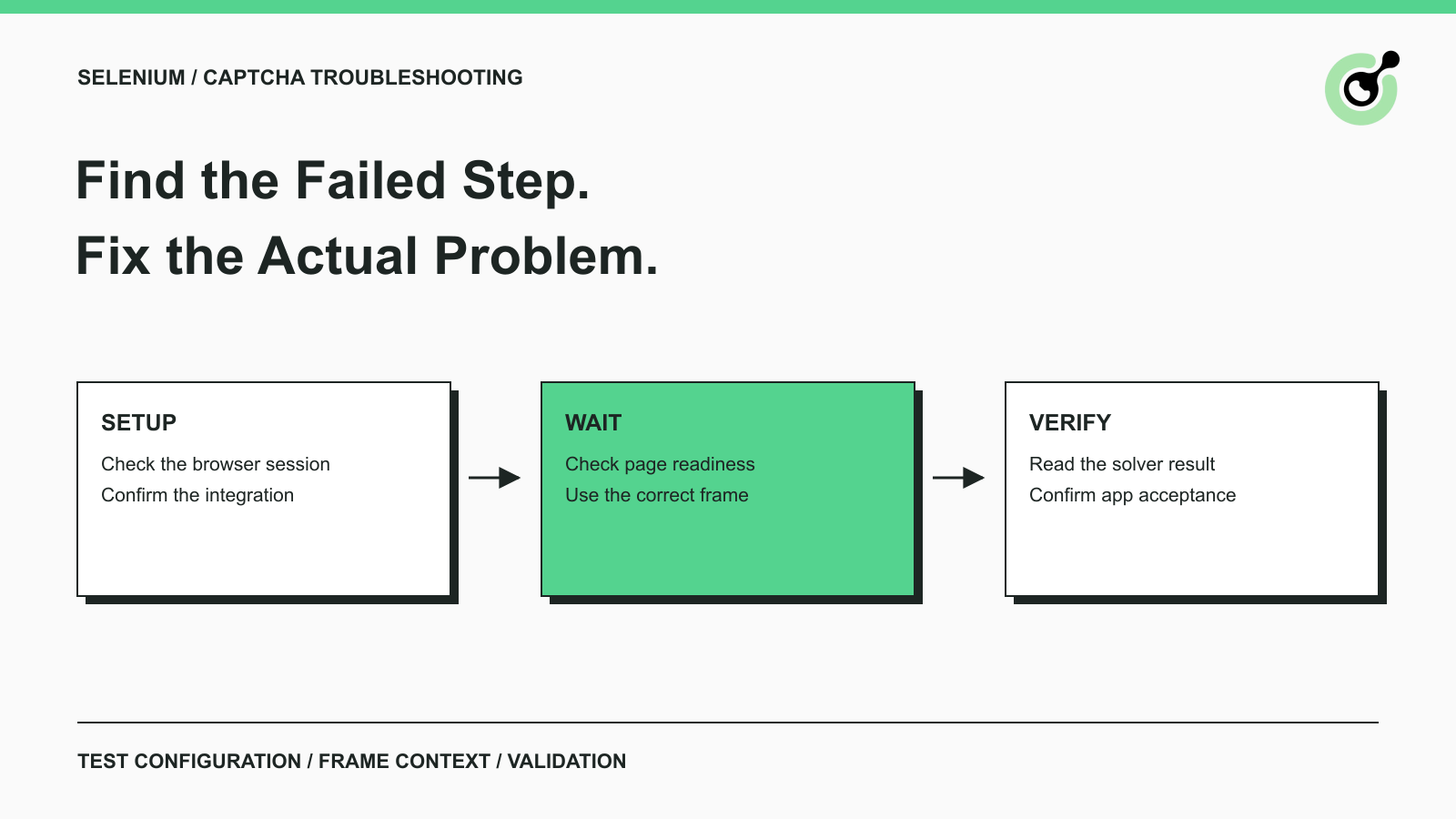
Common Selenium CAPTCHA Problems and How to Fix Them
Fix common Selenium CAPTCHA integration problems by checking test configuration, extensions, waits, iframe context, solver responses, and application results.
Nikolai Smirnov
22-Sep-2026
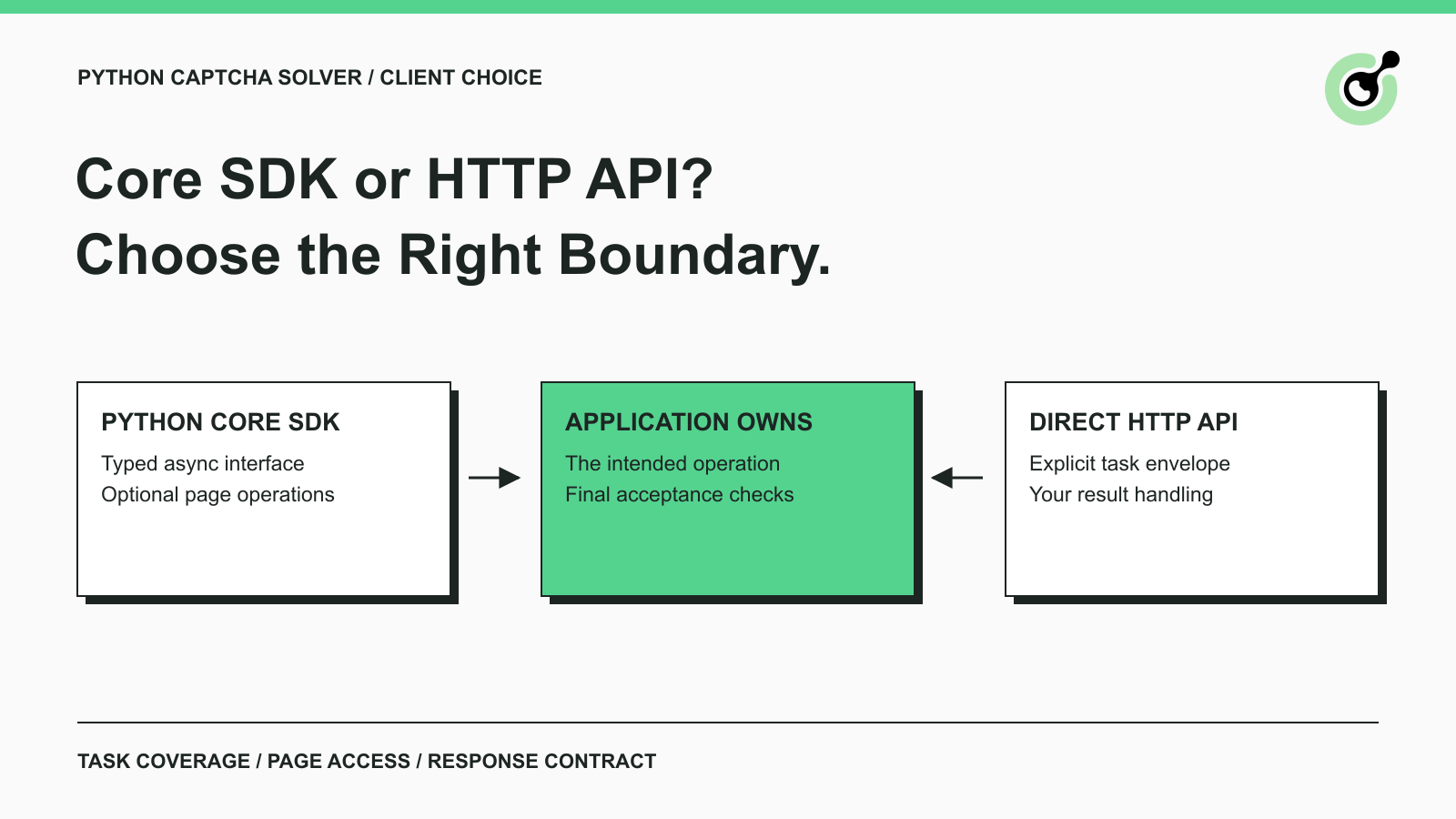
CapSolver Python Core SDK vs HTTP API: Which Should You Use?
Choose the CapSolver Python Core SDK or direct HTTP API by task support, page access, response handling, and the responsibilities your application owns.
Ethan Collins
16-Sep-2026