











Puppeteer Detected as a Bot? How to Fix It

Emma Foster
How to use CapSolver
04-Jun-2026
TL;DR
- Puppeteer Detected as a Bot? How to Fix It starts with identifying whether the blocker is browser fingerprinting, network reputation, session churn, action timing, or a CAPTCHA challenge.
- Puppeteer controls Chrome or Firefox through Chrome DevTools Protocol or WebDriver BiDi, and it runs headless by default, which can affect how some sites classify sessions.
- Detection symptoms include 403 pages, CAPTCHA loops, login failures, empty search results, delayed redirects, and pages that render differently from manual browsing.
- Responsible fixes include persistent profiles, stable proxy routing, realistic pacing, environment parity, clear logs, and documented CAPTCHA handling for permitted workflows.
- CapSolver can support CAPTCHA-heavy Puppeteer automation when the use case is lawful, authorized, and built around reasonable traffic practices.
Introduction
Puppeteer Detected as a Bot? How to Fix It is a common question because many automation projects begin with a working local script and then fail on a real website. The problem is rarely one setting. Websites often evaluate browser properties, request history, account trust, IP reputation, JavaScript behavior, and challenge outcomes together. Puppeteer’s own documentation describes it as a JavaScript library that provides a high-level API to control Chrome or Firefox over Chrome DevTools Protocol or WebDriver BiDi, and it notes that Puppeteer runs headless by default through Puppeteer’s official documentation. For CAPTCHA-heavy workflows, CapSolver can help with supported challenges, but the broader fix starts with a clean automation profile.
What it means when Puppeteer is detected
Puppeteer Detected as a Bot? How to Fix It does not mean every site has identified Puppeteer by name. It usually means the site placed the session into a higher-risk category. That category may produce a CAPTCHA, a soft block, an HTTP 403 response, a login loop, or a page that quietly hides data. The visible symptom is only the final result of several checks.
Puppeteer is popular because it gives developers direct control over browser navigation, DOM interaction, screenshots, PDFs, and network activity. This makes it useful for QA, monitoring, content testing, and permitted data workflows. However, clean browser profiles, fast repeated actions, cloud IP ranges, and missing session continuity can look unusual to a live production system.
The correct response is not to change random launch flags until something passes. The correct response is to measure the environment. Teams should compare manual browsing, local Puppeteer, CI Puppeteer, and production infrastructure. When those environments differ, the detection signal often becomes clear.
The main reasons Puppeteer gets flagged
The most common reason for Puppeteer Detected as a Bot? How to Fix It is that the automation environment does not look like a normal returning browser. Puppeteer starts with headless behavior by default, and many scripts also use fresh contexts, repeated navigation paths, and high-speed actions. A site that is tuned for risk control may challenge that pattern.
| Signal group | Typical symptom | Fix direction |
|---|---|---|
| Browser mode | Works manually but fails in headless execution | Compare headed and headless traces, align viewport, locale, timezone, and permissions |
| Session state | Every run looks like a new visitor | Persist allowed cookies and storage state for test accounts and permitted workflows |
| Network reputation | Blocks appear only in CI or certain proxy pools | Use stable routing, avoid excessive rotation, and validate outbound identity from the browser |
| Interaction pattern | Forms submit instantly or navigation is too linear | Wait for user-visible readiness and pace actions based on the page flow |
| Challenge handling | CAPTCHA appears but the script cannot complete the expected page state | Identify the challenge type and integrate only documented, permitted solver workflows |
Puppeteer Detected as a Bot? How to Fix It is especially relevant for scripts that run at scale. A local test may use one IP and one account. A production job may use many browser contexts, parallel workers, and short-lived sessions. That change alone can trigger stricter traffic validation.
Browser automation signals to inspect first
A browser session contains many signals beyond the user agent string. Sites may inspect viewport, device scale factor, language preferences, timezone, WebGL behavior, permission prompts, storage availability, media devices, fonts, and navigation timing. Inconsistent combinations can create suspicion even when each individual value looks harmless.
Chrome DevTools Protocol is important because Puppeteer can use browser debugging and automation channels to control Chrome. The official CDP documentation explains that the protocol allows tools to instrument, inspect, debug, and profile Chromium and Chrome, and it describes browser targets, websocket debugger URLs, and protocol metadata Chrome DevTools Protocol documentation. Developers should understand this architecture because debugging endpoints, browser flags, and session setup can influence what a page observes.
Puppeteer Detected as a Bot? How to Fix It should begin with a trace of the failing page. Record the exact response code, screenshot, final URL, console errors, timing, and challenge page. If the block happens before any JavaScript action, network or initial fingerprint signals are likely. If it happens after form submission, interaction behavior or account trust may be the trigger.
Fix session continuity before changing advanced settings
Session continuity is one of the most overlooked fixes. A script that launches a new browser profile for every task tells the site that every visit is a first visit. For a test account, that may look unusual if it logs in many times per hour from a clean device. For a monitored public page, repeated fresh visits may trigger challenge systems sooner than a stable profile.
A better pattern is to persist allowed cookies and storage state where policy permits it. For owned properties, create dedicated test accounts and staging environments. For public sites, follow terms of service, robots guidance, and local law. CapSolver’s web scraping FAQ and web scraping legal guide are useful references because legal access and technical access are not the same thing.
Puppeteer Detected as a Bot? How to Fix It also requires account-level thinking. If the same account appears from many IPs, devices, and regions, the account may become the issue. Keep each account tied to a reasonable geography and session pattern. This is a reliability practice, not only a detection practice.
Network and proxy configuration can decide the outcome
Many Puppeteer issues are network issues. Cloud data center IPs, overloaded proxies, region mismatches, failed authentication, and rapid IP rotation can create the same symptoms as browser detection. A site may show a CAPTCHA or 403 page because of traffic reputation before it evaluates detailed browser behavior.
Check the outbound IP from inside the actual Puppeteer page. Confirm region, ASN, DNS behavior, and whether the proxy changes mid-session. If the script logs in through one route and submits a form through another, the session may be challenged. CapSolver’s proxy setup resource is relevant when automation workflows combine proxies, browsers, and CAPTCHA handling.
Puppeteer Detected as a Bot? How to Fix It often improves when teams reduce concurrency. Start with one worker, one account, one profile, and one stable route. Once the flow is reliable, increase volume gradually and watch where challenges return. This makes risk signals observable instead of mysterious.
CAPTCHA handling in Puppeteer workflows
A CAPTCHA is often a checkpoint, not the original cause. If a site presents a CAPTCHA immediately, review network reputation and browser context. If it appears after repeated searches, review rate and pacing. If it appears at account creation or checkout, it may be part of the expected risk-control path. CapSolver’s CAPTCHA solving FAQ gives a general foundation for these workflows.
When a permitted Puppeteer workflow needs CAPTCHA handling, identify the challenge type before writing code. Some tasks use reCAPTCHA, some use image CAPTCHA, and some use Cloudflare Turnstile or other traffic validation systems. CapSolver has Puppeteer-related resources such as Puppeteer integration, CAPTCHA handling in Puppeteer, and CAPTCHA parameter identification.
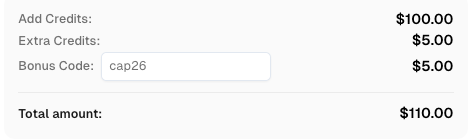
Redeem Your CapSolver Bonus Code
Boost your automation budget instantly!
Use bonus code CAP26 when topping up your CapSolver account to get an extra 5% bonus on every recharge — with no limits.
Redeem it now in your CapSolver Dashboard
Do not treat a solver as a replacement for good automation hygiene. The right workflow still needs permission, reasonable traffic, stable sessions, and clean observability. CAPTCHA handling should be a narrow integration step in a broader compliant system.
A responsible fix checklist for Puppeteer
Puppeteer Detected as a Bot? How to Fix It can be handled with a repeatable checklist. First, test manually from the same machine and network. Second, run Puppeteer in headed mode and compare screenshots. Third, align viewport, locale, timezone, permissions, and browser version. Fourth, persist permitted session state. Fifth, reduce concurrency and pace actions according to page readiness. Sixth, validate proxy and DNS behavior from inside the browser. Seventh, add CAPTCHA handling only when the challenge is expected and supported.
Chrome configuration is also part of the profile. ChromeDriver’s capabilities documentation shows that browser sessions can be configured with custom profiles, proxy capability, extensions, mobile emulation, window size, and Chrome-specific options ChromeDriver capabilities documentation. Puppeteer has different APIs, but the principle is the same: the browser launch configuration should match the workflow rather than a generic default.
Finally, avoid one-shot fixes that cannot be explained. If the workflow passes only after a collection of undocumented flags, it will be hard to maintain. A better Puppeteer system makes every choice visible: why this profile, why this proxy route, why this wait condition, why this CAPTCHA flow, and why this rate limit.
Conclusion
Puppeteer Detected as a Bot? How to Fix It is best solved as a full-stack automation problem. Puppeteer controls real browser engines, but detection may come from browser state, network reputation, session history, speed, account behavior, or challenge handling. Start with evidence, stabilize the browser profile, keep sessions consistent, use reasonable traffic patterns, and respect legal and site rules. When a CAPTCHA challenge is part of a permitted workflow, CapSolver can help teams integrate documented challenge handling while keeping Puppeteer reliable and maintainable.
FAQ
Why is Puppeteer detected as a bot even with Chrome installed?
Installing Chrome is not enough. The site may evaluate browser mode, profile history, cookies, network reputation, timing, and account behavior. Puppeteer can still look unusual if the environment starts fresh every time or acts too quickly.
Should I switch from headless to headed Puppeteer?
Headed mode is useful for debugging and comparison, but it is not a complete fix. If detection continues in headed mode, check session continuity, proxy reputation, region consistency, and action timing.
Can CapSolver fix Puppeteer detection?
CapSolver can help with supported CAPTCHA challenges in lawful and permitted workflows. It does not fix every detection cause. Browser setup, proxies, accounts, pacing, and compliance still need to be handled correctly.
What is the first thing to check when Puppeteer is blocked?
Check where the block happens. If it appears on the first request, inspect network and browser fingerprint signals. If it appears after several actions, inspect timing, account state, and volume. If it appears on a CAPTCHA page, identify the challenge type.
Is Puppeteer allowed for web automation?
Puppeteer is a legitimate browser automation library. Use it for testing, monitoring, and permitted automation. Do not use it to access private, restricted, sensitive, or unauthorized data.
Compliance Disclaimer: The information provided on this blog is for informational purposes only. CapSolver is committed to compliance with all applicable laws and regulations. The use of the CapSolver network for illegal, fraudulent, or abusive activities is strictly prohibited and will be investigated. Our captcha-solving solutions enhance user experience while ensuring 100% compliance in helping solve captcha difficulties during public data crawling. We encourage responsible use of our services. For more information, please visit our Terms of Service and Privacy Policy.
More
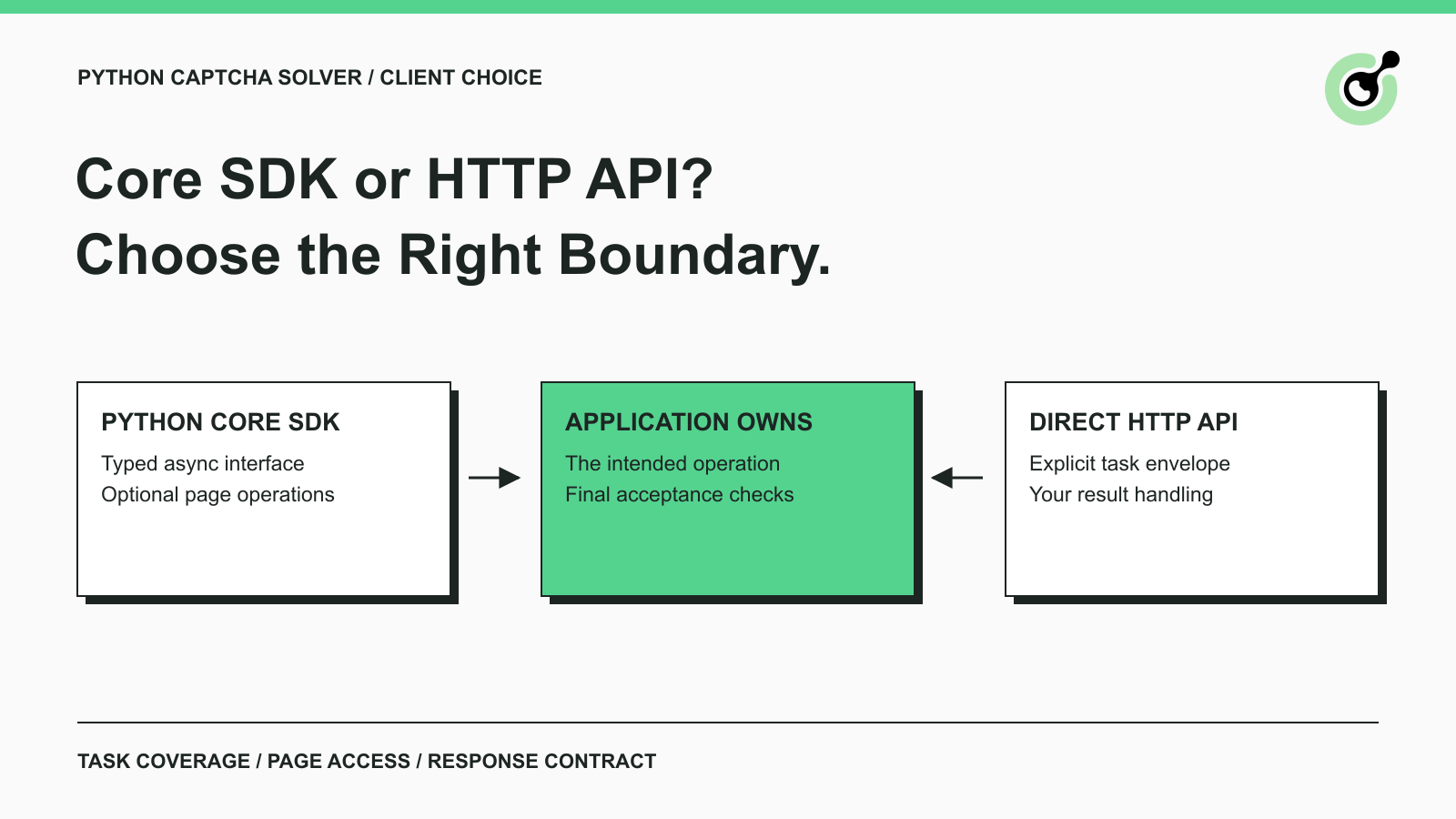
CapSolver Python Core SDK vs HTTP API: Which Should You Use?
Choose the CapSolver Python Core SDK or direct HTTP API by task support, page access, response handling, and the responsibilities your application owns.

Ethan Collins
16-Sep-2026
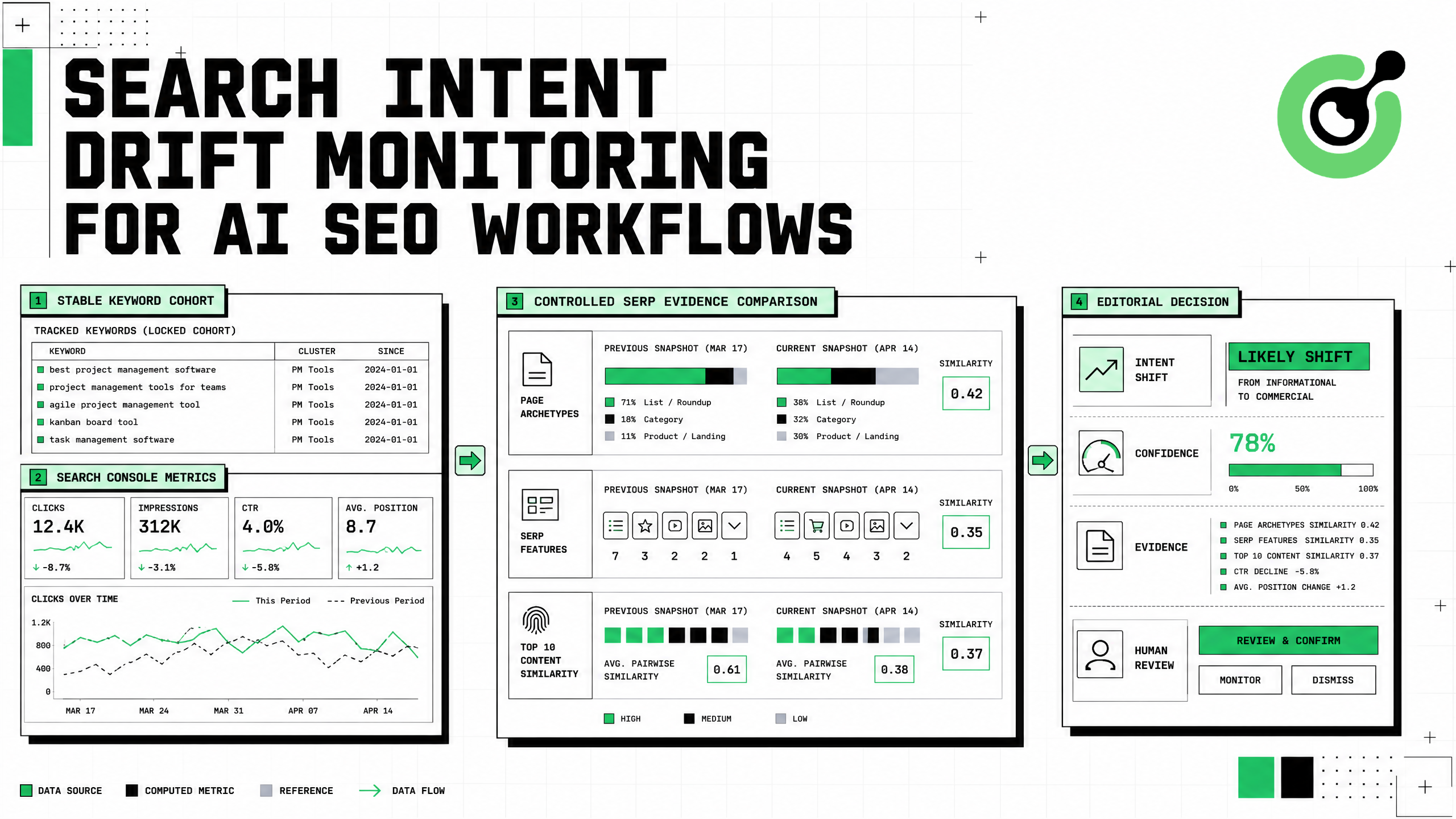
Search Intent Drift Monitoring for AI SEO Workflows
Build search intent drift monitoring with Search Console data, controlled SERP observations, intent labels, confidence gates, evidence, and safe automation.
Ethan Collins
31-Aug-2026
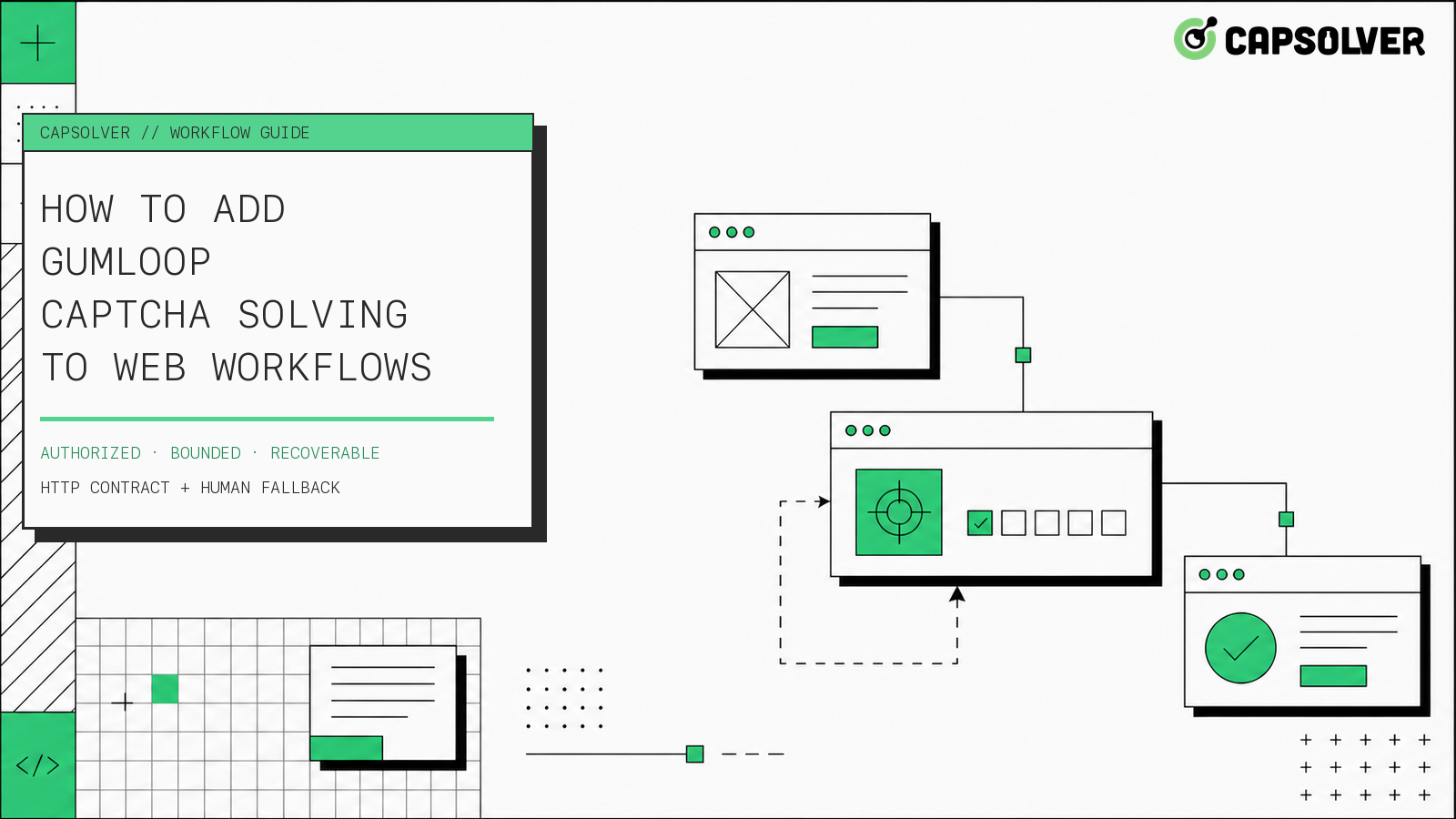
How to Add Gumloop CAPTCHA Solving to Web Workflows
Build Gumloop CAPTCHA solving with a verified HTTP contract, controlled recovery branch, retry budget, browser-state checks, and human fallback.

Nikolai Smirnov
21-Aug-2026
How to Add a CAPTCHA Solver to Form Automation Workflows
A form automation captcha solver is an error-recovery component for a permitted form workflow, not a shortcut around authorization. CapSolver can provide a reCAPTCHA solution through the documented task API while your application preserves inputs, browser context, consent, and the final submission rule. The safest sequence is detect, snapshot, create one task, poll with a deadline, apply the result in the same session, and verify the form's own confirmation state. This articl
Ethan Collins
13-Aug-2026
How to Handle CAPTCHA in RPA Automation Workflows Safely
RPA CAPTCHA automation is reliable only when CAPTCHA becomes an explicit workflow state. CapSolver can provide the CAPTCHA handling layer through its browser extension or documented API, while the RPA platform controls process scope, credentials, timeouts, and business validation. This avoids the common failure where a robot keeps clicking after verification appears, loses form state, or submits twice. A production design pauses at detection, waits for one bounded result, ver
Ethan Collins
12-Aug-2026
How to Handle CAPTCHA in Automated QA Testing
Handle CAPTCHA in automated QA testing with controlled test fixtures, CapSolver browser integration, bounded retries, and reliable assertions.
Ethan Collins
10-Aug-2026