











Recruitment Automation and CAPTCHA Solving: A 2026 Guide to Verification Across the Hiring Stack

Lucas Mitchell
How to use CapSolver
10-Jun-2026
TL;DR
- Recruitment automation now spans sourcing, posting, screening, and outreach, and each stage can meet a verification check.
- Job boards and career sites challenge automated traffic because they cannot tell a recruiter's tool from a scraper.
- The fix is to handle the verification token separately, then let the workflow continue.
- Match the task type to the challenge: reCAPTCHA v2, reCAPTCHA v3, and Turnstile each need a different call.
- Run automation only on platforms you own or are authorized to use, and keep candidate-data handling compliant.
Introduction
Hiring volume spikes every graduation season, and recruitment teams lean harder on automation to keep up. Then a job board throws up a verification screen and the workflow stalls. Recruitment automation is now a full ecosystem, and verification friction is one of its quietest failure points. This guide is for talent-tech engineers and recruitment-ops teams running automated hiring workflows. It explains where CAPTCHA checks appear across the hiring stack, why platforms trigger them, and how to handle them compliantly, with working code. The goal is automation that keeps moving without crossing legal or ethical lines.
What Recruitment Automation Covers Today
Recruitment automation used to mean a single applicant tracking system. Now it is a connected stack. The adoption curve is steep, too. The World Economic Forum Future of Jobs Report 2025 found that two-thirds of employers plan to hire for AI skills and that technology will be the most disruptive force in the labour market through 2030. Hiring teams have responded by automating across the funnel.
A modern recruitment automation stack typically touches several stages: posting roles across many job boards, sourcing candidate profiles, parsing resumes, scheduling interviews, and running outreach sequences. Each stage often means software talking to an external platform. And every one of those external touchpoints is a place a verification check can appear. Job automation at this scale multiplies the number of requests, which raises the odds of meeting a challenge.
Why the Graduation-Season Surge Matters
Entry-level hiring is under unusual strain. The same WEF analysis notes entry-level job postings have fallen sharply while graduate numbers stay high, with one market seeing over a million graduates compete for a fraction as many openings. That mismatch pushes both sides to automate. Employers scale up sourcing and posting to handle the volume; the platforms in the middle see a surge in automated traffic and tighten their defenses in response. Recruitment automation runs straight into that tightening, which is why verification friction feels worse during peak hiring windows.
Where Verification Friction Appears in the Hiring Stack
The checks are not random. They cluster at specific points in a recruitment automation workflow. Knowing where they appear helps you design around them.
- Multi-board job posting. Pushing one role to many boards means many form submissions, each a candidate for a verification step.
- Candidate sourcing. Reading profile data at volume looks like scraping to the platform, even when the intent is legitimate.
- Account and login flows. Signing into recruitment platforms programmatically often triggers a check on the login form.
- Application tracking. Polling external sites for status updates generates repeated automated requests.
Each of these is a normal part of recruitment automation. The friction comes from the platform being unable to distinguish a recruiter's authorized tool from an unwanted bot.
Why Recruitment Platforms Challenge Automated Traffic
Hiring sites carry valuable data and high traffic, so they guard against automation aggressively. The scale of the problem is large. According to the Imperva 2025 Bad Bot Report, automated traffic overtook human traffic for the first time in a decade, reaching 51% of all web activity. Platforms defend with the same signals everywhere: browser fingerprint consistency, behavioral patterns, IP reputation, and a verification challenge when those signals are uncertain.
An automated recruitment tool tends to fail these signals together. It runs from a data center IP, fills forms faster than a person, and presents a browser fingerprint with small gaps. The platform sees a probable bot and issues a challenge. This is not a flaw in the recruitment automation tool; it is the platform doing its job. The deeper mechanics of why automated browsers get flagged are covered in this guide on the 2026 approach to CAPTCHA for AI agents.
Comparison Summary: Verification Types in Hiring Workflows
Three challenge types show up most often across recruitment platforms. Each needs different handling.
| Factor | reCAPTCHA v2 | reCAPTCHA v3 | Cloudflare Turnstile |
|---|---|---|---|
| Where it appears | Login and signup forms | Background on many pages | Embedded widget, often invisible |
| Visible sign | Checkbox or image grid | None, runs silently | Small widget or none |
| What it returns | A response token | A scored token | A response token |
| Key input needed | Site key + URL | Site key + URL + action | Site key + URL |
| Best handled by | Token task | Scored token task | Turnstile token task |
Identifying which type a platform uses is the first step. This guide on detecting any CAPTCHA and its parameters shows how to read the site key and challenge type from a page.
Handling Verification Compliantly in a Recruitment Workflow
The practical approach separates the verification step from the rest of the recruitment automation logic. A service generates the token; your workflow injects it and continues. A solver like CapSolver exposes a distinct task type per challenge, so the integration stays consistent. The examples below cover the three common types.
Redeem Your CapSolver Bonus Code
Boost your automation budget instantly!
Use bonus code CAP26 when topping up your CapSolver account to get an extra 5% bonus on every recharge — with no limits.
Redeem it now in your CapSolver Dashboard

reCAPTCHA v2
Common on login and signup forms across hiring platforms. Read the gRecaptchaResponse token from the result.
python
# pip install requests
import requests, time

api_key = "YOUR_API_KEY"
site_key = "6Le-wvkSAAAAAPBMRTvw0Q4Muexq9bi0DJwx_mJ-"
site_url = "https://www.your-authorized-platform.com/login"

def solve_recaptcha_v2():
    payload = {
        "clientKey": api_key,
        "task": {
            "type": "ReCaptchaV2TaskProxyLess",
            "websiteKey": site_key,
            "websiteURL": site_url
        }
    }
    task_id = requests.post("https://api.capsolver.com/createTask", json=payload).json().get("taskId")
    if not task_id:
        return None
    while True:
        time.sleep(1)
        resp = requests.post(
            "https://api.capsolver.com/getTaskResult",
            json={"clientKey": api_key, "taskId": task_id}
        ).json()
        if resp.get("status") == "ready":
            return resp["solution"]["gRecaptchaResponse"]
        if resp.get("errorId"):
            return None

print(solve_recaptcha_v2())
The full field reference is in the reCAPTCHA v2 API guide.
reCAPTCHA v3
v3 runs silently and assigns a score. You must pass the pageAction so the token matches what the page expects.
python
# pip install requests
import requests, time

api_key = "YOUR_API_KEY"
site_key = "6Le-wvkSAAAAAPBMRTvw0Q4Muexq9bi0DJwx_kl-"
site_url = "https://www.your-authorized-platform.com"

def solve_recaptcha_v3():
    payload = {
        "clientKey": api_key,
        "task": {
            "type": "ReCaptchaV3TaskProxyLess",
            "websiteKey": site_key,
            "websiteURL": site_url,
            "pageAction": "submit"   # must match grecaptcha.execute on the page
        }
    }
    task_id = requests.post("https://api.capsolver.com/createTask", json=payload).json().get("taskId")
    if not task_id:
        return None
    while True:
        time.sleep(1)
        resp = requests.post(
            "https://api.capsolver.com/getTaskResult",
            json={"clientKey": api_key, "taskId": task_id}
        ).json()
        if resp.get("status") == "ready":
            return resp["solution"]["gRecaptchaResponse"]
        if resp.get("errorId"):
            return None

print(solve_recaptcha_v3())
For raising token scores on strict v3 pages, the reCAPTCHA v3 API guide covers the session and enterprise options.
Cloudflare Turnstile
A widget, often invisible, that needs only the URL and site key.
python
# pip install requests
import requests, time

api_key = "YOUR_API_KEY"
site_key = "0x4XXXXXXXXXXXXXXXXX"
site_url = "https://www.your-authorized-platform.com"

def solve_turnstile():
    payload = {
        "clientKey": api_key,
        "task": {
            "type": "AntiTurnstileTaskProxyLess",
            "websiteKey": site_key,
            "websiteURL": site_url
        }
    }
    task_id = requests.post("https://api.capsolver.com/createTask", json=payload).json().get("taskId")
    if not task_id:
        return None
    while True:
        time.sleep(1)
        resp = requests.post(
            "https://api.capsolver.com/getTaskResult",
            json={"clientKey": api_key, "taskId": task_id}
        ).json()
        if resp.get("status") == "ready":
            return resp["solution"]["token"]
        if resp.get("errorId"):
            return None

print(solve_turnstile())
The full Turnstile parameter list is in the Cloudflare Turnstile API guide. For wiring this into a larger pipeline, see the guide on integrating CAPTCHA solving into an automated workflow.
Compliance Comes First in Hiring
Recruitment touches personal data and hiring decisions, so the rules here are stricter than in most automation. Use these methods only on platforms your organization owns or is explicitly authorized to use, such as your own career site, your own ATS, or platforms whose terms permit programmatic posting. Read each platform's terms of service before automating against it, and respect rate limits.
Two points matter especially in hiring. First, candidate data is regulated. Handle it under the privacy laws that apply to you, with clear consent and retention rules. Second, AI used in hiring is itself regulated in some regions. The EU AI Act classifies AI systems used to recruit, filter applications, or evaluate candidates as high-risk, which brings transparency and human-oversight obligations. Recruitment automation that handles verification still has to sit inside these rules. The token does not grant permission; your authorization and your compliance posture do.
A Short Implementation Checklist
Use this sequence when building verification handling into a recruitment automation workflow.
- List authorized platforms. Only automate against sites you own or are permitted to use.
- Identify the challenge type. Read the site key and check whether it is reCAPTCHA v2, v3, or Turnstile.
- Wire the right task type. Use the matching call, and pass
pageActionfor v3. - Handle candidate data lawfully. Apply consent, retention, and access rules.
- Document the compliance basis. Record who approved each platform and why.
The broader trade-offs between solver options are compared in this 2026 CAPTCHA solving API buyer's guide.
Conclusion
Recruitment automation has grown into a full hiring stack, and verification friction is the part teams notice last and feel most during peak seasons. The checks cluster at posting, sourcing, login, and tracking, and they fire because platforms cannot tell an authorized recruitment tool from a bot. The fix is to handle the verification token separately, match the task type to the challenge, and keep the workflow moving. Above all, run job automation only on authorized platforms and handle candidate data under the laws that apply. Done that way, recruitment automation stays both effective and defensible through the busiest hiring windows.
If you are building this now, start with the task-type guides for reCAPTCHA v2, reCAPTCHA v3, and Turnstile, then confirm your authorized-platform list before you ship.
FAQ
Where does verification friction appear most in recruitment automation?
At the points with the most external requests: multi-board job posting, candidate sourcing, programmatic logins, and application-status tracking. These generate repeated automated traffic that platforms are most likely to challenge.
Why do hiring platforms challenge my recruitment tool even though it is legitimate?
The platform cannot tell intent from traffic. A data-center IP, fast form fills, and an automated browser fingerprint look like a bot regardless of purpose, so the platform issues a check.
Do reCAPTCHA v2 and v3 need different handling in a hiring workflow?
Yes. v2 is a checkbox or image challenge; v3 is silent and scored. They use different task types, and v3 requires a matching pageAction value for the token to be accepted.
Is recruitment automation that handles CAPTCHA legal?
It depends on authorization and data handling. Use it only on platforms you own or are permitted to automate, follow their terms, and process candidate data under applicable privacy and AI regulations such as the EU AI Act's high-risk rules for hiring.
How do I keep candidate data compliant while automating?
Apply consent, retention, and access controls to any candidate data you collect, document your legal basis, and provide the transparency and human oversight that hiring regulations require. Treat compliance as part of the build, not an afterthought.
Compliance Disclaimer: The information provided on this blog is for informational purposes only. CapSolver is committed to compliance with all applicable laws and regulations. The use of the CapSolver network for illegal, fraudulent, or abusive activities is strictly prohibited and will be investigated. Our captcha-solving solutions enhance user experience while ensuring 100% compliance in helping solve captcha difficulties during public data crawling. We encourage responsible use of our services. For more information, please visit our Terms of Service and Privacy Policy.
More
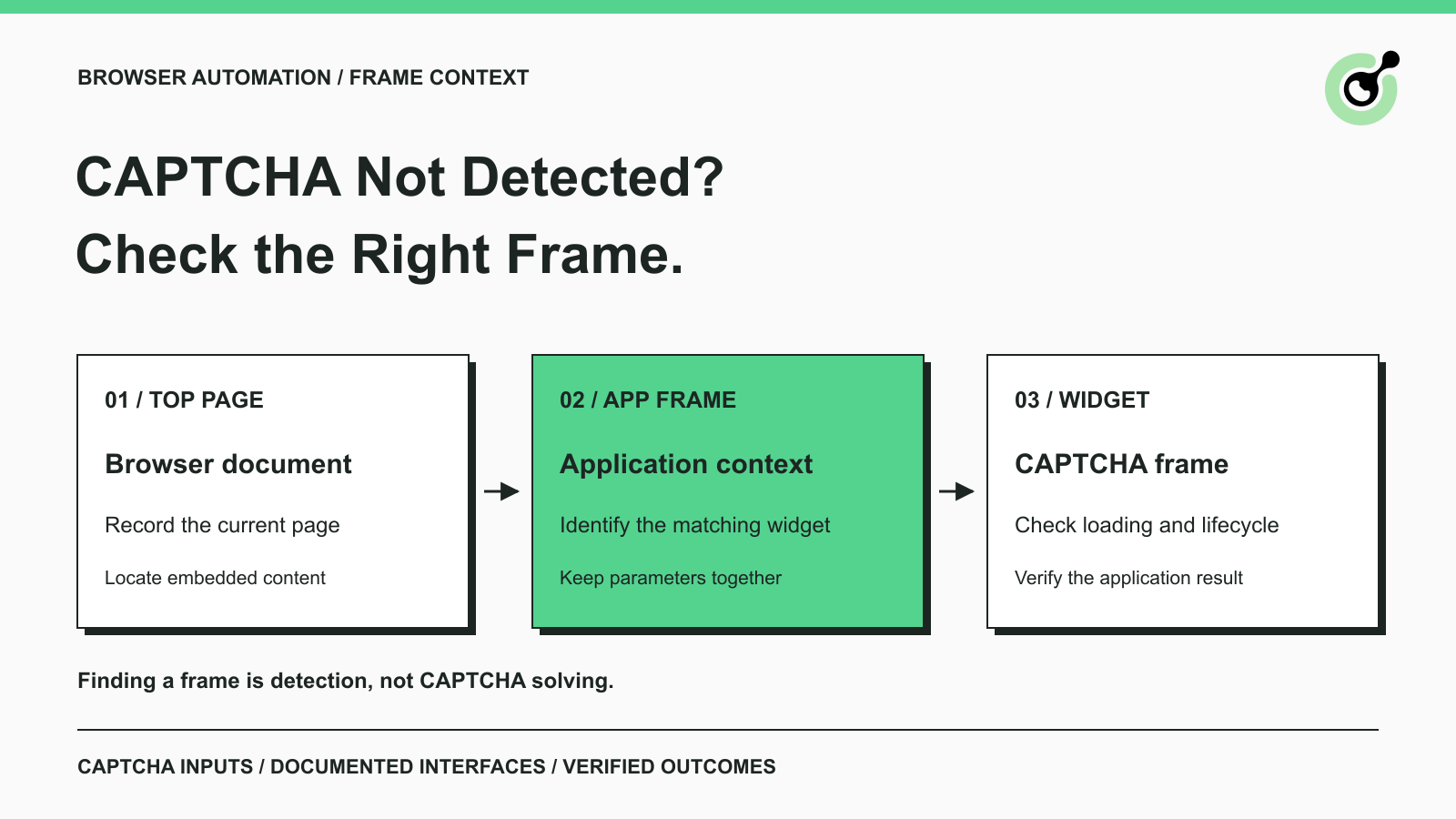
CAPTCHA in an iframe Not Detected? How to Find the Right Frame
Find why a visible CAPTCHA is missed inside an iframe. Check document context, widget loading, site parameters, and the browser handoff to your solver.

Nikolai Smirnov
27-Oct-2026
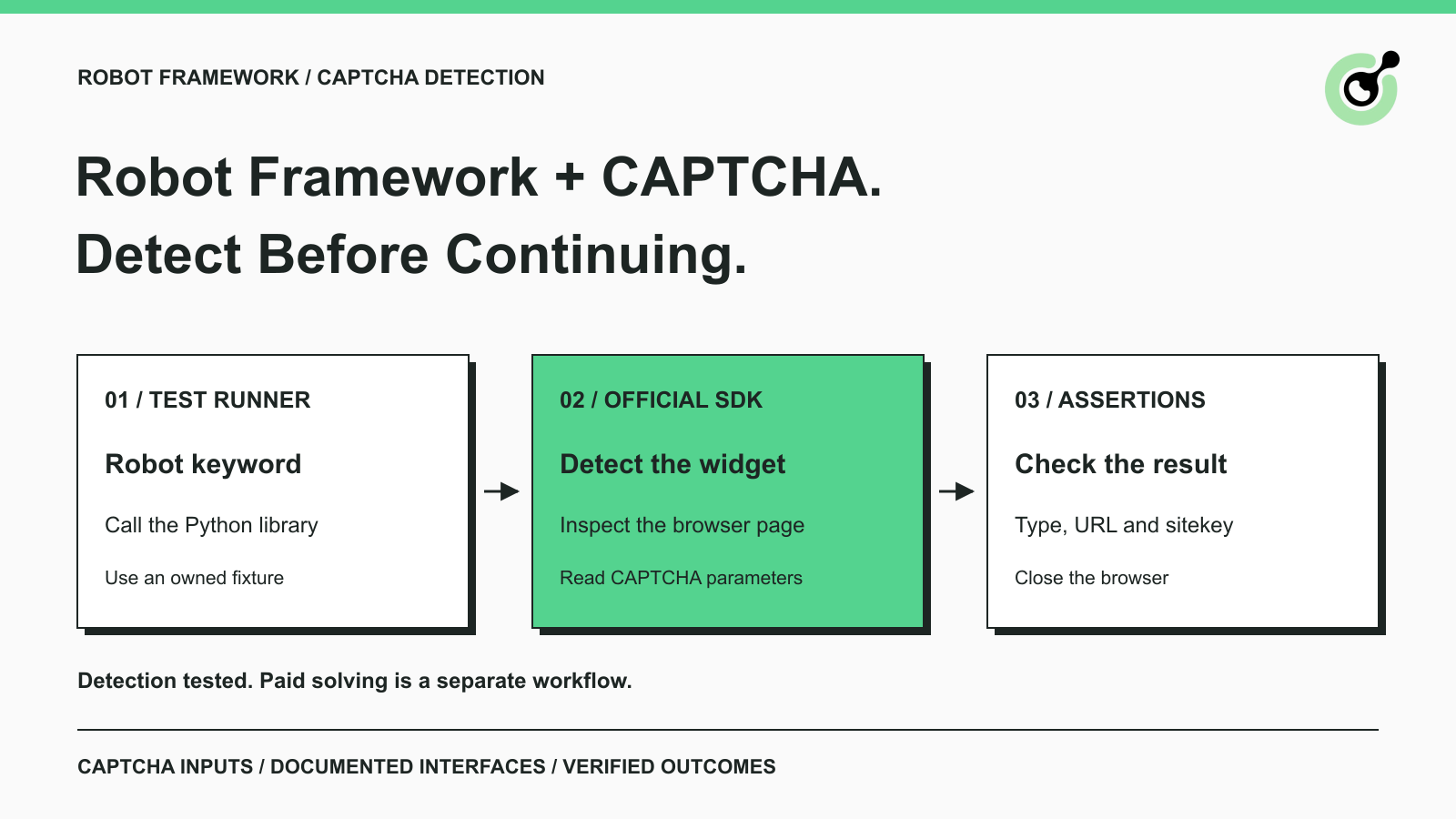
How to Detect CAPTCHA in Robot Framework Browser Tests
Detect CAPTCHA in Robot Framework with a tested Python keyword and the official solver SDK. Inspect page parameters and understand where detection stops.

Aloísio Vítor
26-Oct-2026
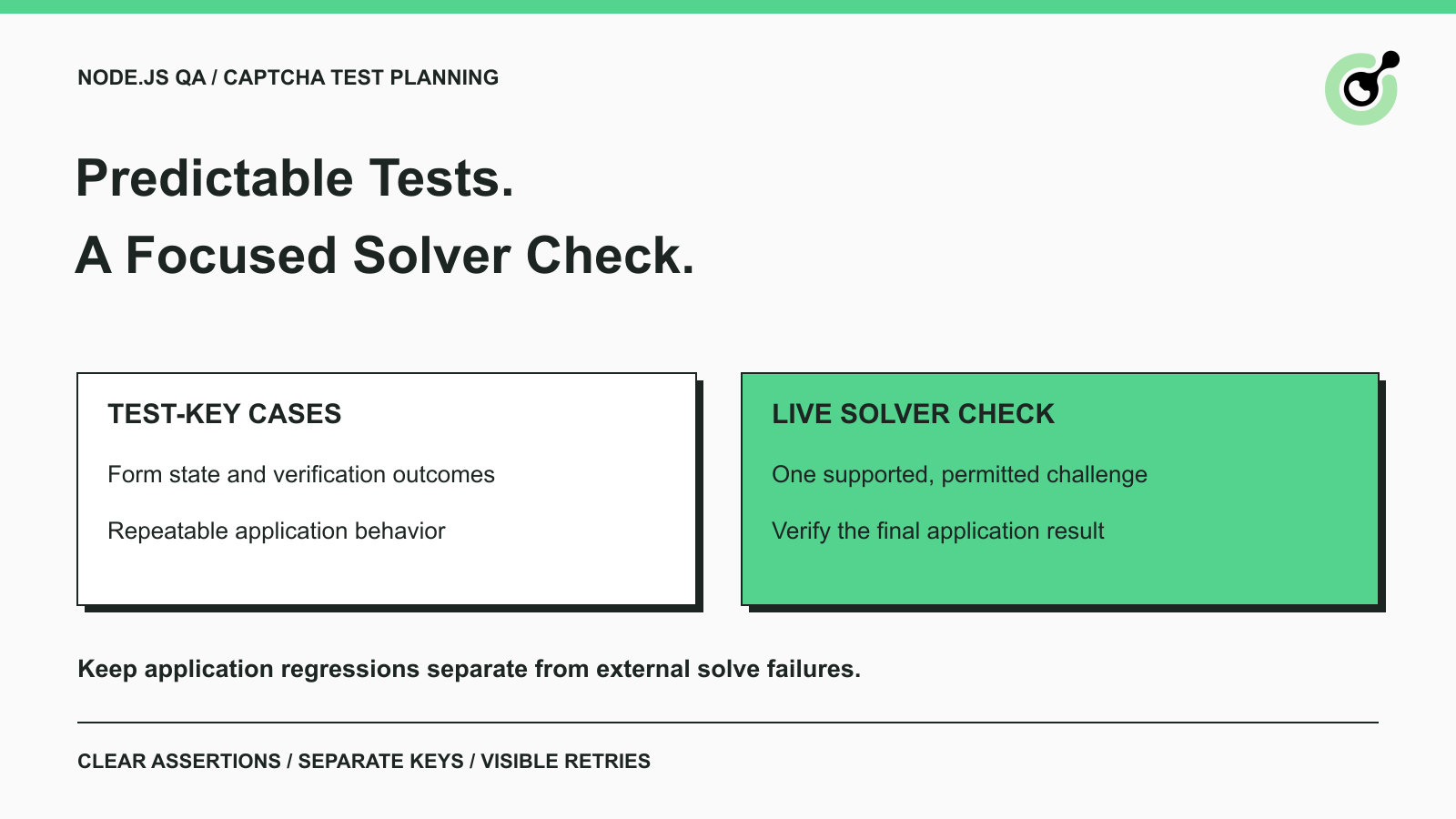
CAPTCHA Testing in Node.js: Test Keys and Solver Checks
Plan Node.js CAPTCHA tests with vendor test keys, controlled solver checks, and clear assertions. Separate form regressions from external solving failures.

Khadija Santos
16-Oct-2026
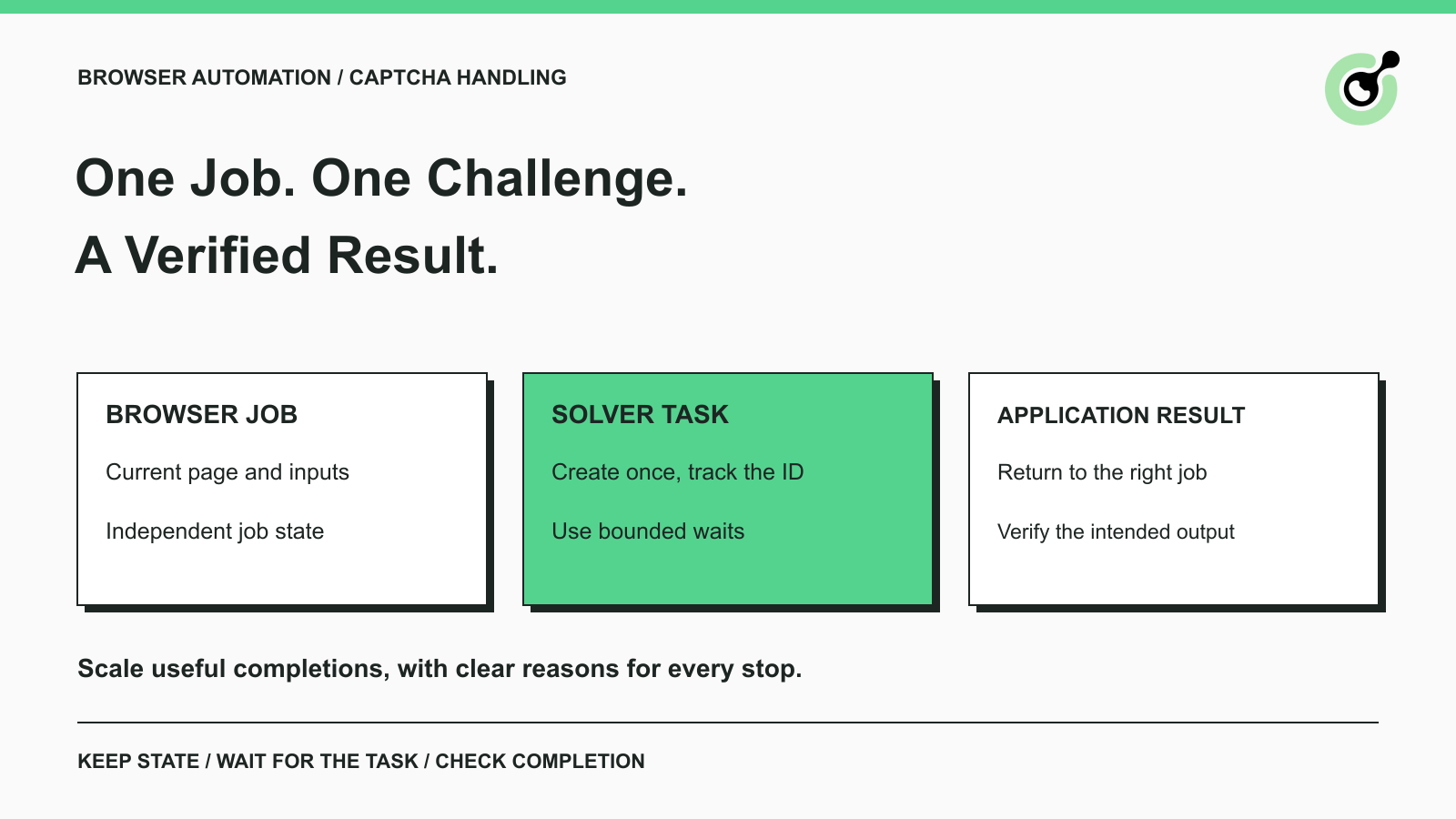
CAPTCHA Handling at Scale: A Browser Automation Guide
Improve CAPTCHA handling in browser automation with current task inputs, isolated browser sessions, bounded retries, and checks that confirm the final result.
Nikolai Smirnov
14-Oct-2026
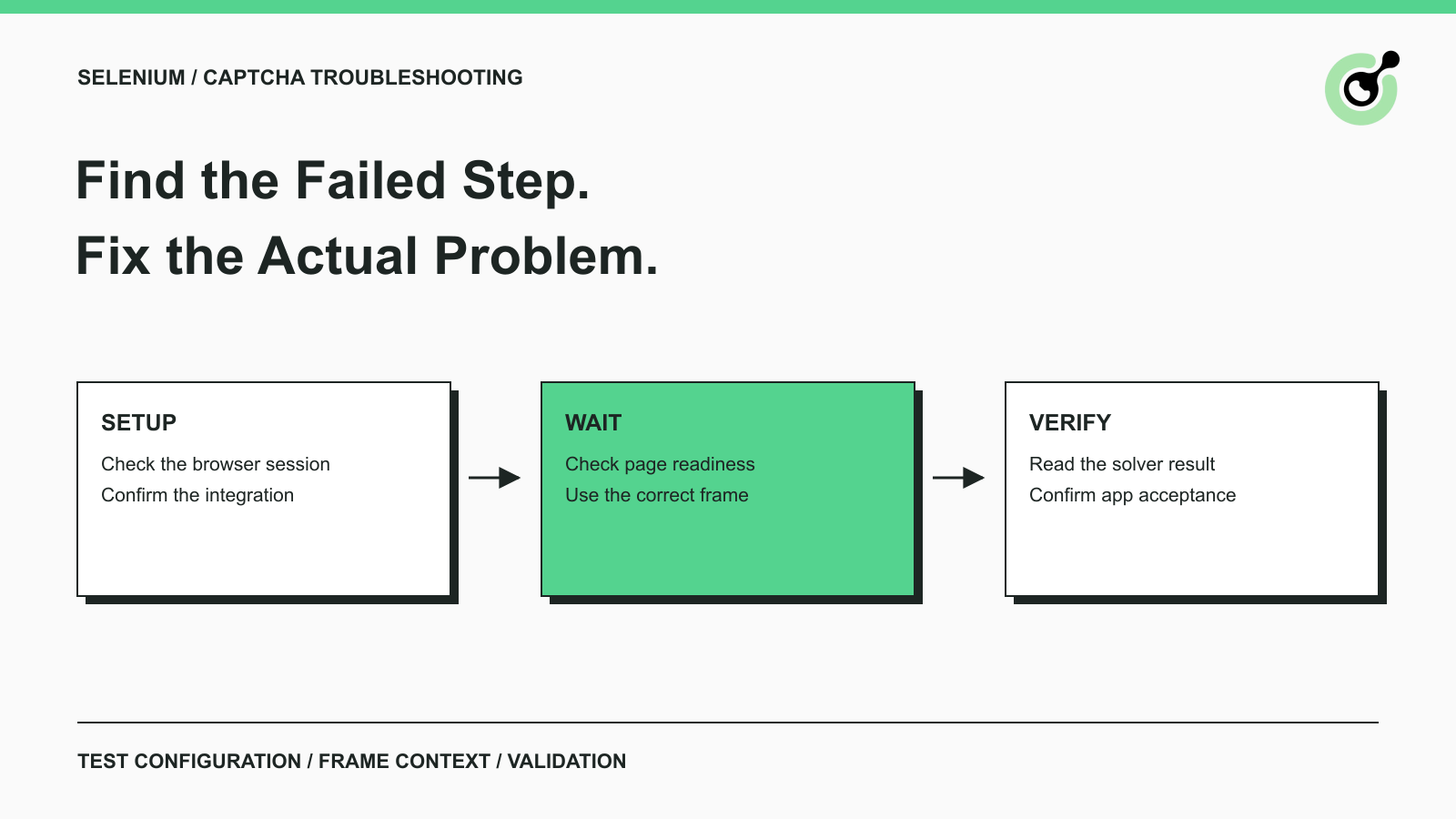
Common Selenium CAPTCHA Problems and How to Fix Them
Fix common Selenium CAPTCHA integration problems by checking test configuration, extensions, waits, iframe context, solver responses, and application results.
Nikolai Smirnov
22-Sep-2026
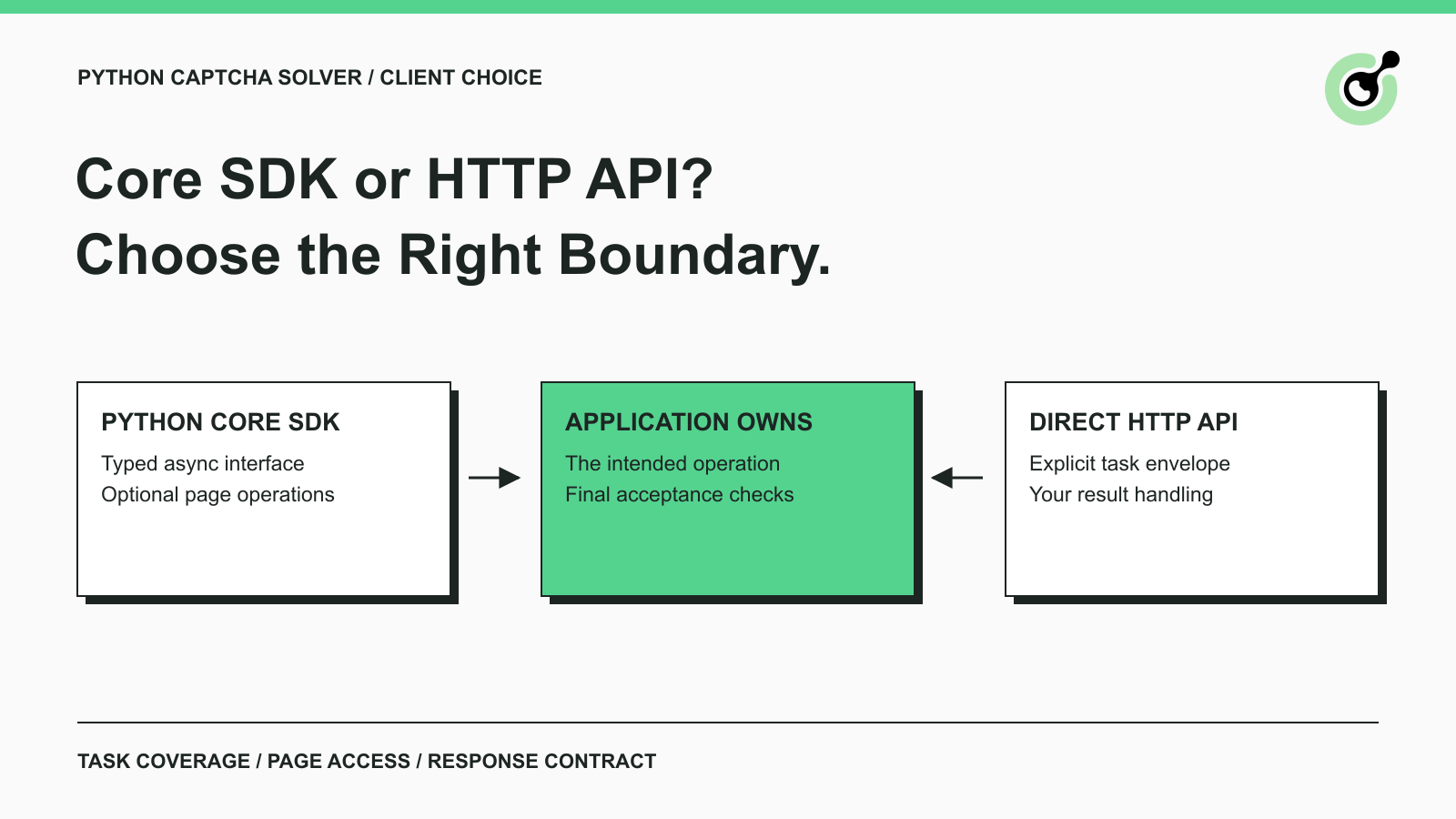
CapSolver Python Core SDK vs HTTP API: Which Should You Use?
Choose the CapSolver Python Core SDK or direct HTTP API by task support, page access, response handling, and the responsibilities your application owns.

Ethan Collins
16-Sep-2026