











Why Your Browser Use Agent Keeps Getting Blocked

Rajinder Singh
How to use CapSolver
02-Jun-2026
TL;DR
- A browser use agent keeps getting blocked when its traffic looks automated to risk-control systems, which then serve CAPTCHAs, rate limits, or hard blocks.
- The main causes are weak IP reputation, leaked automation fingerprints, robotic timing, and overloaded sessions.
- Bot detection scores many signals together, so fixing one and ignoring the rest still gets you blocked.
- Realistic fingerprints, residential IPs, human-like pacing, and a CAPTCHA token path together keep an agent running.
- A solver service such as CapSolver returns tokens for challenges your agent cannot answer on its own.
Introduction
A browser use agent keeps getting blocked because detection systems decide the session is automated and stop it before it reaches content. The cause is rarely one mistake. Bot detection combines IP reputation, browser fingerprint, behavior, and request rhythm into a single risk score. Fix only one signal and the agent still gets flagged. This guide breaks down each reason a browser use agent keeps getting blocked, then gives concrete fixes for fingerprints, proxies, pacing, and CAPTCHA handling. A solver such as CapSolver covers the challenge step when a site still serves one. Apply all of this only to sites you are authorized to automate.
How Bot Detection Decides to Block You
Detection systems block on a combined score, not a single rule. When a browser use agent keeps getting blocked, several weak signals usually stacked up at once. Modern risk control evaluates the network, the browser, and the behavior together, as outlined in Cloudflare's bot score documentation.
The score draws on three layers:
- Network layer. IP type, reputation, and ASN.
- Browser layer. Headers, TLS fingerprint, JavaScript environment, and automation markers.
- Behavior layer. Click timing, navigation order, and request rhythm.
Each layer adds or removes risk. A residential IP with a perfect fingerprint can still be blocked if it requests 200 pages in a minute. That is why a browser use agent keeps getting blocked even after a partial fix.
Reason 1: Automation Fingerprints Leak
The most common reason a browser use agent keeps getting blocked is a leaked automation fingerprint. Default headless setups expose markers that detection scripts read instantly.
Frequent giveaways:
- The
navigator.webdriverflag is set to true. - A headless browser reports missing plugins, odd screen sizes, or a placeholder user agent.
- The TLS fingerprint does not match the browser the agent claims to be.
- Canvas, WebGL, and font signals look uniform across every run.
Fix the fingerprint before anything else. Use a real browser context, set a consistent and realistic user agent, and align the TLS and JavaScript signals with the browser you present. When the fingerprint looks human, a browser use agent keeps getting blocked far less often. A Playwright or Selenium setup with hardening applied is a stronger base than a bare headless launch.
Reason 2: Weak IP Reputation
IP reputation decides a large share of the score. If a browser use agent keeps getting blocked from the first request, the IP is often the cause.
What hurts reputation:
- Datacenter and cloud IP ranges, which detection lists flag as automation-prone.
- Shared addresses already burned by other bots.
- A single IP driving an unnatural request volume.
Move to a residential proxy or mobile pool so traffic originates from real consumer connections. Rotate addresses at a sensible rate rather than per request, which itself looks robotic. Good IP reputation alone will not save a leaked fingerprint, but a poor IP guarantees that a browser use agent keeps getting blocked no matter how clean the browser looks.
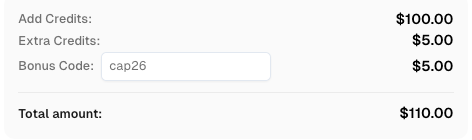
Redeem Your CapSolver Bonus Code
Boost your automation budget instantly!
Use bonus code CAP26 when topping up your CapSolver account to get an extra 5% bonus on every recharge — with no limits.
Redeem it now in your CapSolver Dashboard
Reason 3: Robotic Behavior and Timing
Behavior is the layer most agents ignore. A browser use agent keeps getting blocked when it moves faster and more uniformly than any human could.
Patterns that trigger flags:
- Identical intervals between every action.
- Instant navigation with no read or render time.
- Perfectly linear cursor paths or no pointer events at all.
- The same path through a site on every run.
Add variation. Insert small random delays, allow pages to settle, and vary navigation order where the task permits. Human sessions are irregular, and detection systems expect that irregularity. Pacing changes are cheap and often cut block rates sharply when a browser use agent keeps getting blocked despite good IPs and fingerprints.
Reason 4: The Site Serves a CAPTCHA
Sometimes detection works as designed and presents a challenge. At that point a browser use agent keeps getting blocked until the challenge is answered. The agent cannot complete a reCAPTCHA or Cloudflare Turnstile task by reasoning over the page.
Handle it with a token flow:
- Detect the challenge by checking for known CAPTCHA markers in the page.
- Send the site key and page URL to a solving service.
- Receive a token and inject it into the field the site expects.
- Resubmit so the site returns real content.
Use only official task patterns documented for the service; do not invent parameters. For a worked example inside a real browser, see this guide to Playwright CAPTCHA solving. When a Turnstile challenge is the blocker, the steps in this walkthrough for an AI agent stuck on Cloudflare Turnstile apply directly.
Comparison Summary
| Block cause | Main signal | Primary fix | Still blocked if you skip |
|---|---|---|---|
| Leaked fingerprint | navigator.webdriver, TLS mismatch | Harden a real browser context | Fingerprint fixes alone |
| Weak IP reputation | Datacenter ASN, burned IPs | Residential or mobile proxies | IP fixes alone |
| Robotic timing | Uniform intervals, no render time | Human-like pacing | Behavior fixes alone |
| Hard CAPTCHA | reCAPTCHA or Turnstile shown | Token solving flow | Any one layer alone |
Conclusion
A browser use agent keeps getting blocked because detection scores the network, the browser, and the behavior together. Fix all four layers: harden the fingerprint, use residential IPs, pace actions like a human, and add a CAPTCHA token path for challenges that still appear. Skipping any single layer is enough to keep the agent flagged. Keep this work to sites and data you are authorized to access, since handling a block never grants permission to collect restricted information. When a challenge is the last barrier between your agent and clean data, CapSolver returns the tokens your automation needs.
FAQ
Why does my browser agent get blocked even with a residential proxy?
A good IP is only one signal. If the fingerprint leaks automation markers or the timing is robotic, detection still blocks the session. Fix all layers together.
What is the fastest single change that reduces blocks?
Hardening the browser fingerprint usually helps most, because a leaked navigator.webdriver flag or mismatched TLS signal is an instant giveaway. Pair it with better IPs and pacing.
How do I get past a CAPTCHA my agent cannot solve?
Detect the challenge, send the site key and page URL to a solving service, receive a token, inject it into the expected field, and resubmit to load real content.
Does running a real browser stop all blocks?
No. A real browser context helps with JavaScript-scored sites, but a hard CAPTCHA, a poor IP, or robotic timing can still get the agent blocked.
Is it legal to keep my agent from getting blocked?
Only on sites you own or are authorized to automate. Avoiding a block does not authorize collecting private, restricted, or unauthorized data.
Compliance Disclaimer: The information provided on this blog is for informational purposes only. CapSolver is committed to compliance with all applicable laws and regulations. The use of the CapSolver network for illegal, fraudulent, or abusive activities is strictly prohibited and will be investigated. Our captcha-solving solutions enhance user experience while ensuring 100% compliance in helping solve captcha difficulties during public data crawling. We encourage responsible use of our services. For more information, please visit our Terms of Service and Privacy Policy.
More
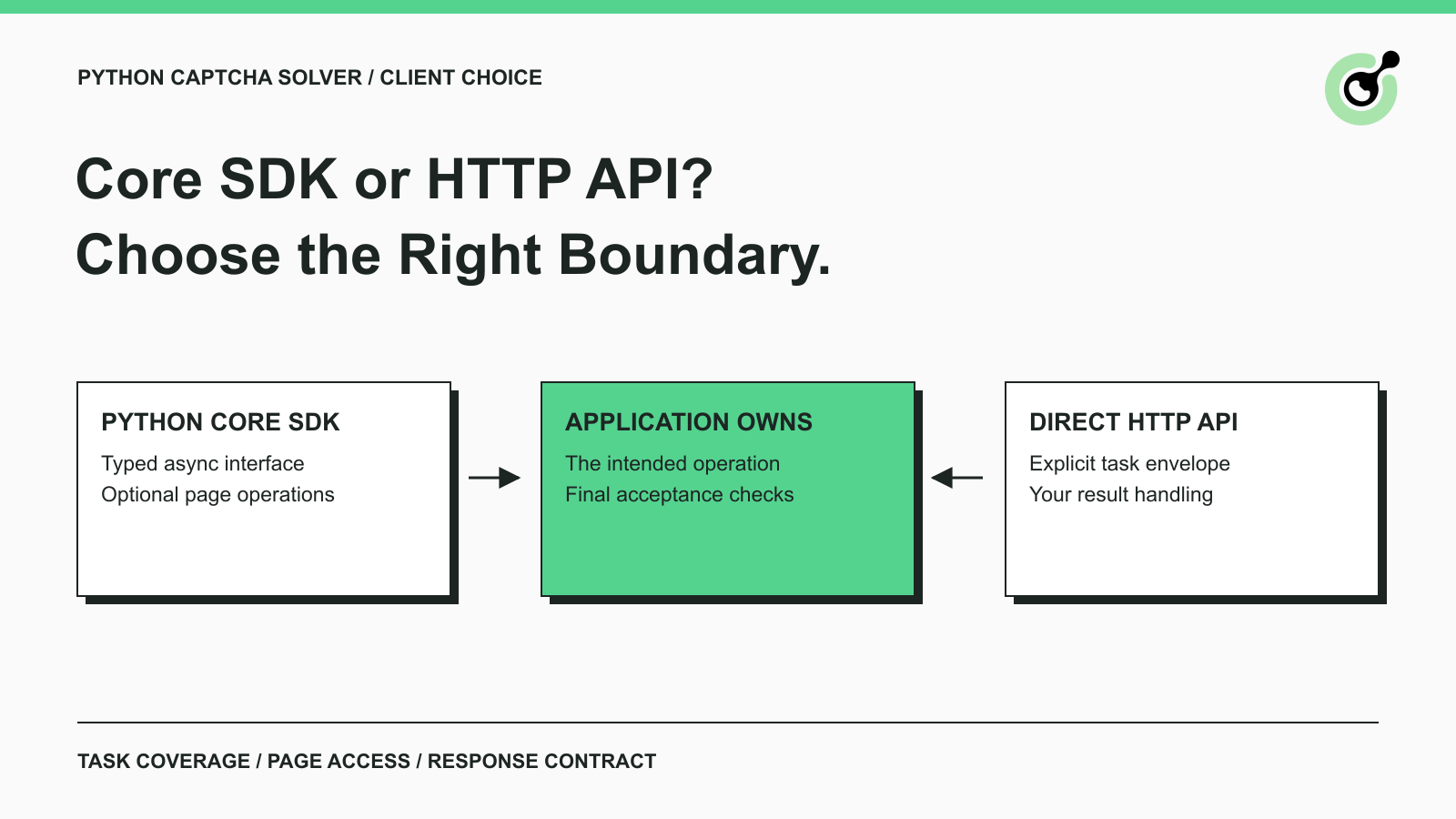
CapSolver Python Core SDK vs HTTP API: Which Should You Use?
Choose the CapSolver Python Core SDK or direct HTTP API by task support, page access, response handling, and the responsibilities your application owns.

Ethan Collins
16-Sep-2026
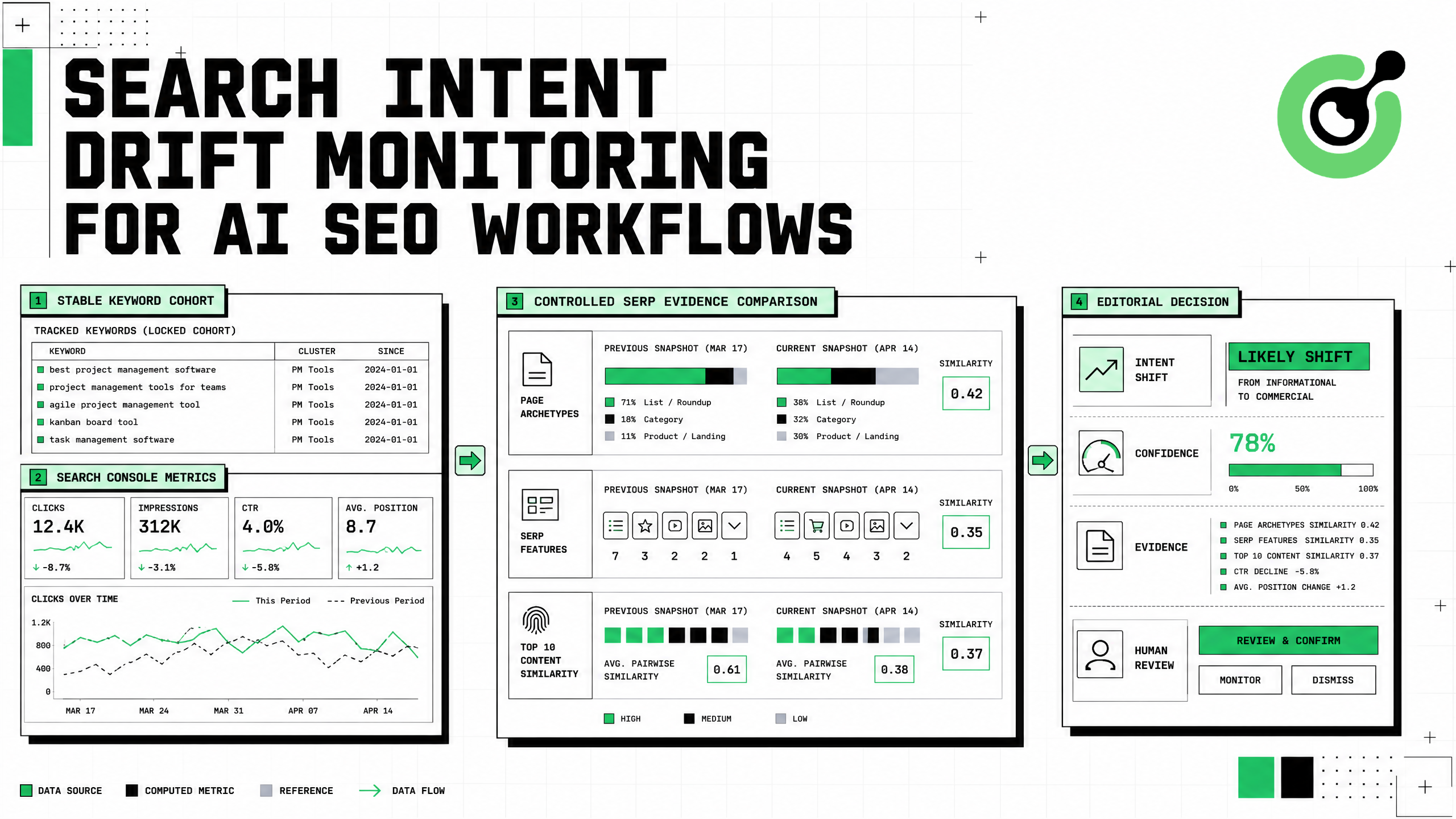
Search Intent Drift Monitoring for AI SEO Workflows
Build search intent drift monitoring with Search Console data, controlled SERP observations, intent labels, confidence gates, evidence, and safe automation.
Ethan Collins
31-Aug-2026
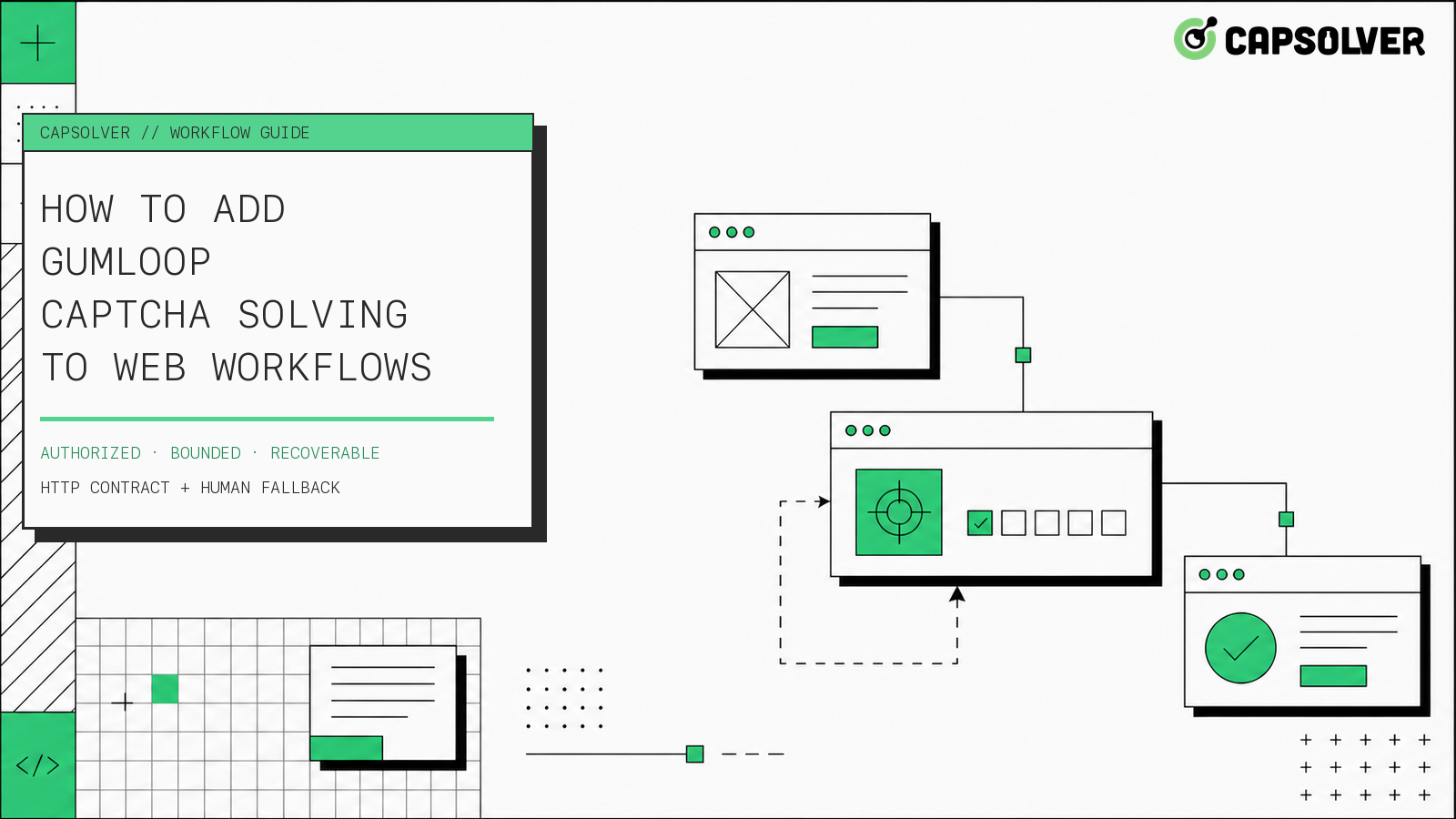
How to Add Gumloop CAPTCHA Solving to Web Workflows
Build Gumloop CAPTCHA solving with a verified HTTP contract, controlled recovery branch, retry budget, browser-state checks, and human fallback.

Nikolai Smirnov
21-Aug-2026
How to Add a CAPTCHA Solver to Form Automation Workflows
A form automation captcha solver is an error-recovery component for a permitted form workflow, not a shortcut around authorization. CapSolver can provide a reCAPTCHA solution through the documented task API while your application preserves inputs, browser context, consent, and the final submission rule. The safest sequence is detect, snapshot, create one task, poll with a deadline, apply the result in the same session, and verify the form's own confirmation state. This articl
Ethan Collins
13-Aug-2026
How to Handle CAPTCHA in RPA Automation Workflows Safely
RPA CAPTCHA automation is reliable only when CAPTCHA becomes an explicit workflow state. CapSolver can provide the CAPTCHA handling layer through its browser extension or documented API, while the RPA platform controls process scope, credentials, timeouts, and business validation. This avoids the common failure where a robot keeps clicking after verification appears, loses form state, or submits twice. A production design pauses at detection, waits for one bounded result, ver
Ethan Collins
12-Aug-2026
How to Handle CAPTCHA in Automated QA Testing
Handle CAPTCHA in automated QA testing with controlled test fixtures, CapSolver browser integration, bounded retries, and reliable assertions.
Ethan Collins
10-Aug-2026